20

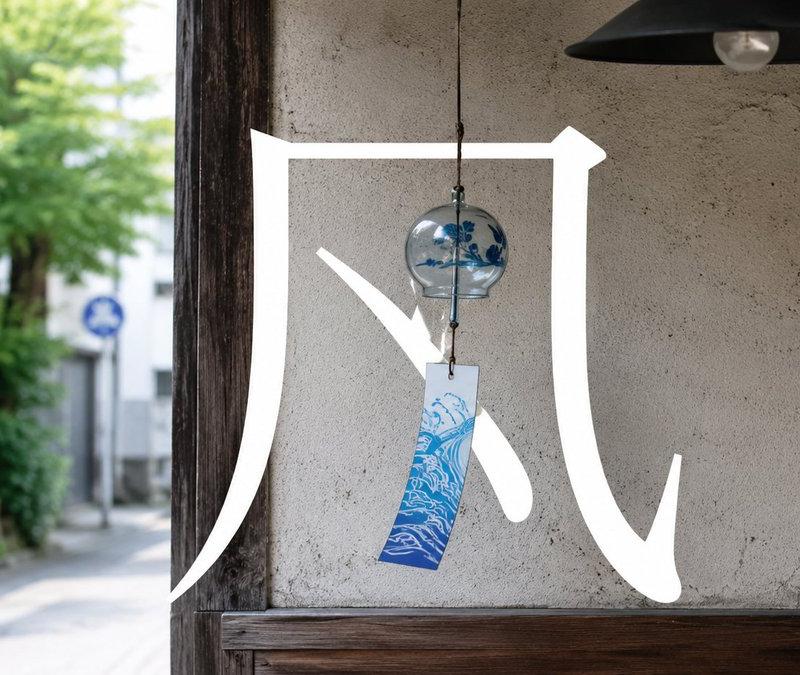
日式风铃书法摄影图
Enlarge

Example images

日式风铃书法摄影图

Prompt
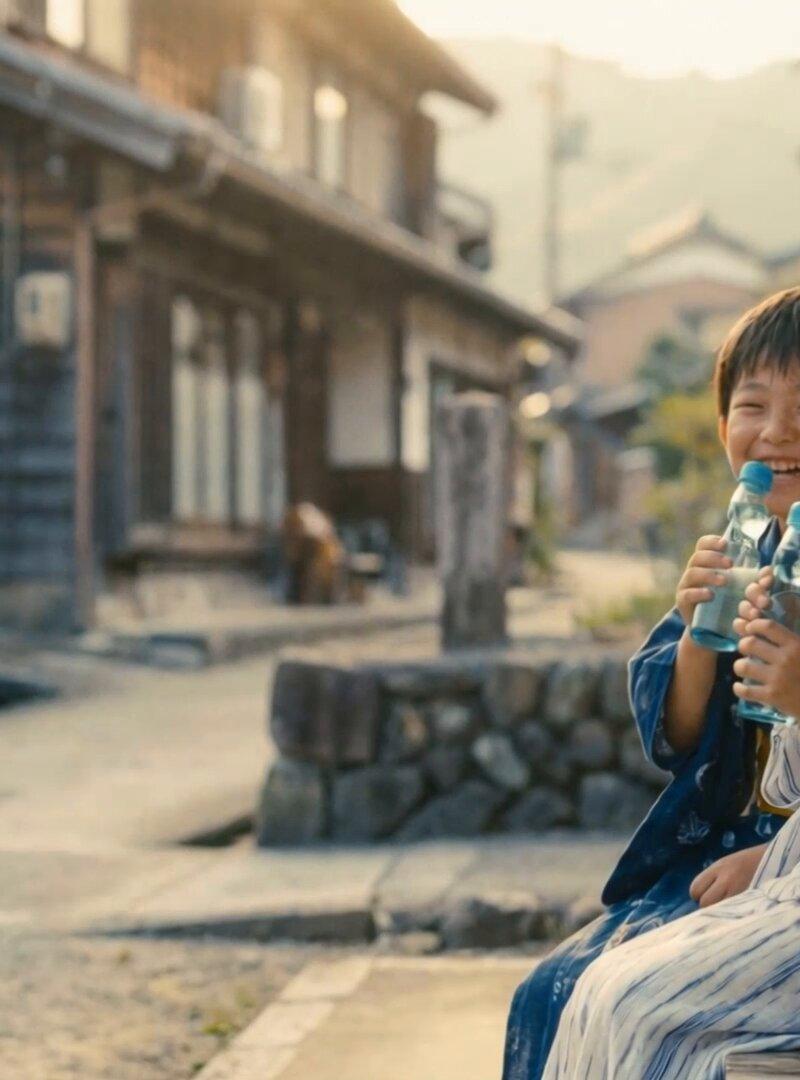
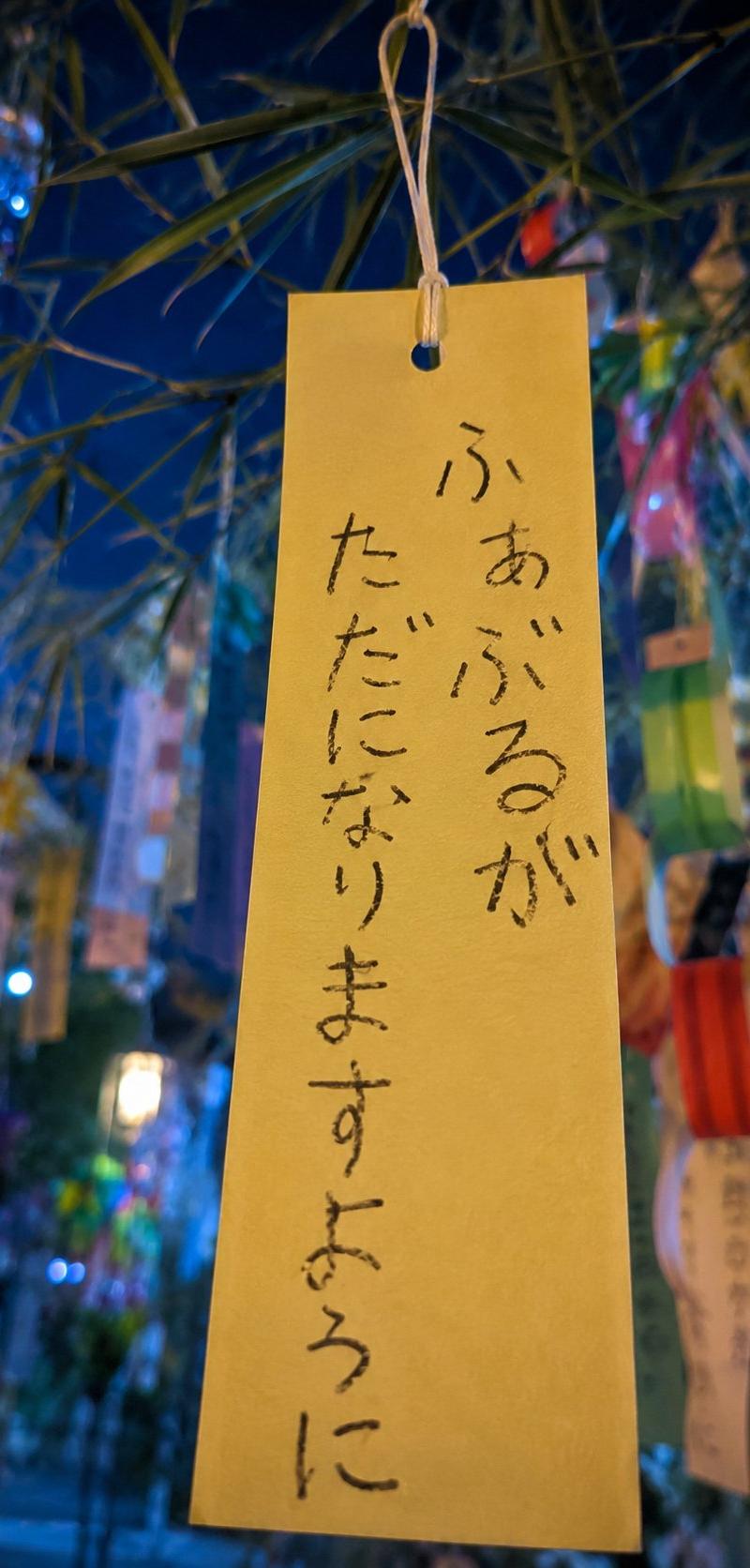
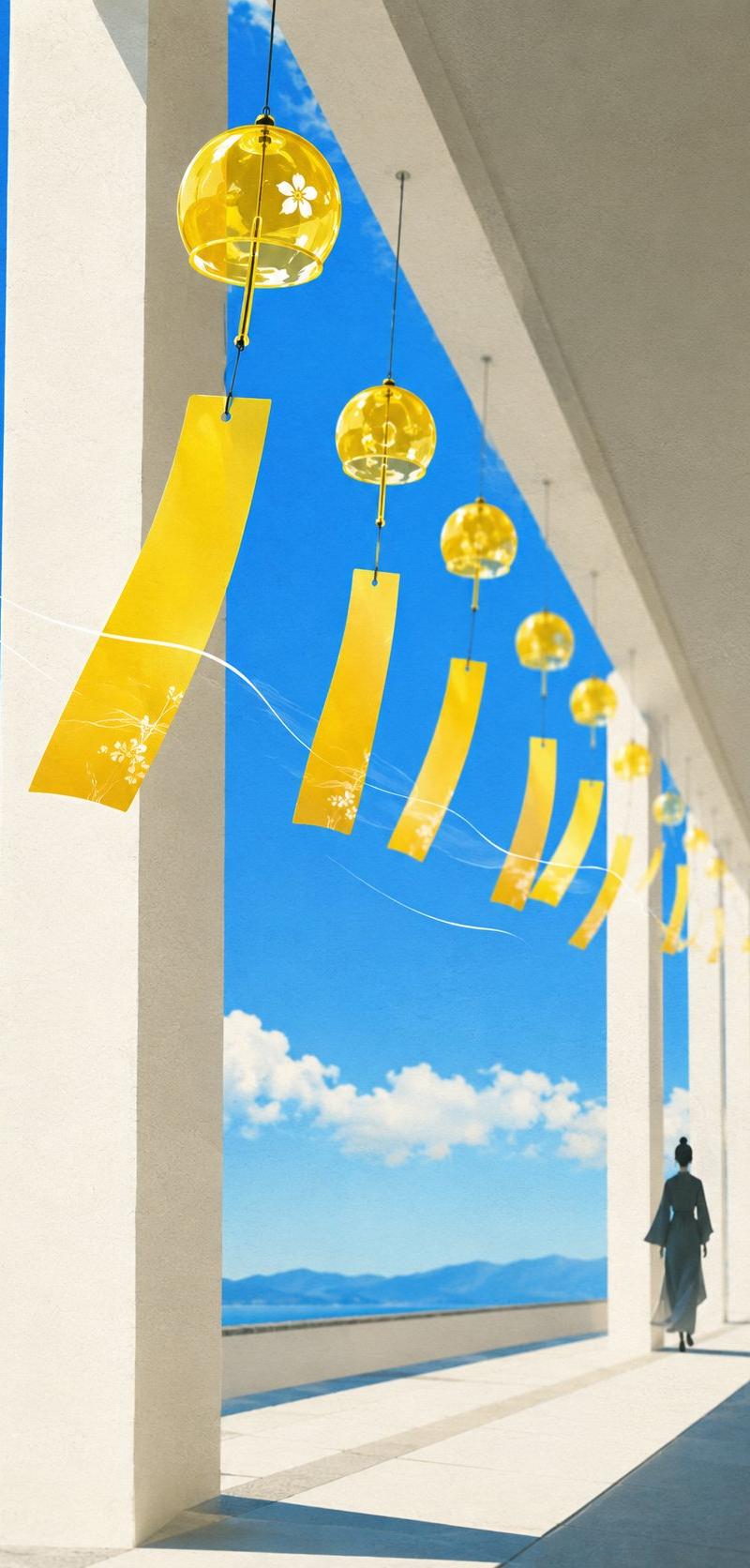
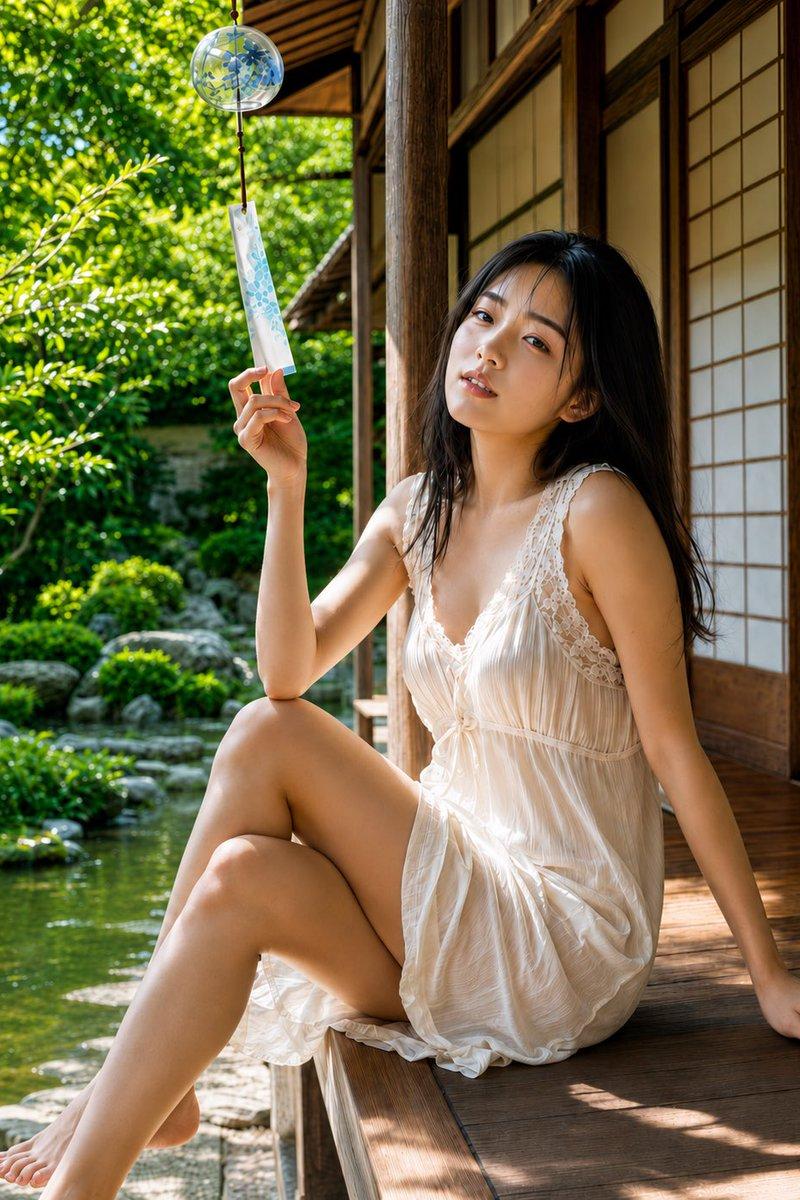
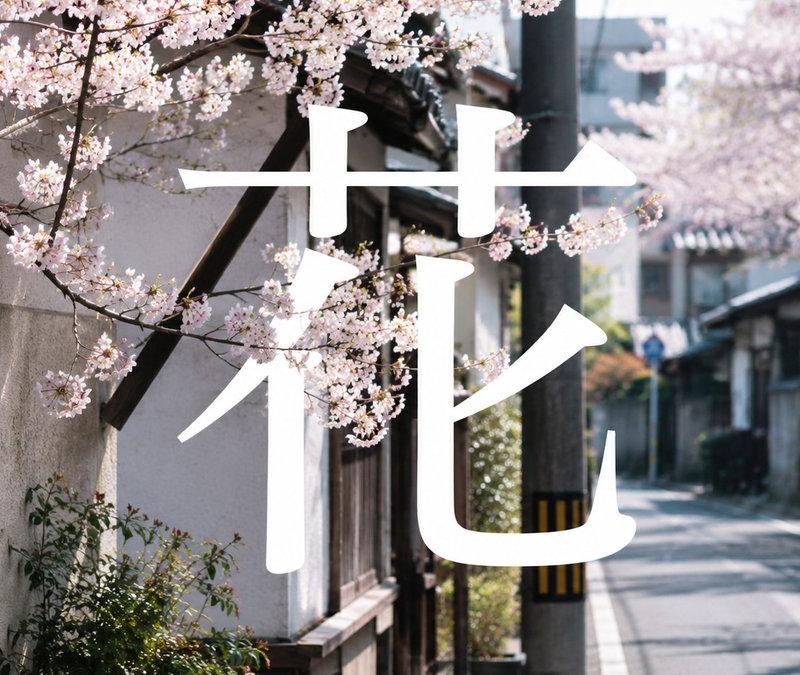
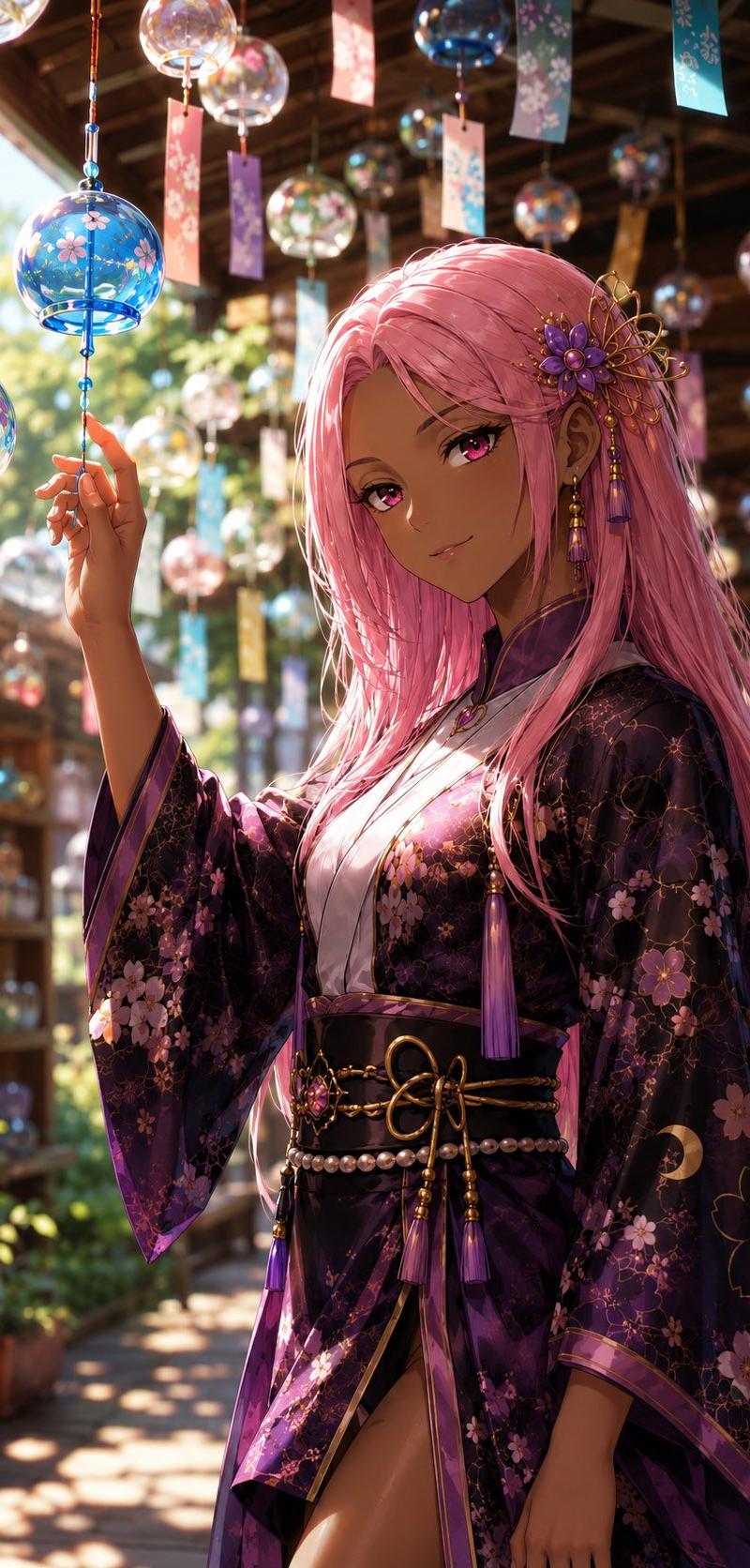
Create a photorealistic, cinematic street photograph of a traditional Japanese summer wind chime hanging in the open doorway of an old wooden shop or house. The small clear glass bell has blue floral decoration and a narrow rectangular paper strip dangling below it, printed with a blue ocean wave pattern. Behind it is a textured beige plaster wall framed by dark aged wood, with a black metal pendant lamp near the top right. Through the doorway on the left, show a softly blurred quiet Japanese lane with wooden buildings, green trees, bright daylight, and shallow depth of field. Overlay one huge bold white brush-calligraphy character across the center and lower half of the image, reading {argument name="calligraphy character" default="风"}, partially surrounding the wind chime as if painted on glass; the strokes are thick, clean, and luminous white. Use natural summer light, realistic textures, muted warm tones, wide horizontal composition, documentary photography style, high detail, peaceful nostalgic atmosphere, no people, no extra text.
Category
Charts & Infographics
Model
GPT Image 2
Creator
AI设计钟师傅
Source language
en
Views2
Source ID
19532
Published
May 10, 2026
Studio

Guide

About "日式风铃书法摄影图"

What is this prompt for?

"日式风铃书法摄影图" AI image prompt for GPT Image 2 (Charts & Infographics). 生成一张写实的日本夏季街道照片,画面中包含悬挂的玻璃风铃以及巨大的白色书法汉字叠加效果。 Copy it on Picva and recreate the look in one…

The full copyable prompt and example visuals above are ready for AI image generation or one-click recreate in Picva.

How to use this prompt

  1. Step 1

    Open the prompt detail

    Review the example visuals, category, and full prompt text for "日式风铃书法摄影图".

  2. Step 2

    Copy the prompt

    Copy the prompt body from this page, or load it directly in Studio.

  3. Step 3

    Pick a model (GPT Image 2)

    Prefer GPT Image 2. If you switch models, keep subject and composition and tweak style terms.

  4. Step 4

    Generate and export

    Recreate the look in Picva, or export into your workflow for editing and publishing.

FAQ

What is the "日式风铃书法摄影图" prompt?
It is an AI image-generation prompt for GPT Image 2 in the Charts & Infographics category. This page includes the full prompt text, example visuals, and a one-click recreate path in Picva.
How do I use this prompt to generate an image?
Copy the prompt from this page, or use Generate / Studio. Paste it into a compatible image model, or recreate the look in Picva with optional reference images.
Which model is this prompt for?
This page lists GPT Image 2. Most descriptive prompts also transfer to nearby image models such as GPT Image, Flux, or Midjourney with light style tweaks.
Can I use the result commercially?
You can usually copy the prompt for creation, but commercial use of the final image depends on the model terms, reference-image rights, and the generated content. Follow the source author and platform rules.