14

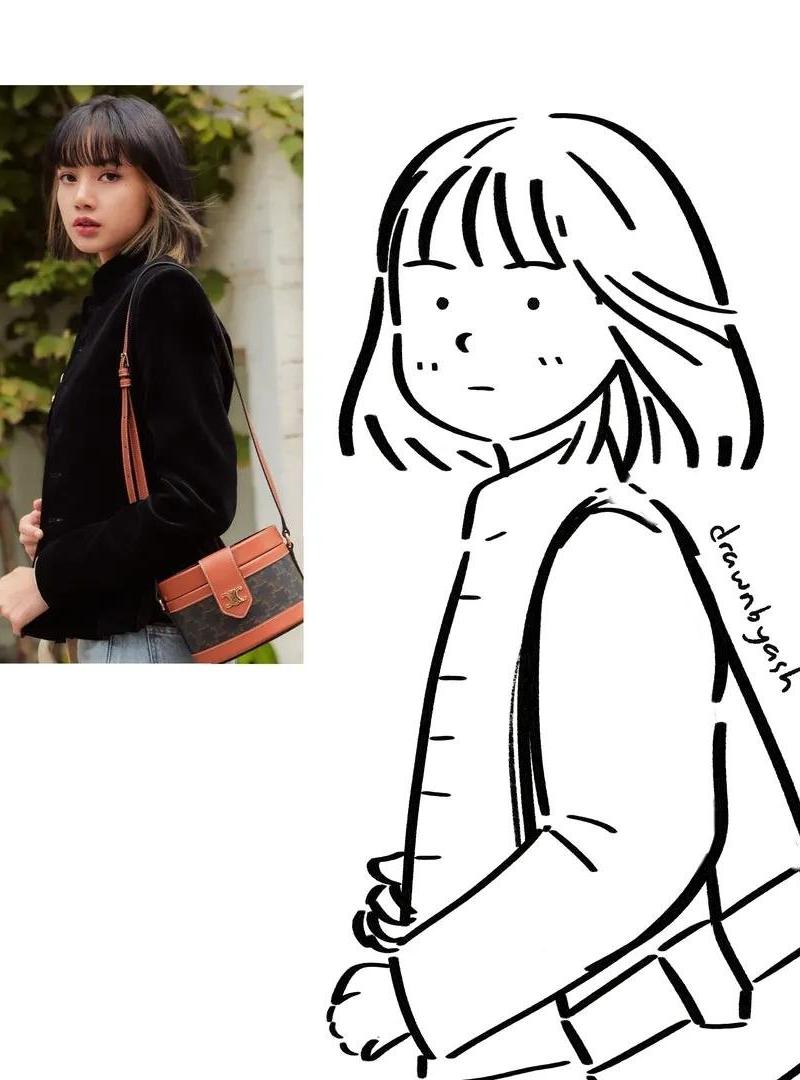
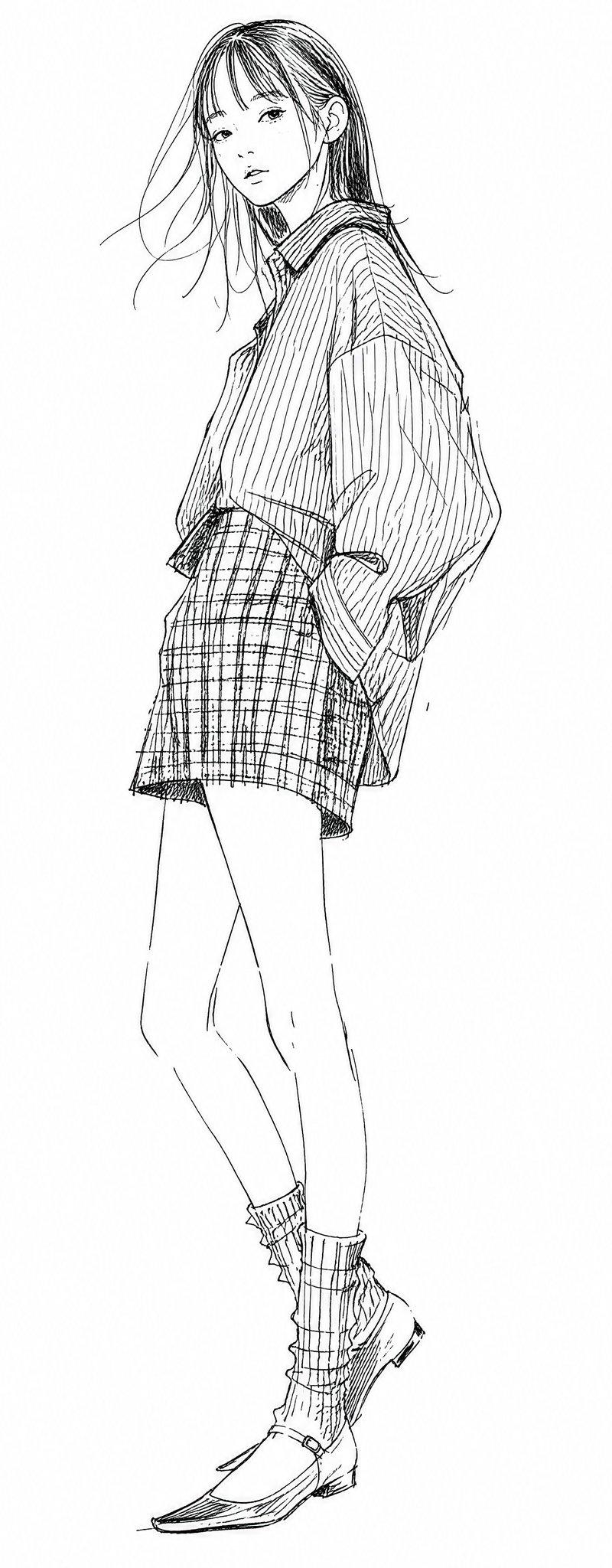
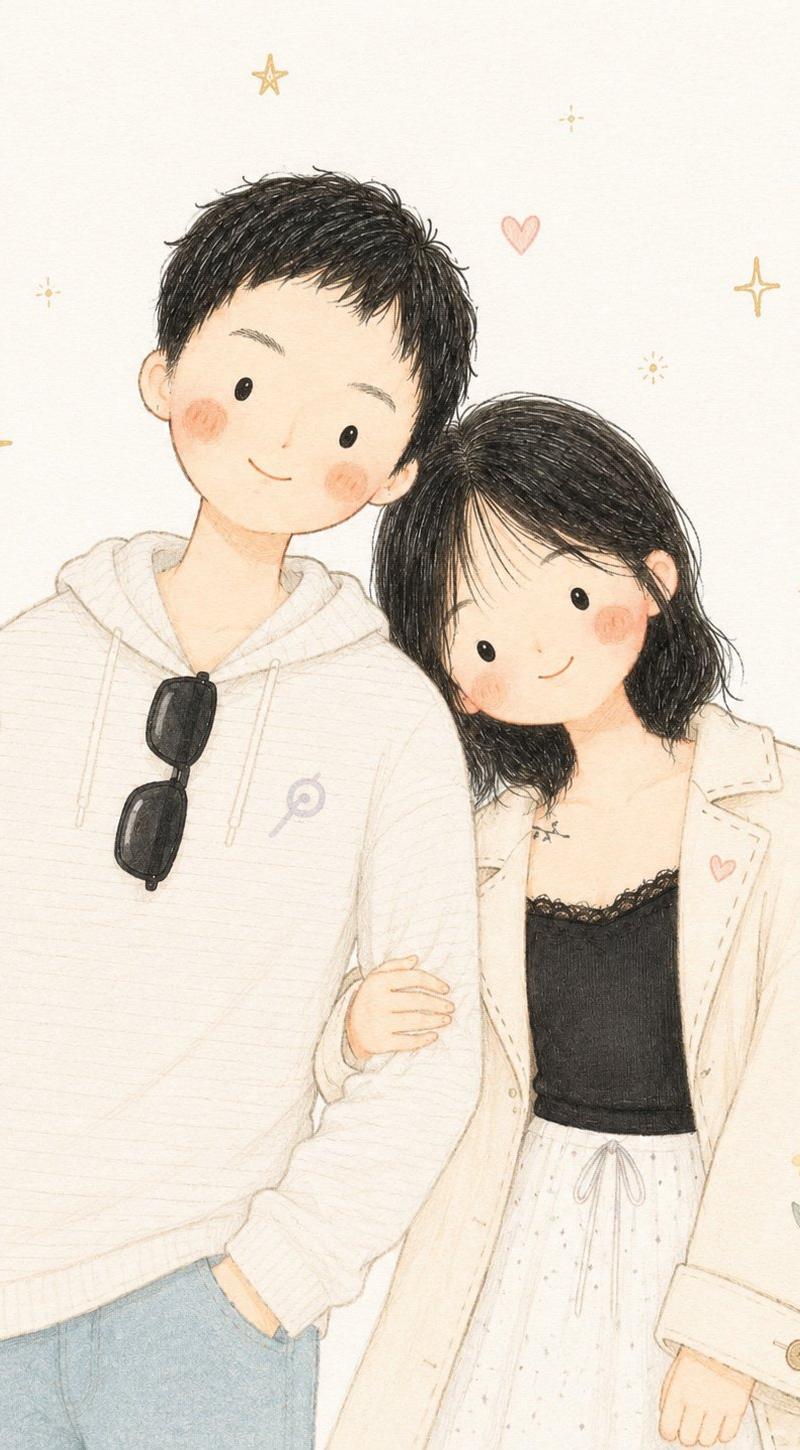
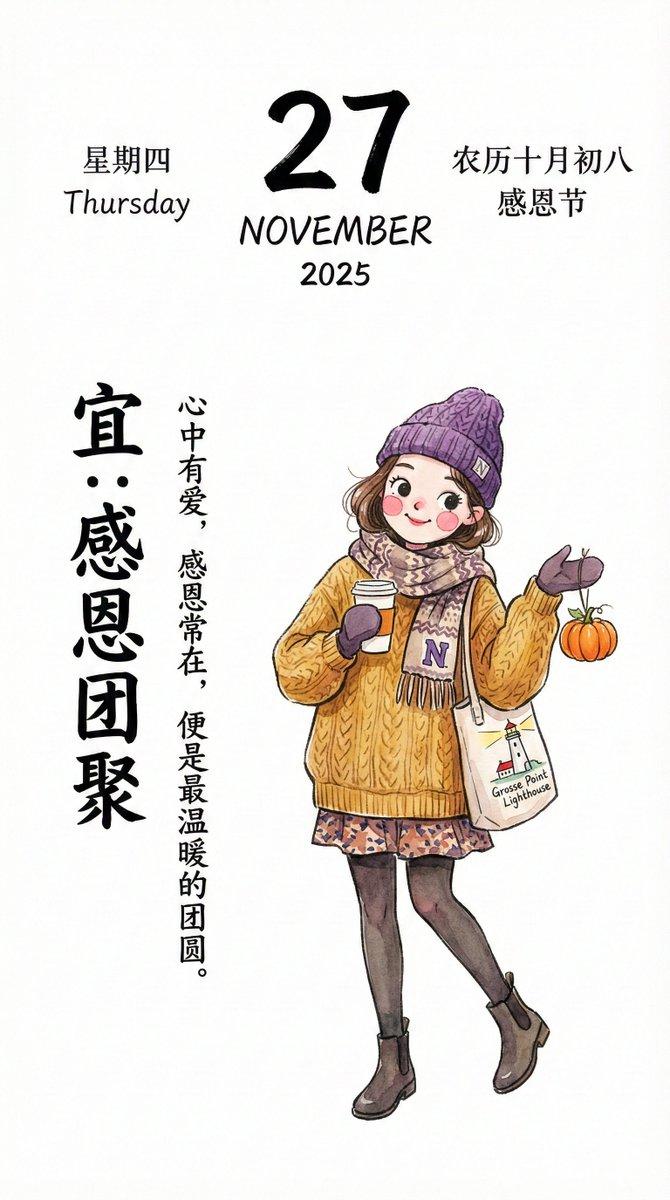
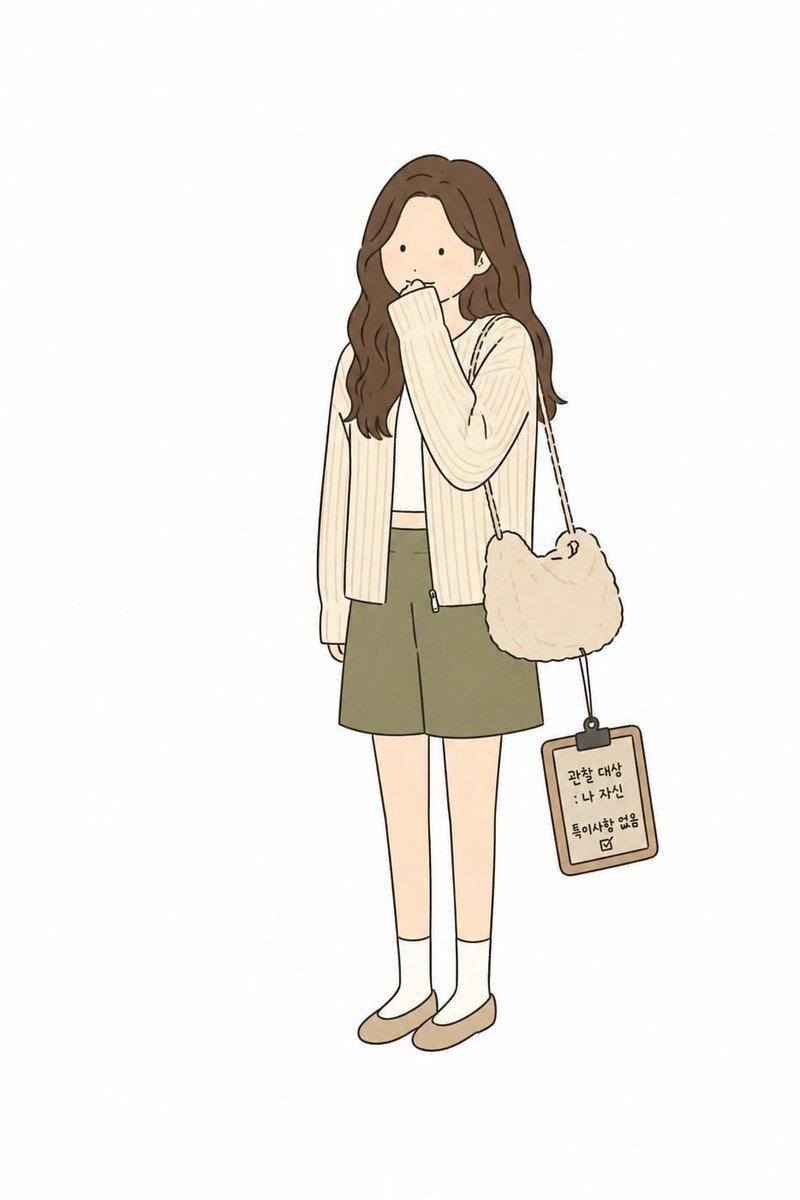
极简漫画风贺卡
Enlarge

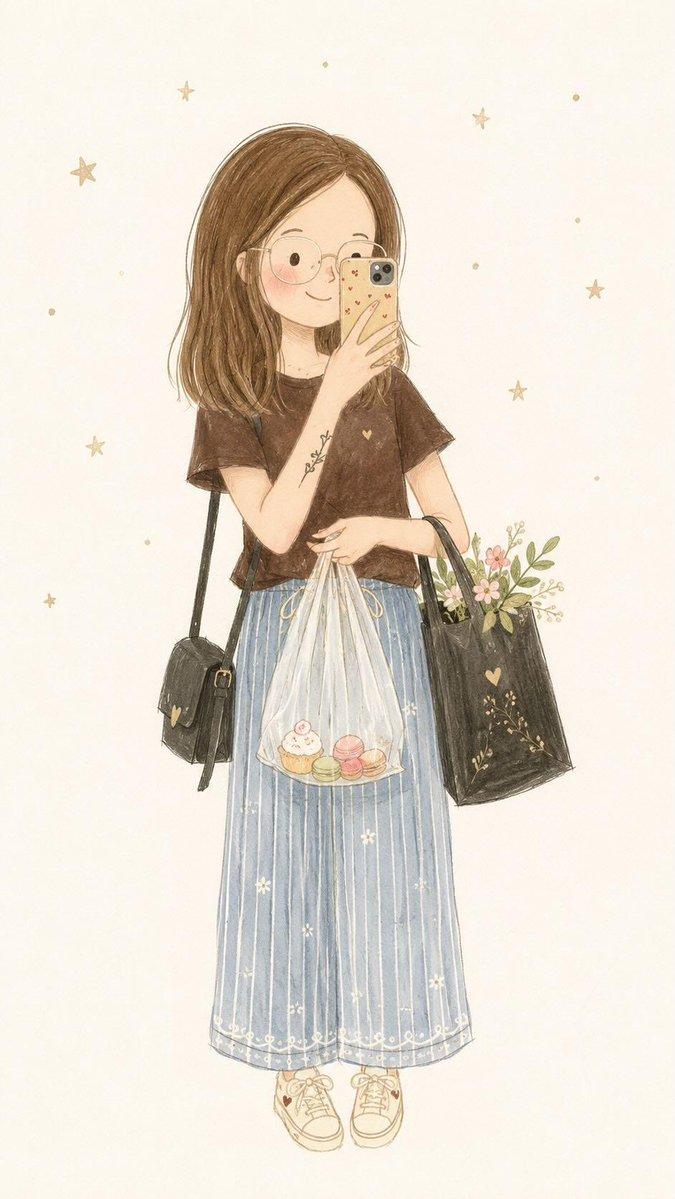
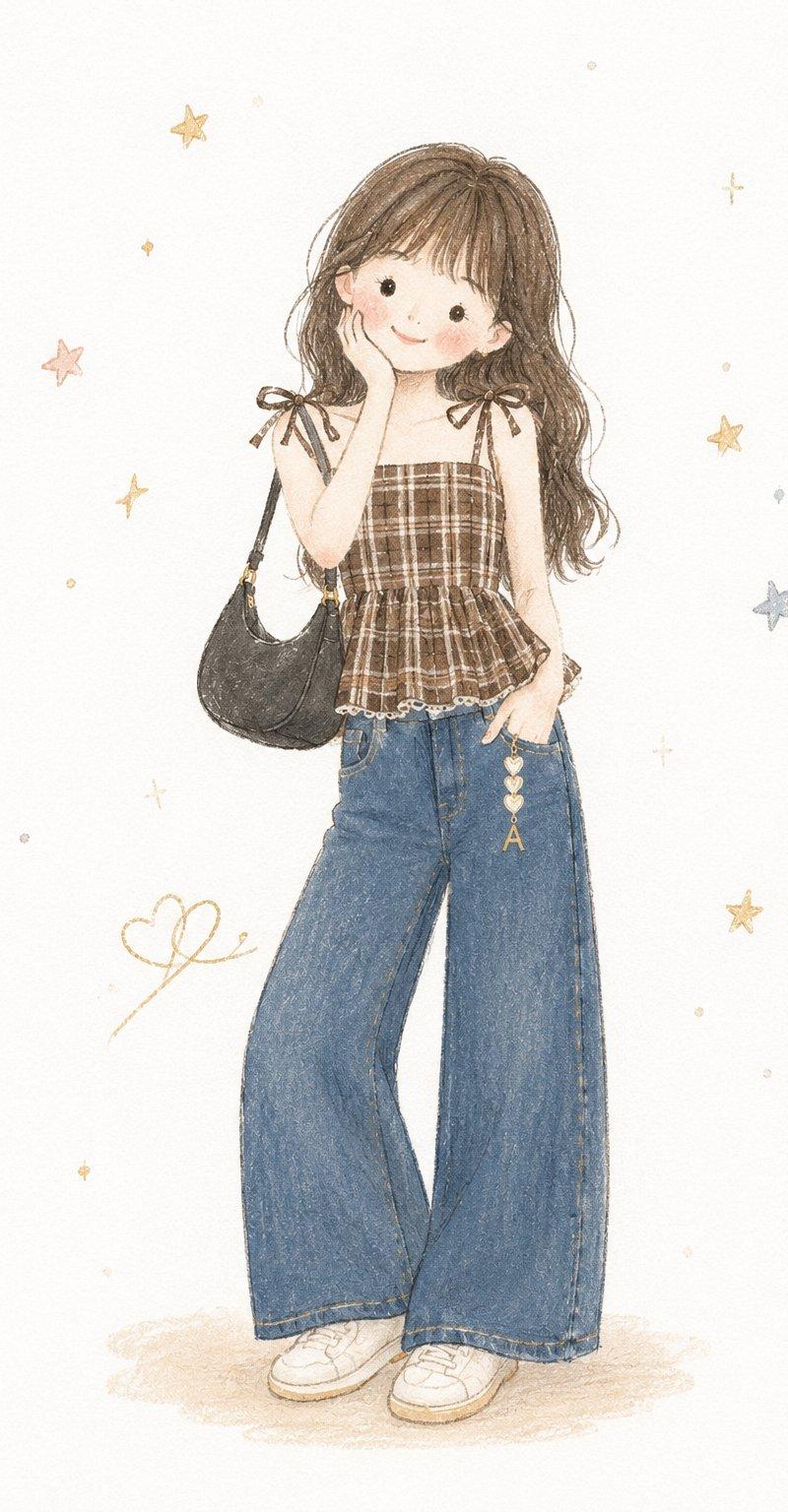
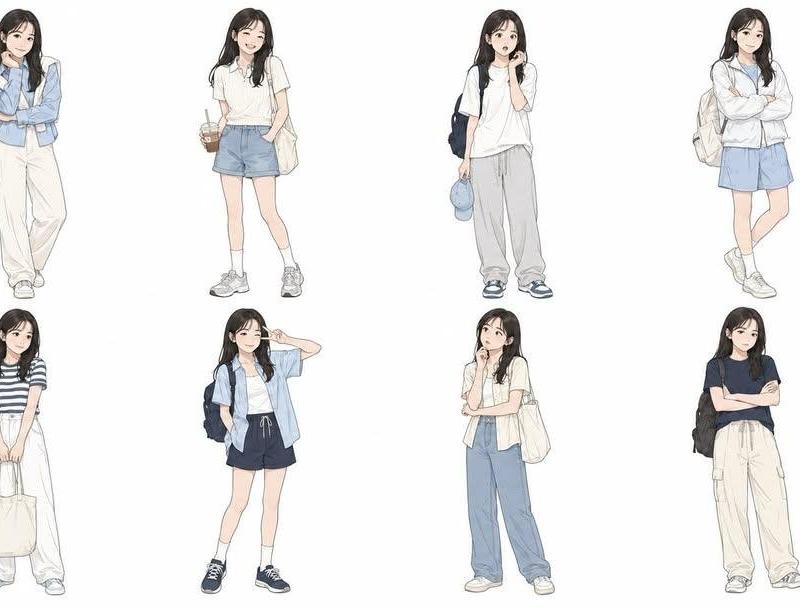
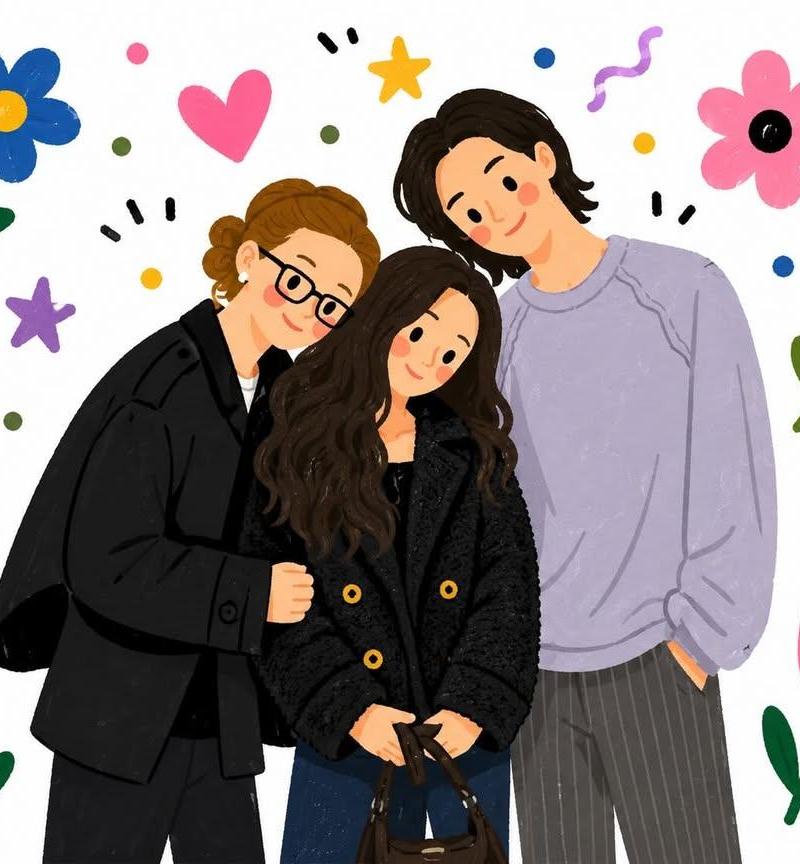
Example images

极简漫画风贺卡

Prompt
Use the main features of [same as the uploaded image] as a loose reference, with a three-quarter front-angle composition, and create a greeting card.

Include only one full-body person and 1–2 distinctive objects.

Make it a {argument name="style" default="minimal, simple flat-color alternative comic-style illustration"}, using clean, even hand-drawn lines.

Simplify the person into basic shapes, and keep the facial features minimal—dot eyes, a simple nose, and a small mouth. Give the figure slightly awkward proportions.

Use solid fill colors sparingly for contrast. Keep the composition centered, leave plenty of empty space, and do not depict a background.

The overall style should feel {argument name="vibe" default="deadpan, emotionally restrained, and quietly absurd"}. The humor should come from a strange sense of logic, awkward visual relationships, or treating something trivial with excessive seriousness.

Avoid exaggerated slapstick. Instead, include subtle humor that comes from an observational pose or situation.

To convey a dry, bureaucratic absurdity, add a small, simple handwritten-style phrase in a rough, casual placement.

No shading, no texture, no fine detail, and no coffee-related elements.

The text should be written in uneven handwritten lettering as: {argument name="handwritten text" default="[Insert Text]"}
Category
Characters & People
Model
GPT Image 2
Creator
Ciri
Source language
en
Views3
Source ID
20533
Published
May 15, 2026
Studio

Guide

About "极简漫画风贺卡"

What is this prompt for?

"极简漫画风贺卡" AI image prompt for GPT Image 2 (Characters & People). 一个用于创作冷幽默、荒诞漫画风格插画的高级提示词,强调极简图形与冷面笑话,并支持参考图。 Copy it on Picva and recreate the look in one cli…

The full copyable prompt and example visuals above are ready for AI image generation or one-click recreate in Picva.

How to use this prompt

  1. Step 1

    Open the prompt detail

    Review the example visuals, category, and full prompt text for "极简漫画风贺卡".

  2. Step 2

    Copy the prompt

    Copy the prompt body from this page, or load it directly in Studio.

  3. Step 3

    Pick a model (GPT Image 2)

    Prefer GPT Image 2. If you switch models, keep subject and composition and tweak style terms.

  4. Step 4

    Generate and export

    Recreate the look in Picva, or export into your workflow for editing and publishing.

FAQ

What is the "极简漫画风贺卡" prompt?
It is an AI image-generation prompt for GPT Image 2 in the Characters & People category. This page includes the full prompt text, example visuals, and a one-click recreate path in Picva.
How do I use this prompt to generate an image?
Copy the prompt from this page, or use Generate / Studio. Paste it into a compatible image model, or recreate the look in Picva with optional reference images.
Which model is this prompt for?
This page lists GPT Image 2. Most descriptive prompts also transfer to nearby image models such as GPT Image, Flux, or Midjourney with light style tweaks.
Can I use the result commercially?
You can usually copy the prompt for creation, but commercial use of the final image depends on the model terms, reference-image rights, and the generated content. Follow the source author and platform rules.