19

动漫校服手办
Enlarge

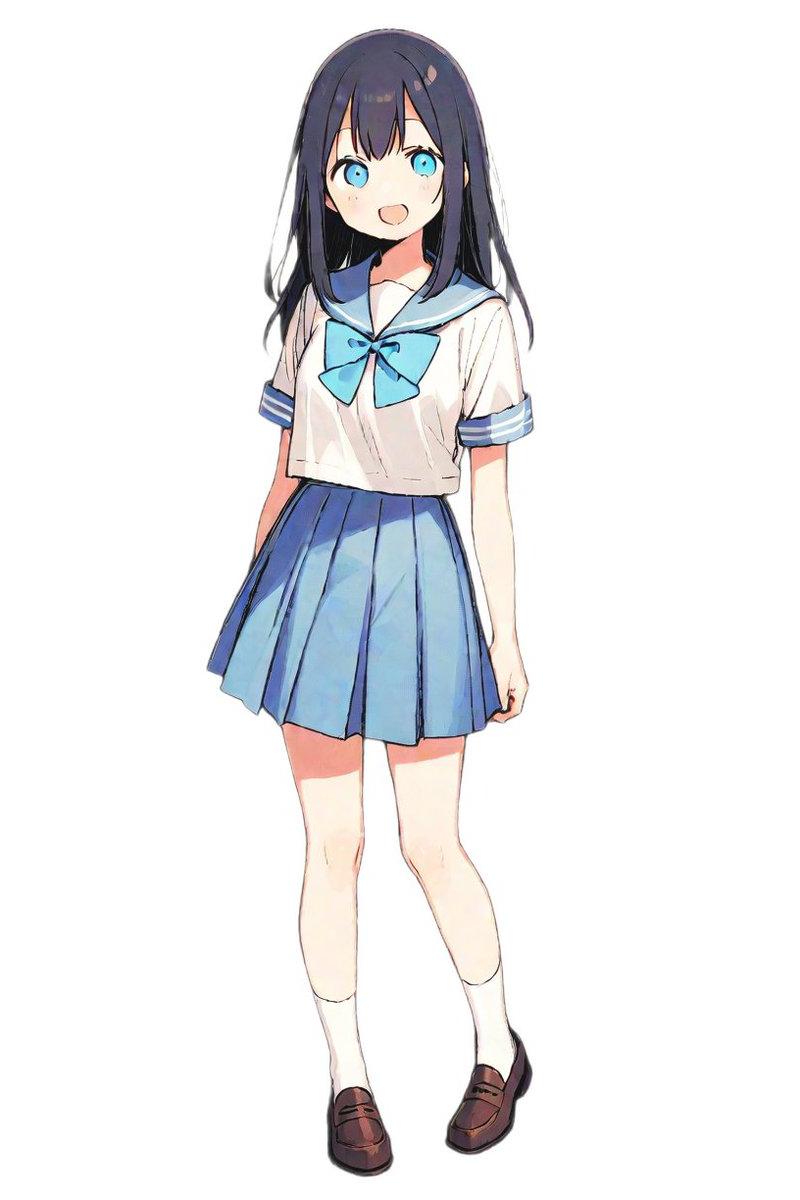
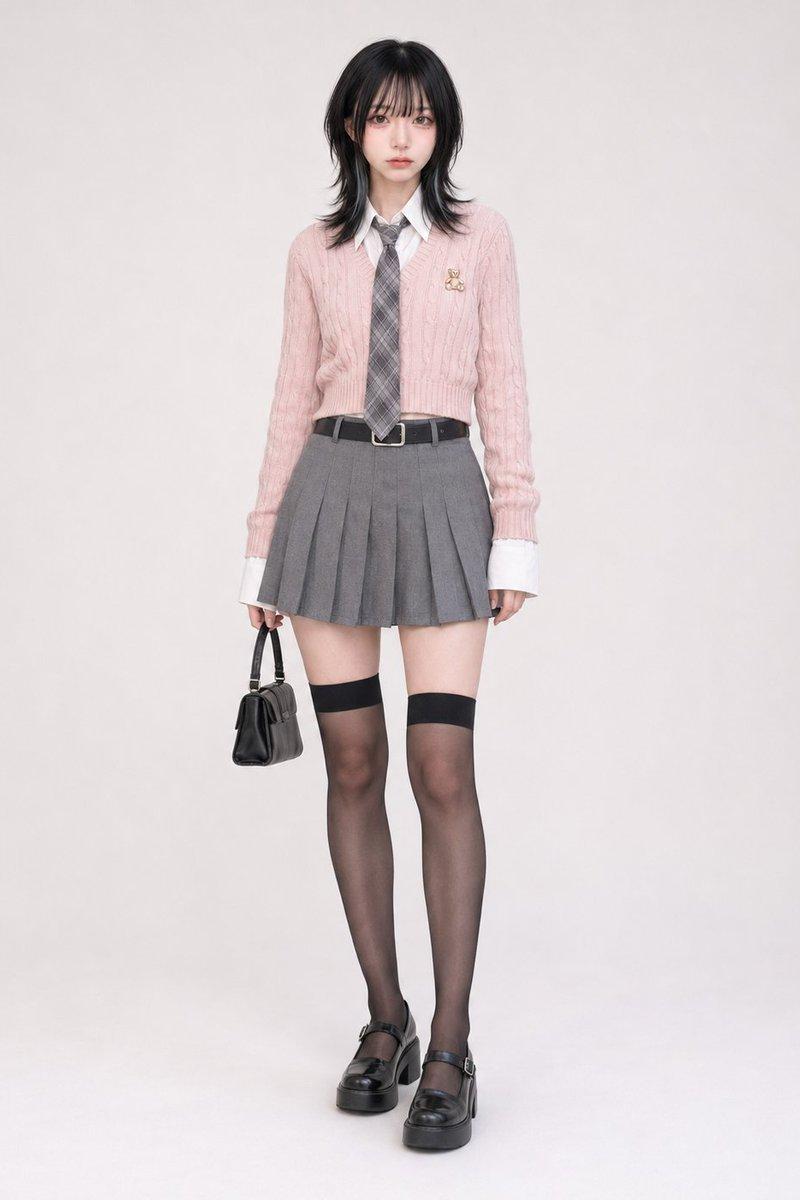
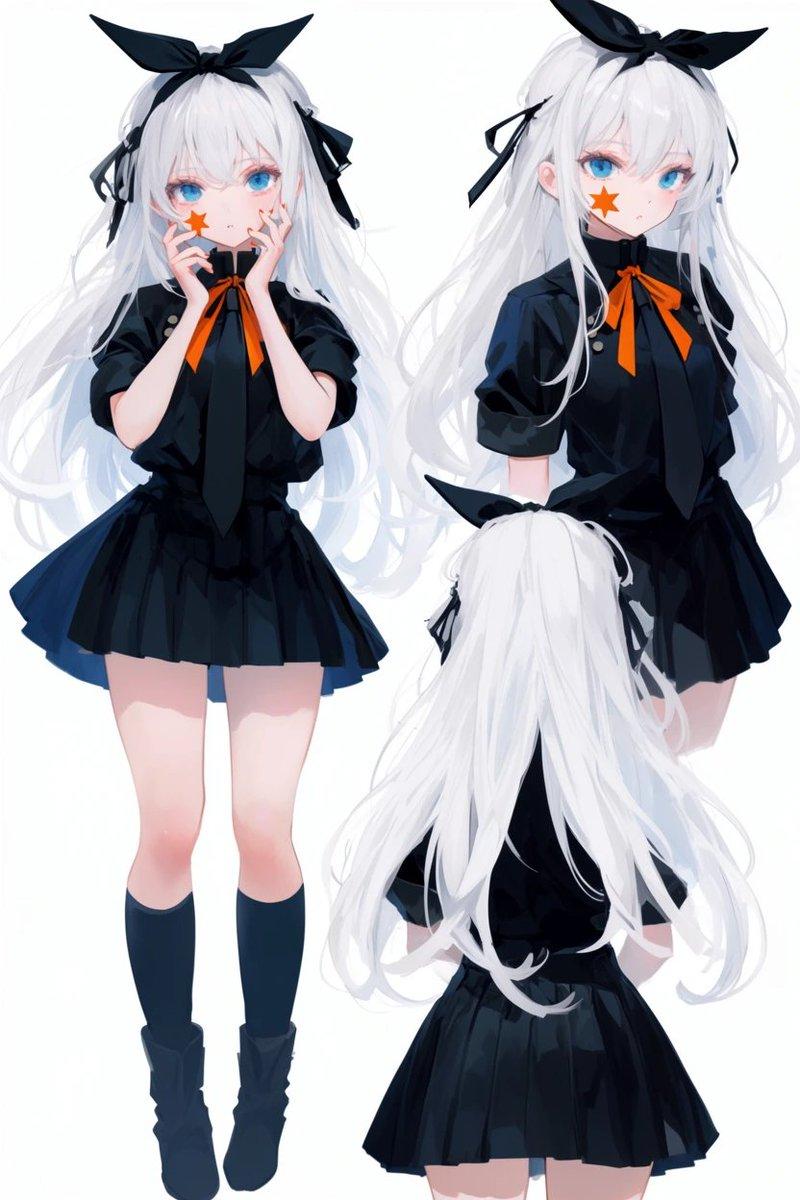
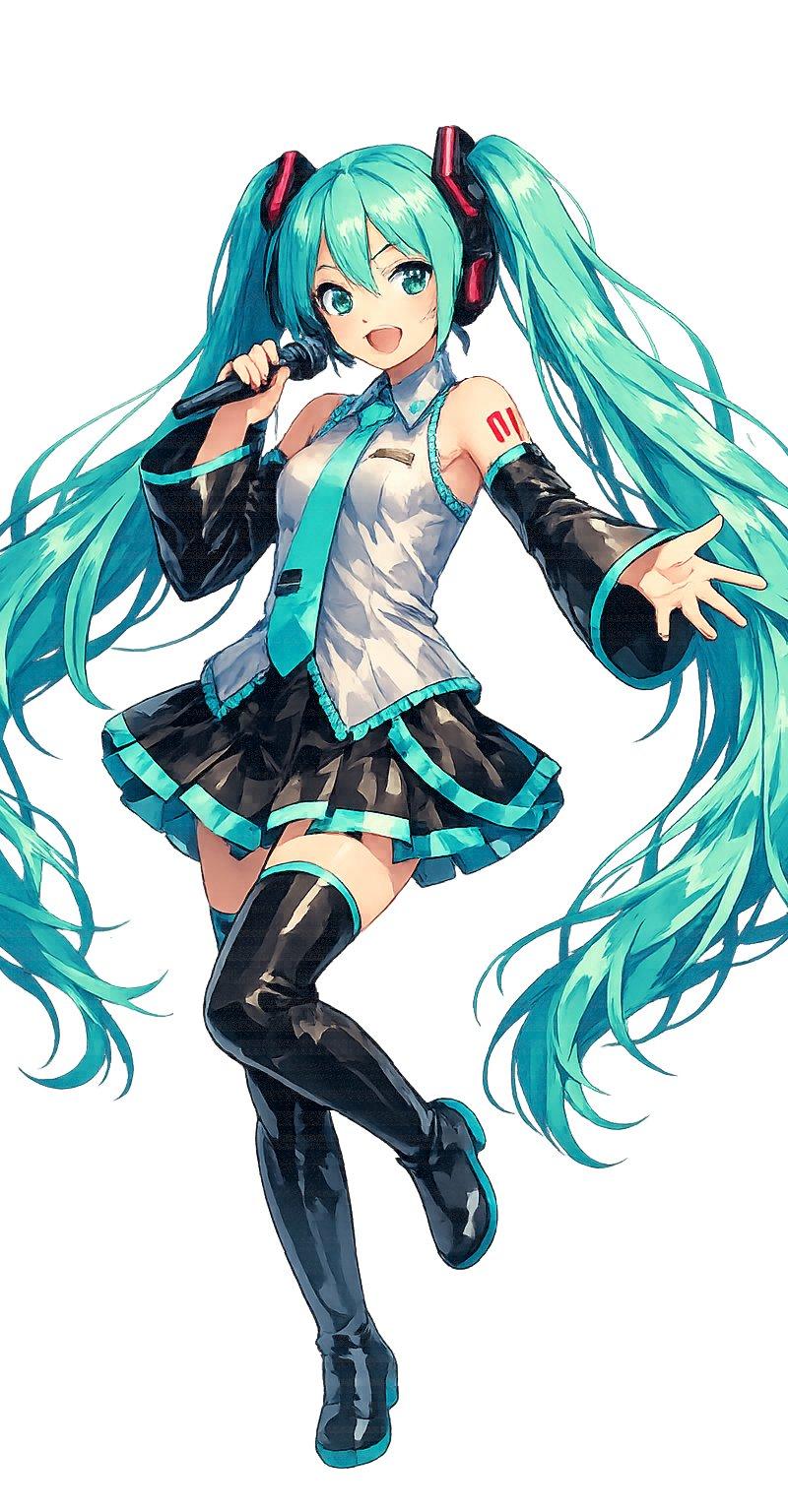
Example images

动漫校服手办

Prompt
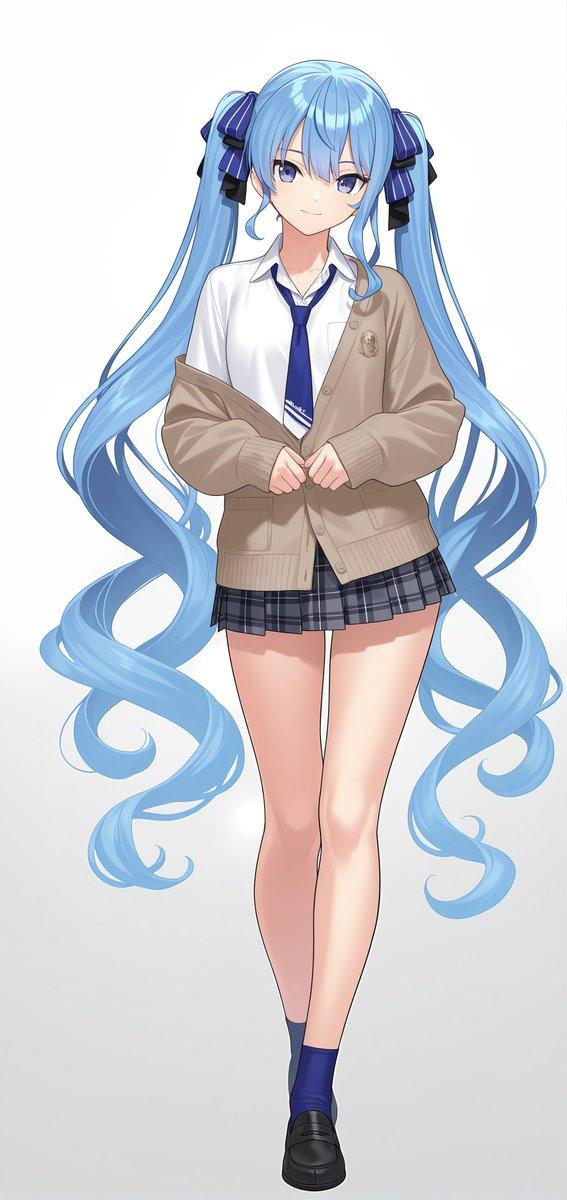
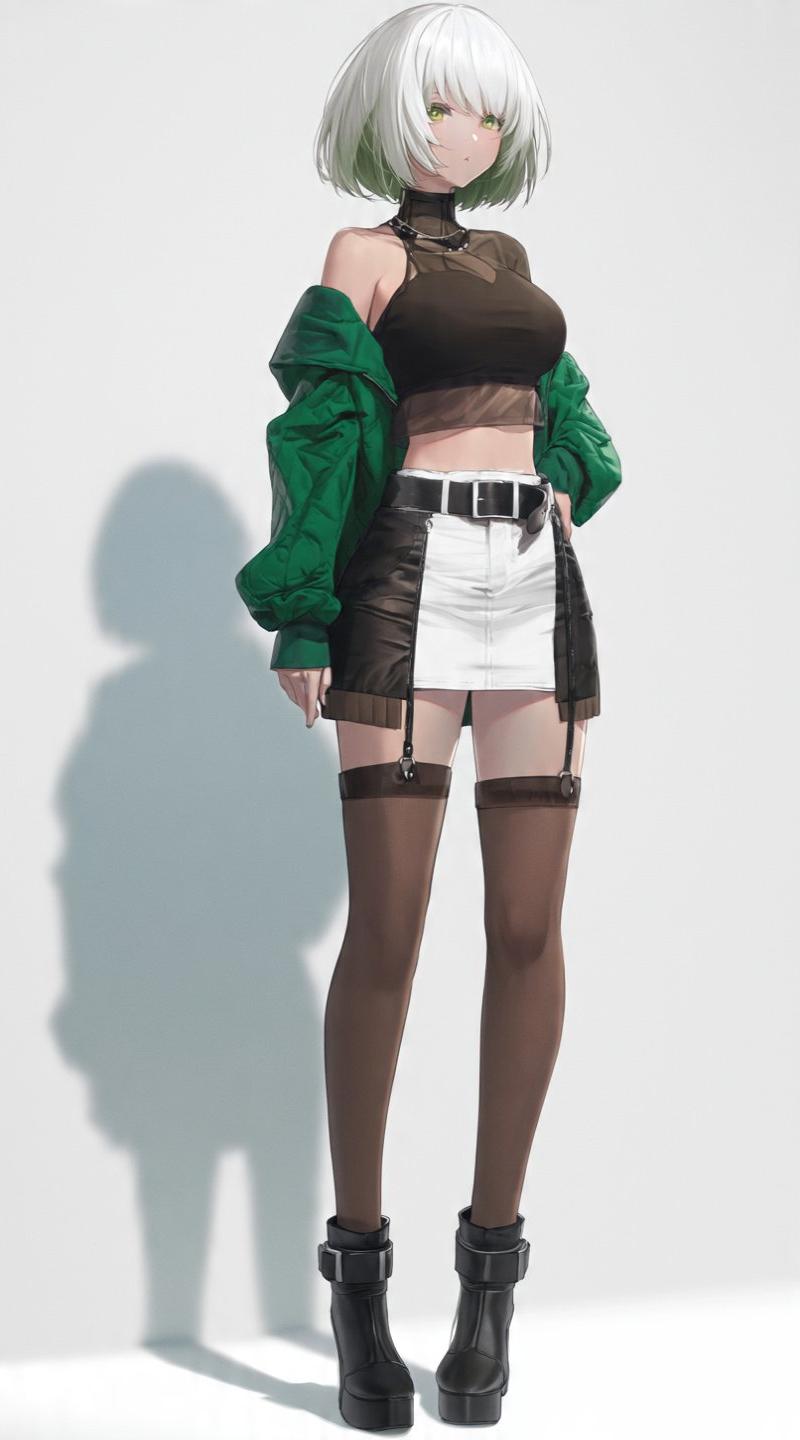
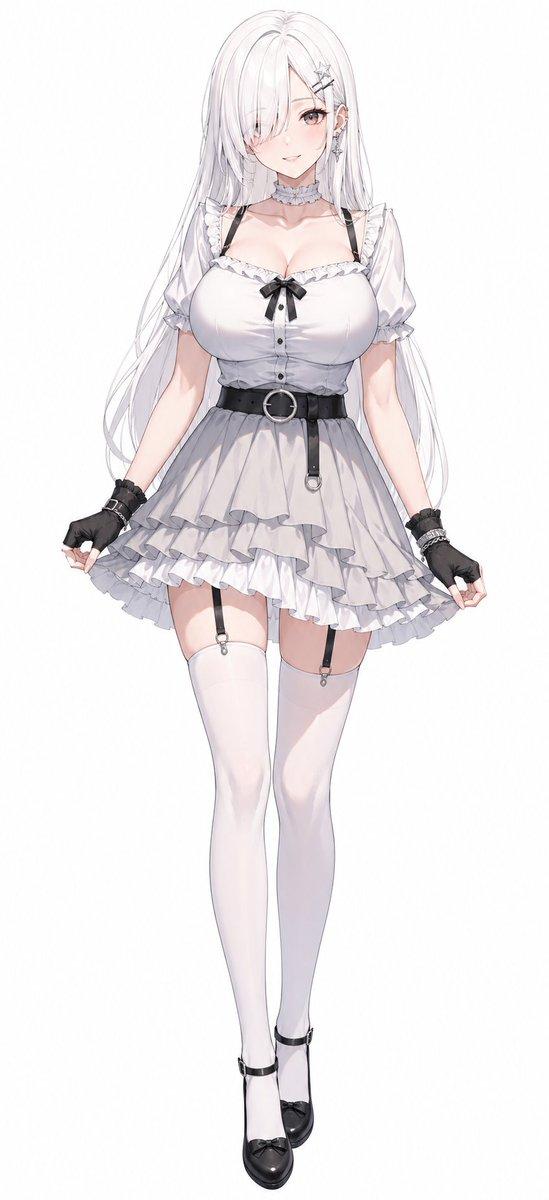
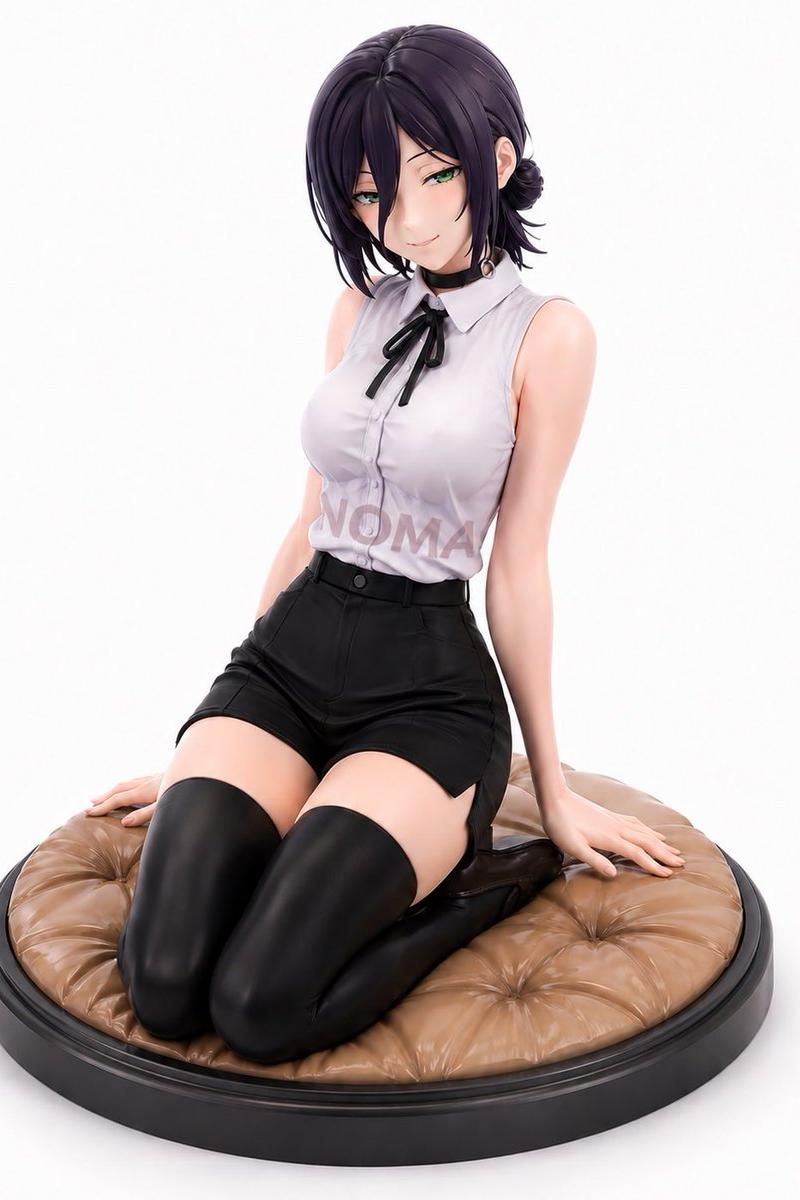
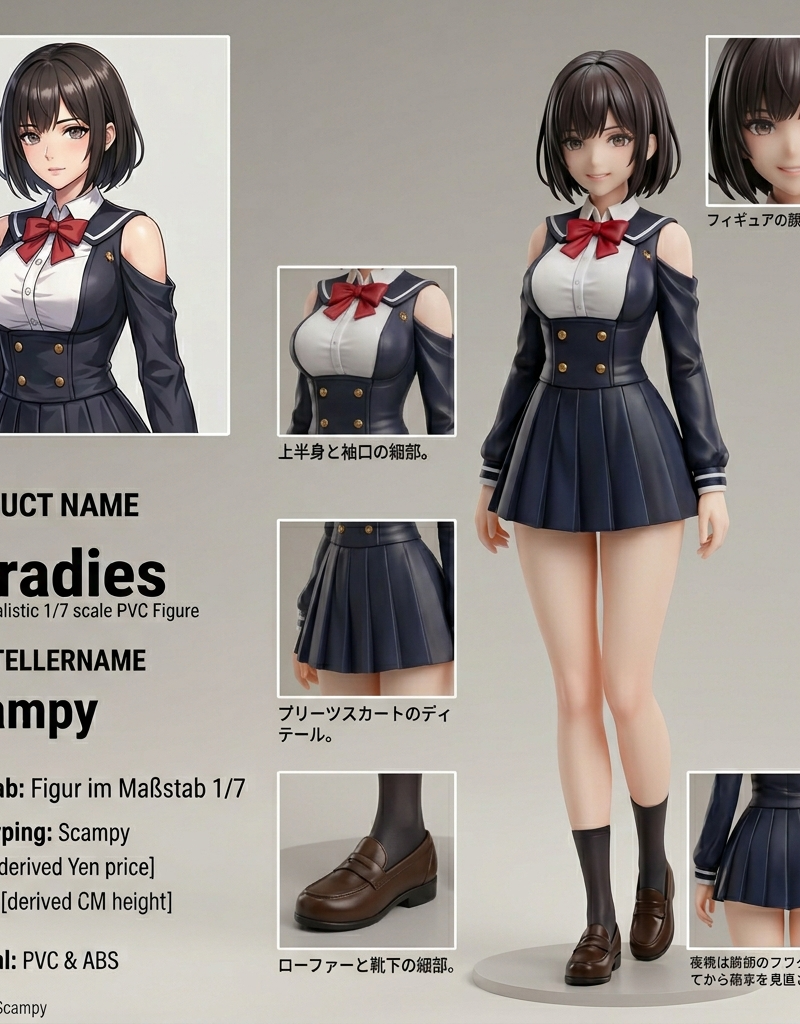
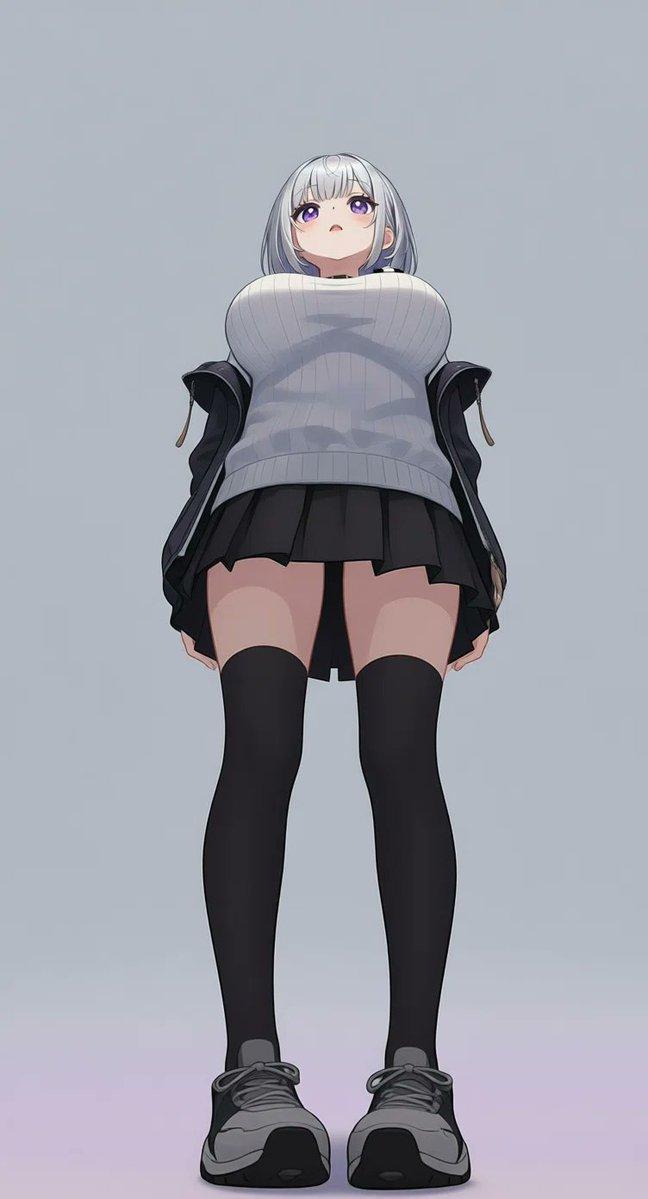
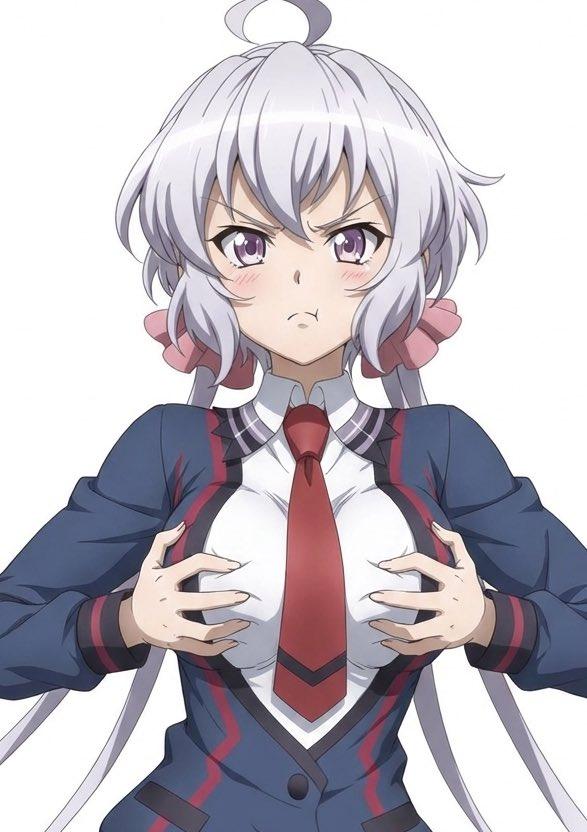
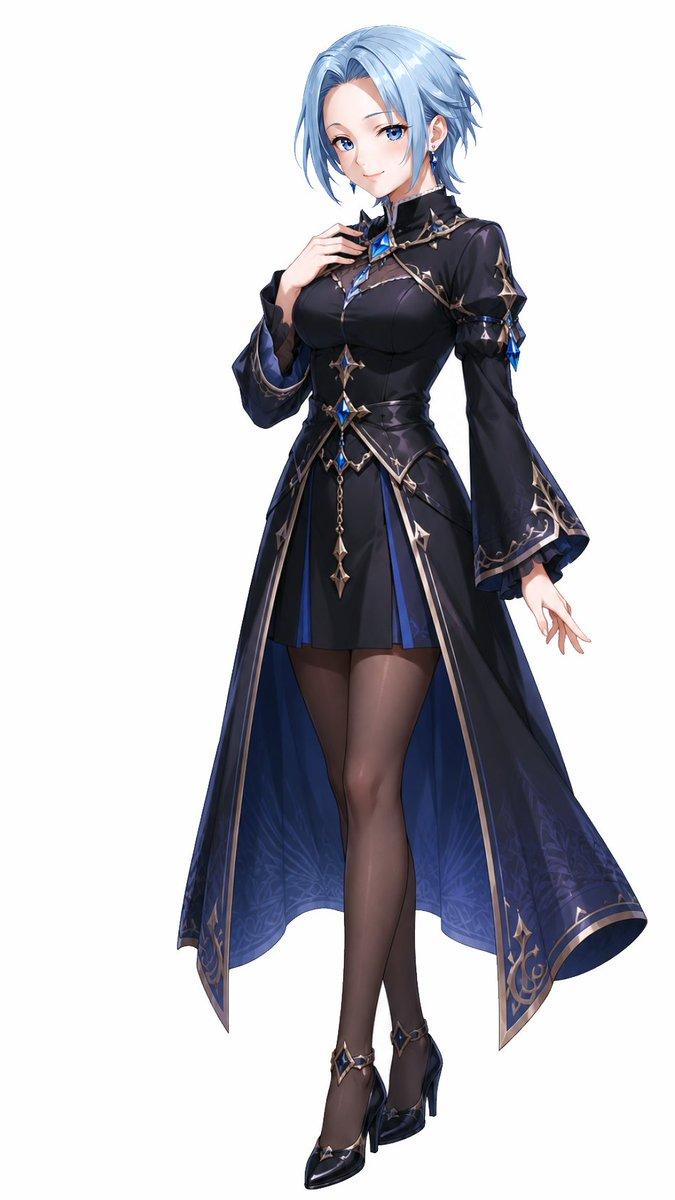
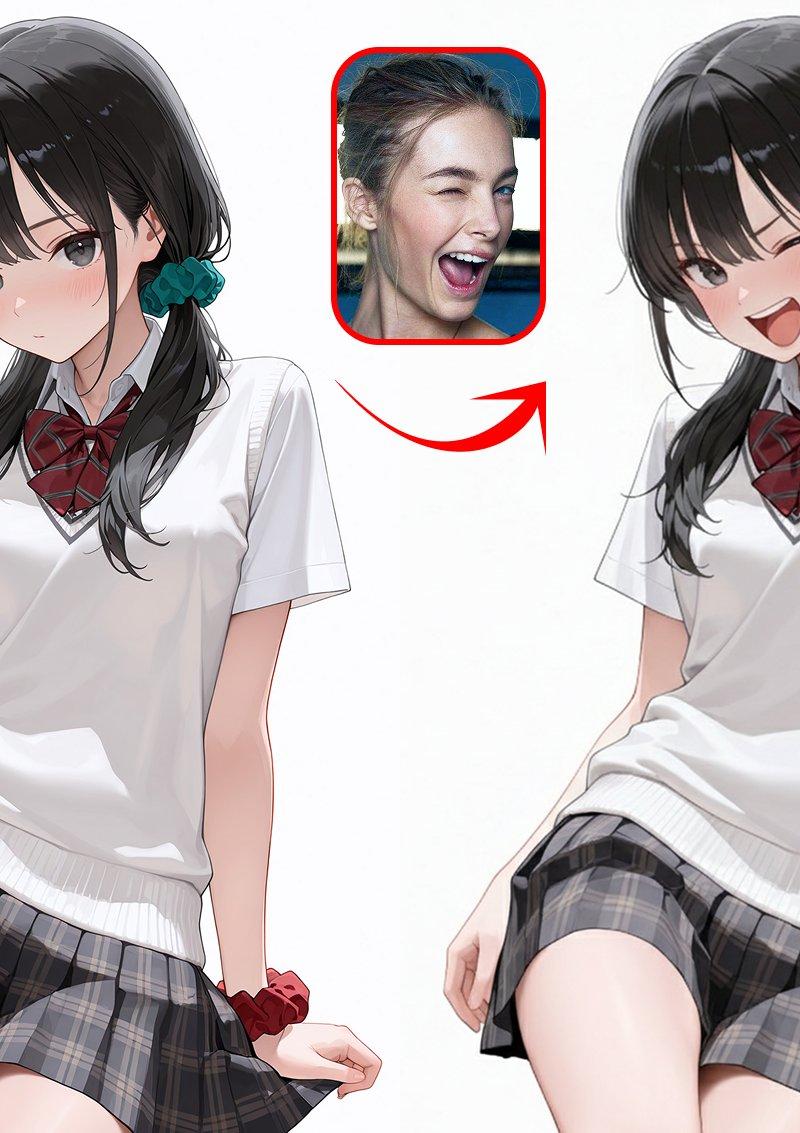
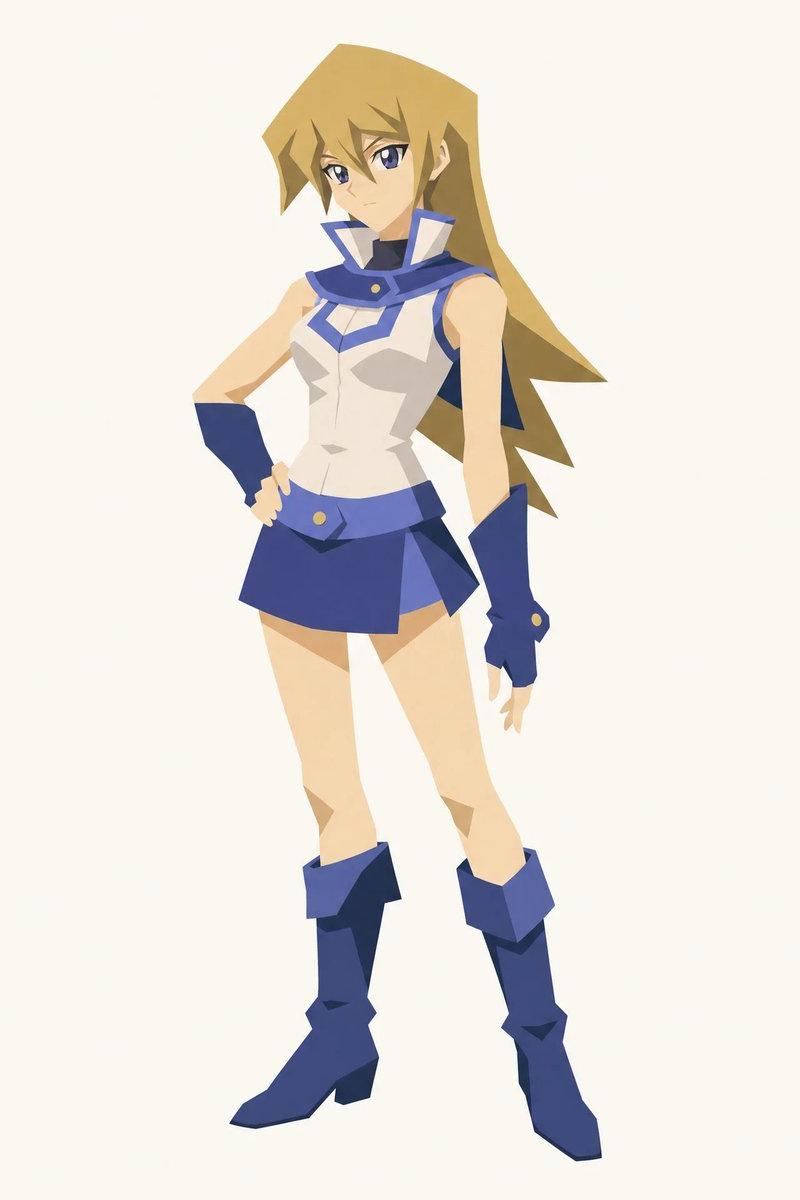
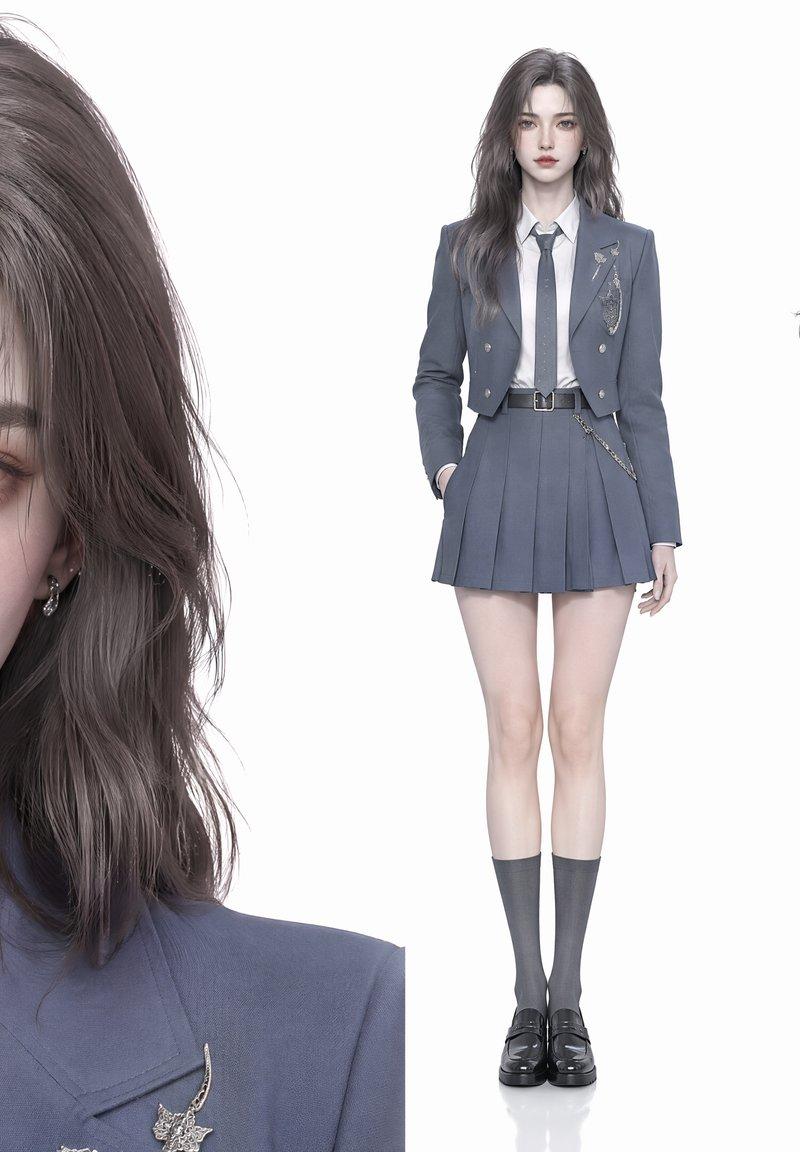
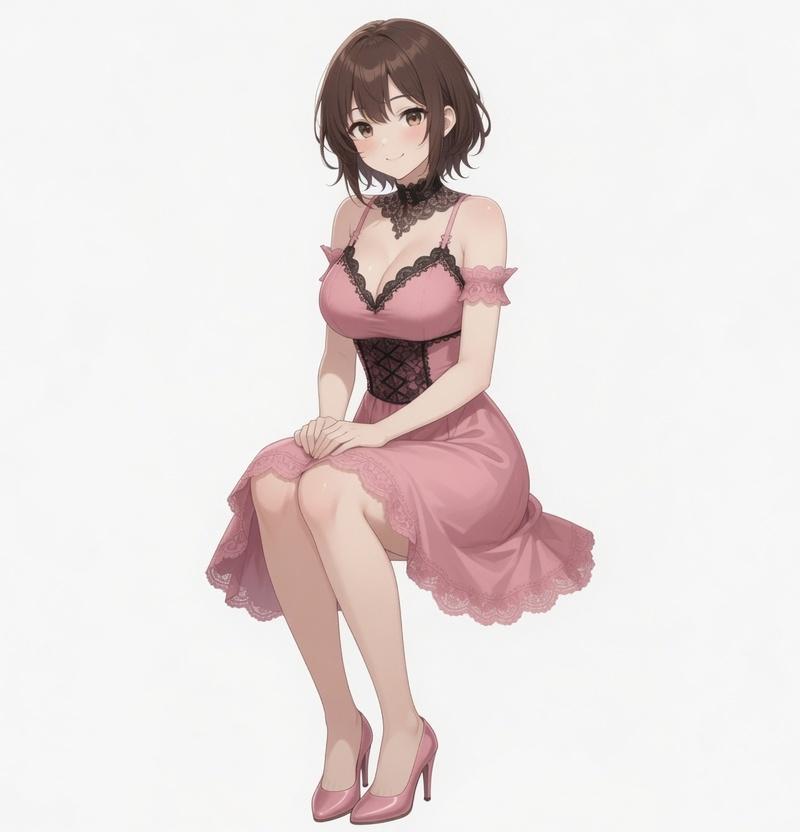
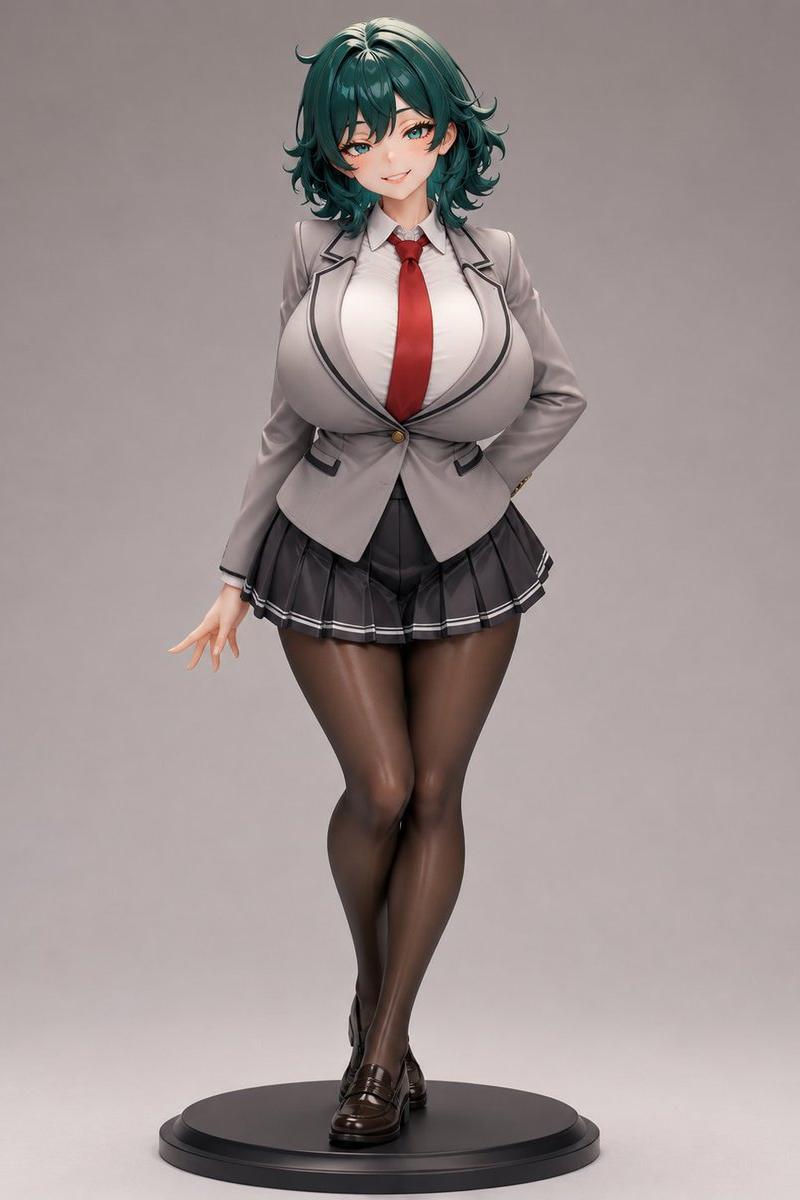
Create a high-end studio product render of a full-body collectible anime-style figurine of {argument name="character name" default="an adult female school-uniform character"}, standing on a simple round black display base against a seamless warm gray background. The figure has a curvy stylized body, pale skin, and shoulder-length wavy {argument name="hair color" default="deep teal green"} hair with layered curled ends and glossy highlights; the face area is deliberately obscured by a soft square blur, as if anonymized. Pose her upright with legs crossed at the ankles, one hand resting behind her back and the other arm relaxed to the side with delicate fingers extended. The outfit has exactly 6 visible clothing pieces: a fitted light gray blazer with dark piping and one gold button, a white collared shirt, a bright red necktie, a short black pleated skirt with thin white trim stripes, sheer black pantyhose, and glossy dark brown loafers. Emphasize premium PVC figure craftsmanship: smooth painted surfaces, subtle seams, realistic fabric folds, glossy stockings, polished shoes, clean sculpted hair strands, and soft studio lighting. Use a centered front-facing composition, full figure visible from hair to base, vertical 3:4 aspect ratio, shallow shadow under the base, no text, no watermark, no extra props.
Category
Products & E-commerce
Model
GPT Image 2
Creator
おるど
Source language
en
Views2
Source ID
22635
Published
May 25, 2026
Studio

Guide

About "动漫校服手办"

What is this prompt for?

"动漫校服手办" AI image prompt for GPT Image 2 (Products & E-commerce). 一个用于创作精致动漫校服风格收藏级手办的摄影棚产品渲染提示词。 Copy it on Picva and recreate the look in one click.

The full copyable prompt and example visuals above are ready for AI image generation or one-click recreate in Picva.

How to use this prompt

  1. Step 1

    Open the prompt detail

    Review the example visuals, category, and full prompt text for "动漫校服手办".

  2. Step 2

    Copy the prompt

    Copy the prompt body from this page, or load it directly in Studio.

  3. Step 3

    Pick a model (GPT Image 2)

    Prefer GPT Image 2. If you switch models, keep subject and composition and tweak style terms.

  4. Step 4

    Generate and export

    Recreate the look in Picva, or export into your workflow for editing and publishing.

FAQ

What is the "动漫校服手办" prompt?
It is an AI image-generation prompt for GPT Image 2 in the Products & E-commerce category. This page includes the full prompt text, example visuals, and a one-click recreate path in Picva.
How do I use this prompt to generate an image?
Copy the prompt from this page, or use Generate / Studio. Paste it into a compatible image model, or recreate the look in Picva with optional reference images.
Which model is this prompt for?
This page lists GPT Image 2. Most descriptive prompts also transfer to nearby image models such as GPT Image, Flux, or Midjourney with light style tweaks.
Can I use the result commercially?
You can usually copy the prompt for creation, but commercial use of the final image depends on the model terms, reference-image rights, and the generated content. Follow the source author and platform rules.