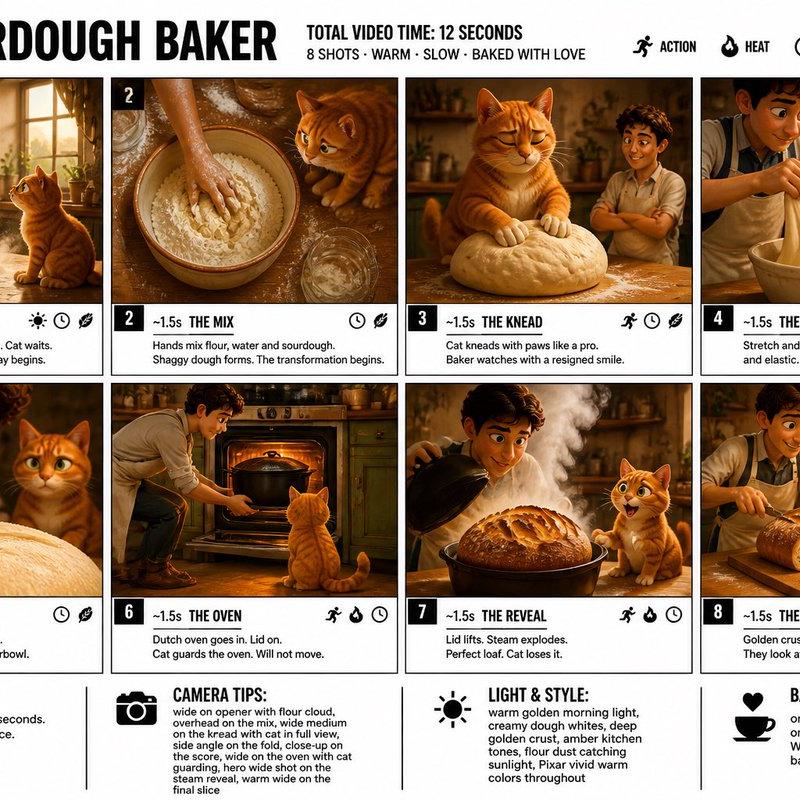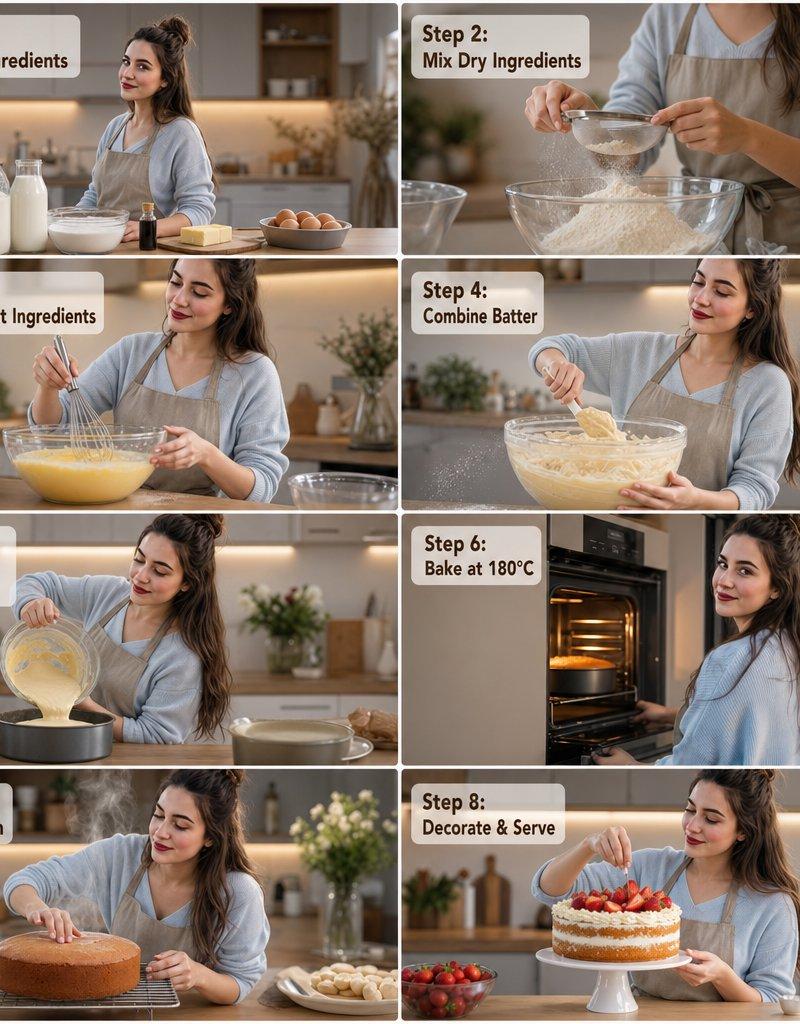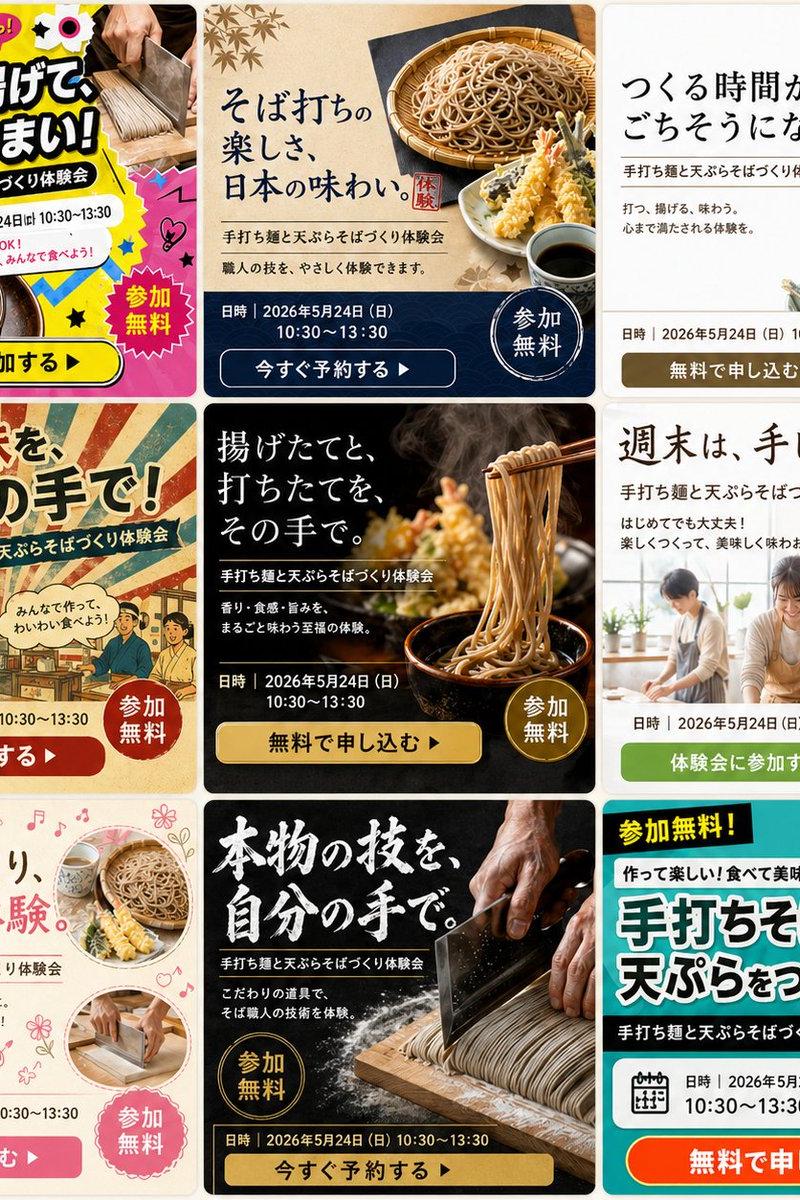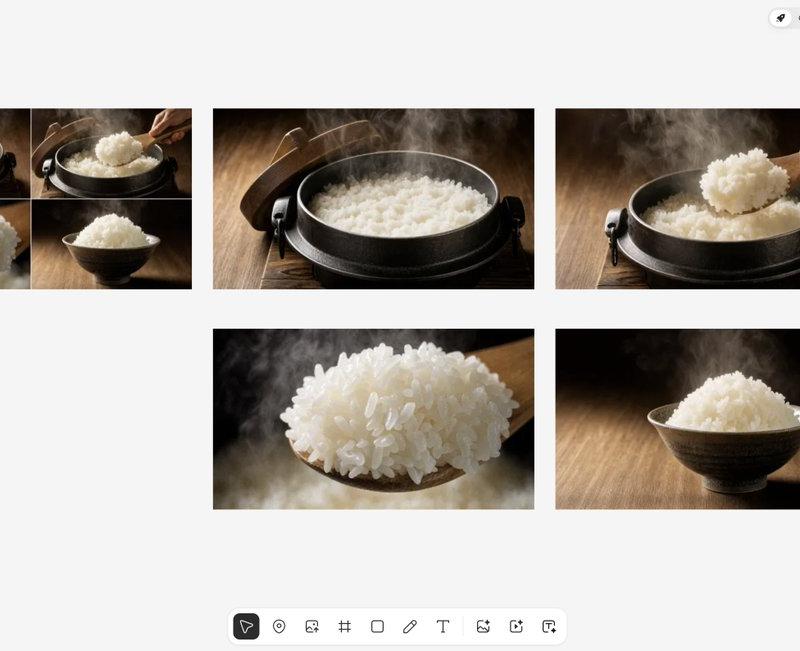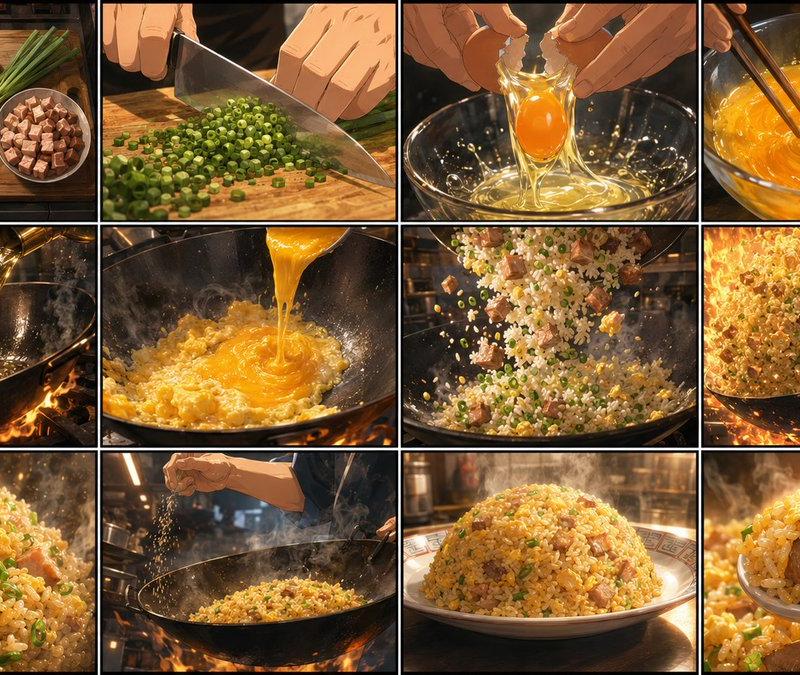
黄金炒饭分镜脚本页
Prompt
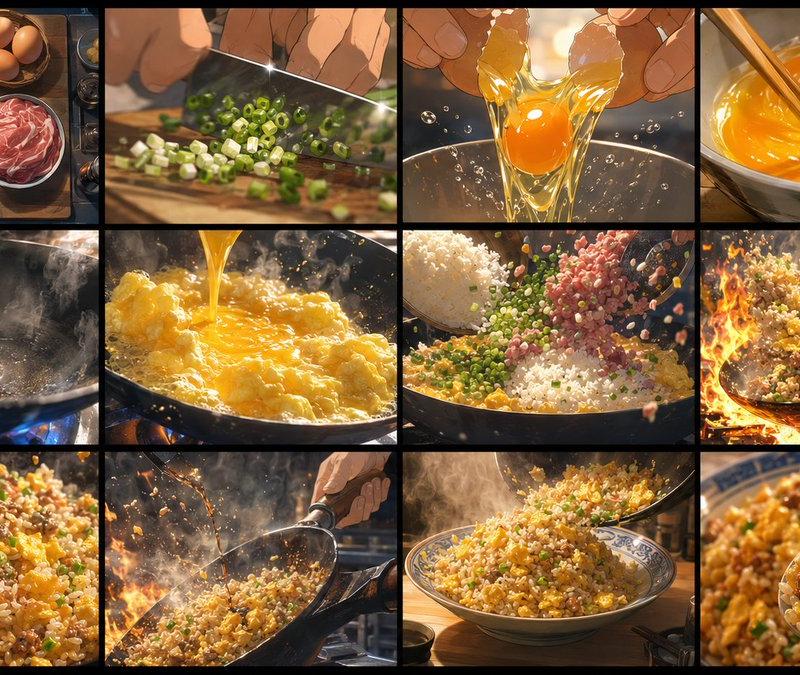
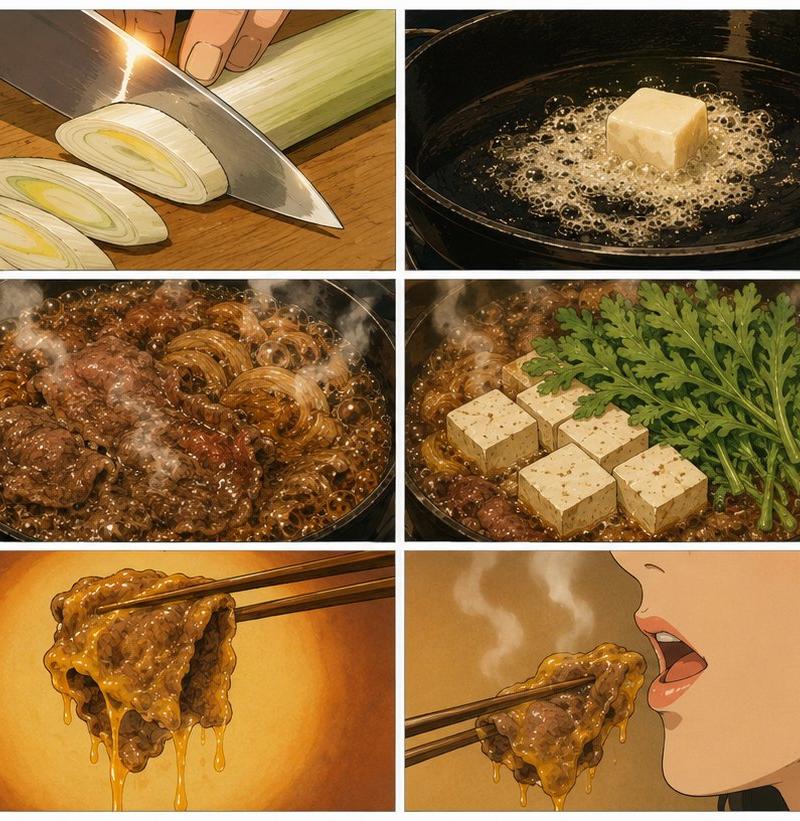
Goal: Create an ultra-high-quality, detailed anime-style storyboard sheet for a 15-second cooking video about {argument name="dish theme" default="golden fried rice"}, showing the full cooking process in chronological order.

Canvas: One wide 16:9 storyboard sheet, divided into exactly 12 panels arranged in a clean 4 columns by 3 rows grid. Use thin black panel borders, cinematic close-ups, warm restaurant-kitchen lighting, dramatic steam, oil shimmer, flying rice grains, and appetizing golden colors. No captions, no speech bubbles, no panel numbers, no watermark.

Visual style: Premium Japanese anime food commercial look, highly detailed semi-realistic cooking illustration, glossy highlights, shallow depth of field, dynamic action framing, orange firelight and golden egg tones, crisp textures on rice, scallions, diced meat, wok metal, and wooden cutting board.

Storyboard panels, exactly 12 in this order:
1. Top-down ingredient prep shot on a wooden board: a large glass bowl of cooked white rice, 4 brown eggs in a small bowl, long green onions/scallions, a bowl of cubed pork or ham, and 3 small seasoning dishes containing white salt, black pepper, and dark soy sauce.
2. Close-up of hands chopping scallions into small green rings with a large chef’s knife on a wooden cutting board.
3. Close-up of hands cracking one egg over a clear glass mixing bowl, yolk and egg white falling with sparkling highlights.
4. Close-up of beaten eggs being vigorously whisked with chopsticks in a glass bowl, swirling bright orange-yellow liquid.
5. Hot black wok over open flames, oil being poured in a thin golden stream, steam rising.
6. Pour beaten egg into the sizzling wok; the egg begins to scramble and bubble into soft golden curds.
7. Toss rice, diced meat, scallions, and egg together in the wok; ingredients fly upward in a dramatic midair arc.
8. High-energy wok-tossing shot surrounded by intense orange flames and sparks, golden fried rice scattering in the air.
9. Extreme appetizing close-up of finished fried rice with glossy individual grains, yellow egg pieces, green scallions, and browned meat cubes.
10. Wider kitchen action shot: a cook’s hand sprinkles seasoning from above into the steaming wok while the fried rice cooks over flame.
11. Hero plating shot: a neat dome mound of golden fried rice on a white plate with a subtle patterned rim, steam rising, warm kitchen background.
12. Final close-up spoonful shot: a metal spoon lifts glossy golden fried rice with egg, scallions, and a large cube of meat, with the plated rice blurred behind it.

Constraints: Keep the grid layout exact with 12 distinct panels, chronological left-to-right and top-to-bottom storytelling, no visible text, emphasize {argument name="main color palette" default="gold, amber, orange firelight, deep black wok, fresh green scallions"}, make the dish look rich, hot, and delicious.- Category
- Products & E-commerce
- Model
- GPT Image 2
- Creator
- オズ
- Source language
- en
- Source ID
- 22653
- Published
- May 25, 2026
Views3