20

超写实机车翘头肖像
Click to enlarge
Posters & TypographyYouMindposters-typography海报与排版en

超写实机车翘头肖像

Prompt
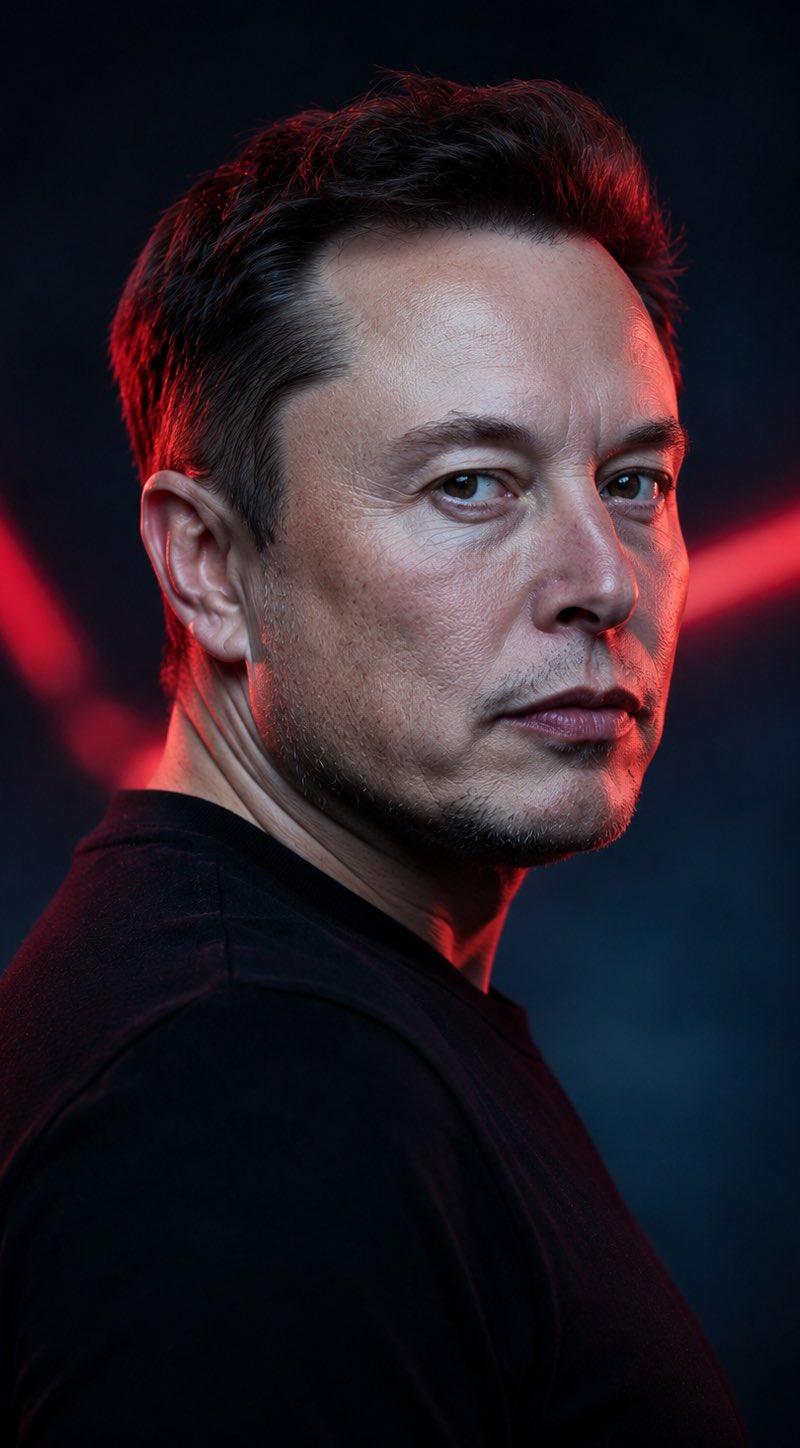
Use the exact same face from the reference image. Generate a breathtaking, hyper-realistic portrait of an {argument name="subject" default="American white man with sharp jawline"} — a fearless, magnetic biker, helmetless, commanding absolute attention. He is executing a flawless wheelie on a {argument name="motorcycle" default="matte-black Kawasaki Ninja"}, rear tire lifted with raw mechanical power, front wheel piercing the air. His posture is effortlessly dominant — spine straight, one hand gripping the handlebar with controlled aggression — as he locks eyes directly into the camera with a cold, unbothered, razor-sharp gaze. On his face sit designer sunglasses — dark lenses, sleek titanium frame. The shot feels like it was captured by a Hasselblad medium-format camera — tack-sharp on his face, with a cinematic shallow depth of field that melts the background into a breathtaking blur of neon city lights, dramatic storm clouds splitting with golden light, and wet asphalt reflecting the scene like a mirror. Every element — the chrome of the bike, the glint off his sunglasses, the motion blur of the spinning rear tire — is rendered with 8K photorealistic precision. Subtle {argument name="watermark" default="OzairAI"} watermark elegantly embedded in the lower corner. Vertical 9:13 format. Ultra photorealistic, 8K, no text overlays, cinematic color grading.
Category
Posters & Typography
Model
GPT Image 2
Creator
Ozair AI
Source language
en
Views5
Source ID
22705
Published
May 26, 2026
Studio
AppSource

Guide

About "超写实机车翘头肖像"

What is this prompt for?

"超写实机车翘头肖像" AI image prompt for GPT Image 2 (Posters & Typography). 利用参考图像保持面部一致性,并结合高端摄影美学,创作出一幅令人惊叹的超写实电影级机车翘头肖像。 Copy it on Picva and recreate the look in o…

The full copyable prompt and example visuals above are ready for AI image generation or one-click recreate in Picva.

How to use this prompt

  1. Step 1

    Open the prompt detail

    Review the example visuals, category, and full prompt text for "超写实机车翘头肖像".

  2. Step 2

    Copy the prompt

    Copy the prompt body from this page, or load it directly in Studio.

  3. Step 3

    Pick a model (GPT Image 2)

    Prefer GPT Image 2. If you switch models, keep subject and composition and tweak style terms.

  4. Step 4

    Generate and export

    Recreate the look in Picva, or export into your workflow for editing and publishing.

FAQ

What is the "超写实机车翘头肖像" prompt?
It is an AI image-generation prompt for GPT Image 2 in the Posters & Typography category. This page includes the full prompt text, example visuals, and a one-click recreate path in Picva.
How do I use this prompt to generate an image?
Copy the prompt from this page, or use Generate / Studio. Paste it into a compatible image model, or recreate the look in Picva with optional reference images.
Which model is this prompt for?
This page lists GPT Image 2. Most descriptive prompts also transfer to nearby image models such as GPT Image, Flux, or Midjourney with light style tweaks.
Can I use the result commercially?
You can usually copy the prompt for creation, but commercial use of the final image depends on the model terms, reference-image rights, and the generated content. Follow the source author and platform rules.