20

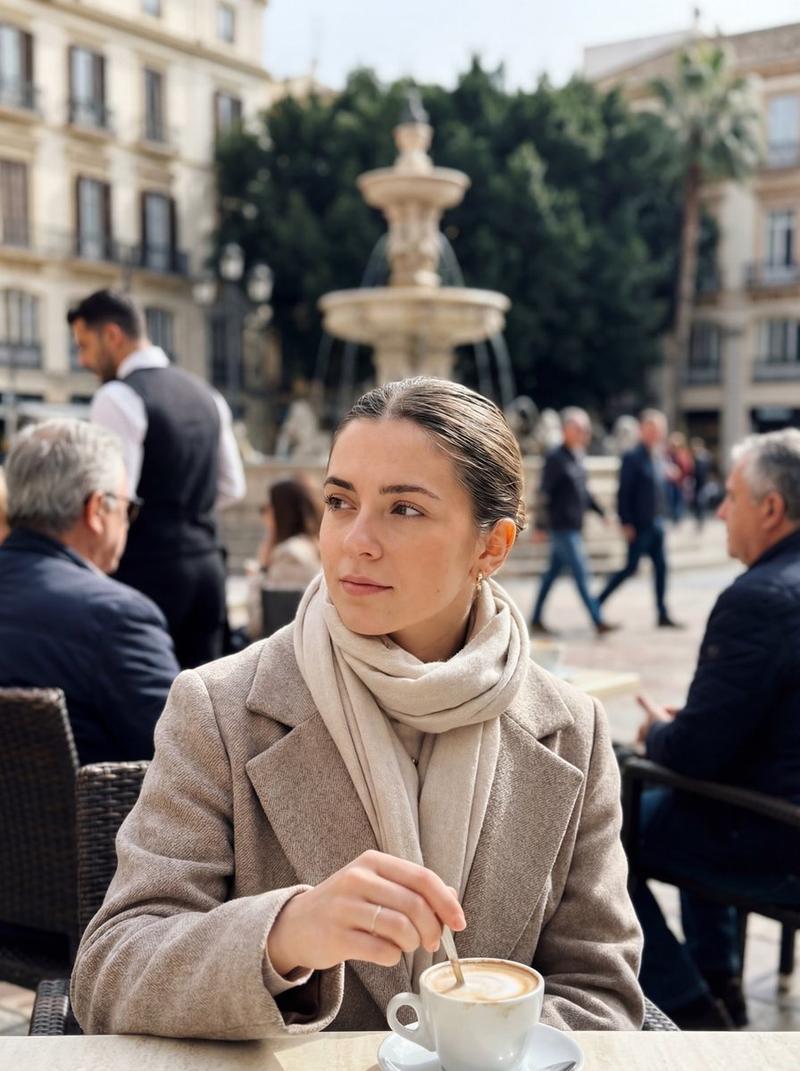
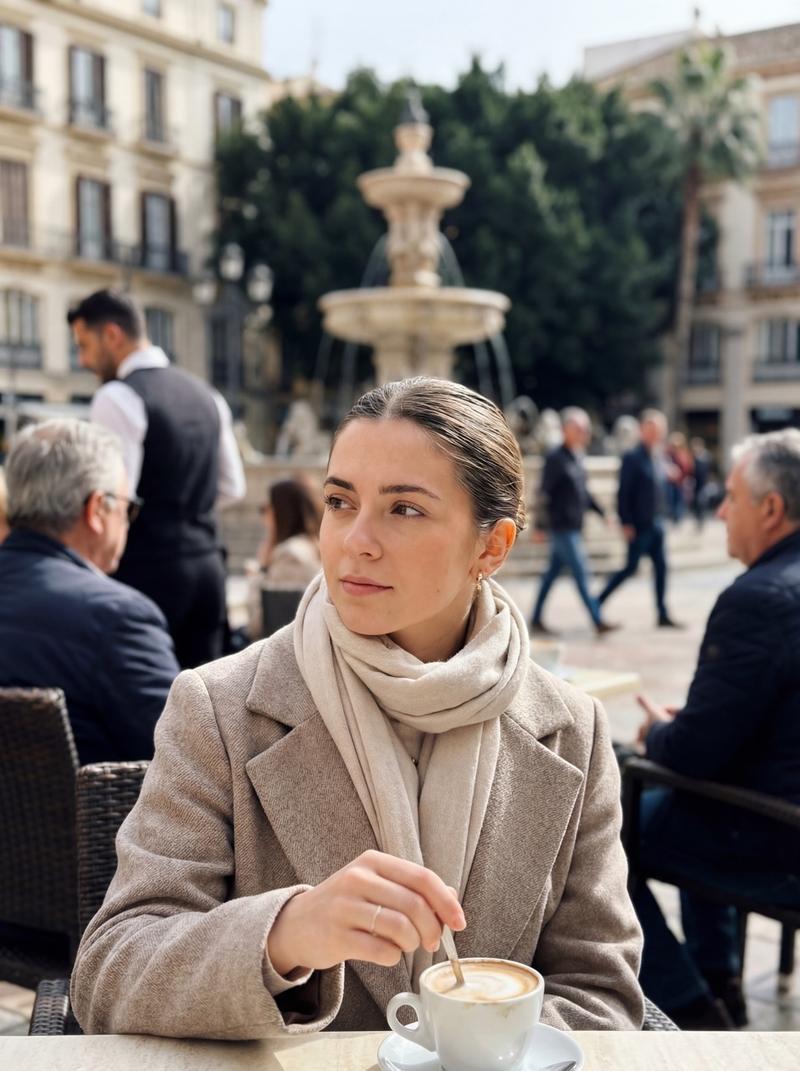
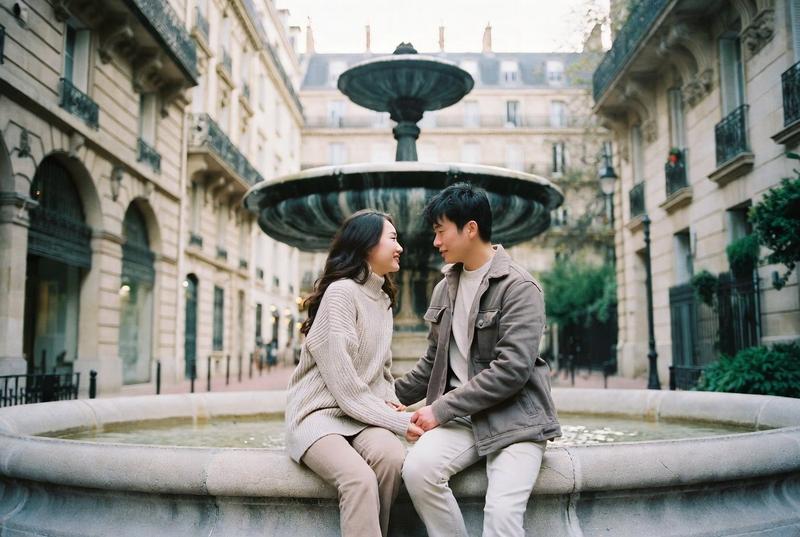
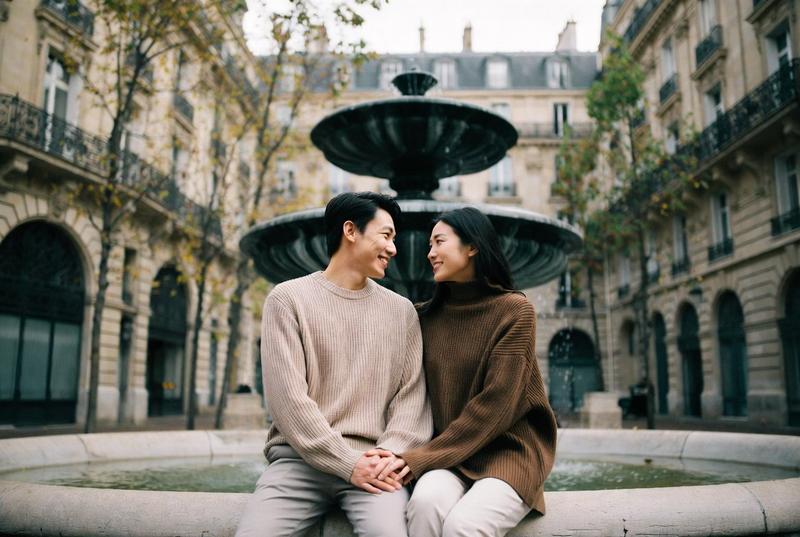
欧式街拍人像
Enlarge

Example images

欧式街拍人像

Prompt
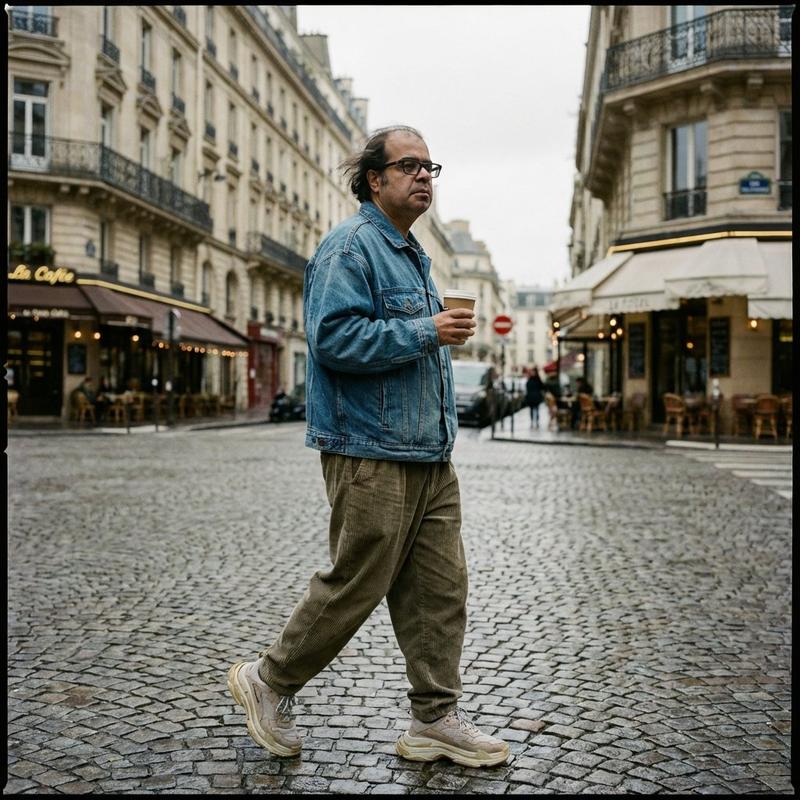
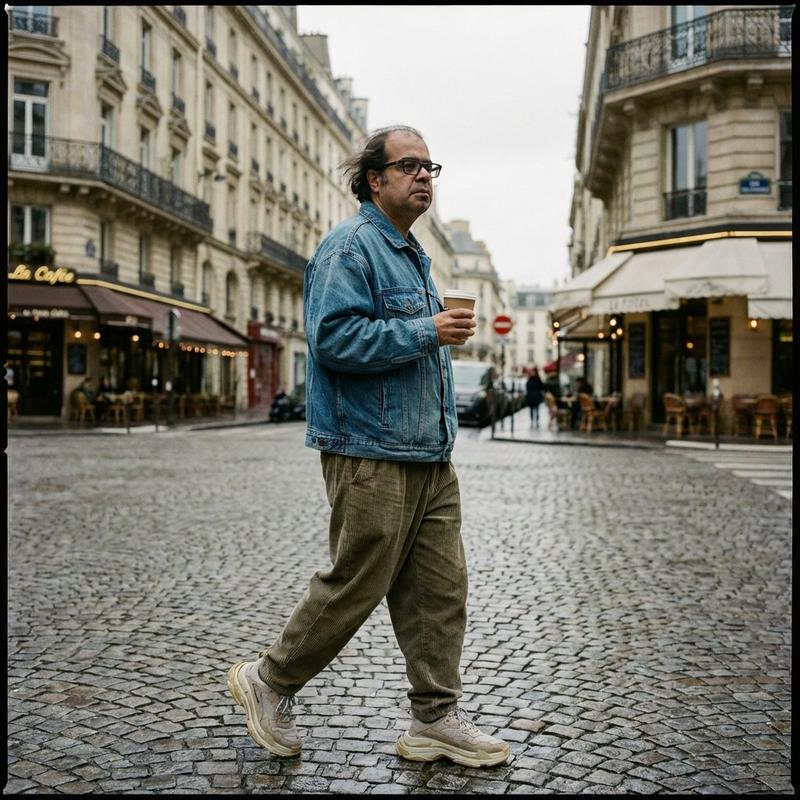
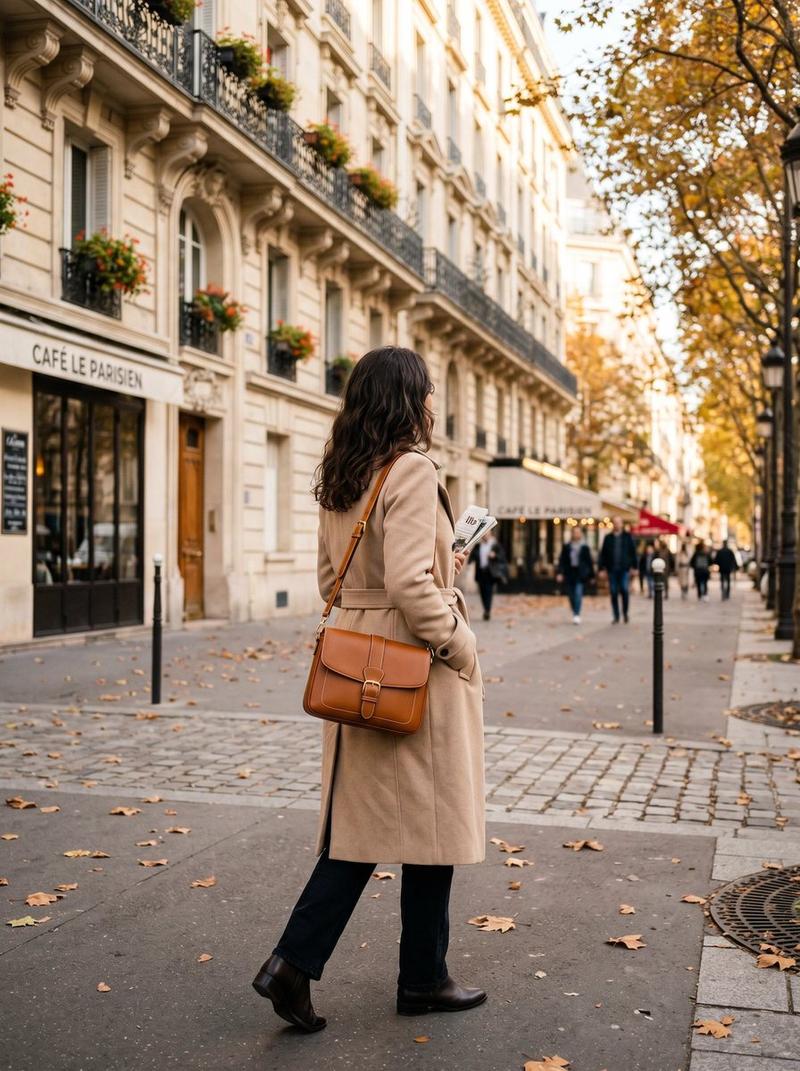
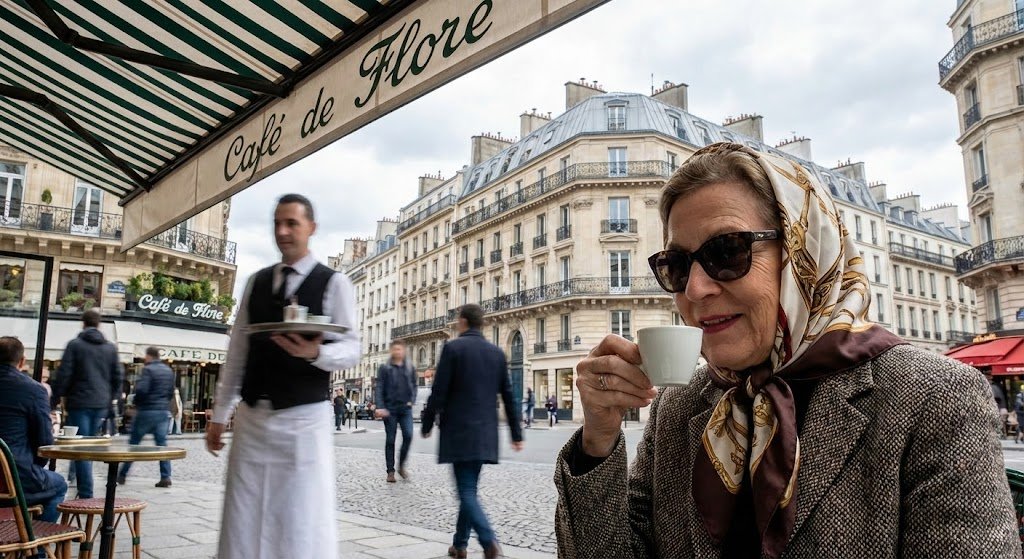
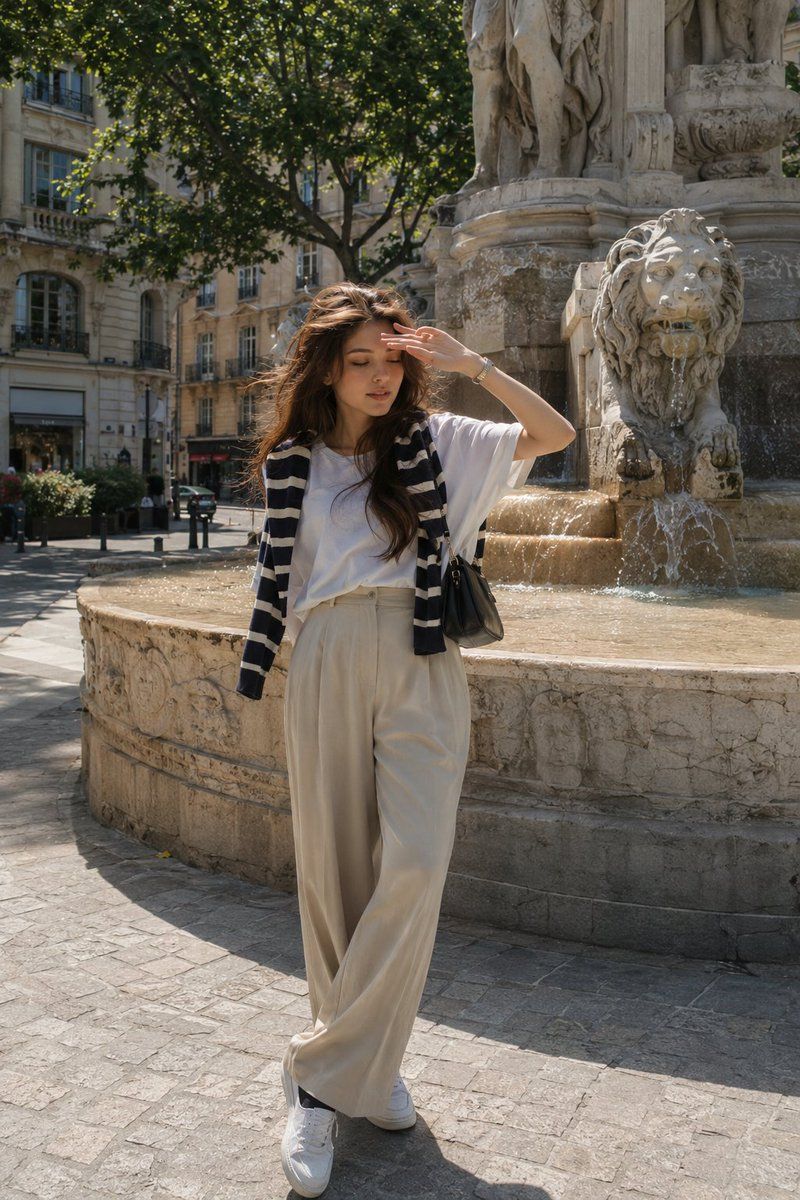
Elegant {argument name="location" default="European street-style"} portrait of a young woman posing in front of a historic stone fountain in a Parisian city square. She wears a relaxed white oversized t-shirt, beige high-waisted wide-leg trousers, white sneakers, black socks, and a striped knit sweater draped over her shoulders, paired with a small black handbag. Soft wavy brown hair, natural makeup, subtle smile, shielding her eyes from the sun with one hand. Classic European architecture, flowing fountain water, trees and old buildings in the background. Bright daytime lighting, travel photography aesthetic, effortless French chic fashion, minimalist neutral tones, candid pose, realistic details, photorealistic, ultra detailed, lifestyle editorial photography, 35mm lens, soft natural colors, luxury travel vibe.
Category
Charts & Infographics
Model
GPT Image 2
Creator
Aqsa
Views3
Source ID
23287
Published
May 30, 2026

Guide

About "欧式街拍人像"

What is this prompt for?

"欧式街拍人像" AI image prompt for GPT Image 2 (Charts & Infographics). 一个生活方式类社论提示词,用于在巴黎历史悠久的广场拍摄抓拍风格的时尚人像,强调自然光线与随性风格。 Copy it on Picva and recreate the look in o…

The full copyable prompt and example visuals above are ready for AI image generation or one-click recreate in Picva.

How to use this prompt

  1. Step 1

    Open the prompt detail

    Review the example visuals, category, and full prompt text for "欧式街拍人像".

  2. Step 2

    Copy the prompt

    Copy the prompt body from this page, or load it directly in Studio.

  3. Step 3

    Pick a model (GPT Image 2)

    Prefer GPT Image 2. If you switch models, keep subject and composition and tweak style terms.

  4. Step 4

    Generate and export

    Recreate the look in Picva, or export into your workflow for editing and publishing.

FAQ

What is the "欧式街拍人像" prompt?
It is an AI image-generation prompt for GPT Image 2 in the Charts & Infographics category. This page includes the full prompt text, example visuals, and a one-click recreate path in Picva.
How do I use this prompt to generate an image?
Copy the prompt from this page, or use Generate / Studio. Paste it into a compatible image model, or recreate the look in Picva with optional reference images.
Which model is this prompt for?
This page lists GPT Image 2. Most descriptive prompts also transfer to nearby image models such as GPT Image, Flux, or Midjourney with light style tweaks.
Can I use the result commercially?
You can usually copy the prompt for creation, but commercial use of the final image depends on the model terms, reference-image rights, and the generated content. Follow the source author and platform rules.