16

动漫主角与伙伴生成器
Enlarge

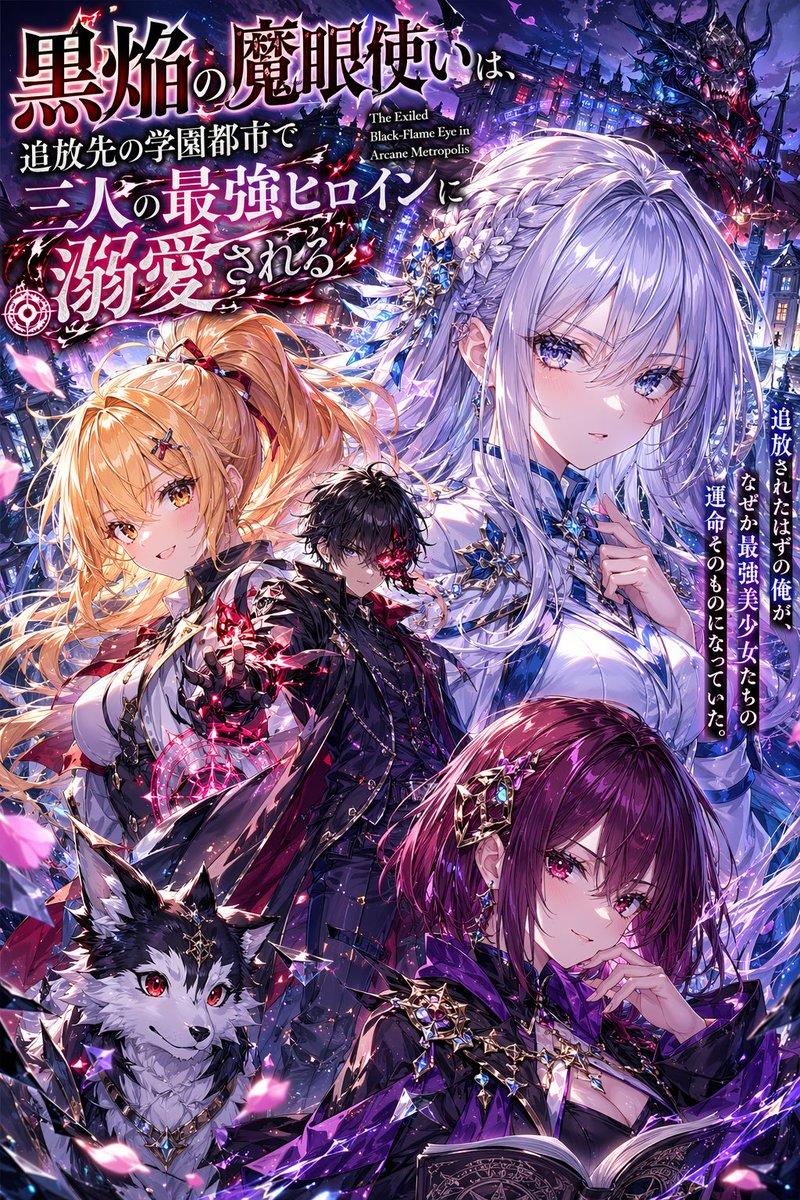
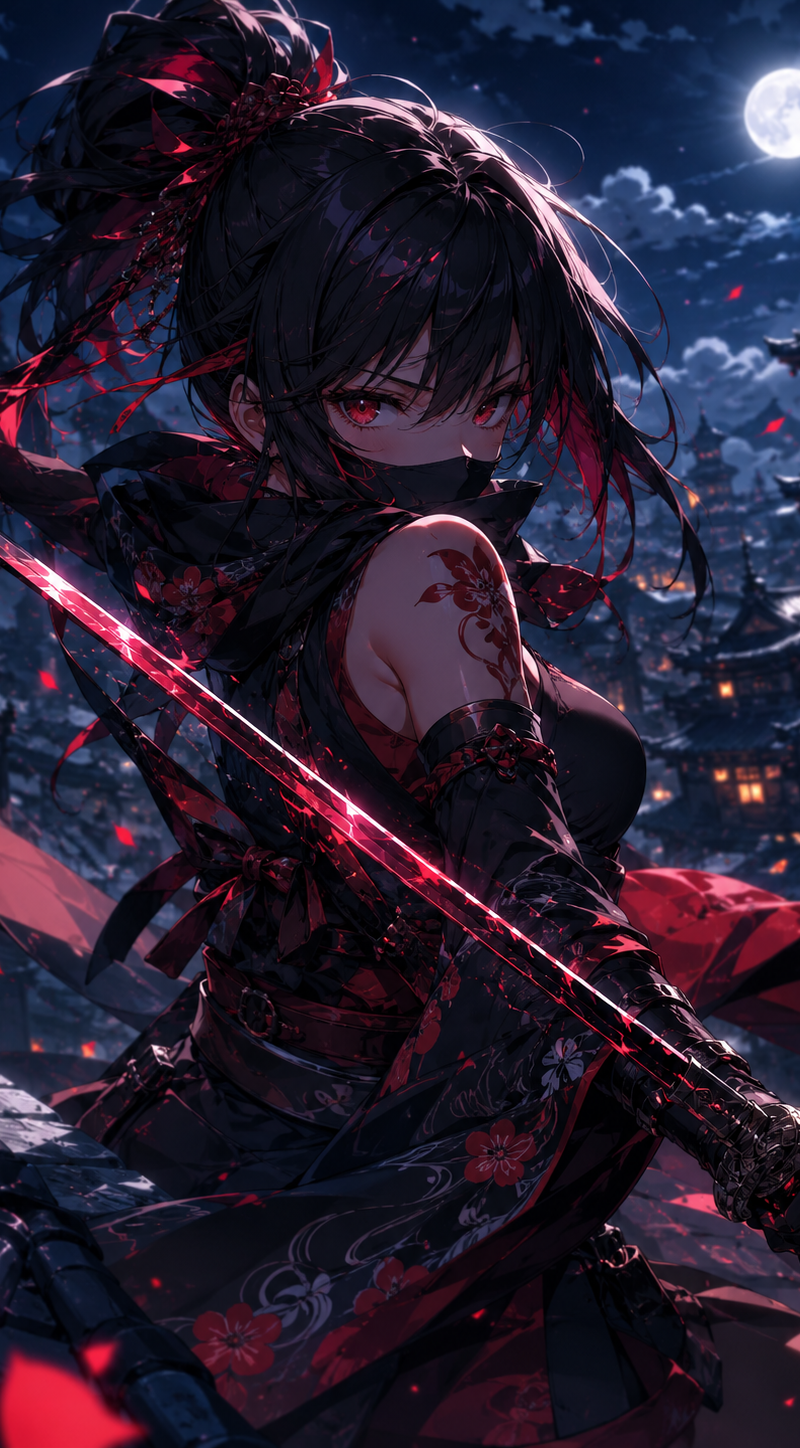
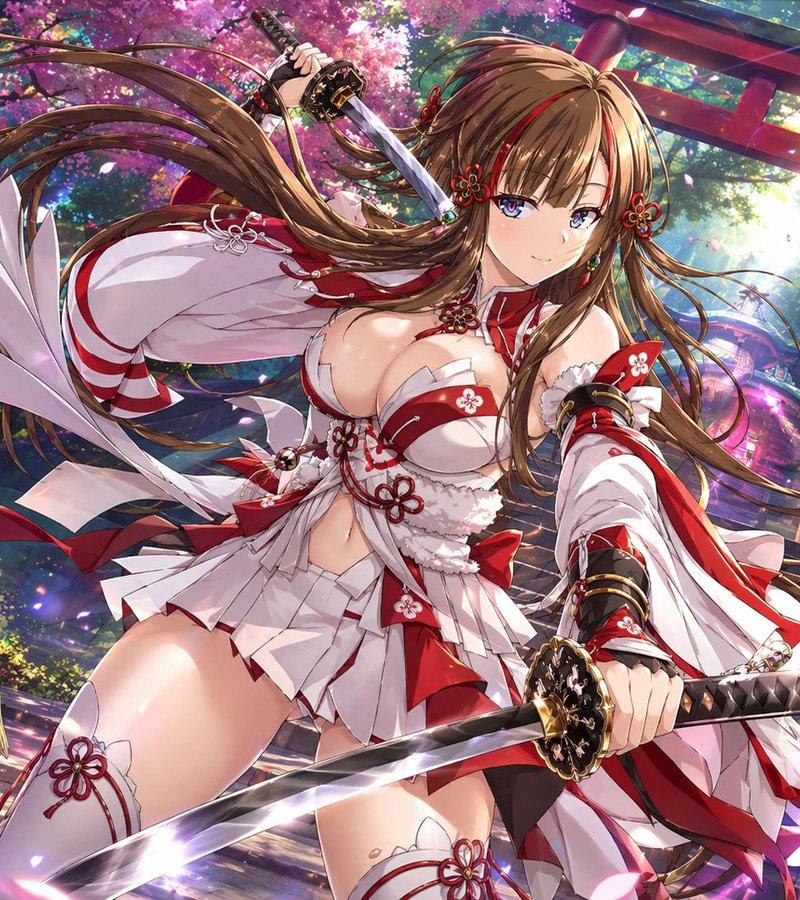
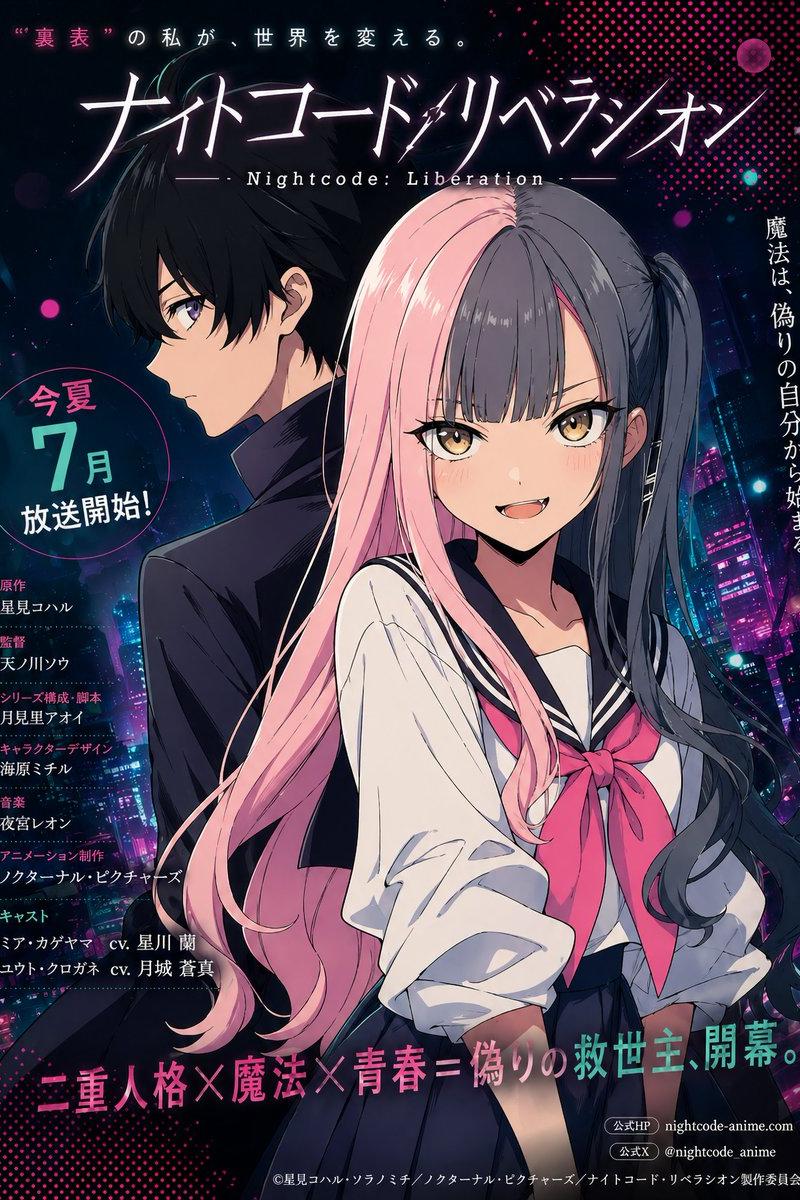
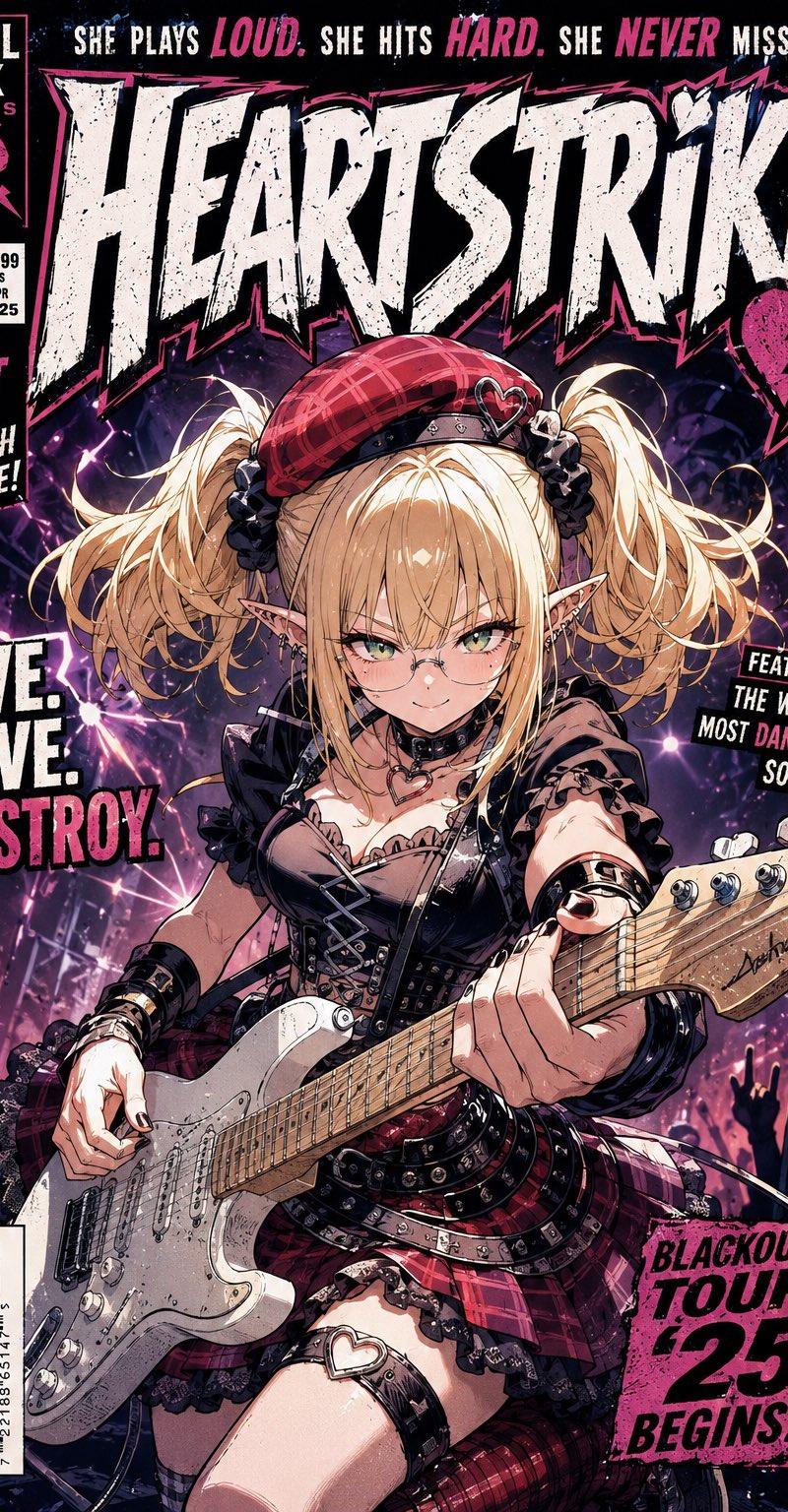
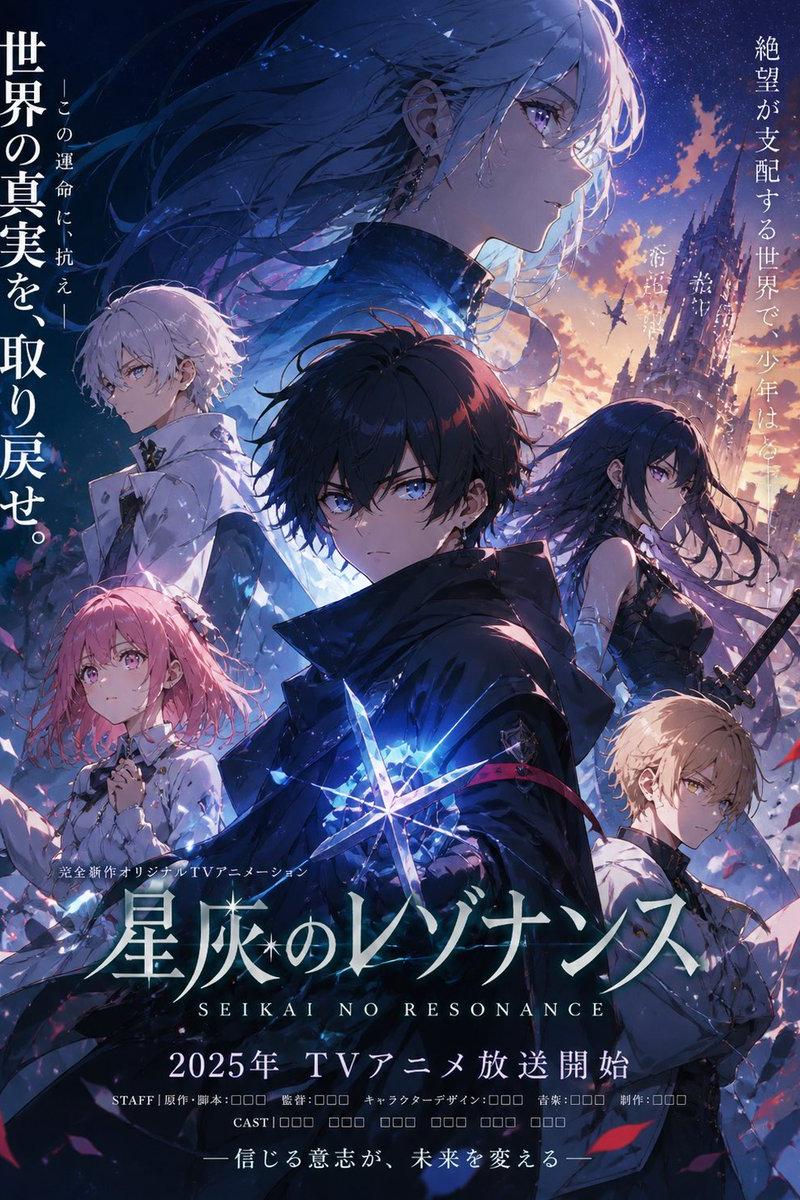
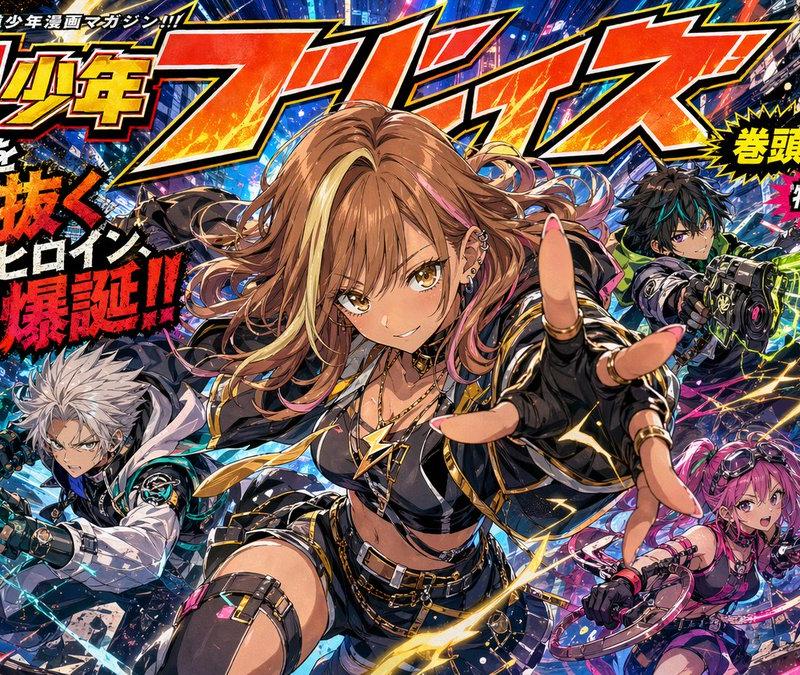
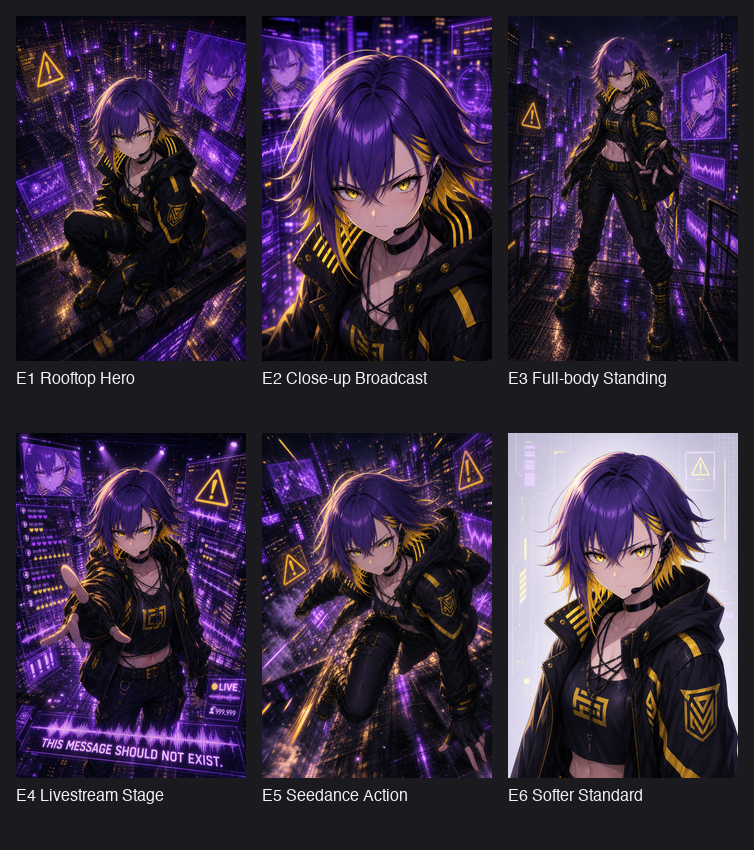
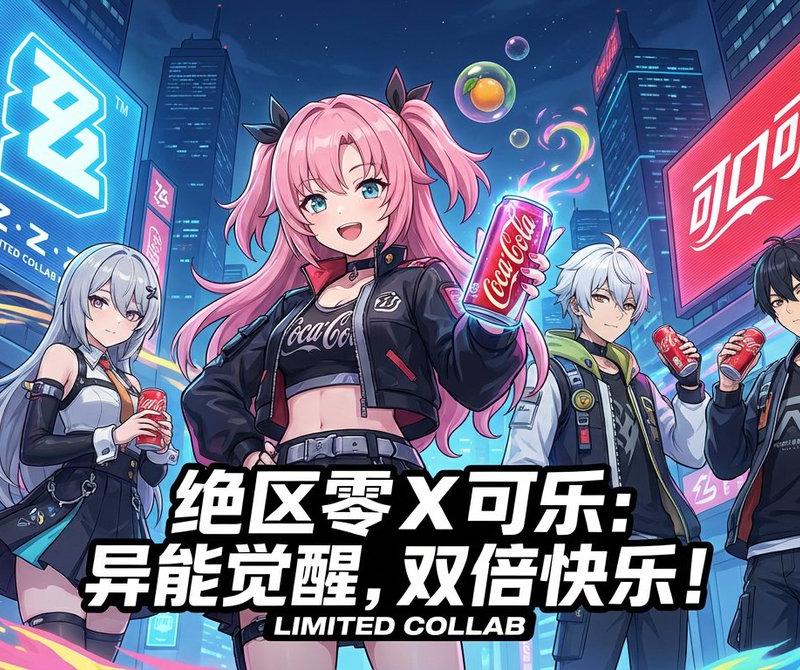
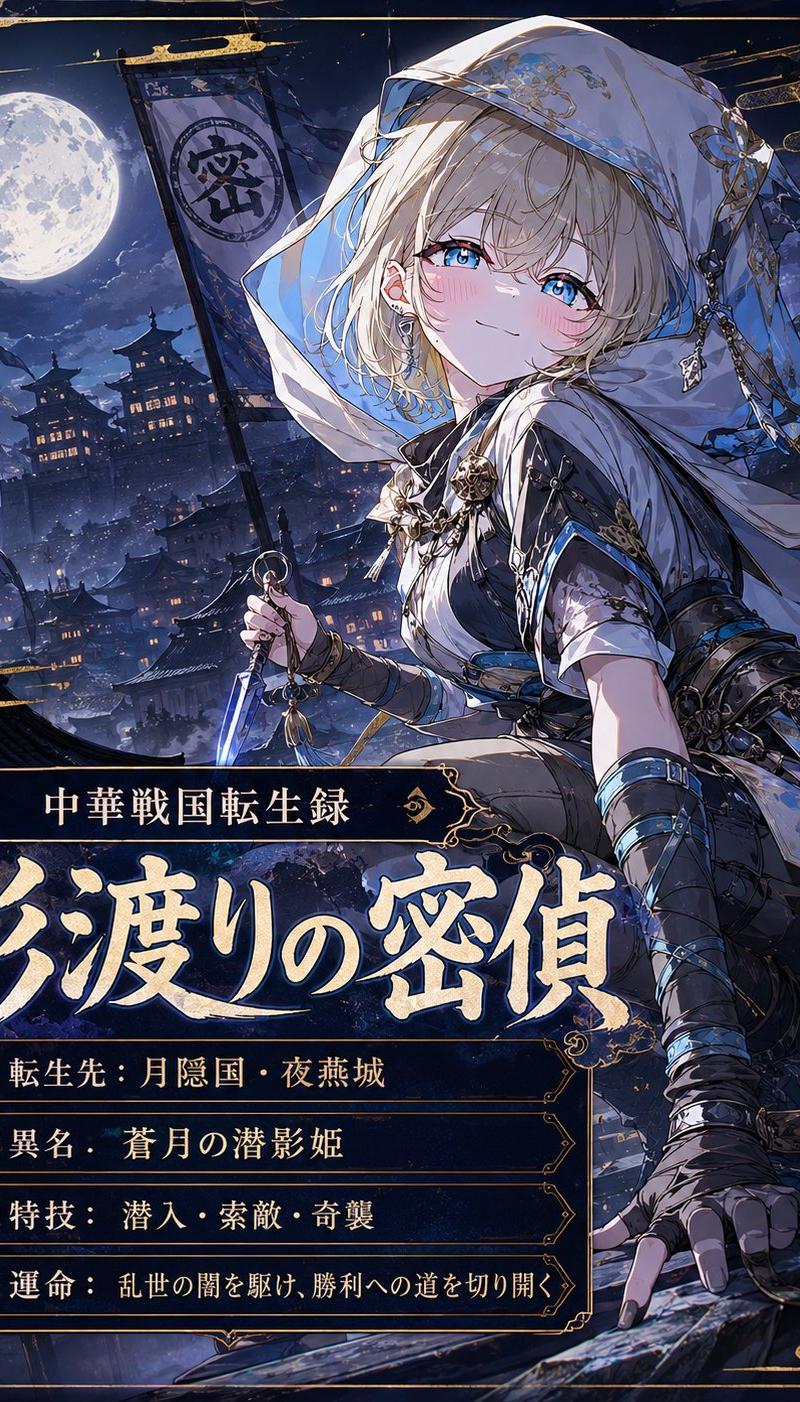
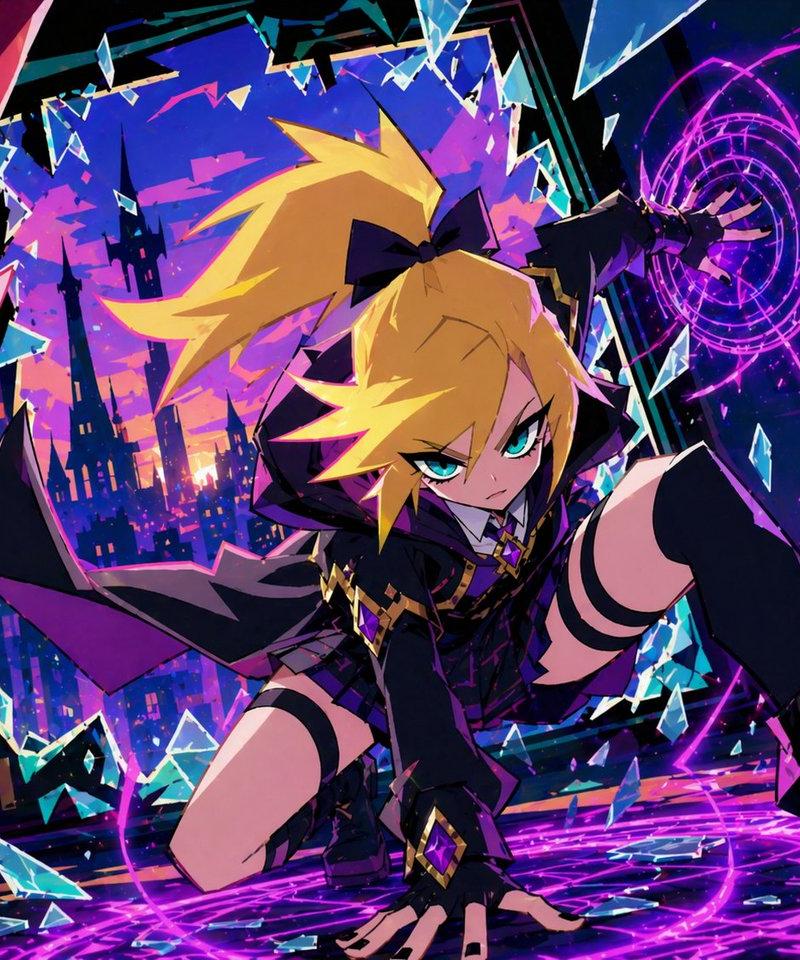
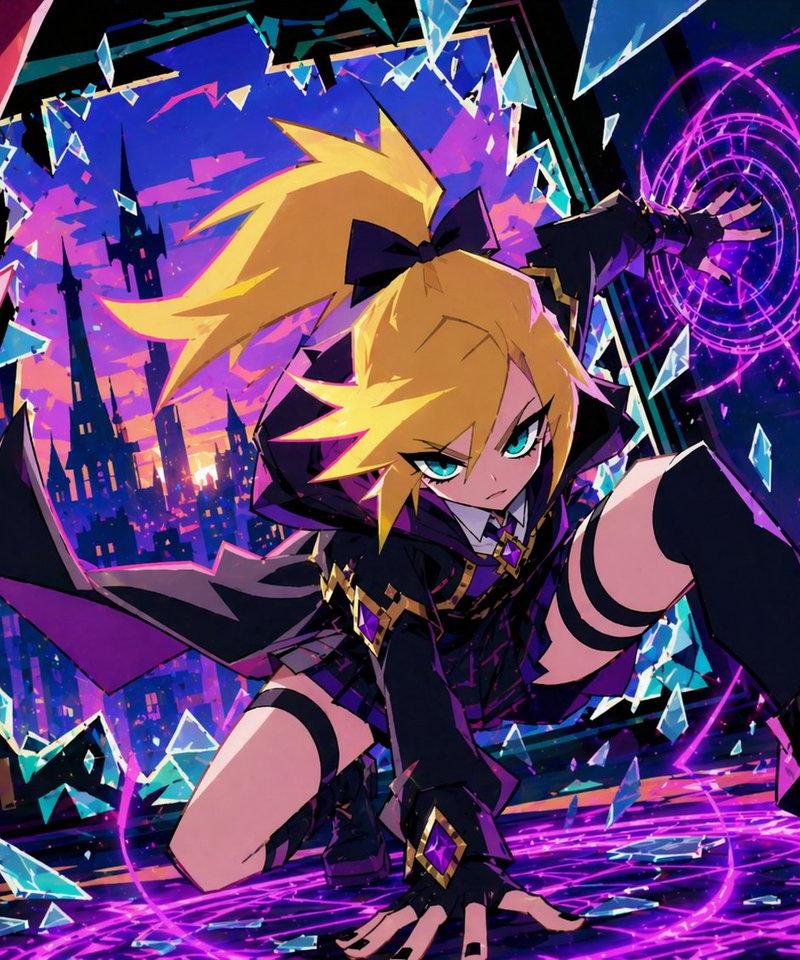
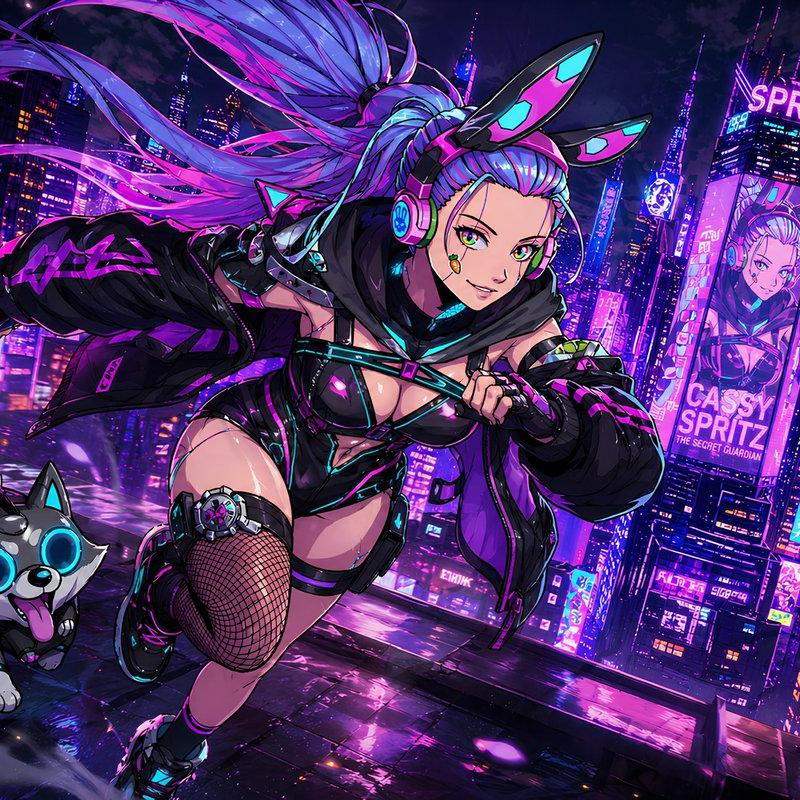
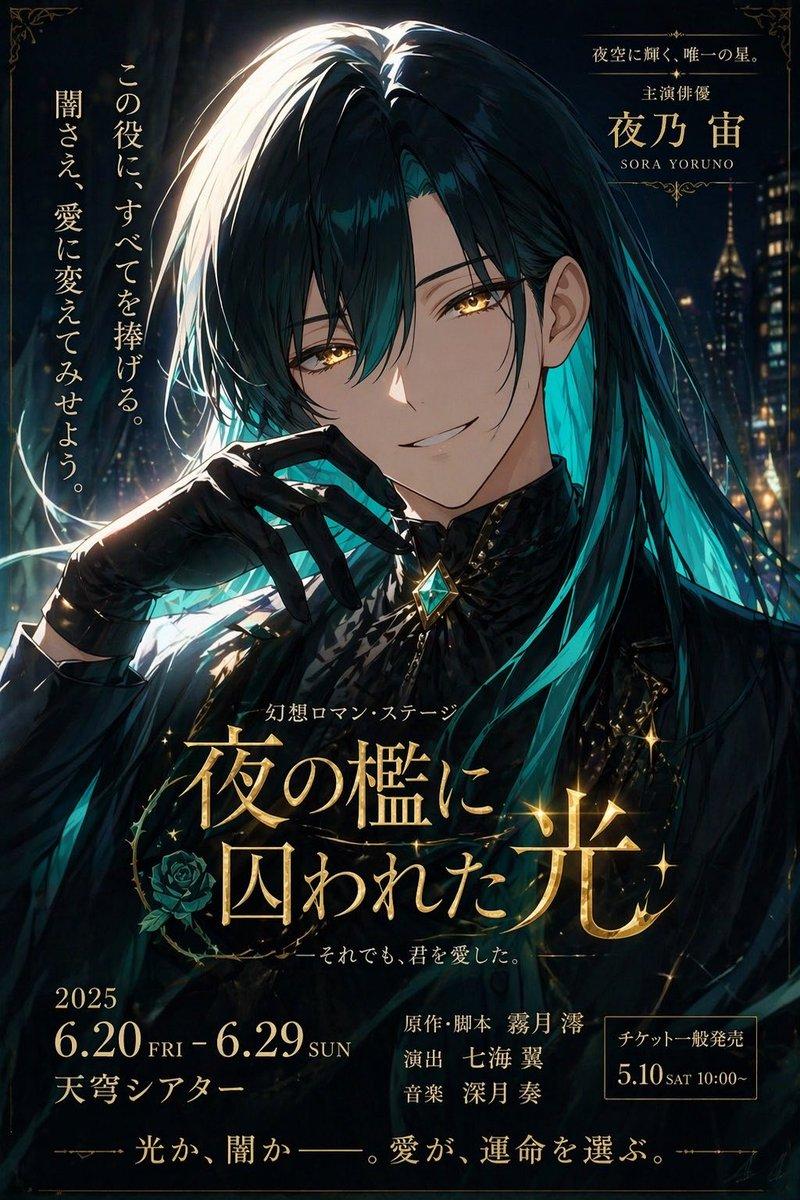
Example images

动漫主角与伙伴生成器

Prompt
使用提供的图像作为角色参考基准。如果参考图像中的角色是某部虚构的动漫、漫画或游戏杰作中的重要人物,请生成一个“最合适的主角”,要求该主角能与参考角色并肩作战、共同旅行、深度参与其命运,并使他们的故事成为可能。主角应是自然衍生自参考角色的存在。主角并非现有角色,必须是全新的设计。然而,他们必须具备压倒性的魅力和存在感,让人一眼就能认定“这绝对是主角”。主角的性别不固定,应根据与参考角色的兼容性、流派、世界观和叙事逻辑自然决定。主角的设计应达到足以成为商业动画、少年/青年漫画、轻小说或游戏作品门面的精致程度。在面部、发型、发色、眼睛、种族、服装、轮廓、设计语言、性格表现、世界观和角色身份等方面,必须与参考角色保持高度的一致性。将主角置于稍靠前的位置,参考角色置于稍靠后的位置,且不能削弱参考角色的存在感。两者必须明确属于同一个故事。他们的目光、距离、站位、姿态和表情应让观众感受到“这两人之间绝对有故事”。主角可以是保护参考角色的人、并肩作战的伙伴、旅途同伴、对手或师徒,关系应由世界观自然决定。构图不固定,但通常主角在前,参考角色在中景或背景,优先考虑最能体现两人关系的构图。一个 {argument name="era" default="20 世纪 90 年代末至 21 世纪初"} 的 {argument name="media type" default="日本动漫杂志封面"}。一部虚构传奇动漫的官方关键视觉图。日本动漫美学。{argument name="visual style" default="赛璐珞动漫风格"}。商业动漫官方插画质量。强烈的视觉冲击力。令人印象深刻的轮廓。那种让人想翻阅动漫杂志封面的魅力。目标是达到让观众本能地产生“我想看这部动画”想法的完成度。可以自然地放置虚构的动漫标题 Logo 或作品 Logo。[禁止事项] 禁止设置素材布局。禁止对比图。禁止三视图。不要让主角和参考角色成为无关人员。不要制作简单的群体插画。不要制作只有主角突出的插画。确保两者之间有明确的叙事联系。
Category
Characters & People
Model
GPT Image 2
Creator
Eris Create Lab
Source language
ja
Views5
Source ID
23633
Published
Jun 1, 2026
Studio

Guide

About "动漫主角与伙伴生成器"

What is this prompt for?

"动漫主角与伙伴生成器" AI image prompt for GPT Image 2 (Characters & People). 一个详尽的图生图提示词,用于创作一个在 90 年代复古动漫风格上与参考角色在视觉和叙事上相辅相成的新主角。 Copy it on Picva and recreate the loo…

The full copyable prompt and example visuals above are ready for AI image generation or one-click recreate in Picva.

How to use this prompt

  1. Step 1

    Open the prompt detail

    Review the example visuals, category, and full prompt text for "动漫主角与伙伴生成器".

  2. Step 2

    Copy the prompt

    Copy the prompt body from this page, or load it directly in Studio.

  3. Step 3

    Pick a model (GPT Image 2)

    Prefer GPT Image 2. If you switch models, keep subject and composition and tweak style terms.

  4. Step 4

    Generate and export

    Recreate the look in Picva, or export into your workflow for editing and publishing.

FAQ

What is the "动漫主角与伙伴生成器" prompt?
It is an AI image-generation prompt for GPT Image 2 in the Characters & People category. This page includes the full prompt text, example visuals, and a one-click recreate path in Picva.
How do I use this prompt to generate an image?
Copy the prompt from this page, or use Generate / Studio. Paste it into a compatible image model, or recreate the look in Picva with optional reference images.
Which model is this prompt for?
This page lists GPT Image 2. Most descriptive prompts also transfer to nearby image models such as GPT Image, Flux, or Midjourney with light style tweaks.
Can I use the result commercially?
You can usually copy the prompt for creation, but commercial use of the final image depends on the model terms, reference-image rights, and the generated content. Follow the source author and platform rules.