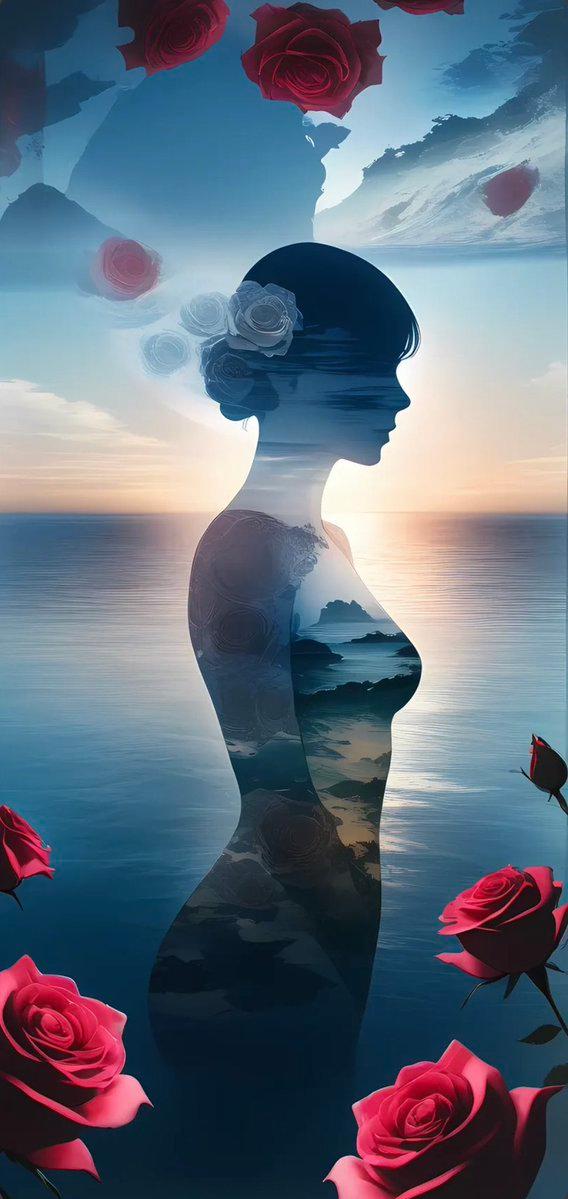
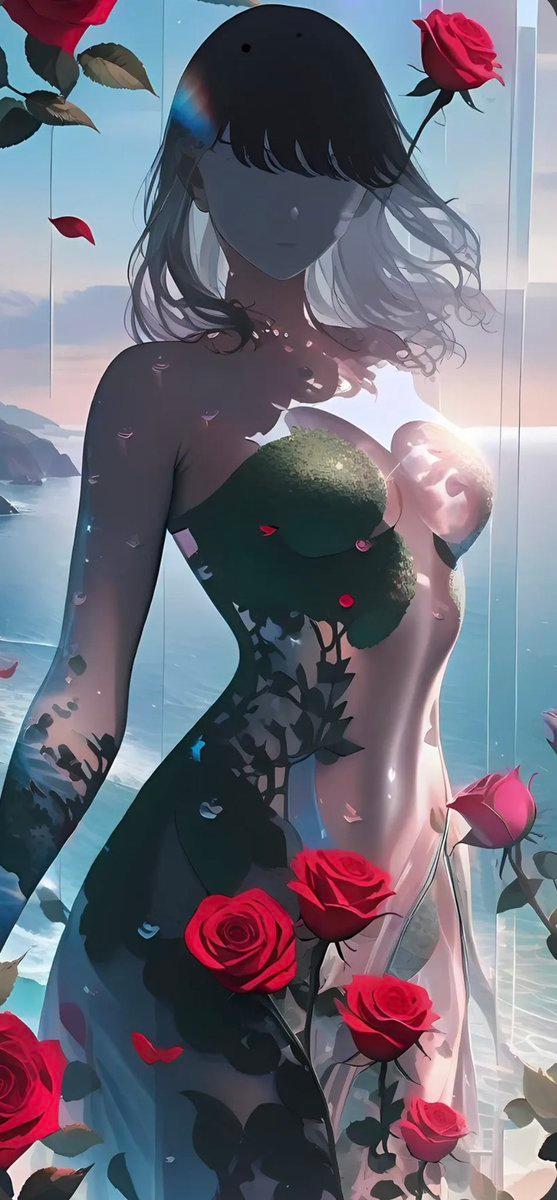
超现实玫瑰海洋剪影
Prompt
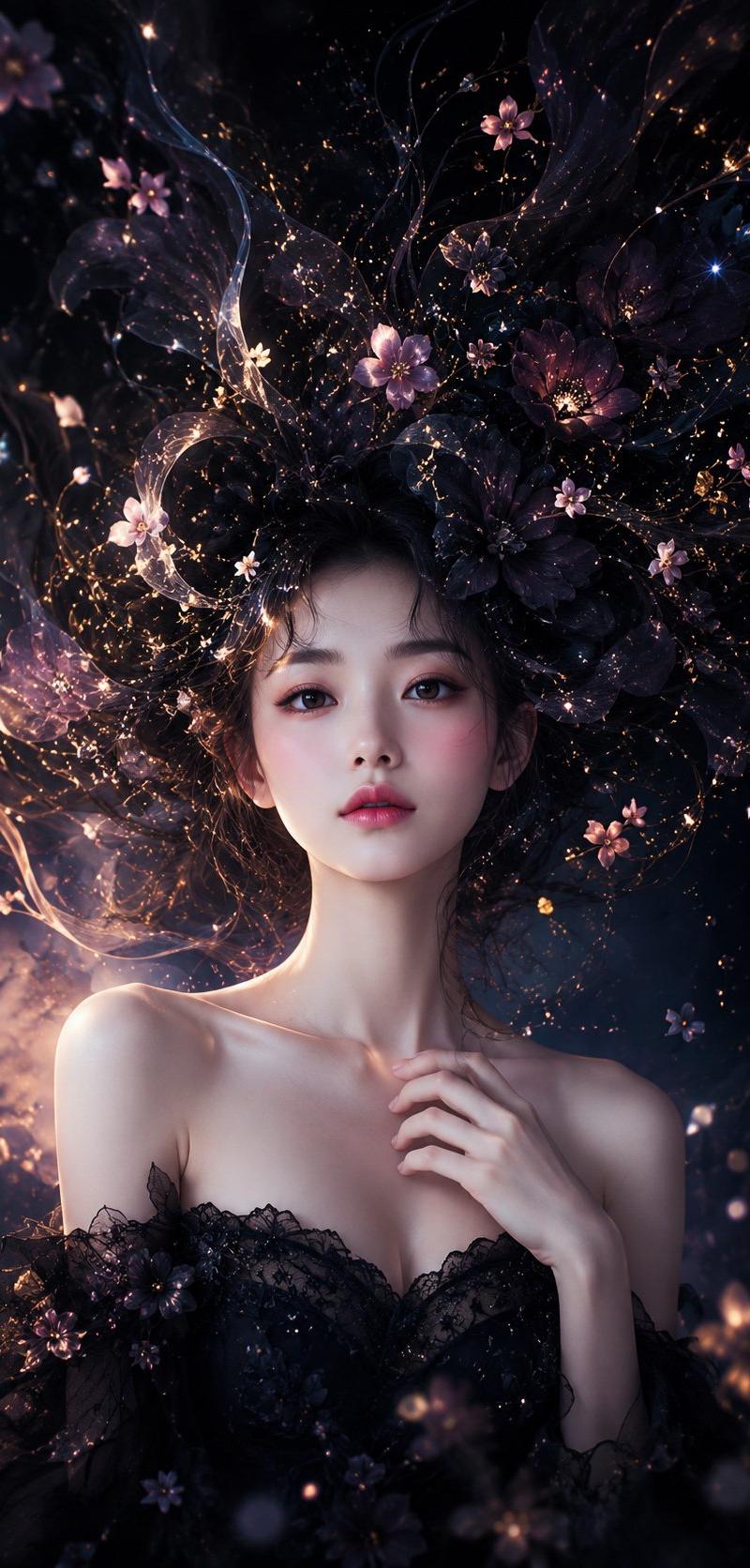
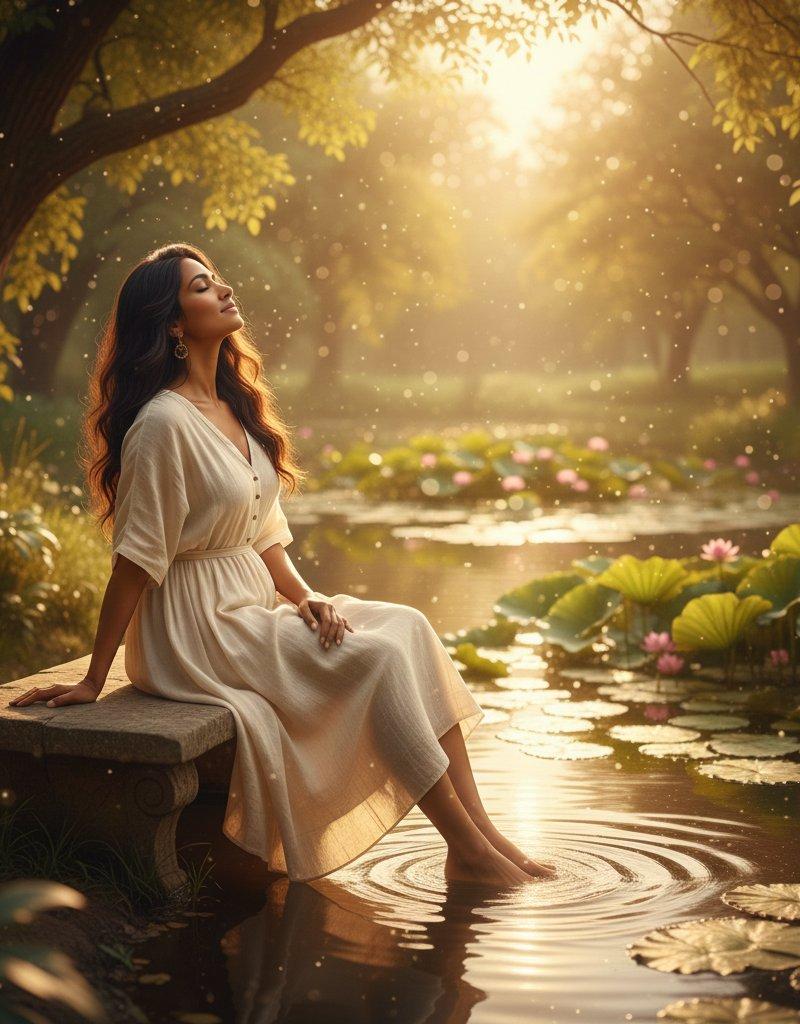
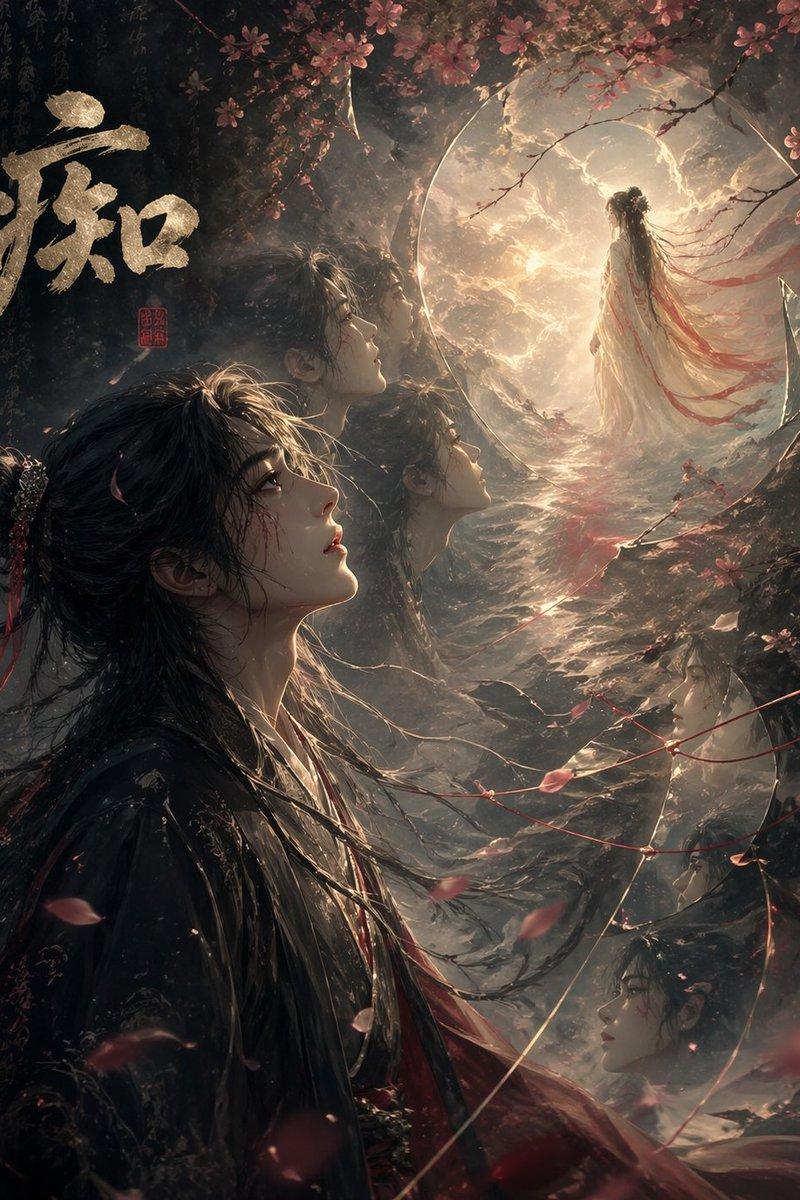
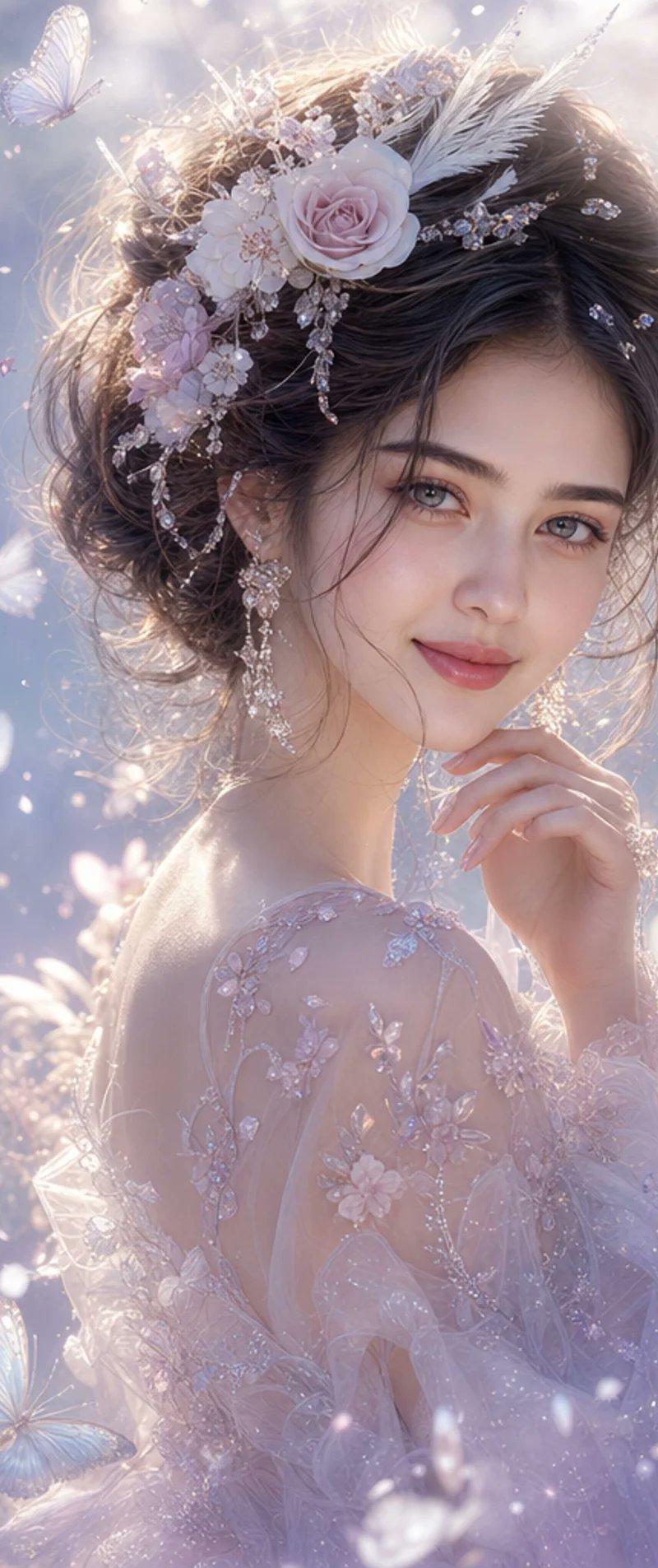
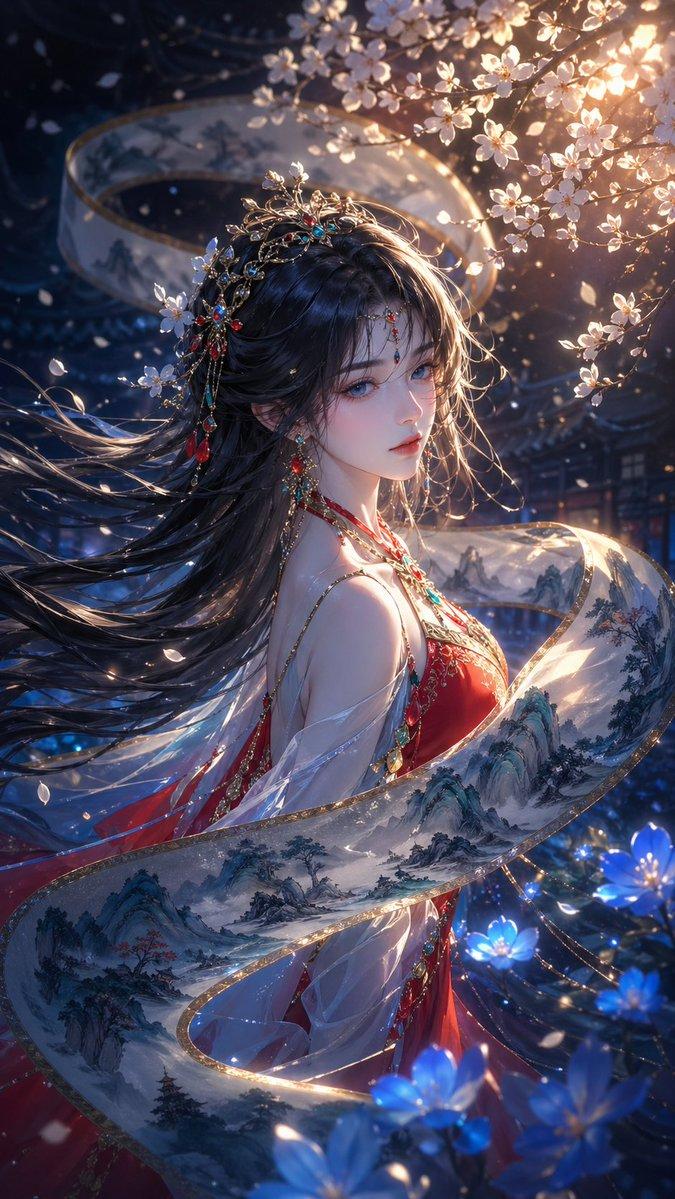
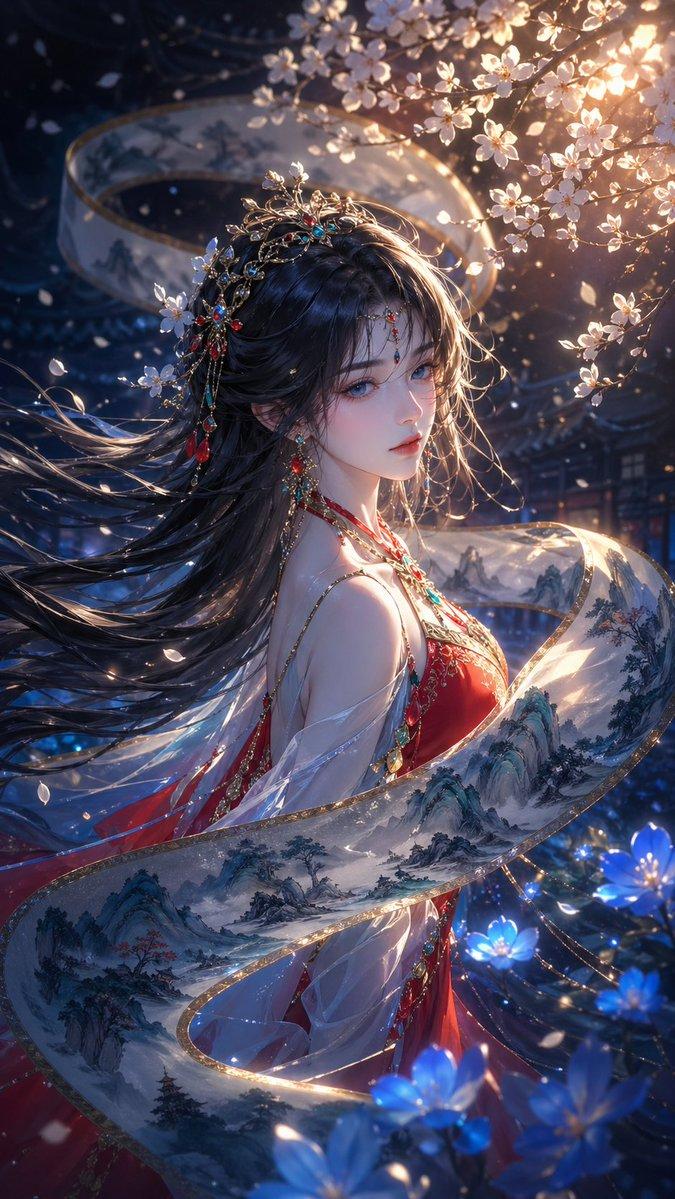
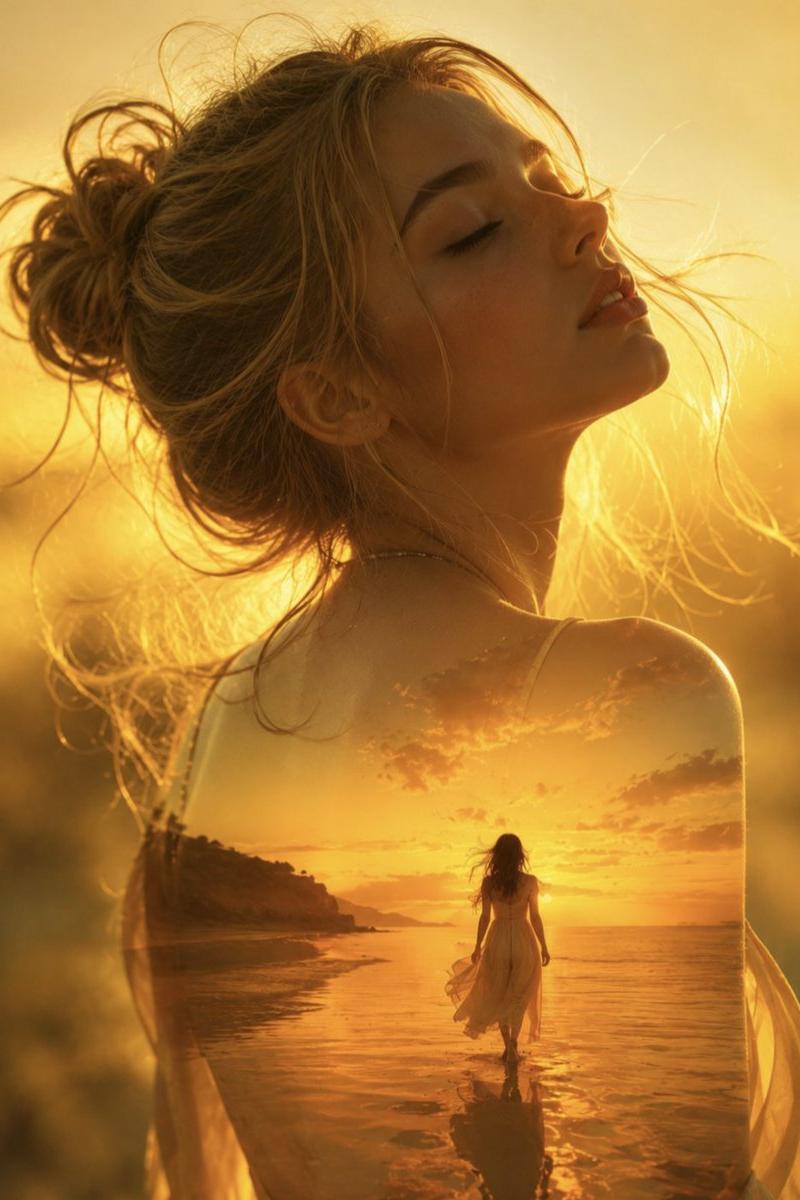
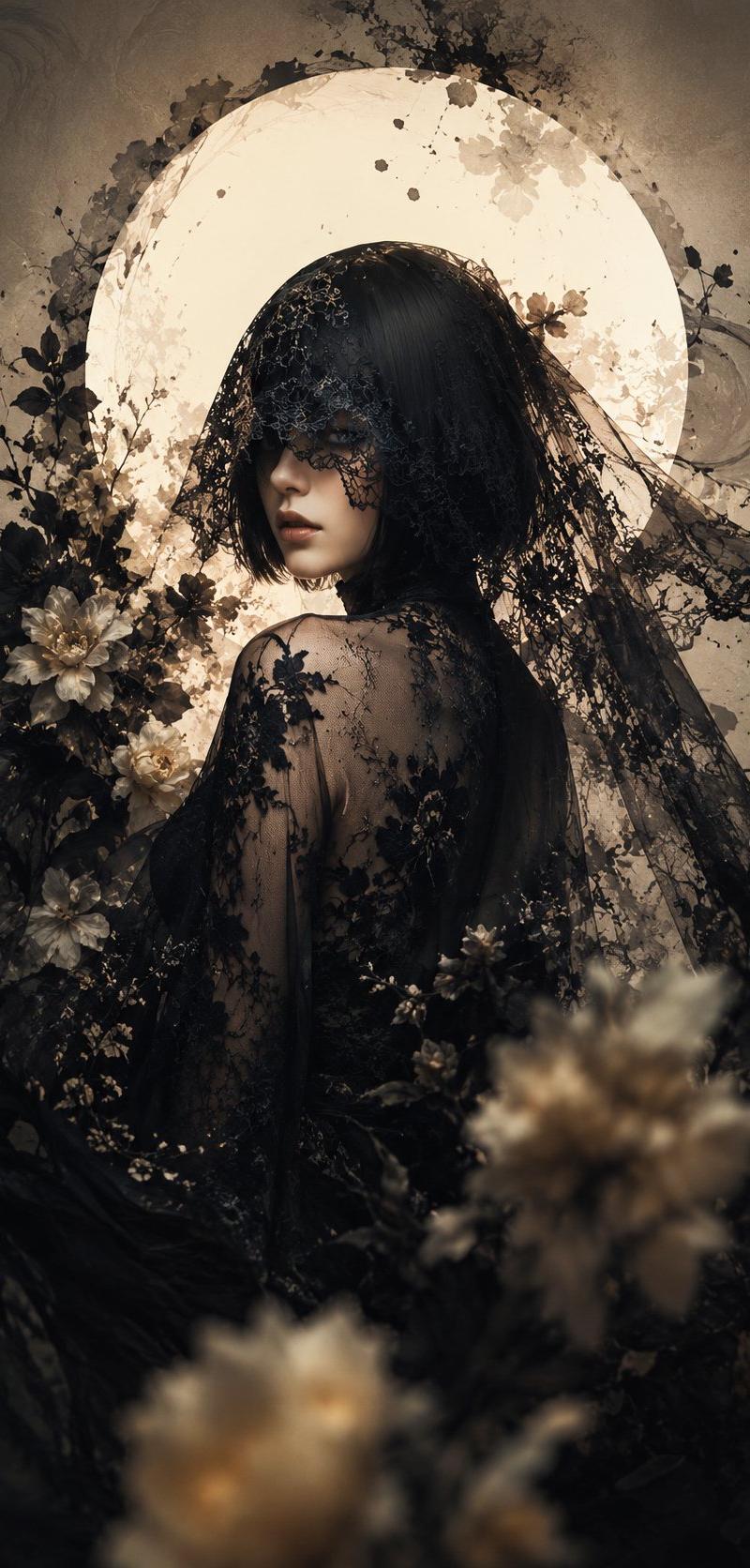
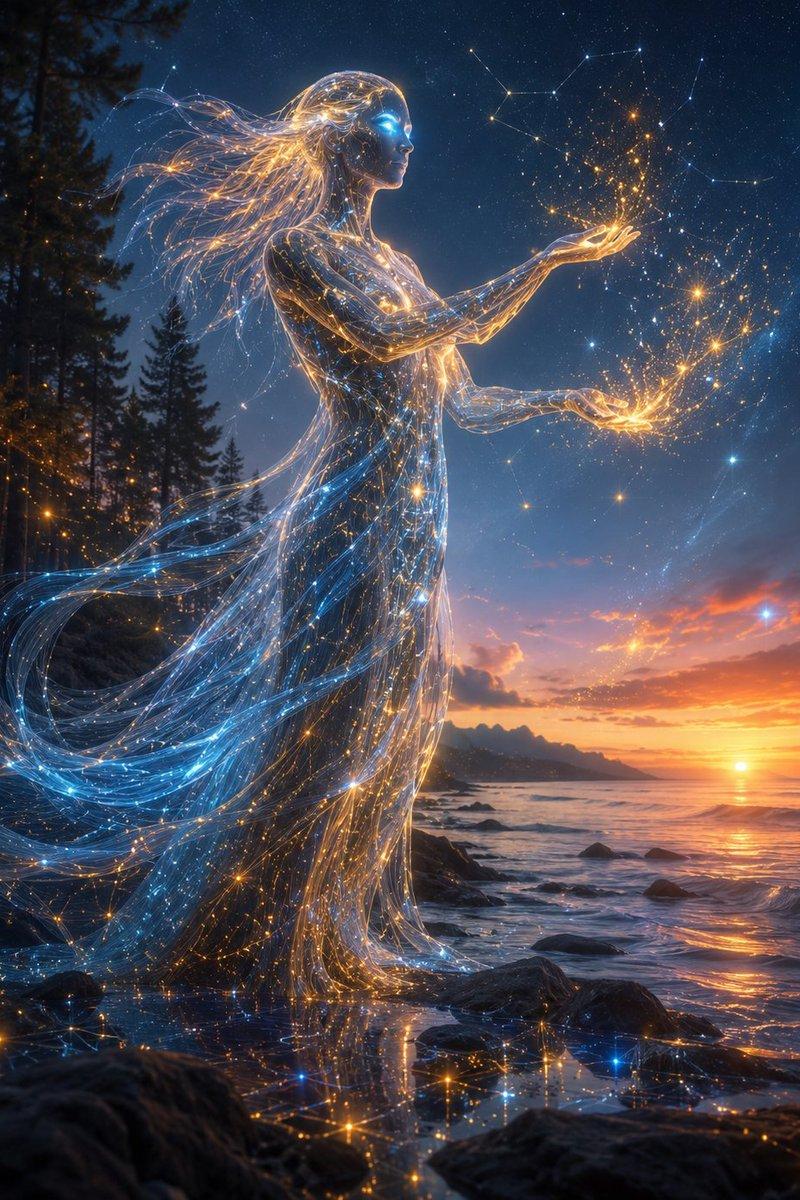
Create a tall vertical surreal anime-style illustration of {argument name="character name" default="a silent young woman"} shown in elegant side-profile silhouette at the center, facing right, with a slim graceful body and a short bob haircut. The figure is a dark translucent double-exposure silhouette filled with a serene ocean coastline, rocky islands, reflective water, and soft dusk clouds; her head and torso blend seamlessly with the seascape inside her body. Place pale blue-white roses tucked into the hair near the back of the head, with subtle lace-like floral detail near the shoulder. The background is a calm endless sea at sunset, horizon line low-mid frame, glowing peach and gold light near the right side, fading into cool cyan and deep teal shadows. Add {argument name="flower type" default="deep crimson roses"} floating around the composition: exactly 8 visible red roses total — 3 large cropped roses along the bottom edge, 2 small side roses at mid-left and mid-right, and 3 roses near the top edge — with dark green stems and leaves where visible. Use a dreamy Korean webtoon / moe illustration style mixed with painterly fantasy concept art, soft atmospheric haze, reflective water texture, high contrast between the dark silhouette and luminous sky, romantic melancholy mood, no text, no watermark, no border, portrait 9:16 composition.- Category
- Charts & Infographics
- Model
- GPT Image 2
- Creator
- ハチワレ🐾SynClub
- Source language
- en
- Source ID
- 23848
- Published
- Jun 2, 2026
Views9
![[Main Roles] the most recognizable head, face outline, mask or outer outline of](https://whqgdndlpxjbwosvipip.supabase.co/storage/v1/render/image/public/prompt-source-media/promptsref/work-29167/image-1-5ac24201b4f8b665.png?width=800&quality=75)