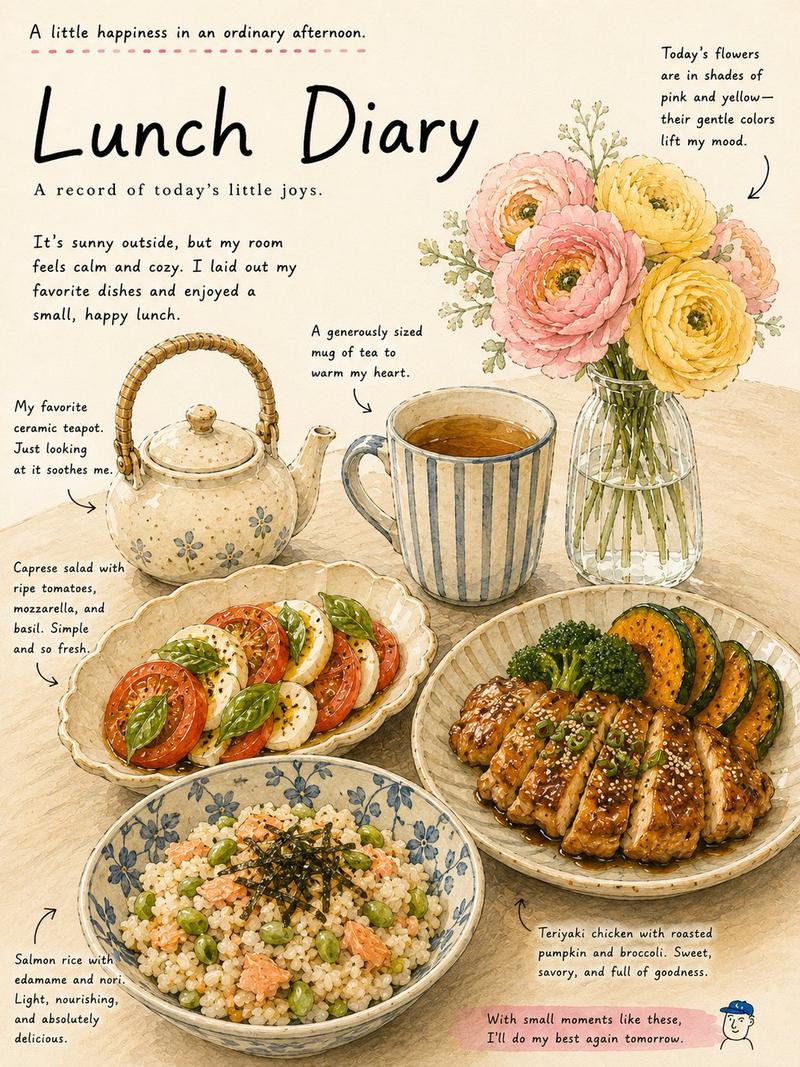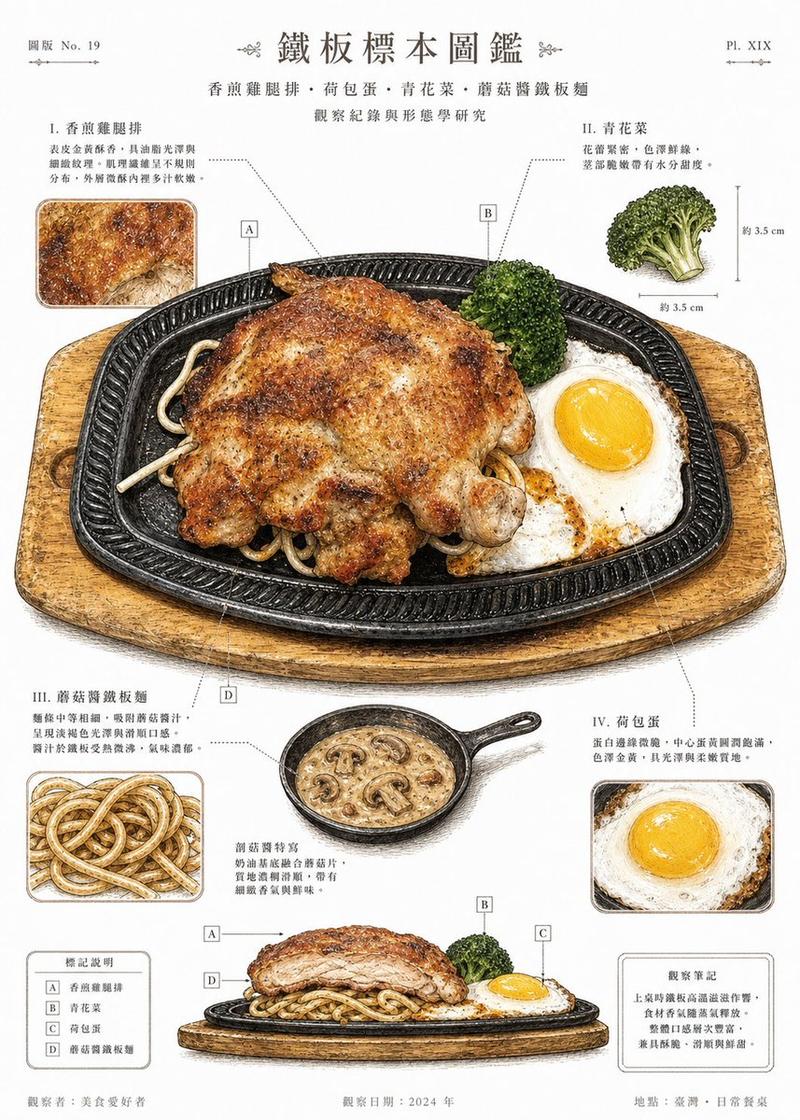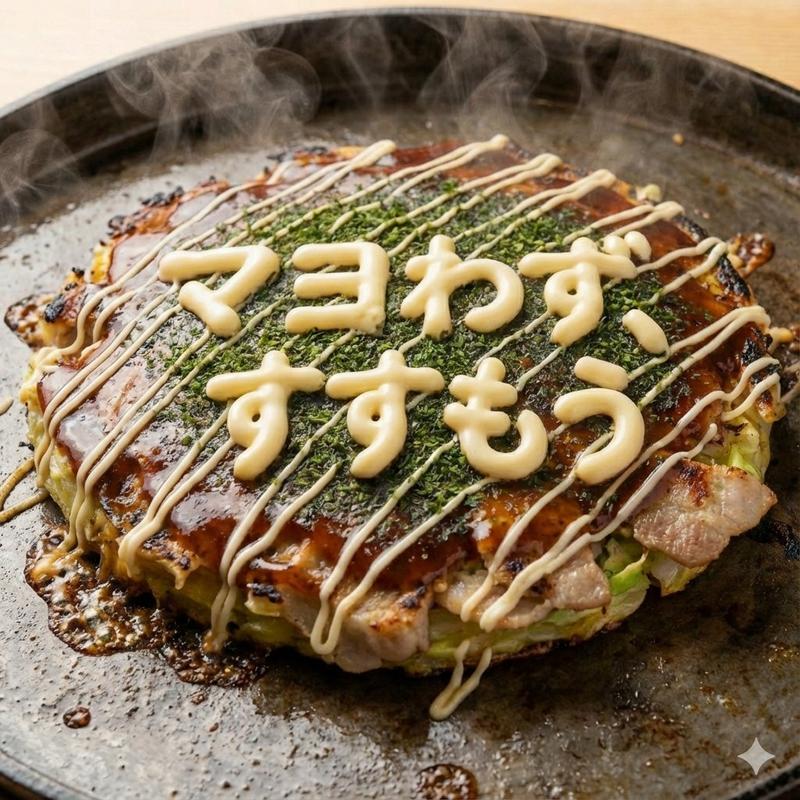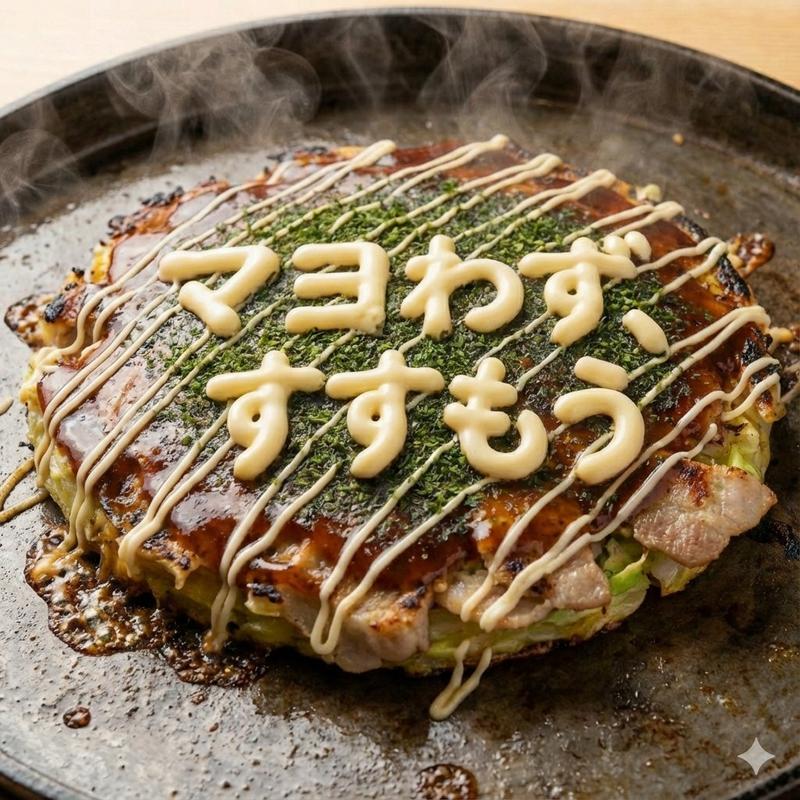
日式大阪烧食谱卡
Prompt
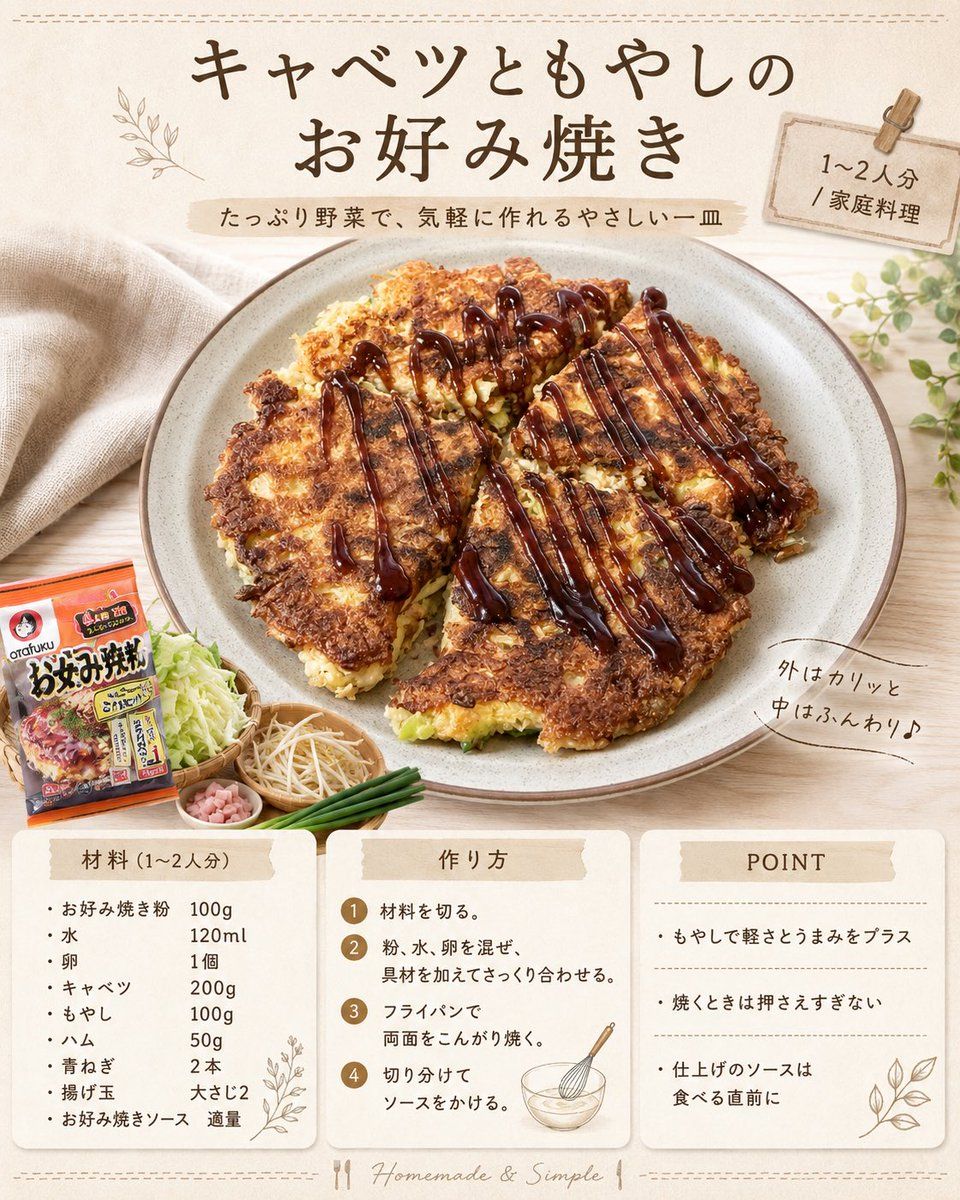
Goal: Create a cozy Japanese one-pan recipe card for {argument name="dish title" default="キャベツともやしのお好み焼き"}, showing a finished homemade cabbage-and-bean-sprout okonomiyaki as an appetizing magazine-style recipe image.

Canvas: Square 1:1 layout, warm beige paper background with subtle texture, light wooden tabletop, soft natural daylight, handmade café aesthetic. Add thin stitched/dashed decorative border lines near the top and bottom edges.

Main layout: Large centered hero food photo occupying the upper-middle area: a round ceramic plate holding one golden-brown okonomiyaki pancake cut into 5 visible wedges, crispy browned edges, pale cabbage and green bits visible inside, thick dark okonomiyaki sauce drizzled in many vertical glossy stripes across the top. Place a beige linen cloth on the left background and small green plant leaves on the right.

Top text area: Use large hand-brushed Japanese calligraphy for the headline {argument name="dish title" default="キャベツともやしのお好み焼き"}. Under it, add a small beige ribbon subtitle reading {argument name="subtitle text" default="たっぷり野菜で、気軽に作れるやさしい一皿"}. At the upper right, add a small paper tag clipped with a wooden clothespin reading {argument name="serving label" default="1〜2人分 / 家庭料理"}. Add a small botanical line drawing near the headline.

Food styling props: In the lower-left area beside the plate, include exactly 5 ingredient/prop elements: 1 orange okonomiyaki flour package, 1 small wooden bowl of shredded cabbage, 1 small basket of bean sprouts, 1 tiny dish of diced ham, and 1 bundle of green onions.

Handwritten side note: To the right of the plate, add a curved handwritten note reading {argument name="texture note" default="外はカリッと 中はふんわり♪"}.

Bottom information cards: Create exactly 3 rounded white recipe cards aligned horizontally across the bottom with soft shadows and beige masking-tape style headers.

Card 1, ingredients: Header 「材料(1〜2人分)」. List exactly 9 ingredients with amounts: 1 お好み焼き粉 100g, 2 水 120ml, 3 卵 1個, 4 キャベツ 200g, 5 もやし 100g, 6 ハム 50g, 7 青ねぎ 2本, 8 揚げ玉 大さじ2, 9 お好み焼きソース 適量. Add a small botanical line illustration in the lower right of this card.

Card 2, method: Header 「作り方」. Show exactly 4 numbered steps in small brown circles: 1 材料を切る。 2 粉、水、卵を混ぜ、具材を加えてさっくり合わせる。 3 フライパンで両面をこんがり焼く。 4 切り分けてソースをかける。 Add a small whisk-and-bowl line illustration.

Card 3, tips: Header "POINT". List exactly 3 bullet tips separated by dotted lines: 1 もやしで軽さとうまみをプラス, 2 焼くときは押さえすぎない, 3 仕上げのソースは食べる直前に. Add a small leaf line illustration.

Visual style: Photorealistic food with graphic recipe-card overlay, warm cream and brown palette, elegant Japanese handwritten fonts mixed with neat readable type, delicate paper collage accents, soft shadows, clean spacing, appetizing glossy sauce, no people, no watermark. Keep all visible Japanese text crisp and legible.- Category
- Charts & Infographics
- Model
- GPT Image 2
- Creator
- Maki@Sunwood AI Labs.
- Source ID
- 24018
- Published
- Jun 3, 2026
Views2