19

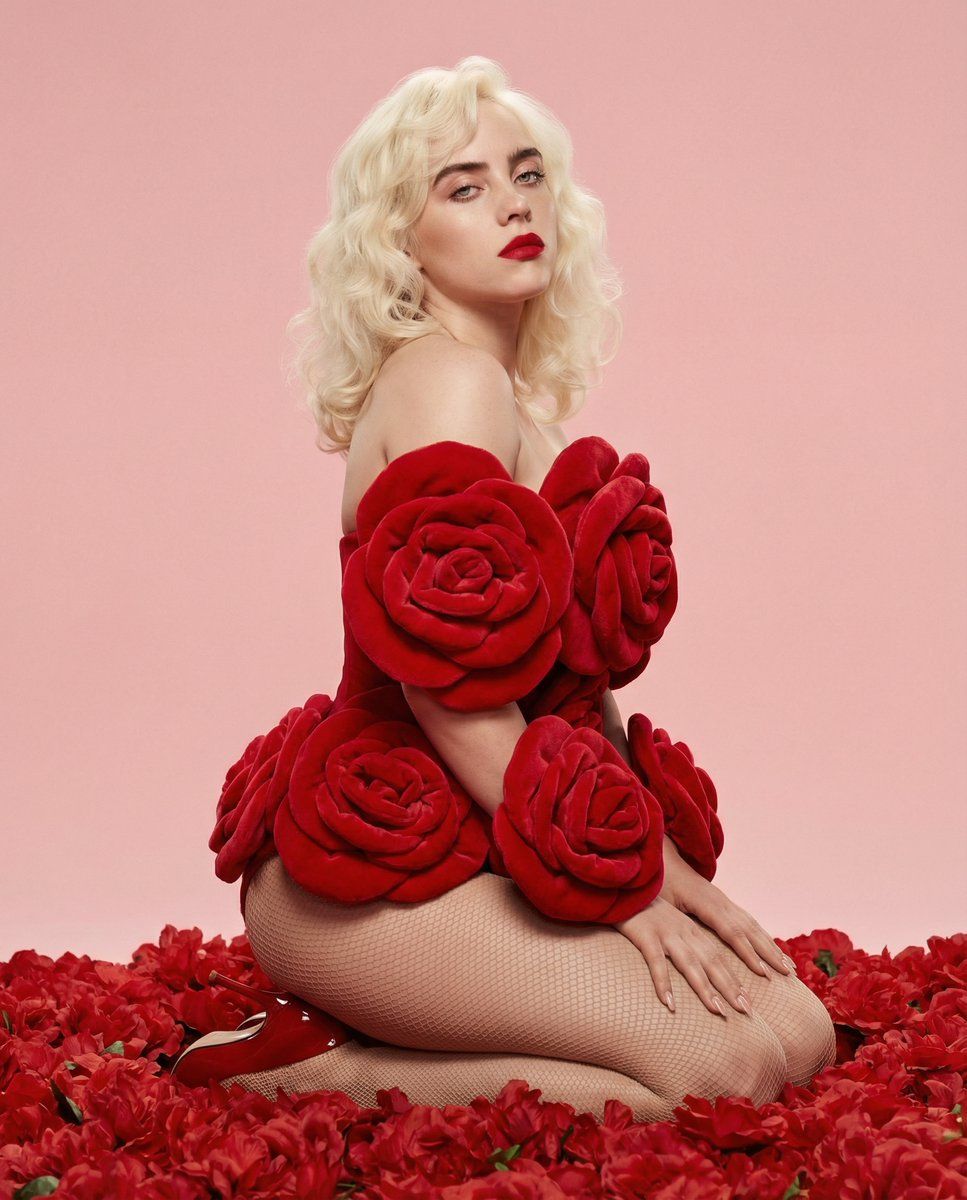
红玫瑰魅力时尚大片
Enlarge

Example images

红玫瑰魅力时尚大片

Prompt
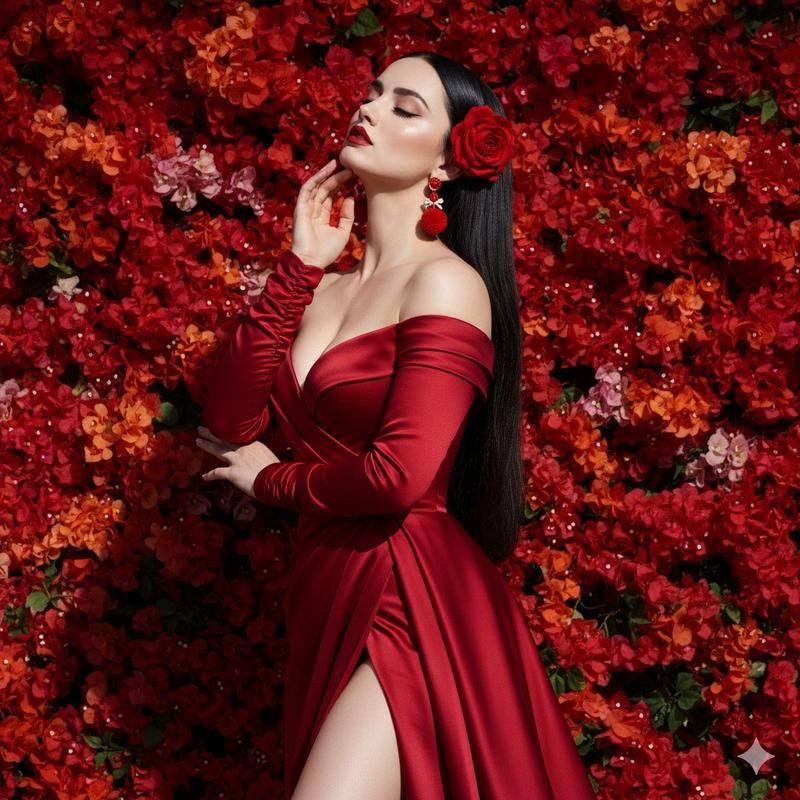
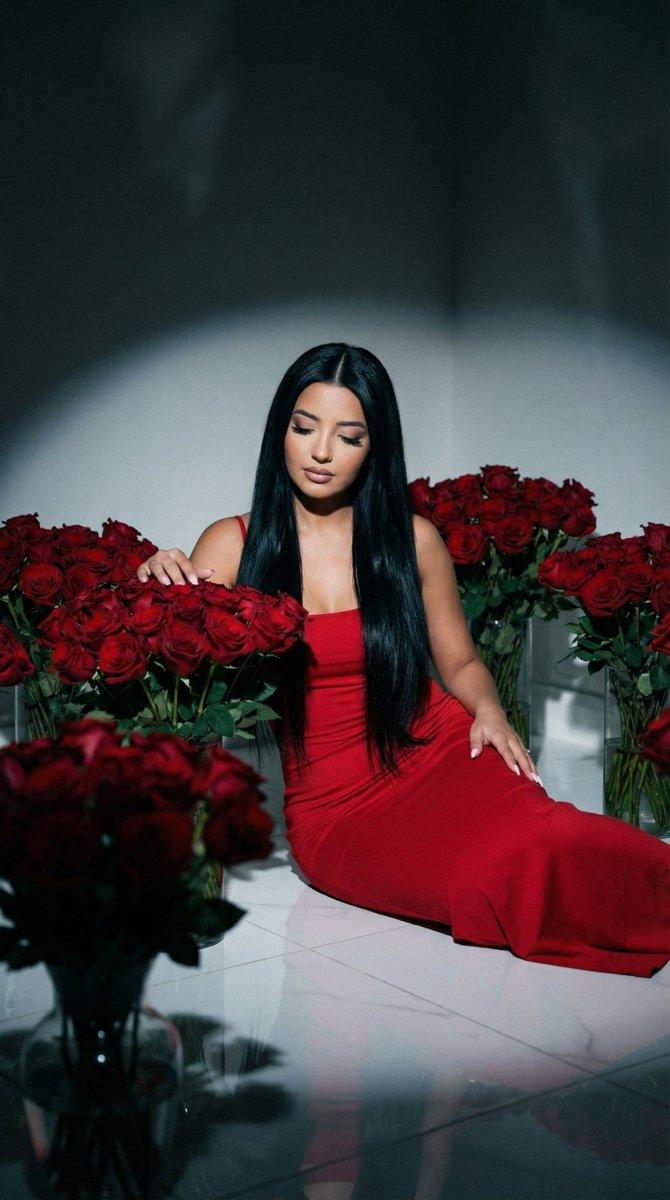
Vertical studio portrait of a woman kneeling on heels in side-profile pose with a three-quarter turn toward camera, direct confident eye contact. She wears a sculptural rose-inspired outfit with vivid crimson red floral elements, fine mesh tights, and glossy red pointed-toe heels. Hair: platinum blonde Old Hollywood waves with high volume. Makeup: matte vivid red lips, defined liner and lashes, smooth glam contour.\n\nDense red flower layers fill the foreground, framing the subject from all sides. Background: flat soft pastel pink studio backdrop. Lighting: frontal soft diffused studio light with minimal shadows, even skin illumination, subtle highlights. S-curve silhouette leading the eye upward, three-layer depth separation. High red saturation, clean digital polish, glam editorial finish.
Category
Charts & Infographics
Model
GPT Image 2
Creator
PromptLab
Source language
en
Views4
Source ID
24156
Published
Jun 4, 2026
Studio

Guide

About "红玫瑰魅力时尚大片"

What is this prompt for?

"红玫瑰魅力时尚大片" AI image prompt for GPT Image 2 (Charts & Infographics). 一个高对比度的魅力时尚大片提示词,包含雕塑感红玫瑰造型、白金发色以及摄影棚内强烈的深红色花卉元素。 Copy it on Picva and recreate the look i…

The full copyable prompt and example visuals above are ready for AI image generation or one-click recreate in Picva.

How to use this prompt

  1. Step 1

    Open the prompt detail

    Review the example visuals, category, and full prompt text for "红玫瑰魅力时尚大片".

  2. Step 2

    Copy the prompt

    Copy the prompt body from this page, or load it directly in Studio.

  3. Step 3

    Pick a model (GPT Image 2)

    Prefer GPT Image 2. If you switch models, keep subject and composition and tweak style terms.

  4. Step 4

    Generate and export

    Recreate the look in Picva, or export into your workflow for editing and publishing.

FAQ

What is the "红玫瑰魅力时尚大片" prompt?
It is an AI image-generation prompt for GPT Image 2 in the Charts & Infographics category. This page includes the full prompt text, example visuals, and a one-click recreate path in Picva.
How do I use this prompt to generate an image?
Copy the prompt from this page, or use Generate / Studio. Paste it into a compatible image model, or recreate the look in Picva with optional reference images.
Which model is this prompt for?
This page lists GPT Image 2. Most descriptive prompts also transfer to nearby image models such as GPT Image, Flux, or Midjourney with light style tweaks.
Can I use the result commercially?
You can usually copy the prompt for creation, but commercial use of the final image depends on the model terms, reference-image rights, and the generated content. Follow the source author and platform rules.