16

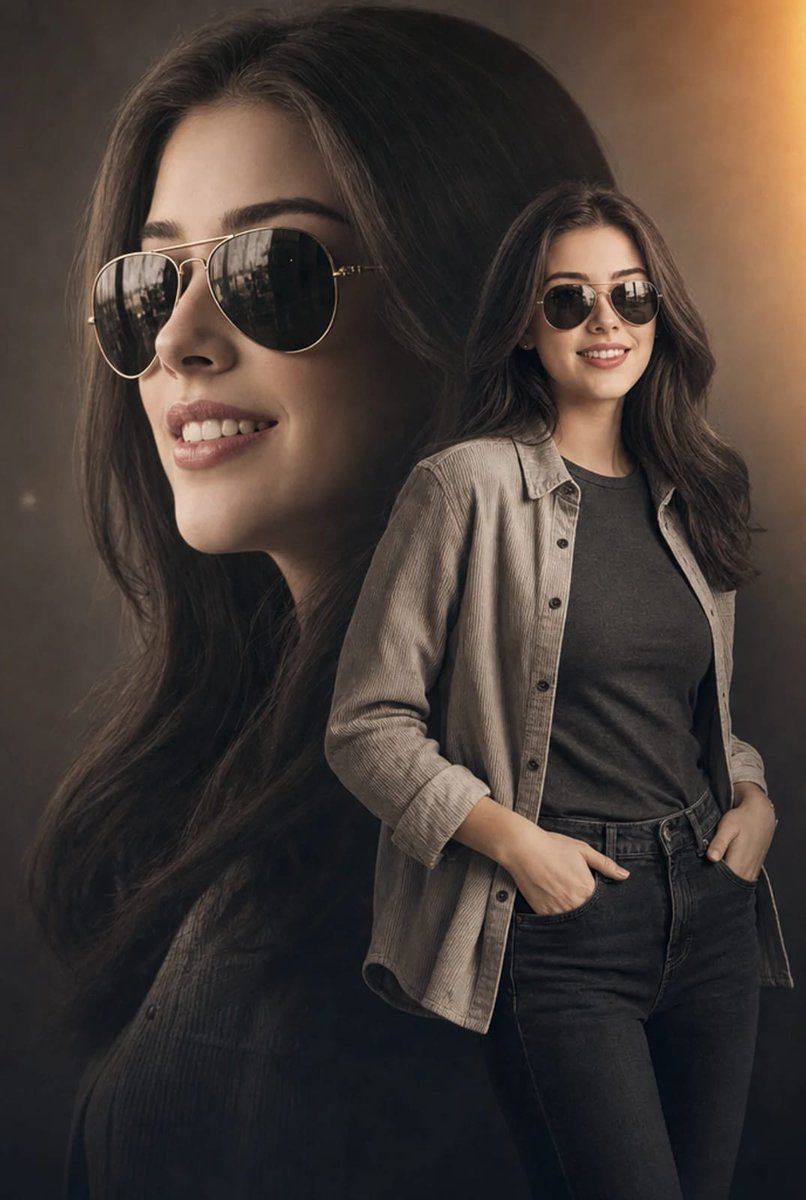
电影感双重曝光时尚人像
Enlarge

电影感双重曝光时尚人像

Prompt
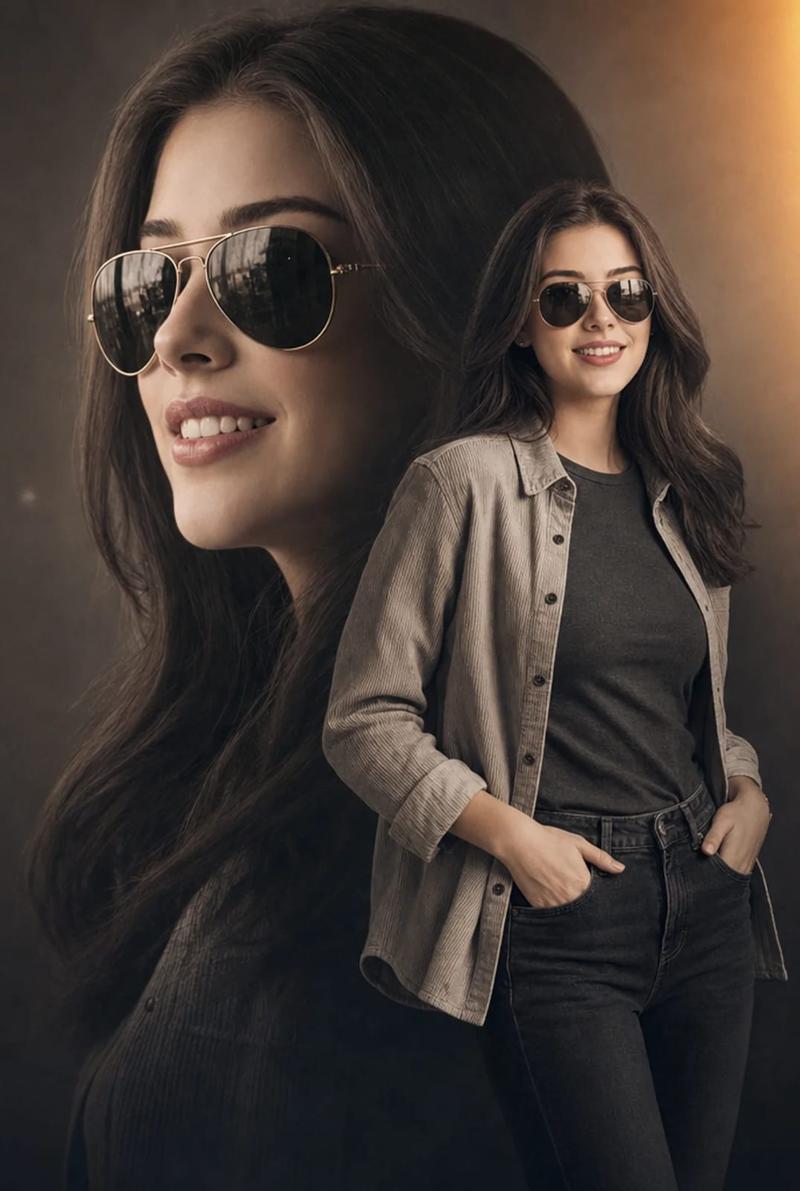
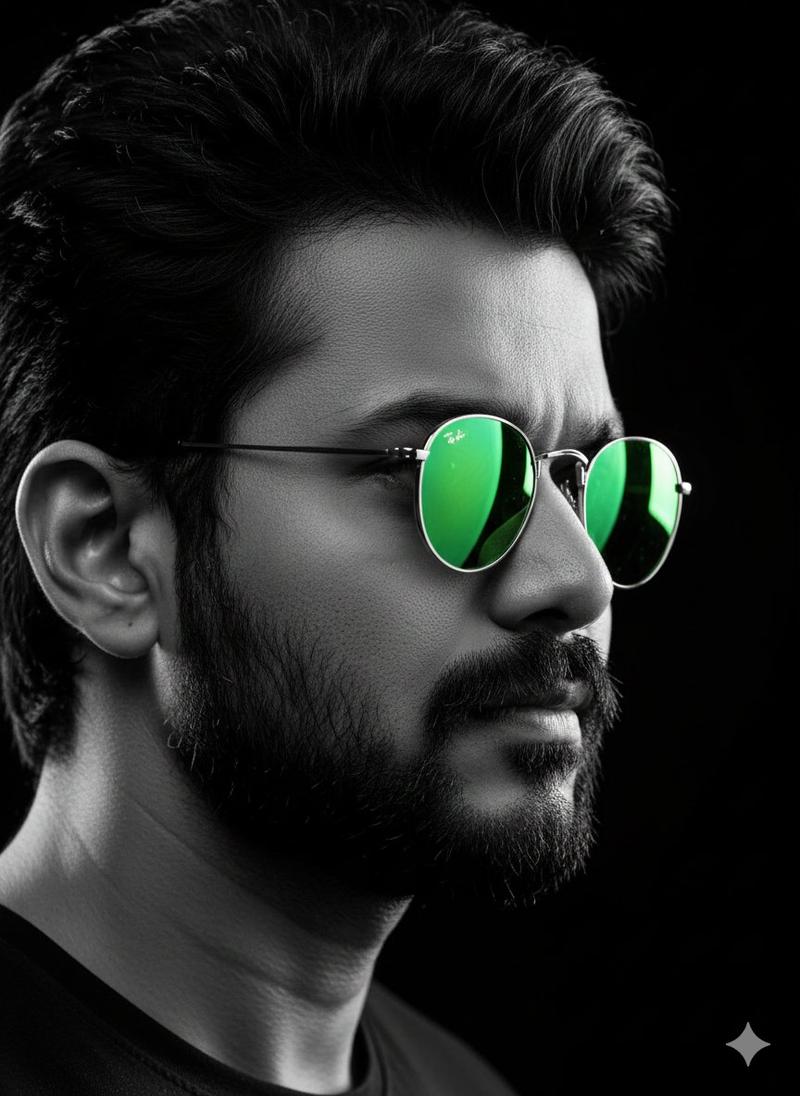
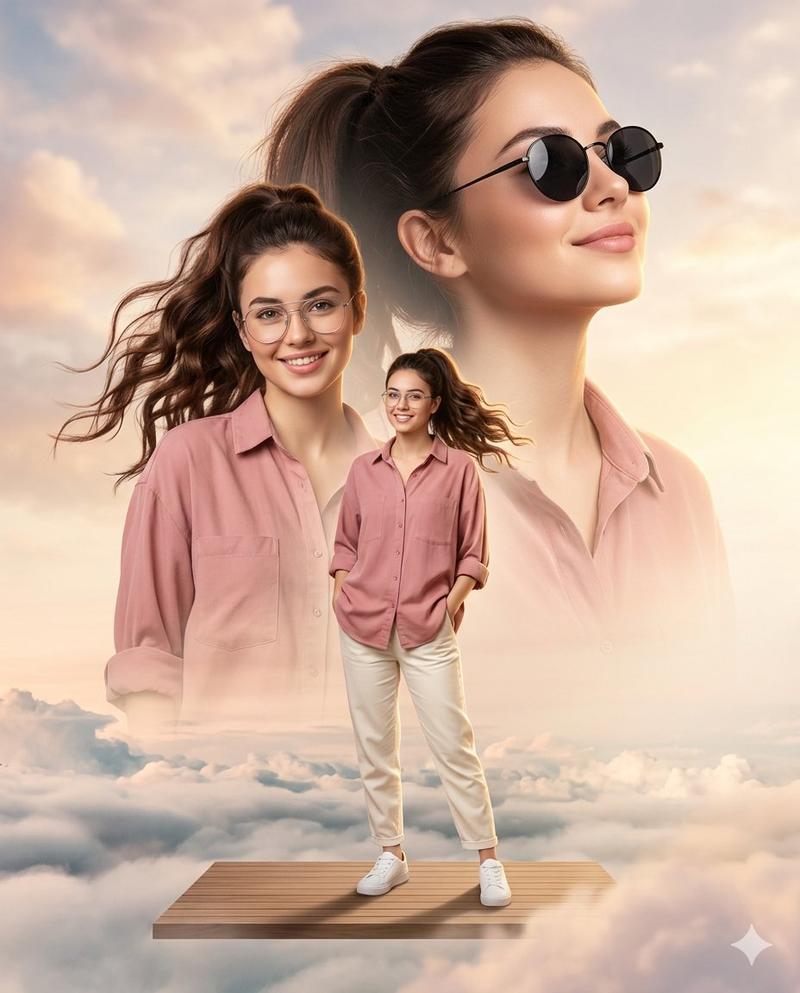
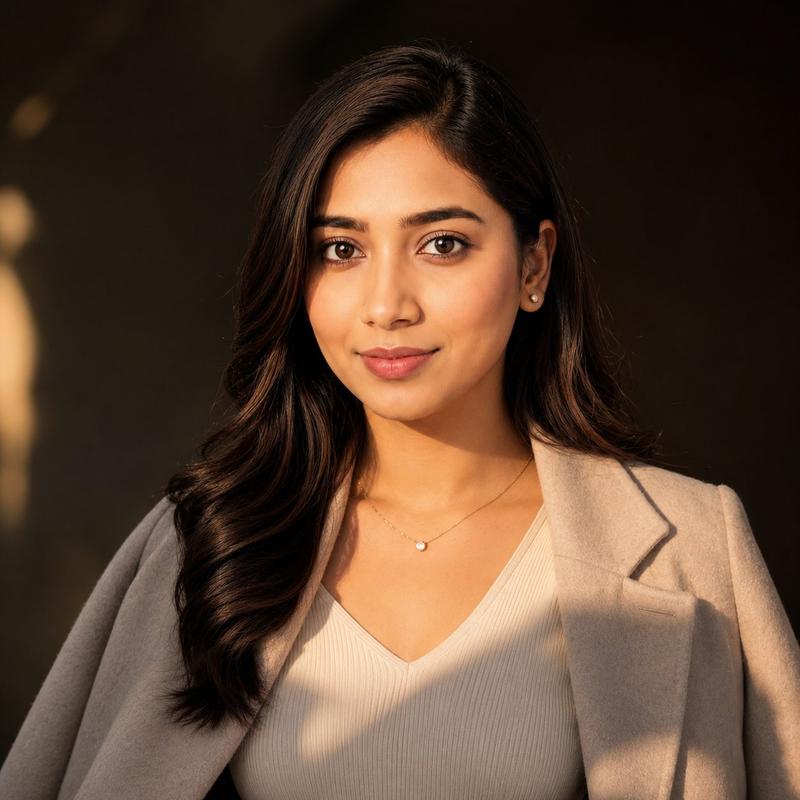
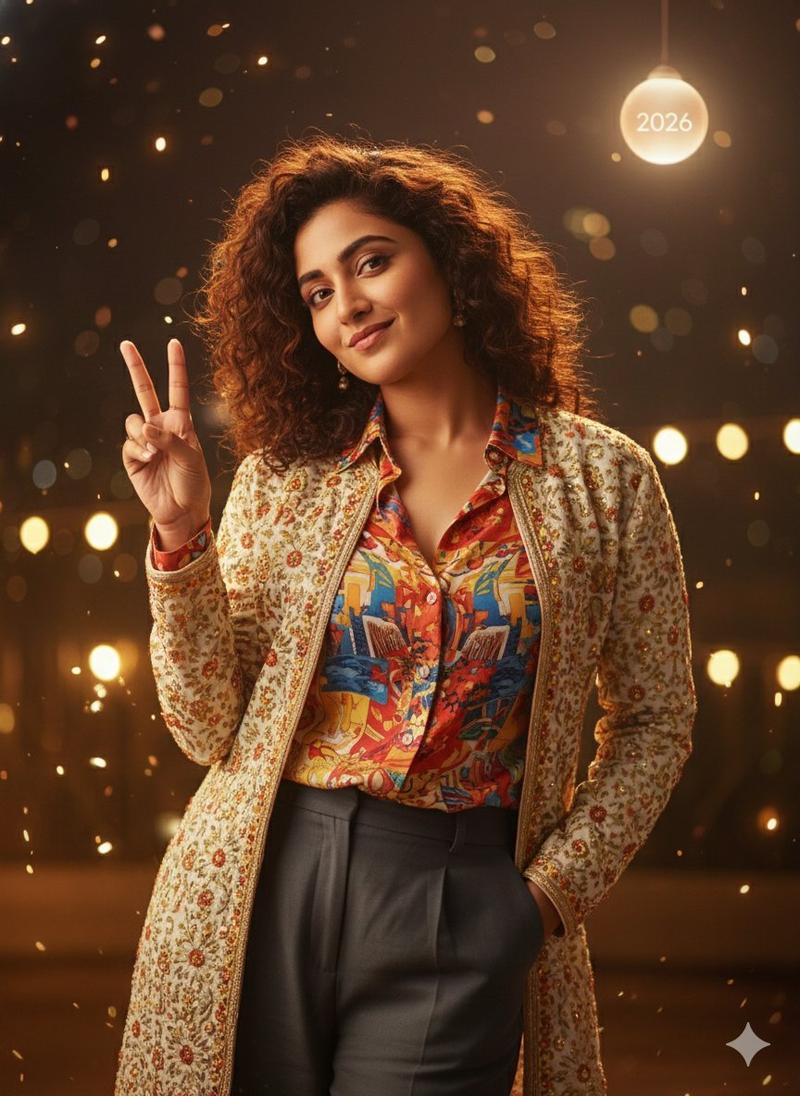
A cinematic double-exposure fashion portrait featuring {argument name="subject" default="a woman"} with the uploaded face used 100% as reference, wearing stylish metallic aviator sunglasses. The composition artfully blends a large, semi-transparent close-up profile of her face on the left with her full-body figure standing confidently on the right. She wears {argument name="clothing" default="an open, light-grey textured corduroy shirt layered over a dark grey fitted t-shirt and dark denim jeans"}, posing naturally with her hands in her pockets. She has long, flowing dark hair, flawless skin, elegant feminine features, and a confident, sophisticated expression.

The background is a minimalist neutral studio setting, allowing the double-exposure composition to remain the visual focus. The color grading features a sophisticated {argument name="color palette" default="warm desaturated sepia and charcoal"} palette, enhanced by a soft golden-orange light-leak flare in the upper-right corner. Professional 85mm lens photography with high-contrast yet soft cinematic lighting accentuates the fabric textures, facial details, and layered portrait effect.

Ultra-realistic skin texture, luxury fashion-editorial aesthetic, premium magazine-cover quality, subtle film grain, cinematic depth, elegant shadows, refined color grading, modern retro-inspired styling, masterpiece composition, ultra-sharp focus, visually striking storytelling, high-end commercial fashion campaign look.
Category
Charts & Infographics
Model
GPT Image 2
Creator
Anaya Ai
Views5
Source ID
24160
Published
Jun 3, 2026

Guide

About "电影感双重曝光时尚人像"

What is this prompt for?

"电影感双重曝光时尚人像" AI image prompt for GPT Image 2 (Charts & Infographics). 一个用于生成具有深褐色调和顶级杂志质感的电影感双重曝光时尚摄影提示词。 Copy it on Picva and recreate the look in one click.

The full copyable prompt and example visuals above are ready for AI image generation or one-click recreate in Picva.

How to use this prompt

  1. Step 1

    Open the prompt detail

    Review the example visuals, category, and full prompt text for "电影感双重曝光时尚人像".

  2. Step 2

    Copy the prompt

    Copy the prompt body from this page, or load it directly in Studio.

  3. Step 3

    Pick a model (GPT Image 2)

    Prefer GPT Image 2. If you switch models, keep subject and composition and tweak style terms.

  4. Step 4

    Generate and export

    Recreate the look in Picva, or export into your workflow for editing and publishing.

FAQ

What is the "电影感双重曝光时尚人像" prompt?
It is an AI image-generation prompt for GPT Image 2 in the Charts & Infographics category. This page includes the full prompt text, example visuals, and a one-click recreate path in Picva.
How do I use this prompt to generate an image?
Copy the prompt from this page, or use Generate / Studio. Paste it into a compatible image model, or recreate the look in Picva with optional reference images.
Which model is this prompt for?
This page lists GPT Image 2. Most descriptive prompts also transfer to nearby image models such as GPT Image, Flux, or Midjourney with light style tweaks.
Can I use the result commercially?
You can usually copy the prompt for creation, but commercial use of the final image depends on the model terms, reference-image rights, and the generated content. Follow the source author and platform rules.