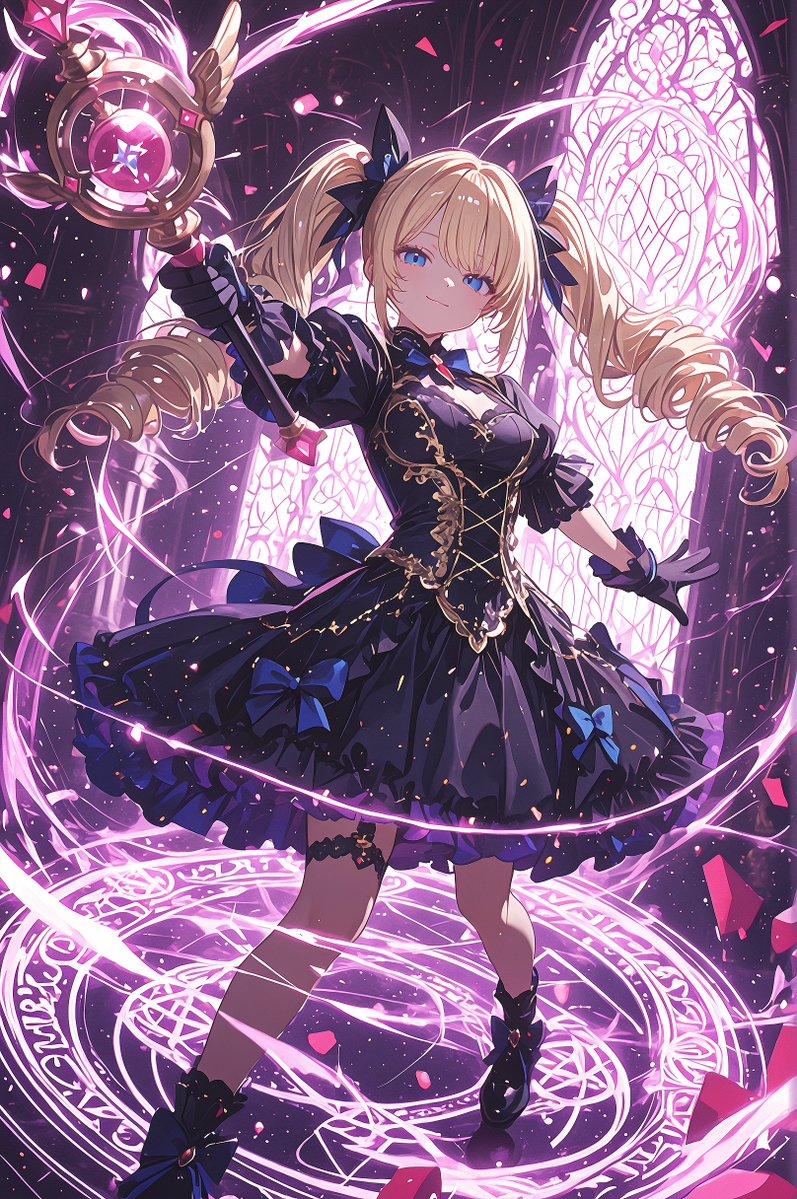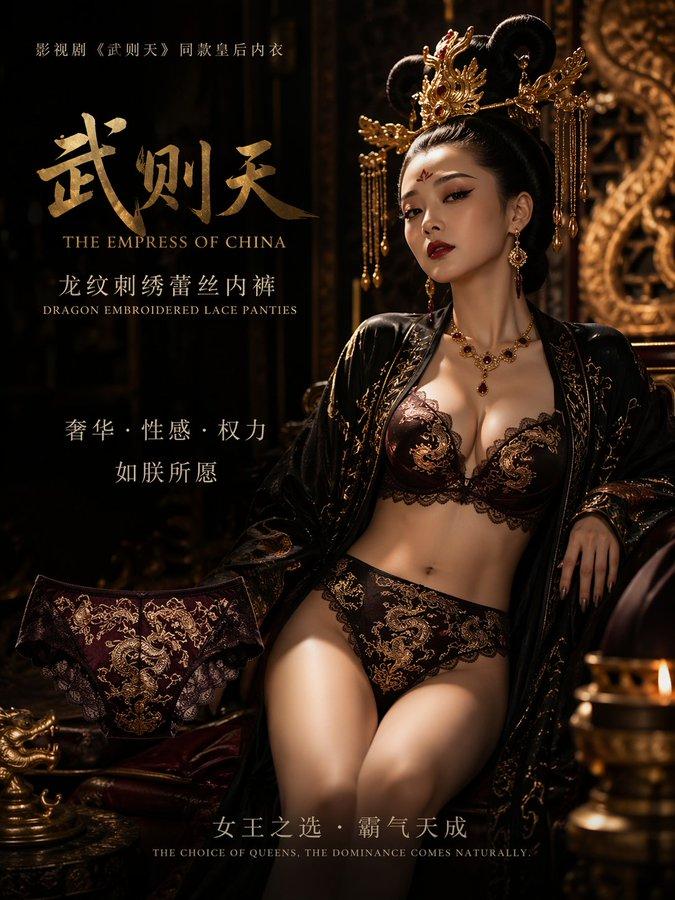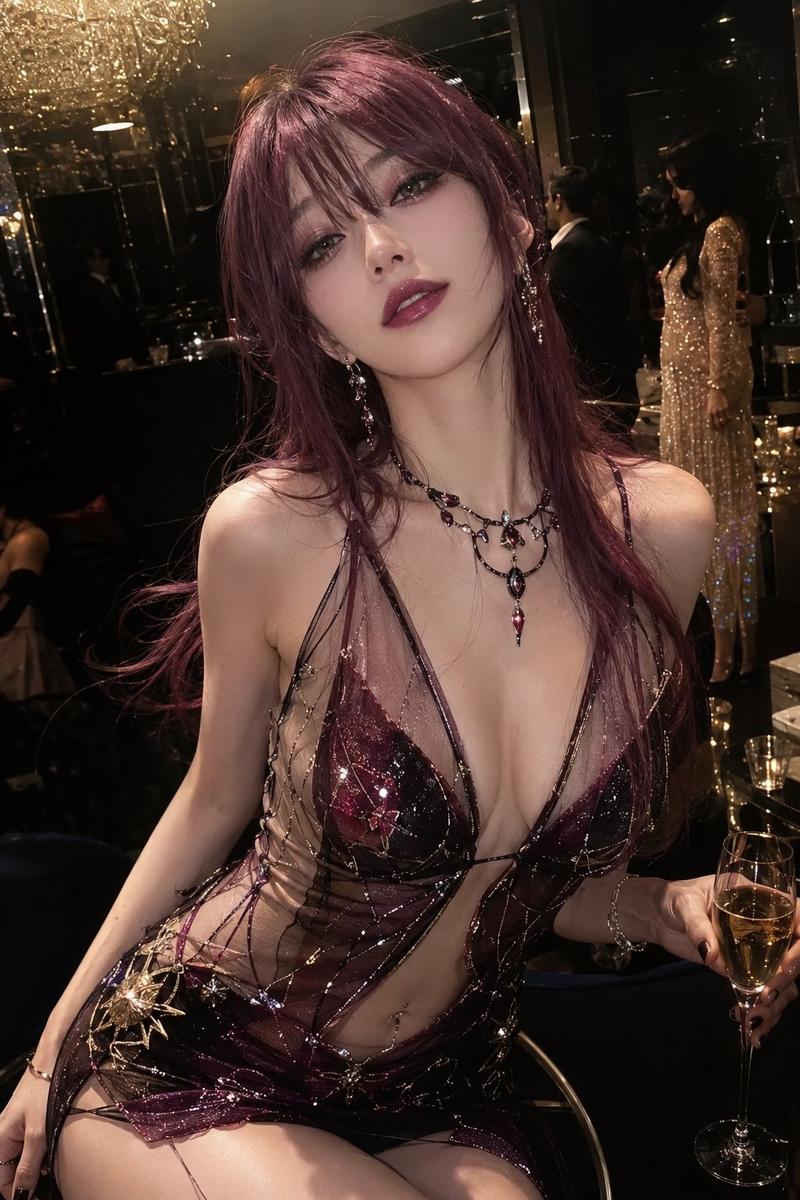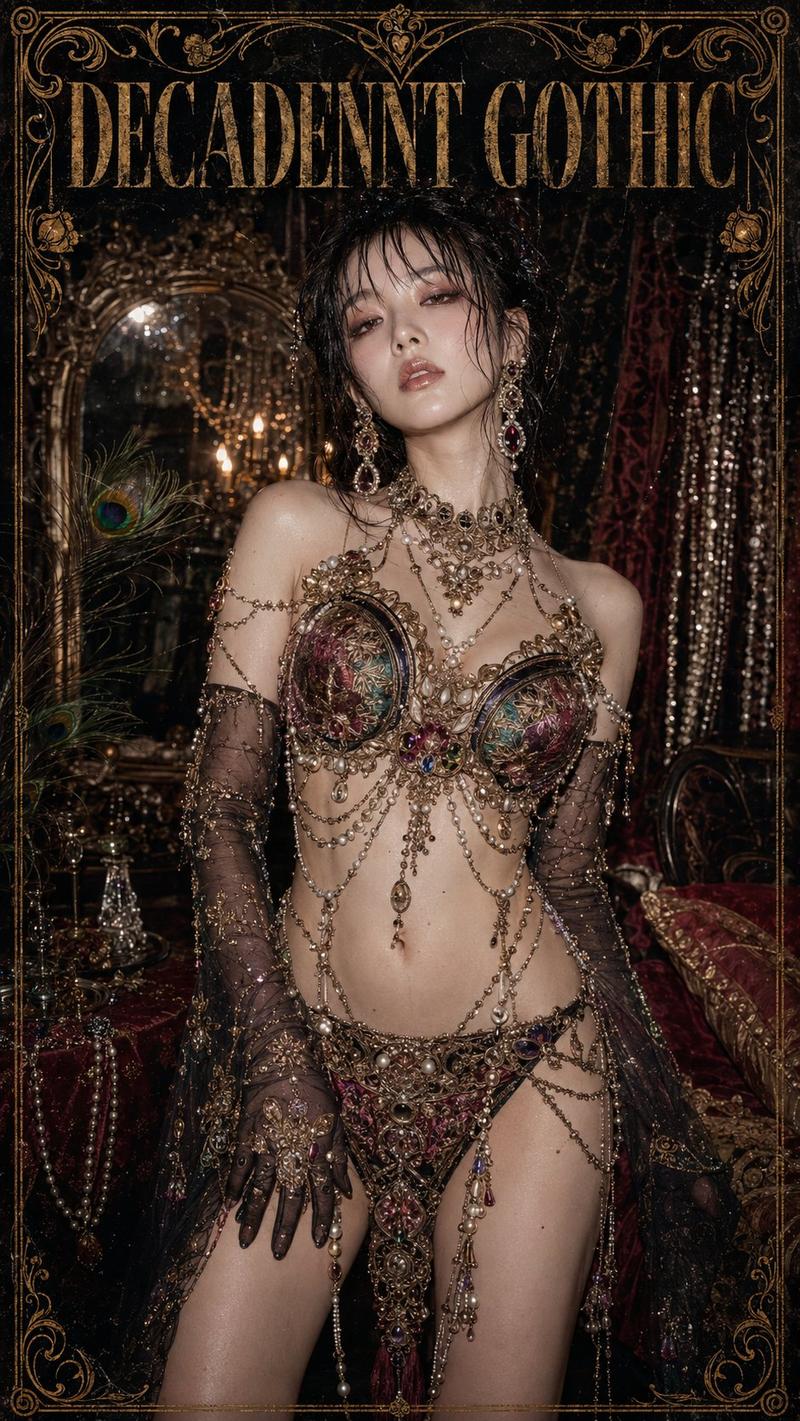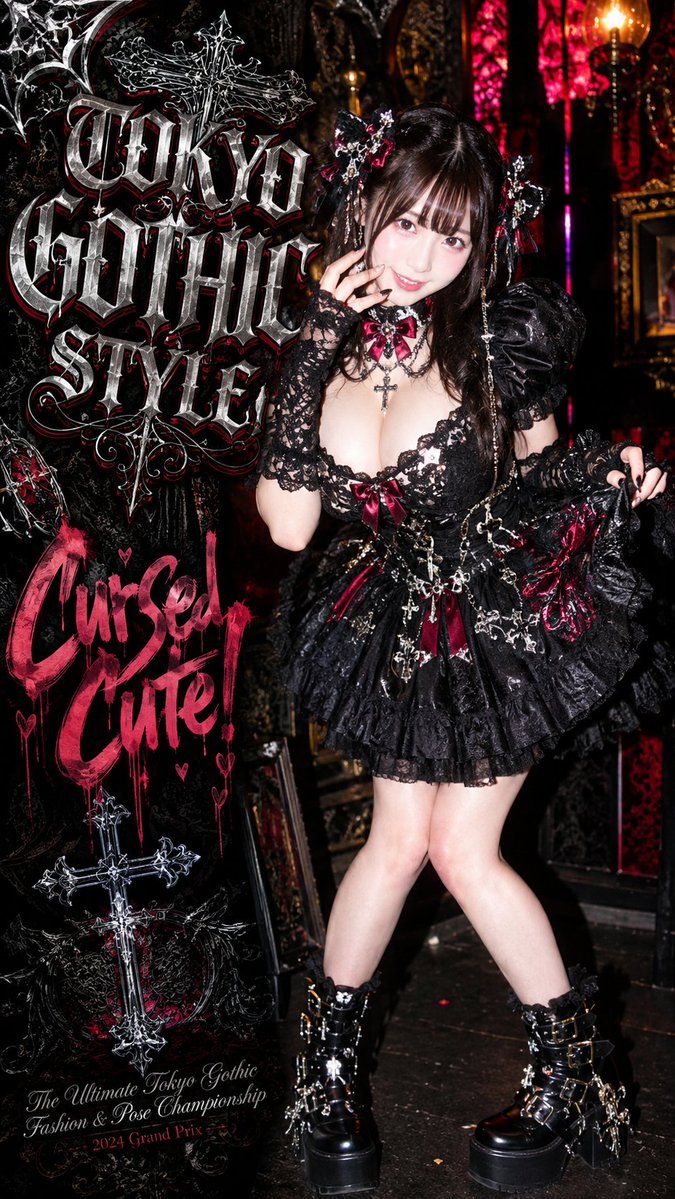
东京哥特萝莉时尚海报
Prompt
Goal: Create a vertical fashion poster for a maximalist Tokyo gothic-lolita theme, styled like a glossy underground magazine cover and event flyer.

Canvas: Tall vertical 9:16 poster, high-contrast flash photography, dark black-red palette, ornate gothic textures, no clean white margins.

Main subject: A full-body young woman model stands slightly right of center in an elaborate black gothic lolita outfit. Her face is intentionally obscured by a soft square blur/mosaic censor block. She has long dark wavy hair with twin ornate hair accessories. Pose: legs crossed, one hand raised near her cheek, the other hand holding out the skirt edge. Expression is hidden; body language is cute, confident, and theatrical.

Outfit details: Use exactly 8 visible outfit/accessory groups: 1) black lace off-shoulder corset bodice with deep neckline, 2) short layered black ruffle skirt with glossy crinoline volume, 3) burgundy satin bows on the bodice and skirt, 4) black lace fingerless gloves and lace arm coverings, 5) silver cross necklace at the chest, 6) multiple dangling silver chains and cross charms around the waist, 7) black platform ankle boots with buckles, straps, metal rings, and cross ornaments, 8) two black-and-burgundy gothic hair ornaments with flowers, bows, lace, chains, and cross charms.

Background: A dense gothic interior with carved black frames, antique mirrors, red stained-glass panels, gold candle sconces, dim warm lights, and baroque decorative clutter. Make it look like a real flash photo taken in a dark gothic club or boutique, with wet glossy highlights and deep shadows.

Left-side poster typography: Fill the left third with ornate layered gothic lettering and decorative graphics. Include exactly 4 main text blocks: 1) large silver-black medieval blackletter headline reading “{argument name="main headline" default="Tokyo Gothic Style"}”, 2) hot-pink dripping graffiti brush text reading “{argument name="graffiti phrase" default="Curse Cute!"}”, 3) small elegant cursive footer reading “{argument name="event title" default="The Ultimate Tokyo Gothic Fashion & Pose Championship"}”, 4) small magenta footer line reading “{argument name="award line" default="2024 Grand Prix"}”.

Decorative elements: Use exactly 5 major gothic graphic motifs on the poster: 1) a large silver cross behind/overlapping the main headline, 2) spiderwebs in the upper-left corner, 3) black ornamental vines and filigree behind the text, 4) small pink hearts around the graffiti phrase, 5) an ornate silver cross near the lower-left area. Add red shadows, chrome highlights, distressed scratches, and layered embossing to the lettering.

Style: “Gorri-gori” heavy gothic, Japanese street fashion editorial, dramatic direct camera flash, glossy latex/leather shine, intricate lace detail, chrome silver jewelry, burgundy accents, punk-goth cute-but-cursed energy, extremely detailed, sharp focus on clothing and text, slightly chaotic but readable poster composition.

Constraints: The subject must remain full-body and right-centered; the face must be covered by a square blur. Keep the palette mostly black, silver, burgundy, and hot pink. Do not add extra people. Do not add extra text beyond the 4 specified text blocks. Make the gothic typography large, dimensional, and legible.- Category
- Charts & Infographics
- Model
- GPT Image 2
- Creator
- AI Girl's Photo Studio
- Source ID
- 24182
- Published
- Jun 4, 2026
Views9