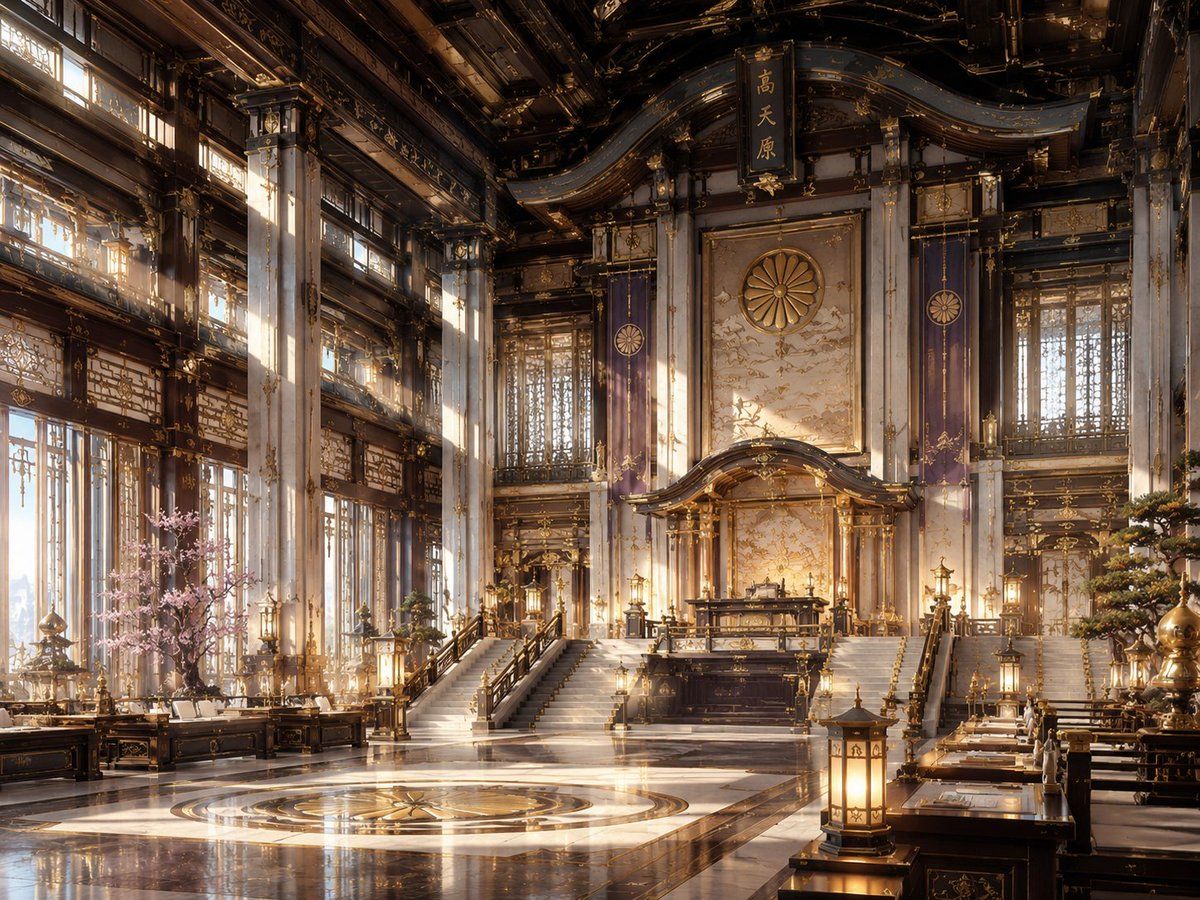
NeoNippon 帝国宝座大厅
Prompt
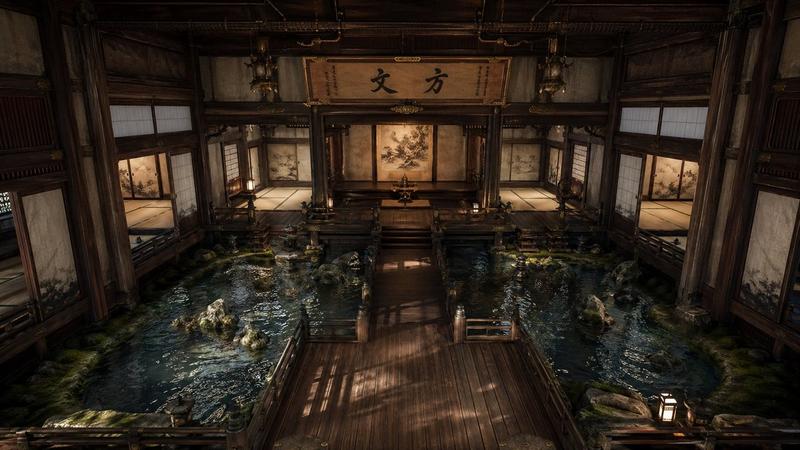
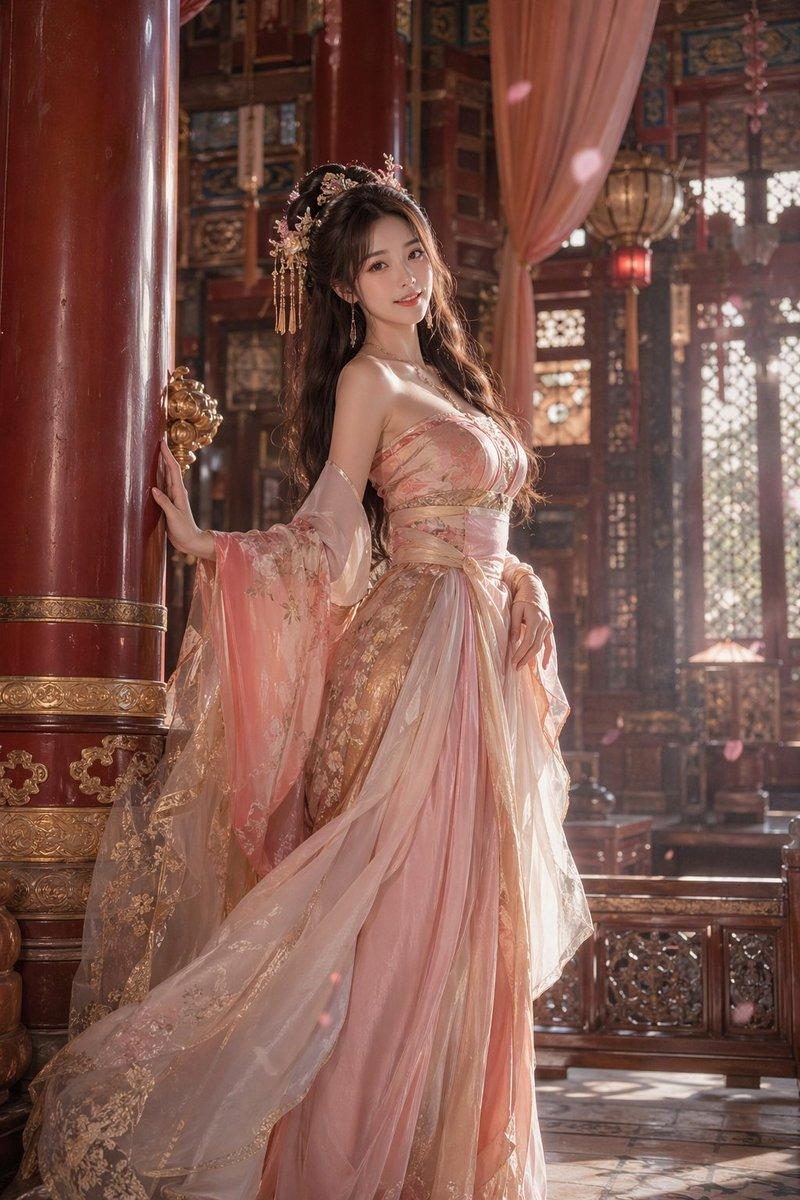
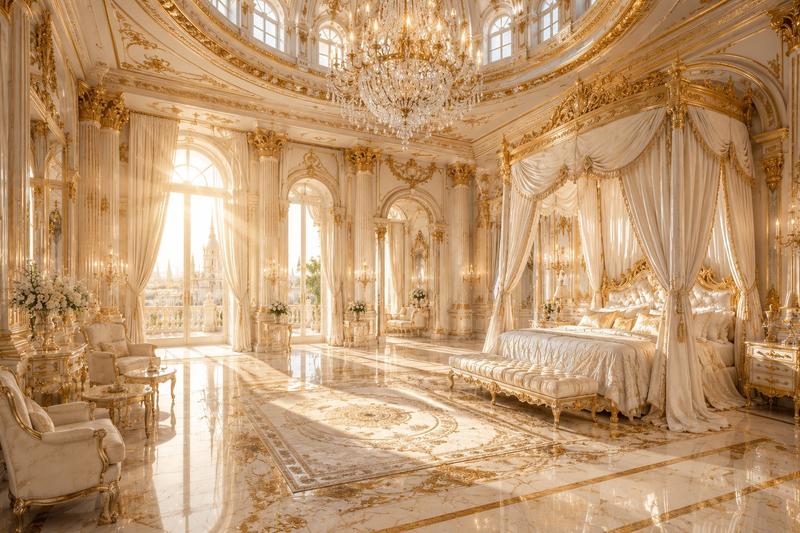
Create a grand cinematic interior scene in a fictional aesthetic called {argument name="aesthetic name" default="NeoNippon"}: a vast imperial throne hall blending traditional Japanese shrine and palace architecture with futuristic luxury. The composition is a wide-angle 4:3 view from floor level, symmetrical and majestic, centered on an elevated ceremonial dais with a dark lacquer-and-gold altar or throne platform reached by two broad staircases. Behind it is a tall ornate wall panel with a large golden chrysanthemum crest, flanked by two vertical purple banners bearing circular imperial emblems; above the crest hangs a vertical black plaque with gold Japanese kanji. The hall has towering white marble columns with gold filigree, dark carved wooden beams, curved layered rooflines, intricate gilded lattice windows, hanging lanterns, polished black-and-white marble floors, and a circular gold medallion inlaid in the foreground floor. Count the main visible focal elements as: 1 central raised dais, 2 broad staircases, 1 large chrysanthemum crest, 2 purple banners, 1 hanging kanji plaque, 1 circular floor medallion, 1 pink cherry blossom tree on the left, 1 manicured pine or bonsai-like tree on the right, and multiple warm lanterns arranged symmetrically along desks, rails, and columns. Add long low lacquered tables and benches along both sides like a ceremonial council chamber, decorated with gold ornaments and papers. Use warm sunrise light streaming through tall windows on the left, visible dust motes and soft volumetric rays, glowing gold highlights, reflections on the glossy floor, and a palette of dark ebony wood, ivory marble, antique gold, royal purple, and soft sakura pink. Render as ultra-detailed architectural concept art, photorealistic yet slightly fantastical, no people, no modern signage, no watermark, no readable English text.- Category
- Charts & Infographics
- Model
- GPT Image 2
- Creator
- SakuraFan99
- Source ID
- 24208
- Published
- Jun 4, 2026
Views4