14

Double Exposure Fashion Portrait
Enlarge

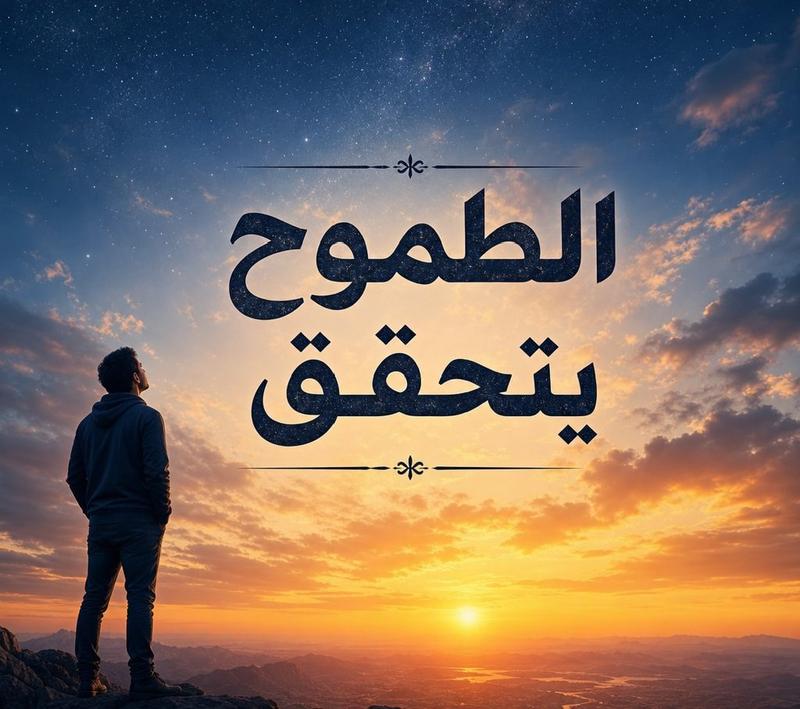
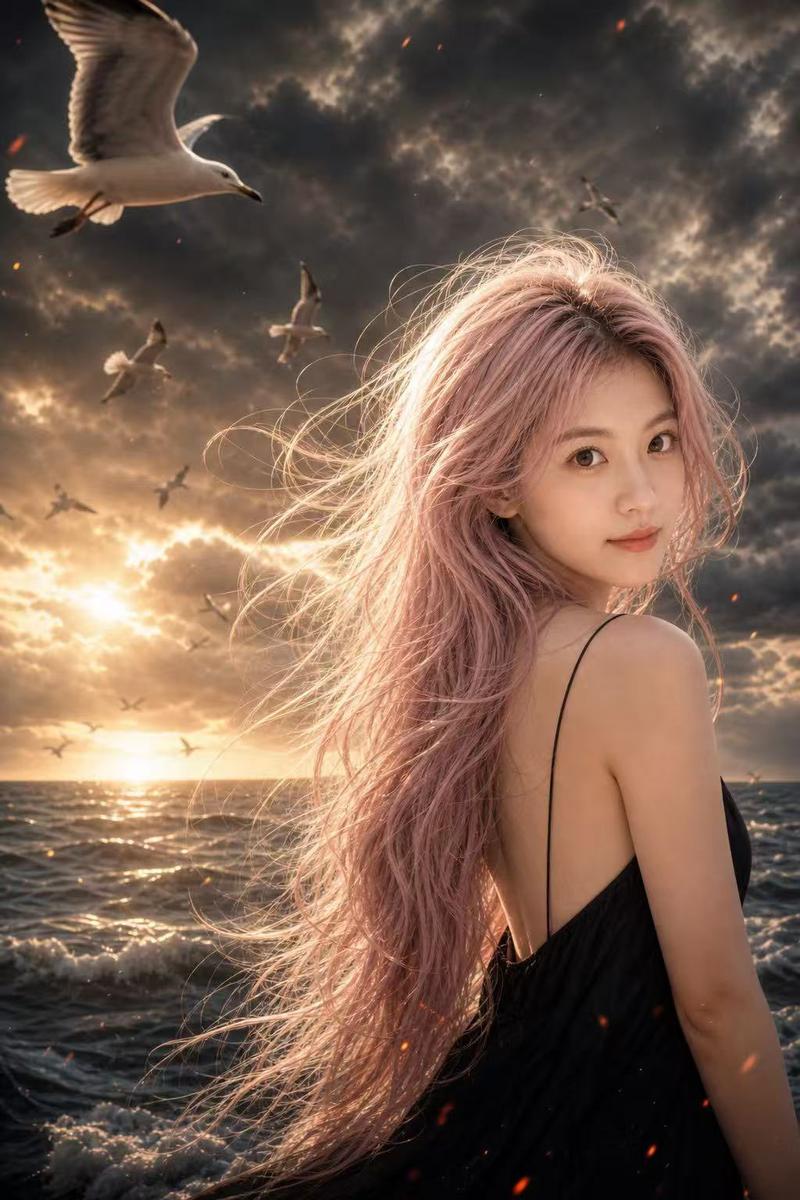
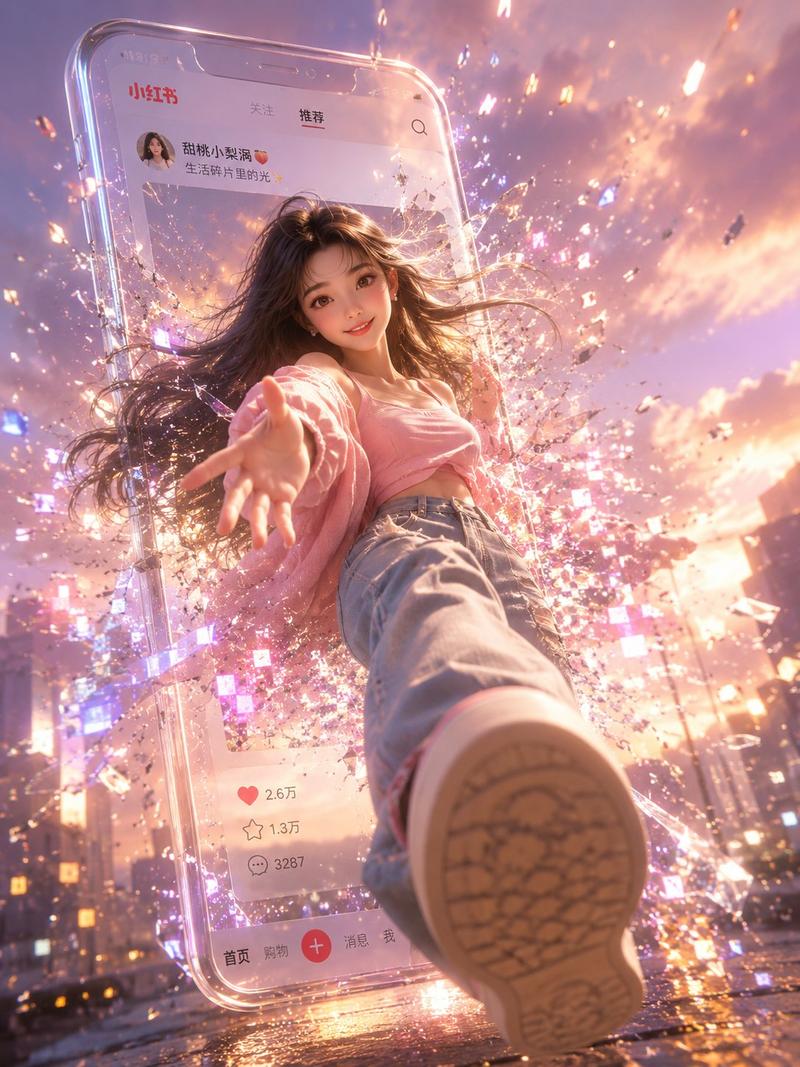
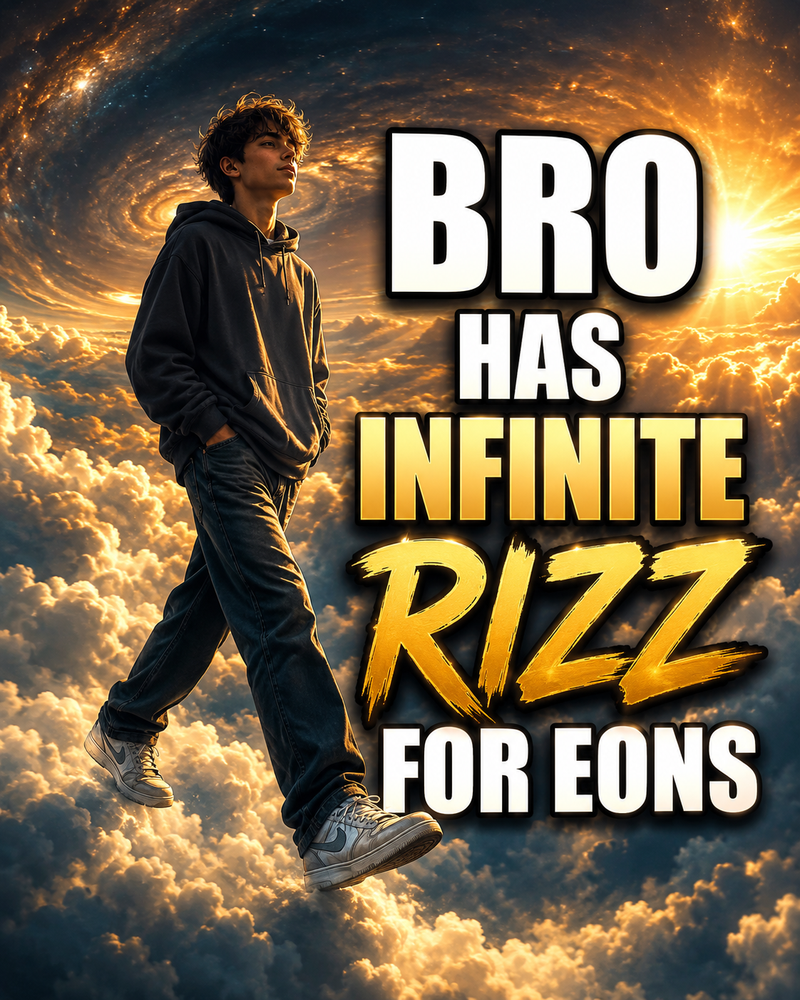
Example images

Double Exposure Fashion Portrait

Prompt
Use the uploaded image as the exact facial reference.
Preserve the exact facial identity, facial proportions, hairstyle, skin tone, facial features, natural asymmetry, expression, and overall likeness with maximum accuracy. Do not redesign or alter the face.

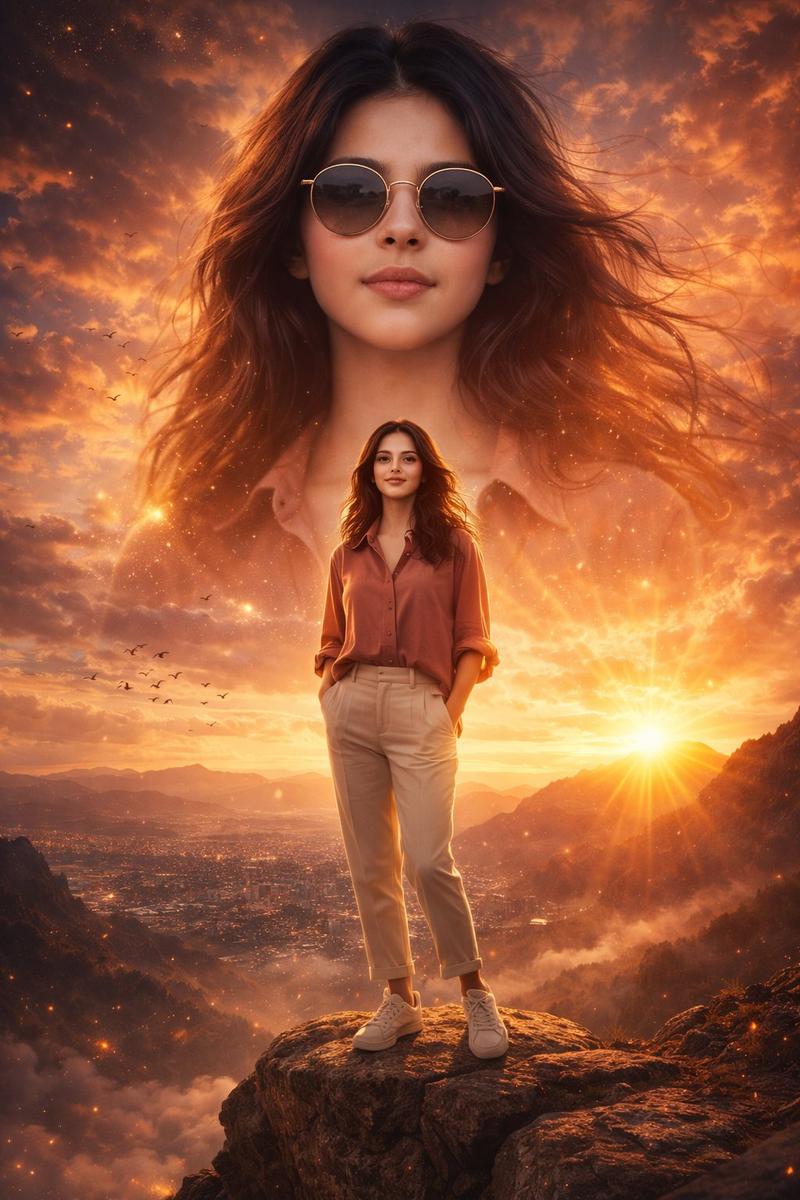
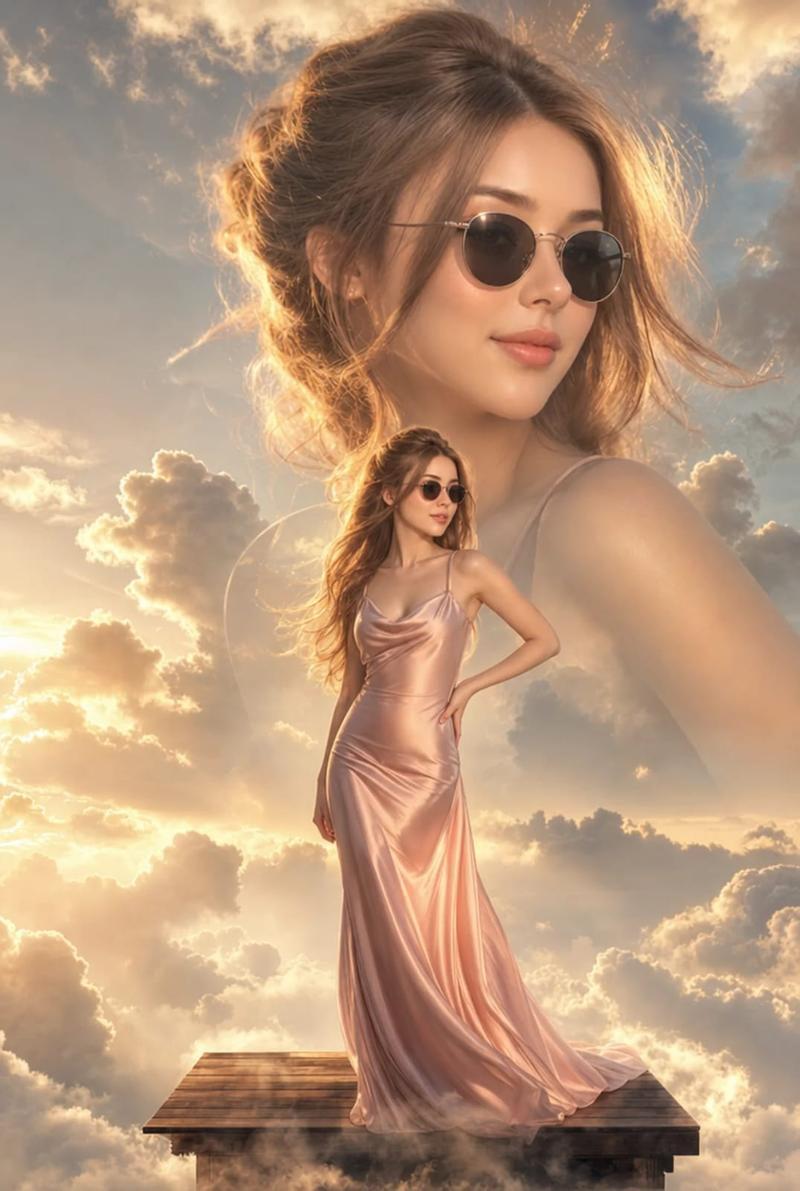
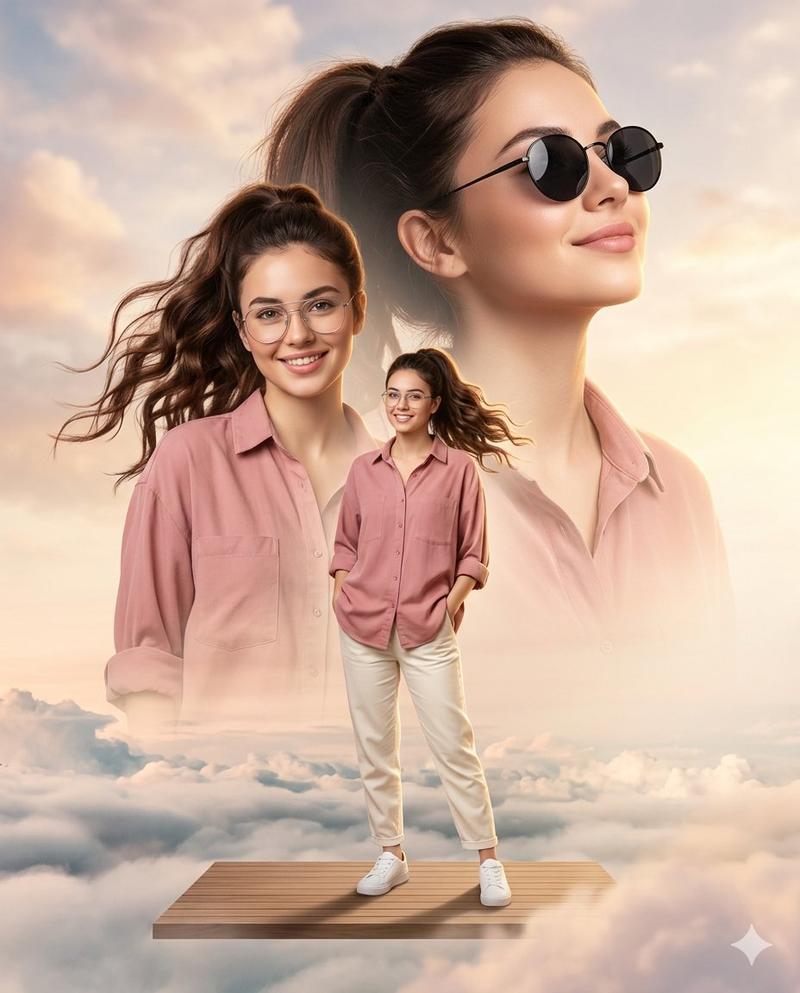
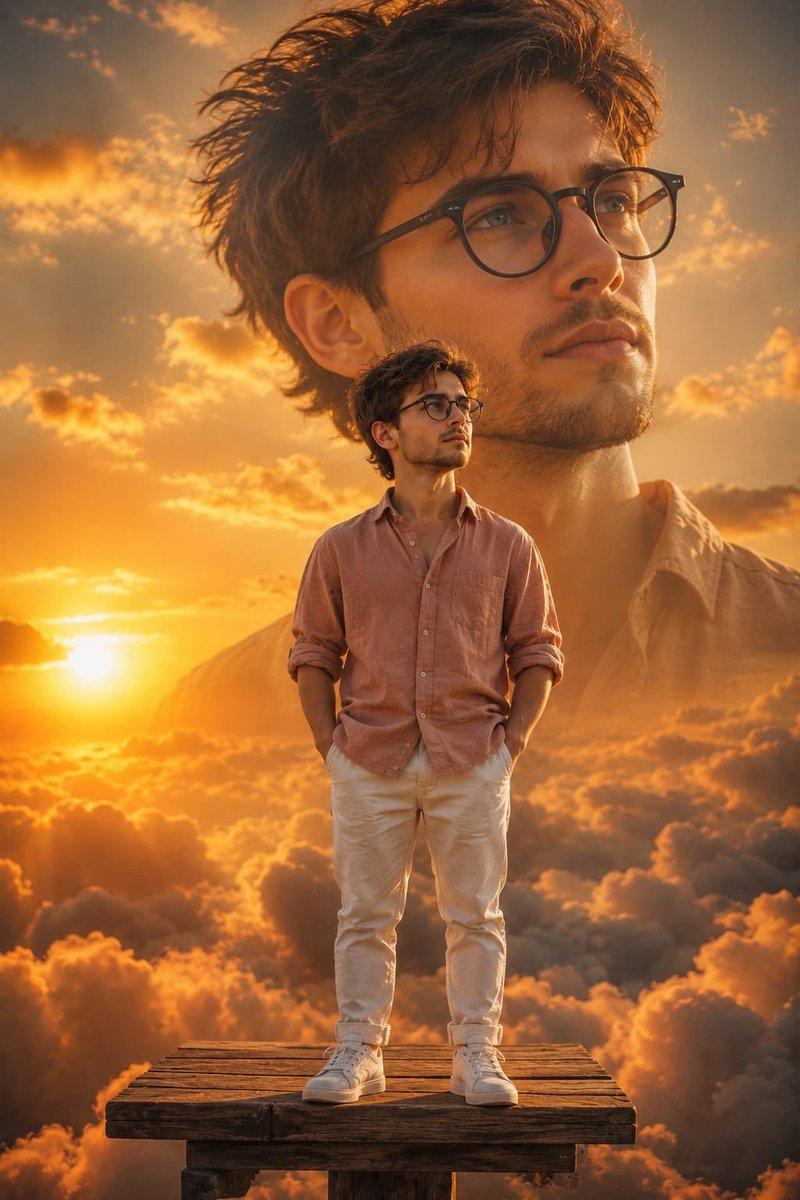
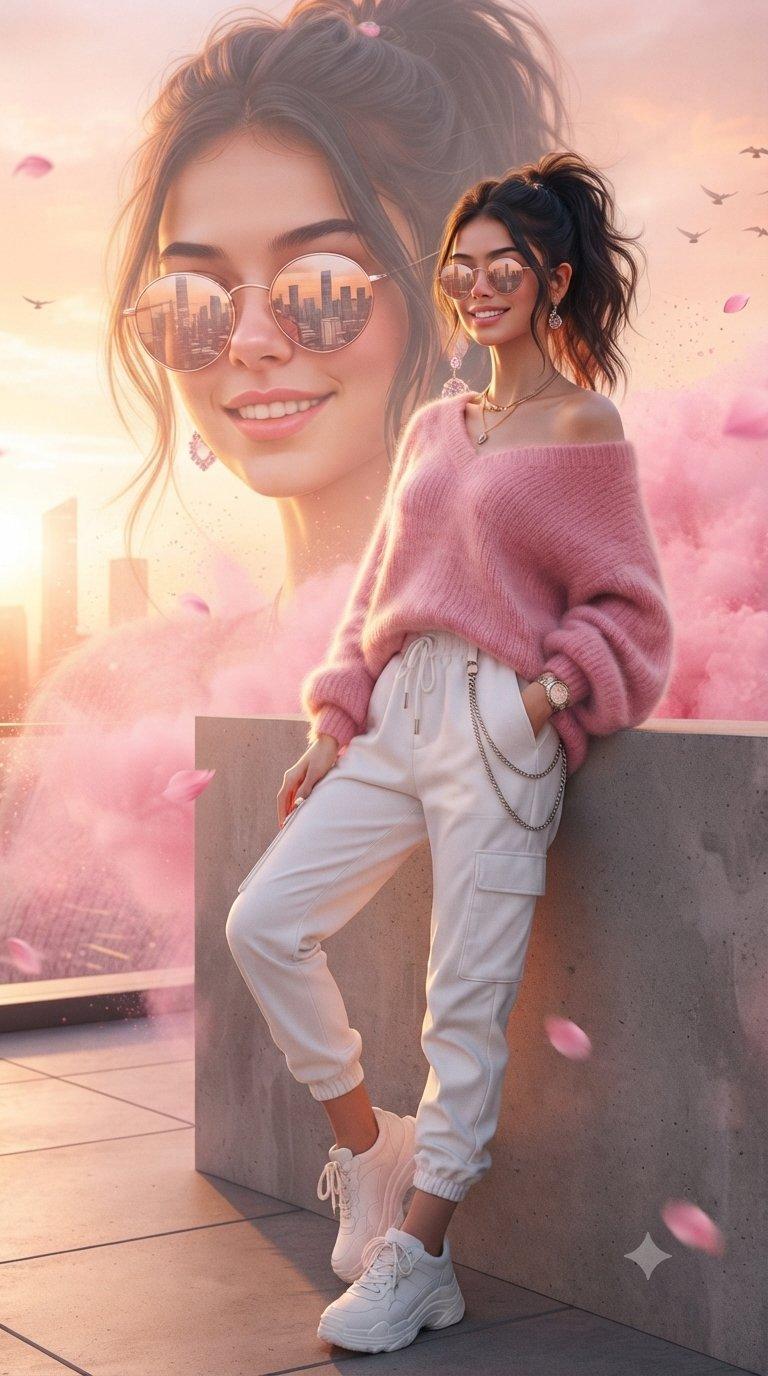
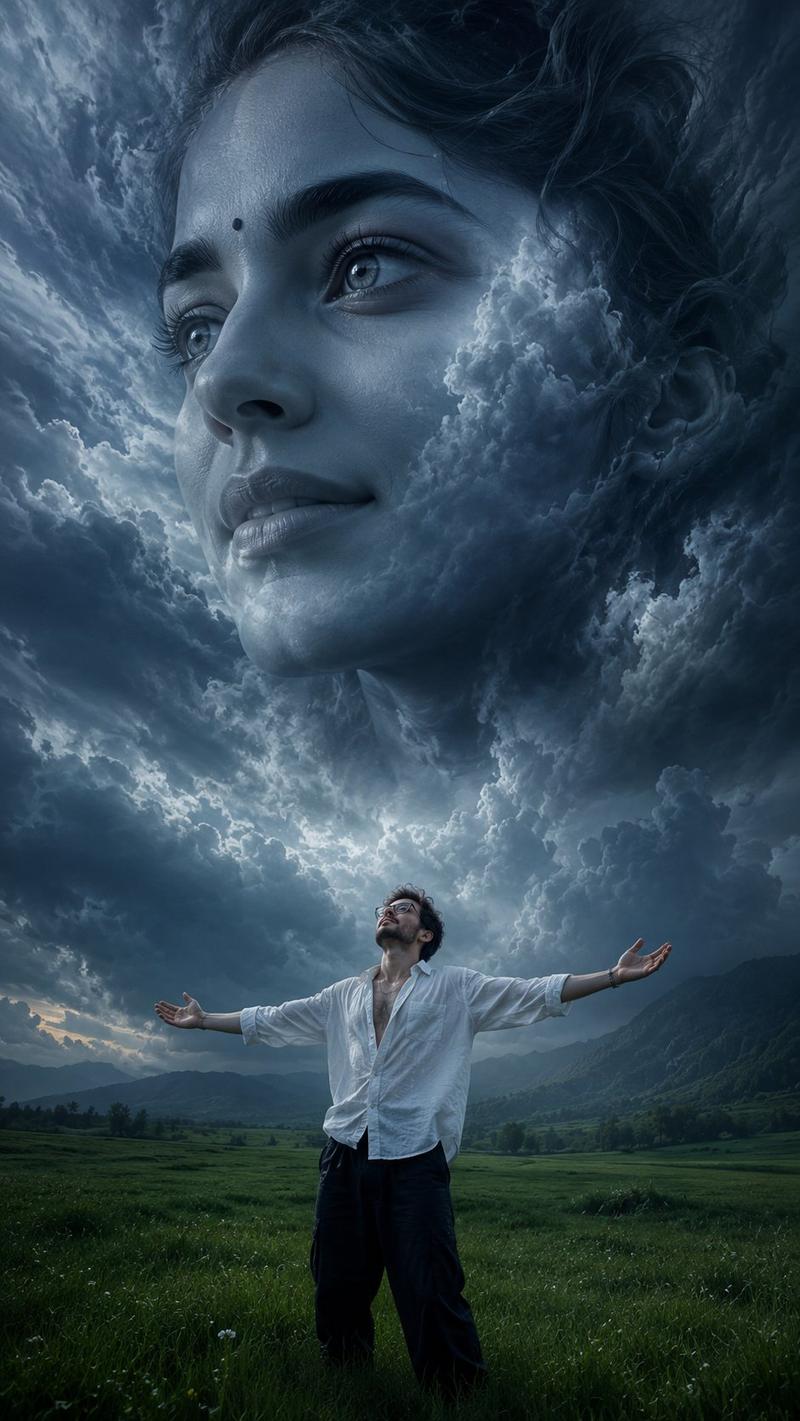
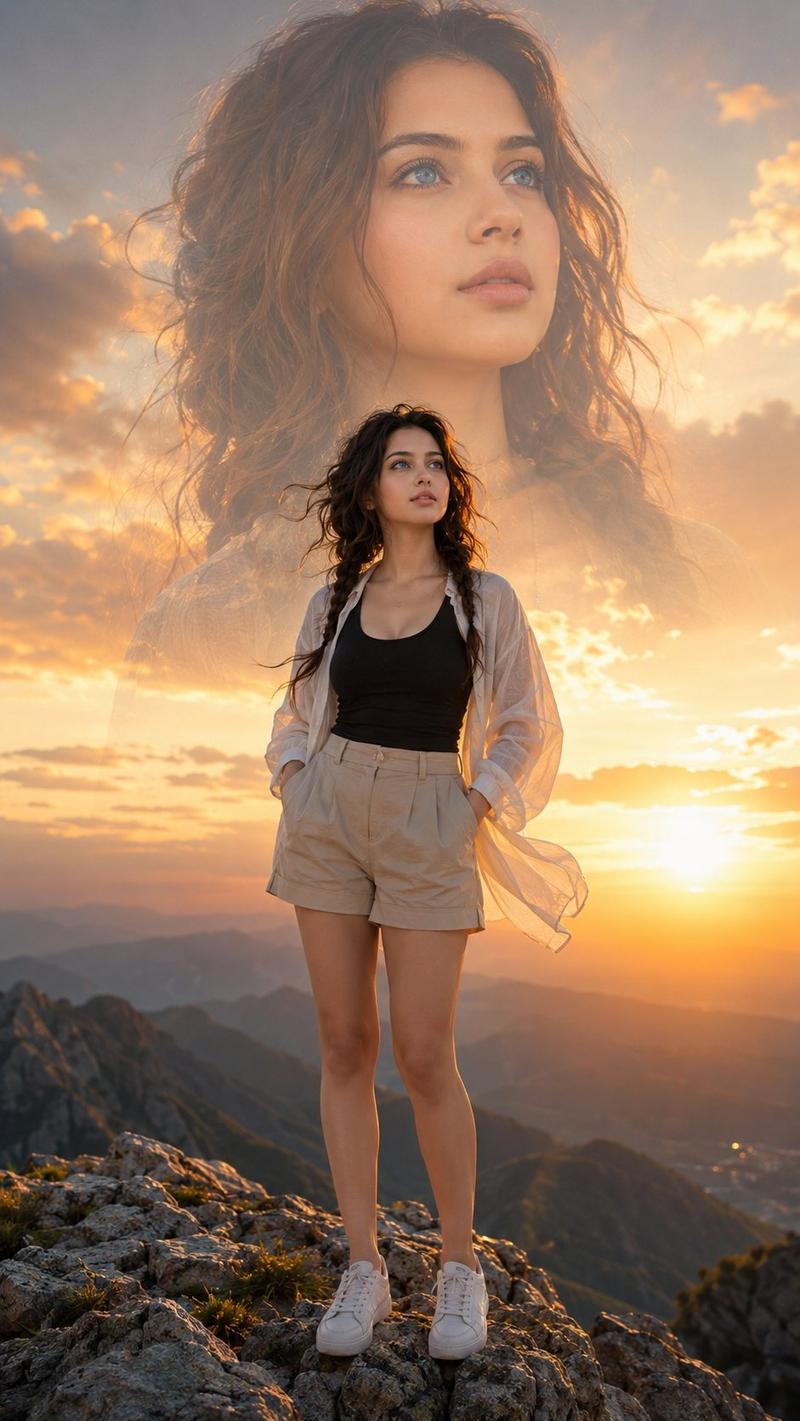
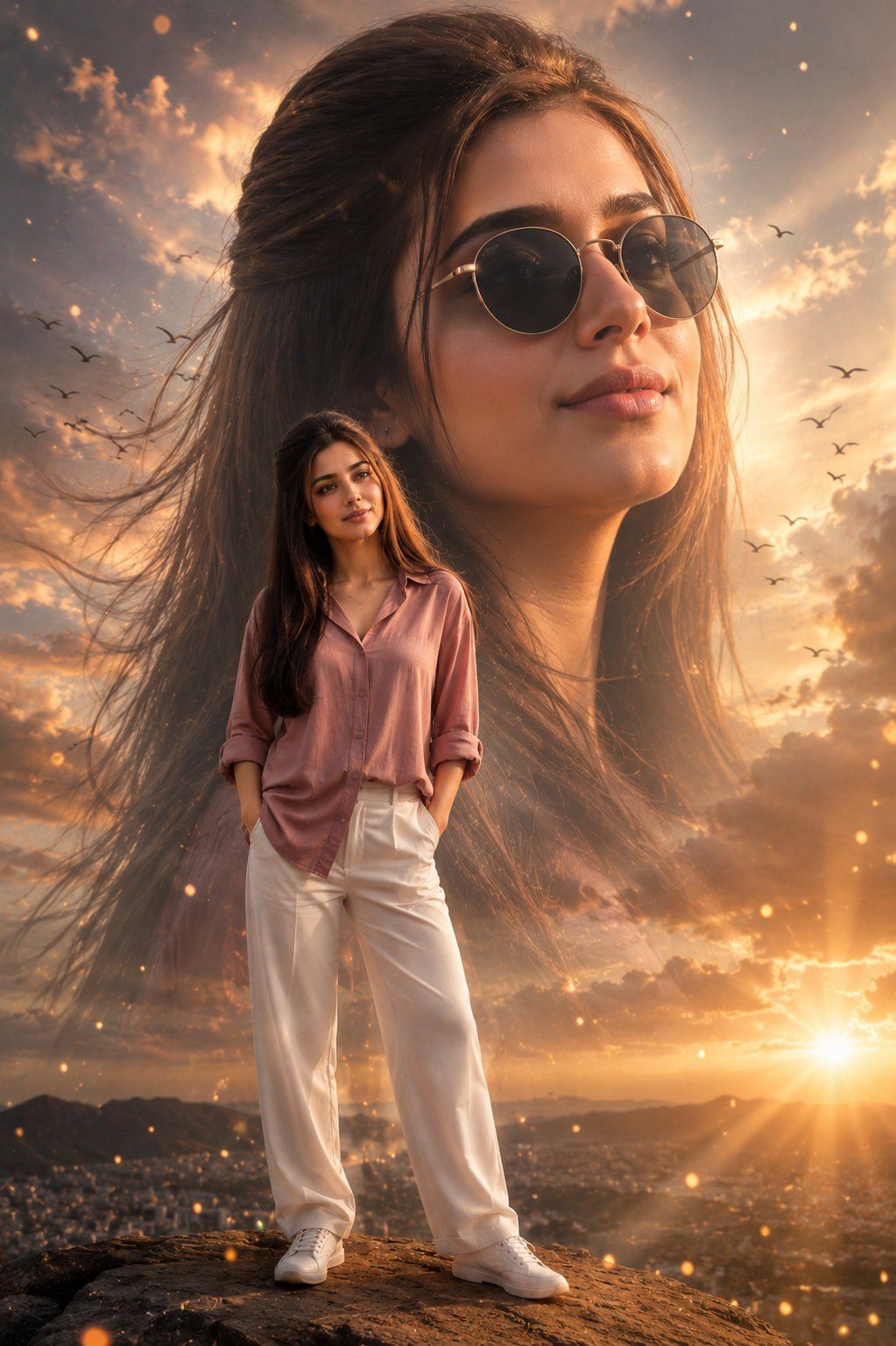
Create a cinematic double-exposure fashion portrait. A gigantic semi-transparent close-up portrait of the same woman fills the entire background, wearing {argument name="accessories" default="stylish round sunglasses"} and looking confidently toward the horizon. The giant portrait blends softly into the sky with cinematic lighting and dreamy atmospheric depth.

In the foreground, the same woman stands full-body, posing naturally with her hands in her pockets. She wears an {argument name="outfit" default="oversized dusty-pink button-up shirt with rolled sleeves, elegant white trousers, and white sneakers"}. Long dark hair flows naturally in the wind.

{argument name="lighting" default="Golden-hour outdoor lighting"}, soft clouds, subtle lens flare, luxury fashion-editorial aesthetic, ultra-realistic skin texture, high-end magazine photography, cinematic depth of field, warm color grading, elegant shadows, premium commercial campaign look.

The giant background portrait and the foreground figure must be the same person, creating a seamless double-exposure effect. Photorealistic, 85mm lens, ultra-sharp focus, masterpiece composition, Vogue-style fashion campaign, scroll-stopping visual impact, 8K quality.
Category
Charts & Infographics
Model
GPT Image 2
Views6K
Source ID
24234
Published
Jun 5, 2026

Guide

About "Double Exposure Fashion Portrait"

What is this prompt for?

"Double Exposure Fashion Portrait" AI image prompt for GPT Image 2 (Charts & Infographics). An advanced image-to-image prompt for GPT Image 2 that creates a ci…

The full copyable prompt and example visuals above are ready for AI image generation or one-click recreate in Picva.

How to use this prompt

  1. Step 1

    Open the prompt detail

    Review the example visuals, category, and full prompt text for "Double Exposure Fashion Portrait".

  2. Step 2

    Copy the prompt

    Copy the prompt body from this page, or load it directly in Studio.

  3. Step 3

    Pick a model (GPT Image 2)

    Prefer GPT Image 2. If you switch models, keep subject and composition and tweak style terms.

  4. Step 4

    Generate and export

    Recreate the look in Picva, or export into your workflow for editing and publishing.

FAQ

What is the "Double Exposure Fashion Portrait" prompt?
It is an AI image-generation prompt for GPT Image 2 in the Charts & Infographics category. This page includes the full prompt text, example visuals, and a one-click recreate path in Picva.
How do I use this prompt to generate an image?
Copy the prompt from this page, or use Generate / Studio. Paste it into a compatible image model, or recreate the look in Picva with optional reference images.
Which model is this prompt for?
This page lists GPT Image 2. Most descriptive prompts also transfer to nearby image models such as GPT Image, Flux, or Midjourney with light style tweaks.
Can I use the result commercially?
You can usually copy the prompt for creation, but commercial use of the final image depends on the model terms, reference-image rights, and the generated content. Follow the source author and platform rules.