20

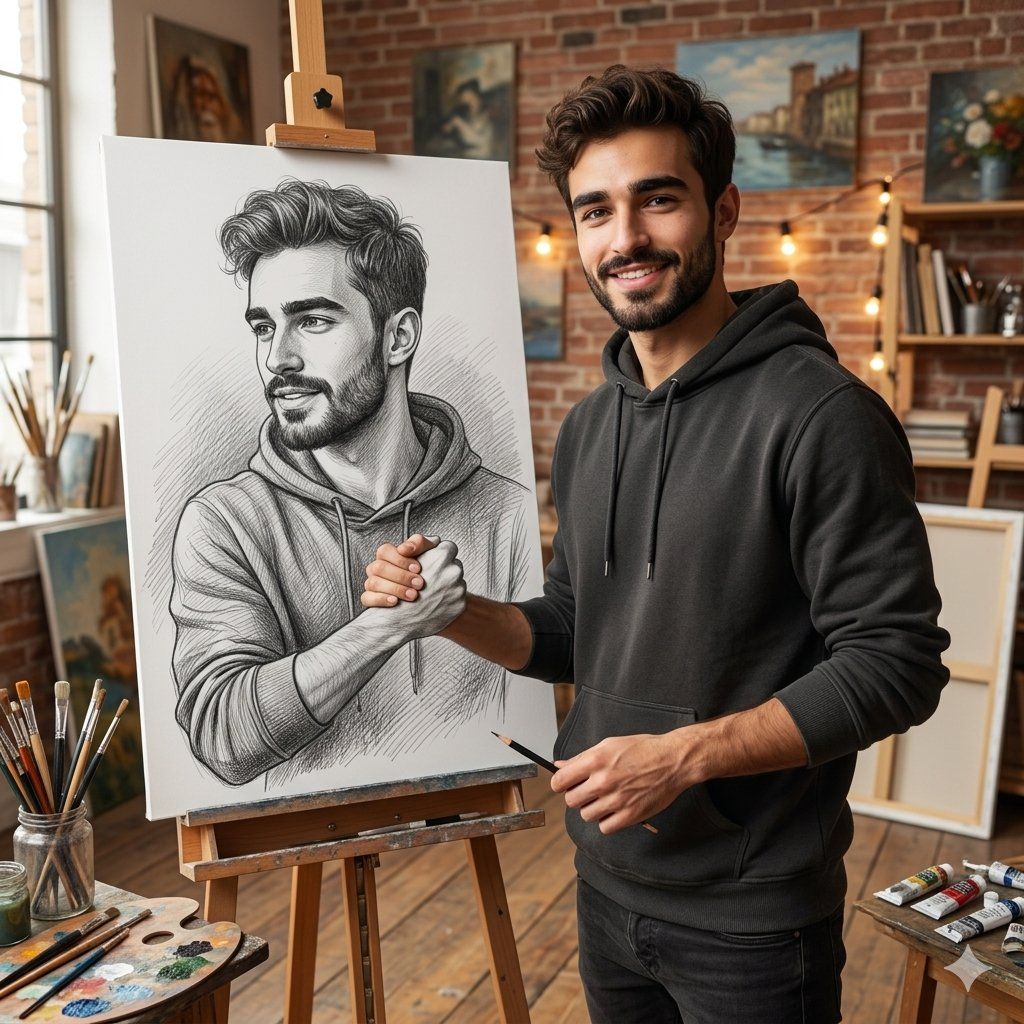
Realistic Artist Studio Sketch Interaction
Enlarge

Example images

Realistic Artist Studio Sketch Interaction

Prompt
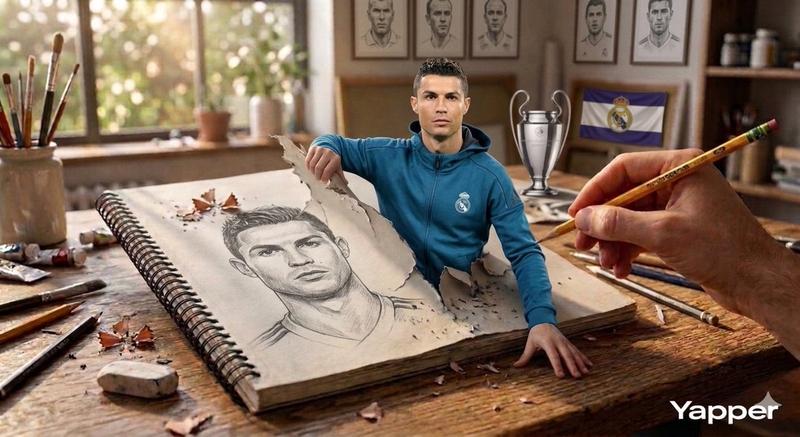
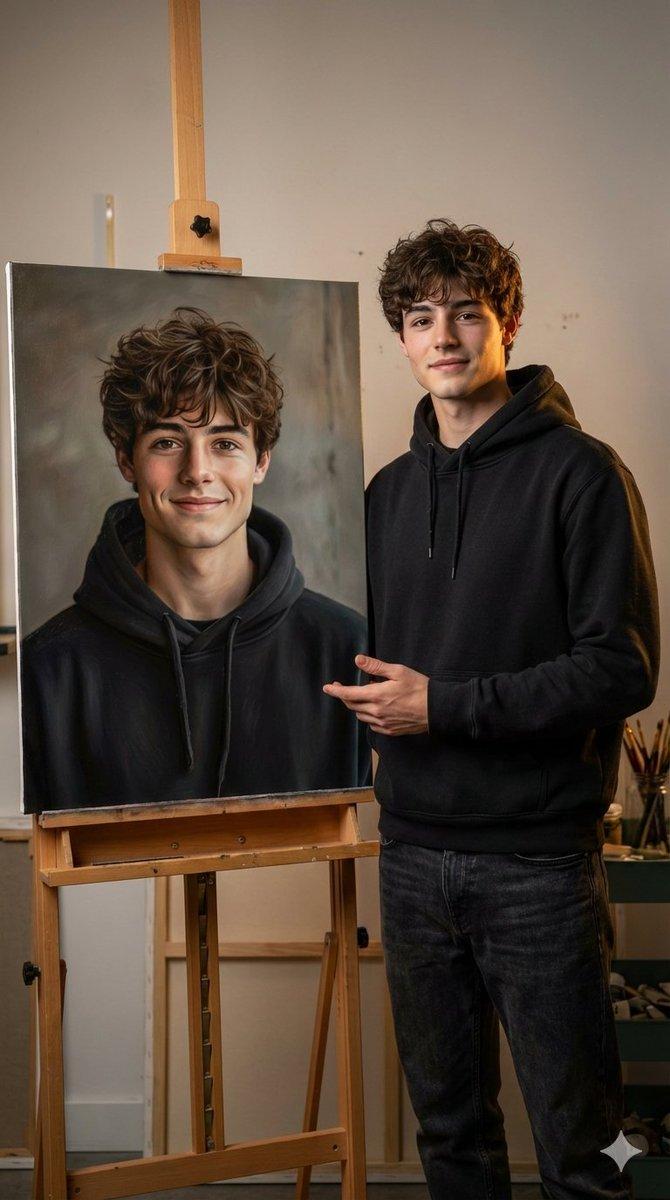
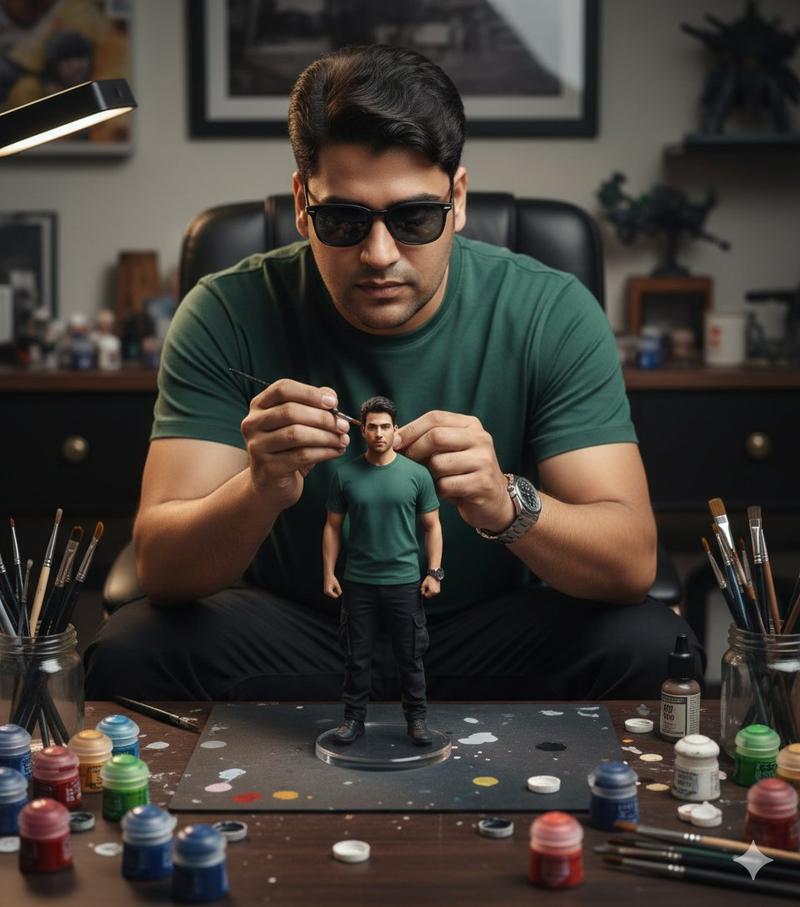
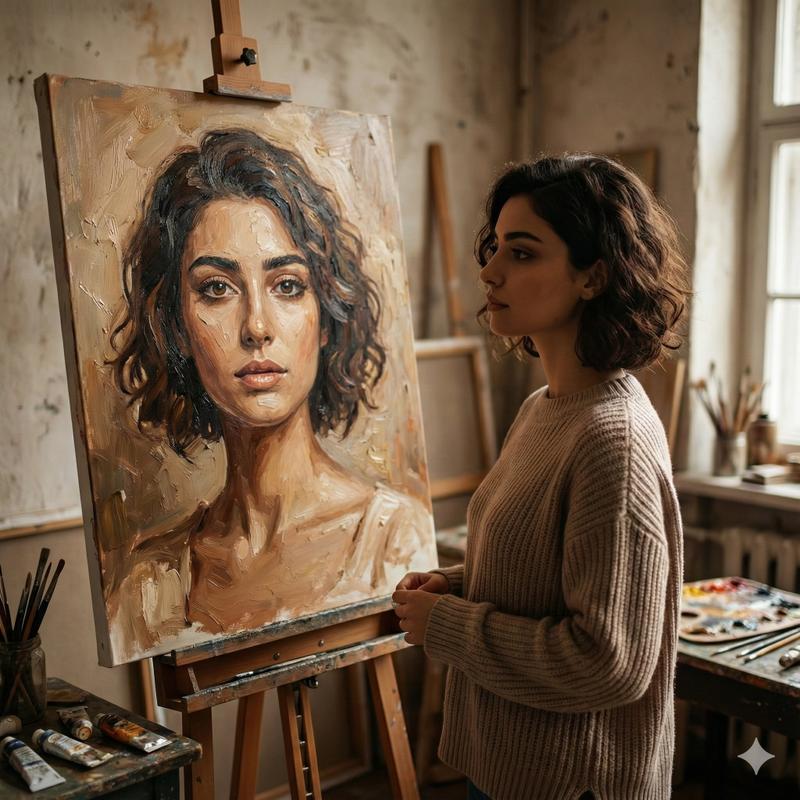
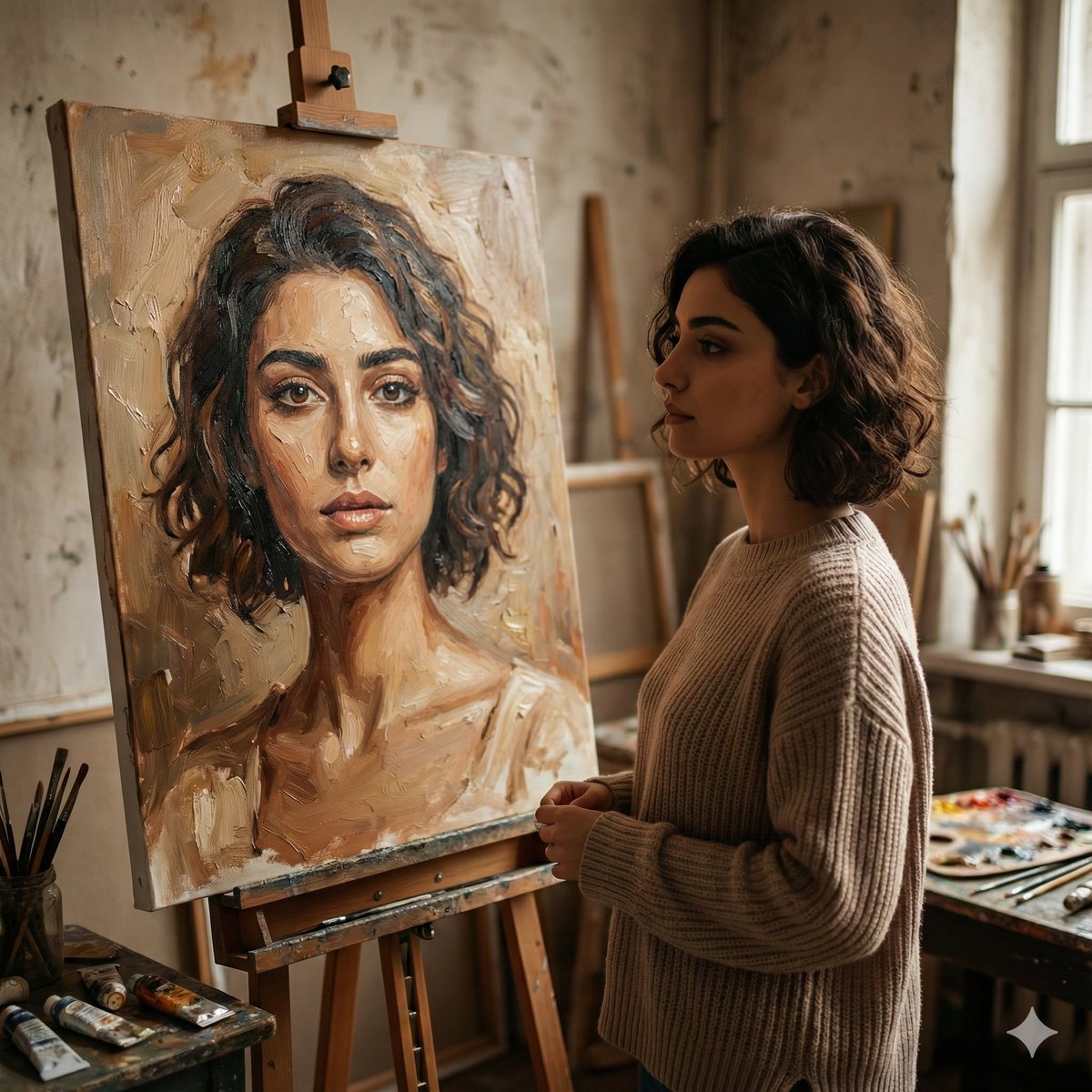
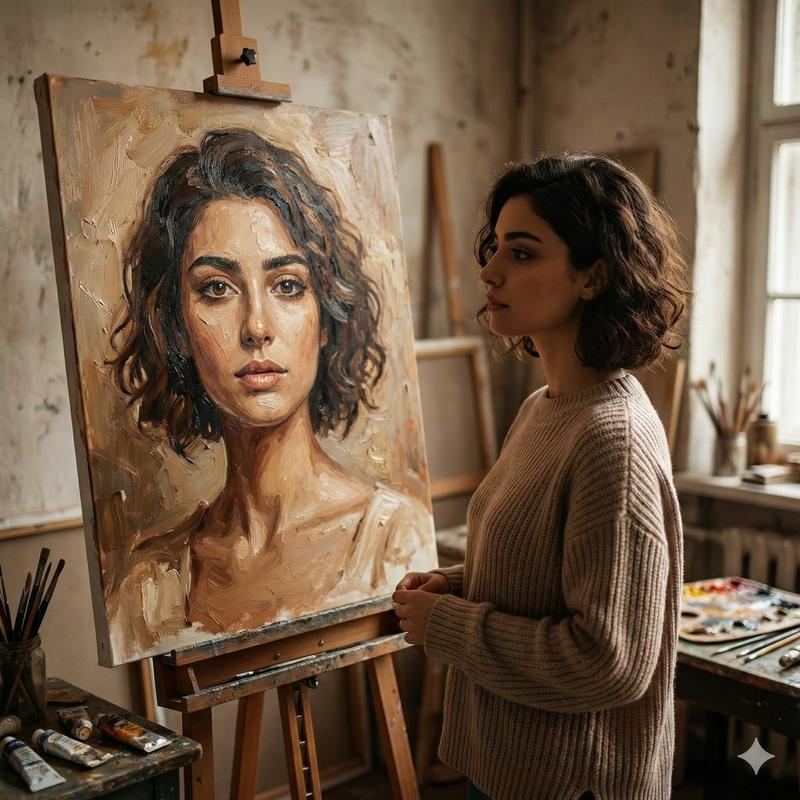
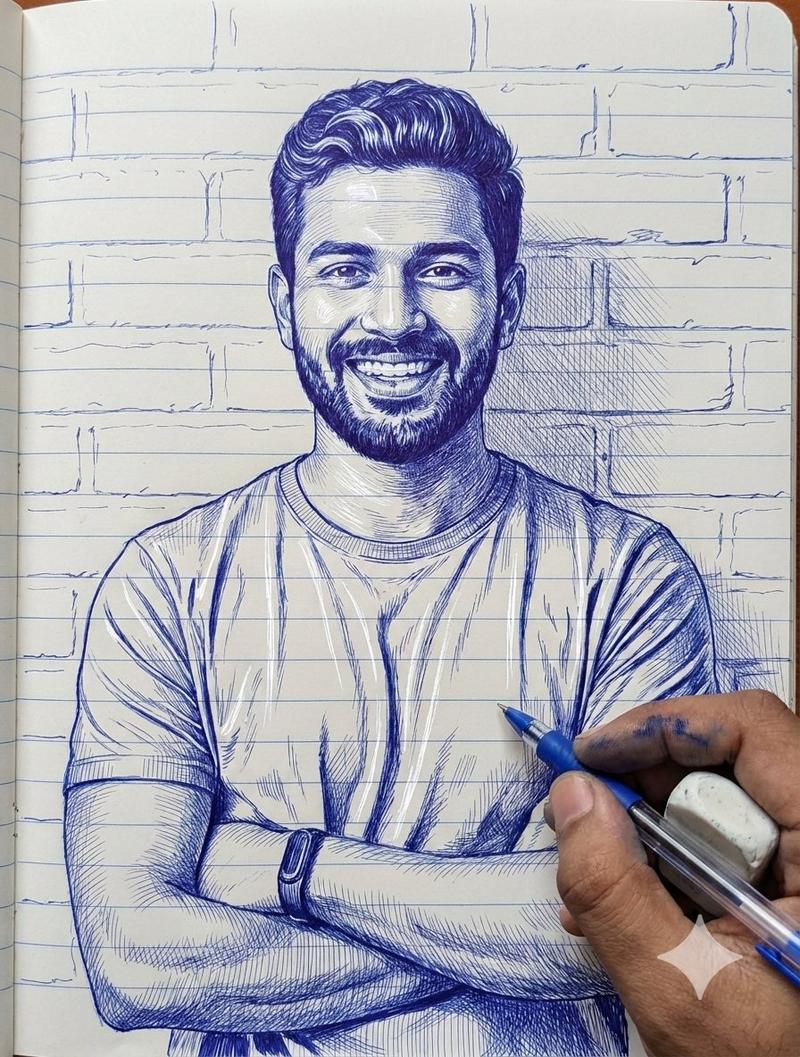
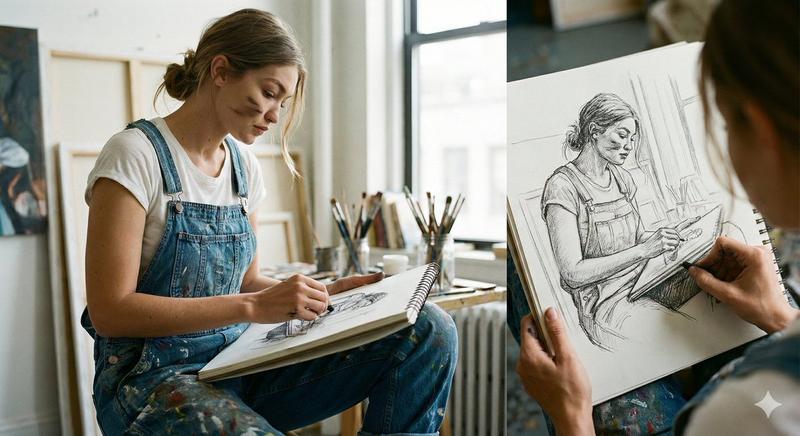
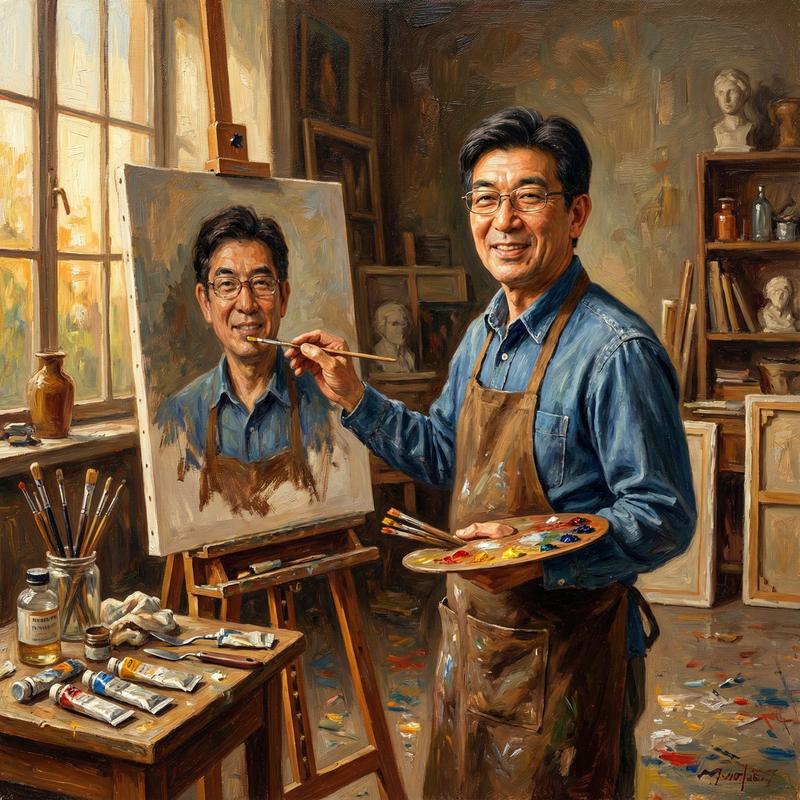
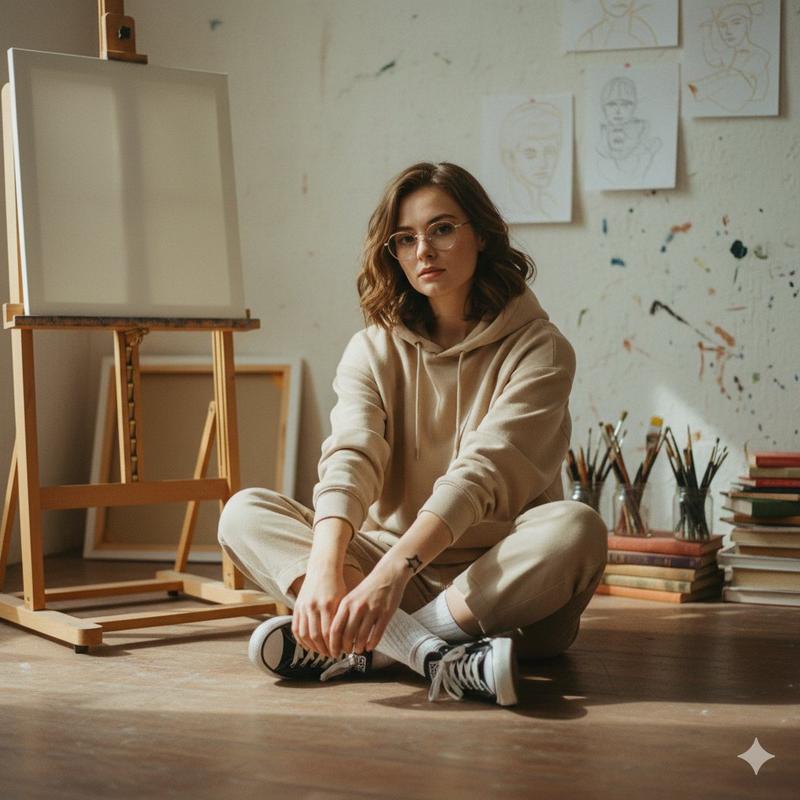
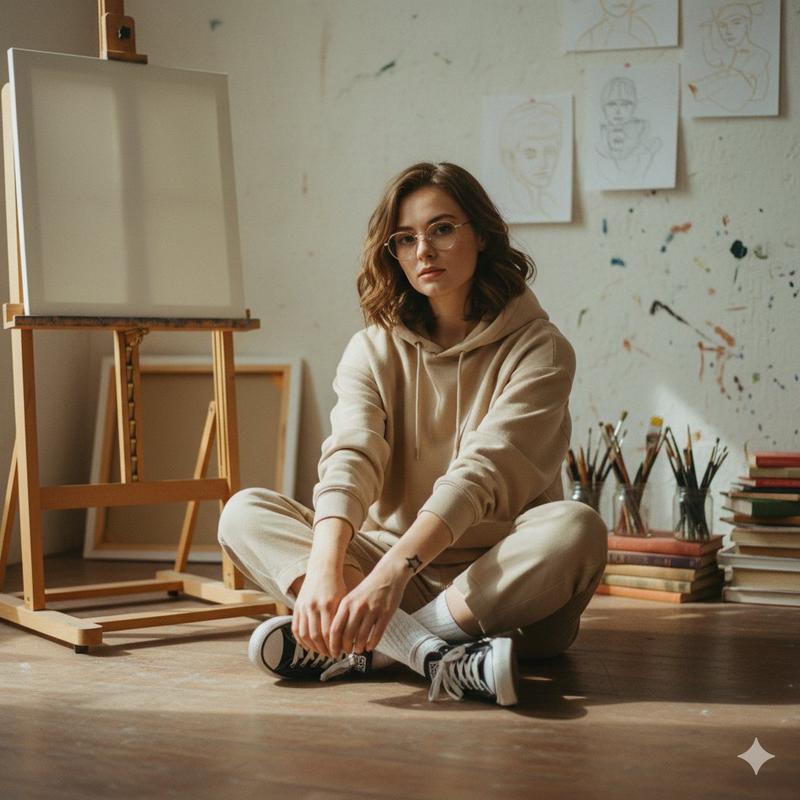
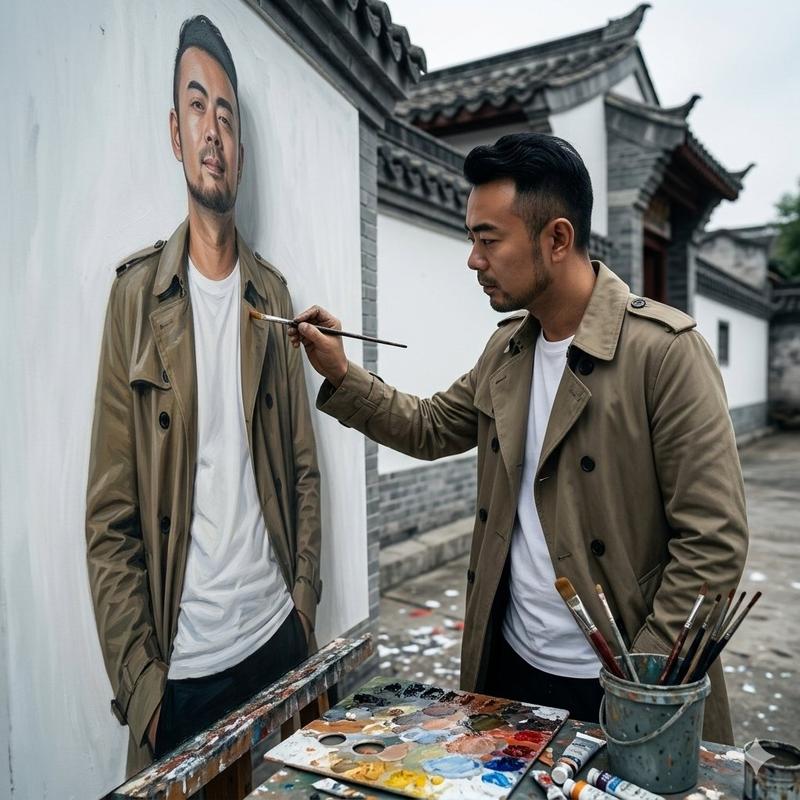
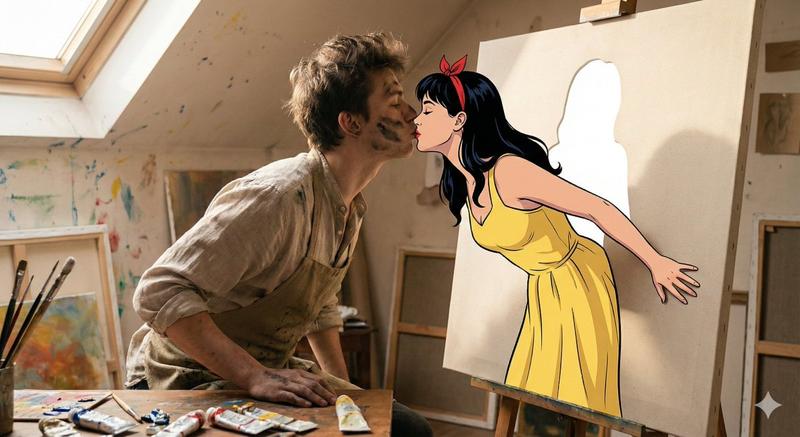
High-quality, ultra-realistic image transformation. Keep the original face, identity, and facial features EXACTLY the same without any modification. The scene shows the {argument name="subject" default="man"} standing inside a cozy, creative {argument name="room type" default="artist’s studio room"}. Beside him is a large hand-drawn pencil sketch portrait of himself placed on a wooden easel. The sketch must look like a highly detailed realistic graphite drawing in black and white, matching the exact pose, outfit, and expression of the real man.The real man should be in full color, wearing the same outfit, with natural skin tones, realistic lighting, and sharp focus. He should be interacting with the sketch by holding or shaking hands with his drawn version. The background should look like a creative artist’s room: wooden floor, soft warm lighting, scattered art supplies such as paint brushes, palettes, canvases, paintings hanging on the walls, shelves with colors, and a slightly messy but aesthetic studio vibe. Lighting should be warm, cinematic, slightly golden, with soft shadows and depth of field. Ensure: Face is 100% preserved with no AI face change. Same hairstyle, expression, and outfit. Realistic hand interaction between the real man and the sketch. Highly detailed pencil shading in the sketch. Photorealistic quality, 4K resolution.
Category
Charts & Infographics
Model
GPT Image 2
Views3.6K
Source ID
24269
Published
Jun 5, 2026

Guide

About "Realistic Artist Studio Sketch Interaction"

What is this prompt for?

"Realistic Artist Studio Sketch Interaction" AI image prompt for GPT Image 2 (Charts & Infographics). A detailed prompt for creating a realistic scene where a…

The full copyable prompt and example visuals above are ready for AI image generation or one-click recreate in Picva.

How to use this prompt

  1. Step 1

    Open the prompt detail

    Review the example visuals, category, and full prompt text for "Realistic Artist Studio Sketch Interaction".

  2. Step 2

    Copy the prompt

    Copy the prompt body from this page, or load it directly in Studio.

  3. Step 3

    Pick a model (GPT Image 2)

    Prefer GPT Image 2. If you switch models, keep subject and composition and tweak style terms.

  4. Step 4

    Generate and export

    Recreate the look in Picva, or export into your workflow for editing and publishing.

FAQ

What is the "Realistic Artist Studio Sketch Interaction" prompt?
It is an AI image-generation prompt for GPT Image 2 in the Charts & Infographics category. This page includes the full prompt text, example visuals, and a one-click recreate path in Picva.
How do I use this prompt to generate an image?
Copy the prompt from this page, or use Generate / Studio. Paste it into a compatible image model, or recreate the look in Picva with optional reference images.
Which model is this prompt for?
This page lists GPT Image 2. Most descriptive prompts also transfer to nearby image models such as GPT Image, Flux, or Midjourney with light style tweaks.
Can I use the result commercially?
You can usually copy the prompt for creation, but commercial use of the final image depends on the model terms, reference-image rights, and the generated content. Follow the source author and platform rules.