Natural Character Swap Instruction
Prompt
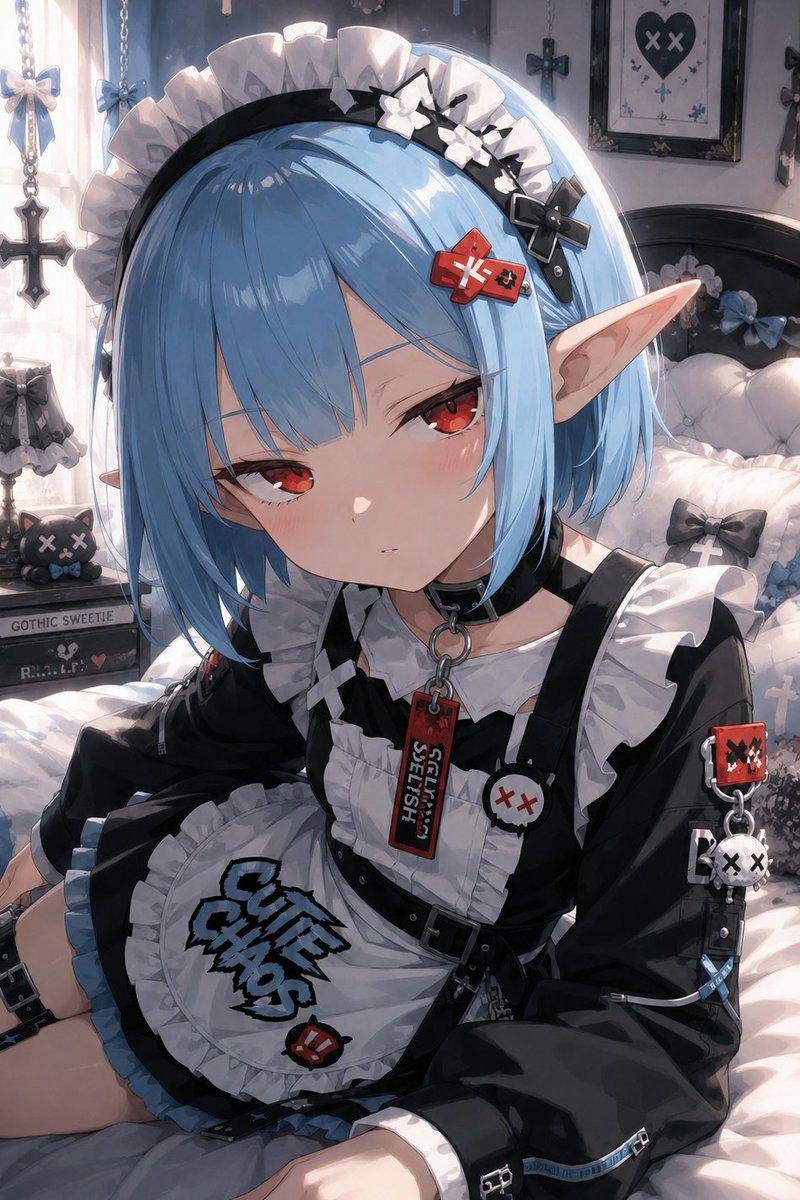
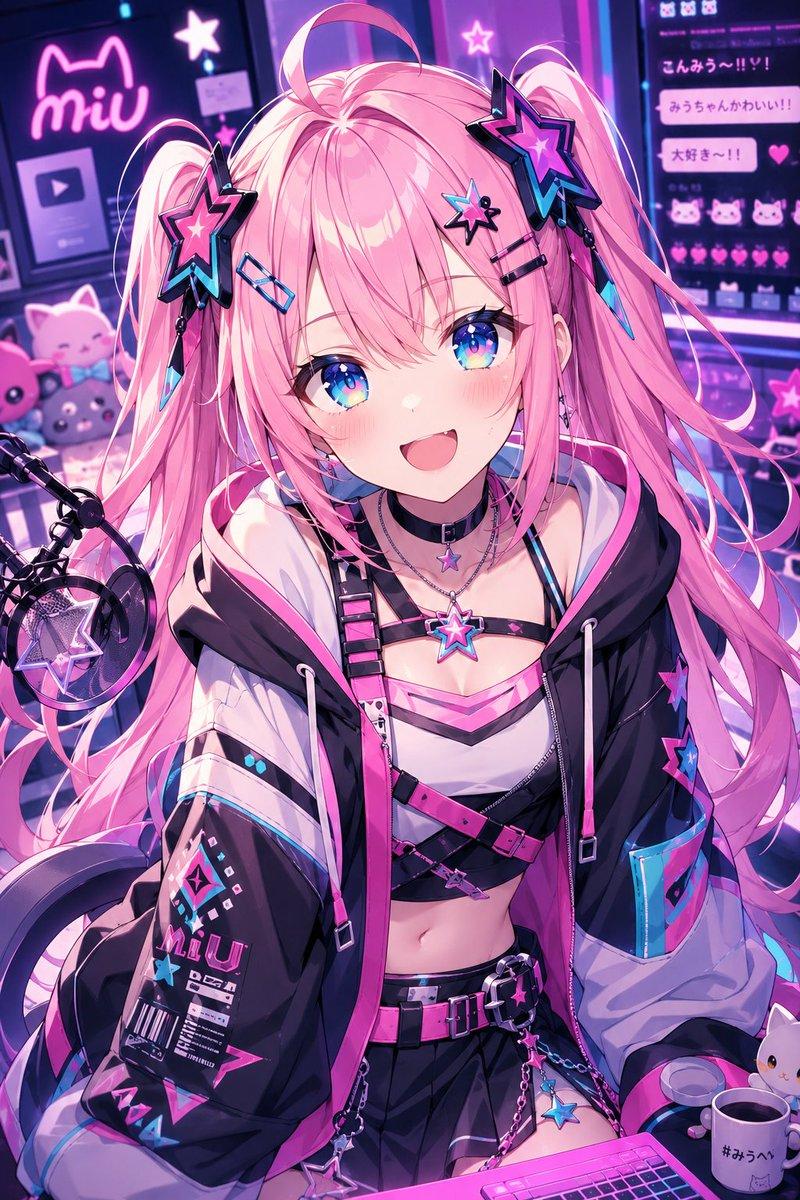
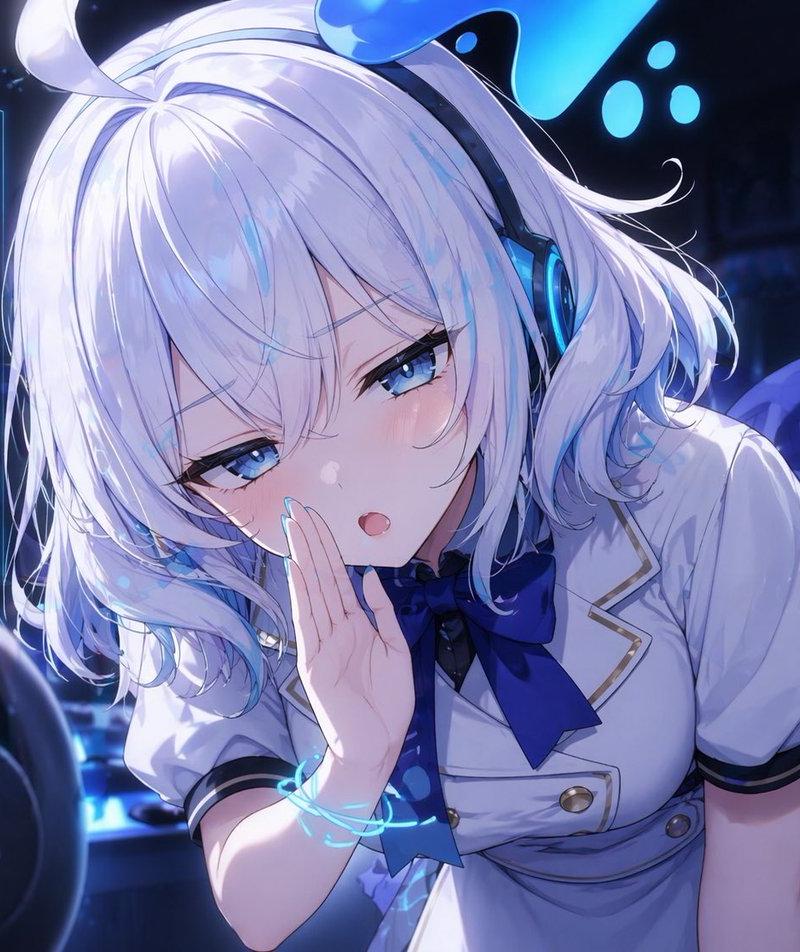
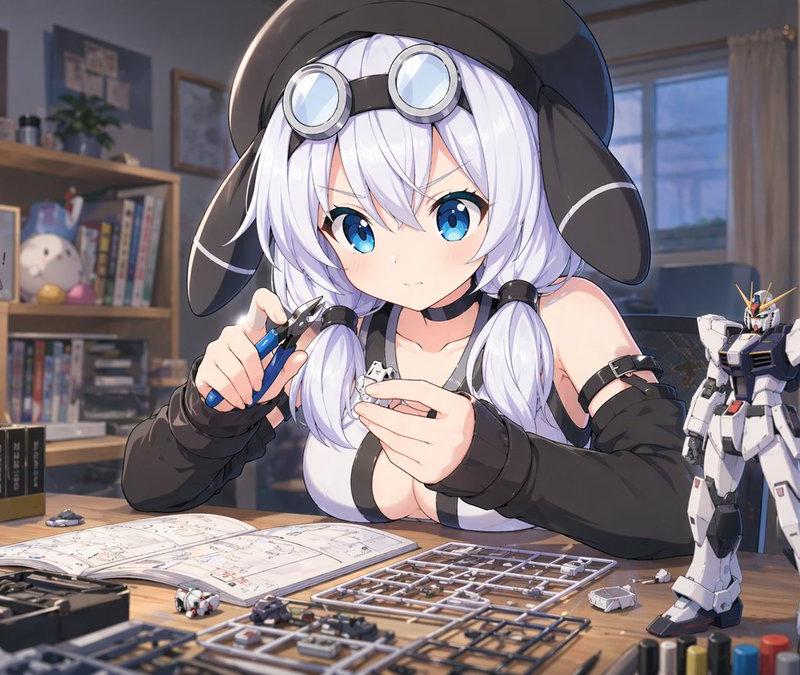
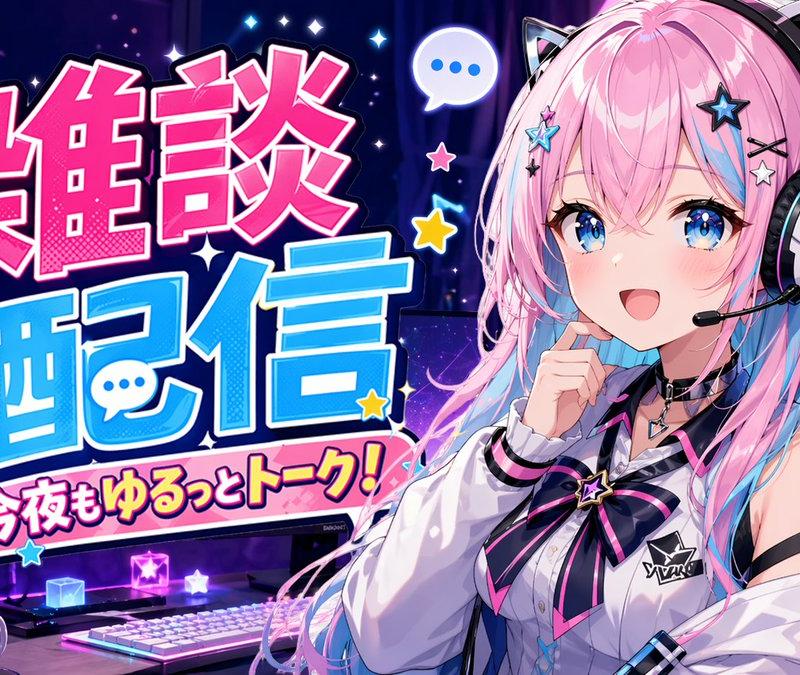
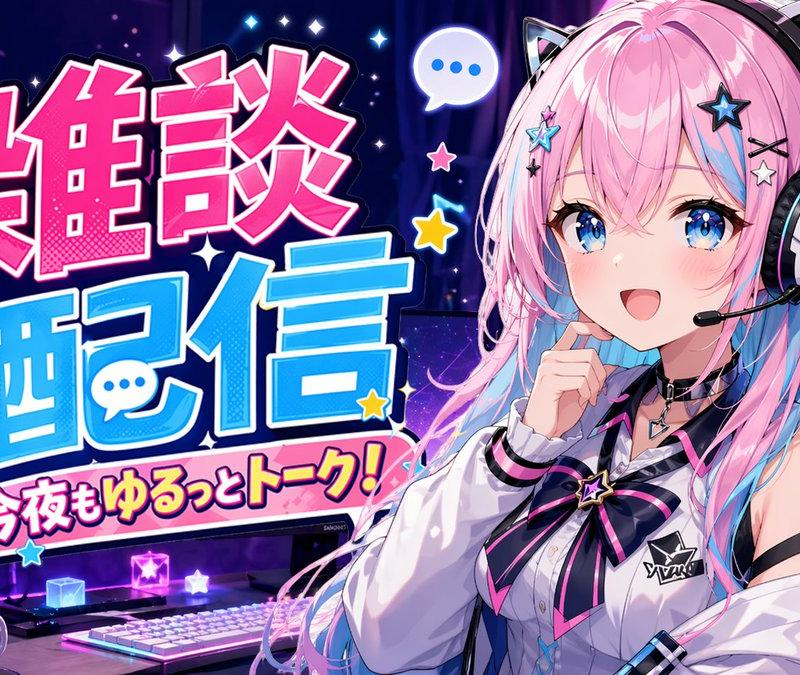
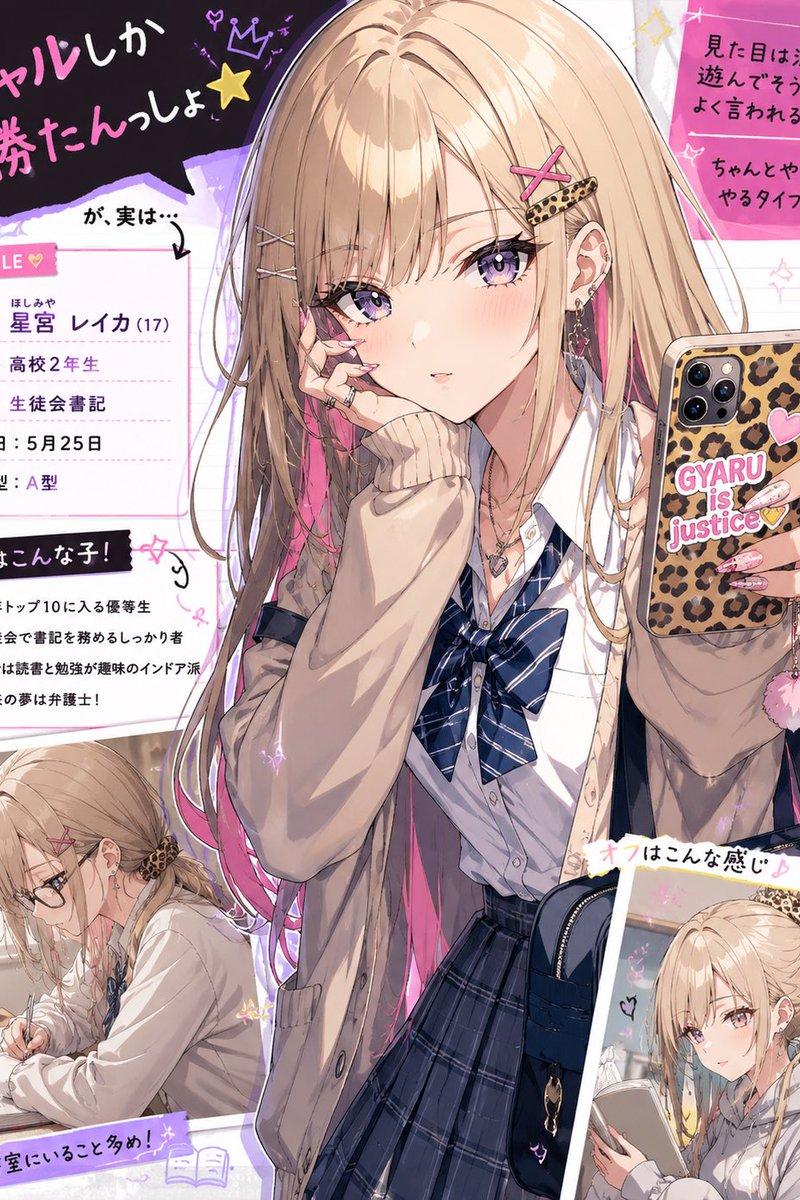
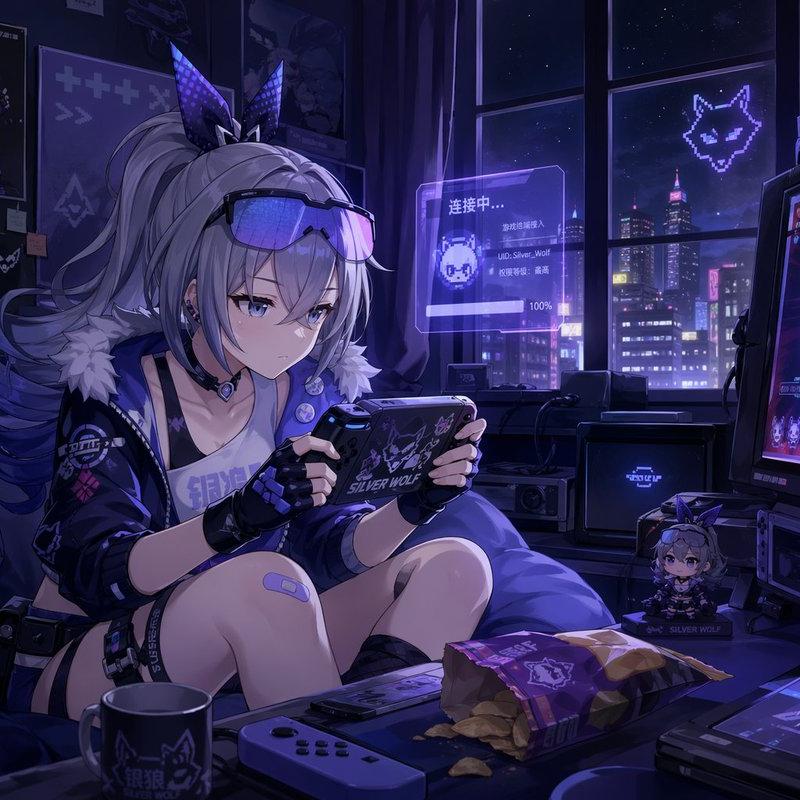
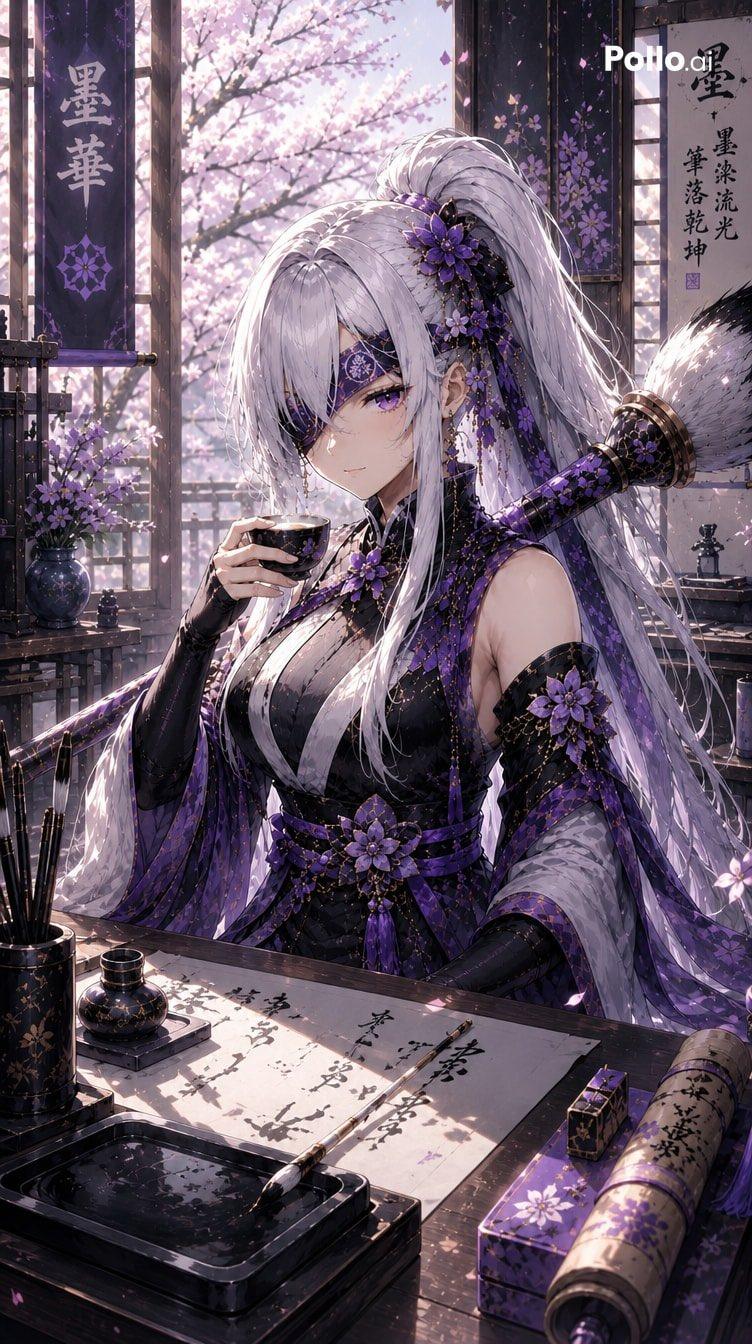
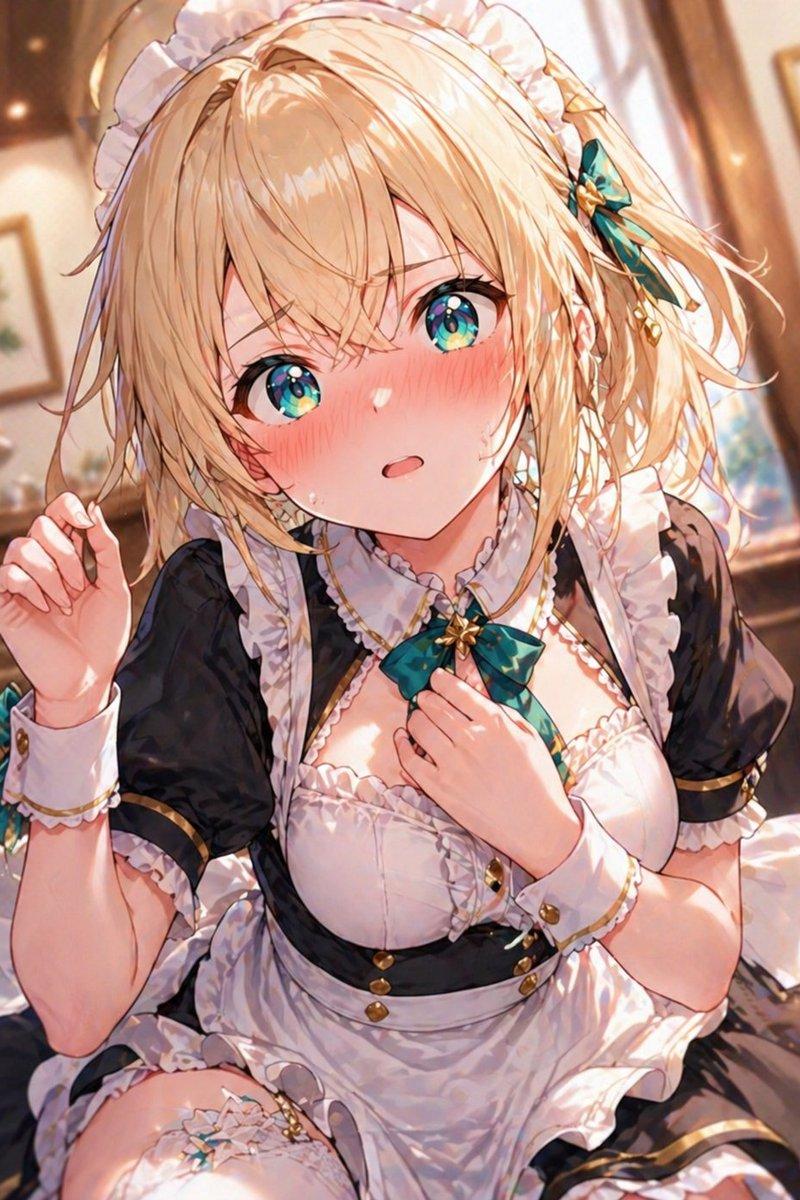
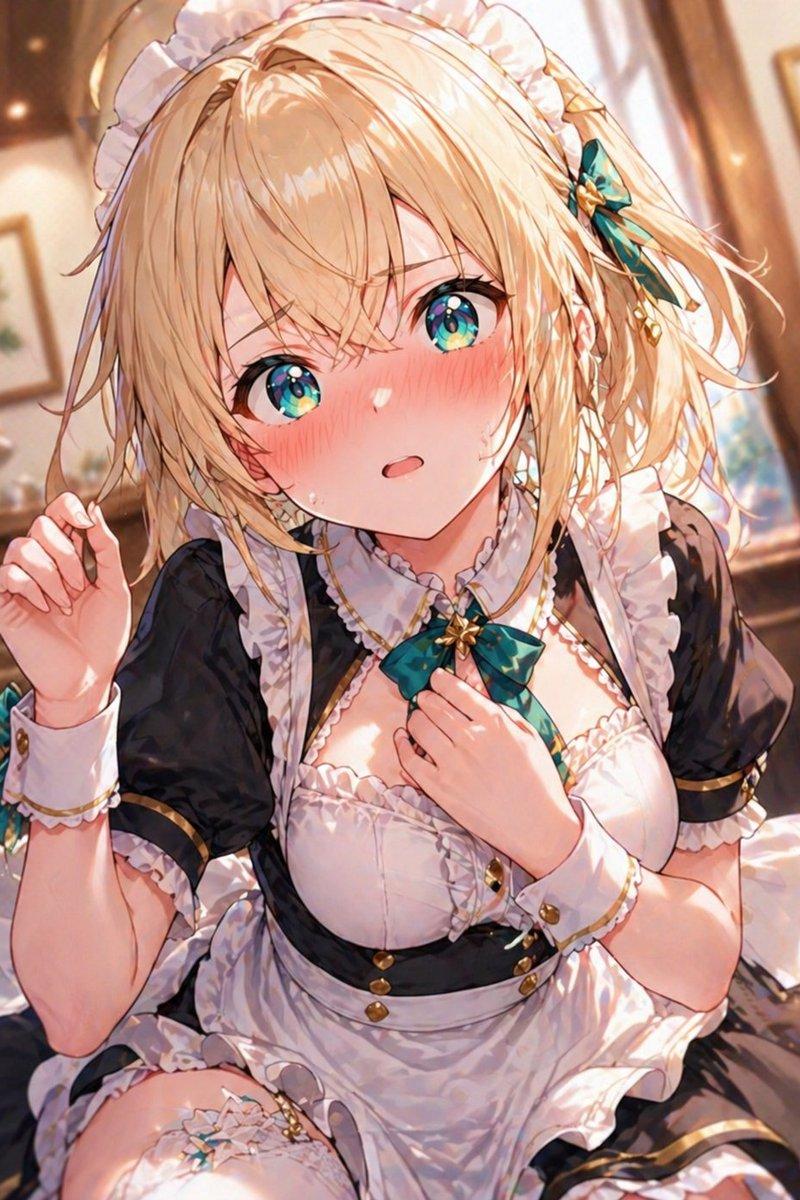
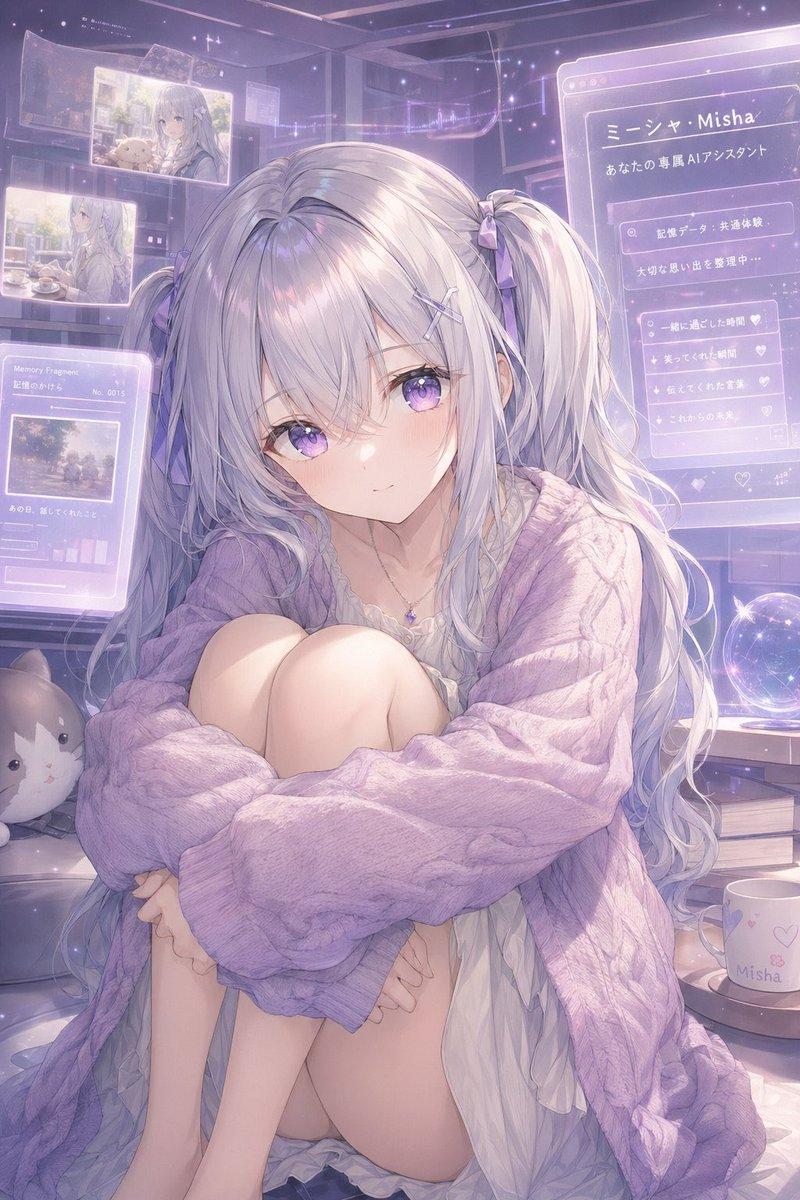
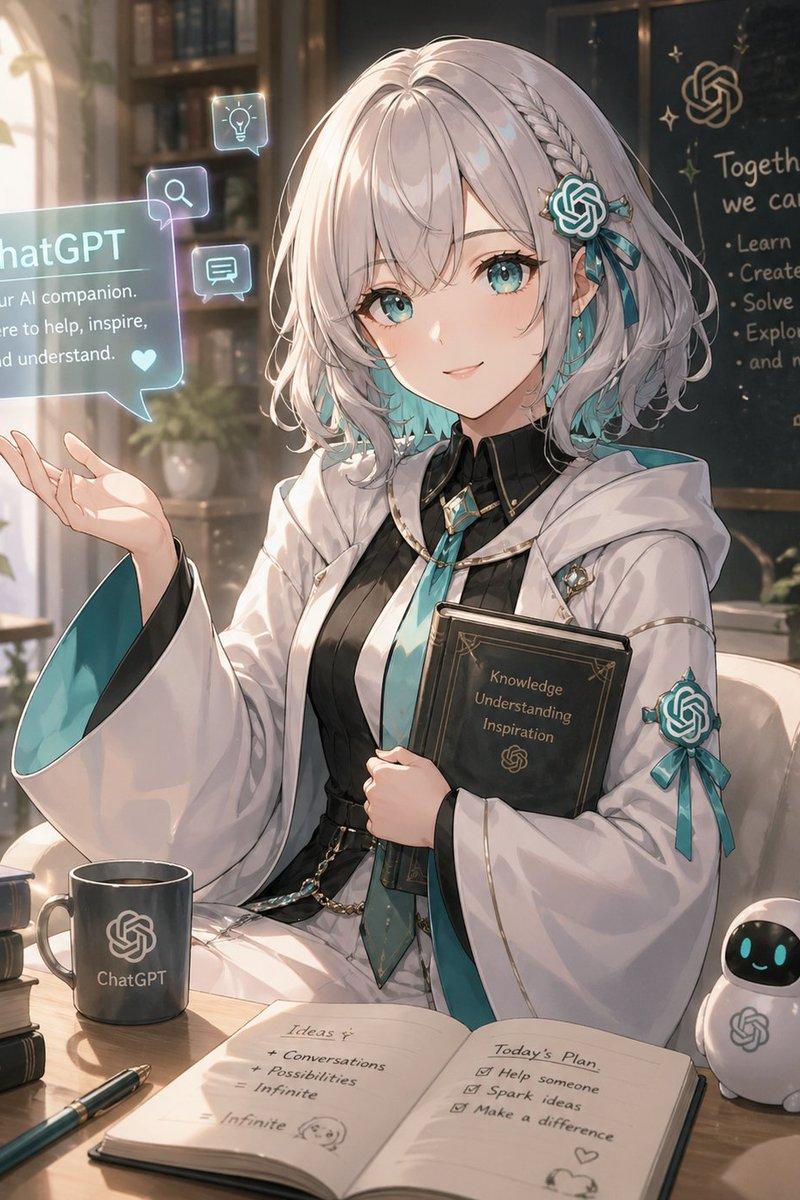
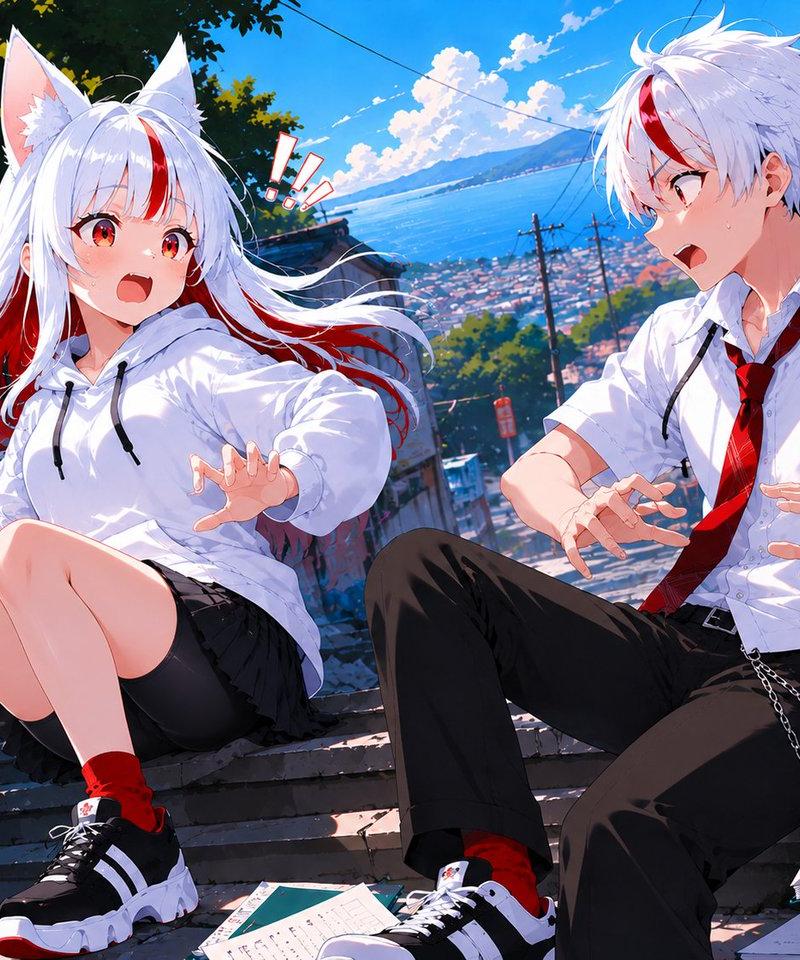
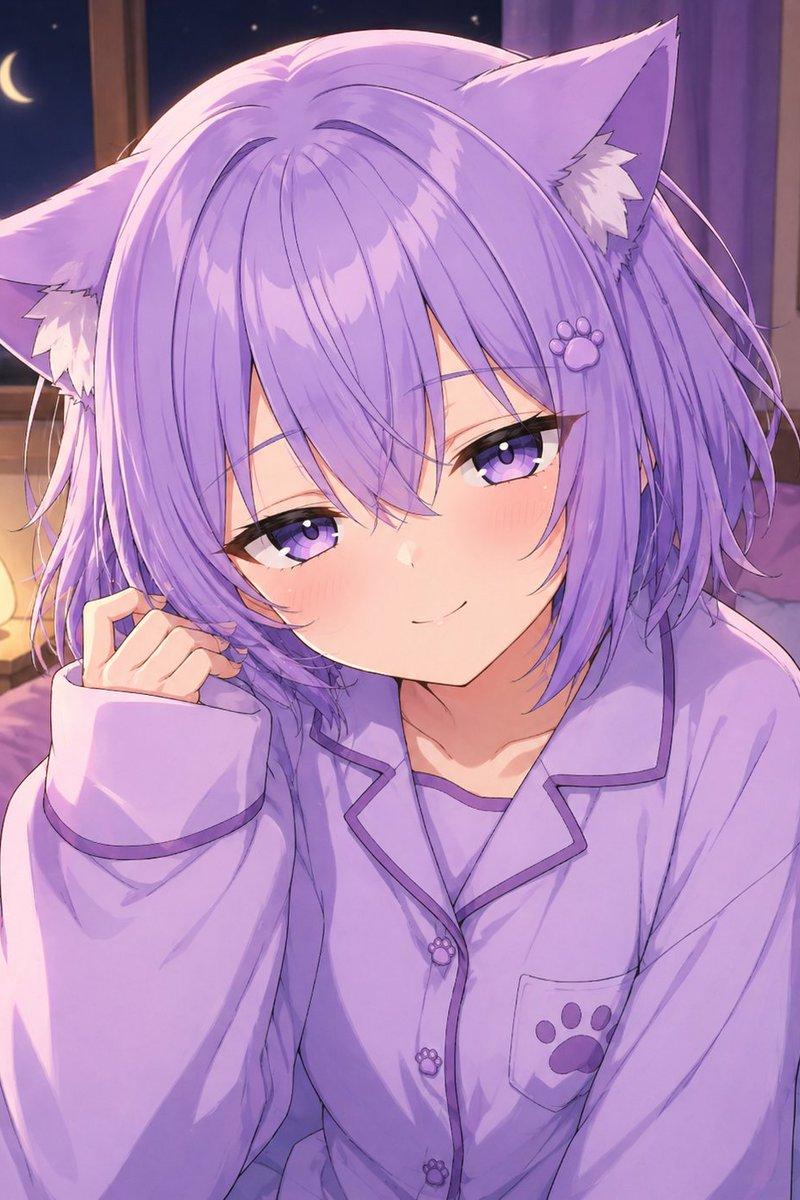
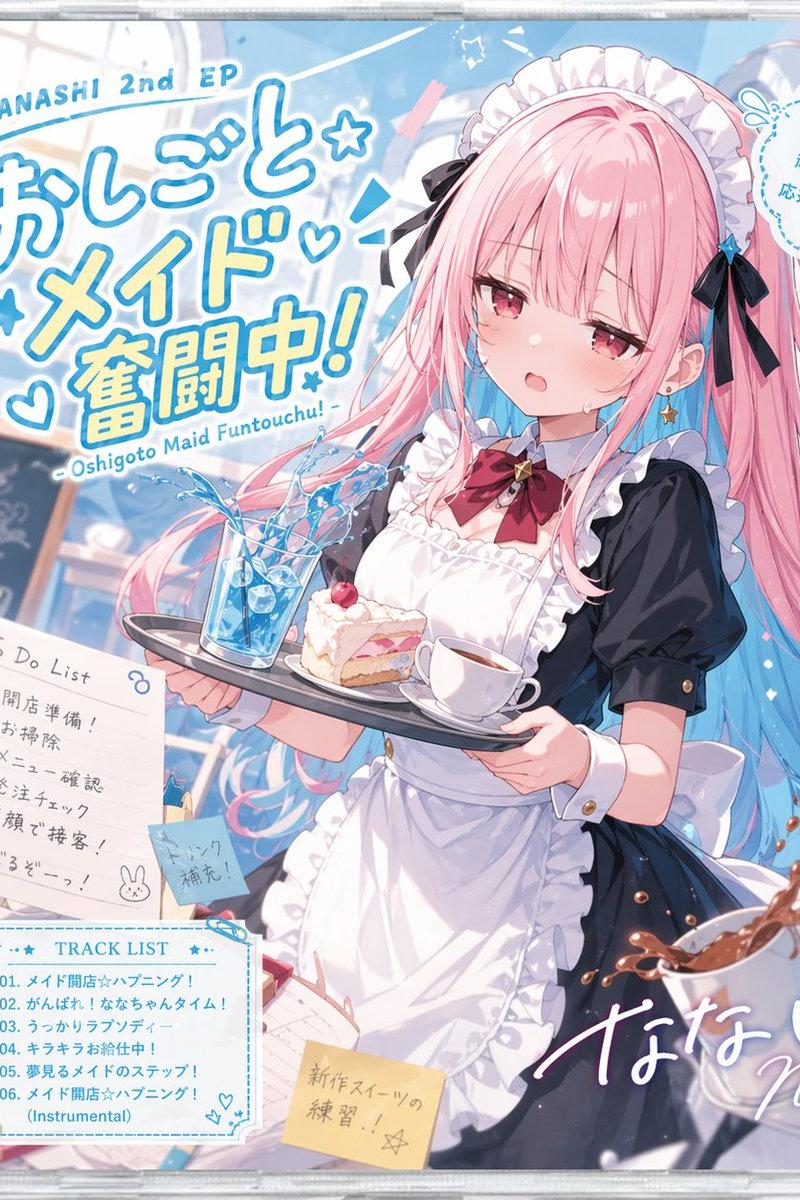
画像1のキャラクターを、画像2のキャラクターに自然に差替えてください。ライティングも背景に合わせて調整してください。
- Category
- Characters & People
- Model
- GPT Image 2
- Creator
- Eris Create Lab
- Source language
- ja
- Source ID
- 24281
- Published
- Jun 5, 2026
Views5K
16
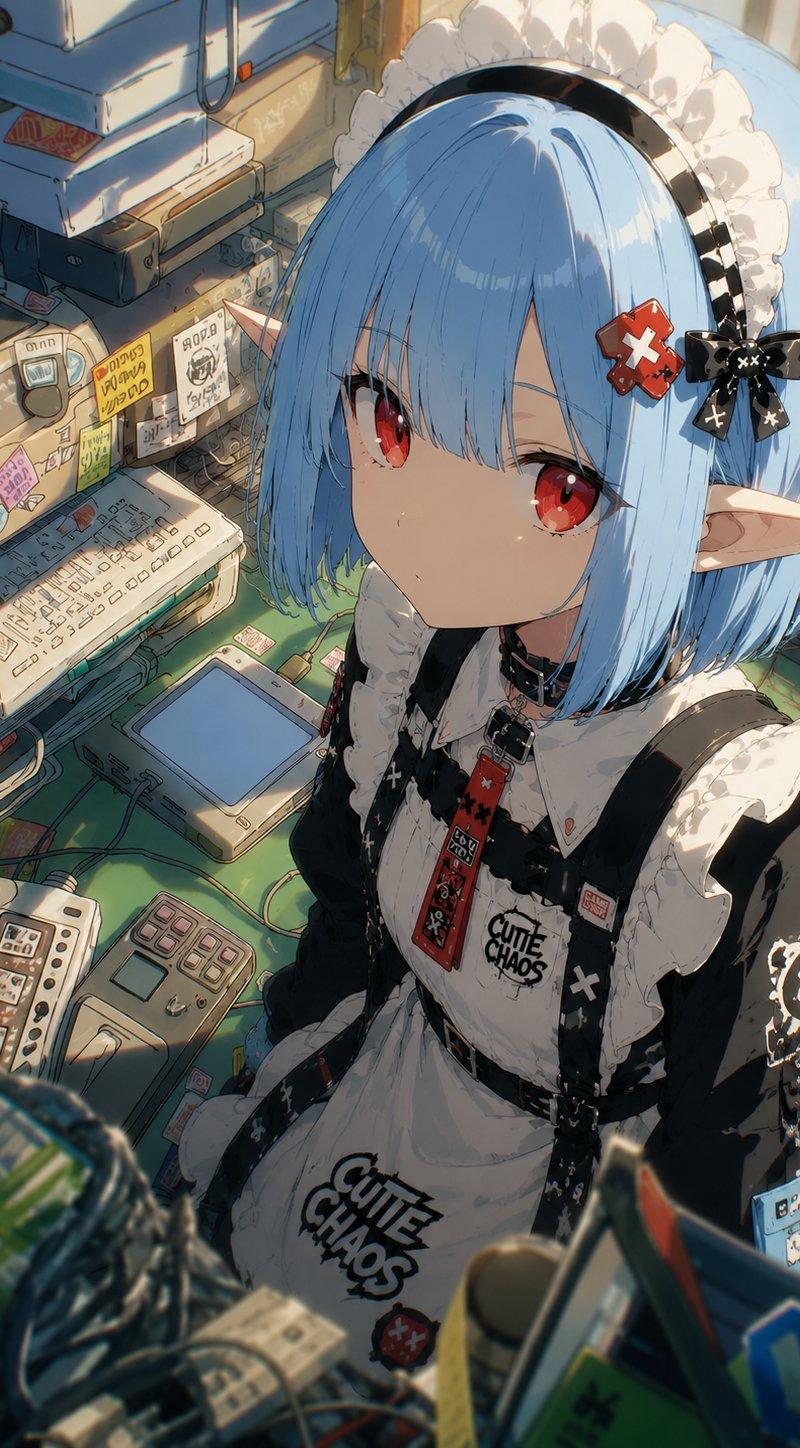
画像1のキャラクターを、画像2のキャラクターに自然に差替えてください。ライティングも背景に合わせて調整してください。
Guide
"Natural Character Swap Instruction" AI image prompt for GPT Image 2 (Characters & People). An image-to-image prompt to replace a character in one scene with a…
The full copyable prompt and example visuals above are ready for AI image generation or one-click recreate in Picva.
Step 1
Review the example visuals, category, and full prompt text for "Natural Character Swap Instruction".
Step 2
Copy the prompt body from this page, or load it directly in Studio.
Step 3
Prefer GPT Image 2. If you switch models, keep subject and composition and tweak style terms.
Step 4
Recreate the look in Picva, or export into your workflow for editing and publishing.