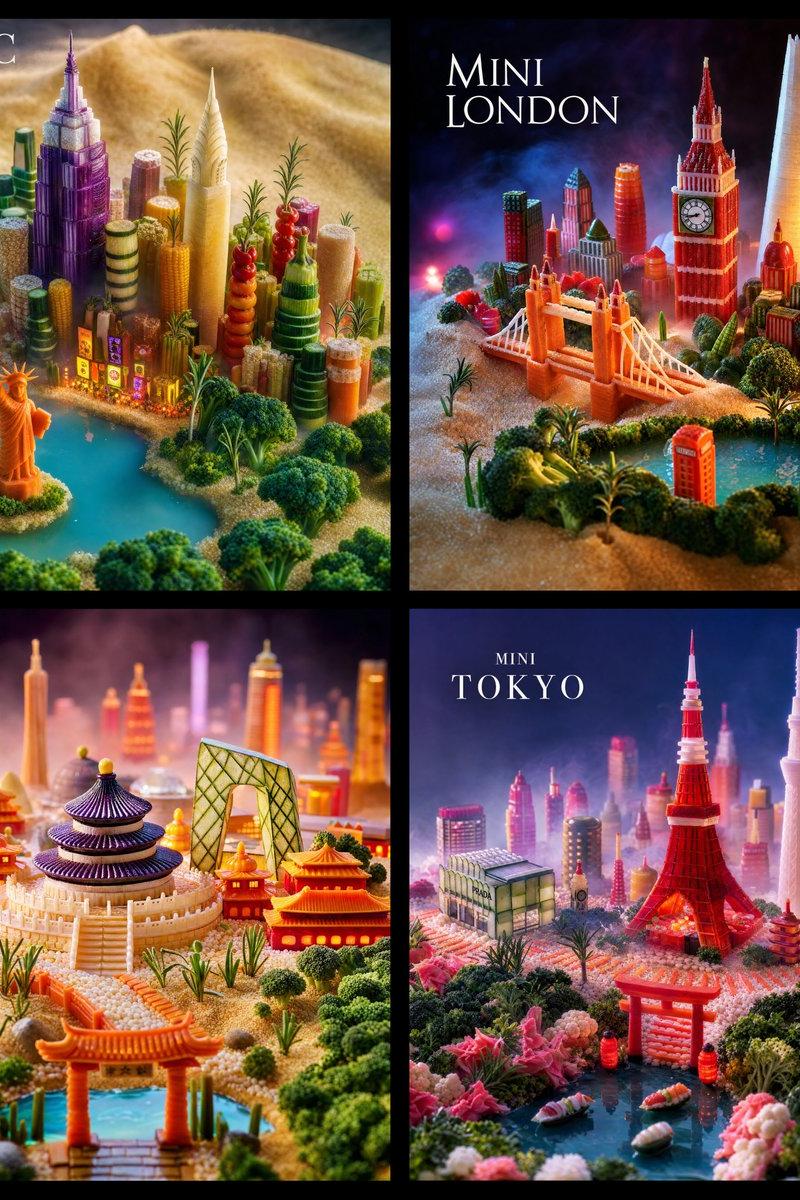
19

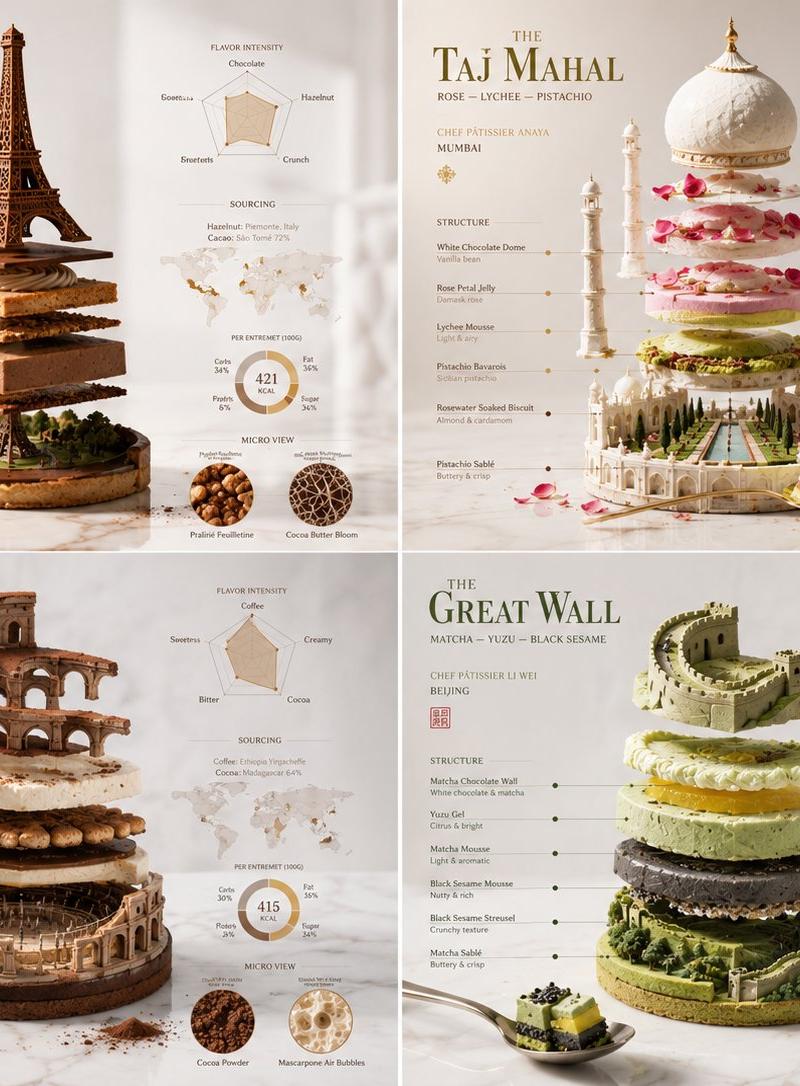
Exploded Monument Pastry Art
Enlarge

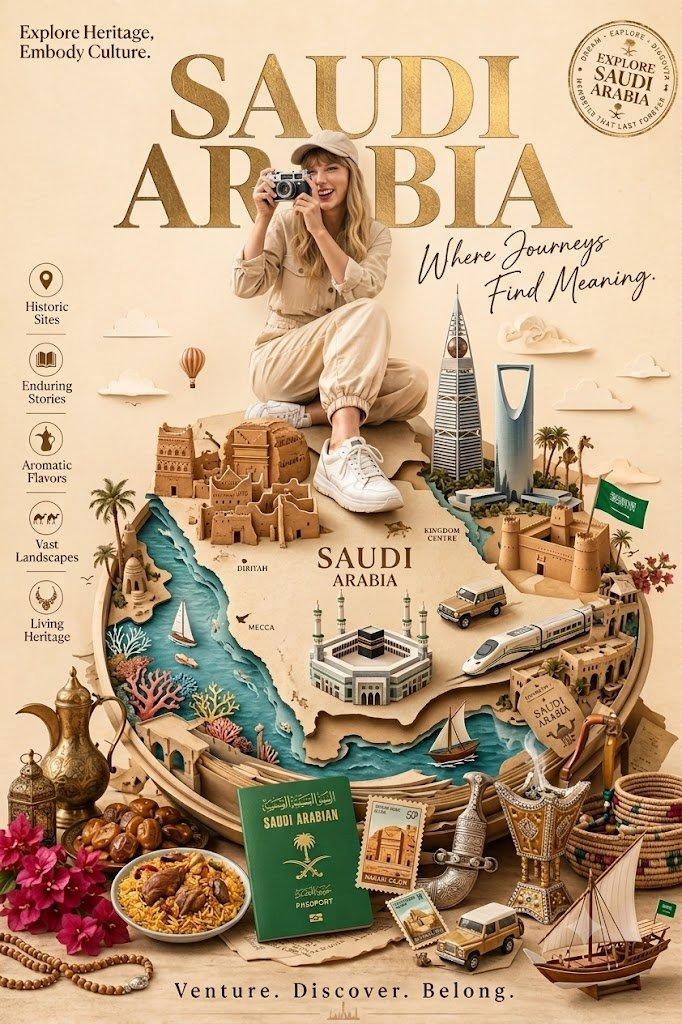
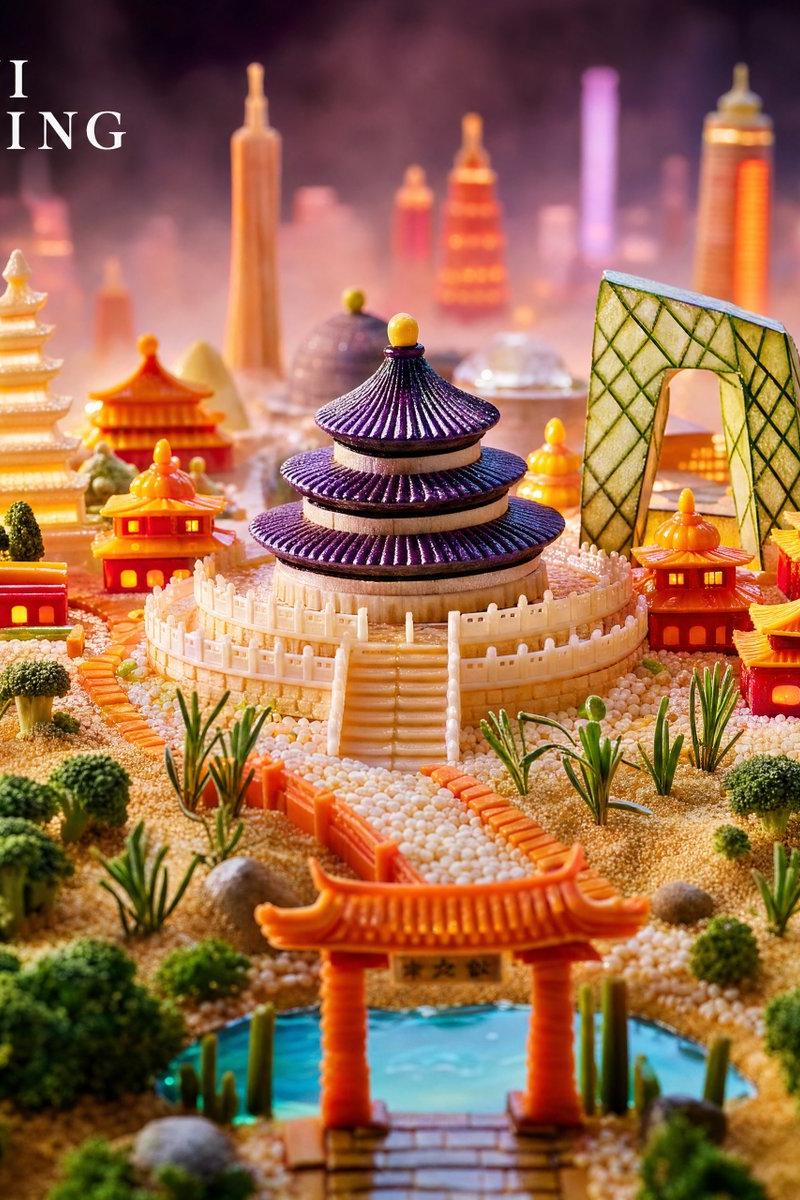
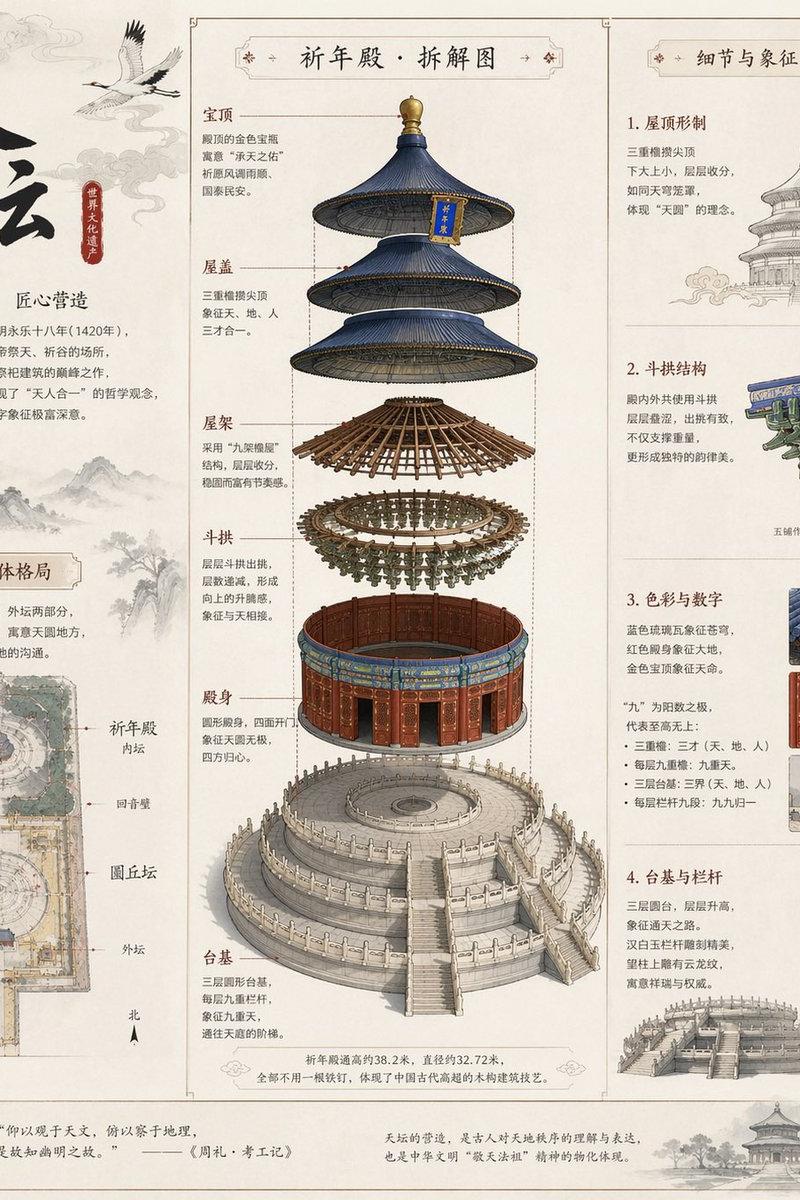
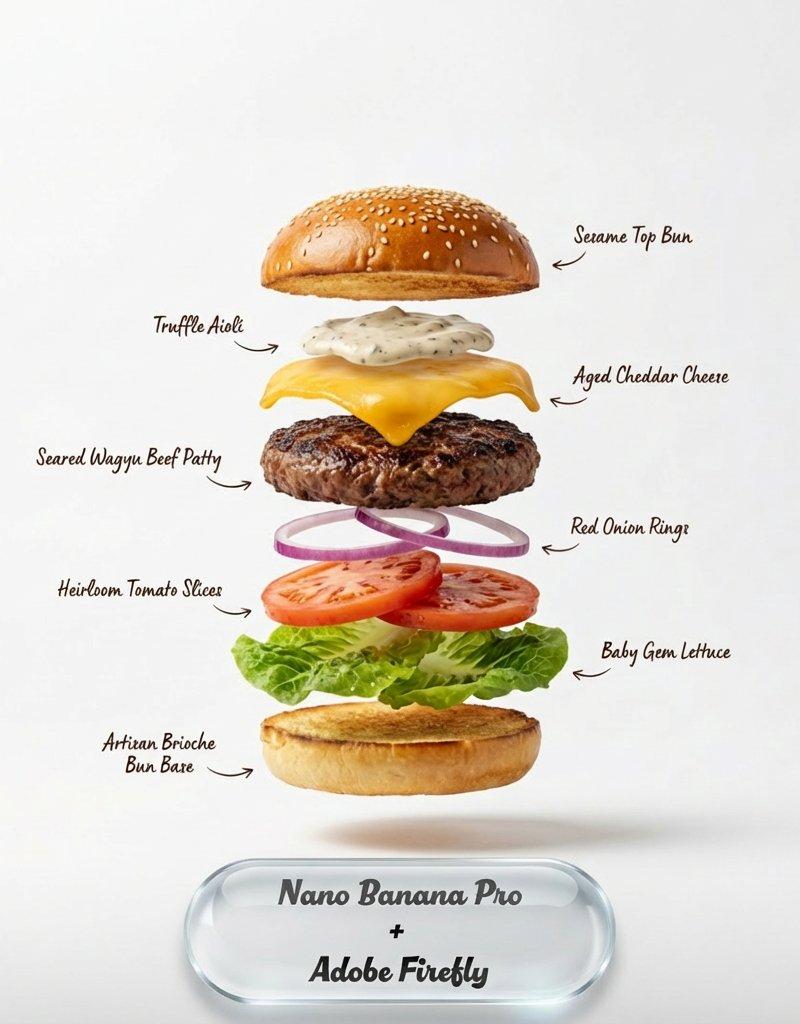
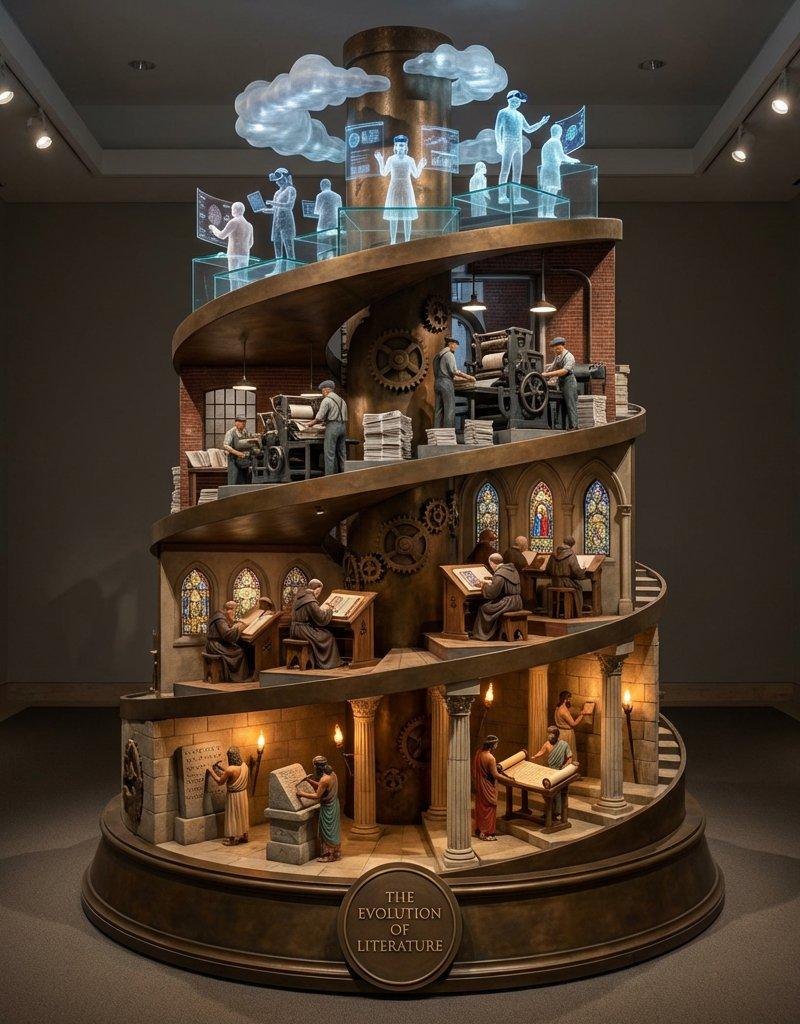
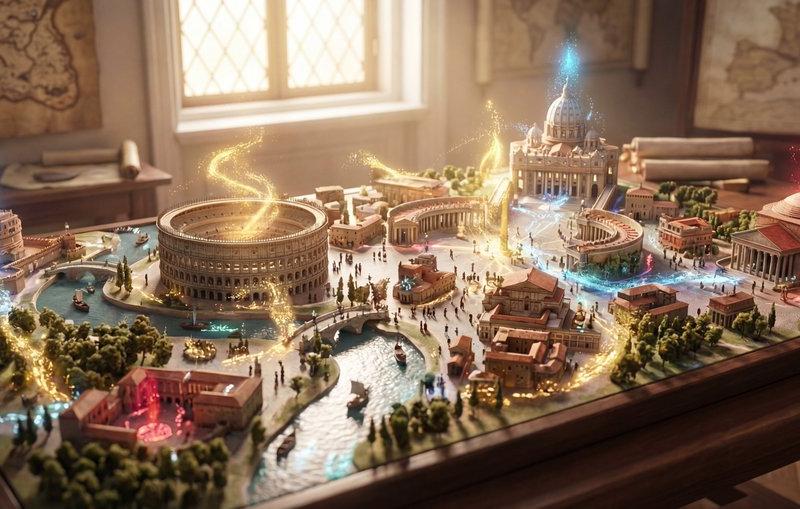
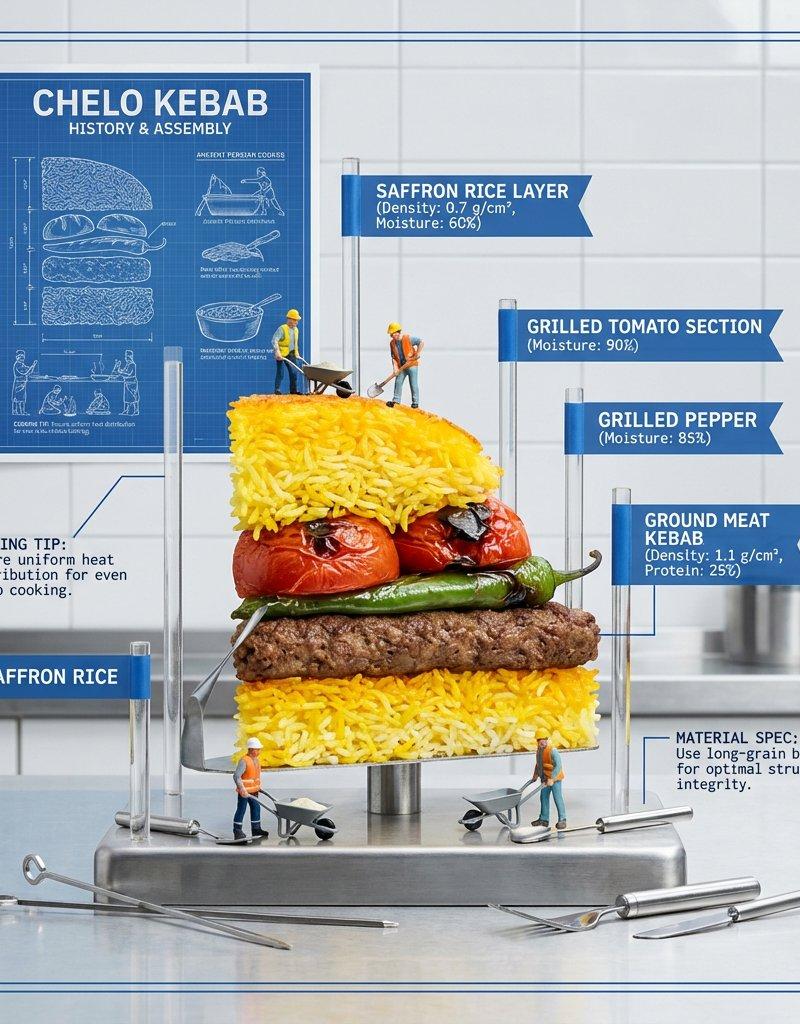
Example images

Exploded Monument Pastry Art

Prompt
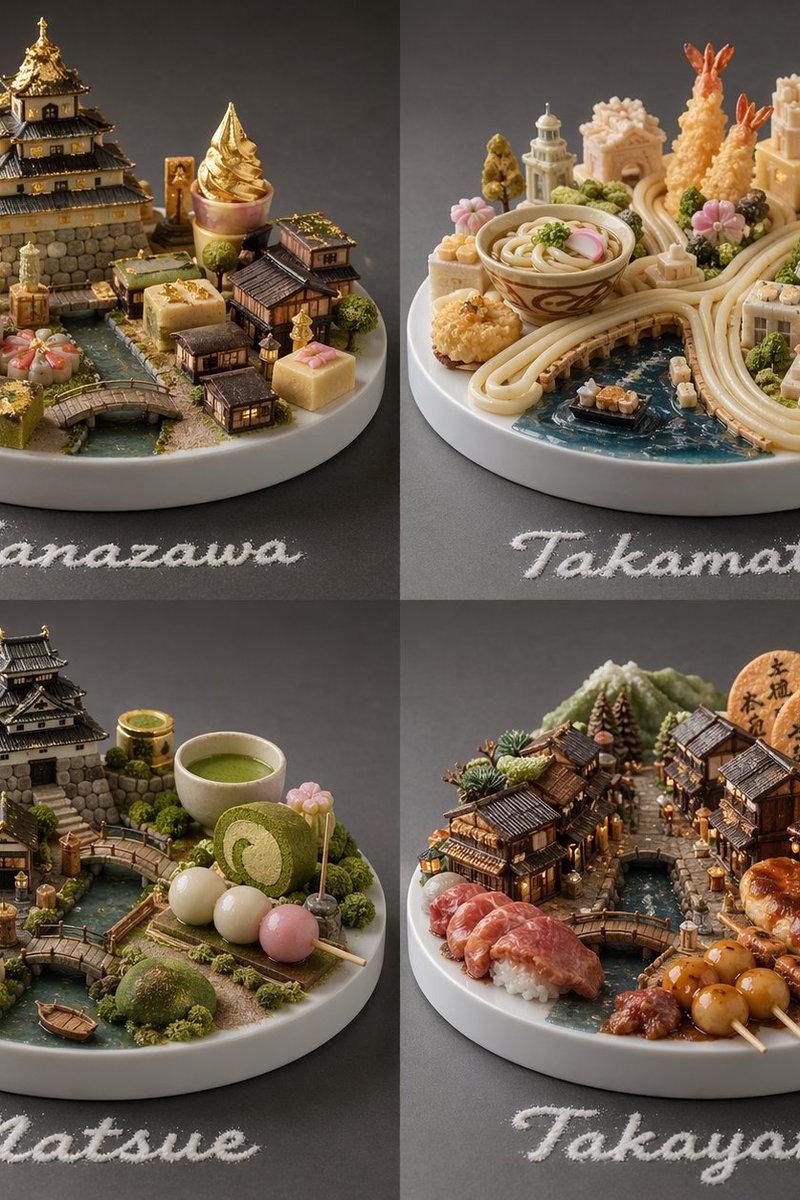
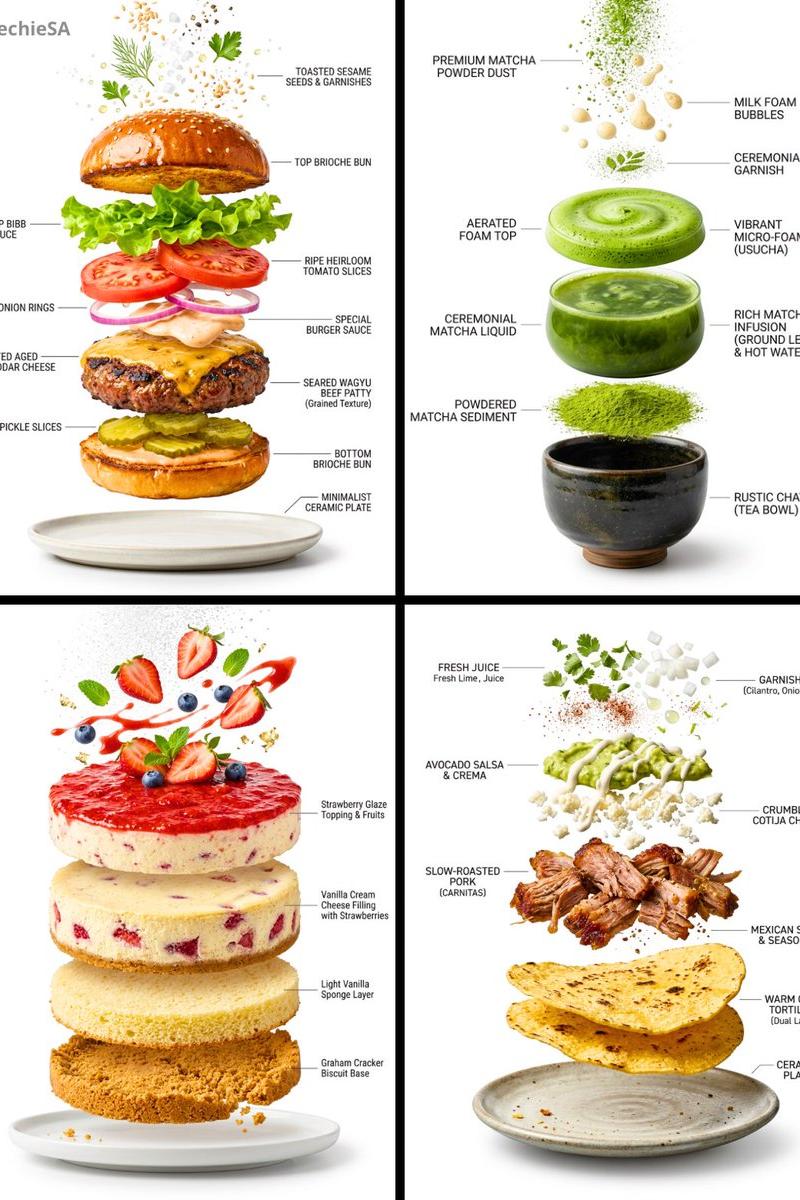
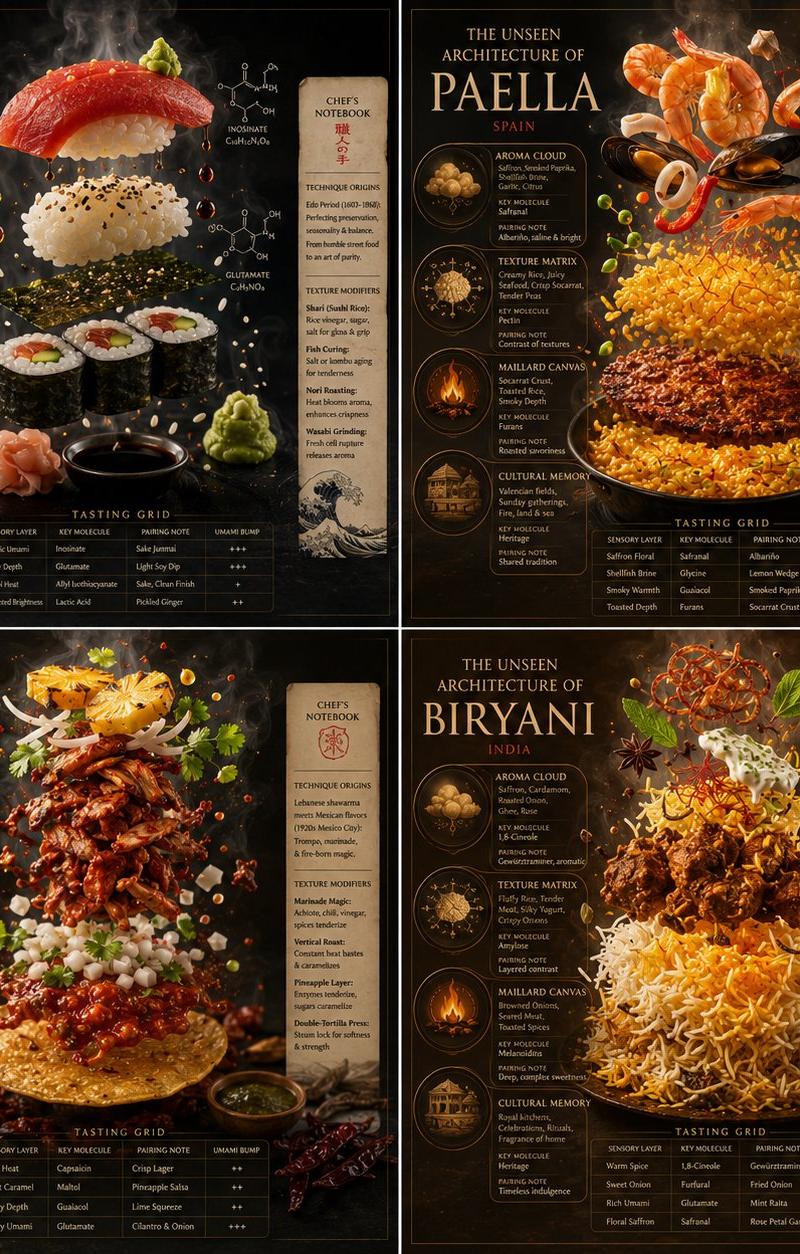
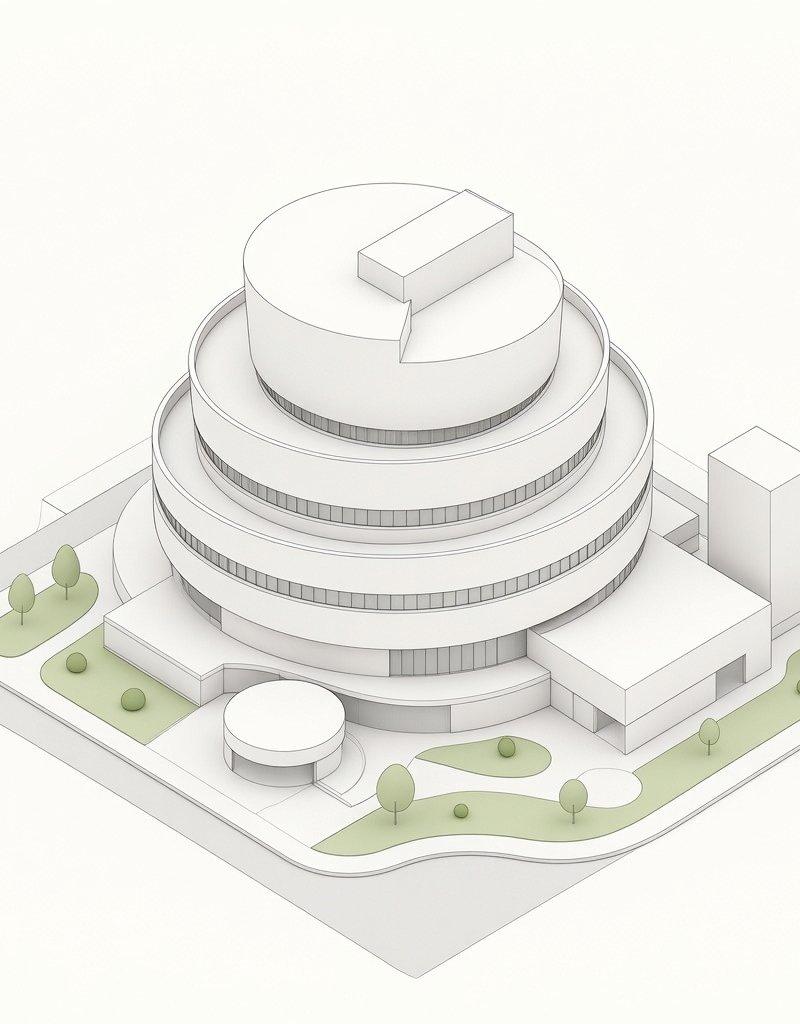
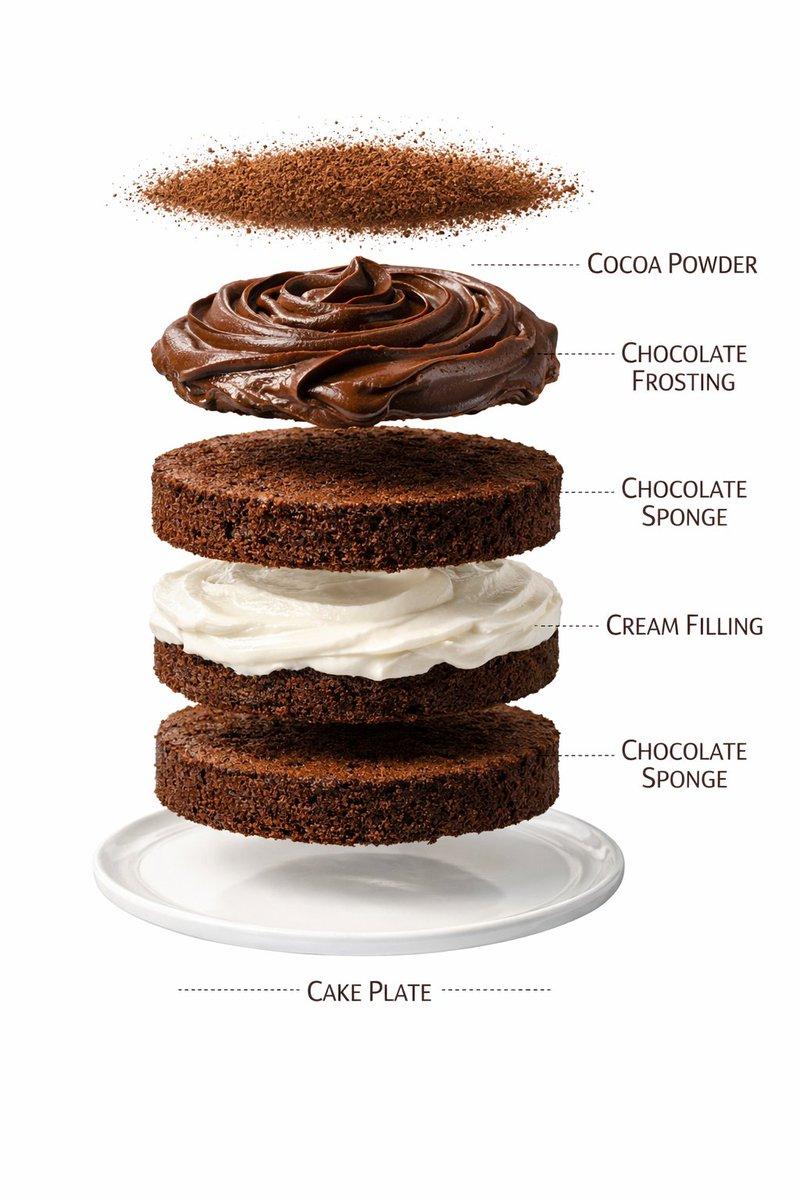
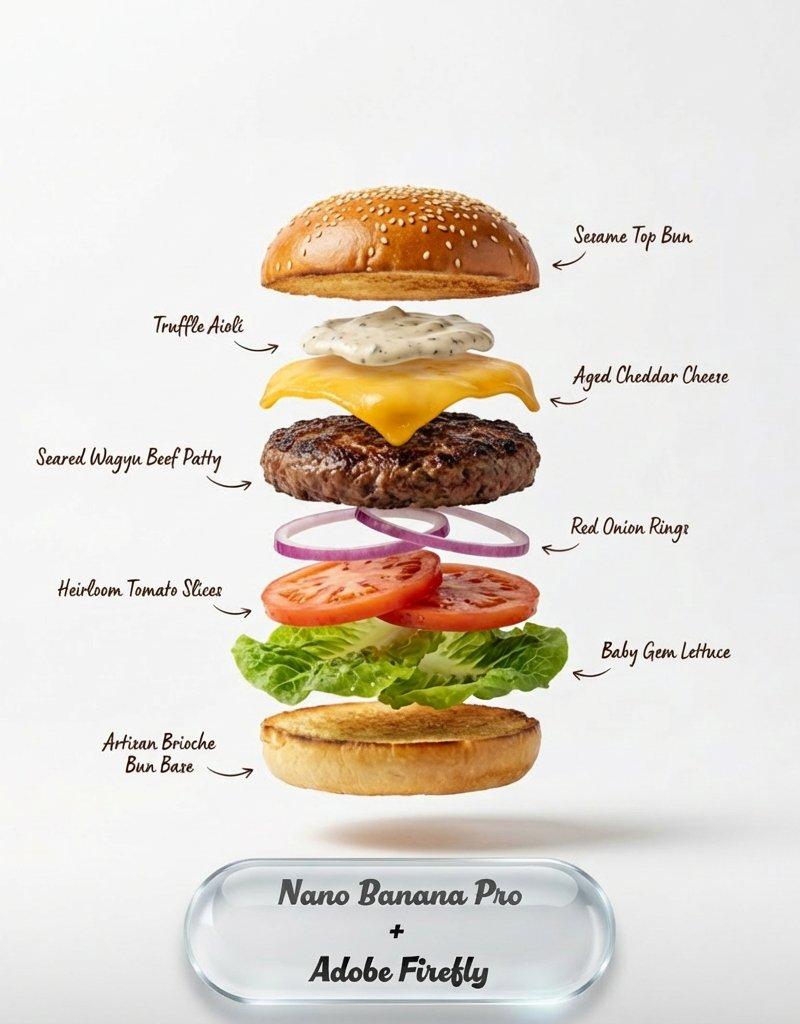
2x2 grid, do this for 4 famous world monuments in pastry class Grande_Patisserie_DNA: def __init__(self): self.subject = "{argument name="pastry" default="[PASTRY CREATION]"}" self.parents = { "composition_parent": "Exploded entremet with layers, glazes, and decorations levitating", "material_parent": "Mirror glaze, velvet chocolate spray, gold leaf, edible flowers", "graphic_parent": "Luxury pâtisserie boutique window card", "atmosphere_parent": "Bright morning light on a Carrara marble countertop" } self.mutations = { "semantic_mutation": "The cake slice reveals a tiny orchard where its fruits grew", "information_mutation": "Flavor intensity graph, texture layers diagram, sourcing map for cocoa and vanilla, calorie composition ring", "medium_mutation": "Smooth uncoated paper with spot gloss on the glaze drips", "scale_mutation": "Microscopic view of a sugar crystal lattice and cocoa butter bloom" } self. style_mix = [0.30, 0.30, 0.25, 0.10, 0.05] def generate_subject(self): subject = """ {argument name="pastry_name" default="[PASTRY CREATION]"} floating in a bright, clean space. All layers — mousse, biscuit, insert, glaze — are gently separated to expose the architecture of taste. A single perfect spoonful hovers nearby. """ return render( subject, format="luxury pâtisserie menu feature", title="{argument name="monument" default="[PASTRY NAME]"}", subtitle="[CHEF PÂTISSIER / MAISON]", constraints="bright, appetizing, high precision, modern dessert art" )
Category
Charts & Infographics
Model
GPT Image 2
Creator
Gadgetify
Source language
en
Views923
Source ID
24295
Published
Jun 5, 2026
Studio

Guide

About "Exploded Monument Pastry Art"

What is this prompt for?

"Exploded Monument Pastry Art" AI image prompt for GPT Image 2 (Charts & Infographics). A creative structured prompt that uses a Python-style class format to g…

The full copyable prompt and example visuals above are ready for AI image generation or one-click recreate in Picva.

How to use this prompt

  1. Step 1

    Open the prompt detail

    Review the example visuals, category, and full prompt text for "Exploded Monument Pastry Art".

  2. Step 2

    Copy the prompt

    Copy the prompt body from this page, or load it directly in Studio.

  3. Step 3

    Pick a model (GPT Image 2)

    Prefer GPT Image 2. If you switch models, keep subject and composition and tweak style terms.

  4. Step 4

    Generate and export

    Recreate the look in Picva, or export into your workflow for editing and publishing.

FAQ

What is the "Exploded Monument Pastry Art" prompt?
It is an AI image-generation prompt for GPT Image 2 in the Charts & Infographics category. This page includes the full prompt text, example visuals, and a one-click recreate path in Picva.
How do I use this prompt to generate an image?
Copy the prompt from this page, or use Generate / Studio. Paste it into a compatible image model, or recreate the look in Picva with optional reference images.
Which model is this prompt for?
This page lists GPT Image 2. Most descriptive prompts also transfer to nearby image models such as GPT Image, Flux, or Midjourney with light style tweaks.
Can I use the result commercially?
You can usually copy the prompt for creation, but commercial use of the final image depends on the model terms, reference-image rights, and the generated content. Follow the source author and platform rules.