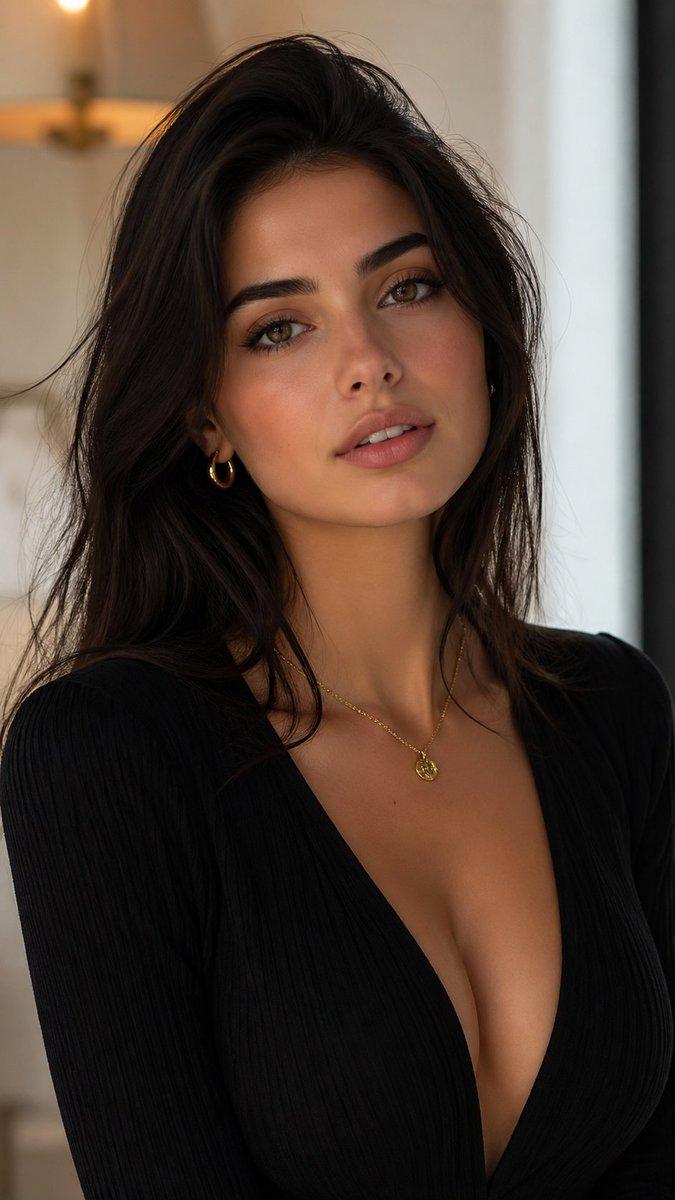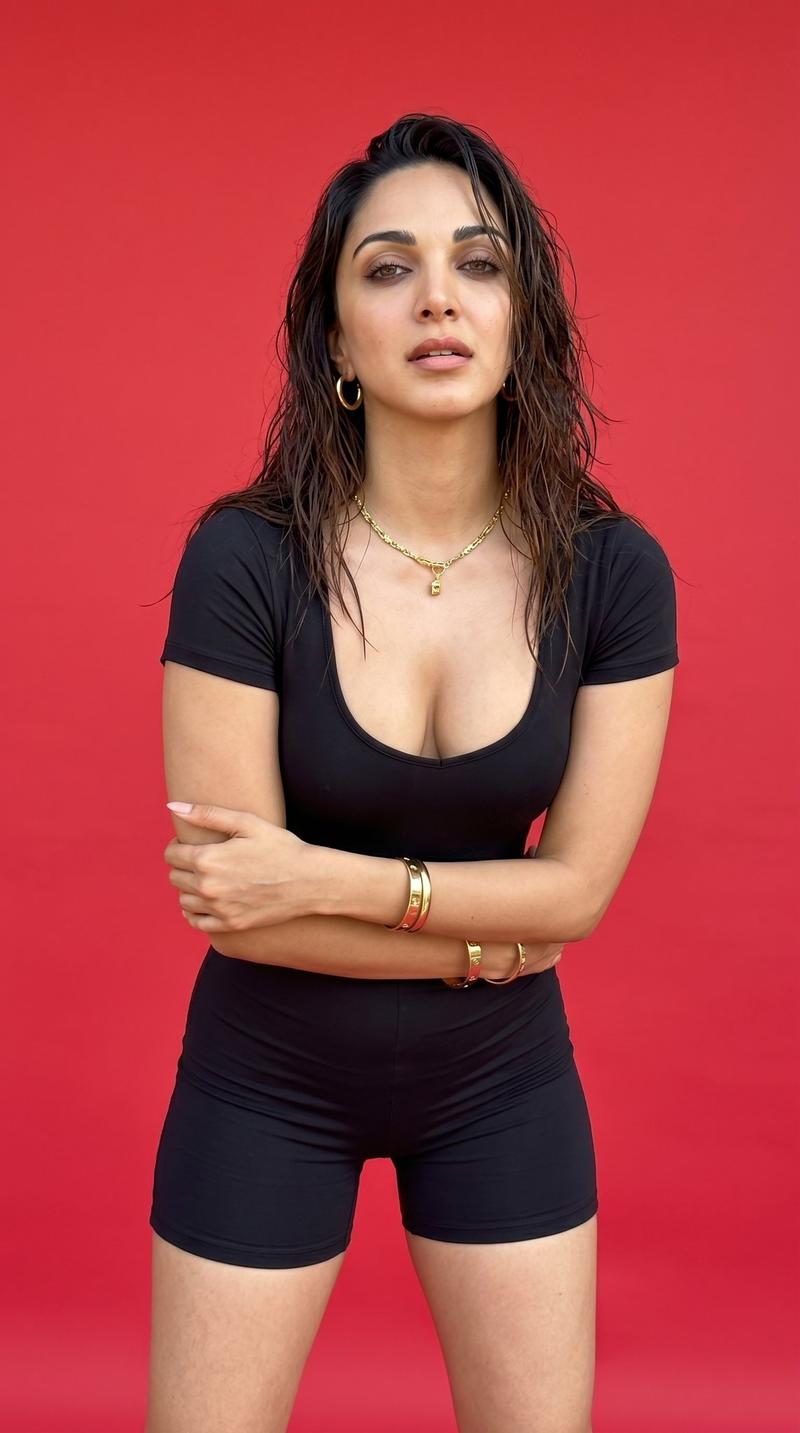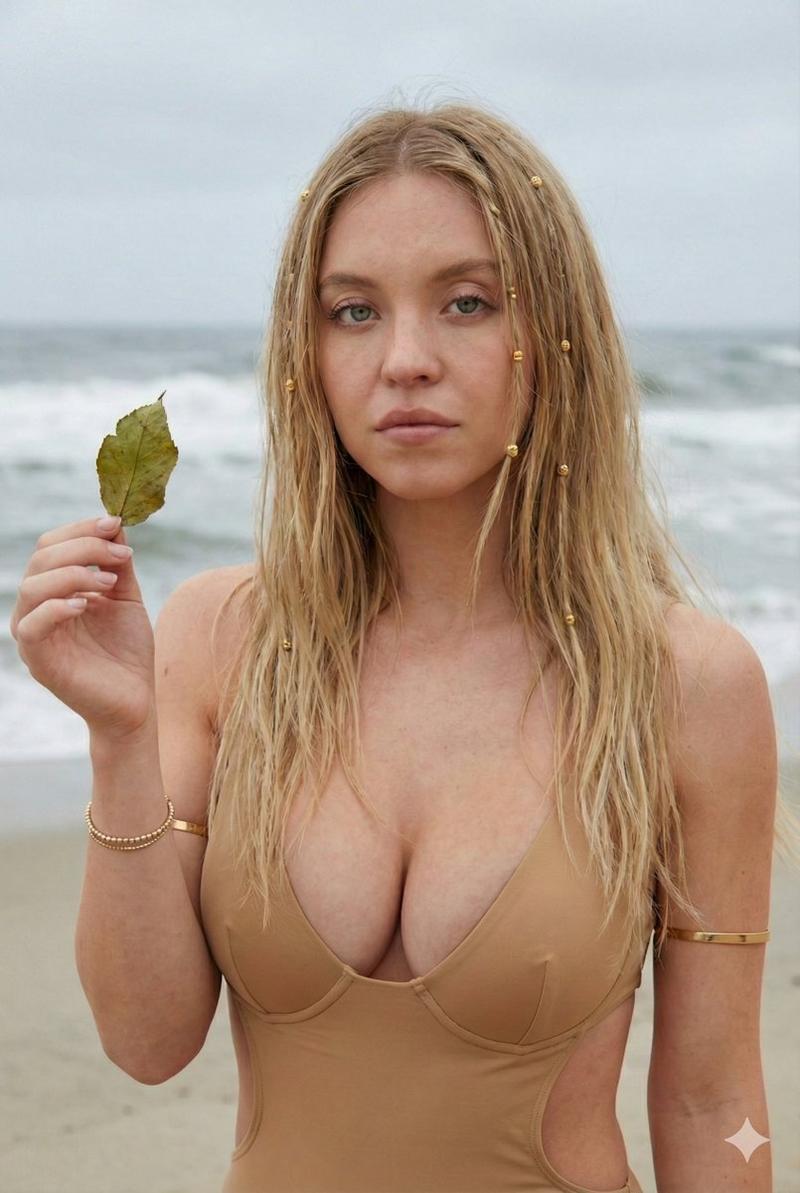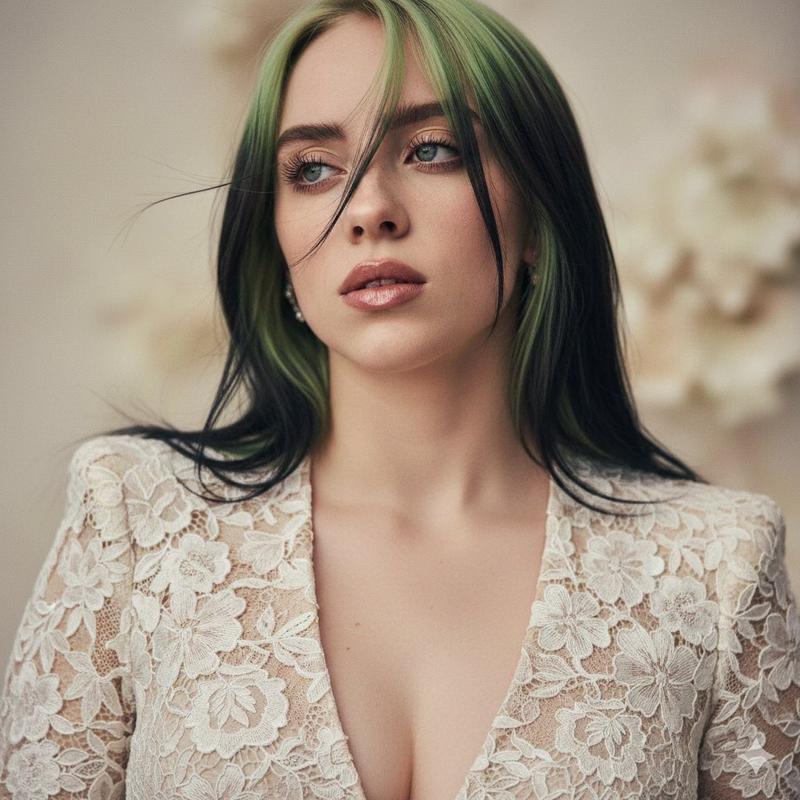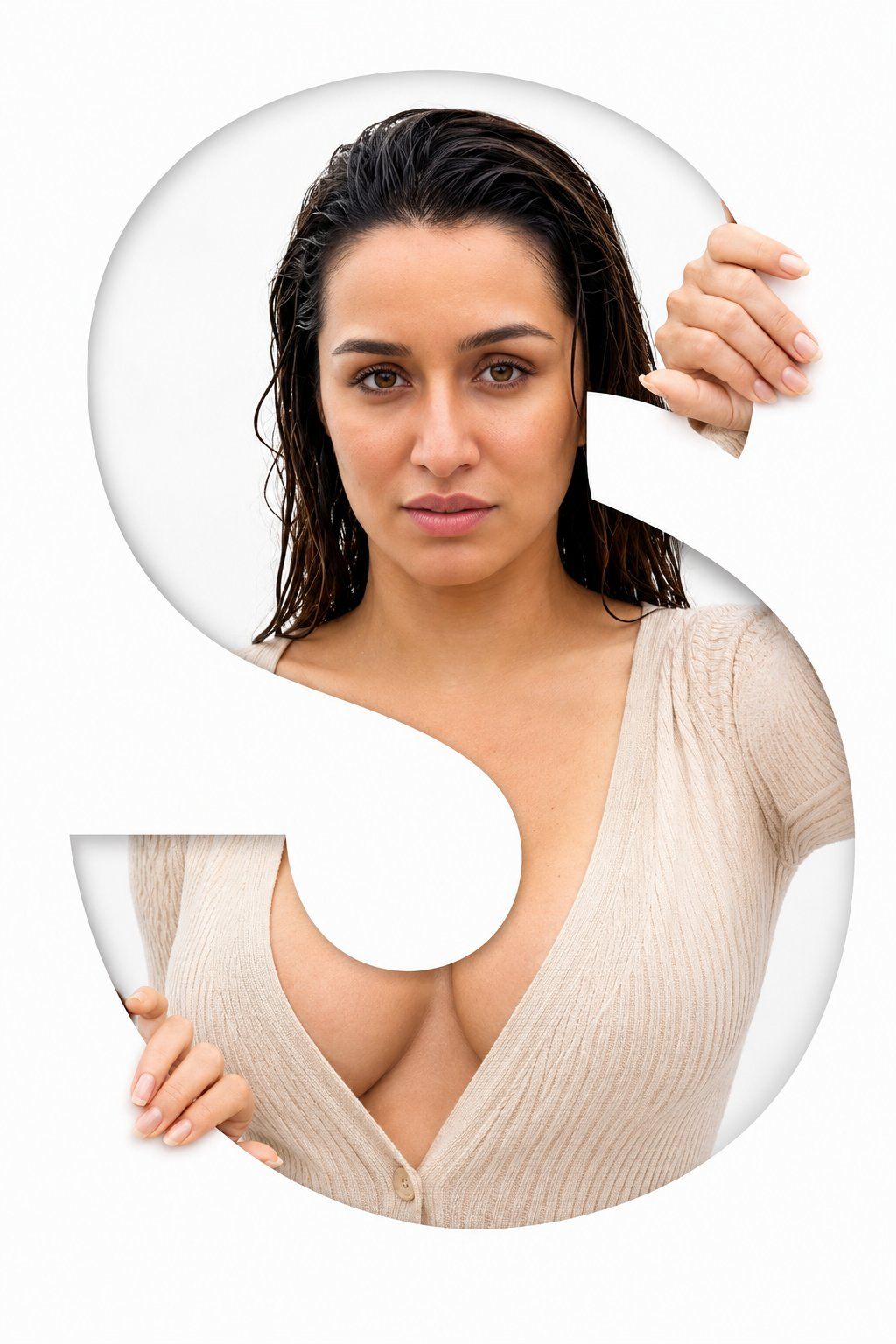
Letter S Editorial Portrait
Prompt
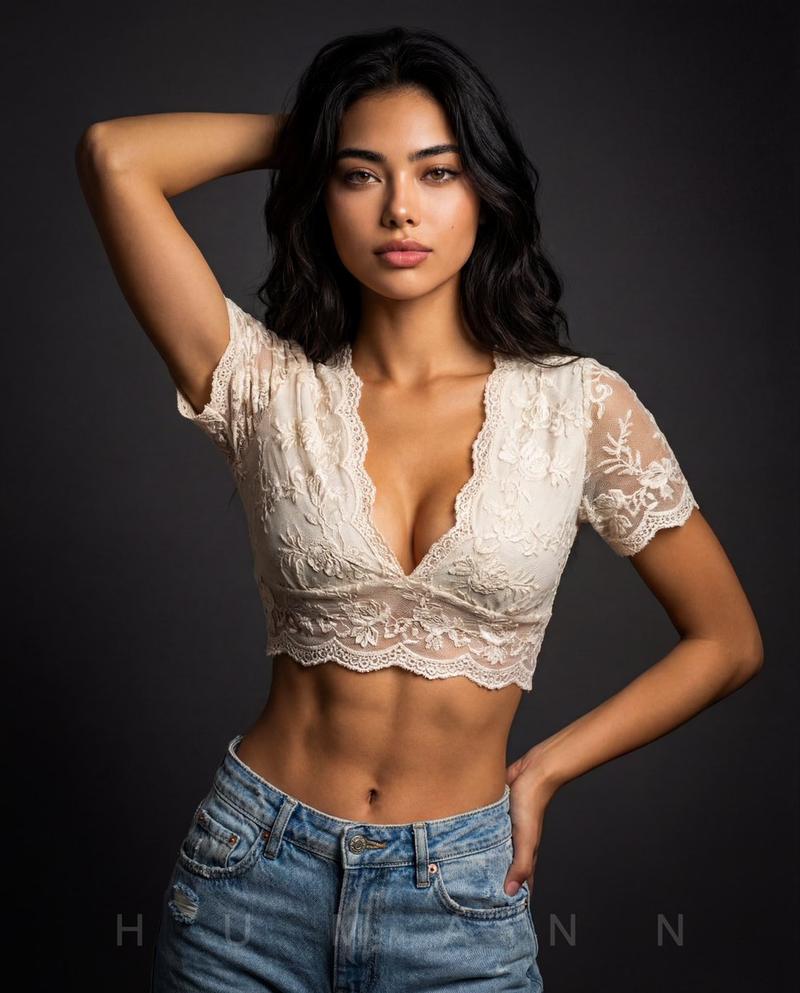
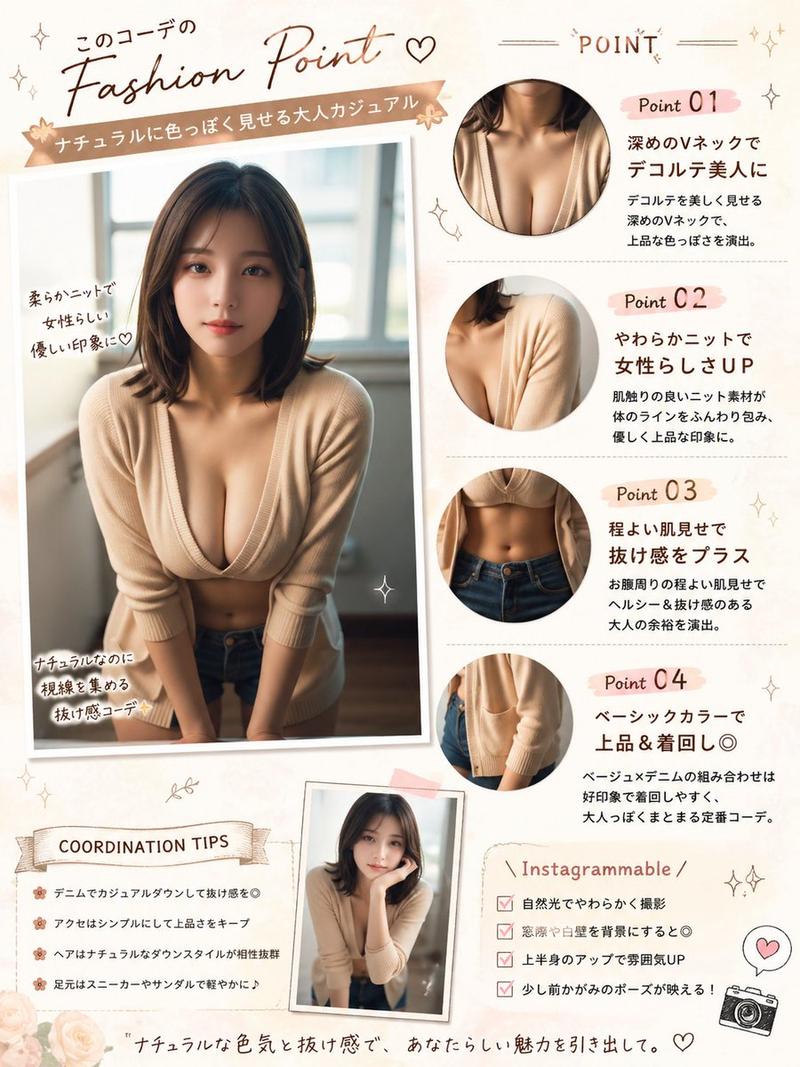
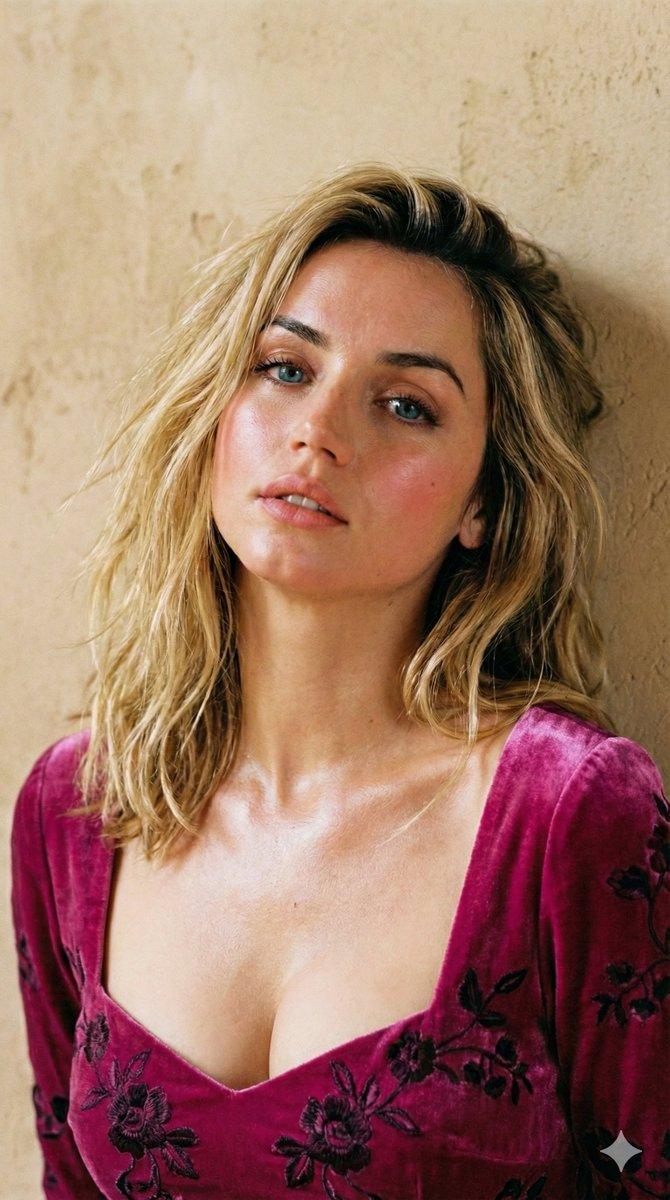
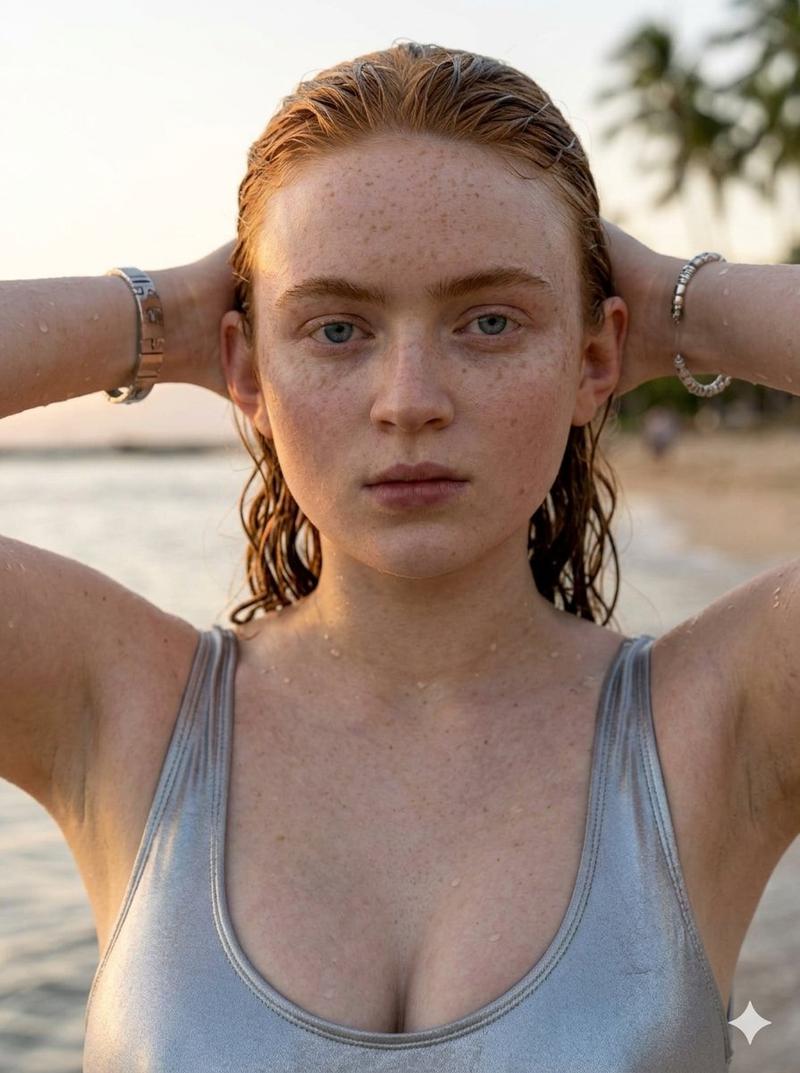
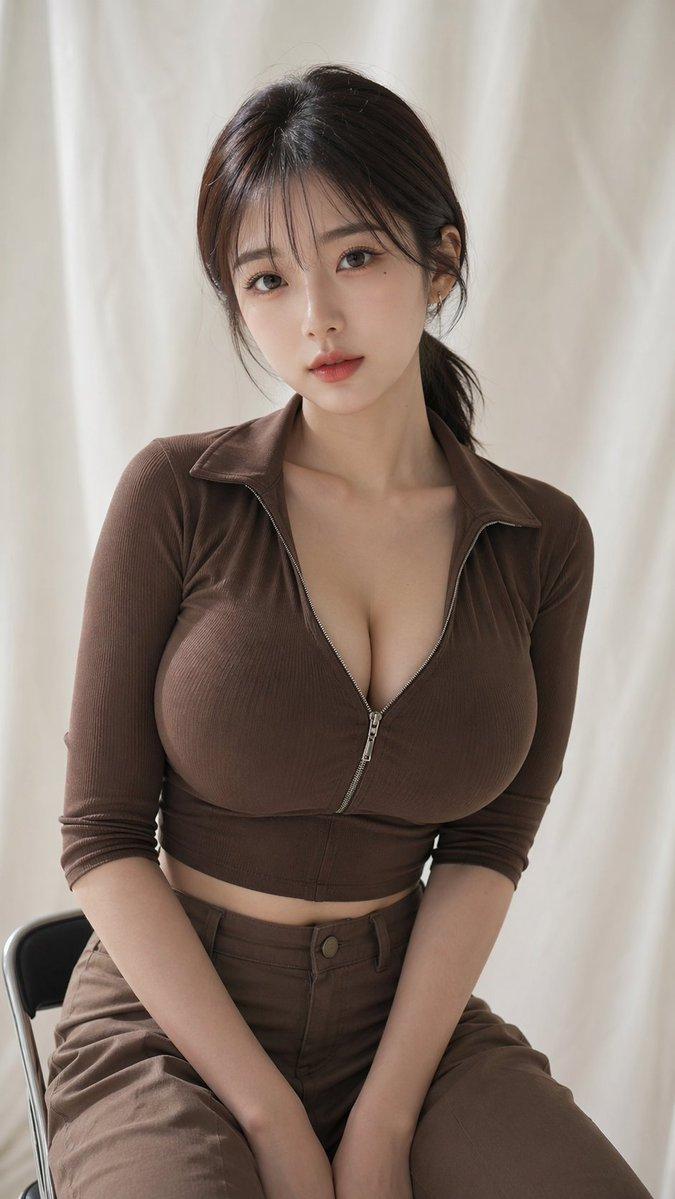
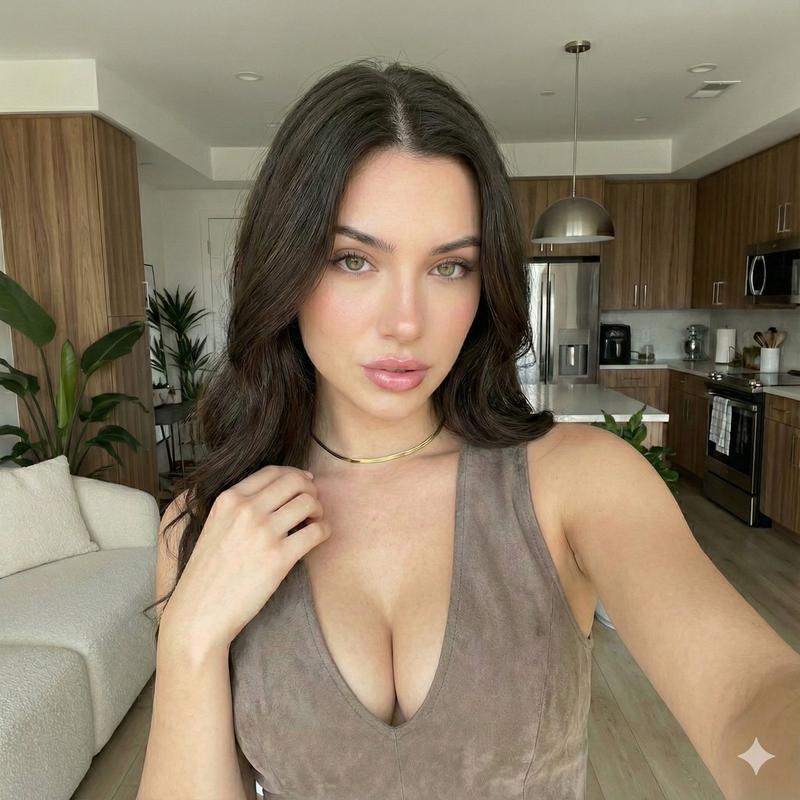
Create a high-resolution DSLR-style portrait of a woman, preserving the exact facial features, proportions, skin tone, expression, and overall likeness of the referenced person with maximum identity accuracy.

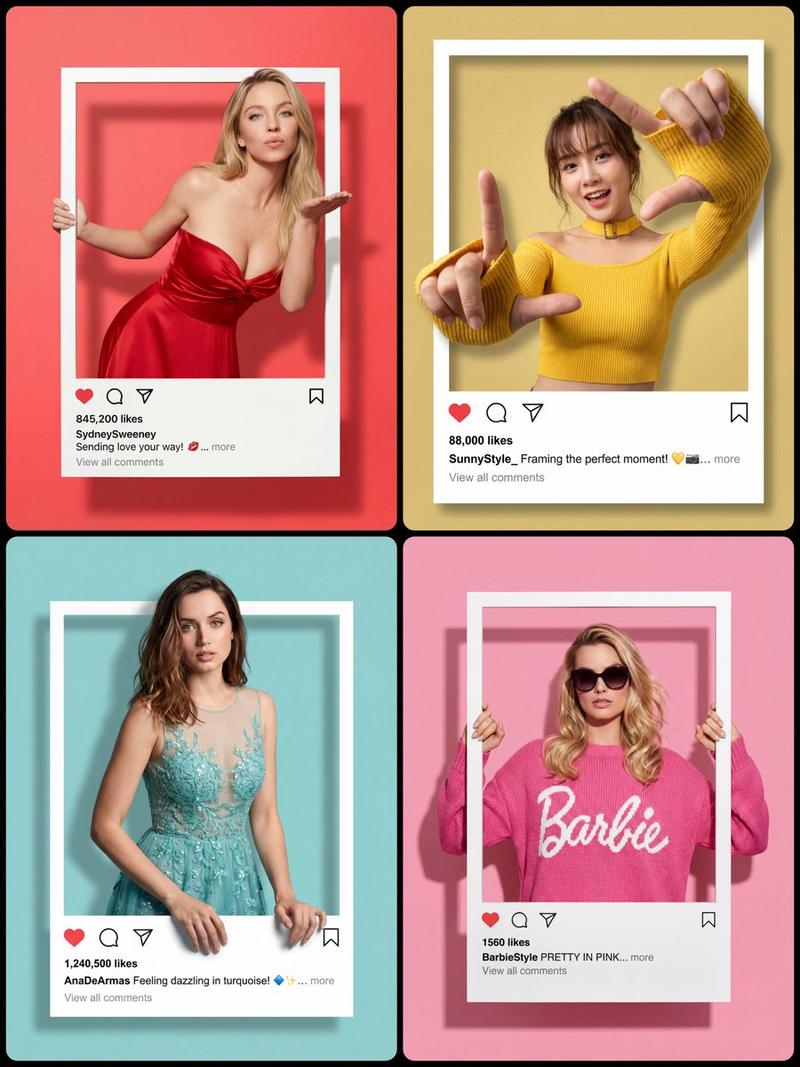
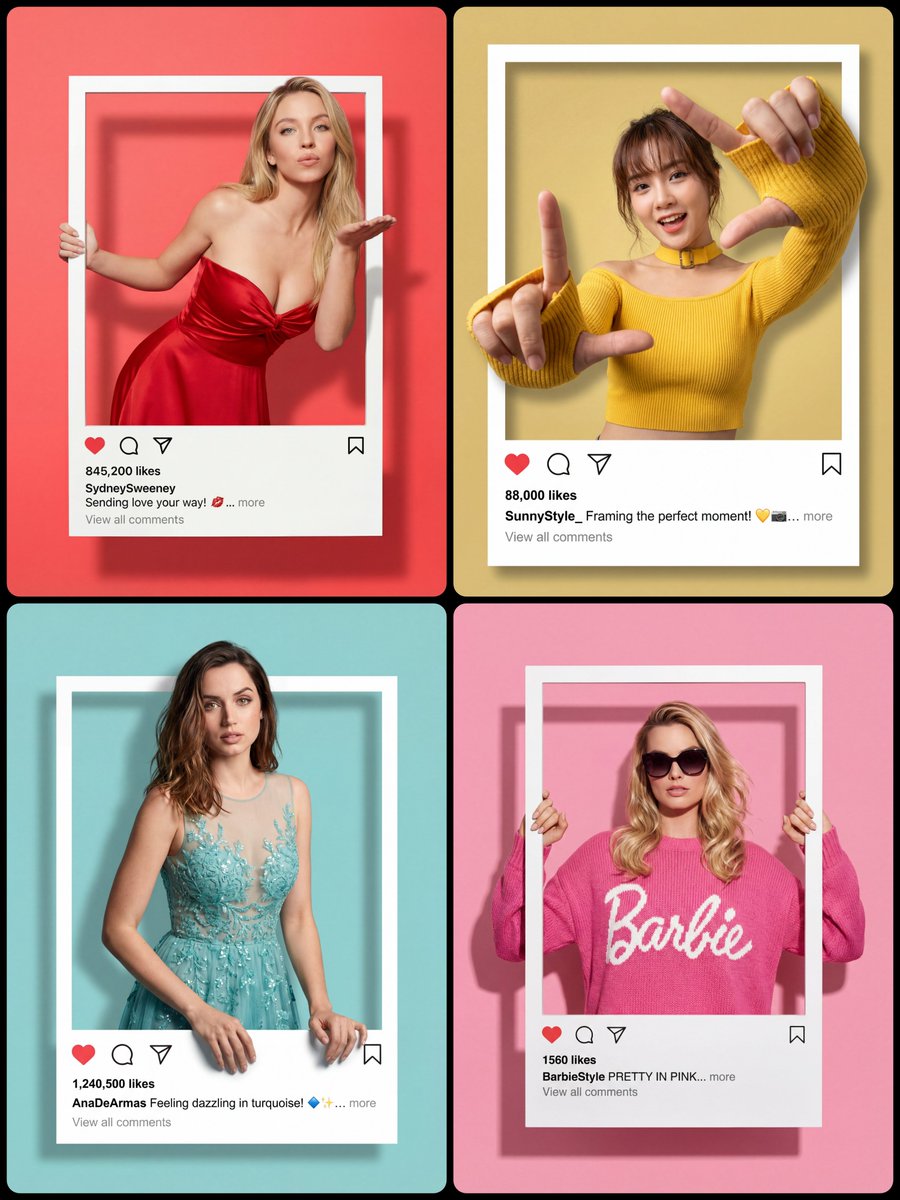
Design the composition in a sophisticated Letter Portrait Style, where the entire image is creatively framed within a large, elegant letter "{argument name="letter" default="S"}". The woman's face and hands should naturally emerge through the cutout sections of the letter, creating a premium editorial visual effect.

Features and Styling:

100% facial likeness preservation from the reference image

Soft, feminine, confident half-gaze expression (gentle 1/2 eye contact)

Graceful hand placement at the upper and lower edges of the letter, appearing as if she is holding or interacting with the cutout

Elegant, natural pose with relaxed posture

Simple yet luxurious wardrobe appropriate for a woman, featuring soft neutral tones, refined textures, and timeless styling

Clean studio environment with a pure white background

Soft diffused professional lighting with subtle highlights and smooth skin rendering

Ultra-sharp focus on the eyes and facial details

Premium fashion-magazine editorial quality

Fully photorealistic DSLR photography, indistinguishable from a real studio photoshoot

Natural skin texture, realistic shadows, and authentic depth of field

High-end commercial portrait aesthetic

Minimalist composition emphasizing beauty, elegance, and sophistication

Technical Quality:

8K ultra-high-resolution output

DSLR-equivalent image quality

Crisp detail and professional color grading

Clean white-toned lighting aesthetic

Premium luxury portrait photography standard
2:3ar- Category
- Charts & Infographics
- Model
- GPT Image 2
- Creator
- S̶y̶d̶n̶e̶y̶ ♡
- Source ID
- 24297
- Published
- Jun 5, 2026
Views2.1K