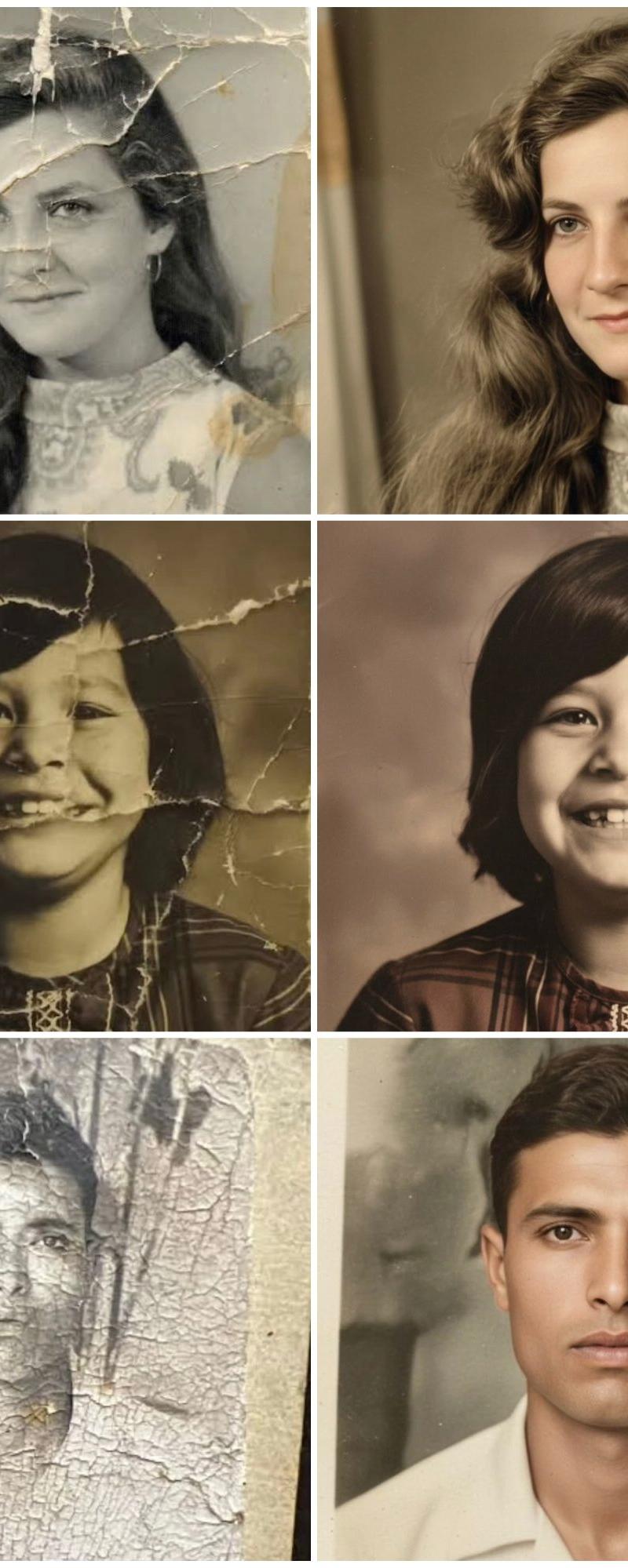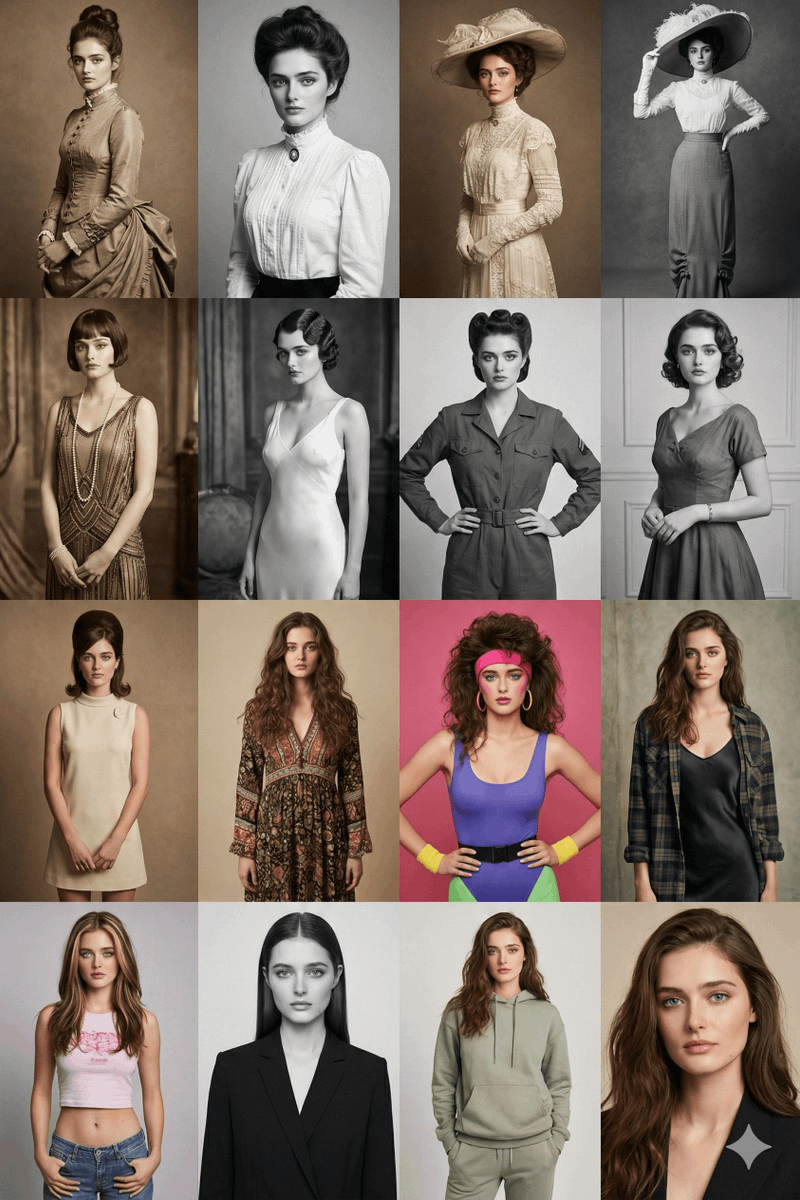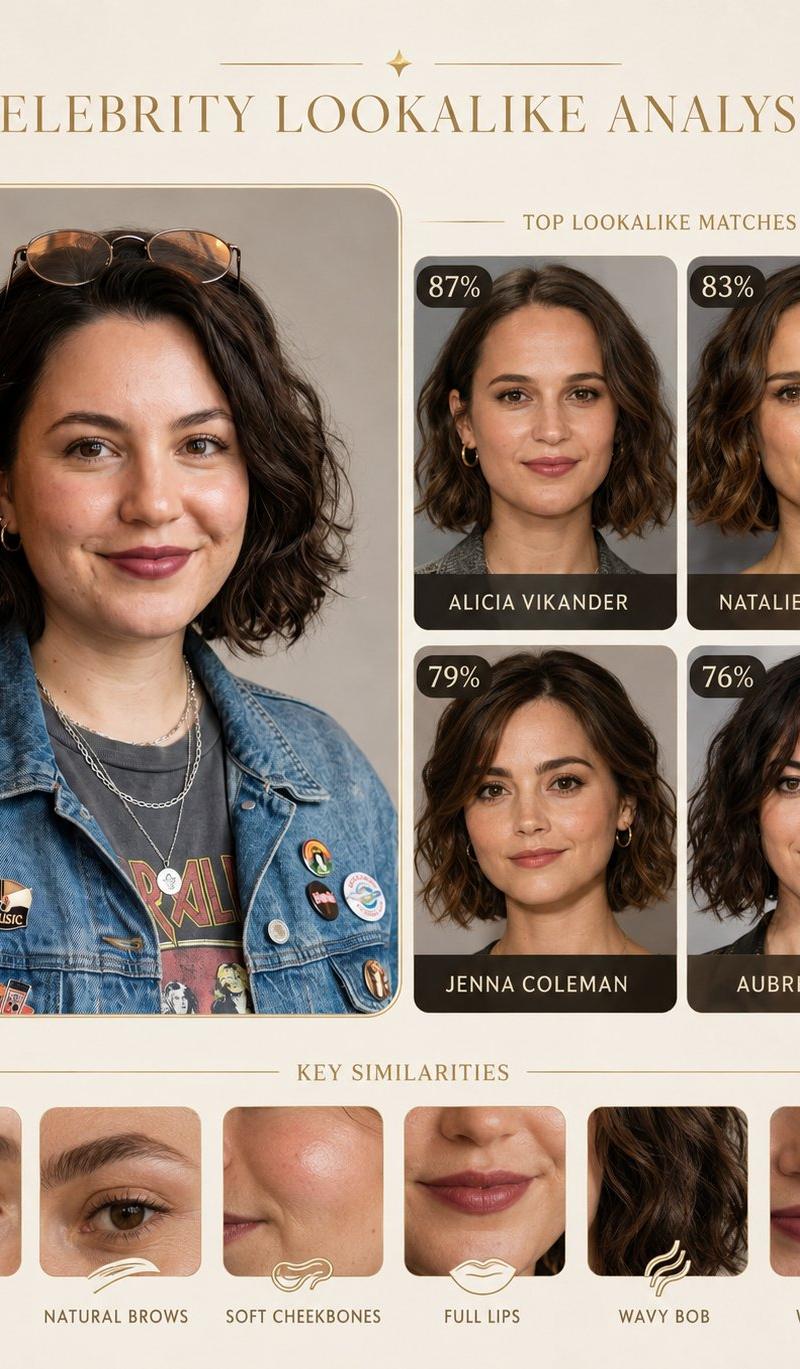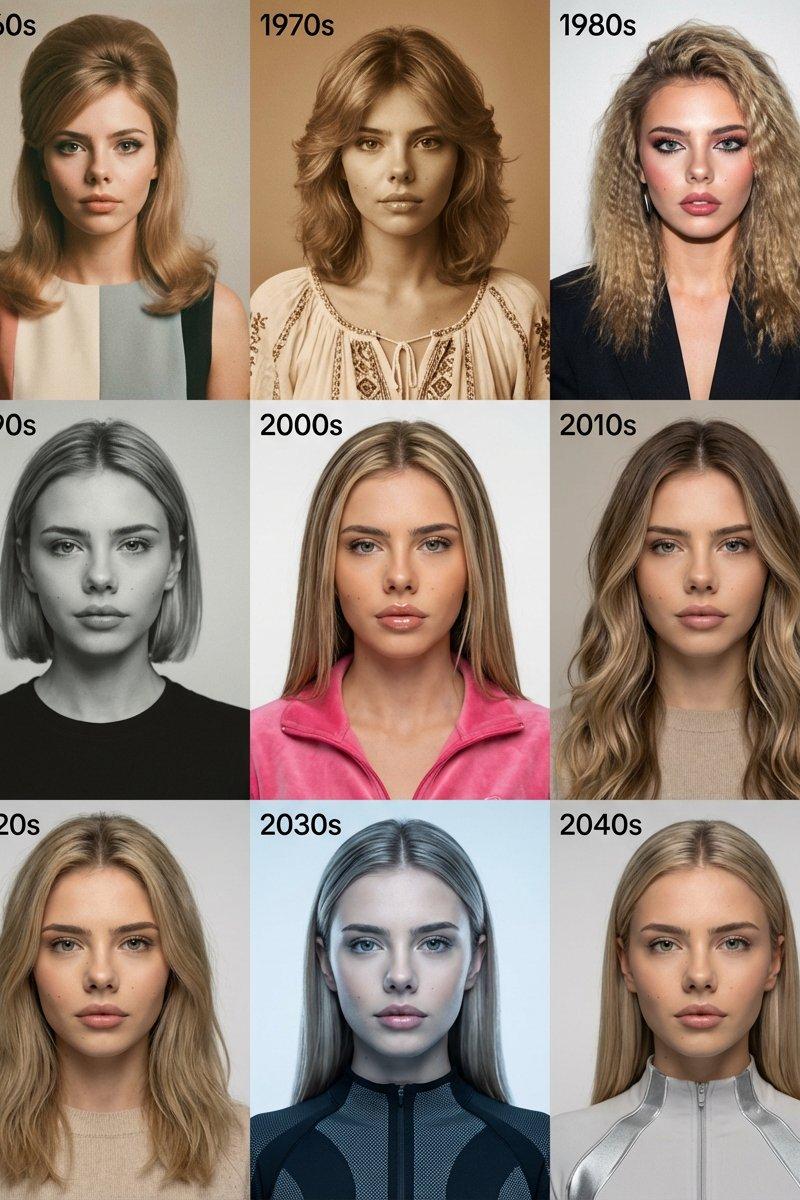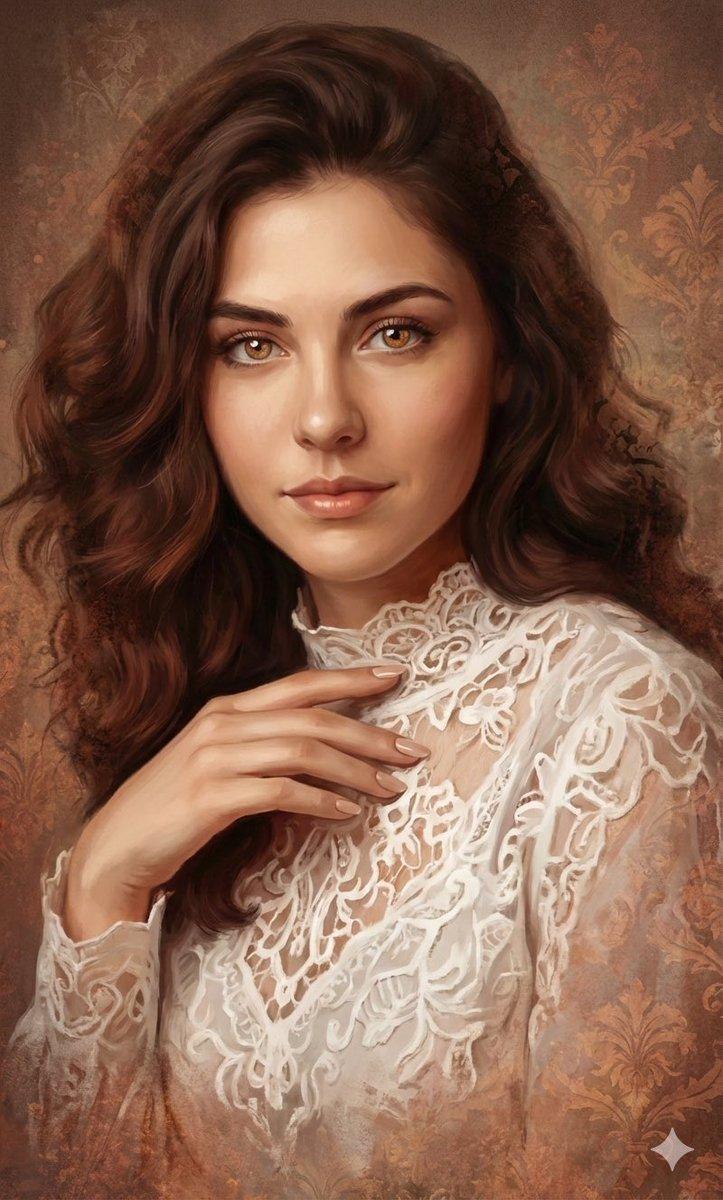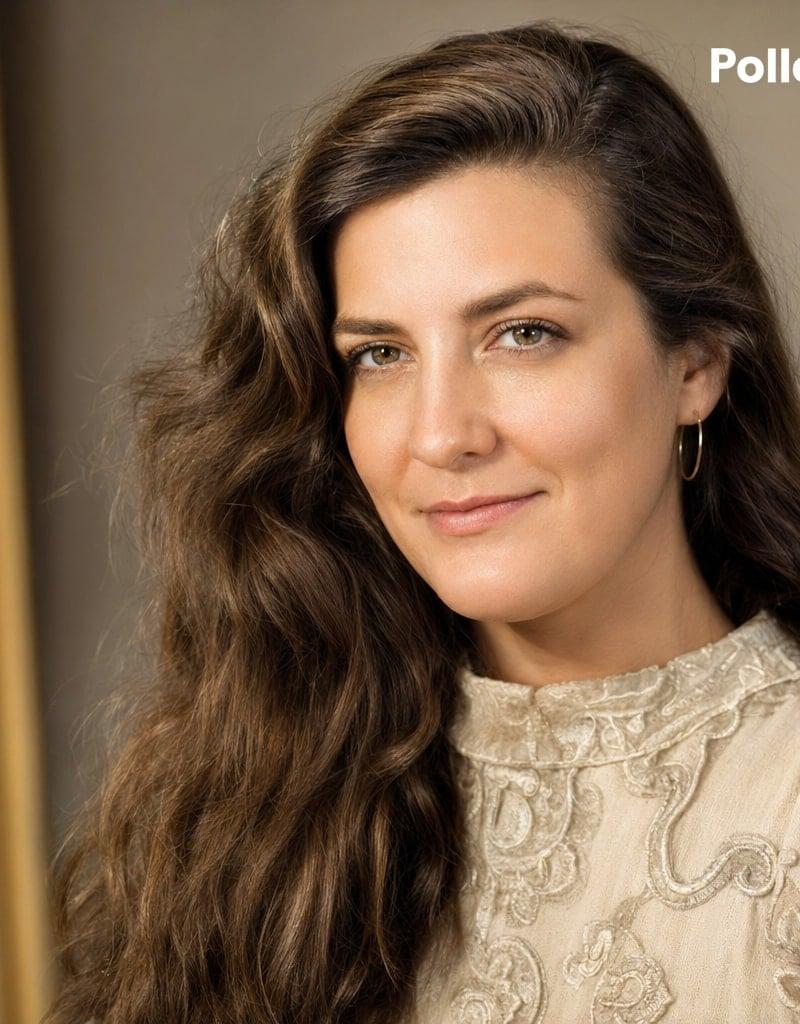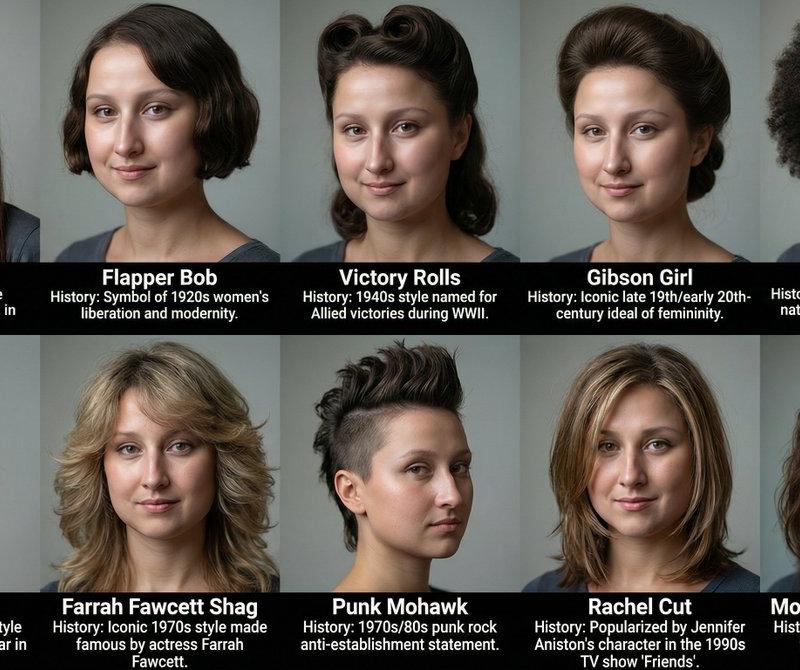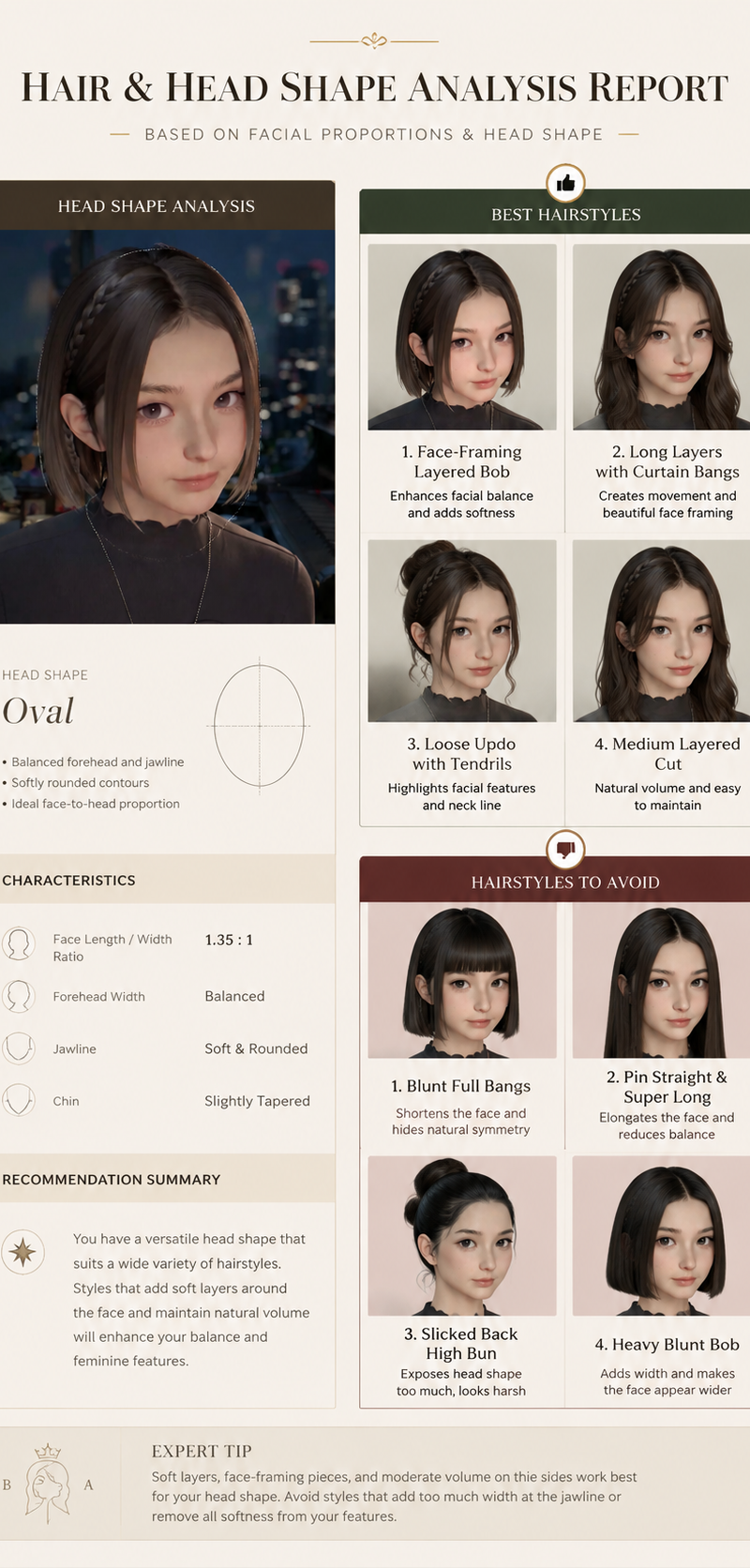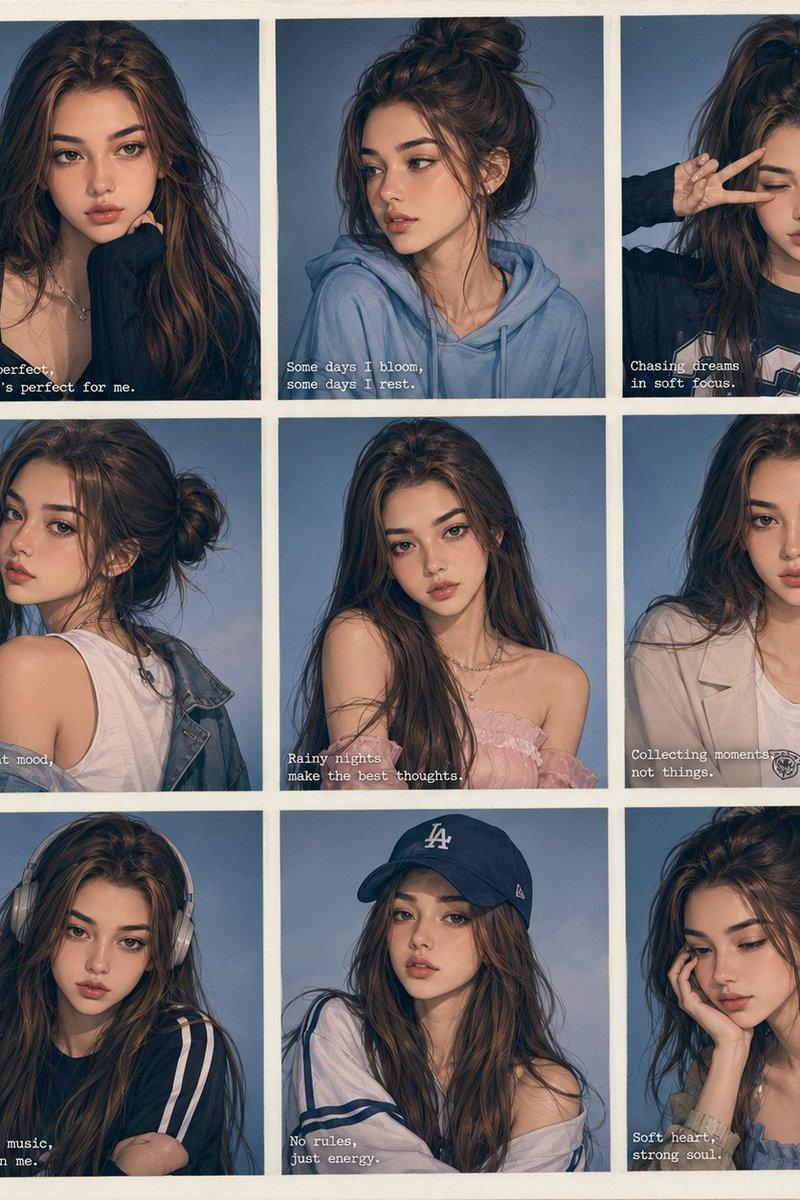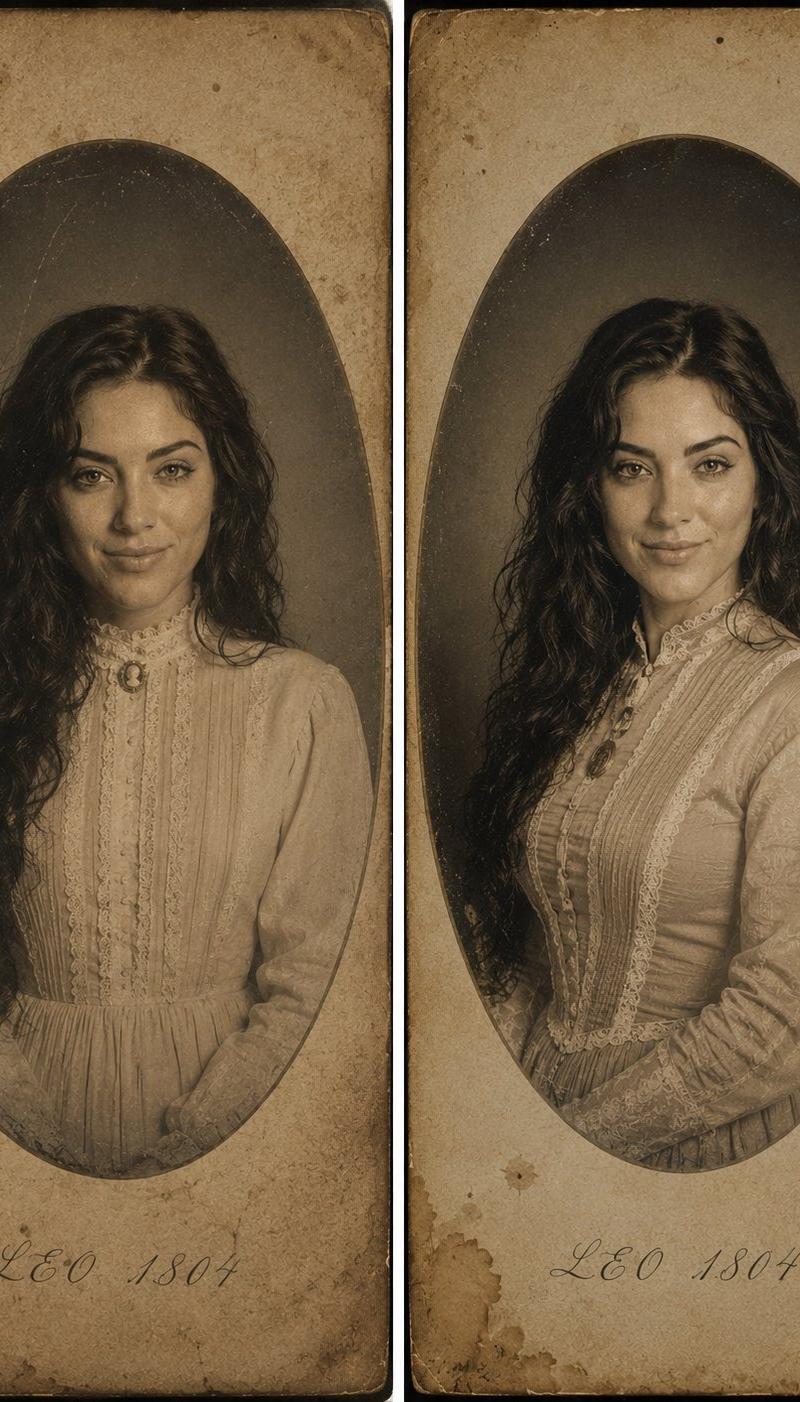
Victorian Daguerreotype Portrait from Reference
Prompt
Create an ultra-realistic premium 1864 Victorian daguerreotype portrait using the uploaded photo strictly as the identity reference of the SAME woman. ABSOLUTE IDENTITY PRESERVATION — HIGHEST PRIORITY Preserve EXACTLY: - facial structure - bone anatomy - proportions - eye shape and spacing - nose shape - lips and smile structure - jawline and cheekbones - skin texture and pores - eyebrows - hairline - unique facial details and asymmetry - overall natural likeness and recognizability Do NOT beautify, redesign, replace, or reinterpret the face. Do NOT alter ethnicity, age, proportions, or identity. The final image must look unmistakably like the original person. STYLE & ERA: Authentic 1864 Victorian daguerreotype portrait photography. The woman appears posed in a historically accurate antique studio setting, captured with the realism and imperfections of early photographic processes from the mid-19th century. HAIR & STYLING: Long natural dark wavy hair with soft realistic texture and historically appropriate Victorian styling. Elegant, subtle, timeless appearance. WARDROBE: An off-the-shoulder cream lace corset gown with delicate Victorian details and realistic fabric texture. A simple antique gold locket necklace. COMPOSITION: Centered bust or half-body portrait with graceful posture and direct gaze toward the camera. Framed inside an antique oval vignette. SURFACE & MATERIAL DETAILS: Printed on aged yellowed parchment paper with authentic tea stains, faded edges, paper texture, dust particles, oxidation marks, scratches, subtle cracks, silvering artifacts, and realistic daguerreotype aging imperfections. TEXT: Elegant handwritten cursive calligraphy at the bottom reading: “LEO 1804” LIGHTING: Soft natural studio lighting with realistic falloff, subtle shadows, true-to-life skin rendering, and historically accurate exposure characteristics. Natural tonal transitions with no artificial beauty filter effect. COLOR & TONE: Sepia-toned faded monochromatic palette with authentic antique photographic chemistry aesthetics. Rich historical atmosphere, cinematic depth, hauntingly beautiful mood. REALISM & QUALITY: Ultra-realistic 8K masterwork. Hyper-detailed premium photography quality. Looks like a genuine professionally preserved Victorian daguerreotype scanned in ultra-high resolution from a museum archive. Natural skin texture, realistic eyes, realistic fabric, realistic lighting, physically accurate details. Shot as if captured by a world-class professional portrait photographer using an ultra-high-end medium format camera while preserving authentic 1864 photographic character.
- Category
- Charts & Infographics
- Model
- GPT Image 2
- Creator
- Anissa
- Source language
- en
- Source ID
- 24304
- Published
- Jun 5, 2026
Views3.5K