18

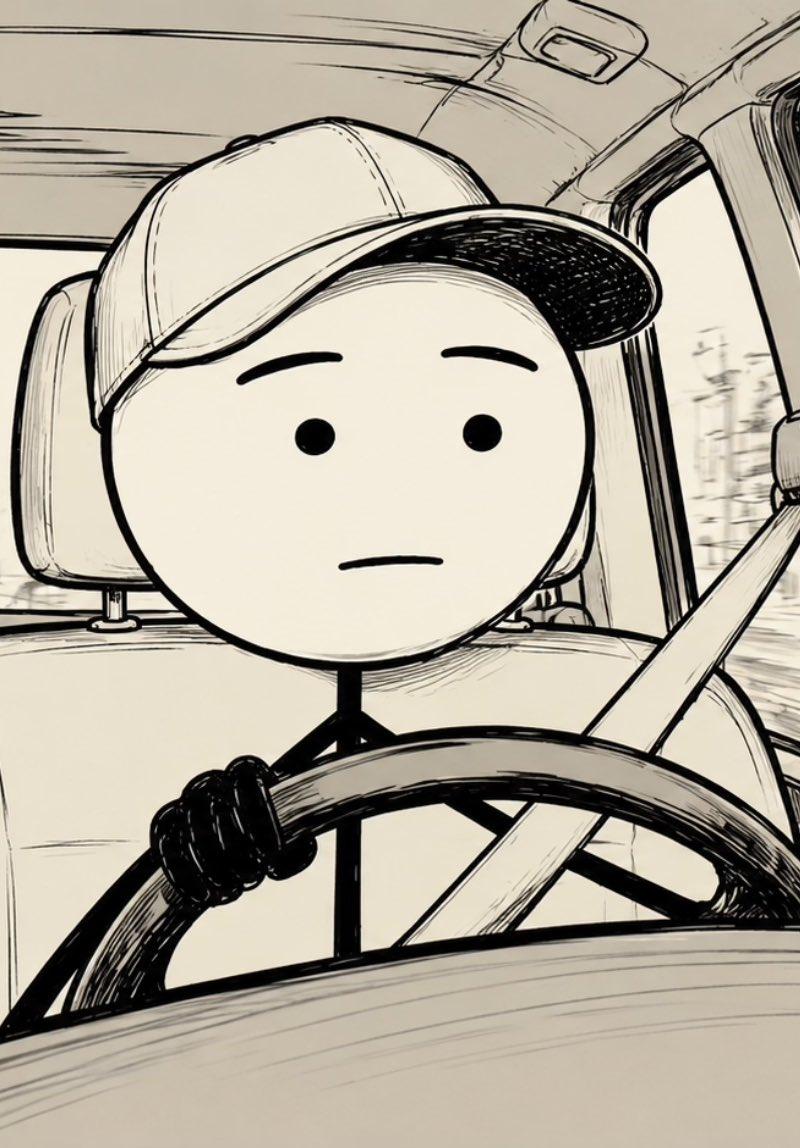
Stick Figure Driver Sketch
Enlarge

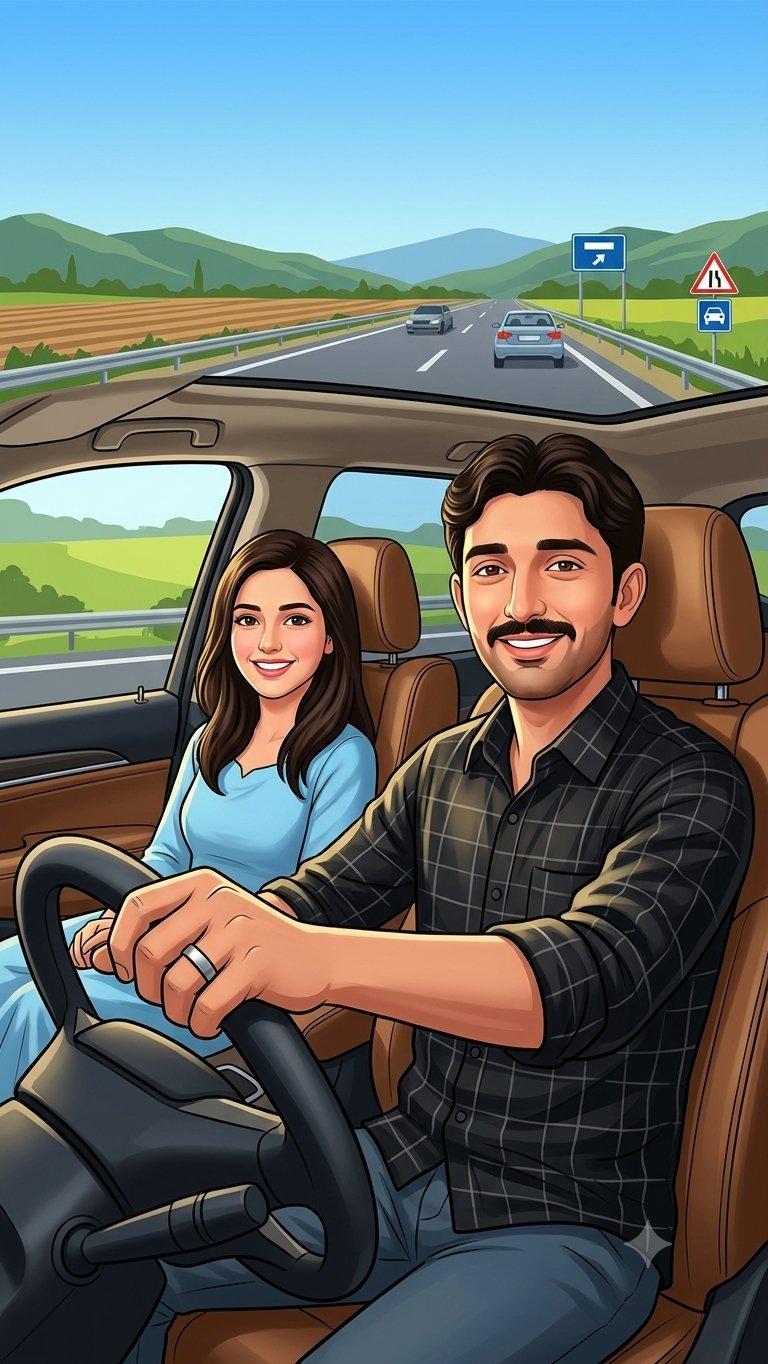
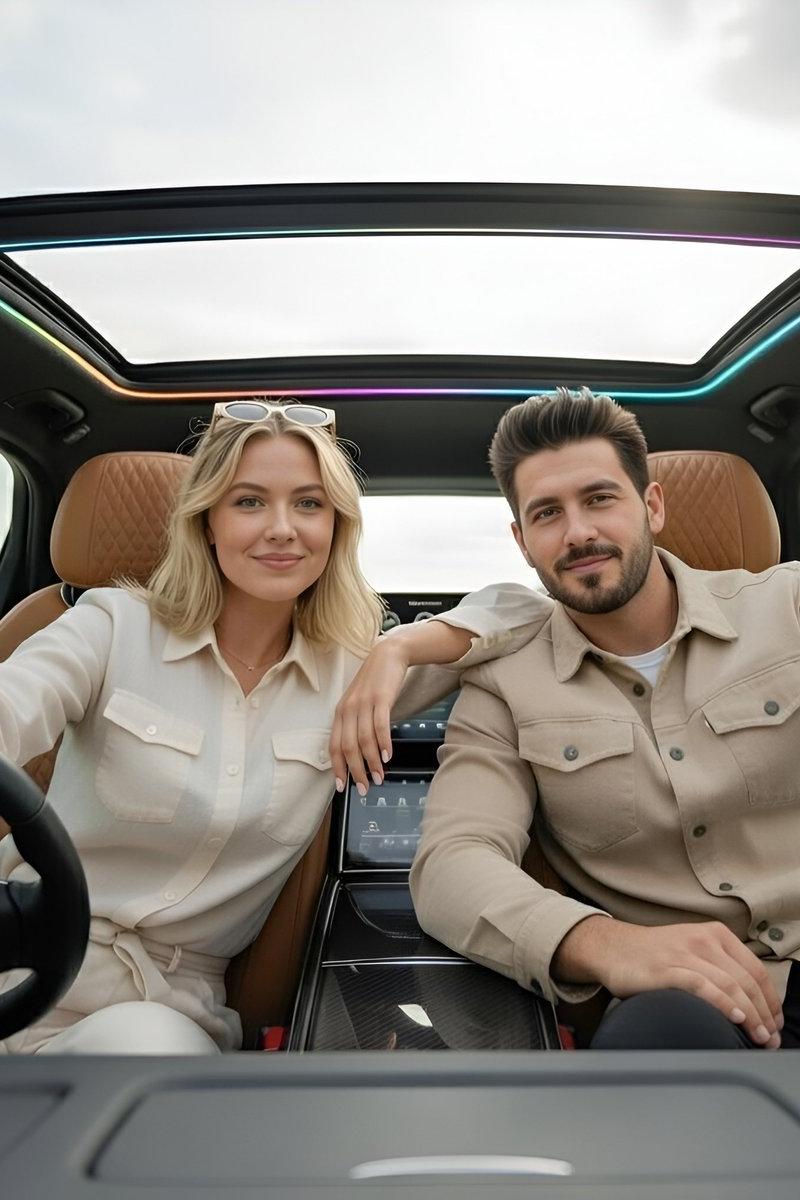
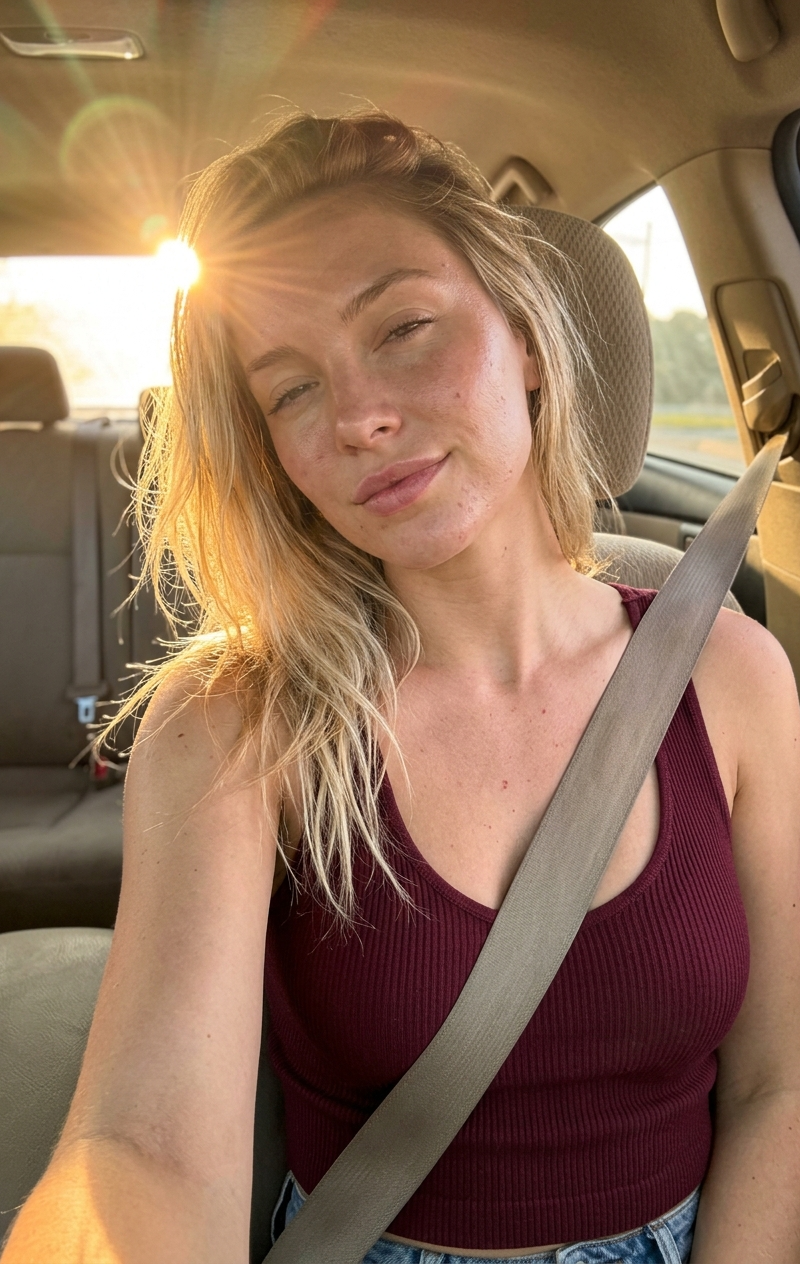
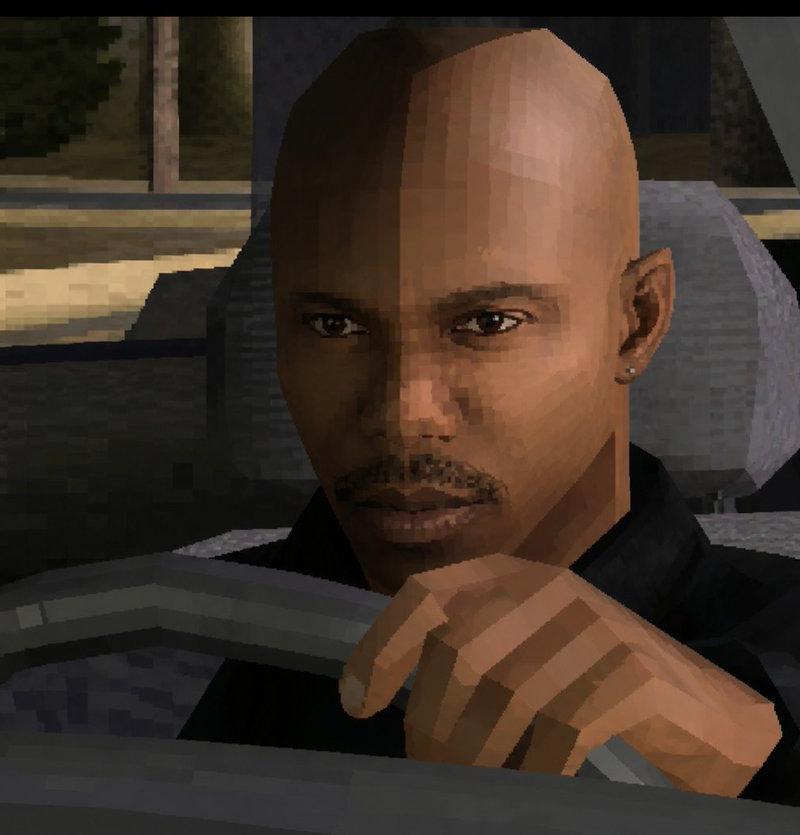
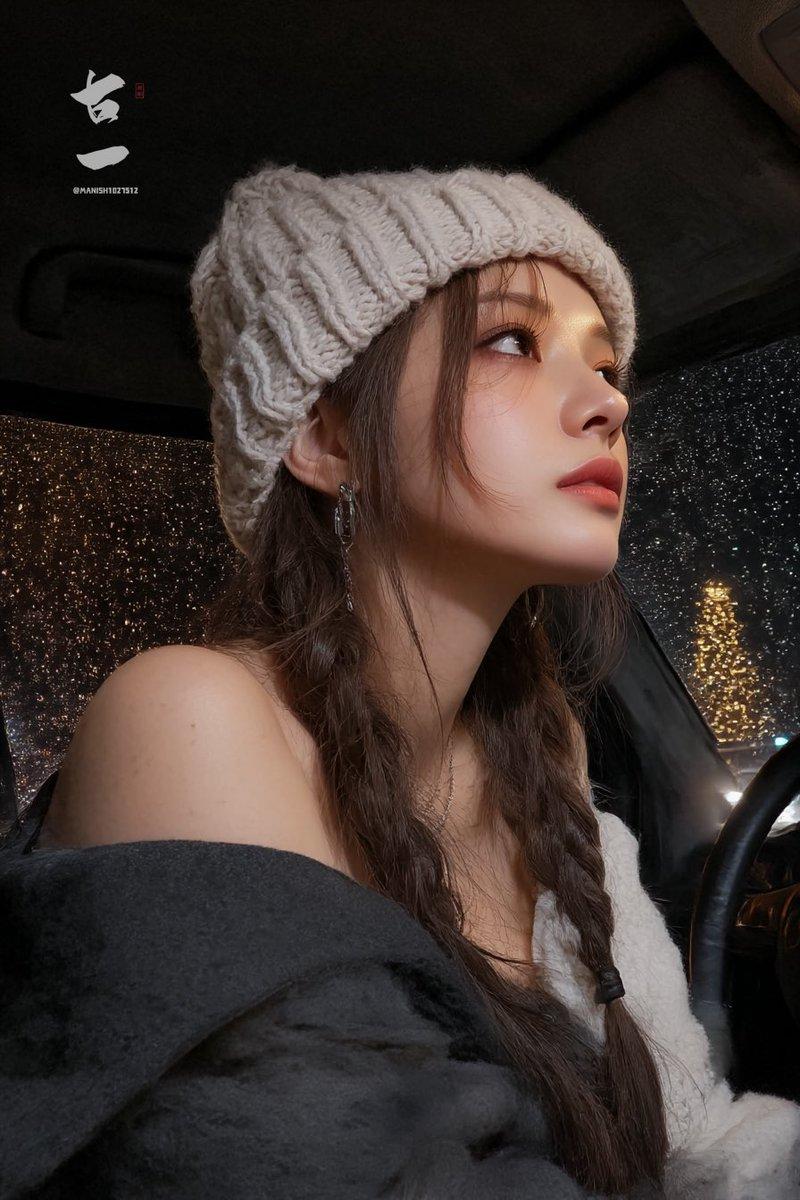
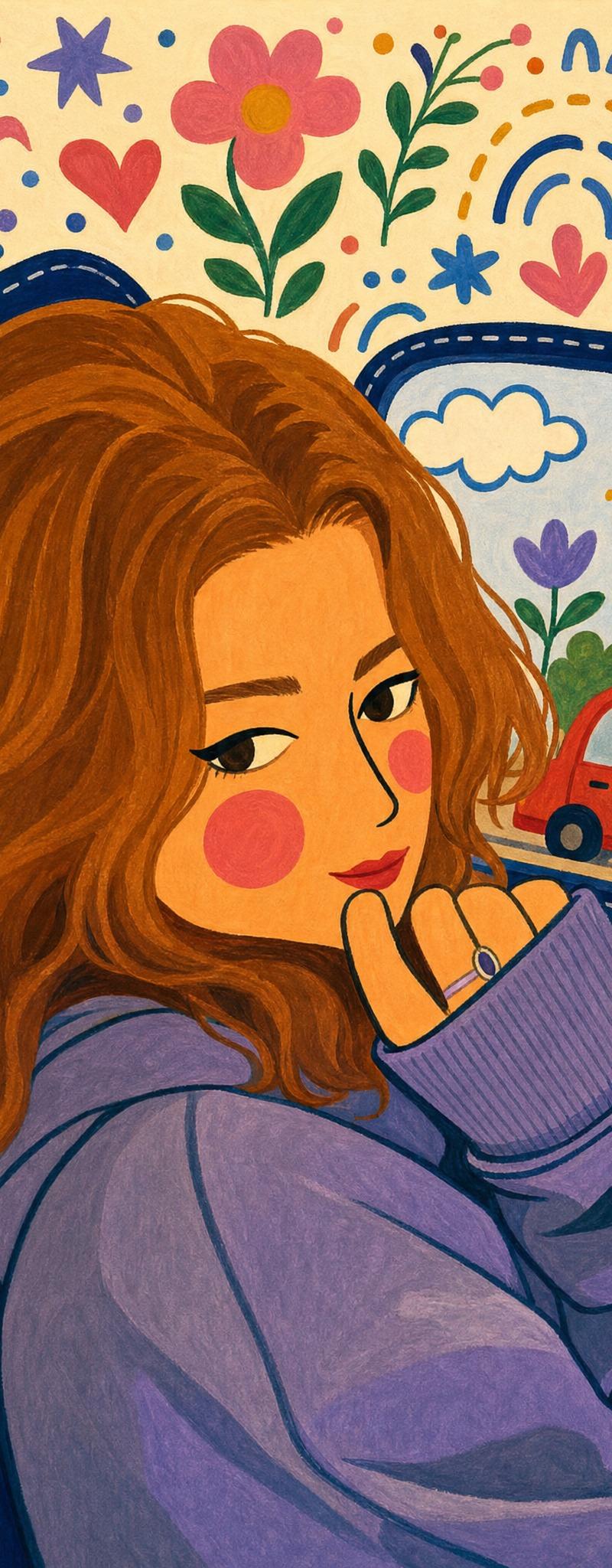
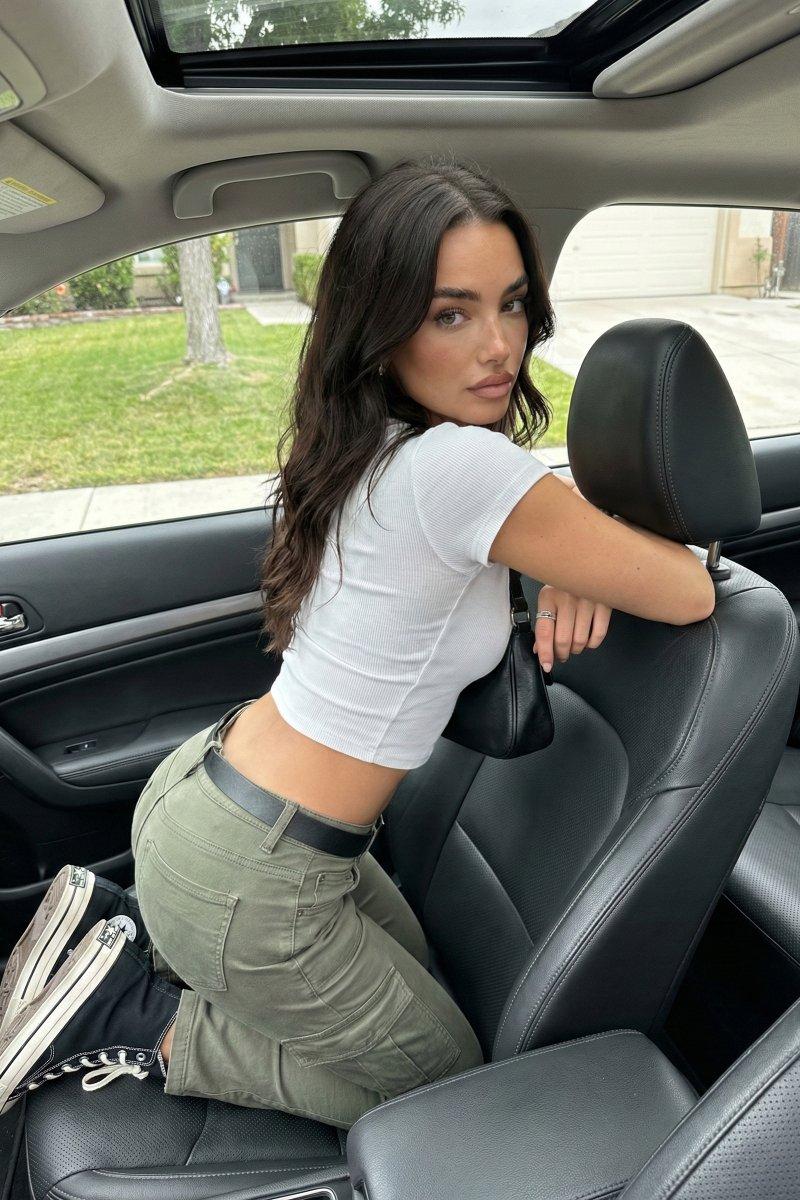
Example images

Stick Figure Driver Sketch

Prompt
Create a widescreen 16:9 black-and-white hand-drawn ink illustration from the perspective of the front dashboard inside a car. Show exactly one simple stick-figure driver centered in frame, wearing {argument name="hat type" default="a baseball cap"}, with a blank neutral face: two dot eyes, two simple eyebrows, and one straight mouth. The character has exactly one visible hand gripping the left side of the steering wheel, a thin stick body, and a diagonal seatbelt crossing from the upper right shoulder to the lower left. Include exactly one large steering wheel in the foreground, one front driver seat and headrest behind the character, one rearview mirror at the top left, one rear bench seat across the background, and exactly one takeaway coffee cup with a lid in a cup holder at the lower left. Through the windows, draw a lightly blurred urban street with storefronts, parked cars, trees, streetlights, and low-rise buildings to imply motion while driving. Use an off-white paper background, rough sketchbook linework, expressive crosshatching, thick black outlines on the character and steering wheel, finer perspective lines for the car interior, and a calm slightly awkward morning commute mood. No color, no text, no logos, no watermark.
Category
UI & Interfaces
Model
GPT Image 2
Creator
ALG∑BRA
Source language
en
Views813
Source ID
24346
Published
Jun 5, 2026
Studio

Guide

About "Stick Figure Driver Sketch"

What is this prompt for?

"Stick Figure Driver Sketch" AI image prompt for GPT Image 2 (UI & Interfaces). A monochrome hand-drawn dashboard-view car scene featuring a simple stick-figur…

The full copyable prompt and example visuals above are ready for AI image generation or one-click recreate in Picva.

How to use this prompt

  1. Step 1

    Open the prompt detail

    Review the example visuals, category, and full prompt text for "Stick Figure Driver Sketch".

  2. Step 2

    Copy the prompt

    Copy the prompt body from this page, or load it directly in Studio.

  3. Step 3

    Pick a model (GPT Image 2)

    Prefer GPT Image 2. If you switch models, keep subject and composition and tweak style terms.

  4. Step 4

    Generate and export

    Recreate the look in Picva, or export into your workflow for editing and publishing.

FAQ

What is the "Stick Figure Driver Sketch" prompt?
It is an AI image-generation prompt for GPT Image 2 in the UI & Interfaces category. This page includes the full prompt text, example visuals, and a one-click recreate path in Picva.
How do I use this prompt to generate an image?
Copy the prompt from this page, or use Generate / Studio. Paste it into a compatible image model, or recreate the look in Picva with optional reference images.
Which model is this prompt for?
This page lists GPT Image 2. Most descriptive prompts also transfer to nearby image models such as GPT Image, Flux, or Midjourney with light style tweaks.
Can I use the result commercially?
You can usually copy the prompt for creation, but commercial use of the final image depends on the model terms, reference-image rights, and the generated content. Follow the source author and platform rules.