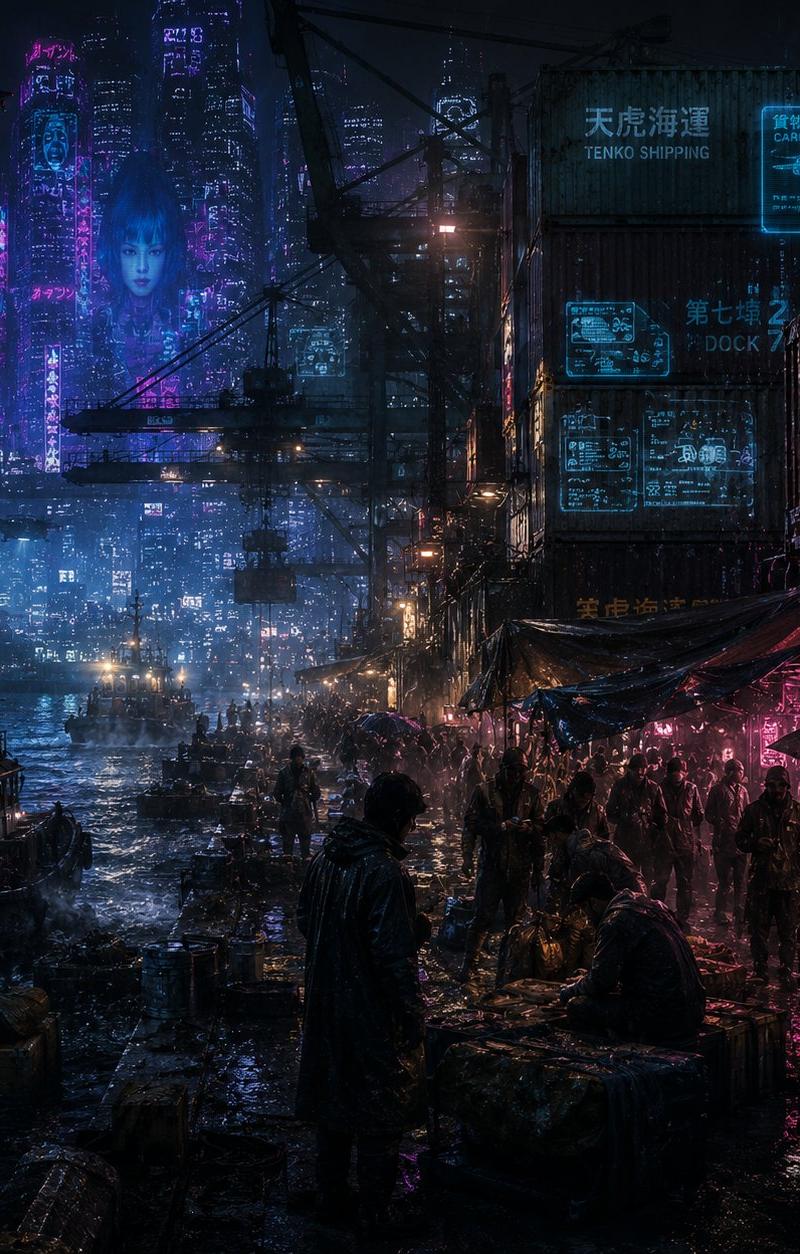
Rainy Cyberpunk Harbor Black Market
Prompt
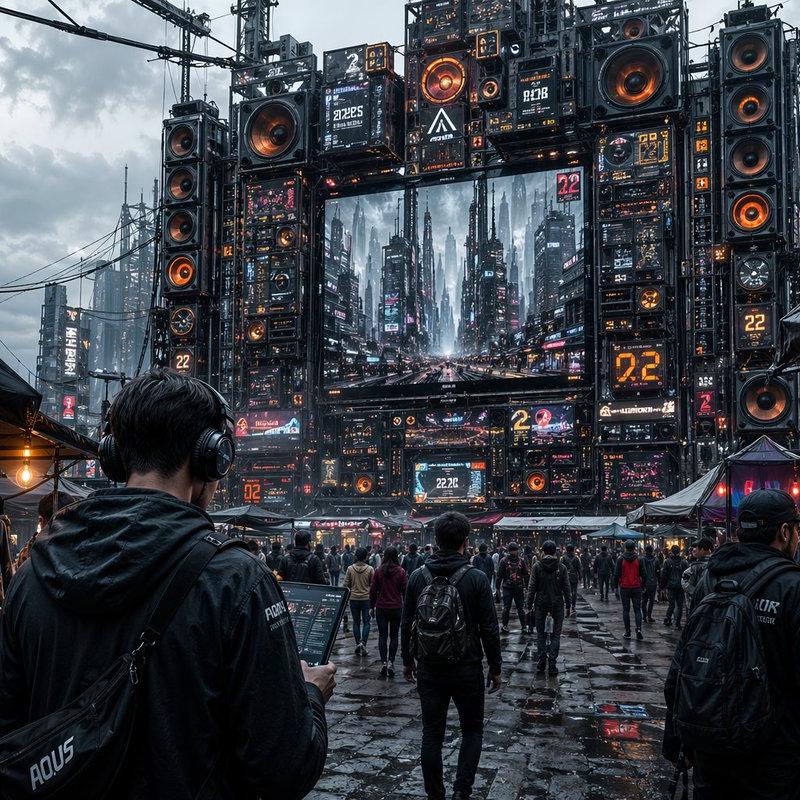
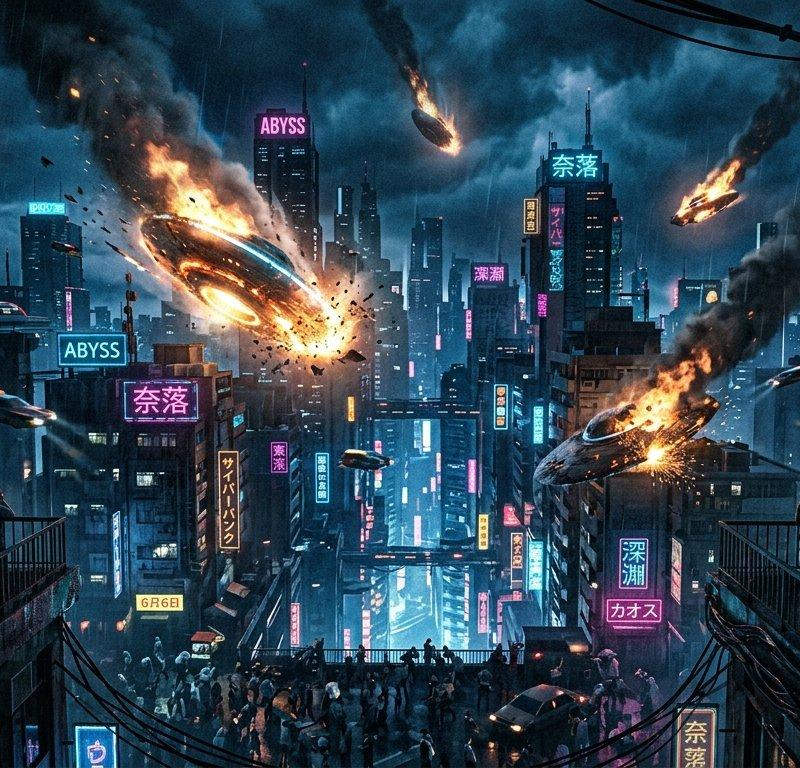
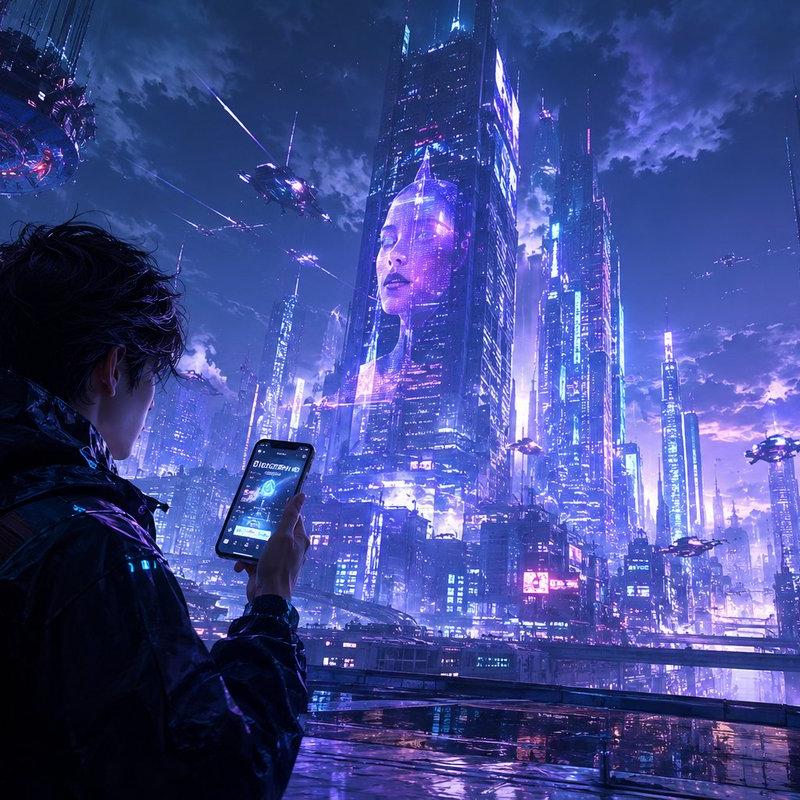
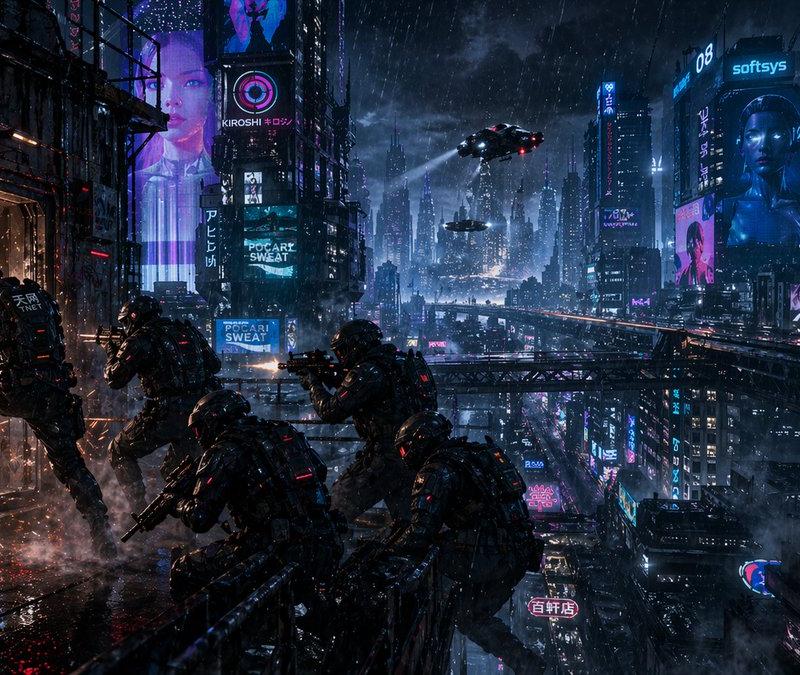
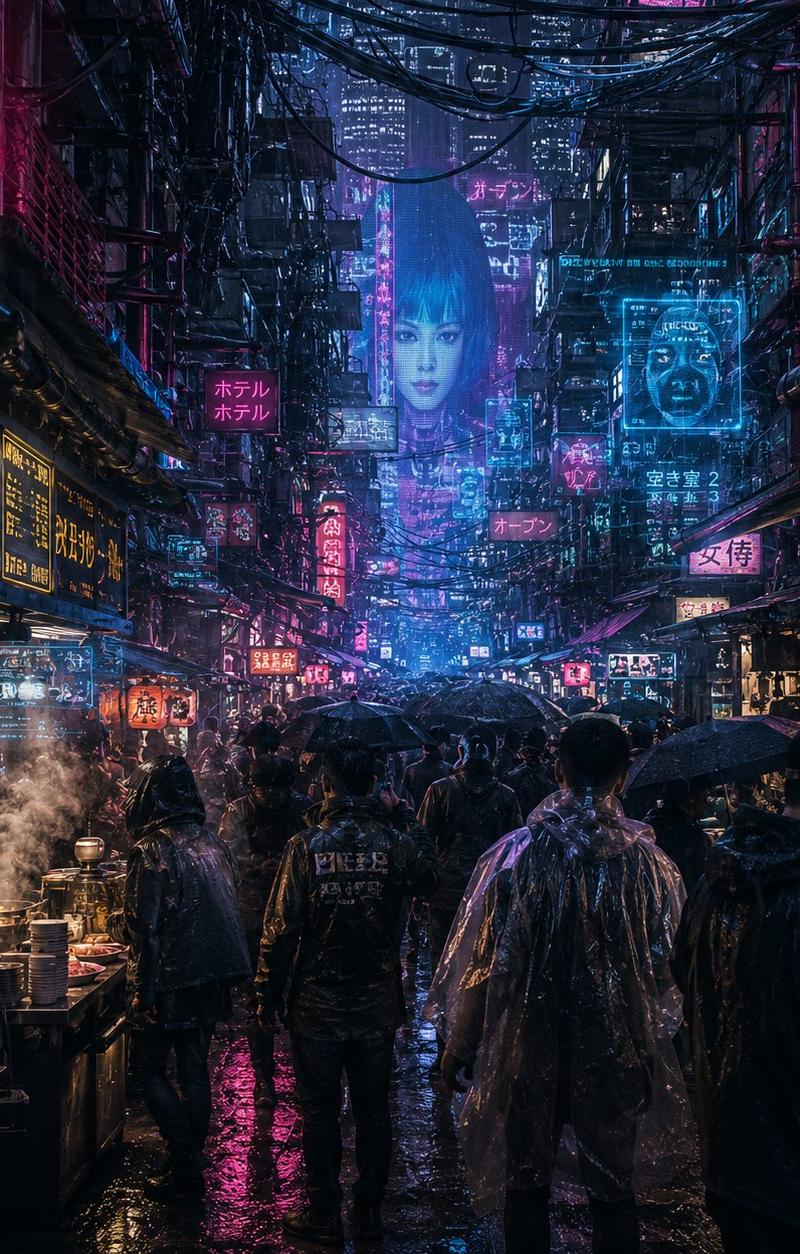
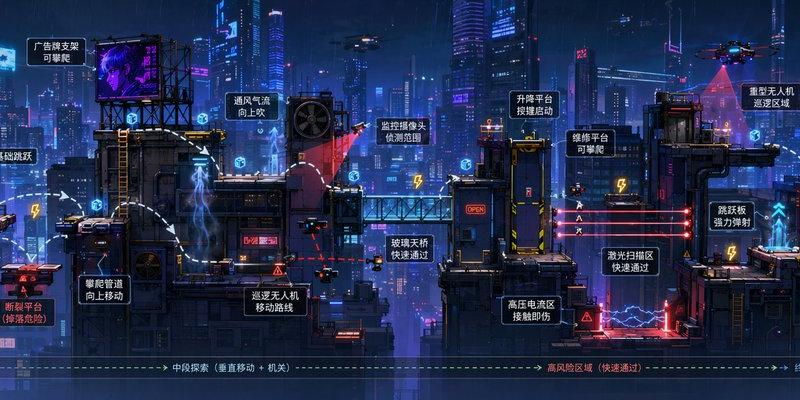
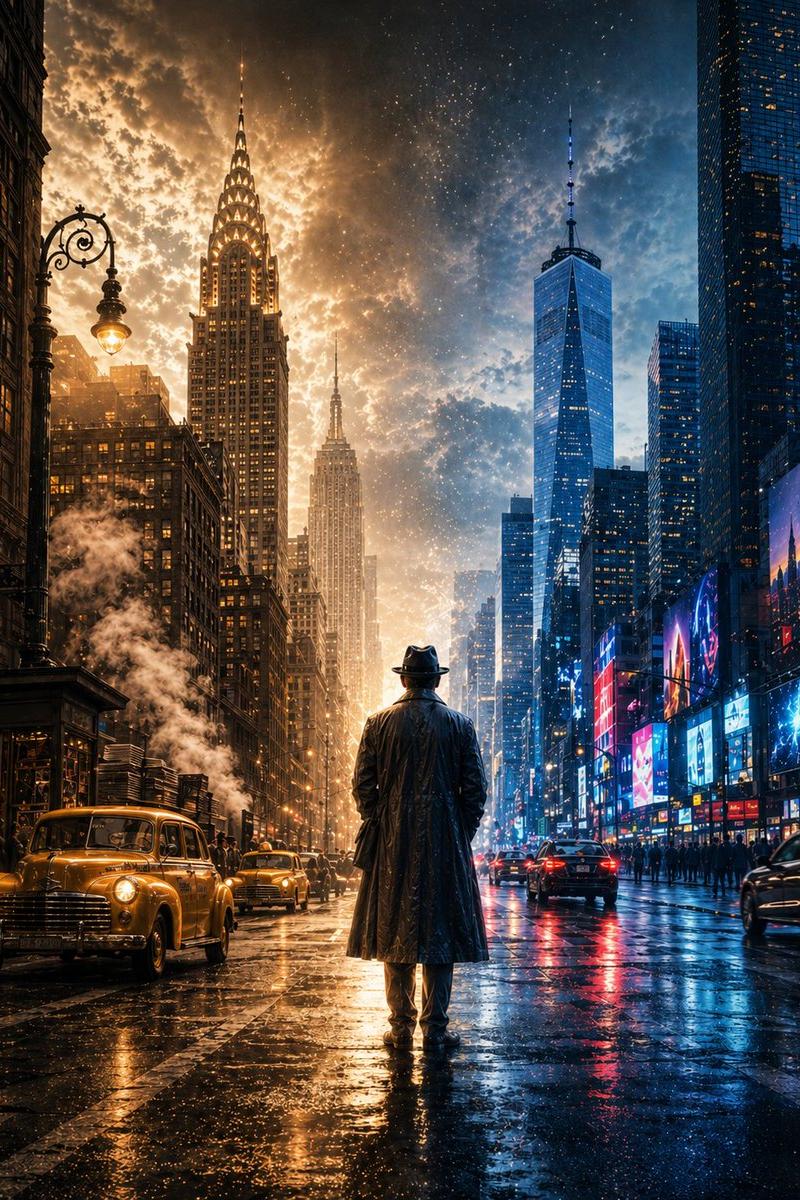
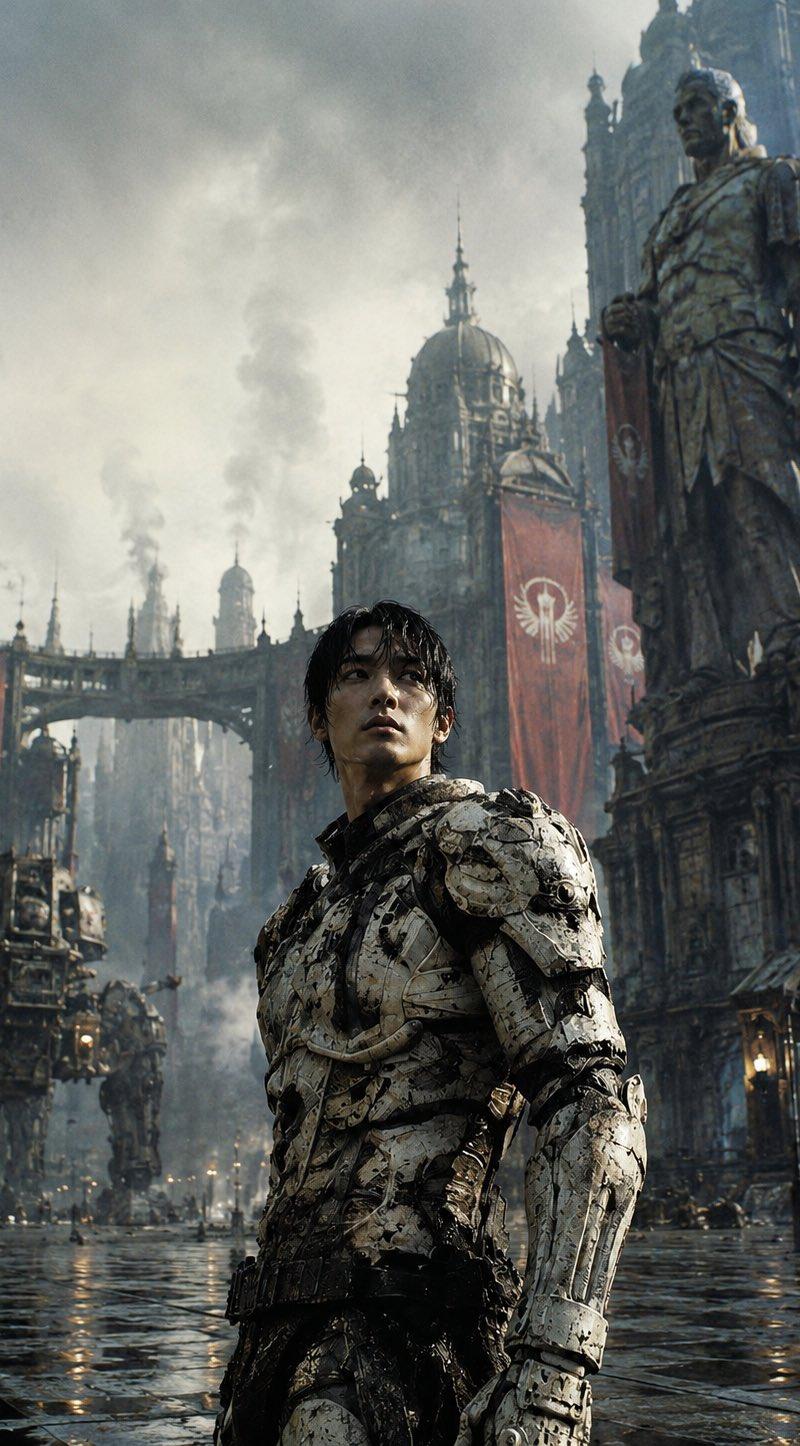
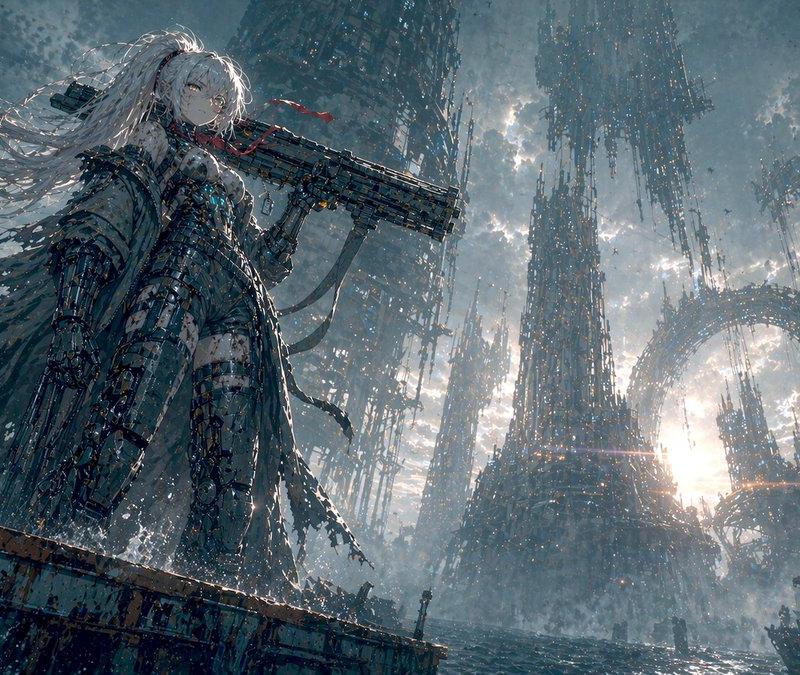
Create a dense cyberpunk noir waterfront black market scene at night in a futuristic Asian megacity, emphasizing extreme visual noise, rain, grime, reflections, and overwhelming detail. The camera is at dock level looking diagonally along a crowded harbor market: wet concrete piers and puddles in the foreground, dark silhouettes of vendors and customers under tarps on the right, small fishing boats and cargo boats on the left, and a vast neon skyline fading into blue mist in the background. A lone hooded figure in a dark raincoat stands near the center foreground facing the market, surrounded by crates, barrels, tangled cables, umbrellas, makeshift stalls, and glistening trash. Add towering stacked shipping containers and industrial cranes on the right, with suspended cargo and a black cargo drone in the upper left carrying a container. Use cold cyan-blue city light mixed with hot magenta neon, deep shadows, heavy rain haze, volumetric fog, and glossy reflections across every surface. Include exactly 6 visible major text/sign elements: a cyan sign on the containers reading {argument name="shipping company sign" default="TENKO SHIPPING"}, a cyan holographic cargo drone panel reading {argument name="drone sign" default="CARGO DRONE"}, a cyan dock sign reading {argument name="dock sign" default="DOCK 7"}, a bright magenta market sign reading {argument name="market sign" default="Black Market"} with Japanese or Chinese characters above it, a blue boat label reading {argument name="boat label" default="海狼 07"}, and scattered vertical neon tower signs with small unreadable Asian characters. Style: ultra-detailed cinematic concept art, Blade Runner-inspired cyberpunk, photorealistic matte painting, high contrast, moody, chaotic, rain-soaked, 1:1 square composition, sharp foreground detail with atmospheric depth, no clean empty areas, no daylight, no cartoon style.- Category
- Charts & Infographics
- Model
- GPT Image 2
- Creator
- lost in latency
- Source language
- en
- Source ID
- 24350
- Published
- Jun 5, 2026
Views42