18

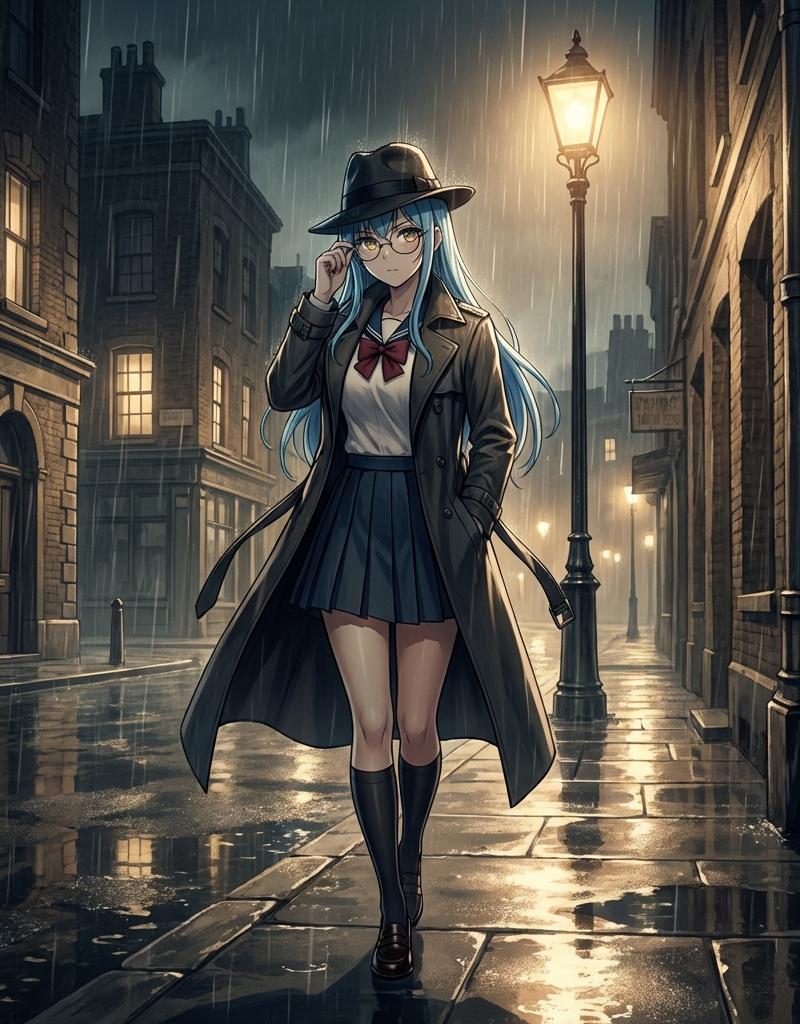
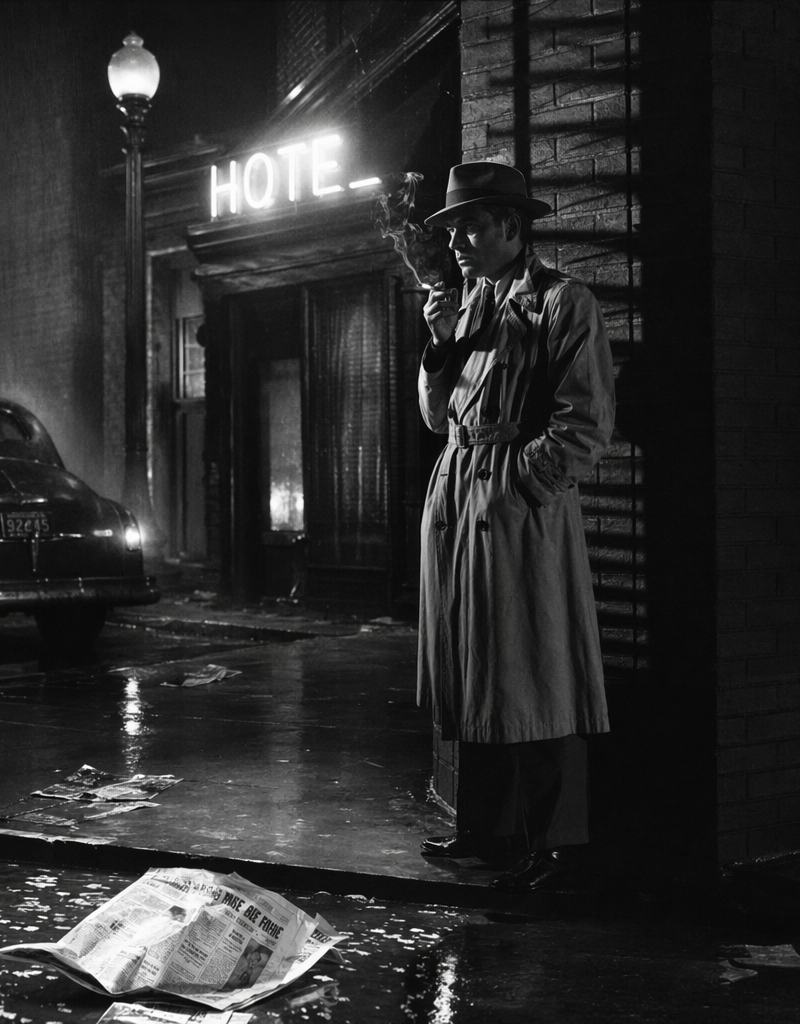
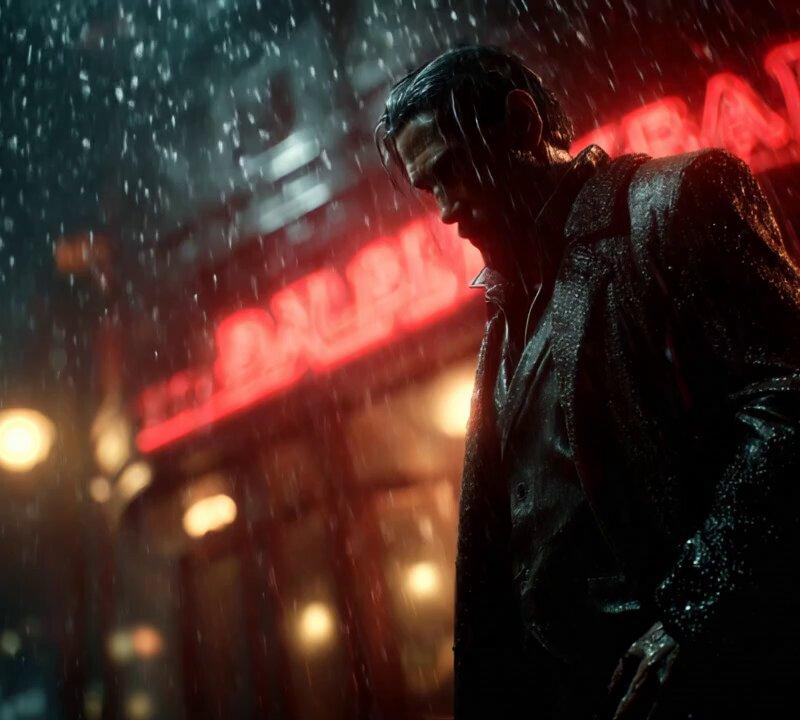
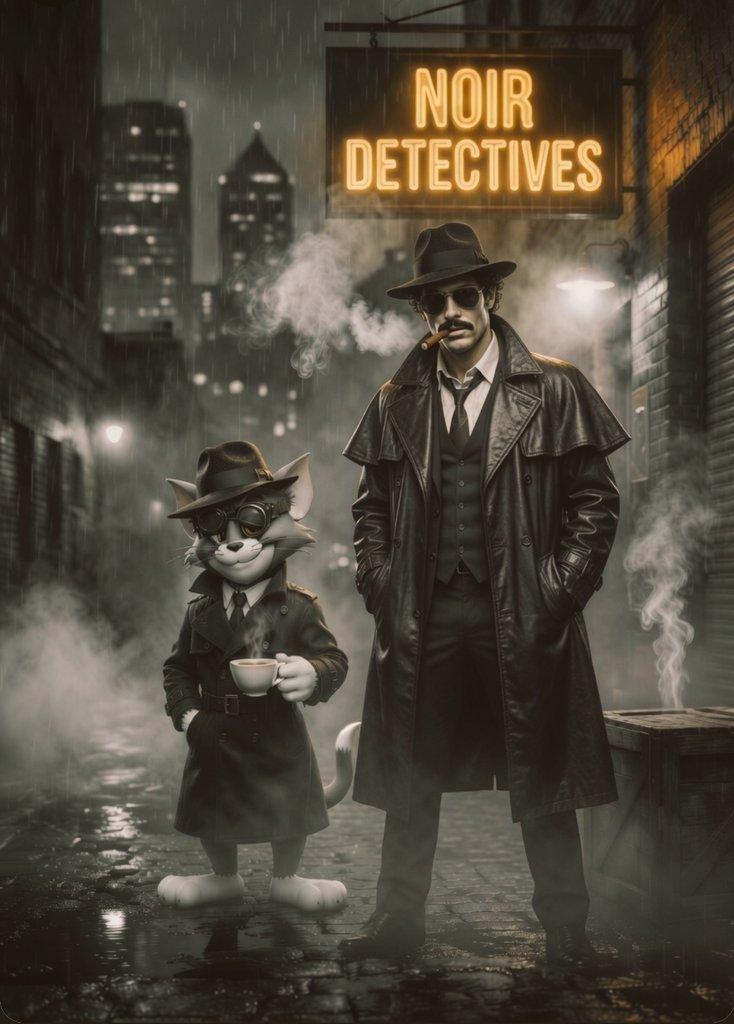
Noir Detective Agency Street
Enlarge

Example images

Noir Detective Agency Street

Prompt
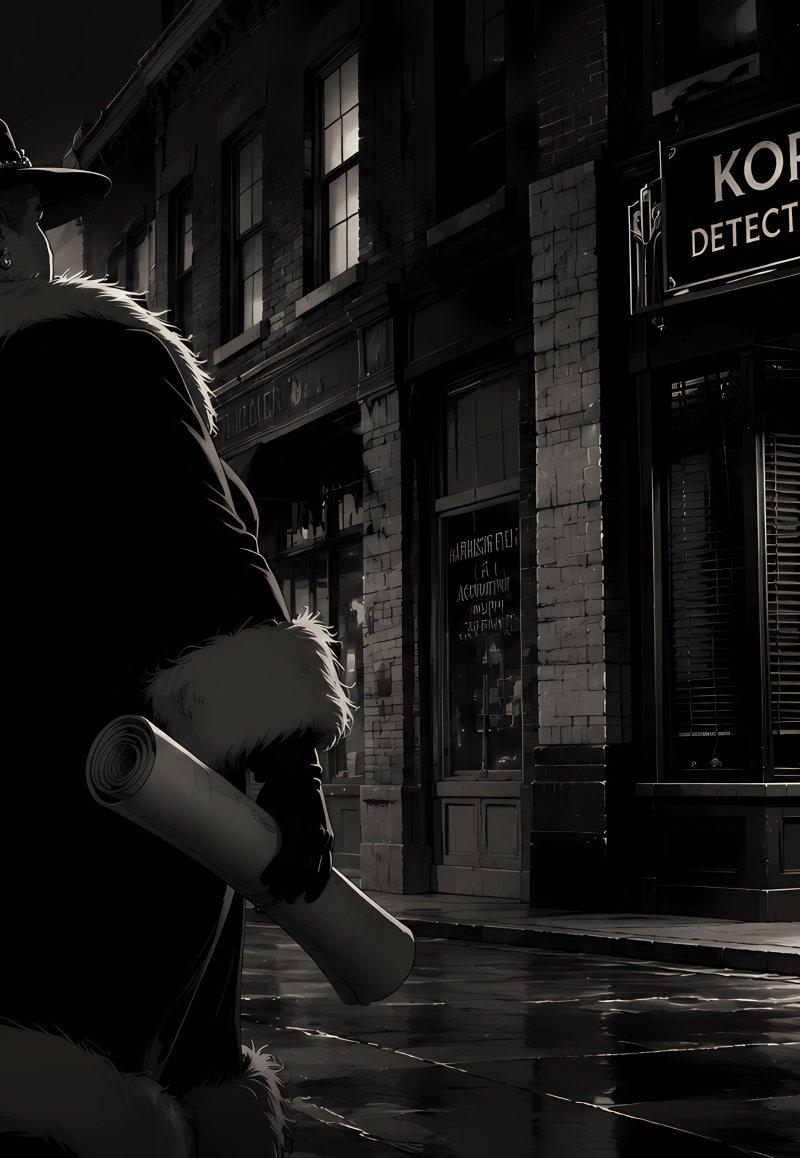
Create a cinematic 1940s film-noir street scene in high-contrast black and white, widescreen 16:9. In the left foreground, show exactly 1 large heavyset detective or gangster seen from behind, wearing a wide-brim fedora with a feather and studded band, a dark long coat with a pale fur collar and fur cuffs, gloves, and holding exactly 1 rolled document or blueprint in his right hand. He faces across a rain-slick city sidewalk toward a brick storefront on the right with a glowing sign reading {argument name="agency sign text" default="KORSCHE DETECTIVE AGENCY"}. The office entrance has dark shutters, a glass door, and a small paper notice on the door reading {argument name="door notice text" default="NOTICE"}. Include exactly 1 vintage black car parked on the left curb, exactly 3 visible street or exterior lamps casting white pools of light, tall shadowy skyscrapers in the far-left background, wet reflective pavement, misty night air, deep shadows, rim lighting around the character’s hat and fur, and subtle warm yellow highlights only in the storefront and lamp glow. Style: graphic novel realism mixed with classic noir cinematography, dramatic low-key lighting, moody urban detective atmosphere, sharp architectural detail, no modern objects, no extra people, no watermark.
Category
Charts & Infographics
Model
GPT Image 2
Creator
Grumpy_Whiskers
Source language
en
Views33
Source ID
24490
Published
Jun 6, 2026
Studio

Guide

About "Noir Detective Agency Street"

What is this prompt for?

"Noir Detective Agency Street" AI image prompt for GPT Image 2 (Charts & Infographics). A widescreen black-and-white noir city scene featuring a lone detective…

The full copyable prompt and example visuals above are ready for AI image generation or one-click recreate in Picva.

How to use this prompt

  1. Step 1

    Open the prompt detail

    Review the example visuals, category, and full prompt text for "Noir Detective Agency Street".

  2. Step 2

    Copy the prompt

    Copy the prompt body from this page, or load it directly in Studio.

  3. Step 3

    Pick a model (GPT Image 2)

    Prefer GPT Image 2. If you switch models, keep subject and composition and tweak style terms.

  4. Step 4

    Generate and export

    Recreate the look in Picva, or export into your workflow for editing and publishing.

FAQ

What is the "Noir Detective Agency Street" prompt?
It is an AI image-generation prompt for GPT Image 2 in the Charts & Infographics category. This page includes the full prompt text, example visuals, and a one-click recreate path in Picva.
How do I use this prompt to generate an image?
Copy the prompt from this page, or use Generate / Studio. Paste it into a compatible image model, or recreate the look in Picva with optional reference images.
Which model is this prompt for?
This page lists GPT Image 2. Most descriptive prompts also transfer to nearby image models such as GPT Image, Flux, or Midjourney with light style tweaks.
Can I use the result commercially?
You can usually copy the prompt for creation, but commercial use of the final image depends on the model terms, reference-image rights, and the generated content. Follow the source author and platform rules.