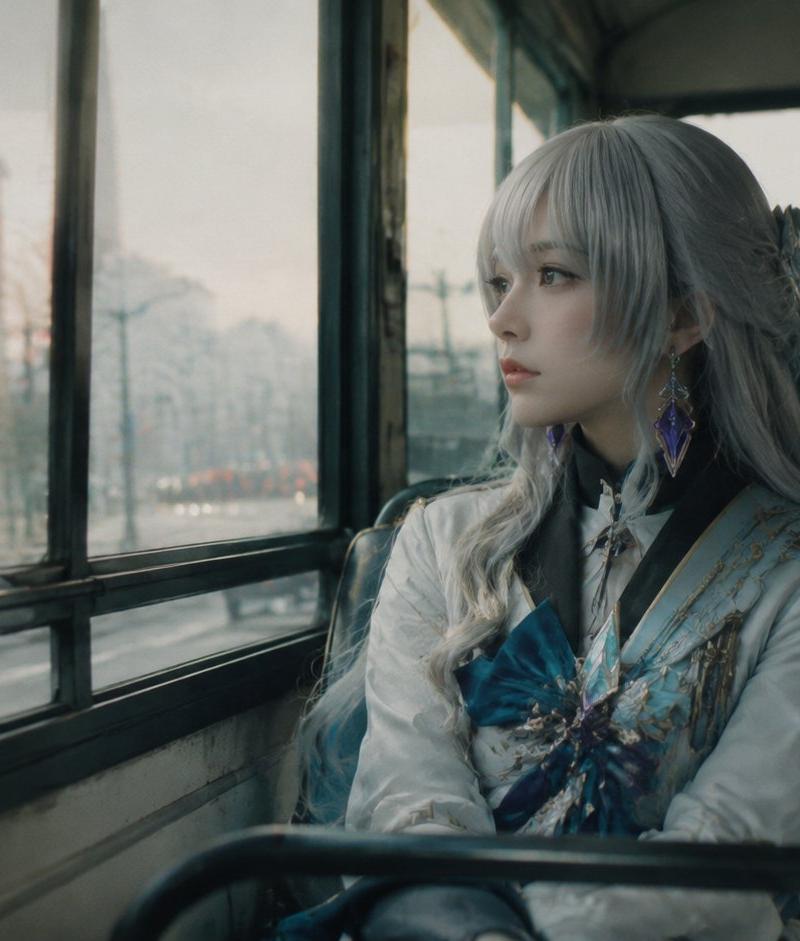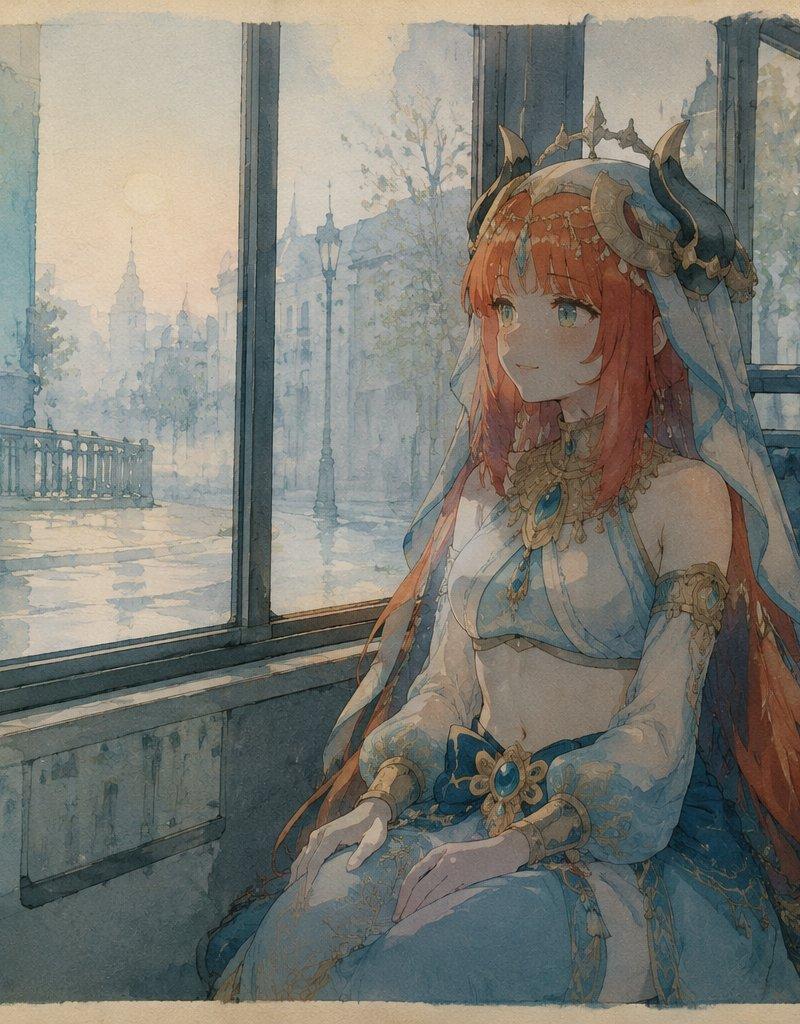
Poetic Bus Window Character Still
Prompt
Create a poetic character illustration as if it were a collectible still from a French 1980s animated film. Show {argument name="character name" default="Voxcat"}, an elegant fantasy princess-like woman seated alone inside an old city bus, framed in a double-layer bus-window perspective. She has very long {argument name="hair color" default="copper red"} hair flowing over her shoulders and down the seat, a delicate horned crown or ornate headpiece with small dark curved horns, translucent blue veil fabric, gold filigree jewelry, turquoise gemstone ornaments, and a pale blue-and-white ceremonial dress with sheer sleeves and soft draped fabric. Her face should be deliberately obscured by a plain rectangular censor-like block, while the body and costume remain detailed. The bus interior is muted teal-blue with patterned fabric seats, metal window frames, worn panels, and a damp reflective window ledge. Outside the large windows, paint a rainy European boulevard with a bridge railing, bare trees, lampposts, distant classical buildings, wet pavement reflections, atmospheric mist, and a small red traffic light in the far right background. Use hand-painted cel animation language, transparent watercolor edges, visible paper grain, soft ink outlines, subdued blue-gray and beige palette, gentle melancholic lighting, and layered reflections on the glass so the city, character, and bus interior overlap poetically rather than photorealistically. Include exactly 3 visible text/logo elements: a large white monogram logo with the text "VOXCAT" in the upper-left dark bus panel, a tiny square "V VOXCAT" sticker on the seat back to the right of the character, and a handwritten white "voxCAT" signature in the bottom-right corner. Landscape 16:9 composition with rough painted border edges, no extra characters, no modern digital gloss, no photographic realism.- Category
- Charts & Infographics
- Model
- GPT Image 2
- Creator
- VoxCat
- Source language
- en
- Source ID
- 24499
- Published
- Jun 6, 2026
Views1.1K