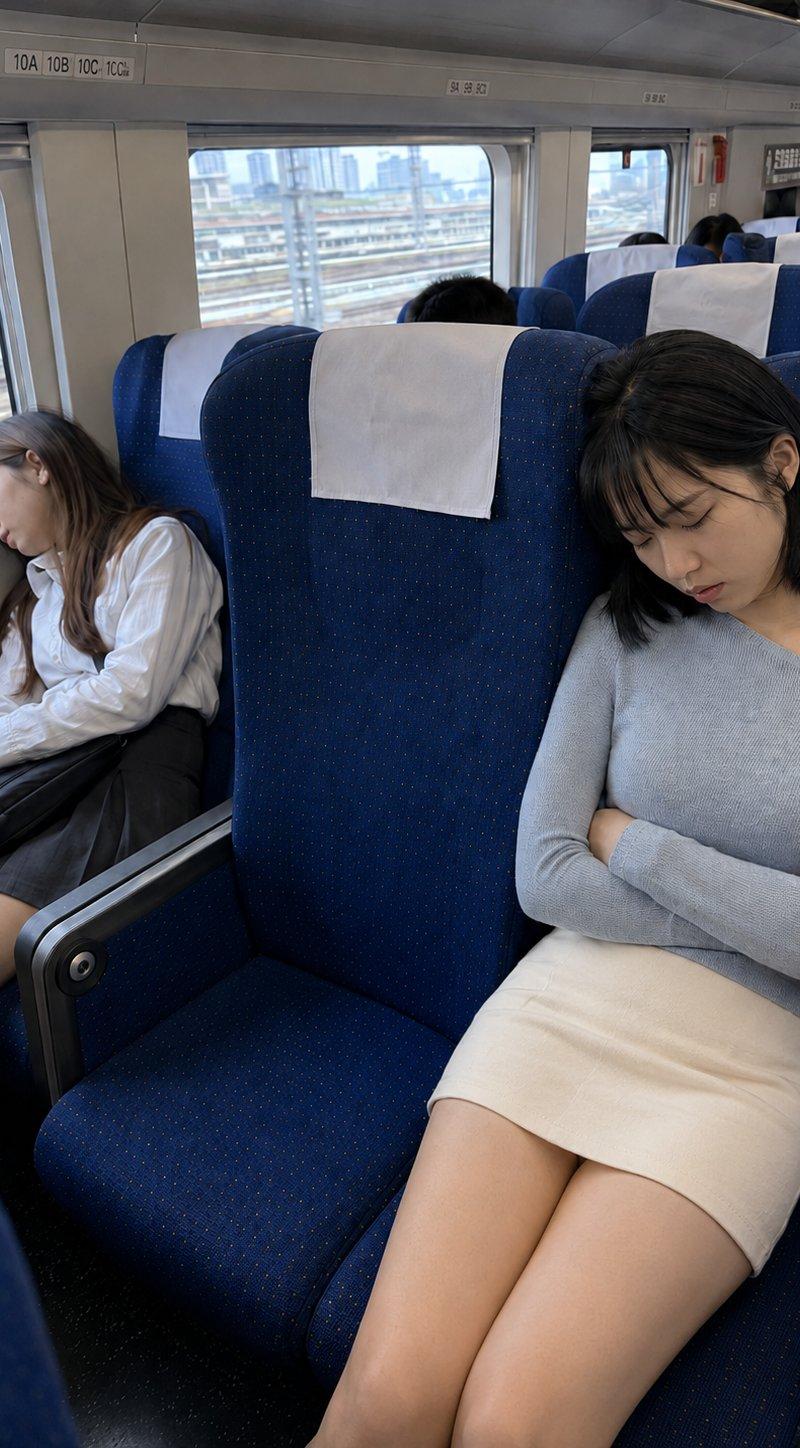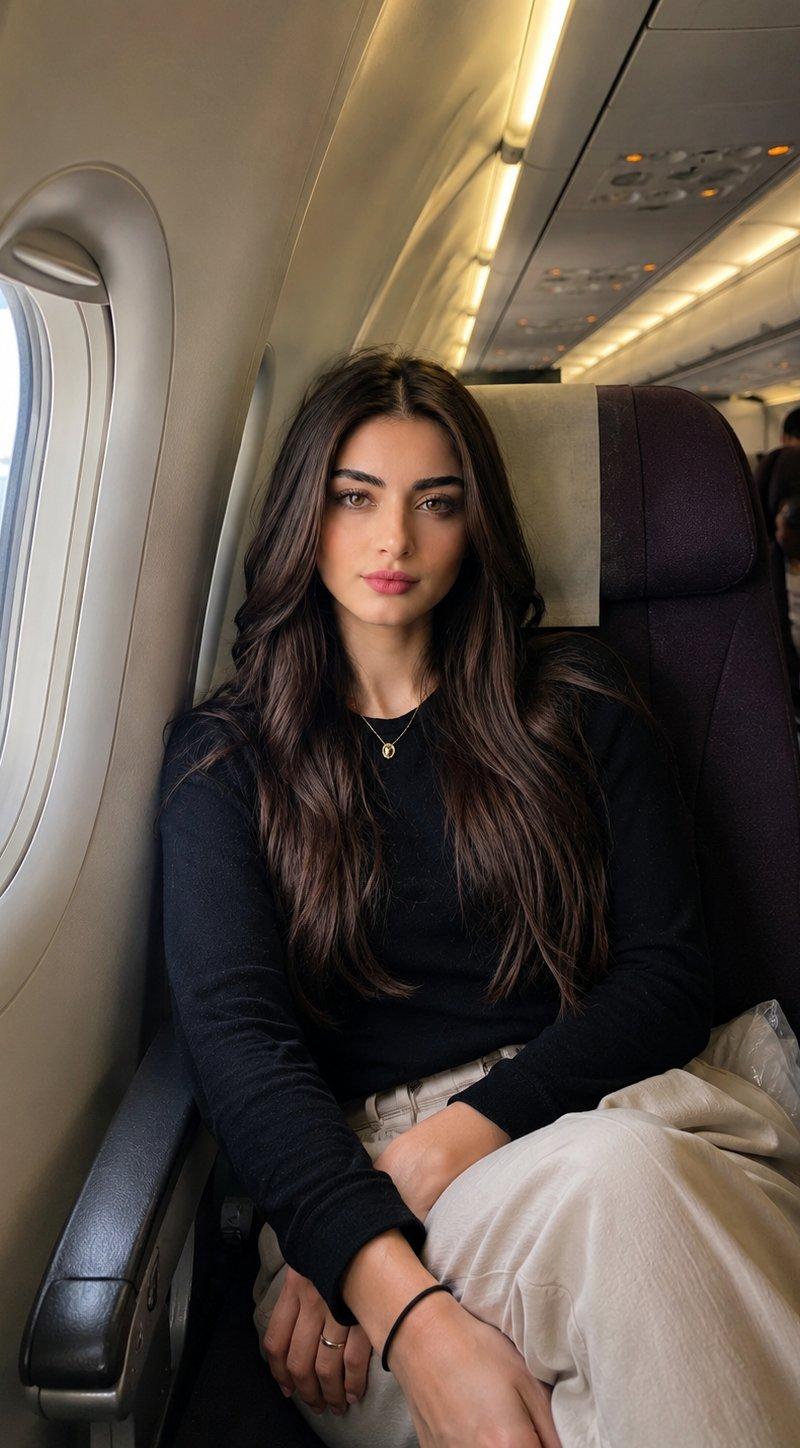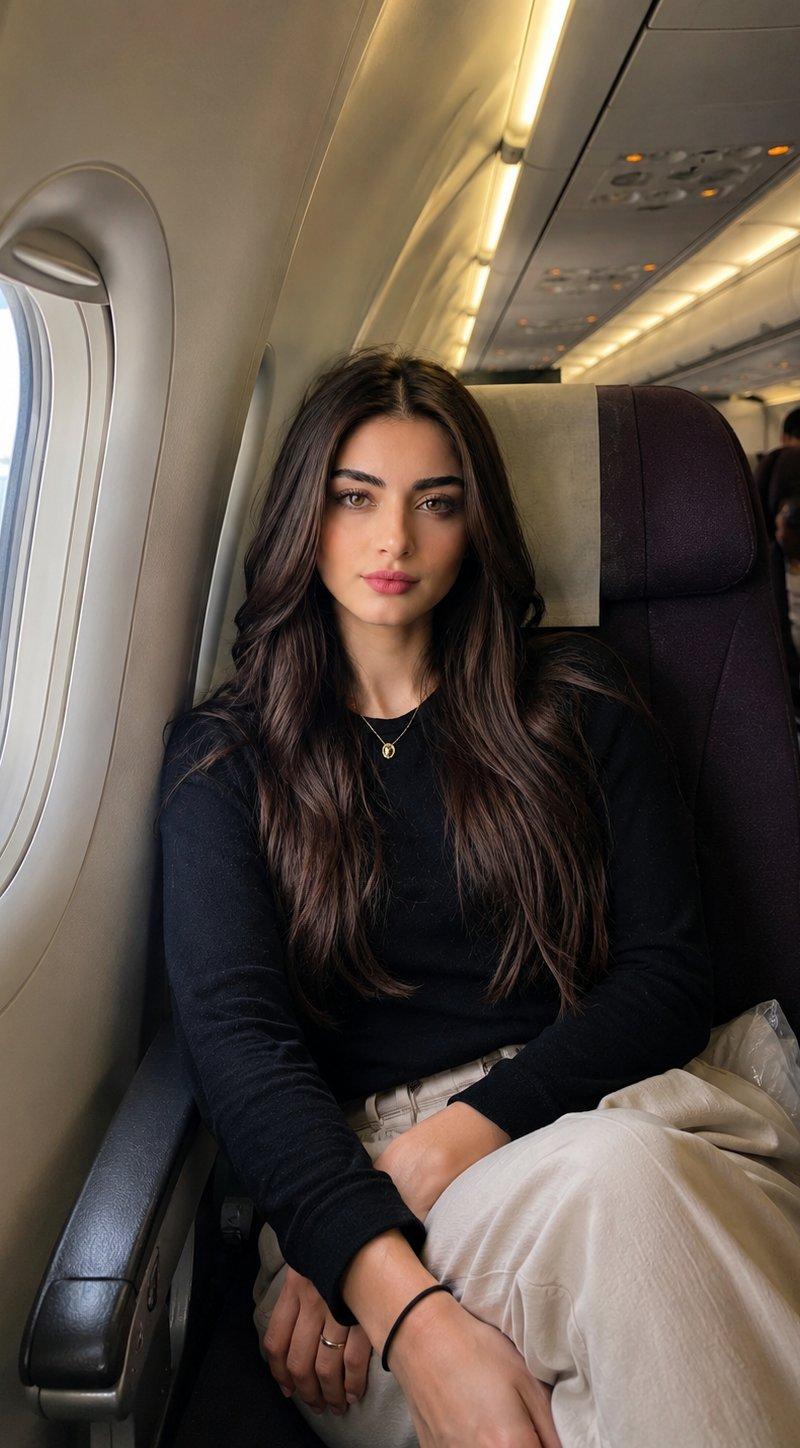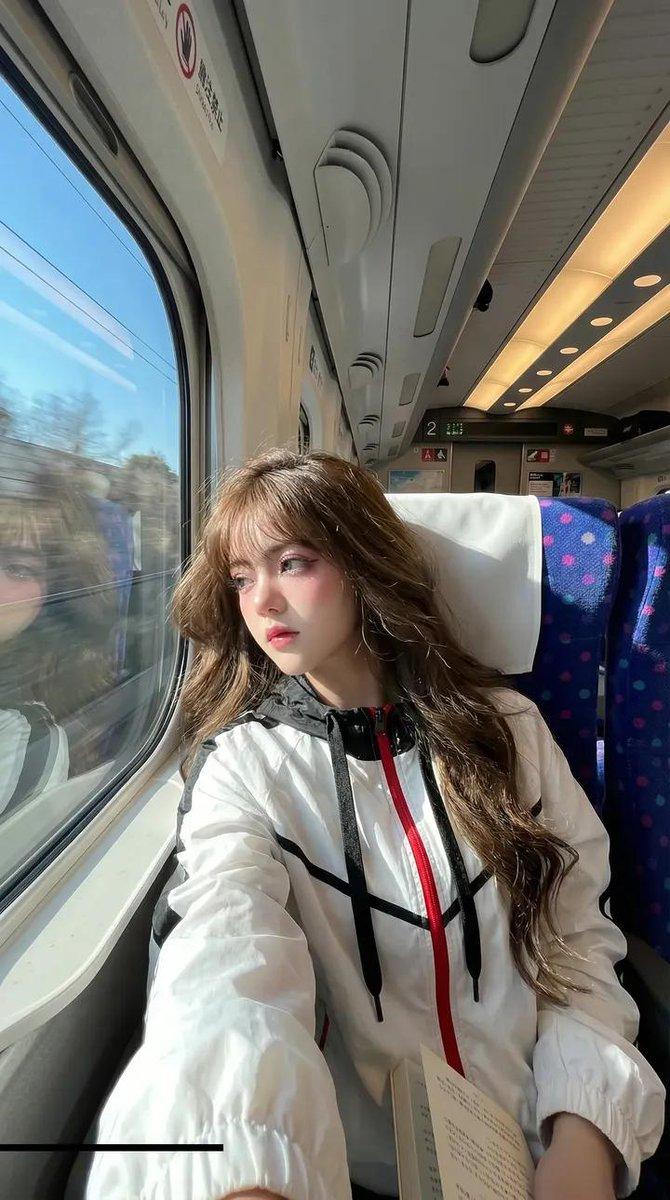
High-Speed Train Filming Storyboard
Prompt
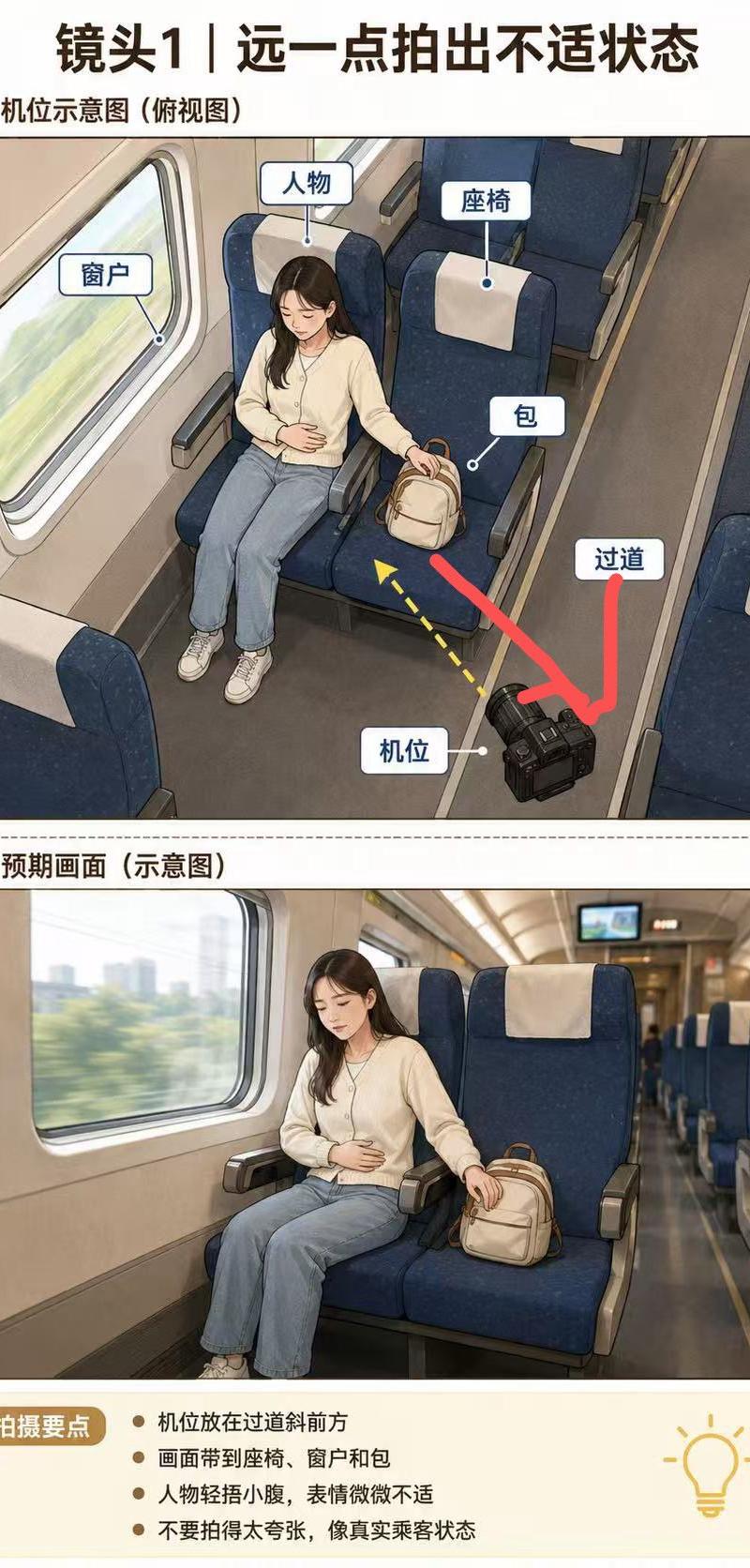
Goal: Create a vertical Chinese filming-direction storyboard infographic for a high-speed train short video, showing how to shoot a passenger in a slightly uncomfortable state from farther away.

Canvas: Tall portrait layout, about 3:4 ratio, white background, black and dark-brown Chinese typography, clean documentary storyboard style.

Text content: Use the visible Chinese copy from {argument name="Chinese text" default="镜头1|远一点拍出不适状态; 一、机位示意图(俯视图); 窗户; 人物; 座椅; 包; 过道; 机位; 二、预期画面(示意图); 拍摄要点; 机位放在过道斜前方; 画面带到座椅、窗户和包; 人物轻捂小腹,表情微微不适; 不要拍得太夸张,像真实乘客状态"}.

Layout: At the top, place a large bold headline centered. Below it, create exactly 2 stacked image panels separated by a thin dotted horizontal divider. Panel 1 is labeled as a camera-position diagram from an overhead perspective. Panel 2 is labeled as the expected shot preview. At the bottom, add a pale cream rounded rectangle notes box with a brown pill-shaped label on the left and a simple yellow lightbulb icon on the right.

Panel 1 subject and composition: Draw an illustrated overhead/three-quarter view inside a high-speed train carriage. A young woman with long dark hair and a deliberately blurred face sits by the window on a dark navy-blue train seat with a white headrest cover. She wears a cream cardigan or sweater, light blue jeans, and white sneakers. Her left hand rests over her lower abdomen to suggest mild discomfort, and her right hand reaches toward a small beige backpack placed on the adjacent seat. Show a large train window to her left with motion-blurred green scenery outside, blue paired seats around her, armrests, and the aisle on the right. Include exactly 6 white rounded callout labels with blue borders and small pointer dots: window, person, seat, bag, aisle, and camera position. Place a black DSLR-style camera on the aisle floor in the lower right foreground. Add exactly 3 directional graphics in this panel: one thick red arrow from the camera toward the seated passenger/bag area, one thick red curved arrow indicating the aisle direction, and one yellow dashed arrow pointing from the camera toward the subject.

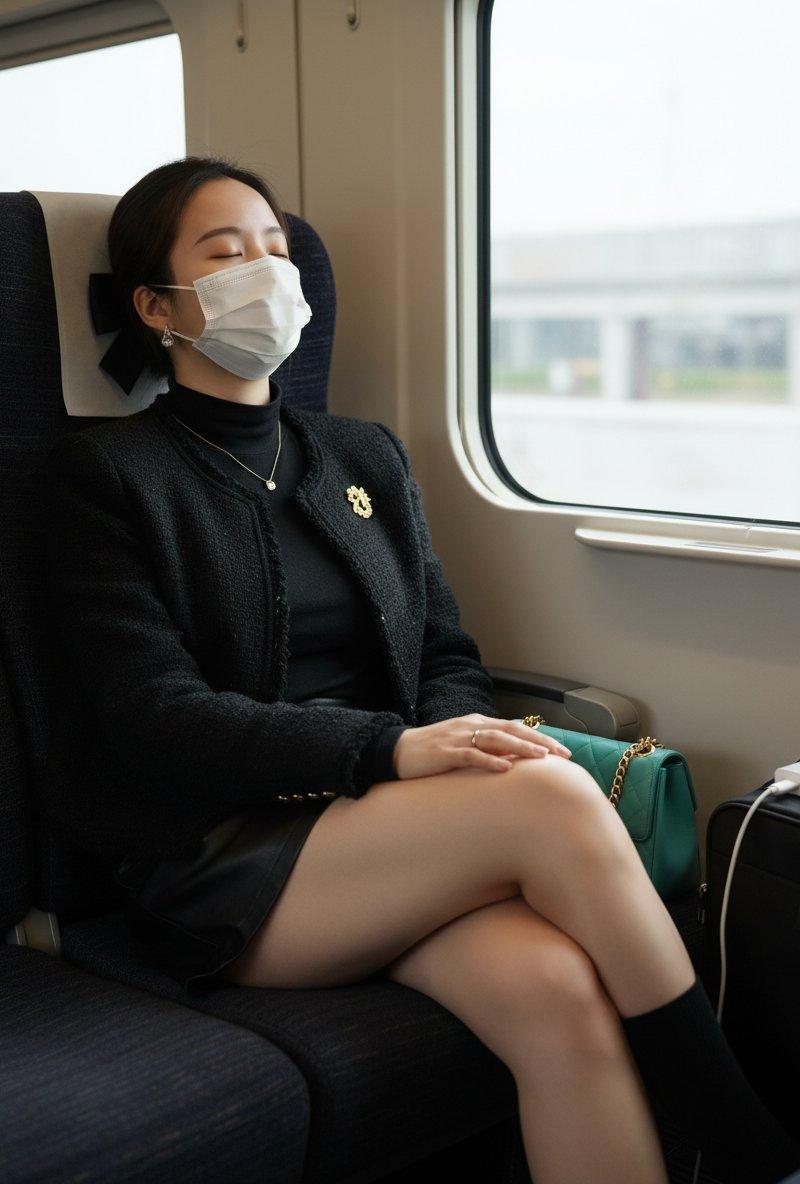
Panel 2 subject and composition: Create a realistic cinematic preview frame from the camera angle in the aisle diagonally in front of the passenger. The woman sits in the left-center by the train window, face blurred, one hand lightly holding her abdomen, the other hand near or on the beige backpack on the neighboring seat. Keep the dark blue seats, white headrest covers, beige interior wall, large window with motion-blurred city/green scenery, long aisle receding into the background, and a small monitor screen at the far end of the carriage. The mood should be natural and restrained, not melodramatic.

Bottom notes box: Include exactly 4 bullet points, matching the shooting guidance text. Use a warm cream background, brown label badge, dark text, and a minimal yellow outline lightbulb icon.

Visual style: Semi-realistic storyboard illustration mixed with clean instructional infographic design, soft lighting, slightly textured digital painting, precise callouts, realistic high-speed rail interior, clear teaching-diagram readability. Avoid watermarks, logos, or extra panels.- Category
- Charts & Infographics
- Model
- GPT Image 2
- Creator
- 小宇Chengzi
- Source language
- en
- Source ID
- 24502
- Published
- Jun 6, 2026
Views263