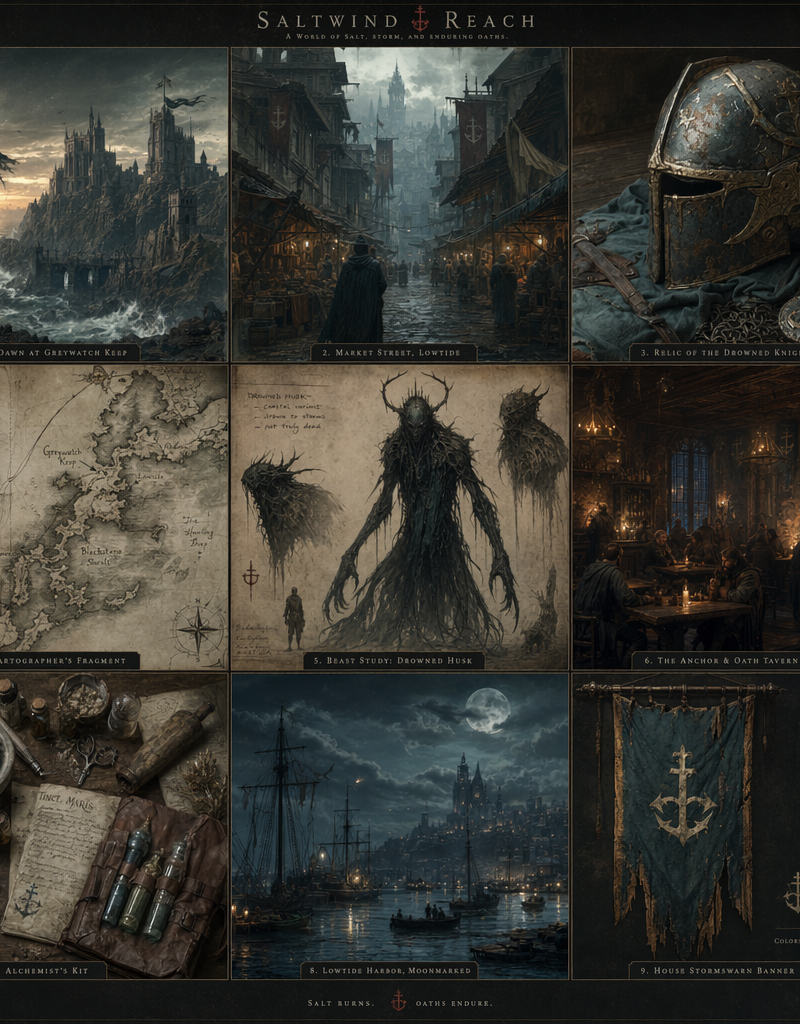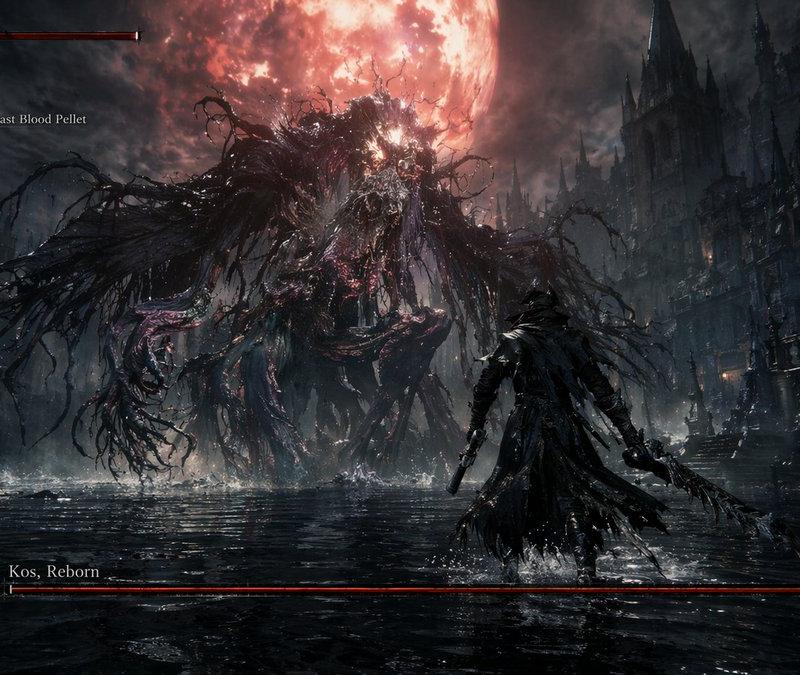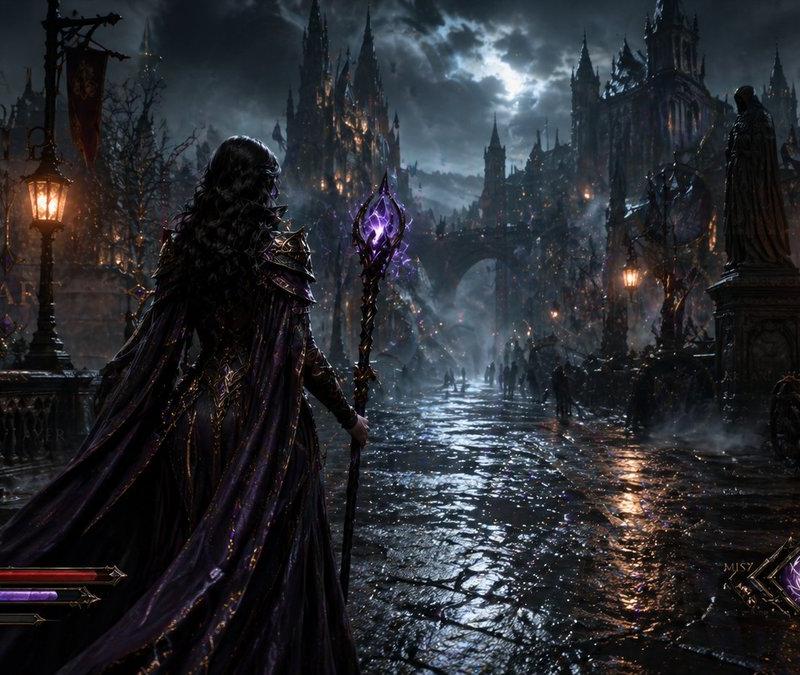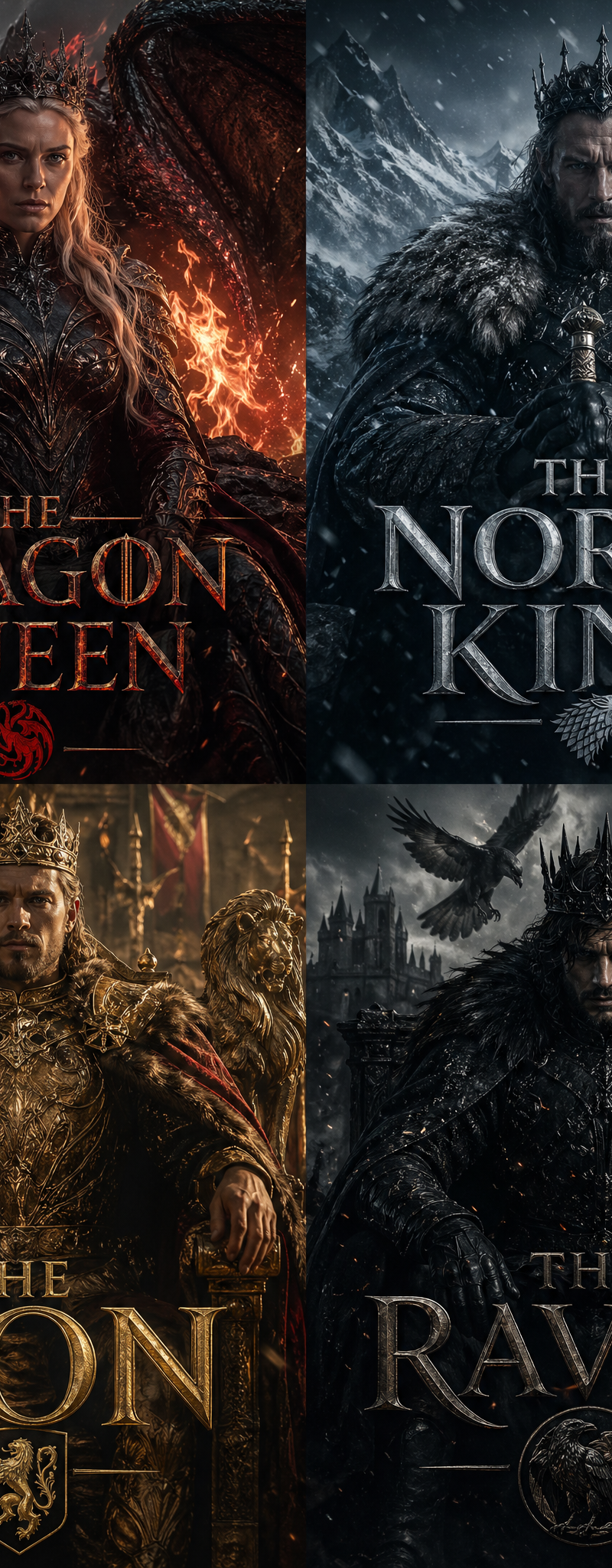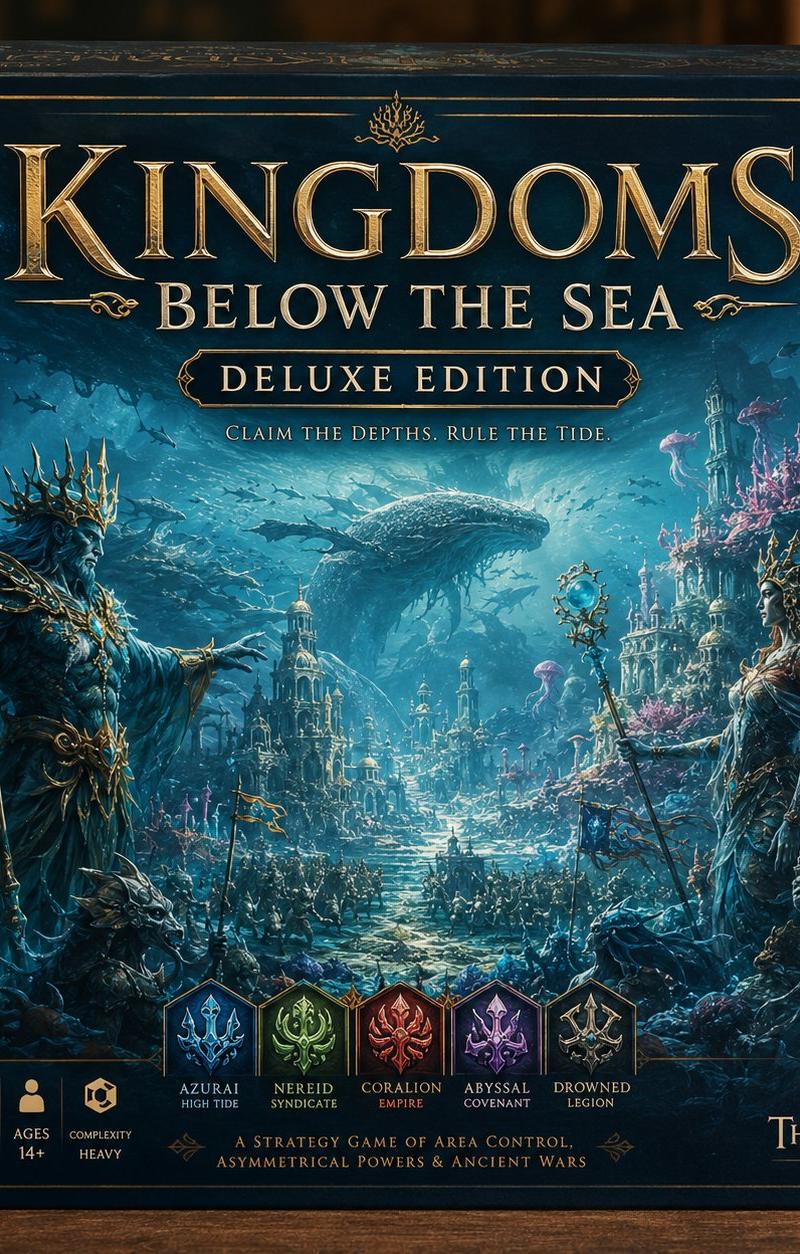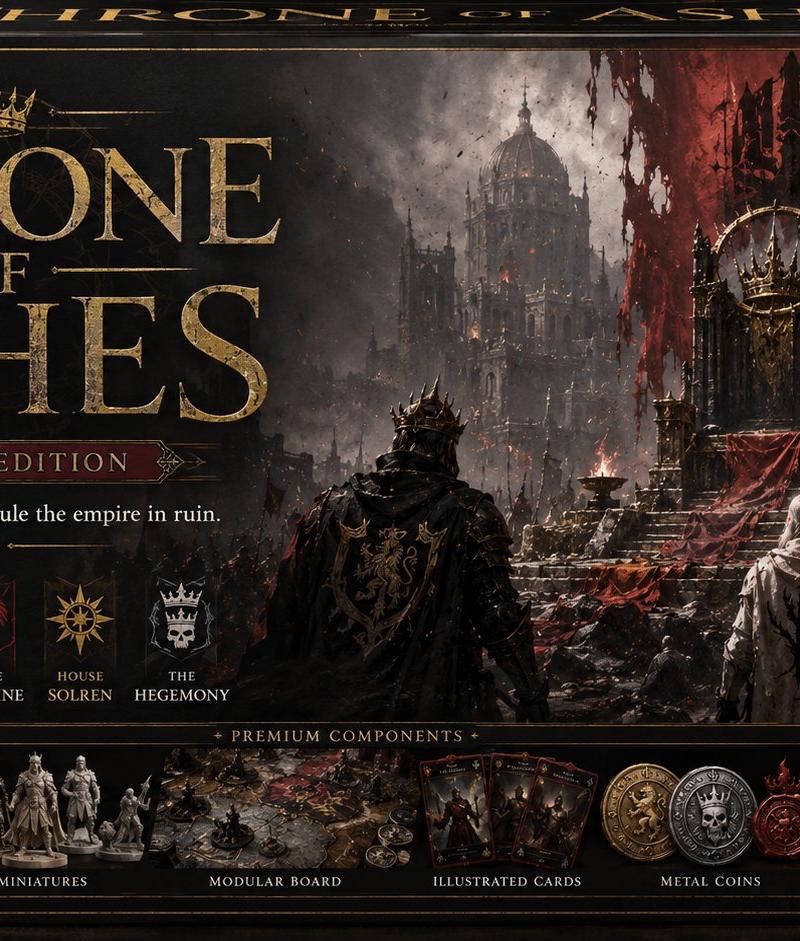
Throne of Ashes Deluxe Box Front
Prompt
Goal: Create a premium, highly believable deluxe board game box front for an imaginary dark fantasy strategy tabletop game titled {argument name="game title" default="THRONE OF ASHES"}. Make it look like a real hobby-store product: strategic, collectible, shelf-worthy, and cinematic.

Canvas: Wide landscape board game box front, about 16:9 ratio, shown as a physical rectangular box with a slight top-edge perspective. Use a black, charcoal, tarnished gold, bone white, and deep crimson palette. Add worn corners, subtle scuffs, foil-like gold typography, embossed borders, and a premium matte-laminated packaging feel.

Main artwork: A grim ruined empire scene fills the right two-thirds: a massive gothic cathedral and shattered city in smoky gray fog, with a tall dark throne on a raised dais near the center-right. Blood-red torn banners hang above and behind the throne. In the foreground are exactly 3 main figures seen from behind facing the throne: 1 black-armored crowned warlord in the center-left with a dark cape and gold heraldry, 1 pale robed white-haired figure in the center, and 1 black-armored noble on the far right with a crimson cape. Add small fires, ash, ravens or dark specks in the sky, jagged spires, rubble, and battlefield debris.

Title and branding layout: Place the huge title on the left half in distressed metallic gold serif capitals, with a small crown icon above the word THRONE. Stack the words as THRONE / OF / ASHES. Under the title, include a red-and-gold plaque reading {argument name="edition label" default="DELUXE EDITION"}. Below it, add the tagline {argument name="tagline" default="Seize the broken crown. Rule the empire in ruin."} in small elegant white serif type.

Left information column: Create exactly 4 vertical feature boxes with simple cream icons and text: 1) people icon, "2–5 PLAYERS"; 2) clock icon, "90–150 MIN"; 3) age label, "14+ AGES"; 4) shield icon, "HEAVY STRATEGY".

Faction row: Below the tagline, show exactly 5 faction crests with labels, each in its own small dark card: 1) gold lion crest, "HOUSE DRAKON"; 2) white tree crest, "HOUSE VAELOR"; 3) red raven or phoenix crest, "HOUSE MORTAINE"; 4) gold sun compass crest, "HOUSE SOLREN"; 5) white skull crown crest, "THE HEGEMONY".

Premium components strip: Along the lower center, create a bordered panel titled "PREMIUM COMPONENTS". Inside it, show exactly 4 component groups with labels: 1) a lineup of detailed gray fantasy miniatures labeled "DETAILED MINIATURES"; 2) a modular illustrated board with tokens labeled "MODULAR BOARD"; 3) a fan of dark illustrated cards labeled "ILLUSTRATED CARDS"; 4) three ornate metal coins in gold, silver, and red labeled "METAL COINS".

Publisher and seals: Bottom-left corner shows a red flame crown logo and the publisher name {argument name="publisher name" default="EMBER COURT GAMES"}. Top-right has one round metallic gold seal reading "DELUXE EDITION" with a crown in the center. Add thin ornate gold corner decorations on all four corners.

Style: Ultra-detailed realistic board game packaging mockup, dark fantasy concept art, premium medieval gothic aesthetic, dramatic lighting, smoky atmosphere, high contrast, crisp readable typography, believable printed box texture. Avoid modern UI styling, cartoon art, plastic toy look, misspelled text, extra logos, barcodes, or clutter beyond the specified elements.- Category
- Charts & Infographics
- Model
- GPT Image 2
- Creator
- LudovicCreator
- Source language
- en
- Source ID
- 24548
- Published
- Jun 4, 2026
Views2.1K