15

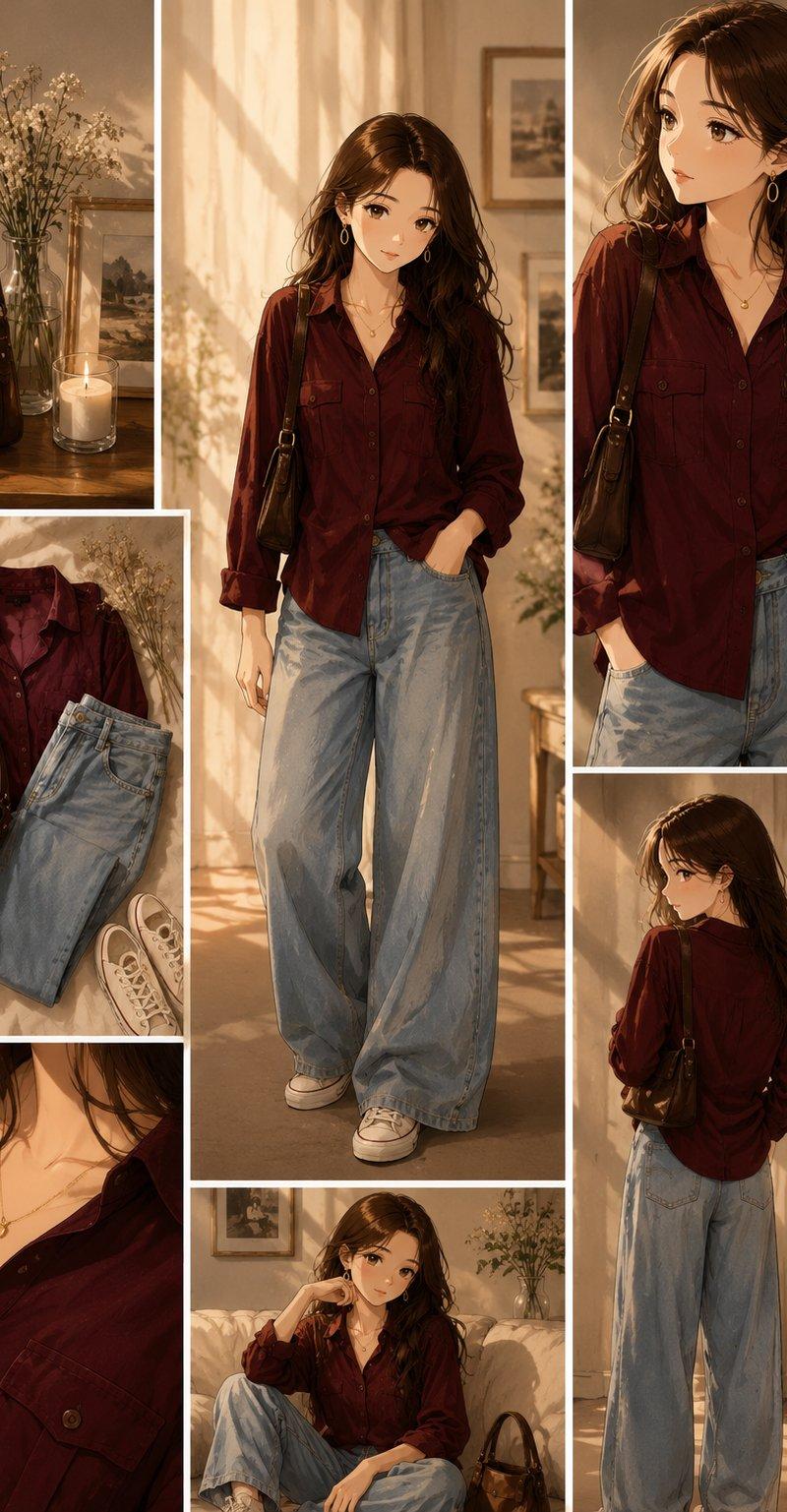
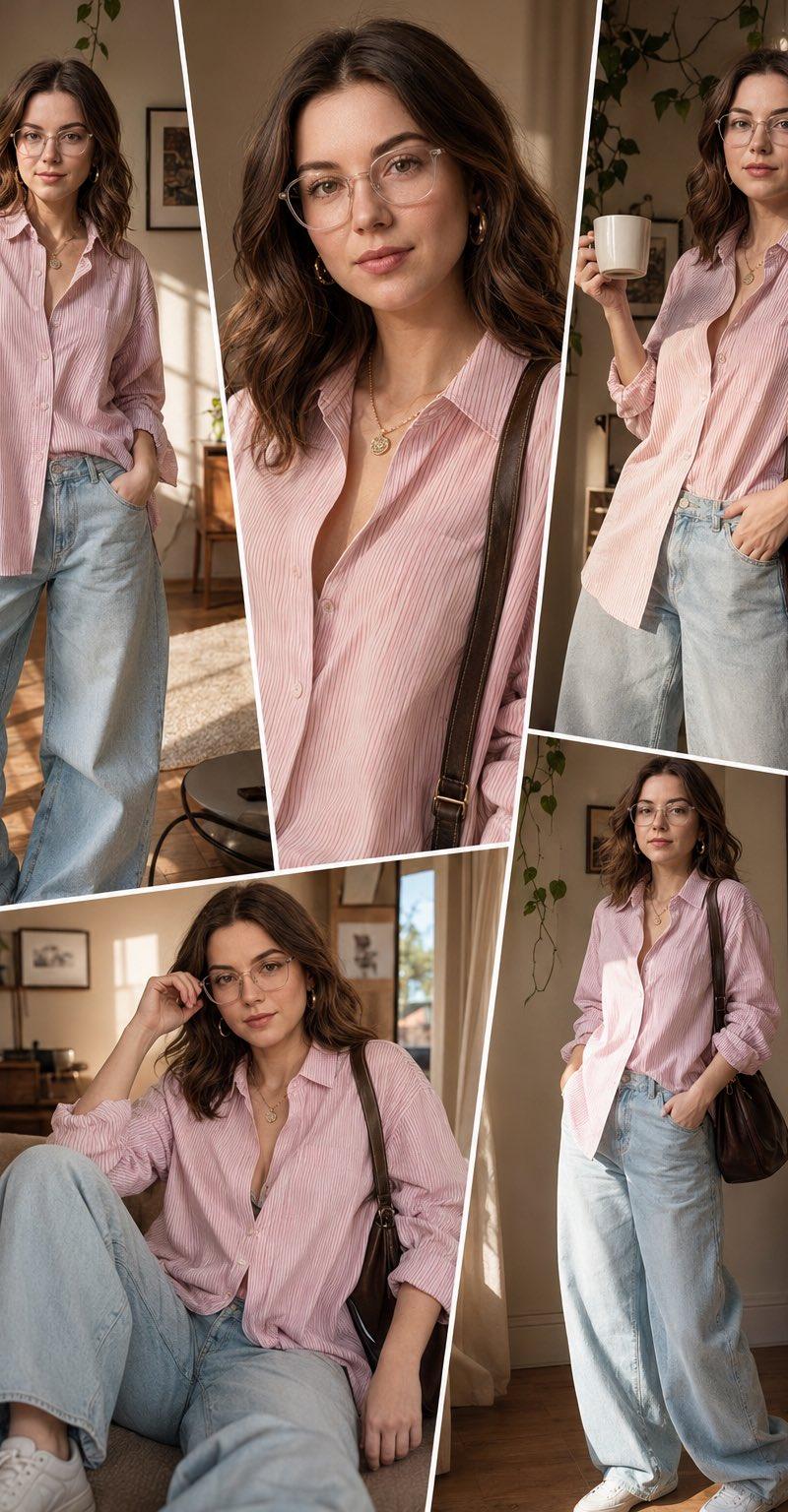
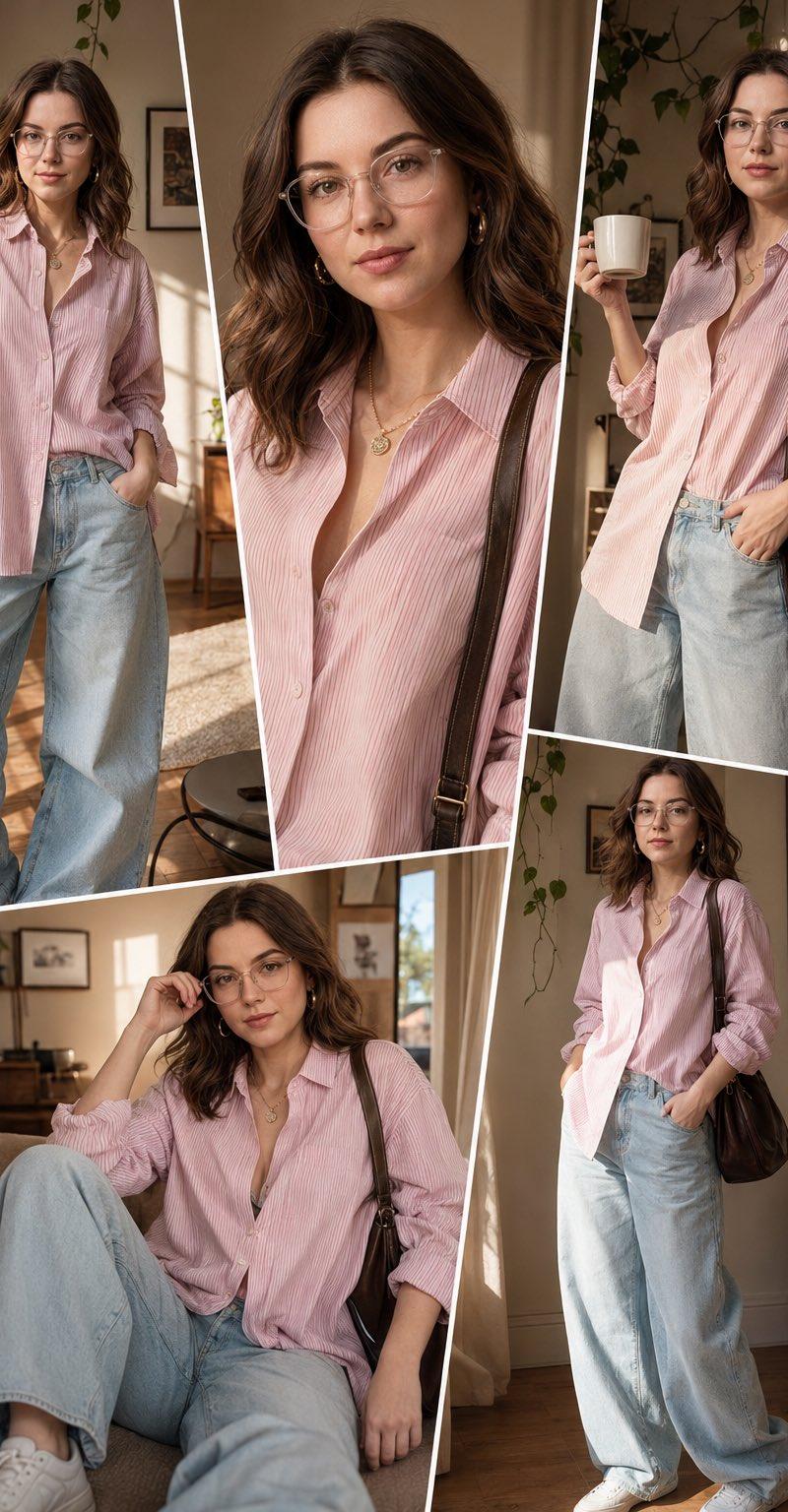
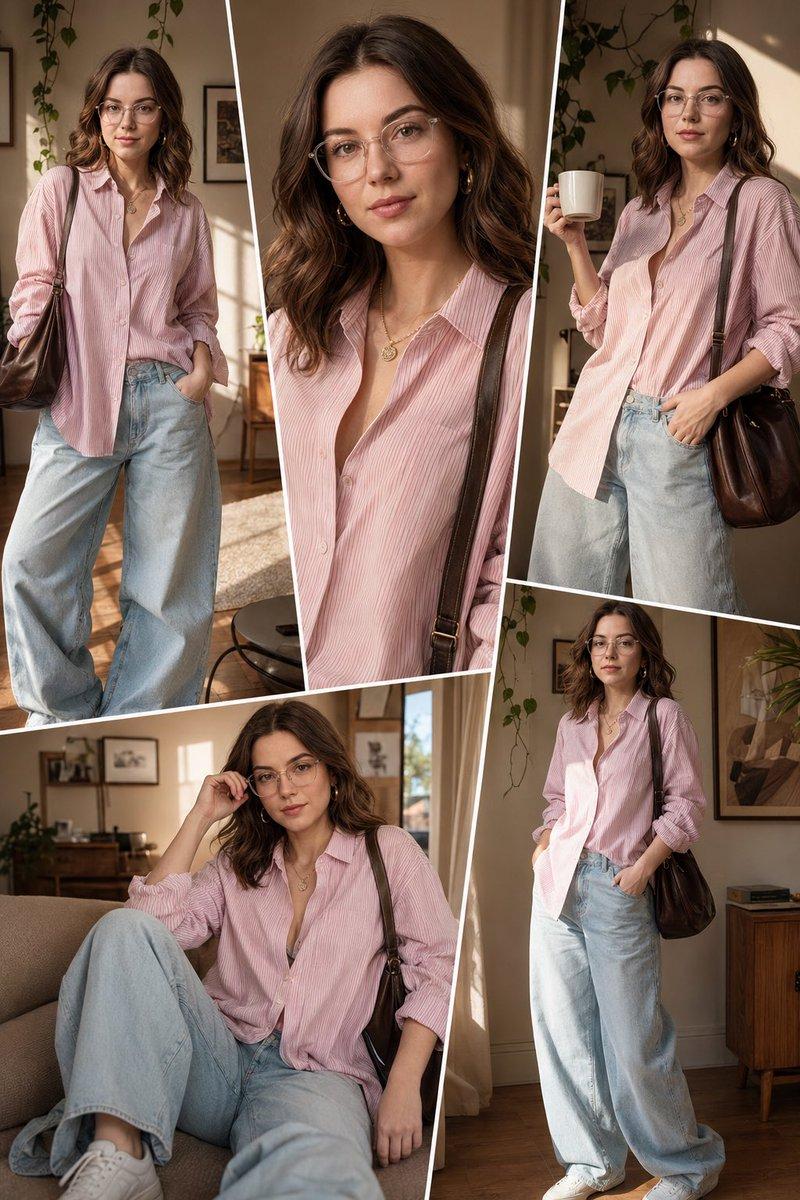
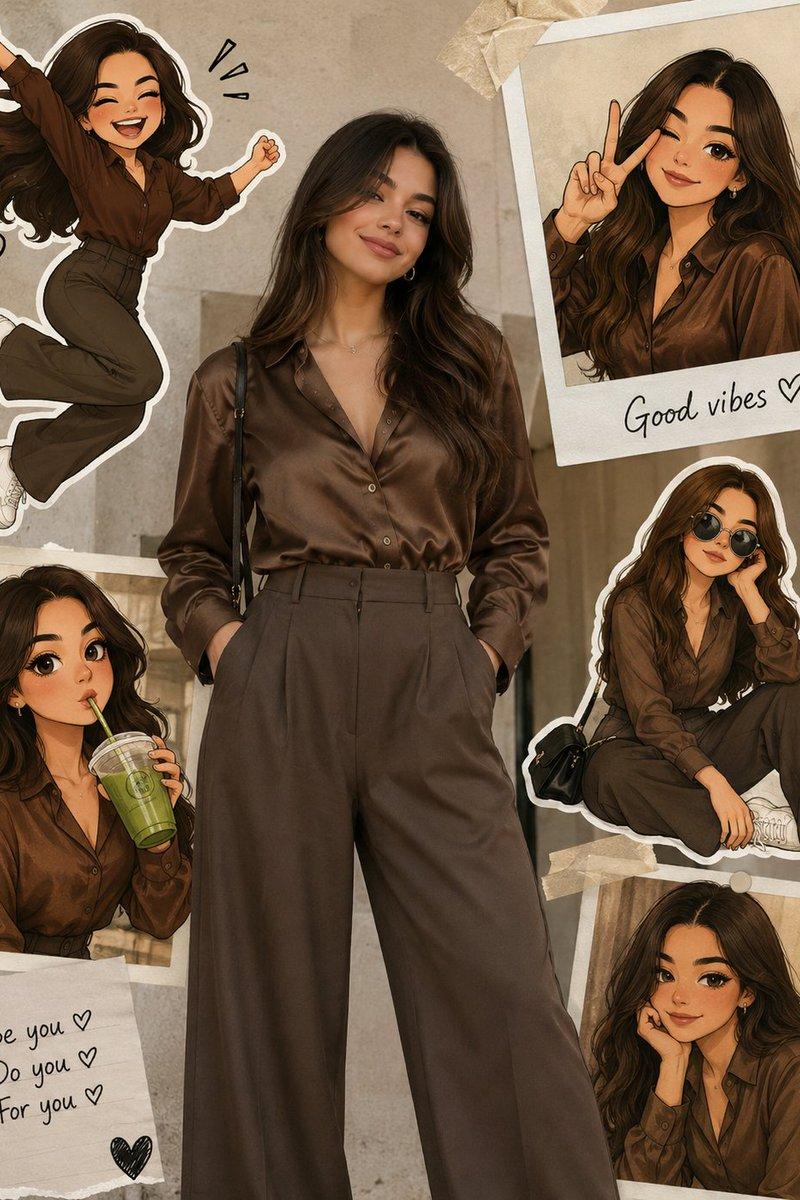
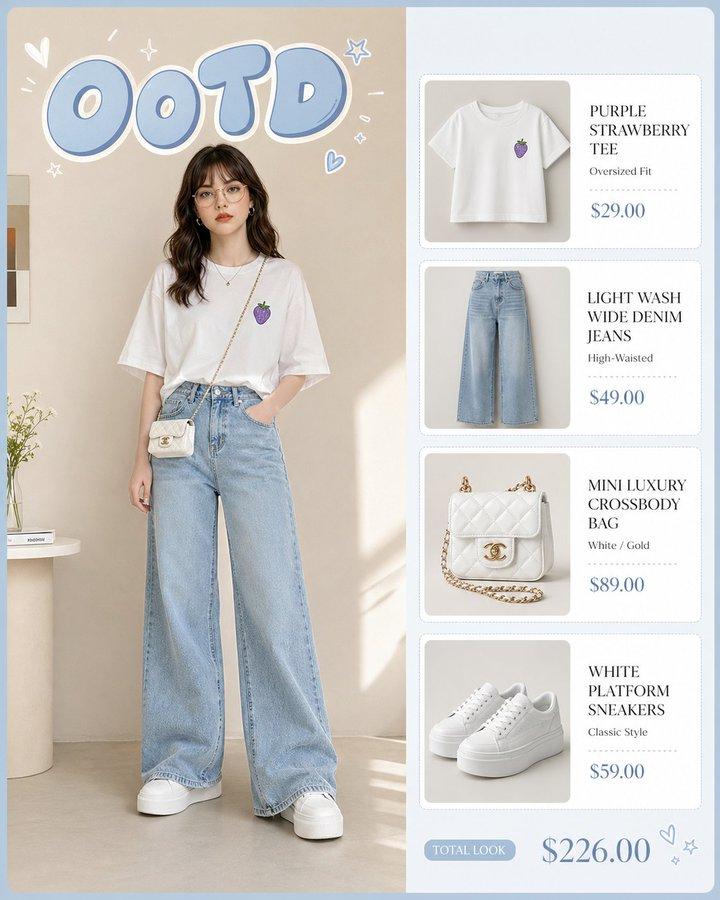
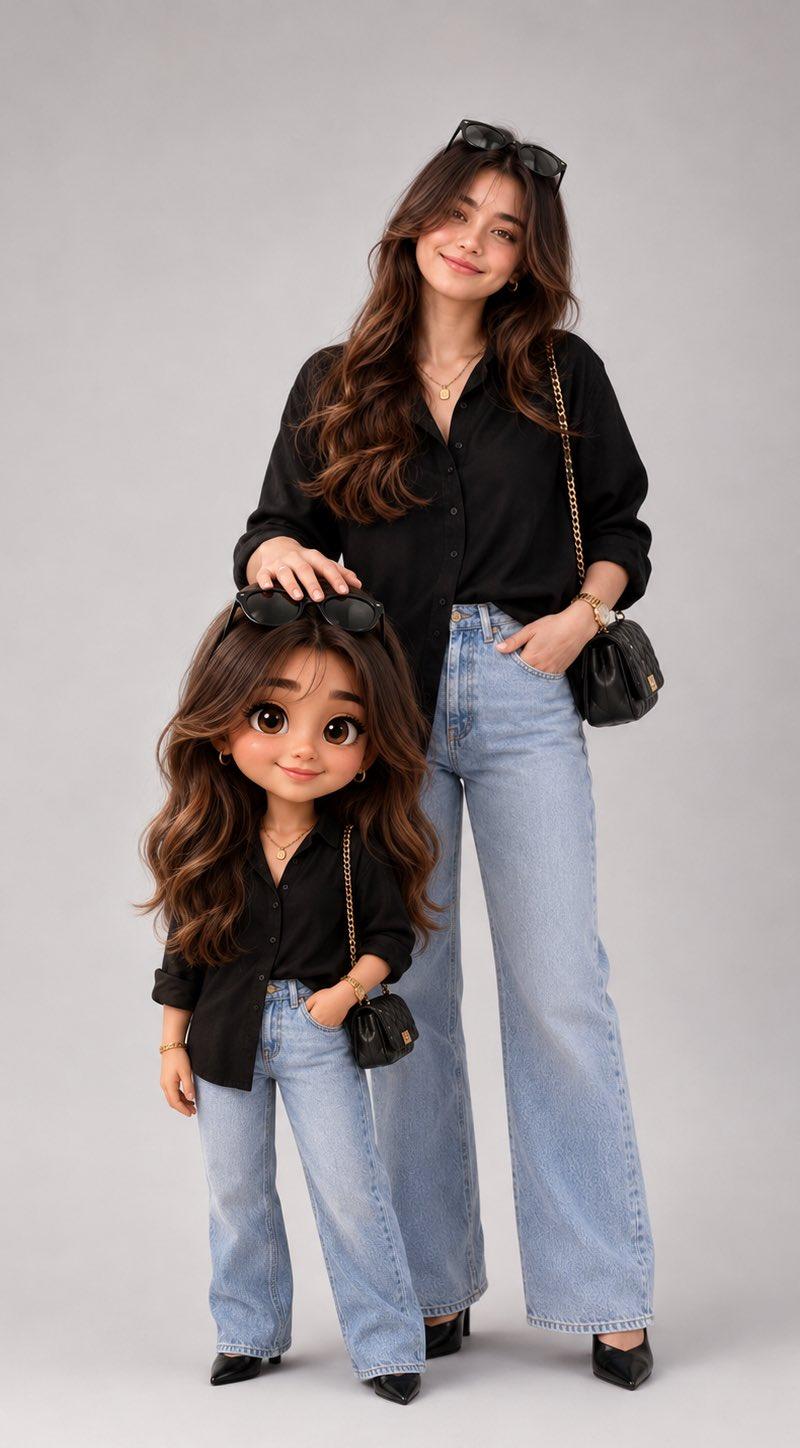
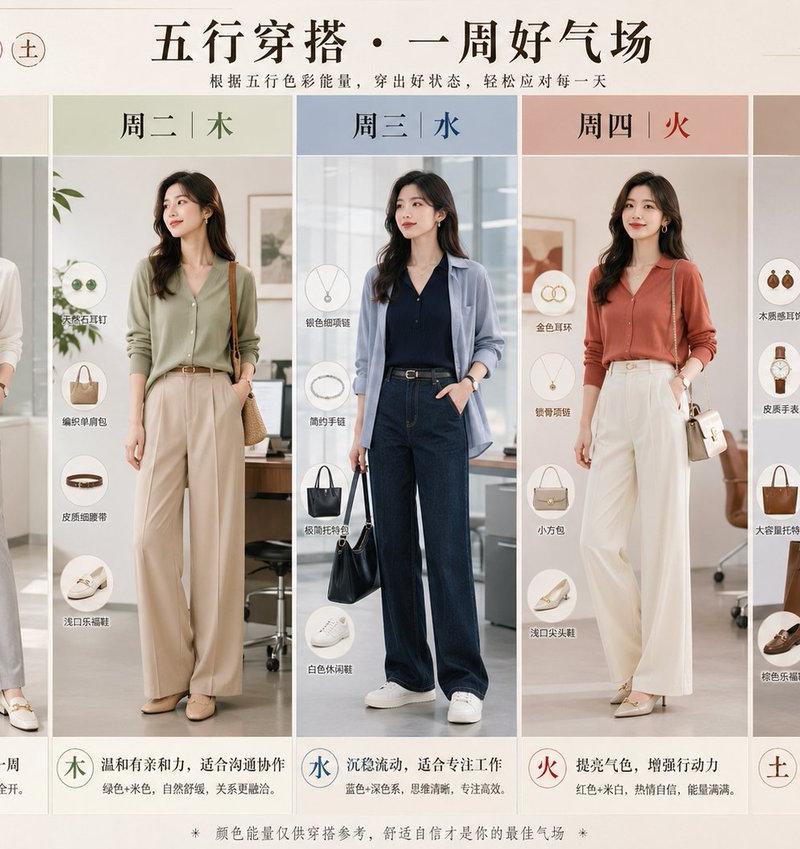
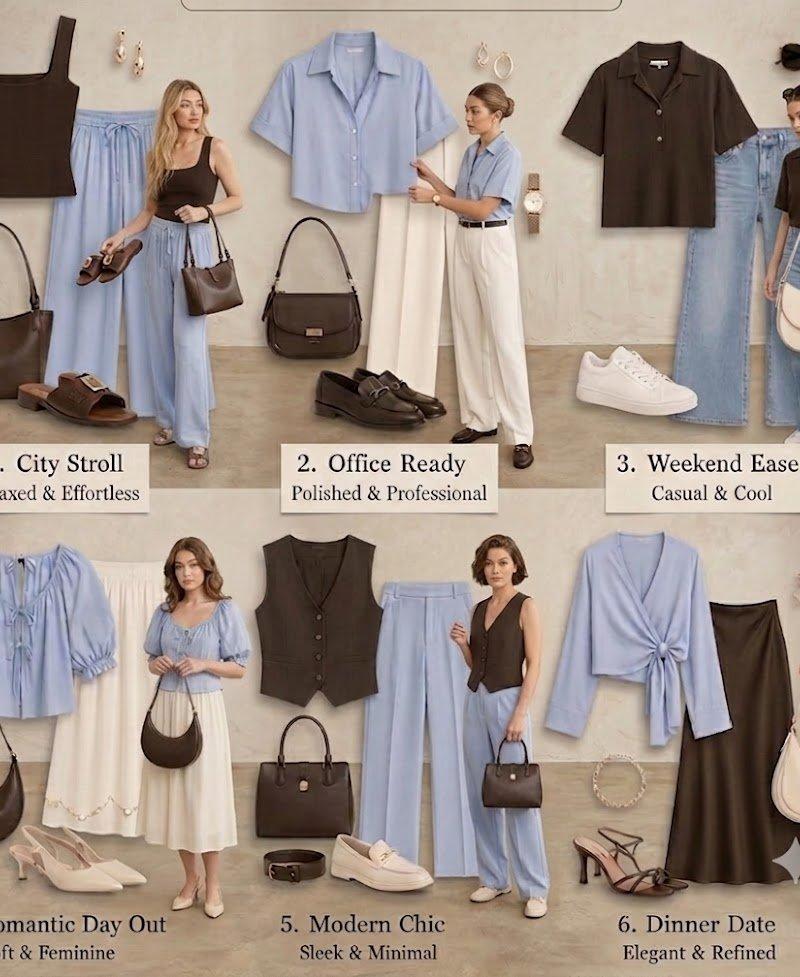
Anime Fashion Lookbook Collage
Enlarge

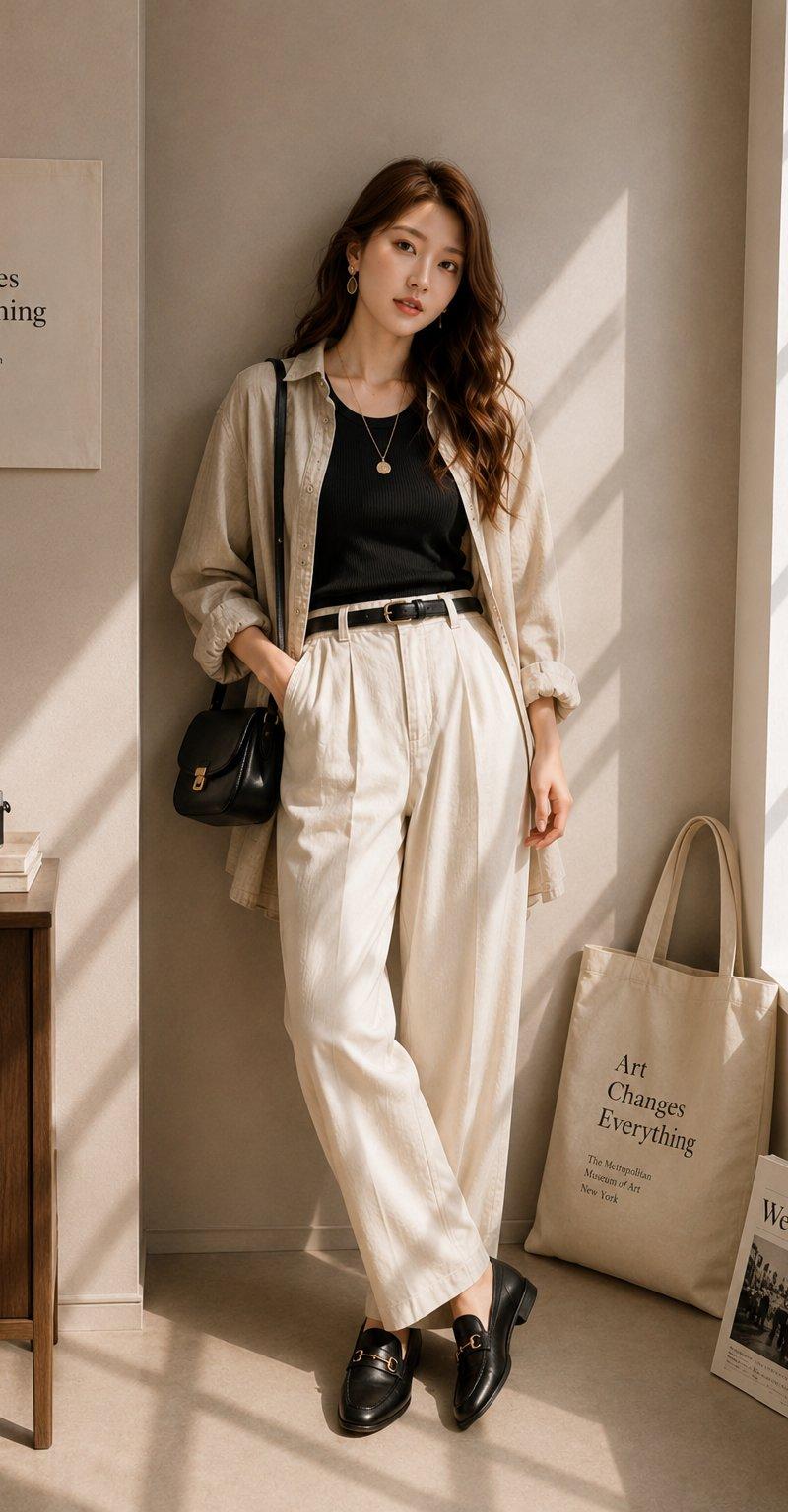
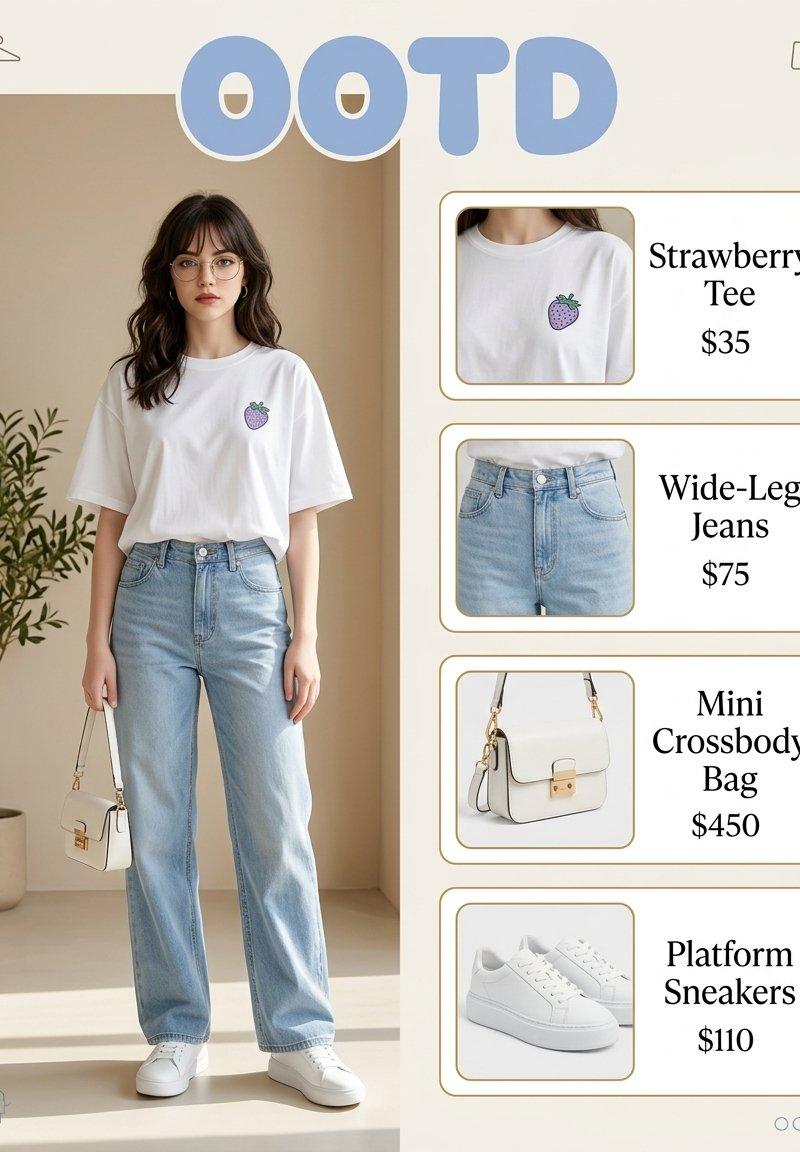
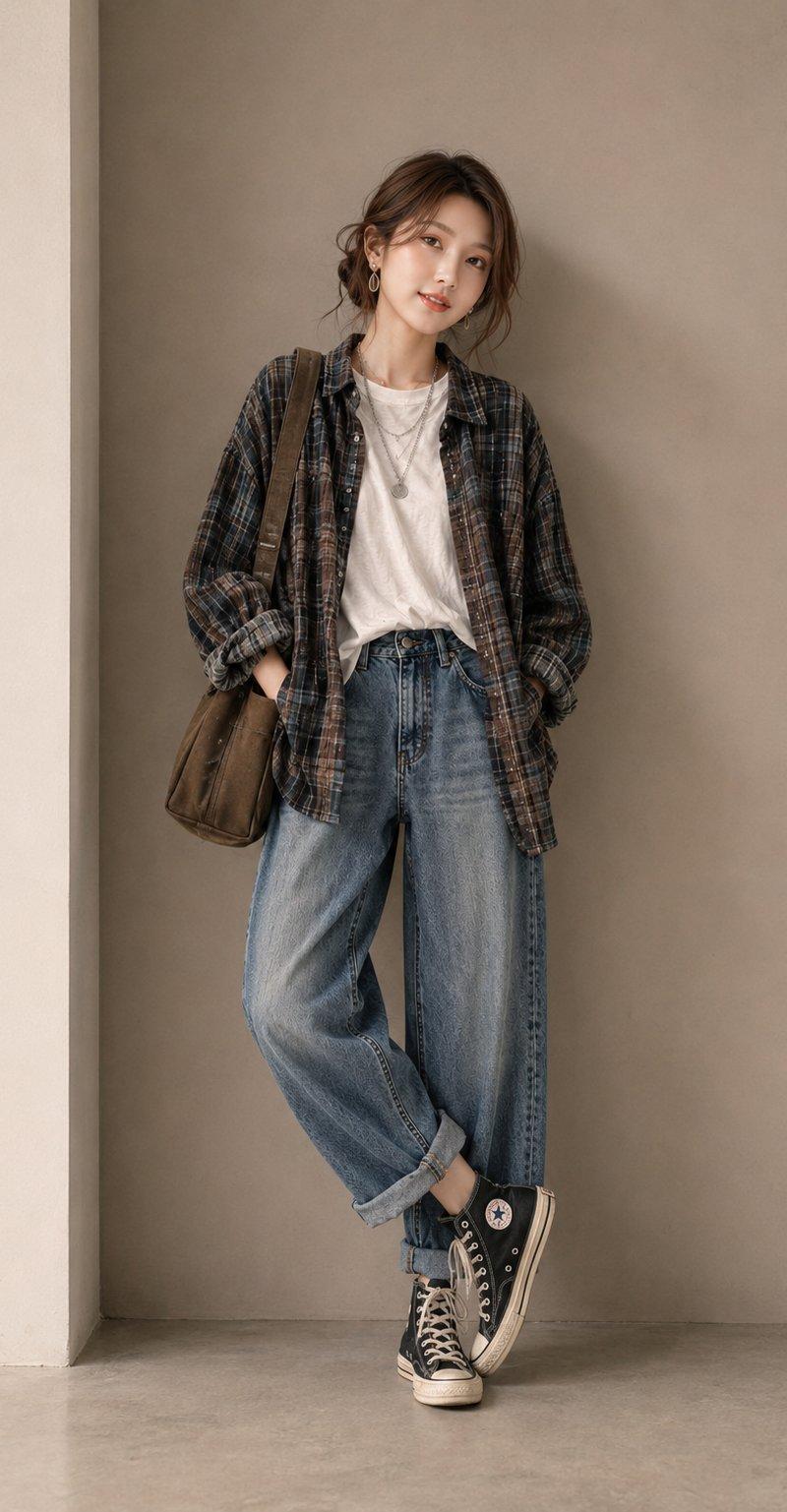
Example images

Anime Fashion Lookbook Collage

Prompt
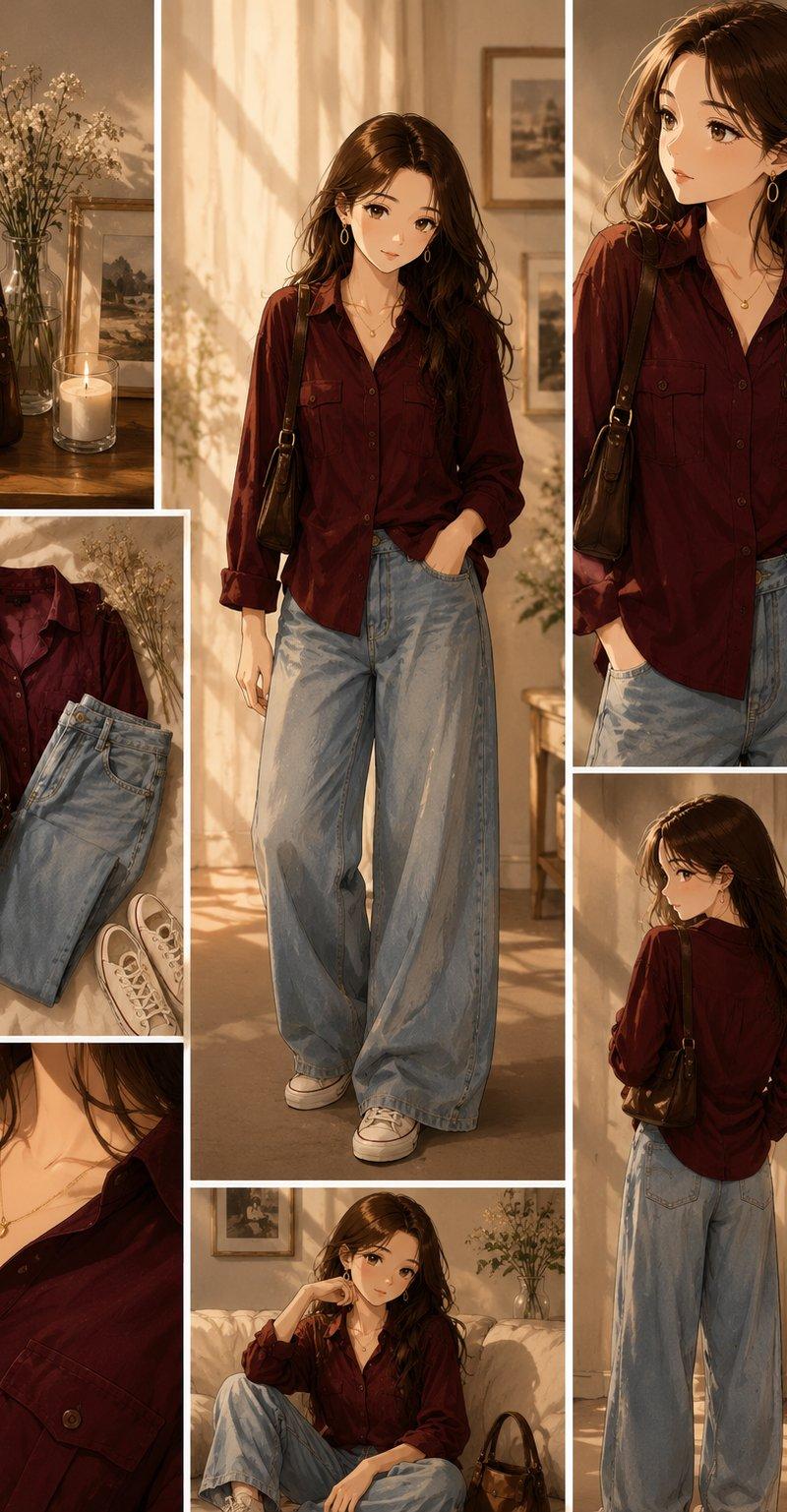
Ultra-realistic {argument name="style" default="anime fashion lookbook collage"}, warm golden-hour sunlight streaming through large windows, cozy {argument name="setting" default="luxury apartment interior"} with soft beige walls, framed artwork, flowers in glass vases, candlelight ambiance, elegant feminine aesthetic.

A beautiful {argument name="character" default="young woman"} with long wavy dark brown hair, soft glowing skin, expressive brown eyes, delicate gold hoop earrings, and a minimalist gold necklace. She wears an oversized deep burgundy button-up shirt tucked casually into light-wash ultra-wide-leg baggy jeans with white sneakers. A vintage brown leather shoulder bag completes the outfit.

Create a Pinterest-style multi-panel fashion collage layout featuring:

Full-body standing portrait in the center.

Close-up portrait looking to the side.

Back-view outfit shot.

Relaxed seated pose on a cream sofa.

Flat-lay arrangement of shirt, jeans, sneakers, and handbag.

Close-up fashion detail of necklace and shirt collar.

Lifestyle corner featuring handbag, candle, flowers, and framed artwork.

Soft cinematic lighting, golden sun rays, realistic fabric textures, luxury fashion editorial photography, cozy autumn aesthetic, warm neutral color palette, shallow depth of field, highly detailed clothing folds, premium lifestyle magazine quality, elegant composition, Pinterest outfit inspiration board, masterpiece, 8K, ultra detailed, photorealistic anime illustration.
Category
Charts & Infographics
Model
GPT Image 2
Creator
auqib
Source language
en
Views2.3K
Source ID
24613
Published
Jun 7, 2026
Studio

Guide

About "Anime Fashion Lookbook Collage"

What is this prompt for?

"Anime Fashion Lookbook Collage" AI image prompt for GPT Image 2 (Charts & Infographics). Generates a multi-panel Pinterest-style fashion collage with an anime…

The full copyable prompt and example visuals above are ready for AI image generation or one-click recreate in Picva.

How to use this prompt

  1. Step 1

    Open the prompt detail

    Review the example visuals, category, and full prompt text for "Anime Fashion Lookbook Collage".

  2. Step 2

    Copy the prompt

    Copy the prompt body from this page, or load it directly in Studio.

  3. Step 3

    Pick a model (GPT Image 2)

    Prefer GPT Image 2. If you switch models, keep subject and composition and tweak style terms.

  4. Step 4

    Generate and export

    Recreate the look in Picva, or export into your workflow for editing and publishing.

FAQ

What is the "Anime Fashion Lookbook Collage" prompt?
It is an AI image-generation prompt for GPT Image 2 in the Charts & Infographics category. This page includes the full prompt text, example visuals, and a one-click recreate path in Picva.
How do I use this prompt to generate an image?
Copy the prompt from this page, or use Generate / Studio. Paste it into a compatible image model, or recreate the look in Picva with optional reference images.
Which model is this prompt for?
This page lists GPT Image 2. Most descriptive prompts also transfer to nearby image models such as GPT Image, Flux, or Midjourney with light style tweaks.
Can I use the result commercially?
You can usually copy the prompt for creation, but commercial use of the final image depends on the model terms, reference-image rights, and the generated content. Follow the source author and platform rules.