17

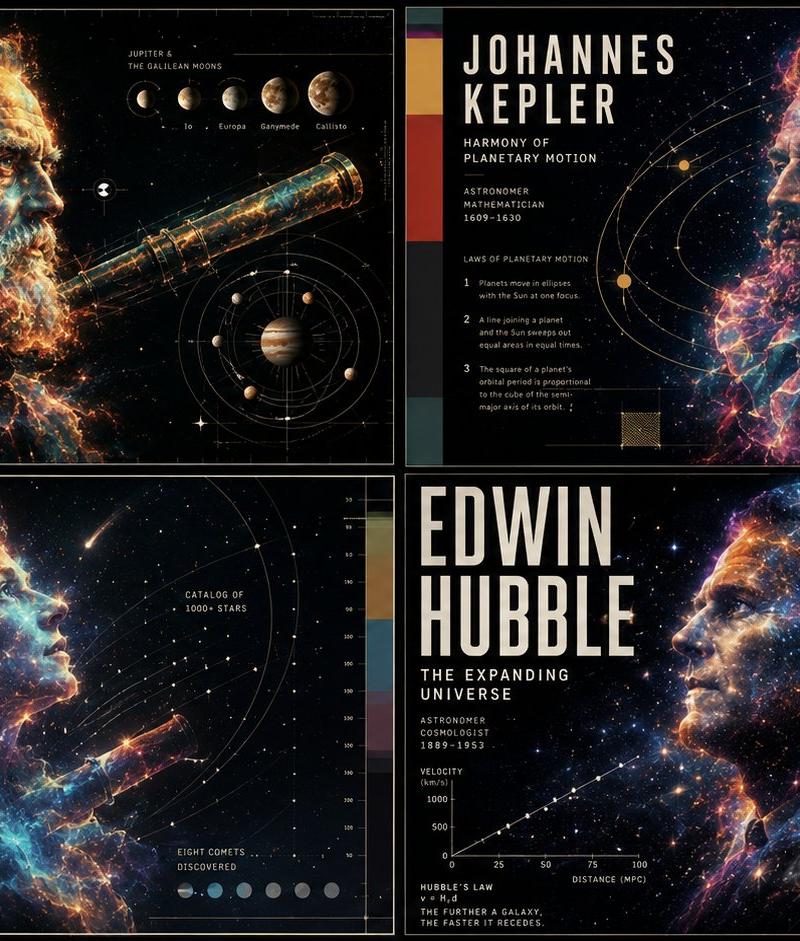
Ethereal Data Portrait for Astronomers
Enlarge

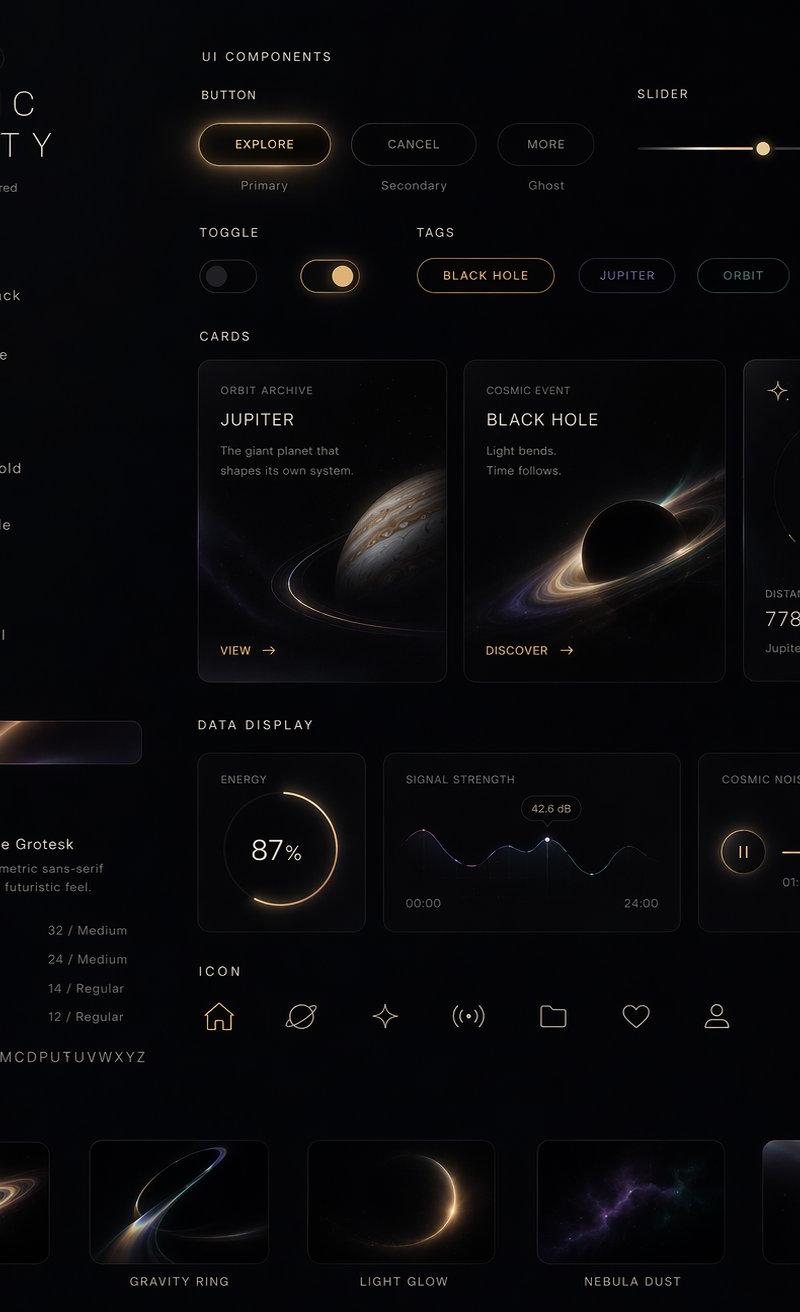
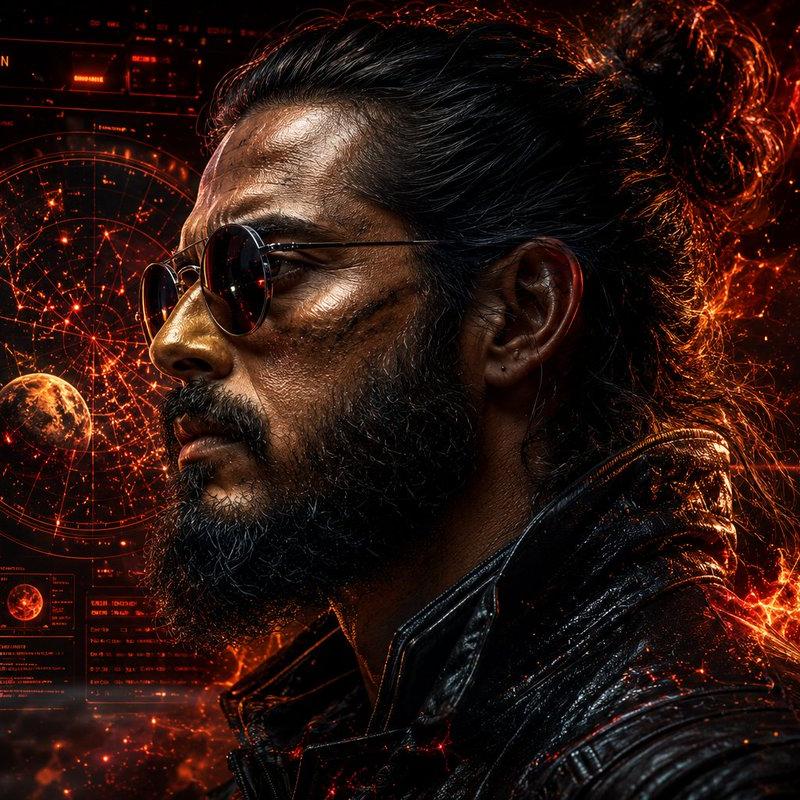
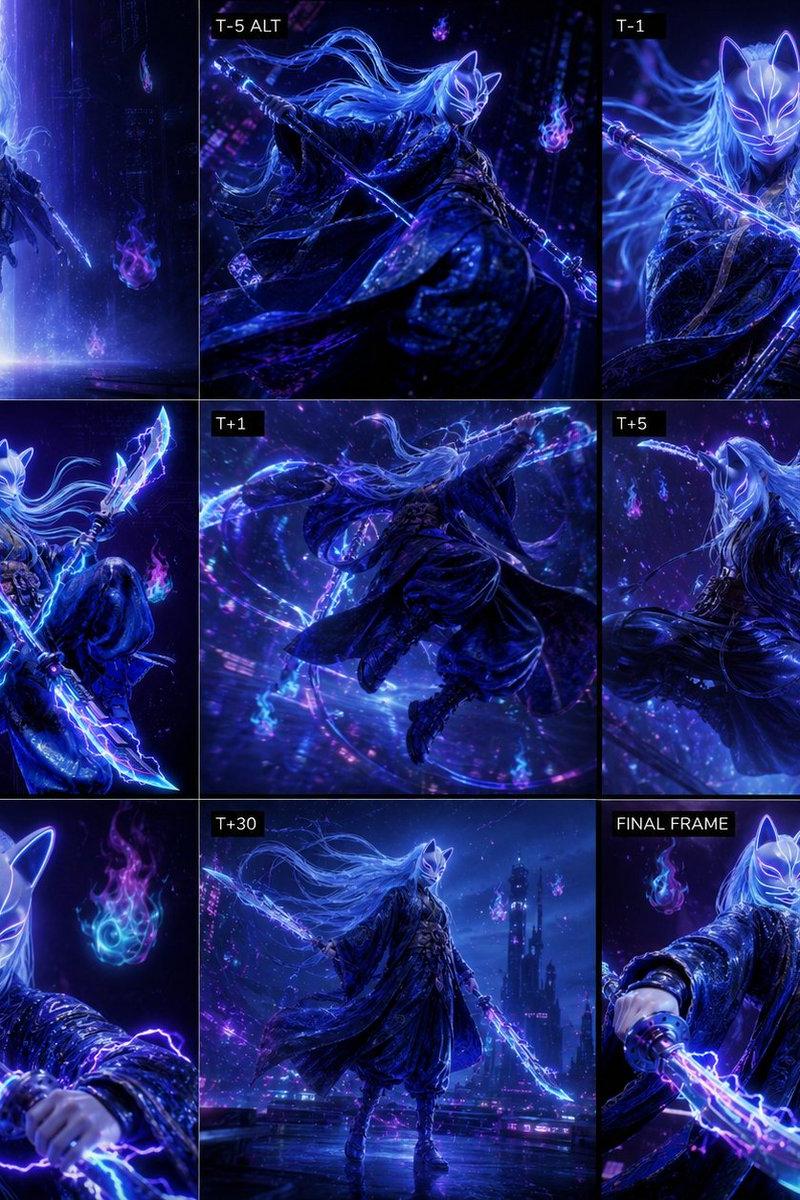
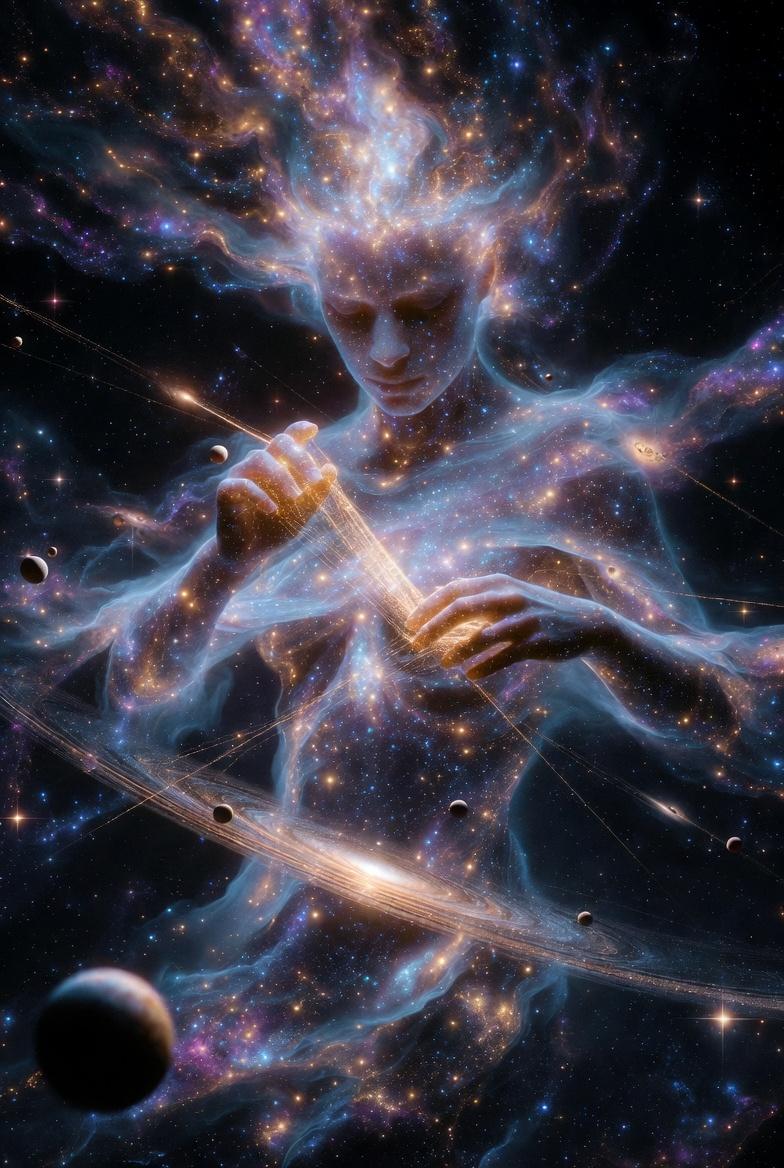
Example images

Ethereal Data Portrait for Astronomers

Prompt
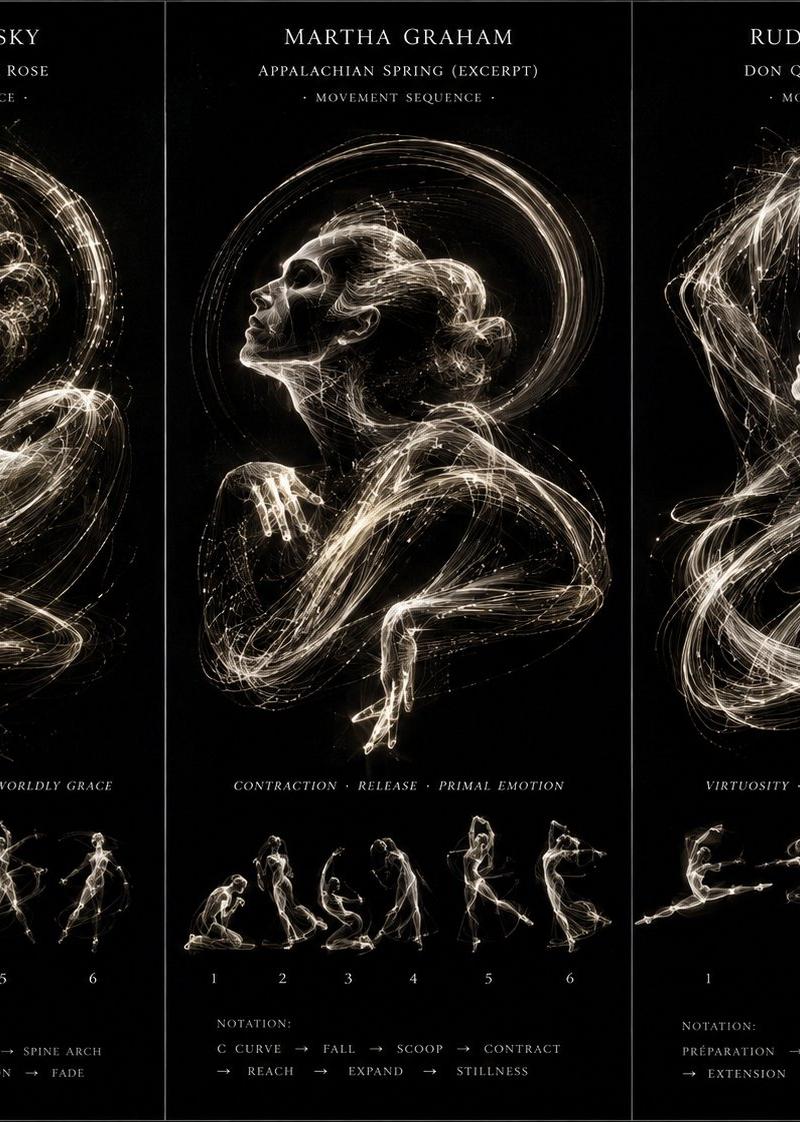
2x2 grid, do this for 4 famous astronomers: class ethereal_data_portrait: def __init__(self, subject="{argument name="astronomer name" default="[visionary_name]"}", field="{argument name="field of study" default="[field_of_study]"}"): self.background = "absolute pitch black void" self.layout = "high-end scientific documentary poster, 16:9 aspect ratio" def generate_visuals(self): # ai inference: deduce the elemental material based on the field elemental_matter = f"ai_infer(glowing, ethereal particles representing {self.field}, e.g., cosmic dust, bioluminescence, or electrical plasma)" # the portrait portrait = f"a side-profile portrait of {self.subject}, looking upward. their face and shoulders are not flesh, but physically composed entirely of the {elemental_matter}." # the data overlay technical_ui = f"crisp, thin gold and white vector lines. ai_infer(mathematical diagrams, orbits, or schematics specific to {self.subject}'s discoveries) overlaying the portrait." return [portrait, technical_ui, self.background] # execute: high contrast. the glowing elemental face must illuminate the thin vector lines of the technical ui.
Category
Charts & Infographics
Model
GPT Image 2
Creator
Gadgetify
Source language
en
Views684
Source ID
24641
Published
Jun 7, 2026
Studio

Guide

About "Ethereal Data Portrait for Astronomers"

What is this prompt for?

"Ethereal Data Portrait for Astronomers" AI image prompt for GPT Image 2 (Charts & Infographics). A highly technical, code-structured prompt that creates ether…

The full copyable prompt and example visuals above are ready for AI image generation or one-click recreate in Picva.

How to use this prompt

  1. Step 1

    Open the prompt detail

    Review the example visuals, category, and full prompt text for "Ethereal Data Portrait for Astronomers".

  2. Step 2

    Copy the prompt

    Copy the prompt body from this page, or load it directly in Studio.

  3. Step 3

    Pick a model (GPT Image 2)

    Prefer GPT Image 2. If you switch models, keep subject and composition and tweak style terms.

  4. Step 4

    Generate and export

    Recreate the look in Picva, or export into your workflow for editing and publishing.

FAQ

What is the "Ethereal Data Portrait for Astronomers" prompt?
It is an AI image-generation prompt for GPT Image 2 in the Charts & Infographics category. This page includes the full prompt text, example visuals, and a one-click recreate path in Picva.
How do I use this prompt to generate an image?
Copy the prompt from this page, or use Generate / Studio. Paste it into a compatible image model, or recreate the look in Picva with optional reference images.
Which model is this prompt for?
This page lists GPT Image 2. Most descriptive prompts also transfer to nearby image models such as GPT Image, Flux, or Midjourney with light style tweaks.
Can I use the result commercially?
You can usually copy the prompt for creation, but commercial use of the final image depends on the model terms, reference-image rights, and the generated content. Follow the source author and platform rules.