20

Monochrome Luxury Street Editorial
Enlarge

Example images

Monochrome Luxury Street Editorial

Prompt
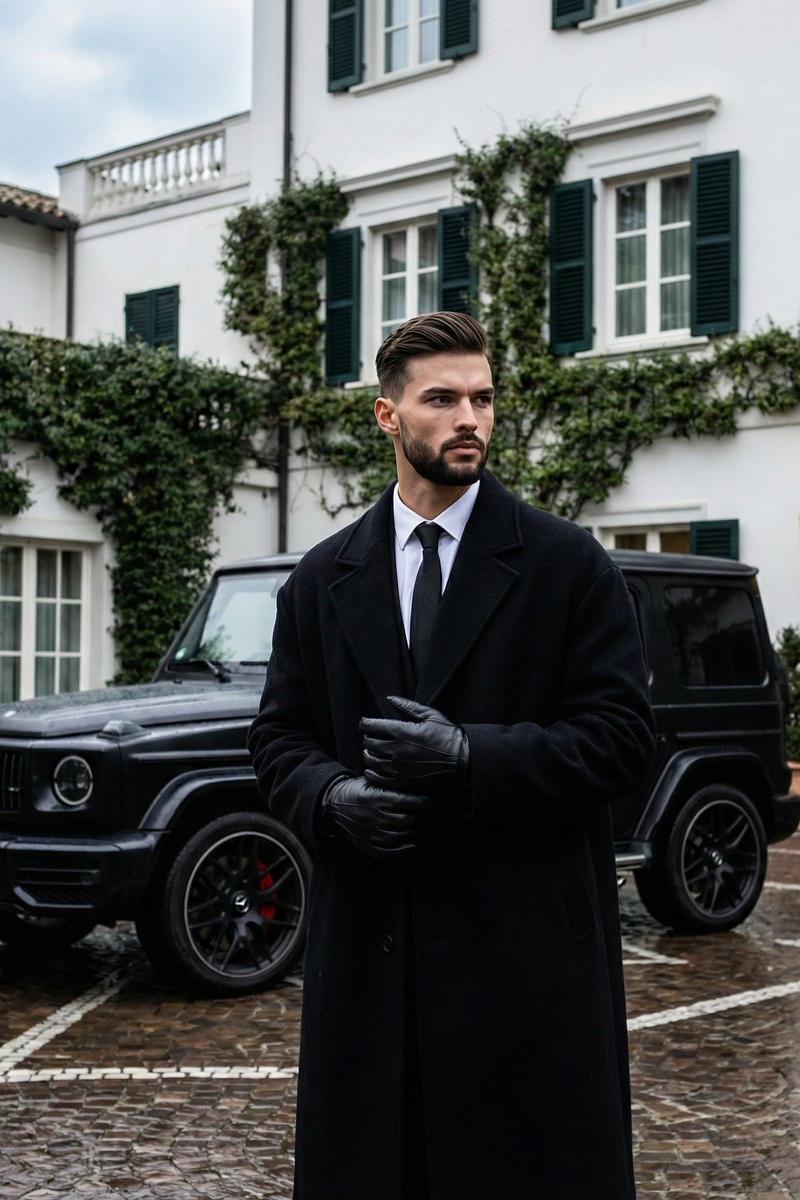
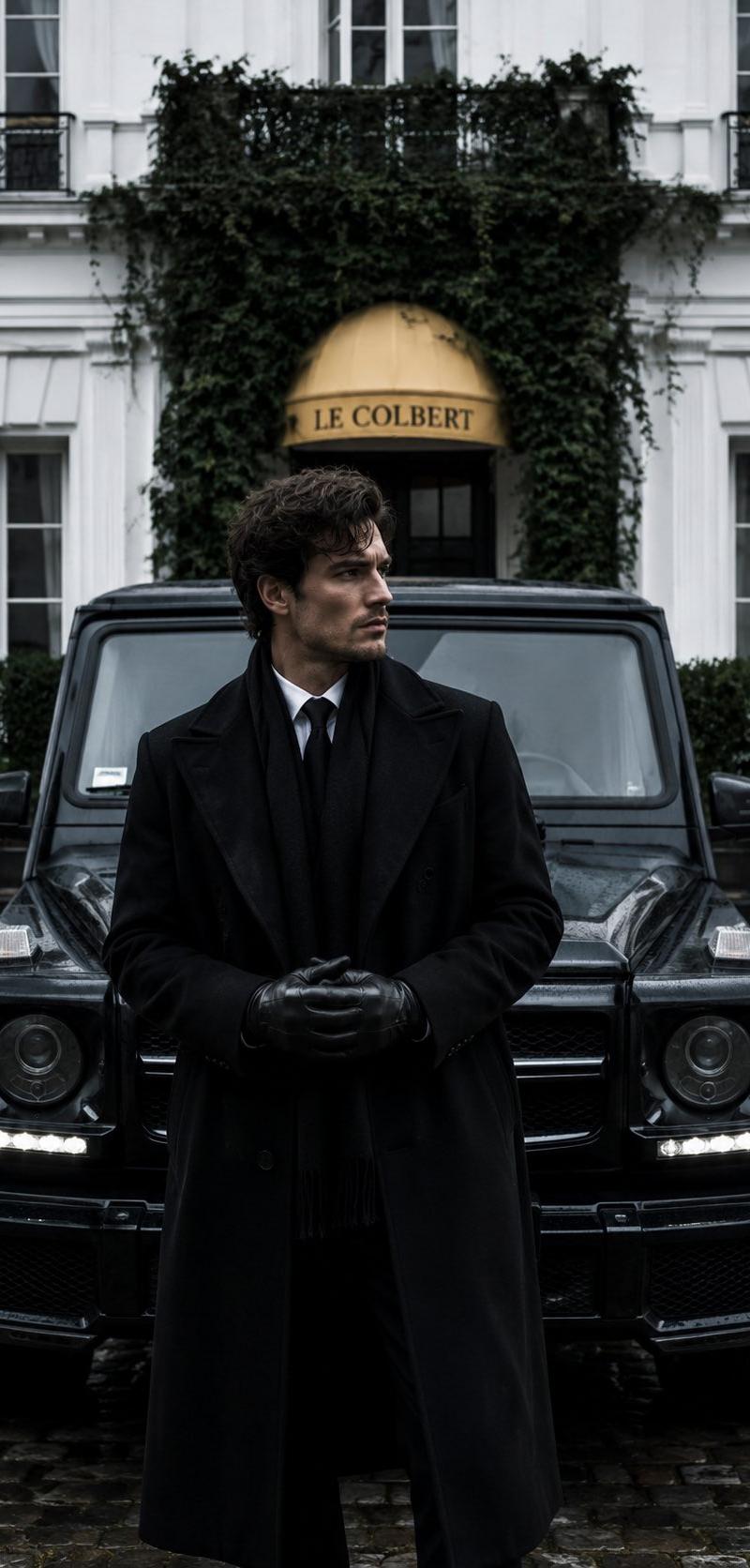
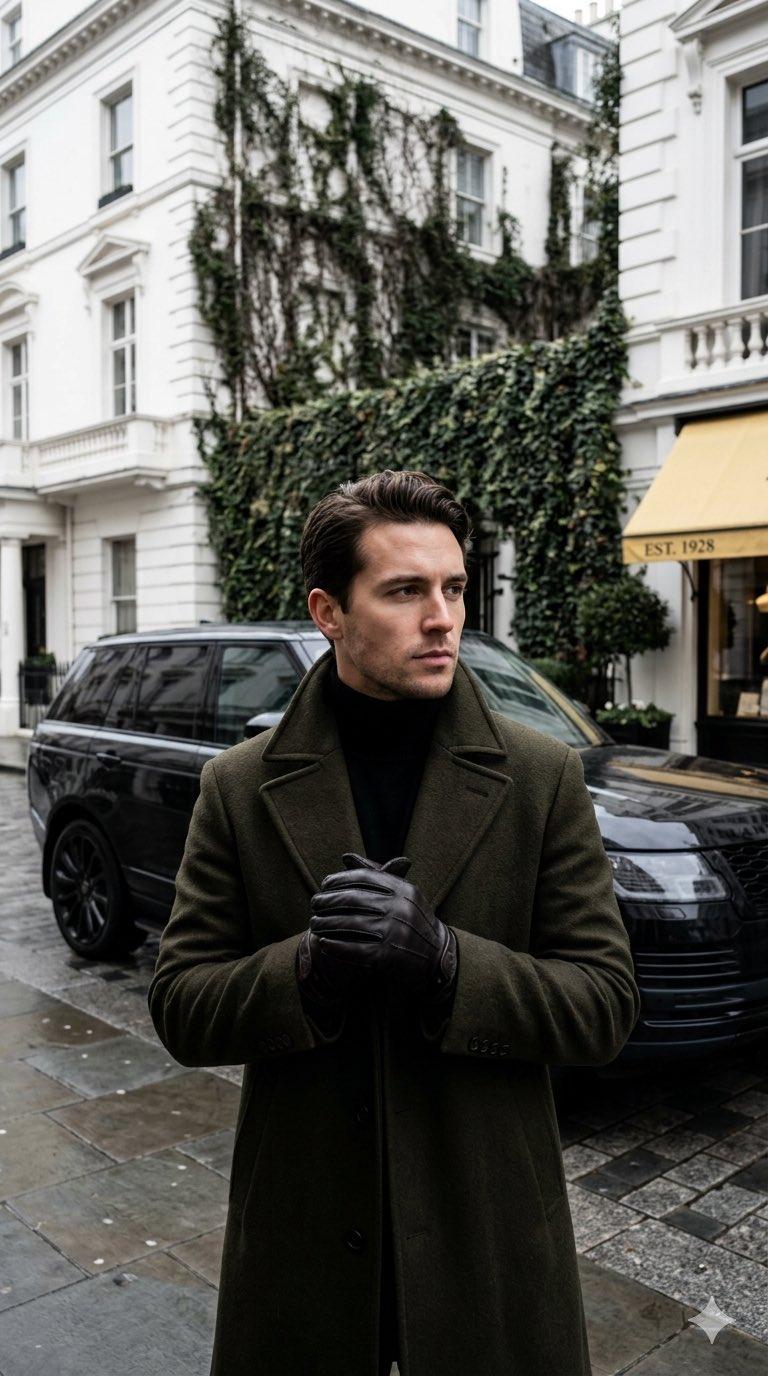
Create a monochromatic luxury editorial street-fashion photograph in a vertical 9:16 crop. A stylish adult man stands centered in the foreground on a wet upscale London street, facing the camera with a composed, confident posture, hands clasped at chest level. His face is intentionally obscured by a smooth rectangular blur in a warm skin-tone color, while the rest of the image remains realistic and sharp. He has dark slicked-back hair visible above the blur and wears an elegant {argument name="coat color" default="deep olive green"} wool overcoat with broad lapels over a black turtleneck, plus black leather gloves. Behind him is a glossy black luxury SUV parked along the curb. The background shows white Georgian townhouse facades with tall windows, balconies, classical trim, and dark ivy climbing across the walls. On the right side is a boutique storefront with a pale beige awning reading “EST. 1928.” The pavement is damp with subtle reflections, suggesting recent rain. Use muted cool tones, soft overcast daylight, shallow depth of field, high-end editorial styling, cinematic realism, natural perspective, and a quiet old-money atmosphere. No extra people, no visible branding, no watermark, no additional text beyond the awning.
Category
Charts & Infographics
Model
GPT Image 2
Creator
Feyber | Learn AI
Source language
en
Views409
Source ID
24654
Published
Jun 7, 2026
Studio

Guide

About "Monochrome Luxury Street Editorial"

What is this prompt for?

"Monochrome Luxury Street Editorial" AI image prompt for GPT Image 2 (Charts & Infographics). A realistic luxury menswear editorial portrait set on a wet upsca…

The full copyable prompt and example visuals above are ready for AI image generation or one-click recreate in Picva.

How to use this prompt

  1. Step 1

    Open the prompt detail

    Review the example visuals, category, and full prompt text for "Monochrome Luxury Street Editorial".

  2. Step 2

    Copy the prompt

    Copy the prompt body from this page, or load it directly in Studio.

  3. Step 3

    Pick a model (GPT Image 2)

    Prefer GPT Image 2. If you switch models, keep subject and composition and tweak style terms.

  4. Step 4

    Generate and export

    Recreate the look in Picva, or export into your workflow for editing and publishing.

FAQ

What is the "Monochrome Luxury Street Editorial" prompt?
It is an AI image-generation prompt for GPT Image 2 in the Charts & Infographics category. This page includes the full prompt text, example visuals, and a one-click recreate path in Picva.
How do I use this prompt to generate an image?
Copy the prompt from this page, or use Generate / Studio. Paste it into a compatible image model, or recreate the look in Picva with optional reference images.
Which model is this prompt for?
This page lists GPT Image 2. Most descriptive prompts also transfer to nearby image models such as GPT Image, Flux, or Midjourney with light style tweaks.
Can I use the result commercially?
You can usually copy the prompt for creation, but commercial use of the final image depends on the model terms, reference-image rights, and the generated content. Follow the source author and platform rules.