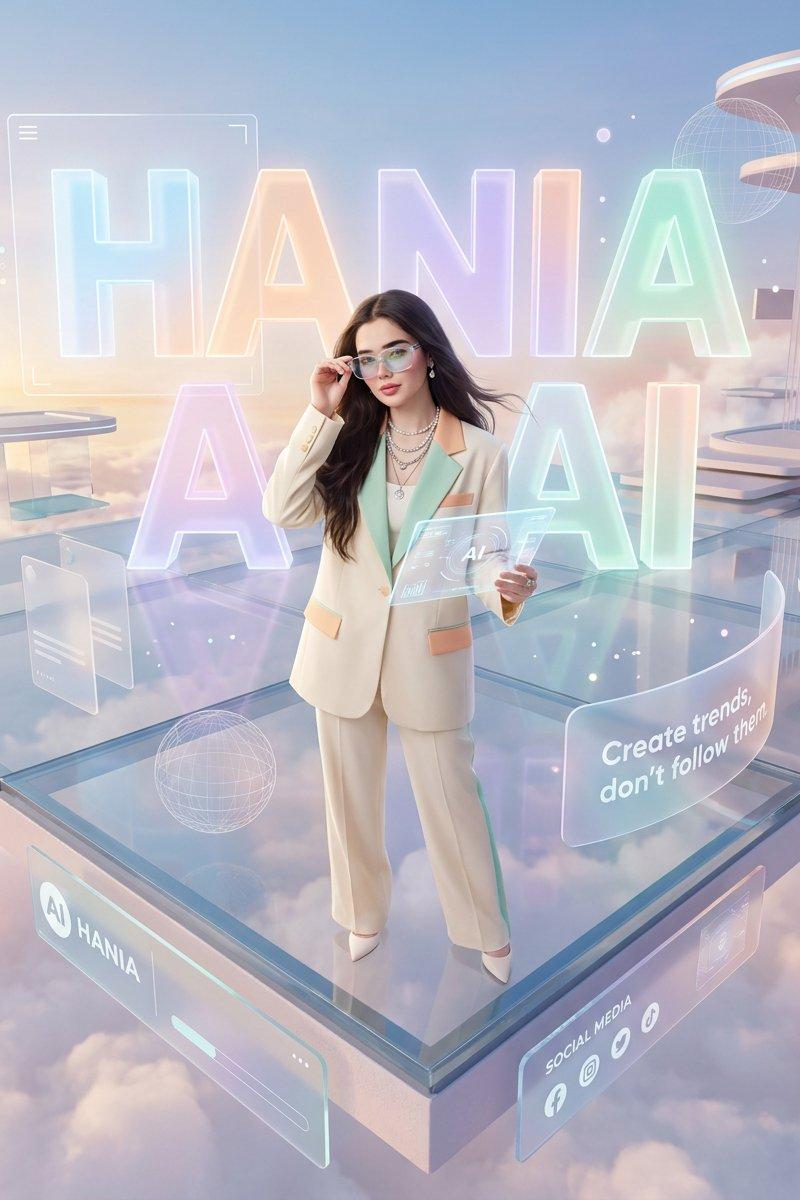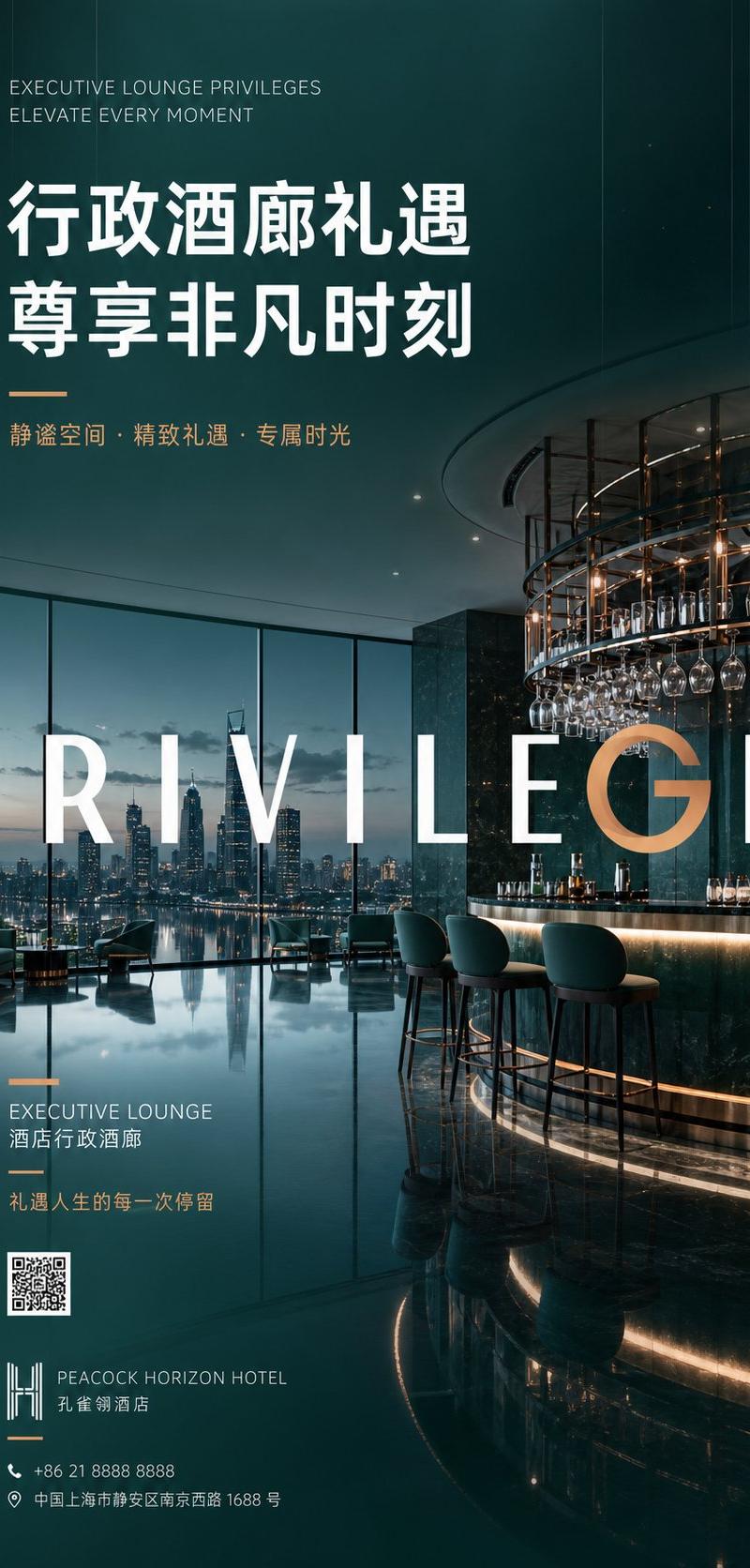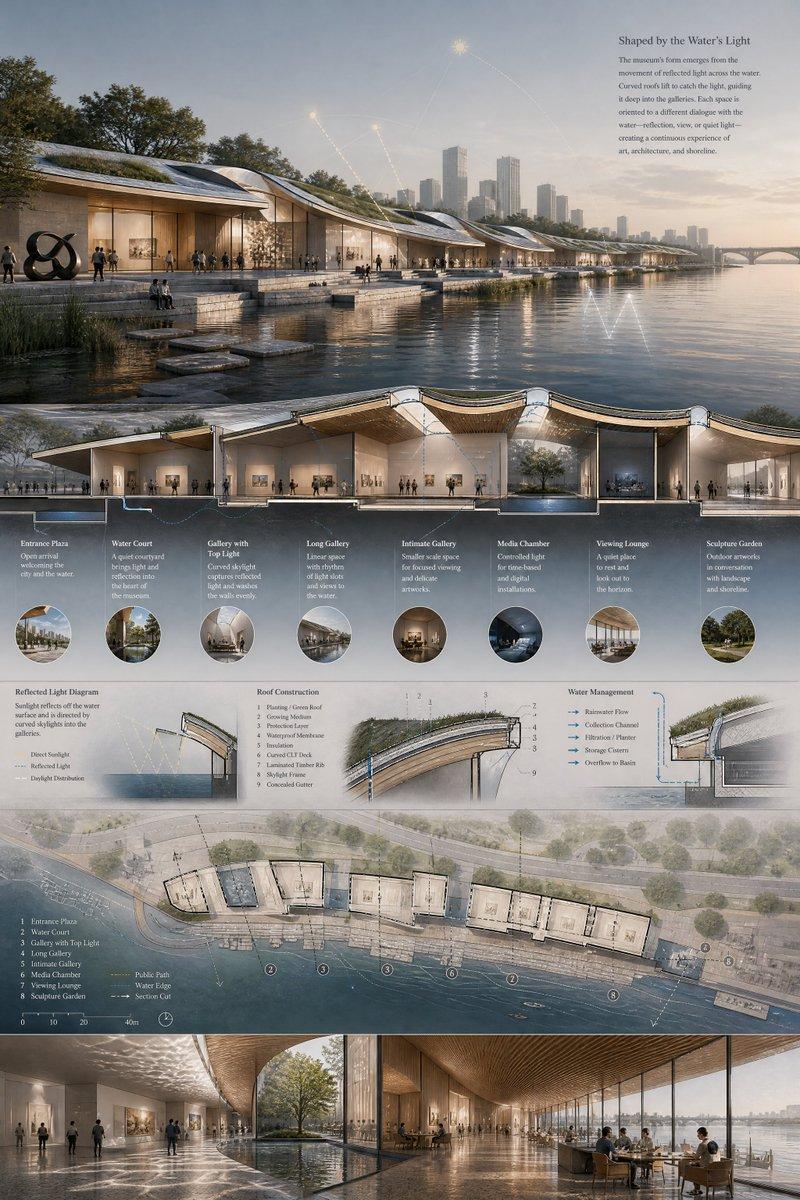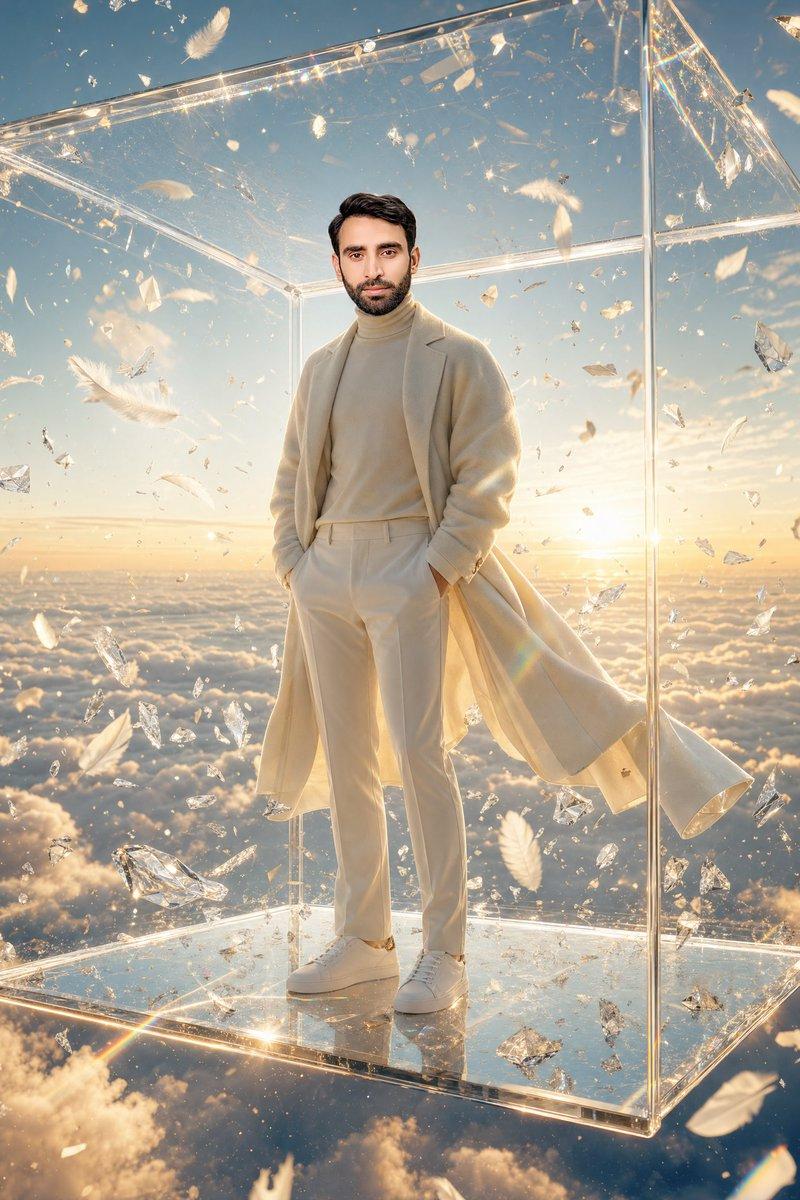
Luxury Glass Sky Penthouse Fashion Collage
Prompt
Goal: Create a luxury fashion mood-board collage featuring an anonymous elegant woman inside an ultra-modern glass penthouse floating above clouds.

Canvas: Wide 16:9 collage, cool blue-gray color grading, crisp editorial photography style, thin white borders separating all panels.

Layout: Use exactly 5 photo panels: 1 large central vertical panel occupying most of the middle, 2 smaller stacked panels on the left, and 2 smaller stacked panels on the right. All panels should feel like they were shot in the same futuristic sky mansion with floor-to-ceiling glass, reflective marble floors, transparent walls, and views of clouds and blue sky.

Subject details: The woman is {argument name="character description" default="a slim young woman with long wavy black hair"}. Her face should be intentionally obscured with a soft rectangular blur or anonymized mask in every panel. Keep her styling elegant, rich, and minimalist, like a high-fashion lifestyle editorial.

Panel count and contents:
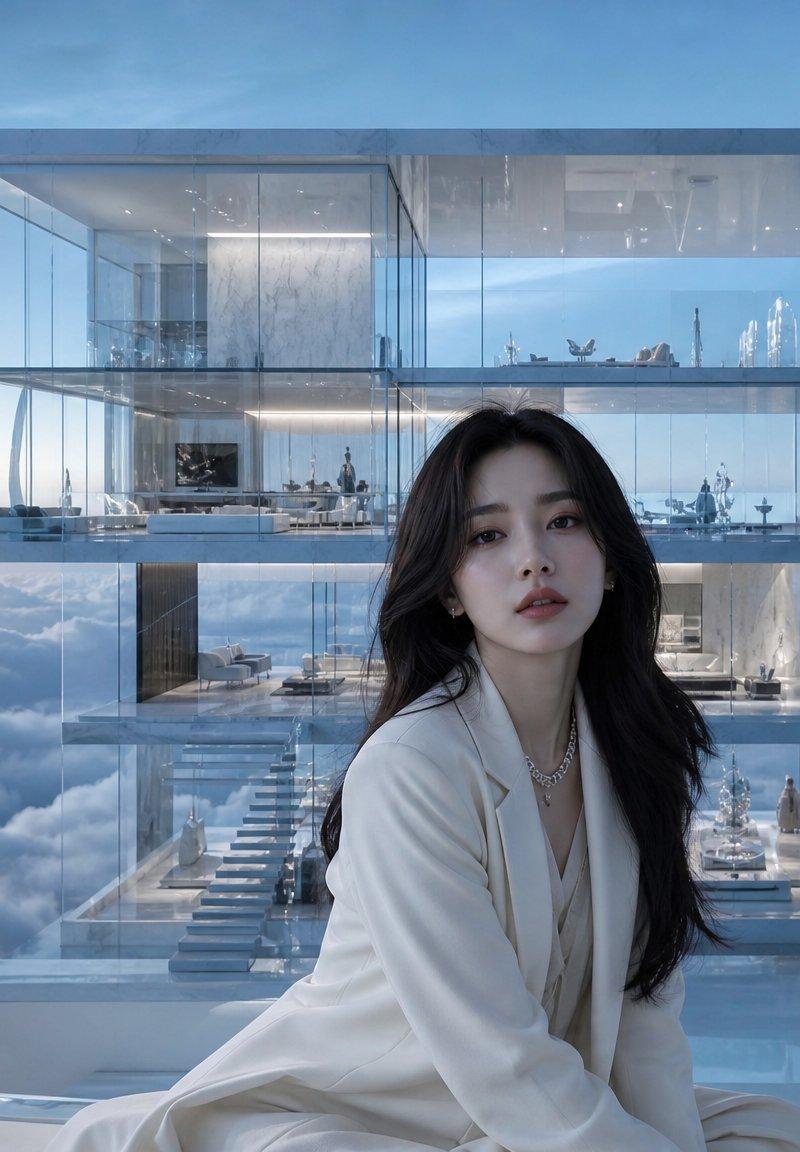
1. Central large panel: The woman sits in the foreground wearing {argument name="central outfit" default="a white tailored suit with a low neckline and delicate necklace"}, with long dark hair over her shoulders. Behind her is a transparent multi-level glass mansion suspended above clouds, showing luxurious interiors, stairs, sofas, and tiny distant figures.
2. Top-left panel: The woman stands indoors beside a tall twisting crystal sculpture, wearing {argument name="top left outfit" default="a black-and-white tweed cropped jacket and high-waisted white trousers with a slim belt"}; glass walls and cloud views behind her.
3. Bottom-left panel: The woman sits on a cream sofa in a black long-sleeve dress, holding or resting beside a structured black designer handbag, with a dining area and panoramic cloud view in the background.
4. Top-right panel: The woman stands on a glass terrace above the clouds wearing {argument name="top right outfit" default="a dramatic floor-length black gown with a voluminous trailing skirt"}; the mansion interior extends behind her through transparent walls.
5. Bottom-right panel: The woman poses in a short black sparkling dress or blazer dress with black high-heeled sandals, surrounded by tall faceted crystal obelisk sculptures on a reflective marble floor.

Visual style: Hyper-realistic luxury editorial photography, cinematic soft daylight, reflective glass and chrome, icy blue highlights, polished marble, delicate shadows, high-end architecture visualization mixed with fashion photography. Emphasize transparency, reflections, diamonds/crystals, clouds below the building, and an expensive serene atmosphere.

Constraints: No readable text, no logos, no watermark. Keep exactly 5 panels and maintain the white collage dividers. Faces must remain anonymized in all visible appearances.- Category
- Charts & Infographics
- Model
- GPT Image 2
- Creator
- Cherry 2.O
- Source language
- en
- Source ID
- 24691
- Published
- Jun 8, 2026
Views1.9K