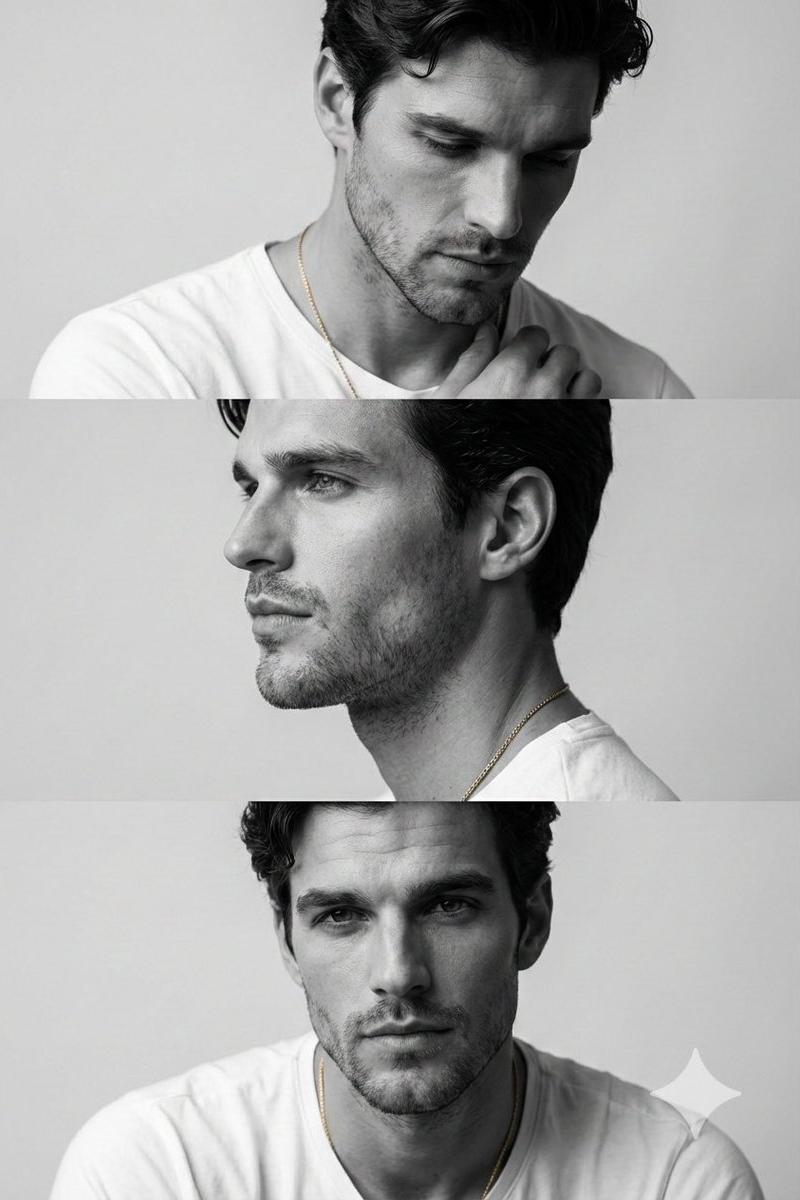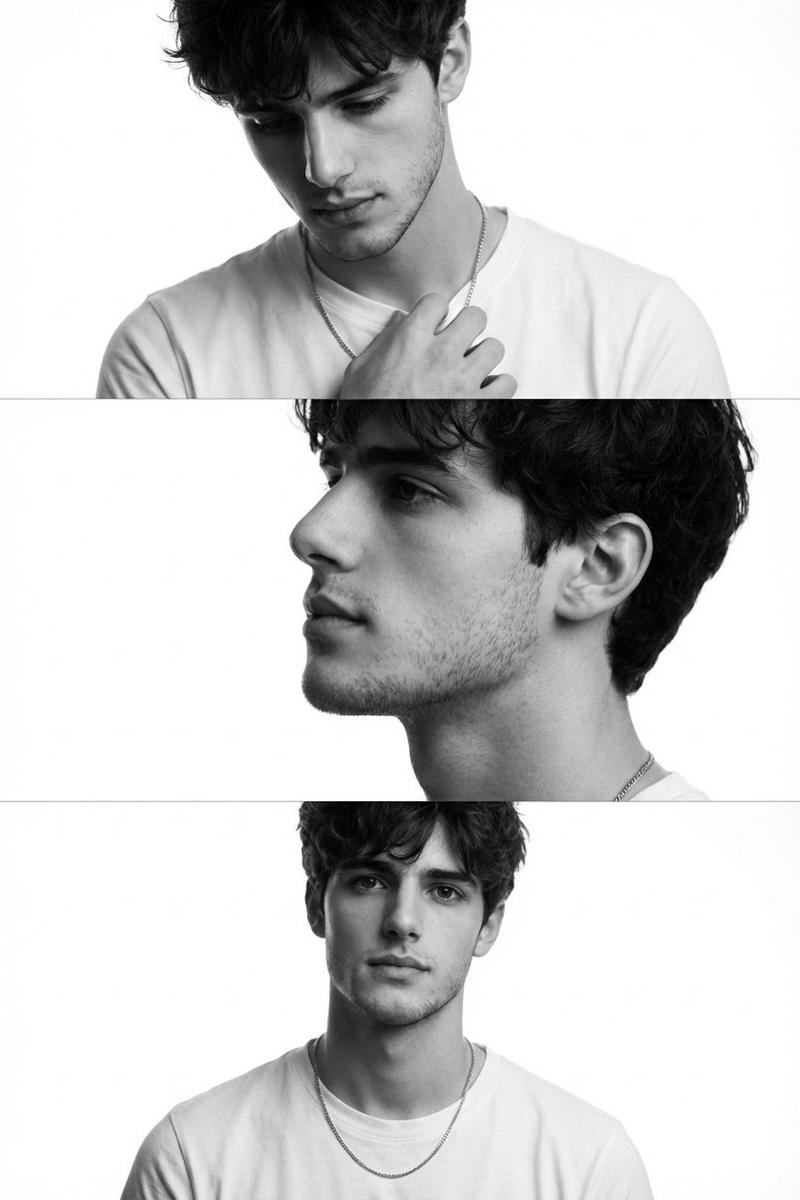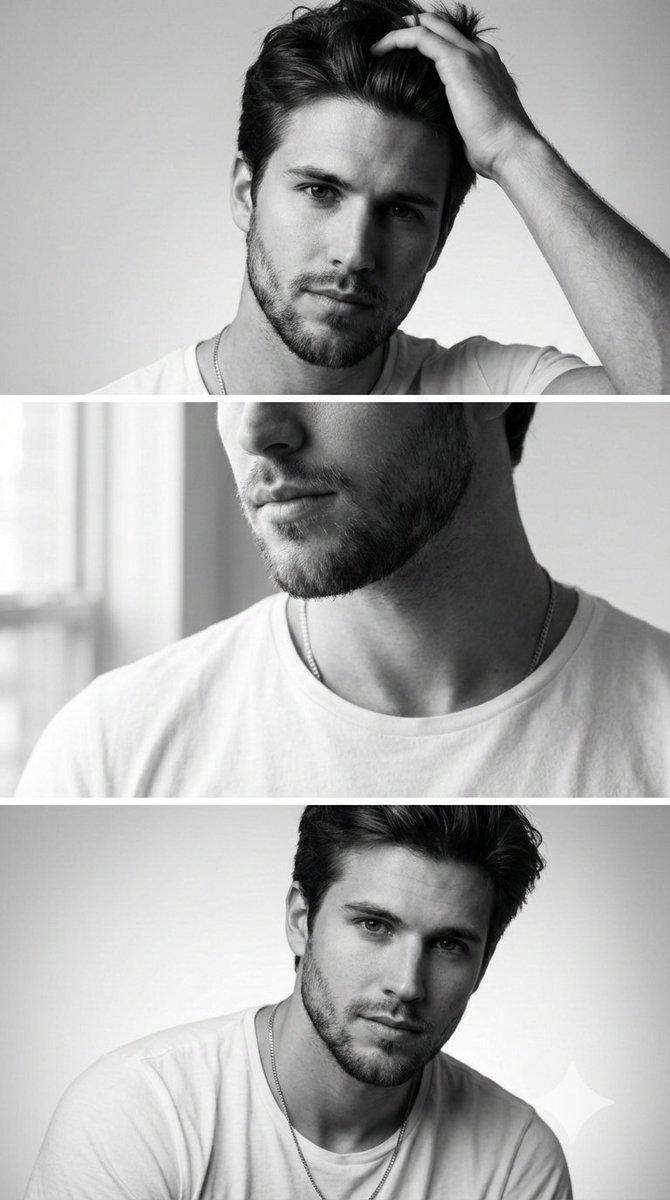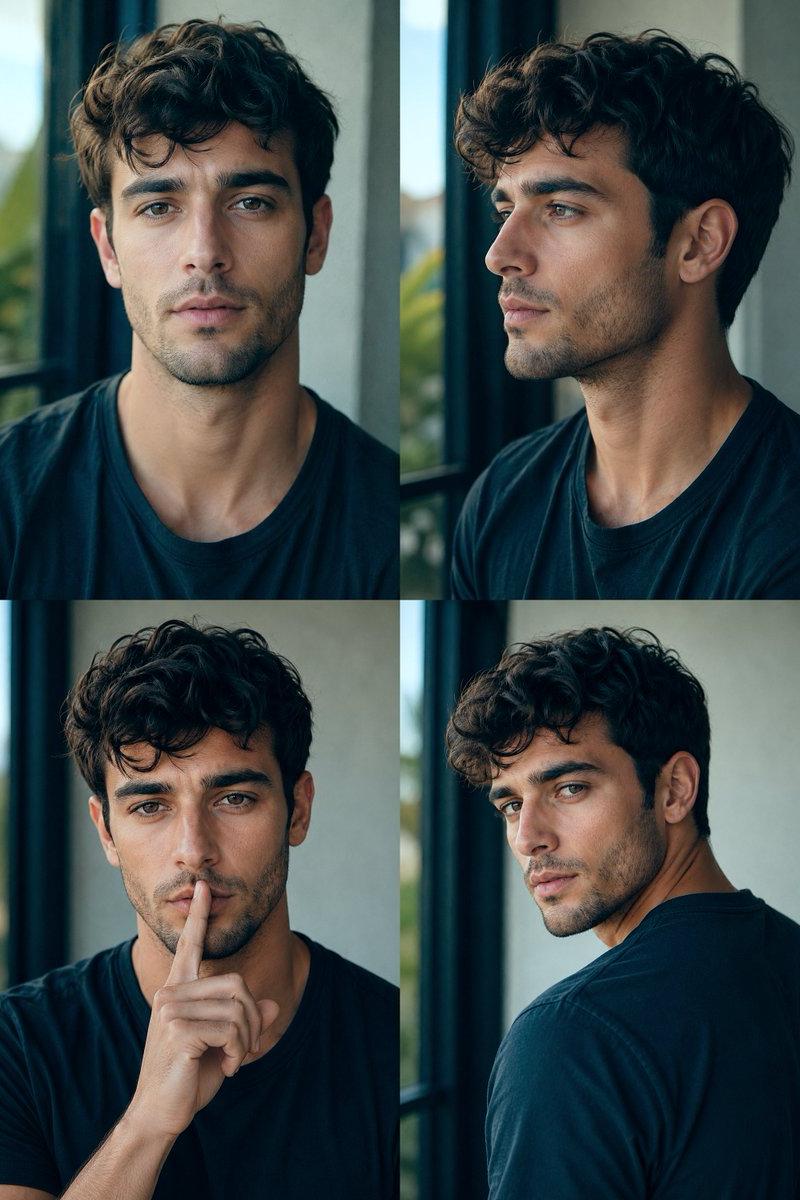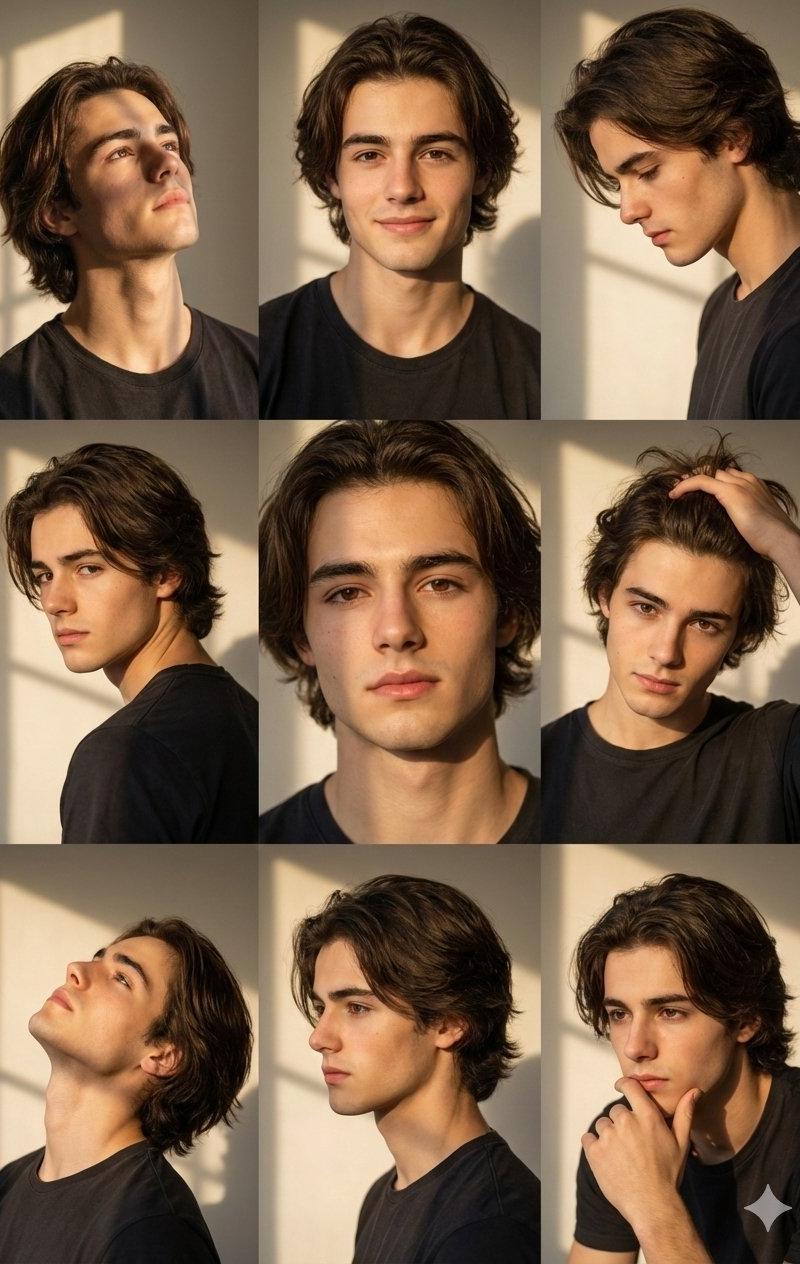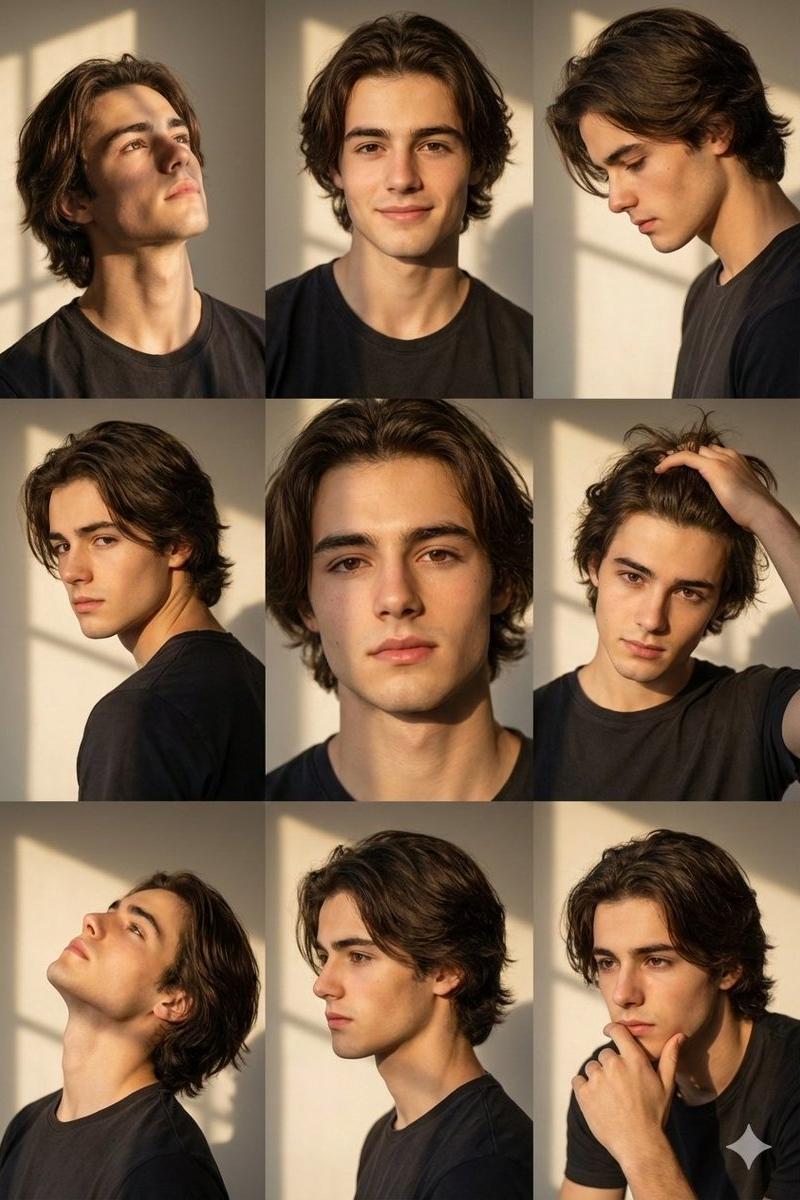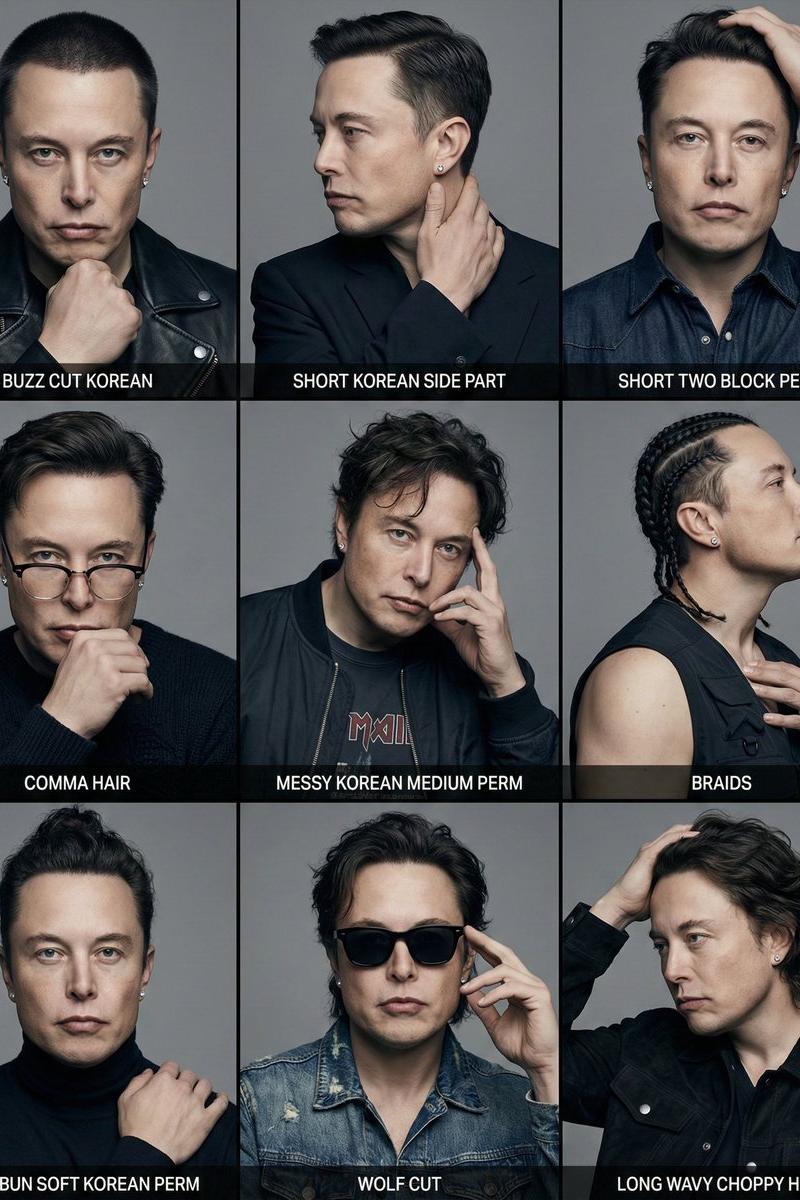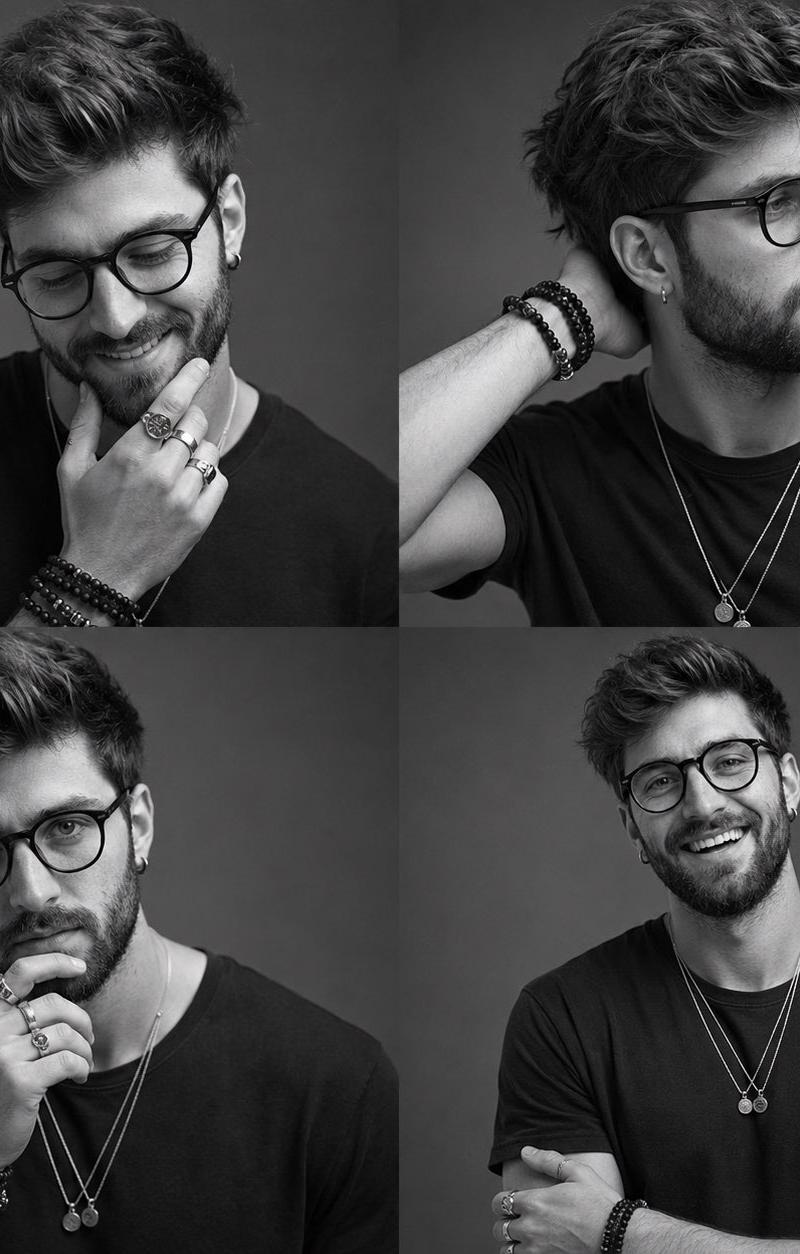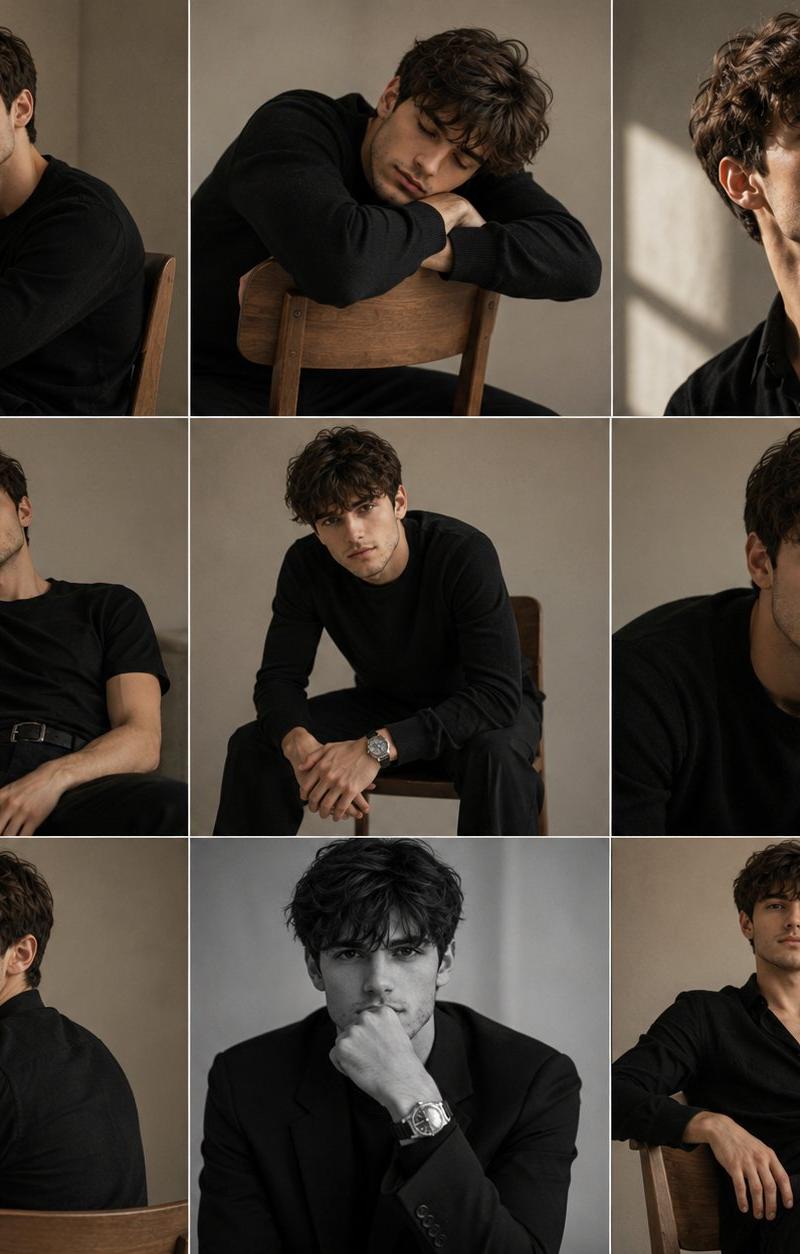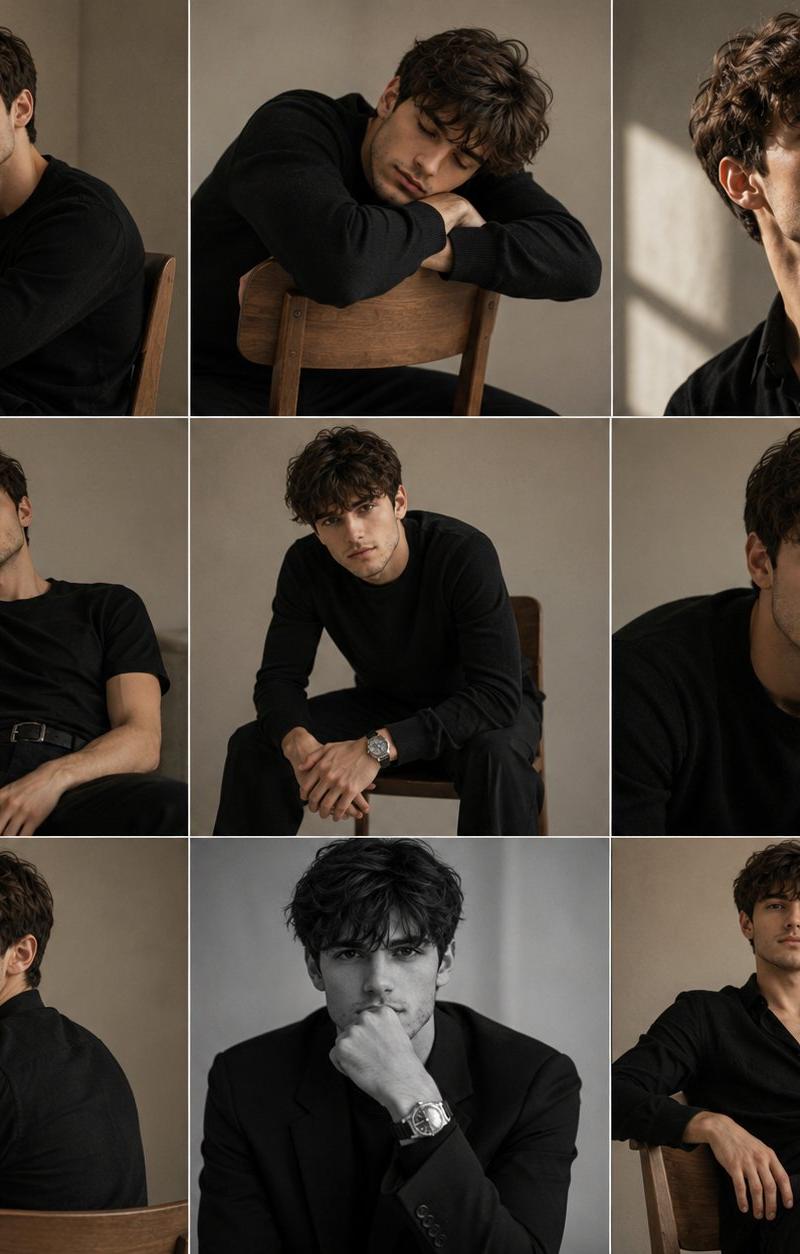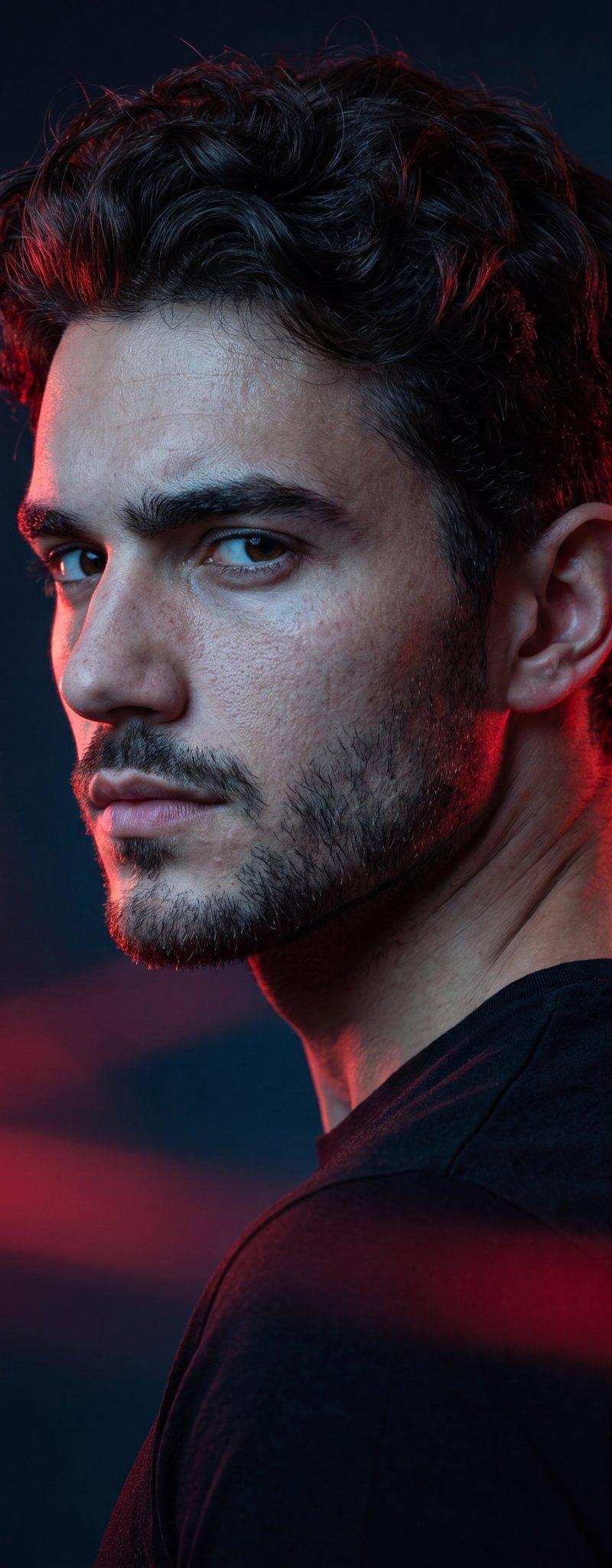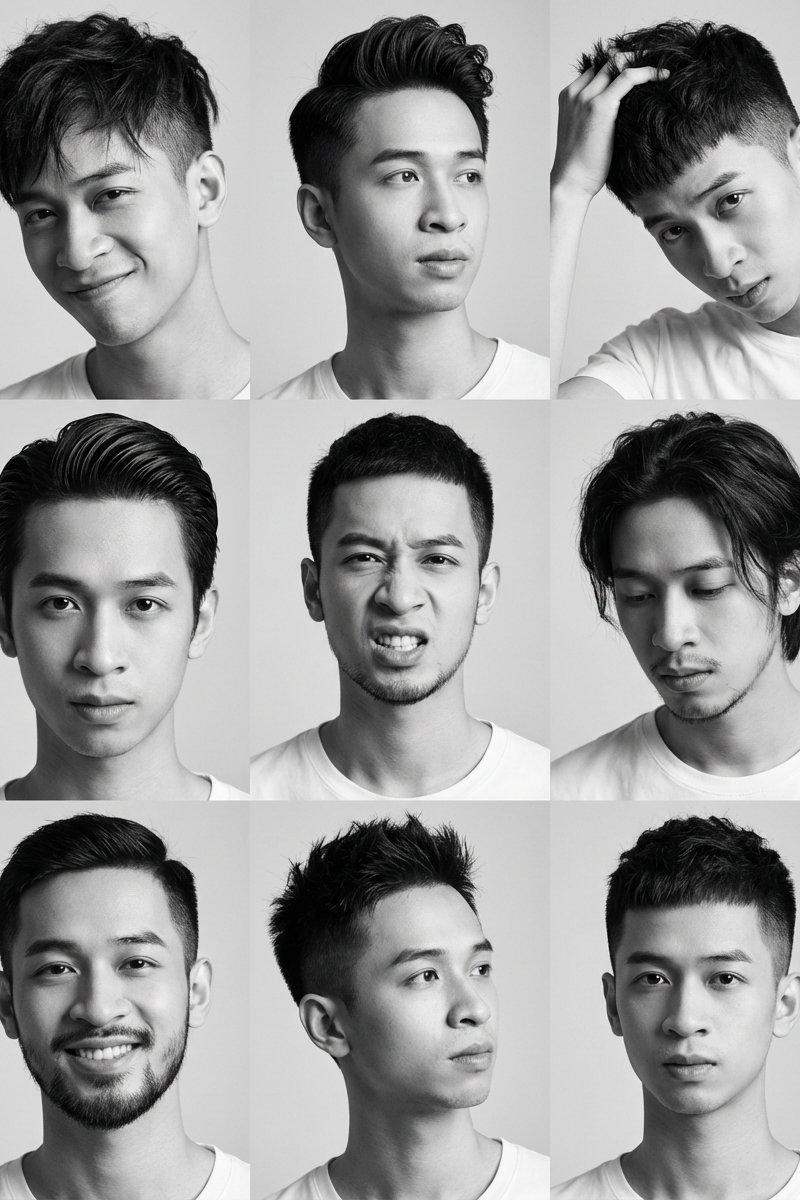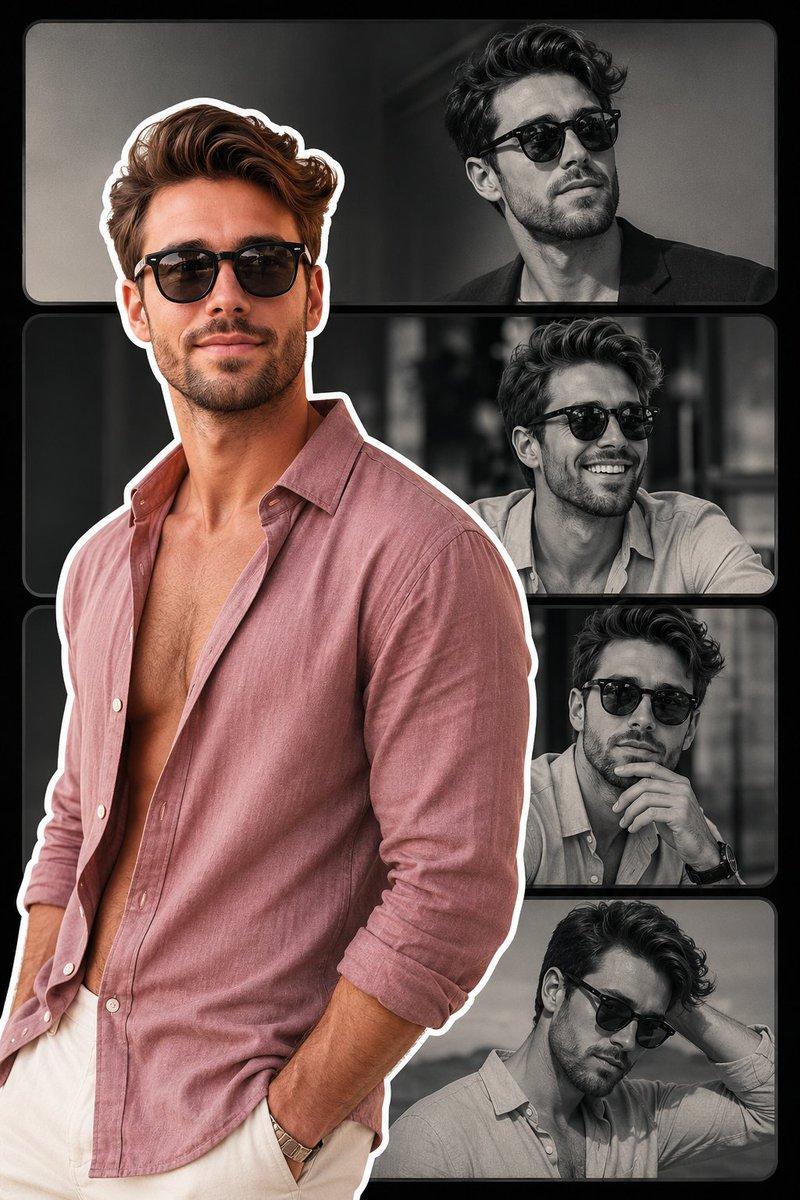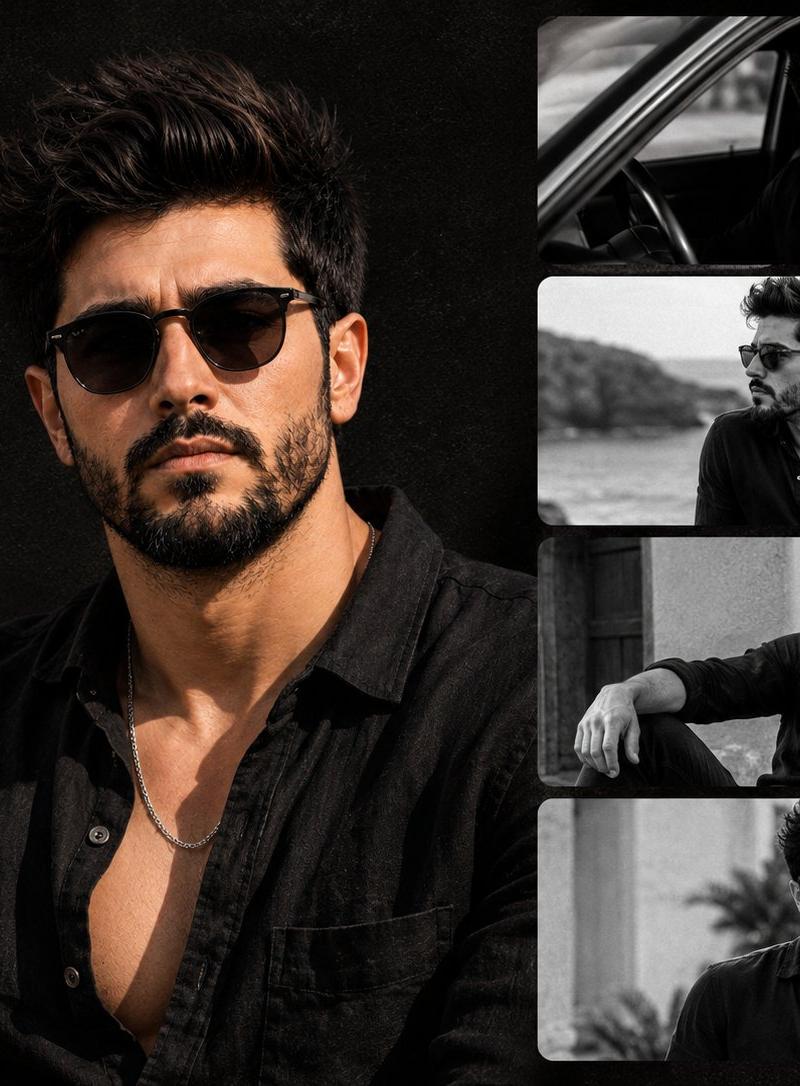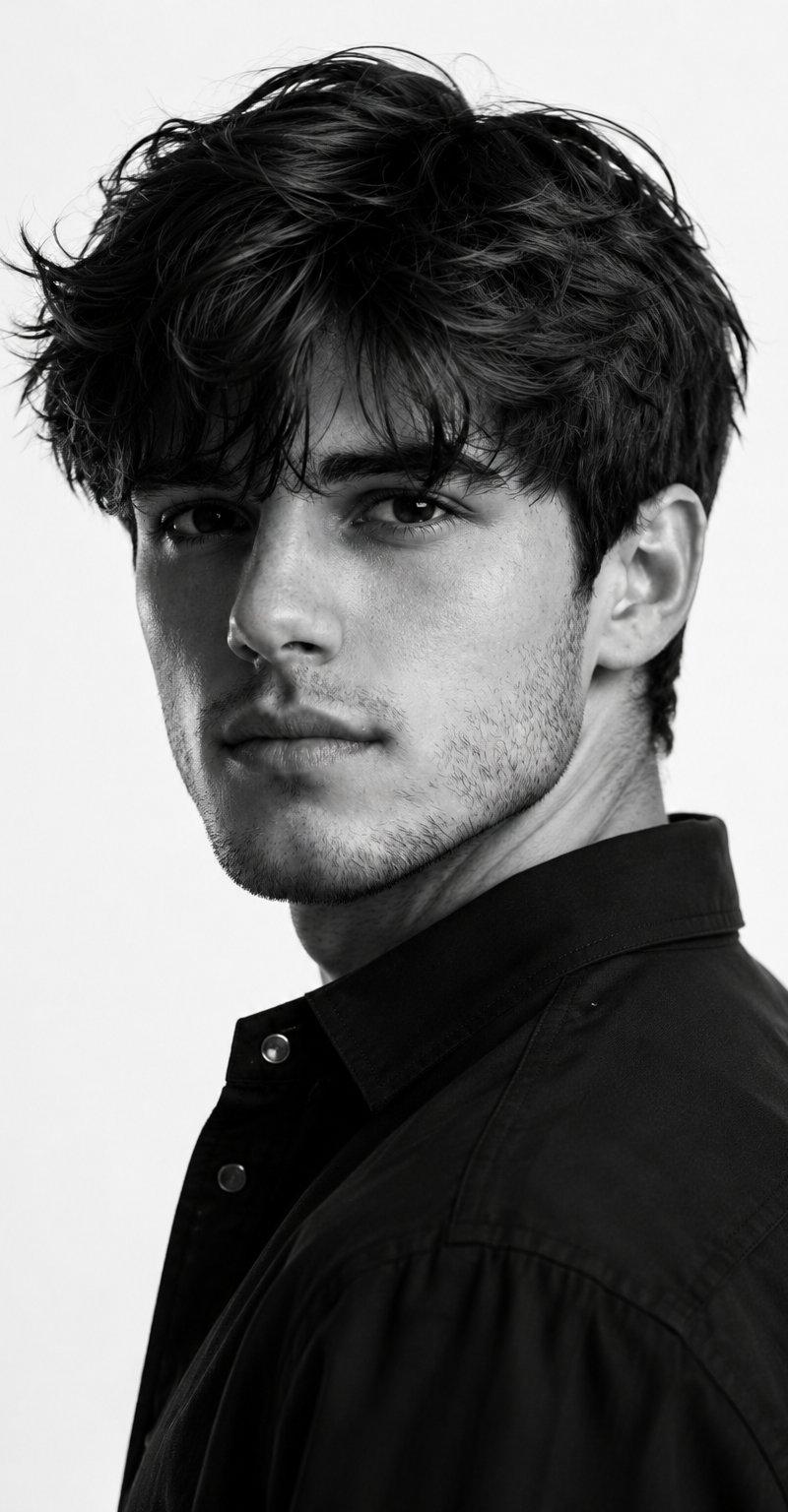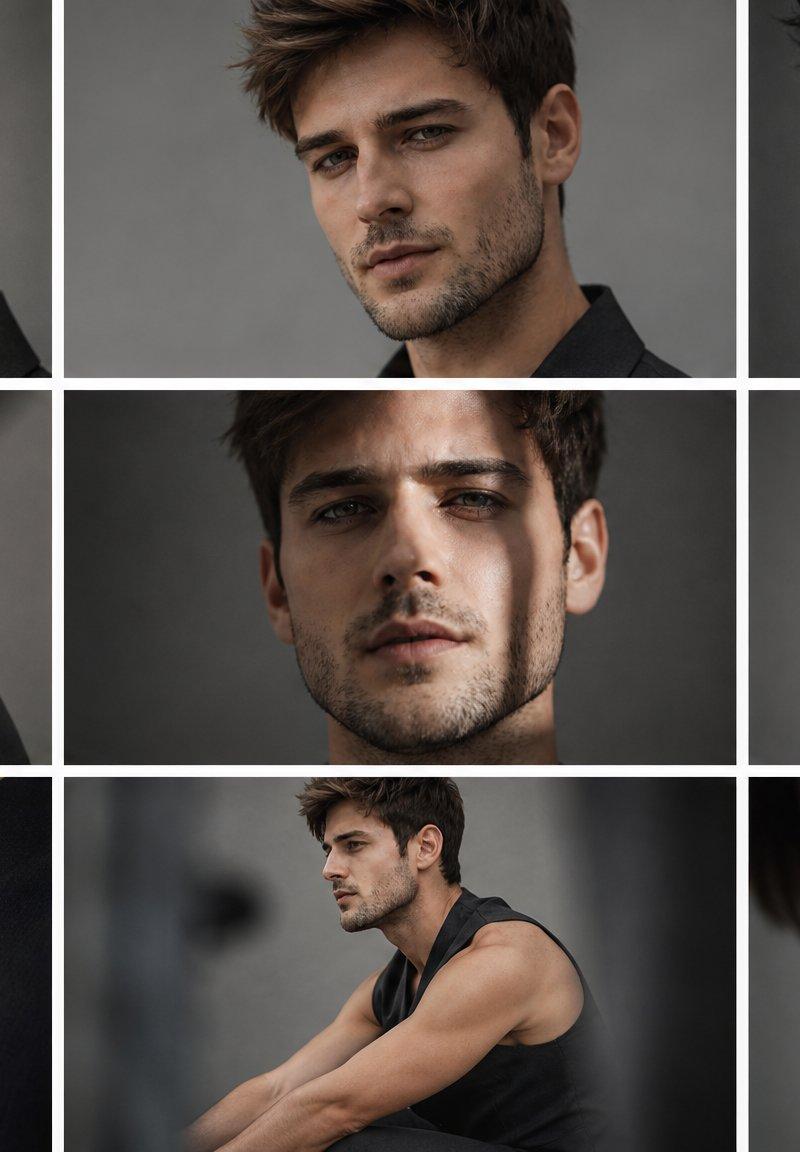
Anonymous Male Editorial Contact Sheet
Prompt
Goal: Create a moody editorial fashion photo contact sheet featuring {argument name="character name" default="an anonymous young male model"} in multiple cropped portraits, with the face deliberately obscured by flat censor-like blocks.

Canvas: Wide 16:9 image, approximately 1200×675 px, arranged as a clean 3-by-3 grid with thick white gutters between panels. Use a muted studio-gray background throughout, cinematic low-key lighting, shallow depth of field, realistic skin texture, and a dark desaturated color grade.

Layout: Use exactly 9 rectangular photo panels separated by white grid lines. The panels show the same model from different angles and distances:
1. Top-left panel: close portrait crop with a blurred hand in the foreground on the left, side of head and ear visible, face covered by a large warm brown rectangle.
2. Top-center panel: frontal upper portrait, messy short hair visible, ear and neck visible, face covered by a large dark brown rectangle.
3. Top-right panel: black-and-white side portrait, model touching his face, ear and jawline visible, face covered by a large charcoal-gray rectangle.
4. Middle-left panel: rear three-quarter shoulder view in a sleeveless black top, diagonal blurred foreground obstruction, face/upper head area covered by a vertical brown blur block.
5. Middle-center panel: centered close portrait against gray background, one ear and hair visible, face covered by a large medium-brown rectangle.
6. Middle-right panel: three-quarter seated/leaning view in a sleeveless black top, shoulder and upper arm visible, face covered by a smaller warm brown rectangle.
7. Bottom-left panel: close-up of hands clasped near the neck and collarbone, black sleeveless garment visible, no face shown.
8. Bottom-center panel: wider seated side view, model wearing a sleeveless black top with muscular arms extended forward, face covered by a small blurred beige-brown square.
9. Bottom-right panel: extreme close-up of lower face, cheek, jaw stubble, neck, and shoulder, with the upper face cropped out or blocked by a large warm brown rectangle extending across the top portion.

Subject details: The model has {argument name="hair color" default="short tousled brown hair"}, light-to-medium skin, subtle facial hair/stubble where visible, an athletic build, and wears {argument name="outfit" default="a sleeveless black top"}. Keep the mood introspective and high-fashion rather than casual.

Visual style: Photorealistic editorial magazine contact sheet, soft studio lighting, gray backdrop, slight film grain, natural skin tones, shallow focus, some foreground blur, premium fashion photography. Use flat opaque blocks in {argument name="censor block color" default="warm brown and charcoal gray"} over the face areas, with no text, logos, watermark, or decorative elements.

Constraints: Preserve the exact 9-panel grid, thick white dividers, and varied crops. Do not add visible facial features inside the censor blocks. Keep all panels consistent as one photoshoot of the same person.- Category
- Charts & Infographics
- Model
- GPT Image 2
- Creator
- Cherry 2.O
- Source language
- en
- Source ID
- 24692
- Published
- Jun 7, 2026
Views4.1K