18

商业生活方式饮品摄影
Enlarge

Example images

商业生活方式饮品摄影

Prompt
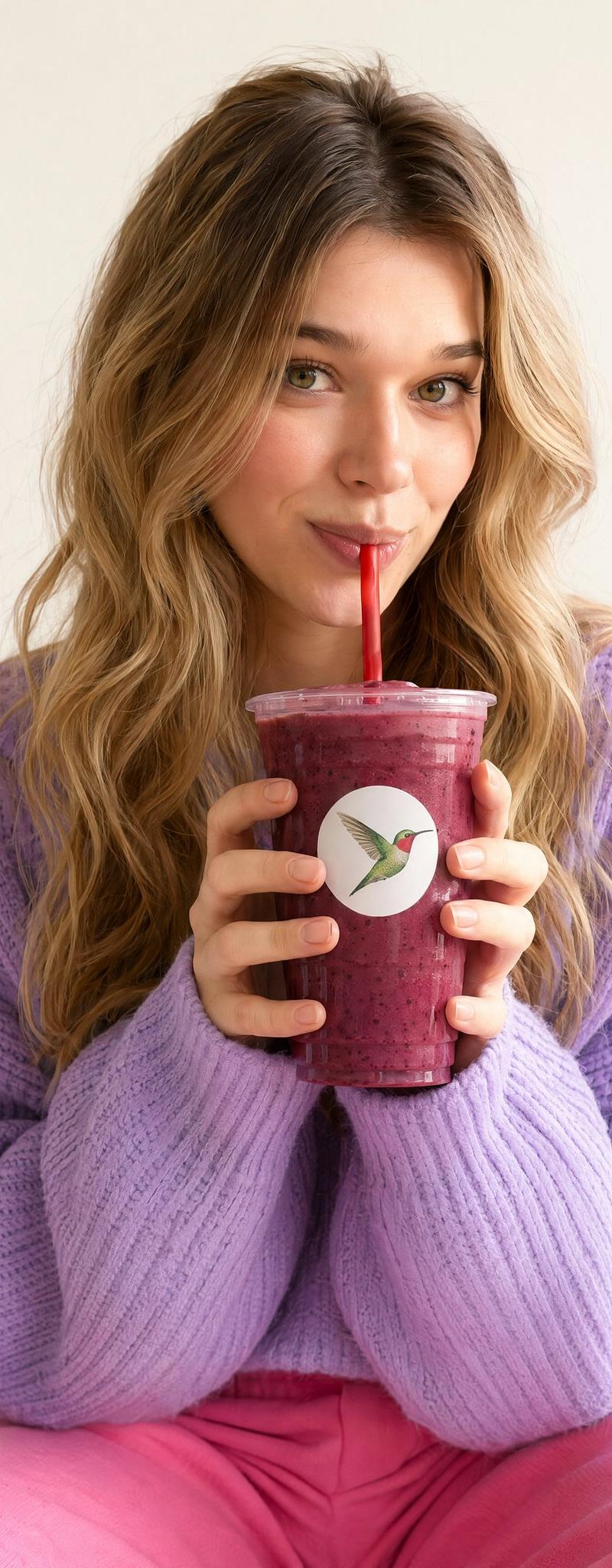
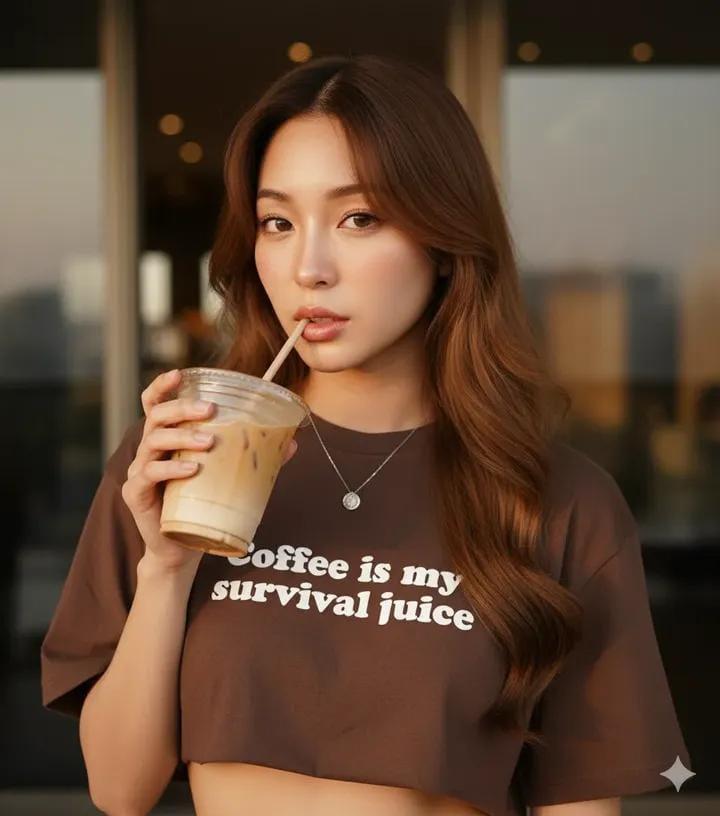
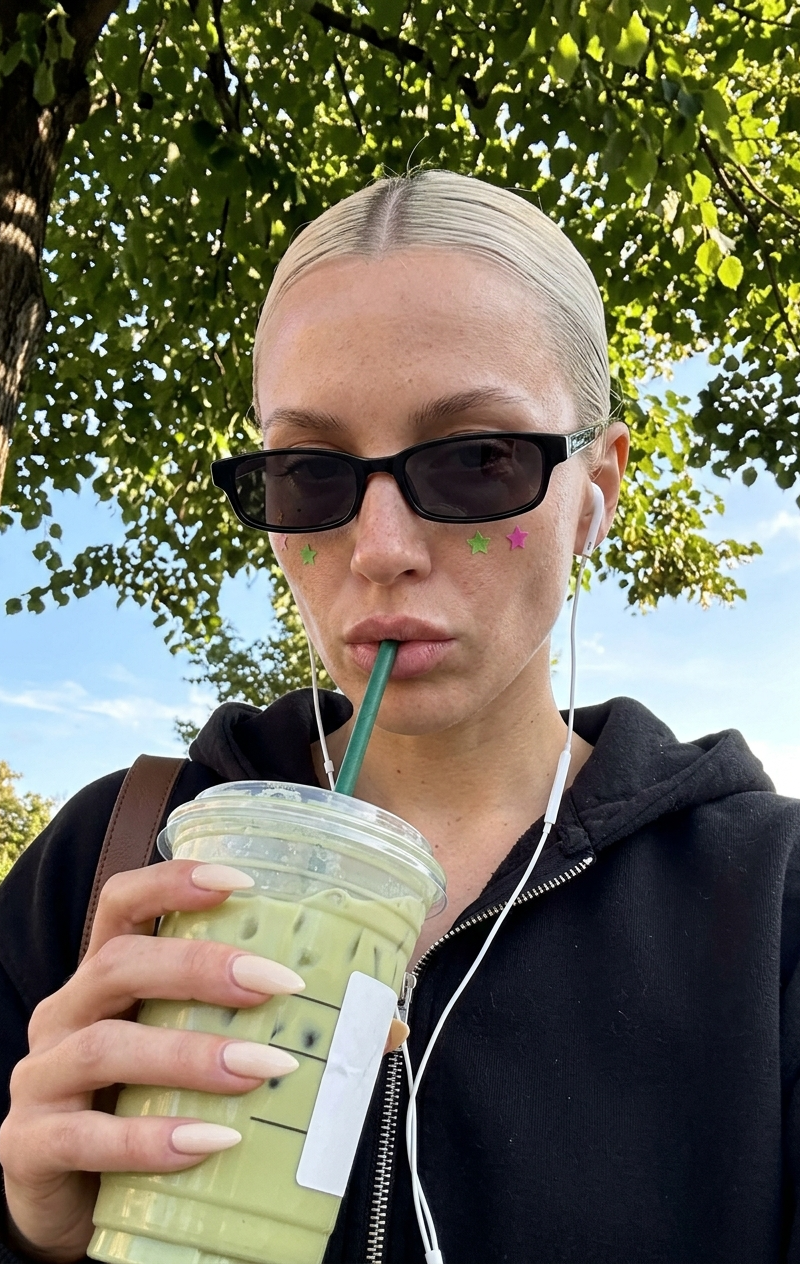
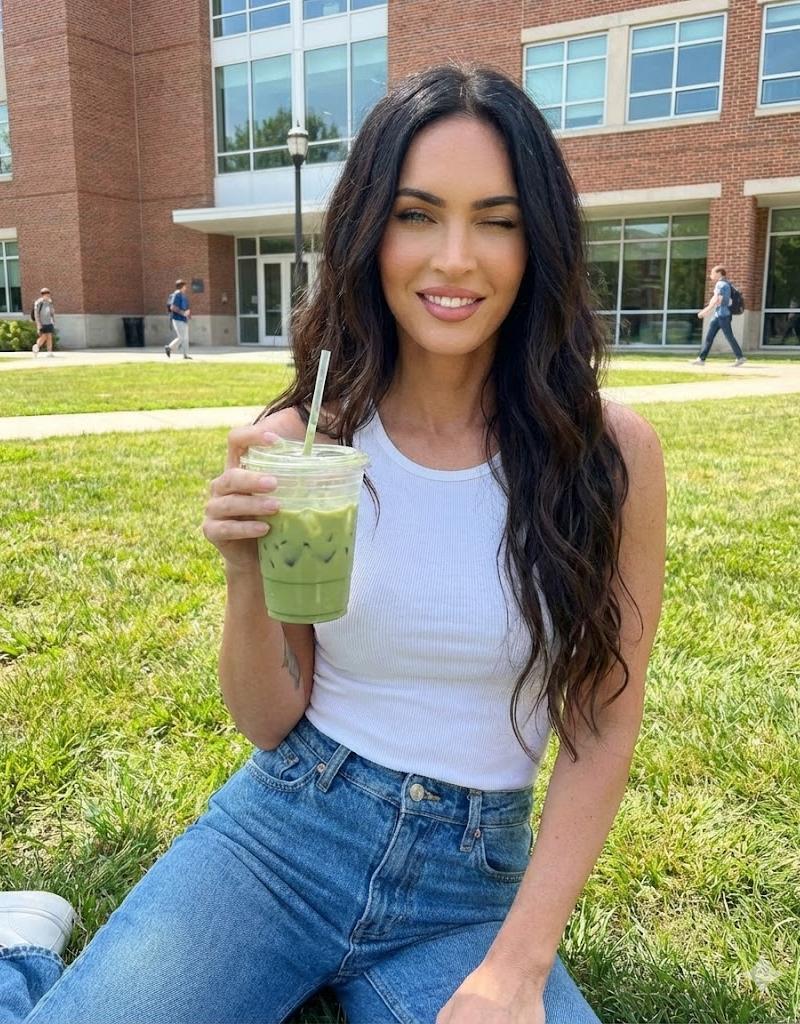
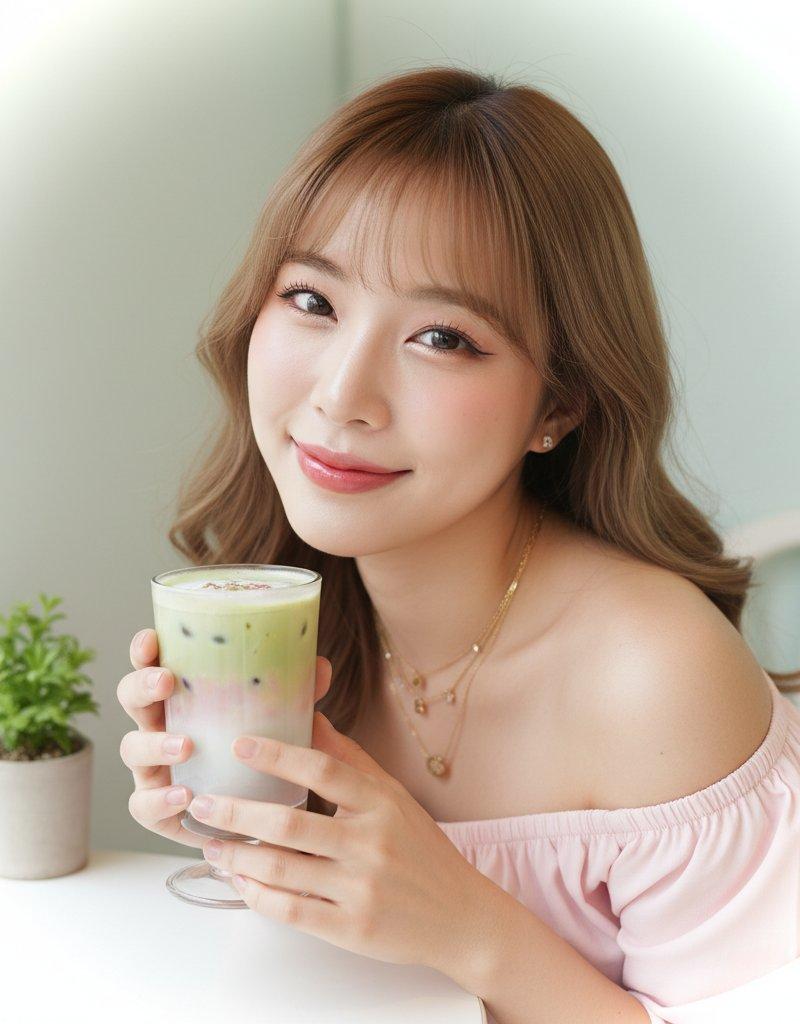
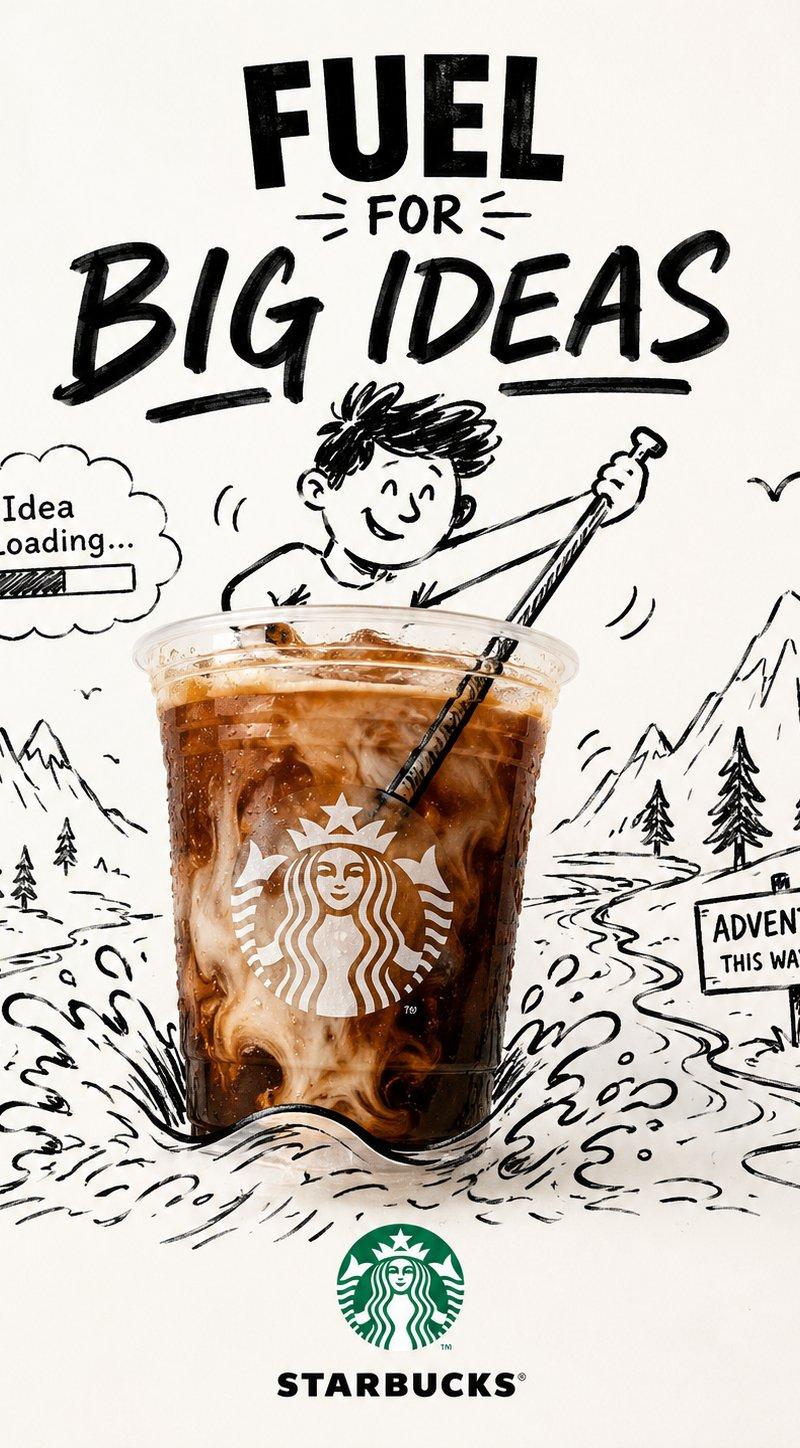
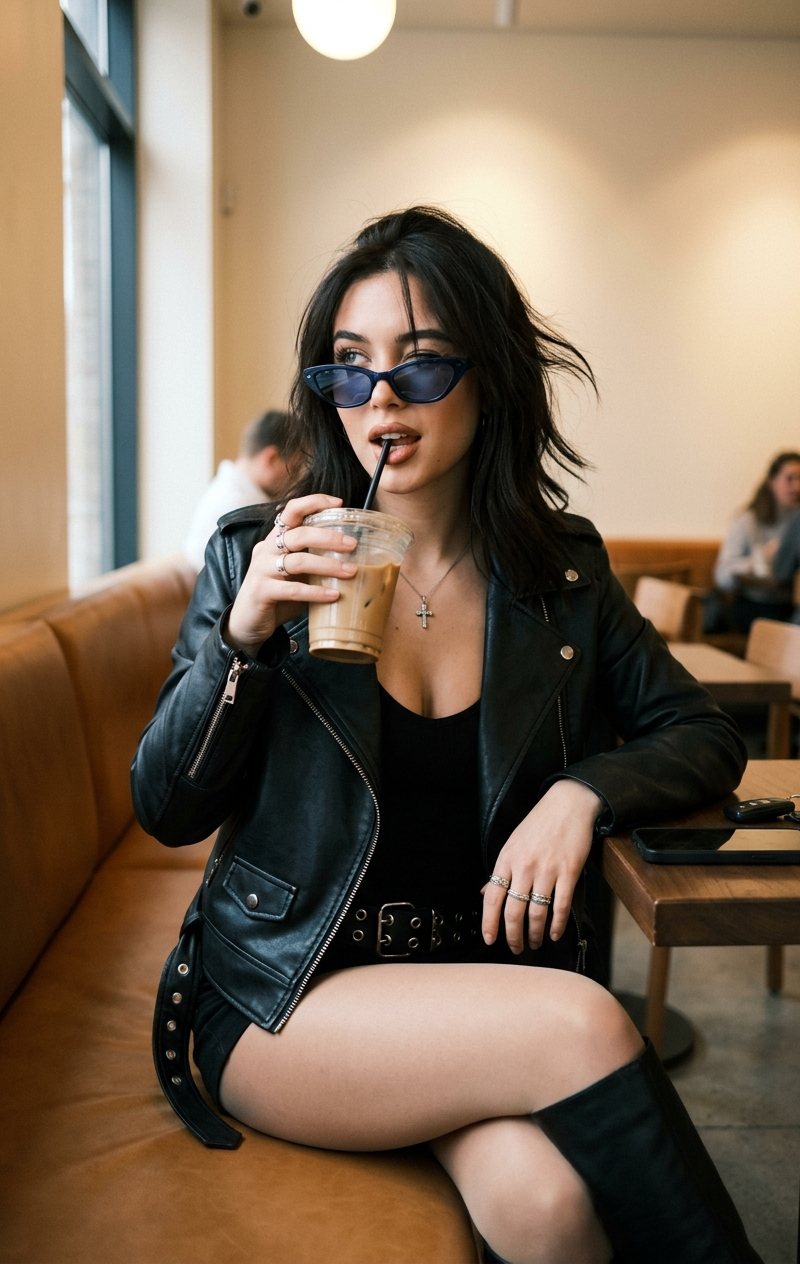
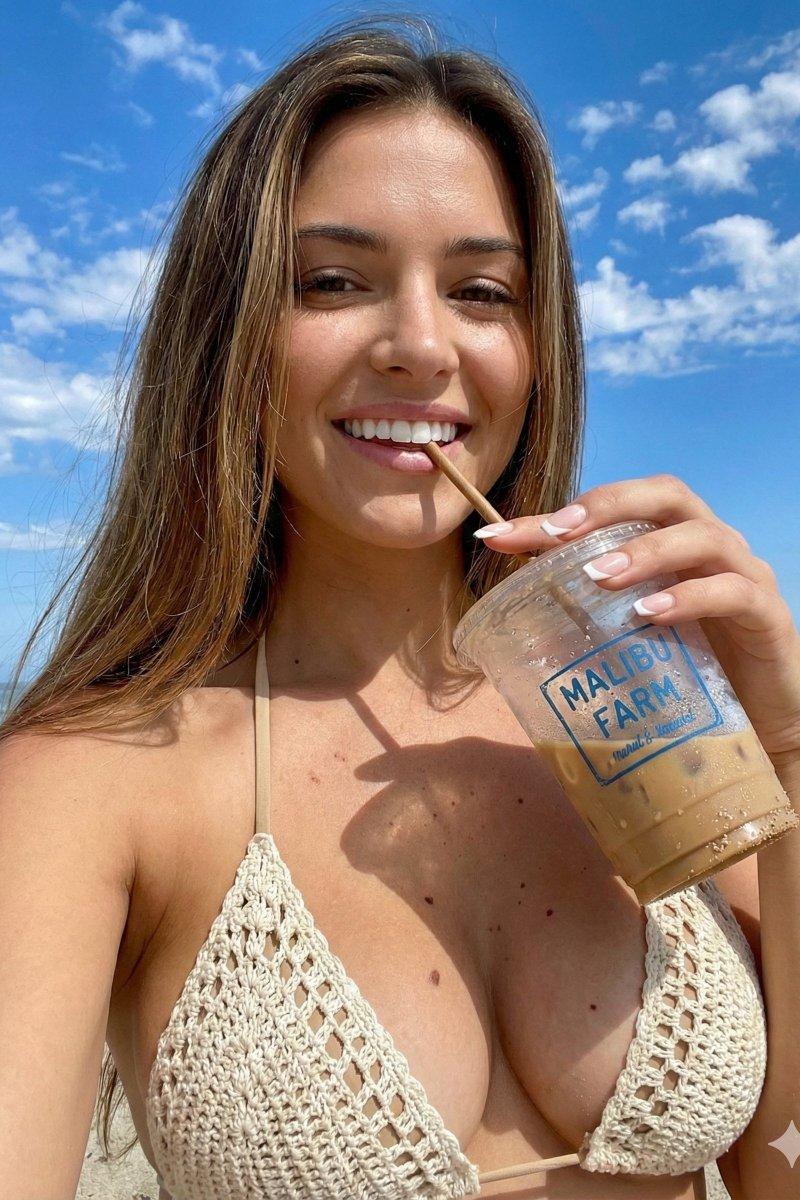
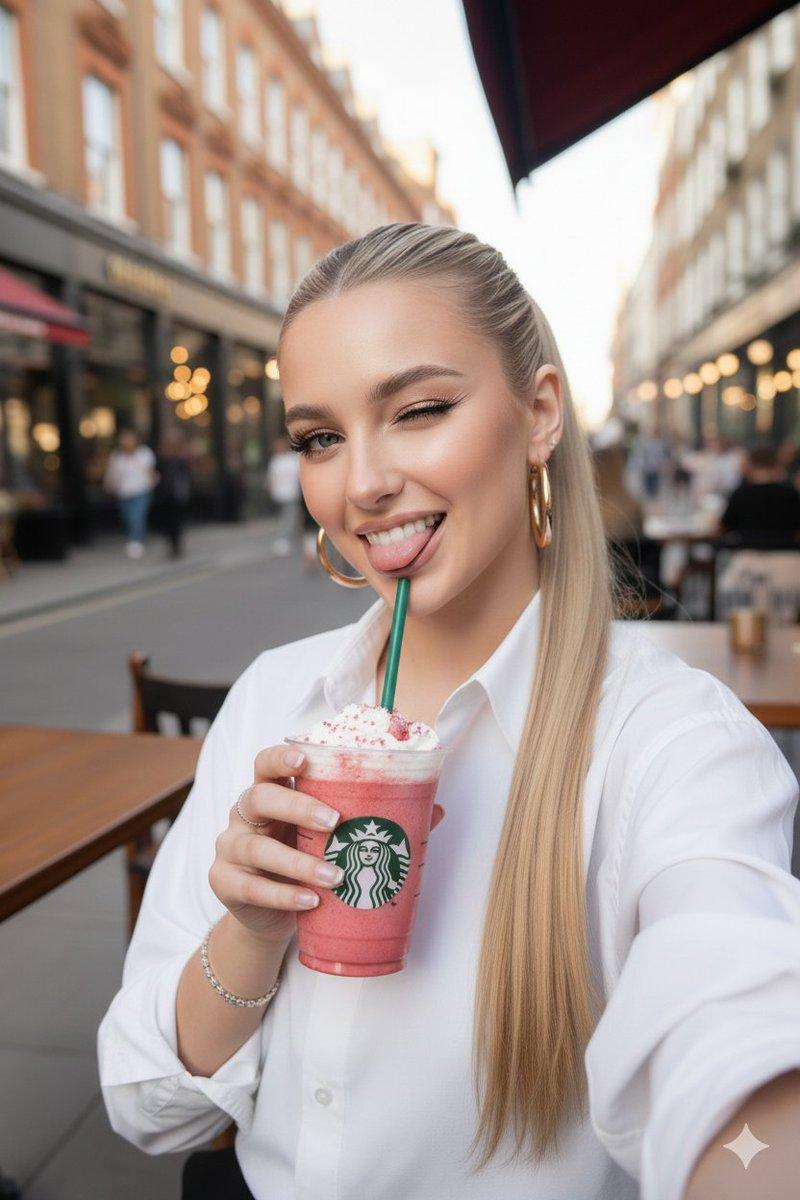
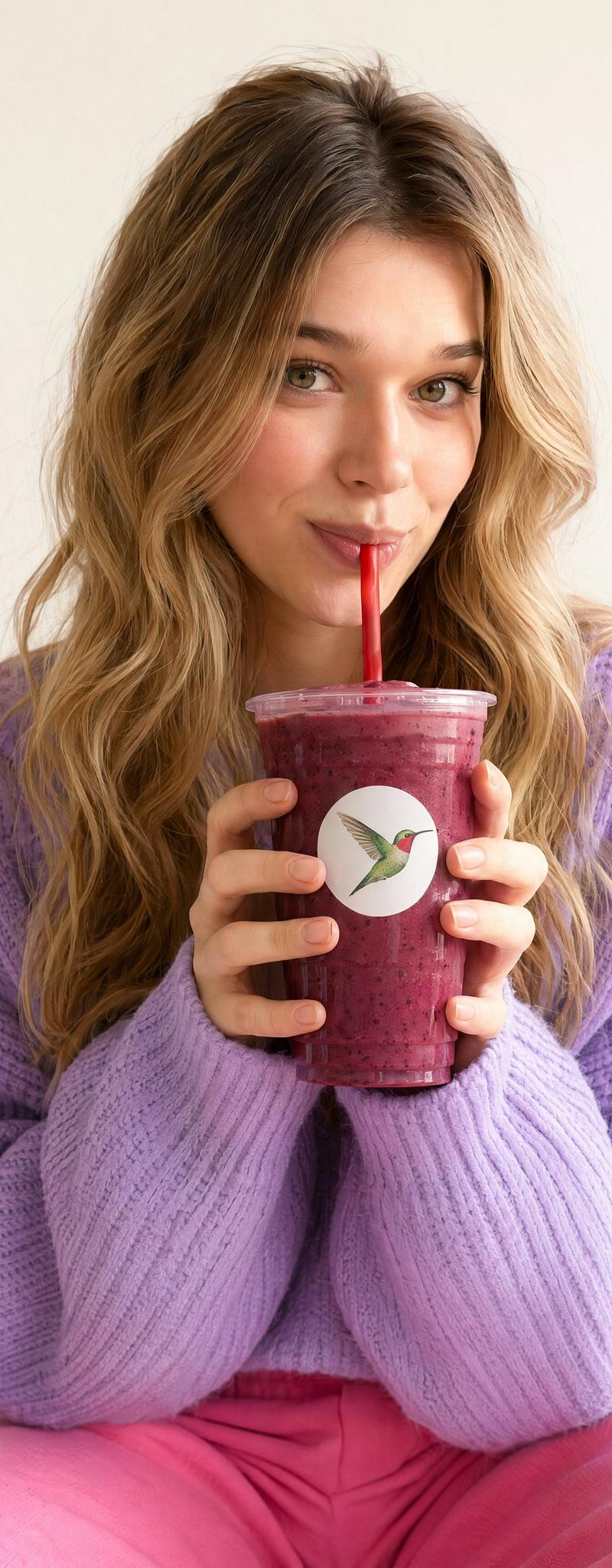
A young woman with long wavy blonde hair and green eyes sipping a {argument name="beverage type" default="berry smoothie"} through a red straw with a playful, wide-eyed expression, looking directly at the camera. She is holding a clear plastic cup filled with a thick dark purple-pink berry smoothie with both hands, bringing it close to her face. The cup has a white circular logo sticker featuring a {argument name="logo symbol" default="green hummingbird"} with a red head on a white background. She is wearing a light {argument name="sweater color" default="lavender-purple"} chunky knit oversized sweater and bright pink pants visible at the bottom. The background is a soft, blurred white paneled wall. Studio-style lifestyle photography with warm, even artificial lighting, shallow depth of field, close-up portrait framing, face and upper body in focus, vibrant colors, commercial beverage advertisement style, photorealistic.
Category
Charts & Infographics
Model
GPT Image 2
Creator
Sarah
Source language
en
Views0
Source ID
24877
Published
Jun 9, 2026
Studio

Guide

About "商业生活方式饮品摄影"

What is this prompt for?

"商业生活方式饮品摄影" AI image prompt for GPT Image 2 (Charts & Infographics). 一个明亮的商业风格提示词,用于拍摄人物享用果昔的生活方式肖像,非常适合广告宣传。 Copy it on Picva and recreate the look in one cl…

The full copyable prompt and example visuals above are ready for AI image generation or one-click recreate in Picva.

How to use this prompt

  1. Step 1

    Open the prompt detail

    Review the example visuals, category, and full prompt text for "商业生活方式饮品摄影".

  2. Step 2

    Copy the prompt

    Copy the prompt body from this page, or load it directly in Studio.

  3. Step 3

    Pick a model (GPT Image 2)

    Prefer GPT Image 2. If you switch models, keep subject and composition and tweak style terms.

  4. Step 4

    Generate and export

    Recreate the look in Picva, or export into your workflow for editing and publishing.

FAQ

What is the "商业生活方式饮品摄影" prompt?
It is an AI image-generation prompt for GPT Image 2 in the Charts & Infographics category. This page includes the full prompt text, example visuals, and a one-click recreate path in Picva.
How do I use this prompt to generate an image?
Copy the prompt from this page, or use Generate / Studio. Paste it into a compatible image model, or recreate the look in Picva with optional reference images.
Which model is this prompt for?
This page lists GPT Image 2. Most descriptive prompts also transfer to nearby image models such as GPT Image, Flux, or Midjourney with light style tweaks.
Can I use the result commercially?
You can usually copy the prompt for creation, but commercial use of the final image depends on the model terms, reference-image rights, and the generated content. Follow the source author and platform rules.