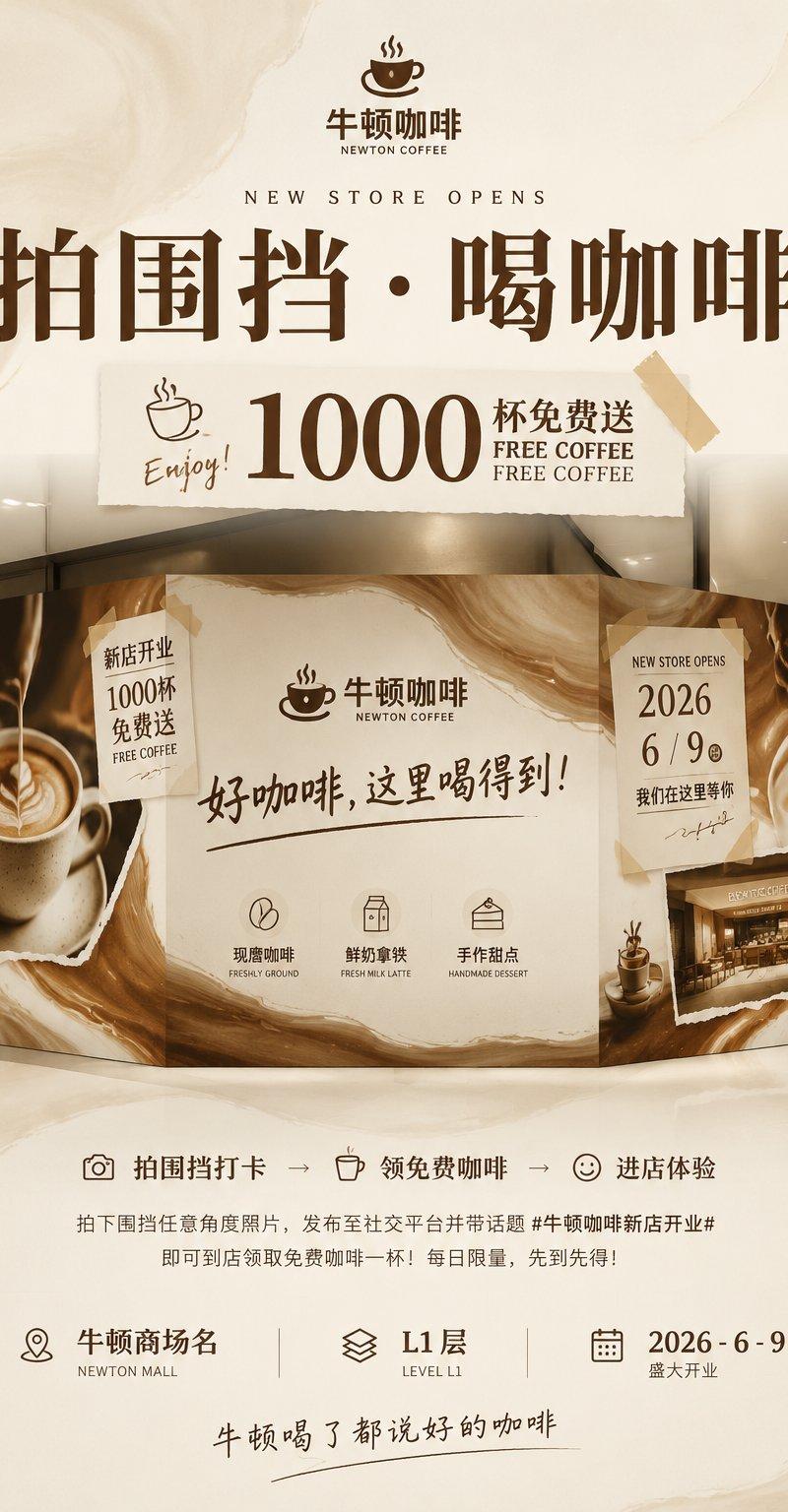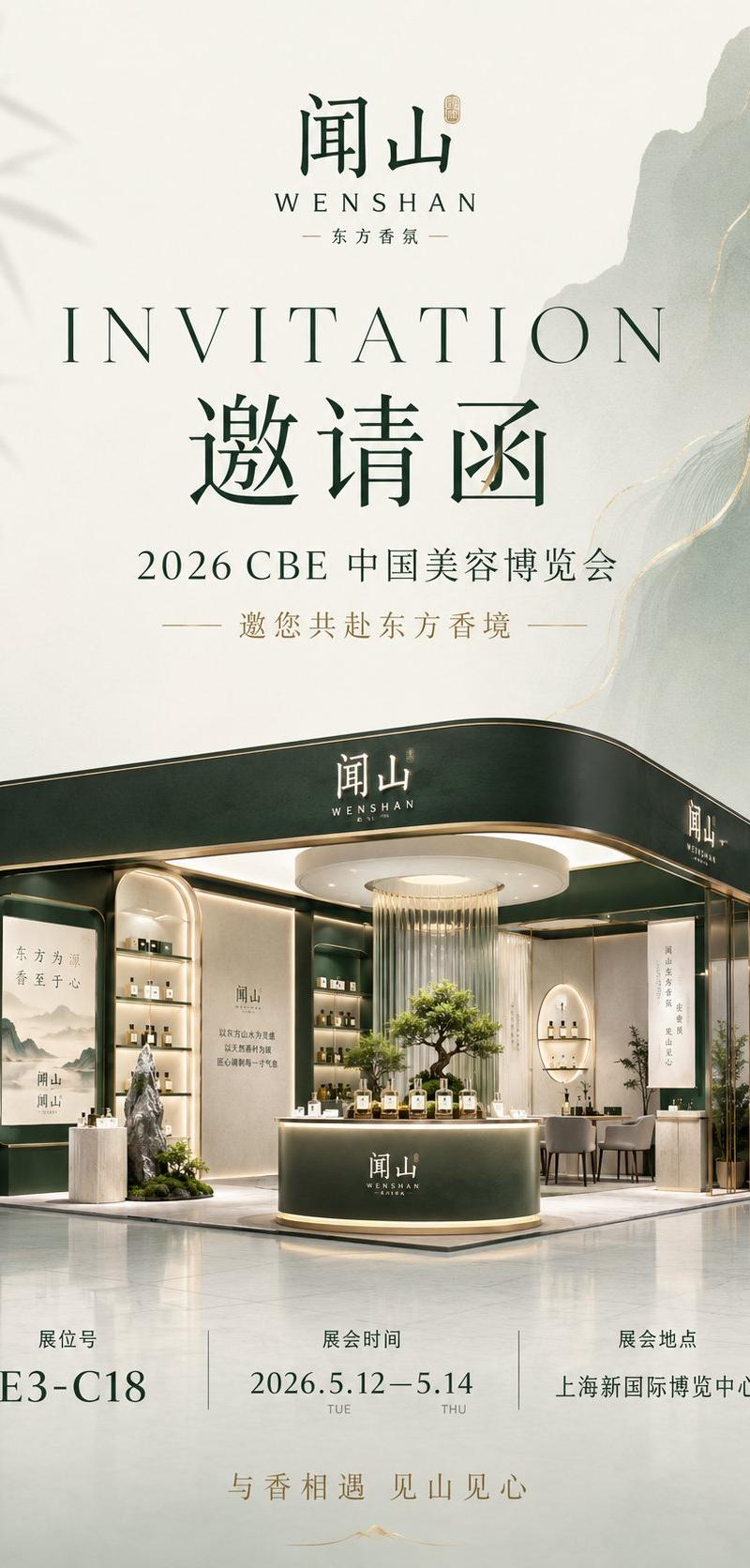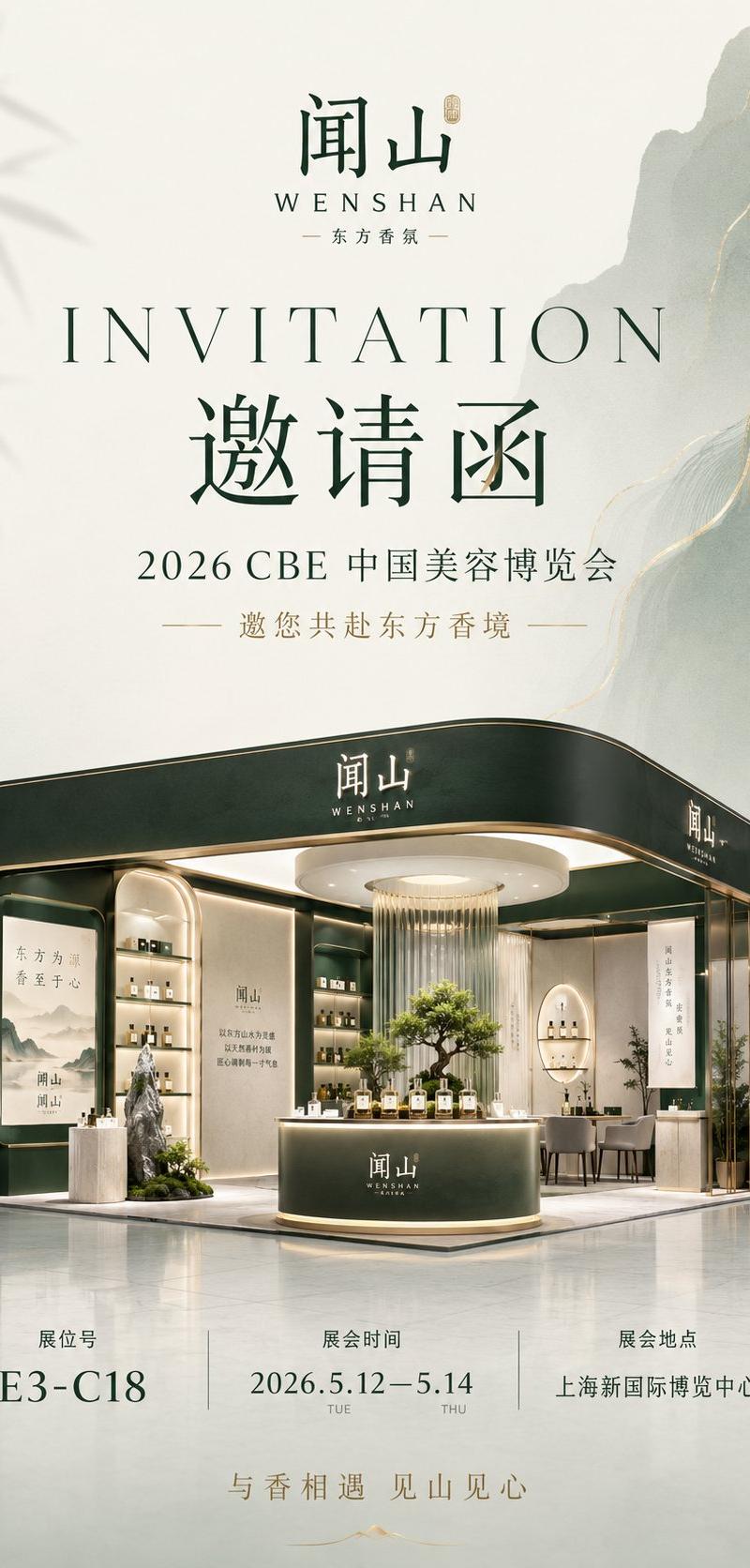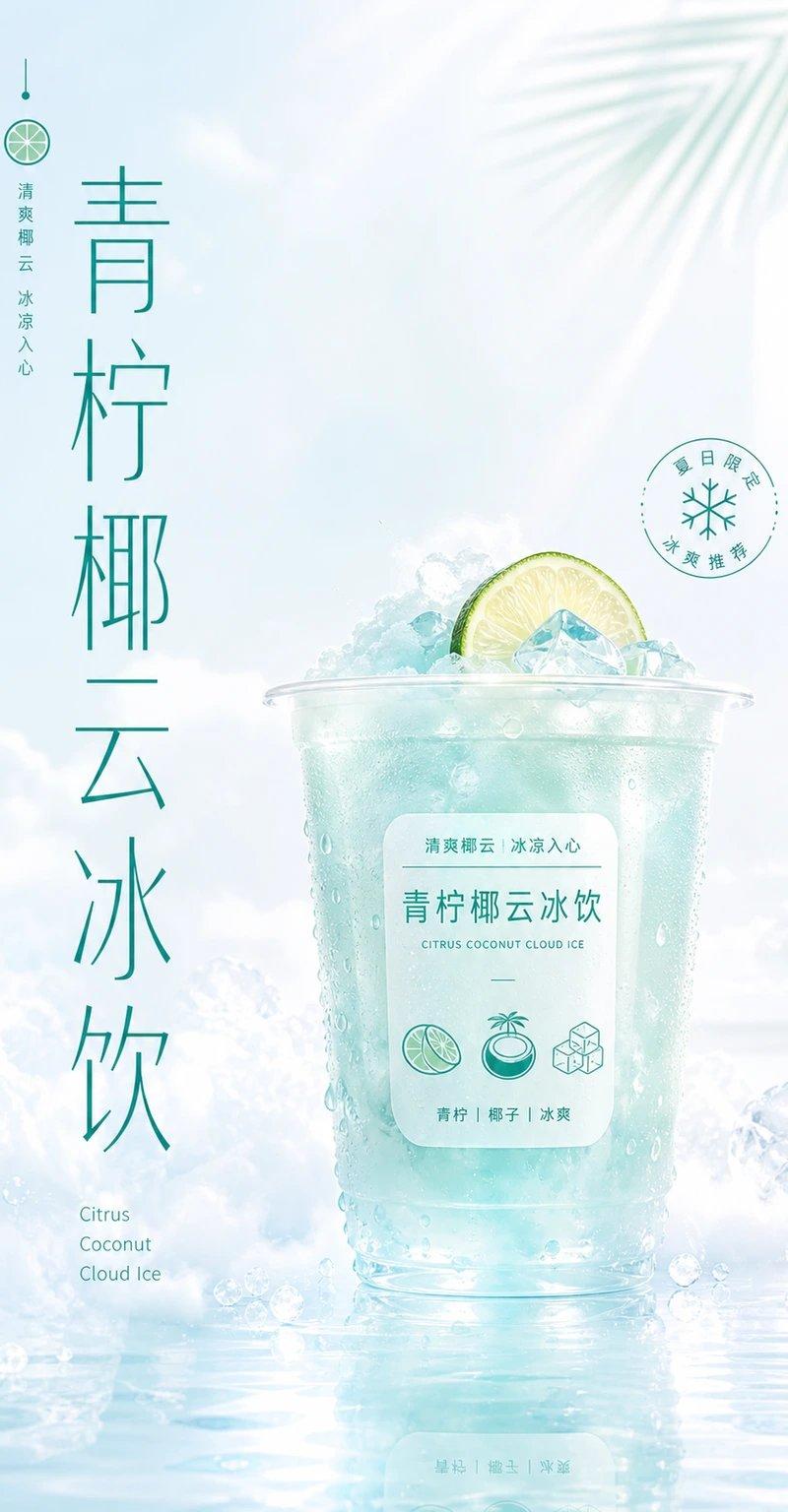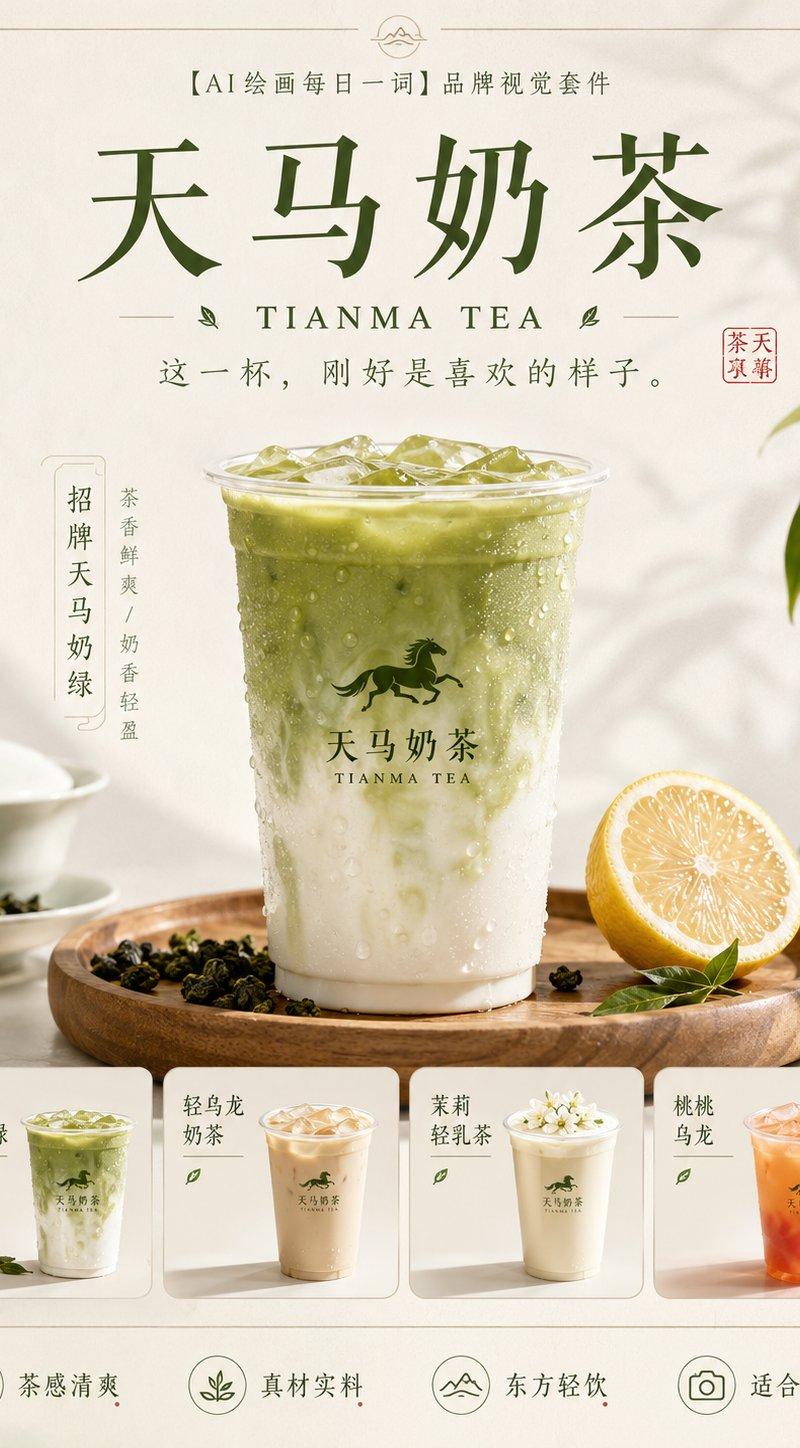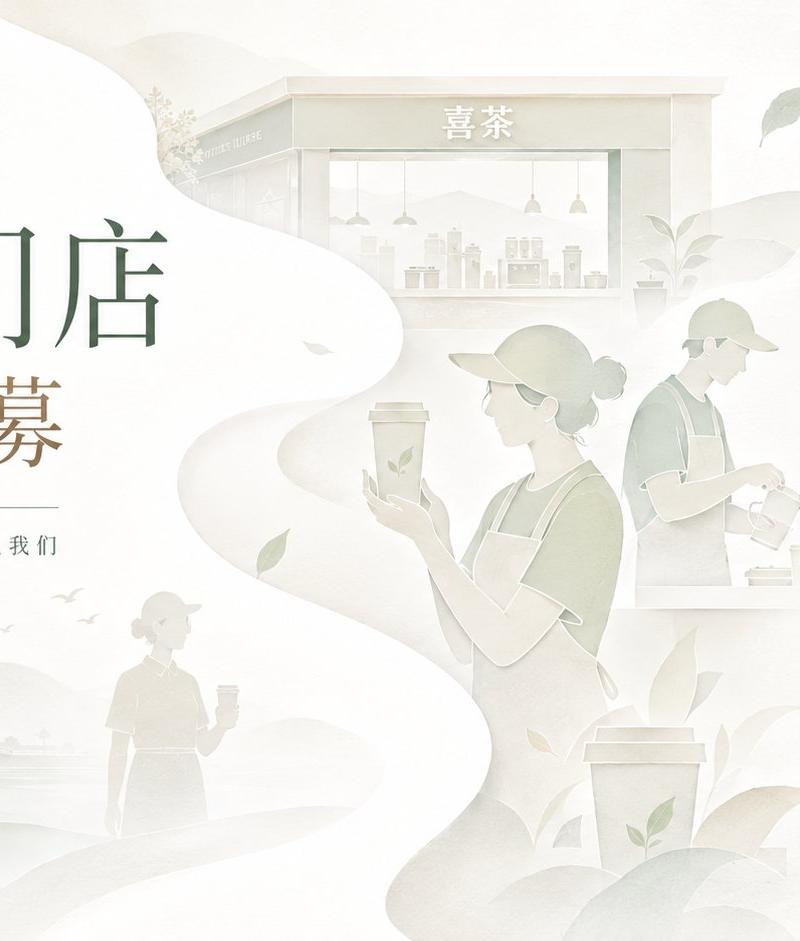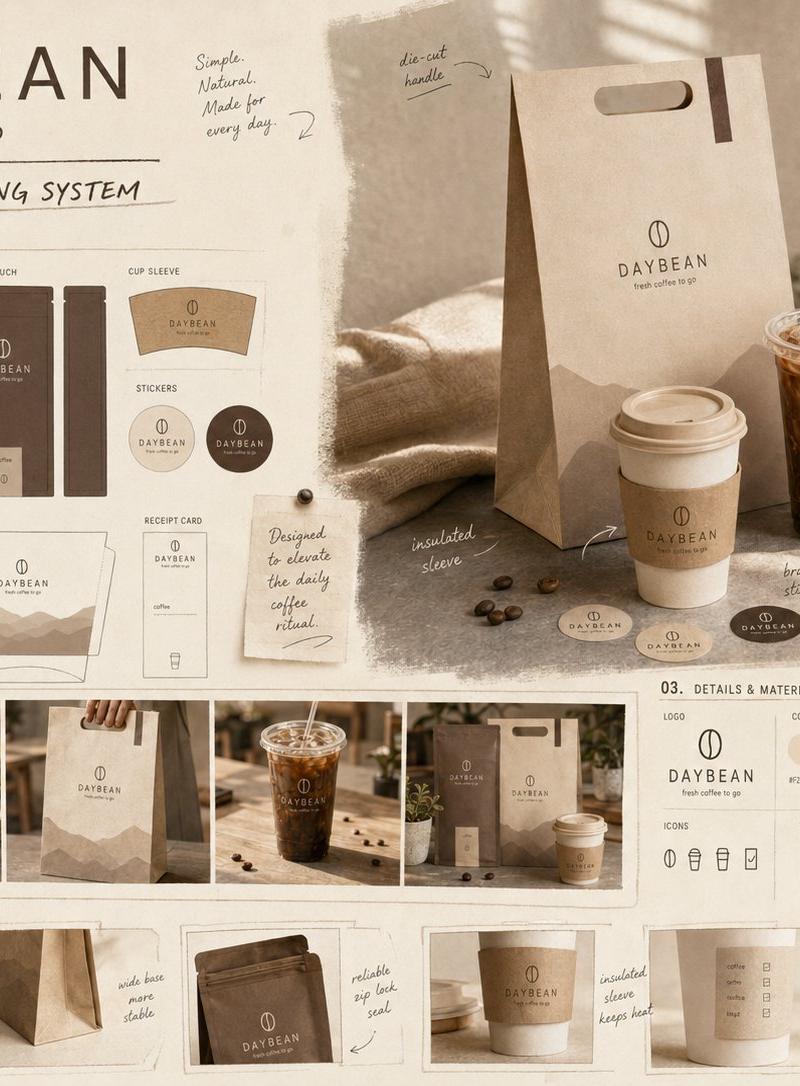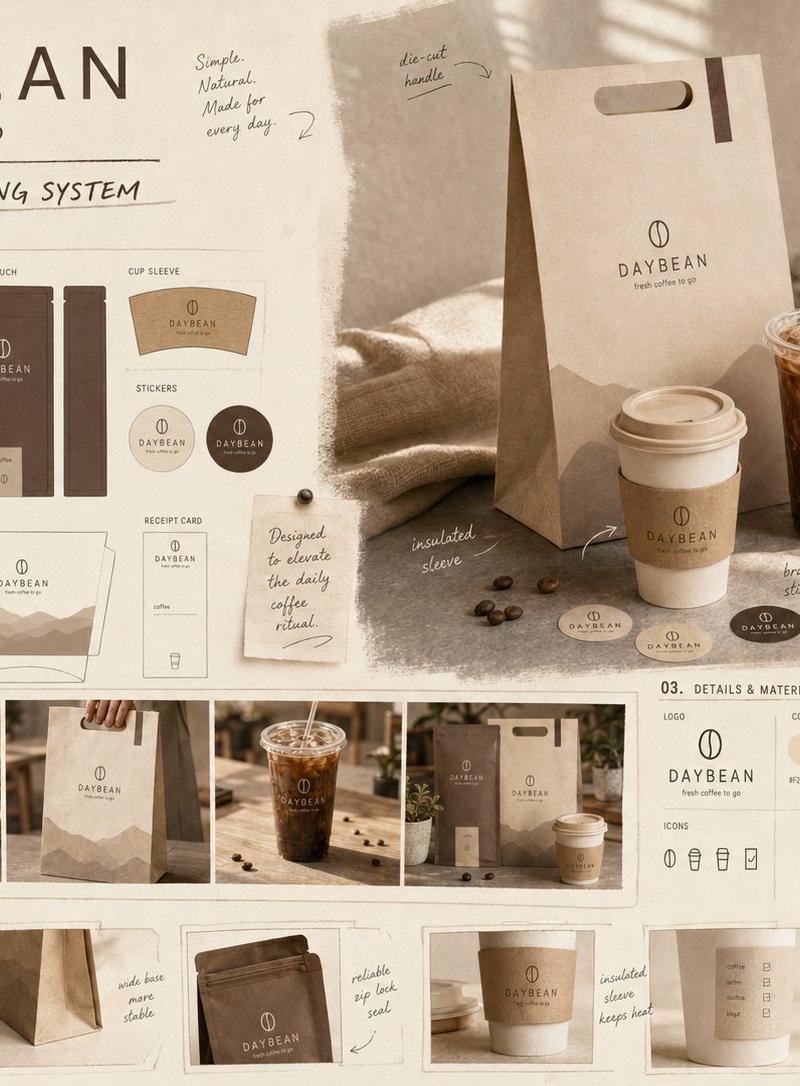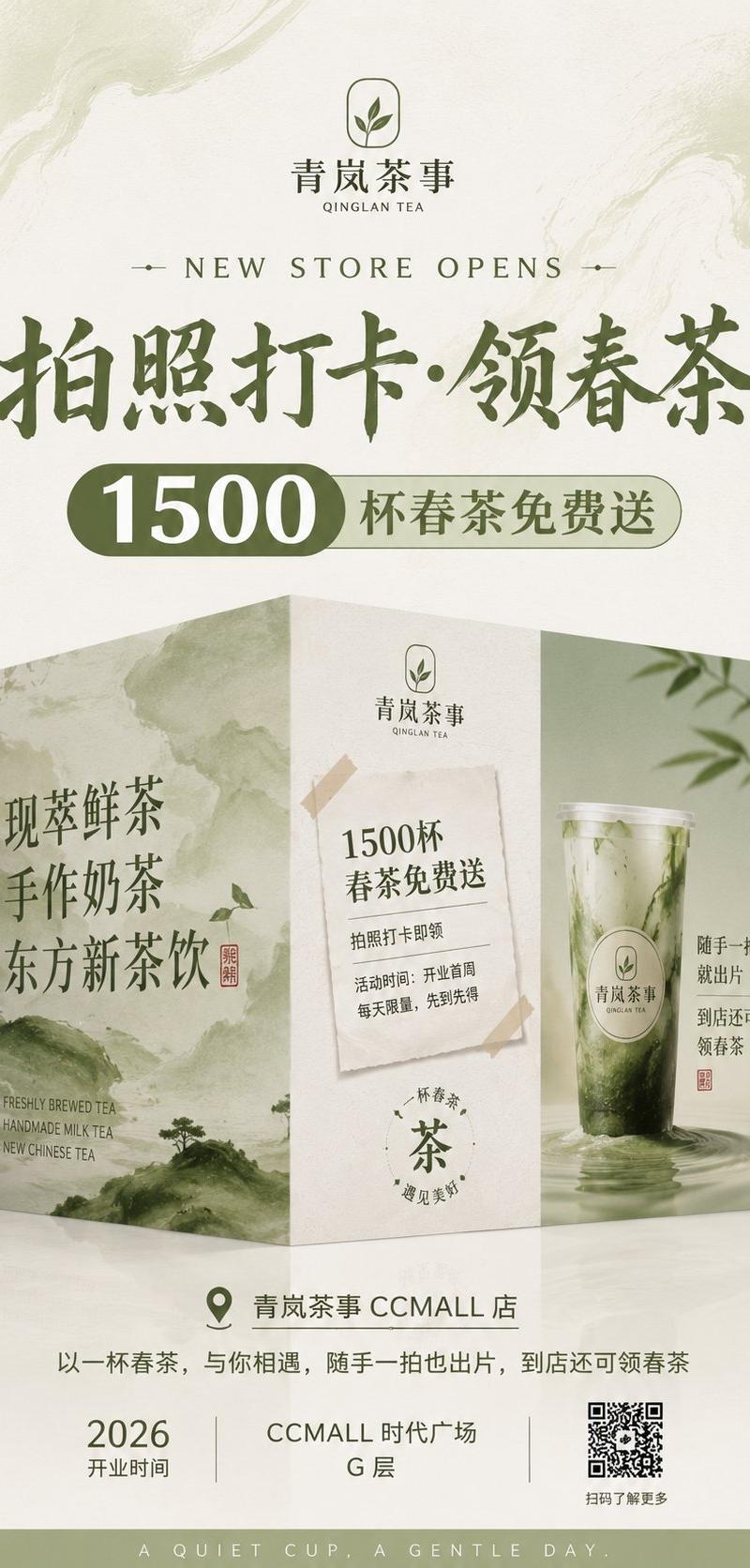
新中式茶饮店围挡海报
Prompt
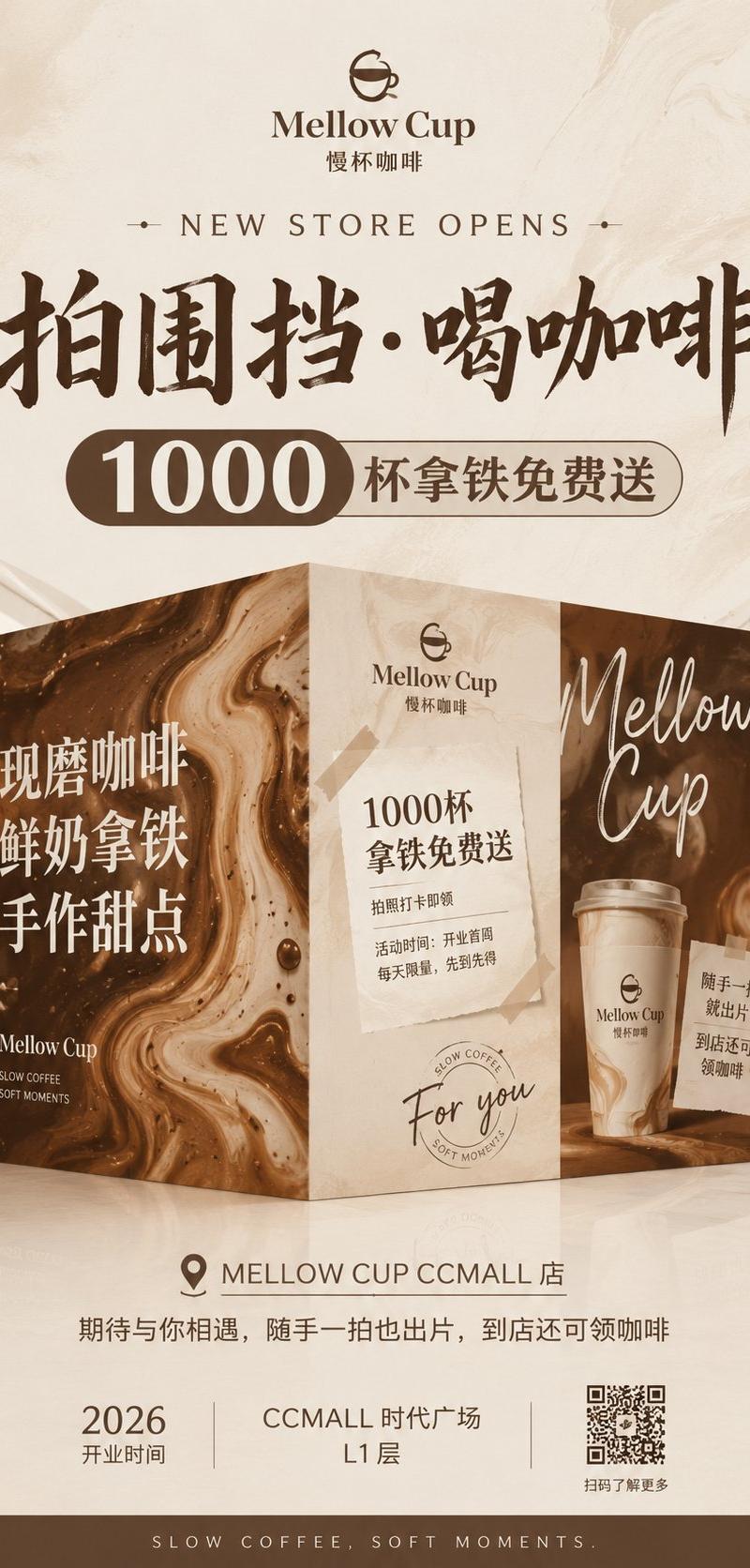
Goal: Create a vertical grand-opening construction-hoarding poster for a new Chinese tea drink store, elegant premium new-Chinese style, designed as a mall storefront teaser advertisement with a 3D folded display wall.

Canvas: Vertical 9:16 poster, soft cream rice-paper background with pale green ink-wash swirls, refined negative space, muted olive green and beige palette, high-end tea brand atmosphere.

Branding: At the top center place a minimalist rounded-square leaf icon logo with the Chinese brand name {argument name="brand name" default="青岚茶事"} and small English subtitle "QINGLAN TEA". Use dark olive green typography.

Main headline area: Centered under the logo, add small spaced serif English text "NEW STORE OPENS" with tiny horizontal ornaments on both sides. Below it place a very large bold Chinese calligraphy headline: {argument name="main headline" default="拍照打卡·领春茶"}. Under the headline, create a pill-shaped promotion badge: left dark olive capsule with huge white numerals "1500", right pale green outlined capsule with Chinese text {argument name="promotion text" default="杯春茶免费送"}.

Central 3D installation: In the middle-lower half, show exactly 3 connected vertical hoarding panels forming a realistic folded corner display standing on a glossy mall floor, with soft reflections and blurred shopping mall corridors at the far left and right edges.

Panel count and content:
1. Left panel: pale ink-wash mountain landscape in green, large vertical Chinese text "现萃鲜茶 / 手作奶茶 / 东方新茶饮", a small red seal stamp, and tiny English lines "FRESHLY BREWED TEA", "HANDMADE MILK TEA", "NEW CHINESE TEA" near the bottom.
2. Center panel: cream paper texture, small brand logo at top, a taped paper notice in the center reading "1500杯 / 春茶免费送", smaller lines "拍照打卡即领" and "活动时间:开业首周 / 每天限量,先到先得", plus a circular tea stamp near the bottom with the character "茶".
3. Right panel: large realistic iced green tea cup with matcha-like swirling liquid and clear plastic lid, subtle water/ink ripples at the base, leafy bamboo shadow in the background, vertical Chinese copy "随手一拍 / 就出片 / 到店还可 / 领春茶" and a small red seal.

Bottom information band: Below the installation, add a centered location row with a map-pin icon and text {argument name="store location" default="青岚茶事 CCMALL 店"}. Under it place one Chinese sentence: "以一杯春茶,与你相遇,随手一拍也出片,到店还可领春茶". At the bottom create exactly 3 information blocks separated by thin vertical lines: left block "2026" with label "开业时间"; middle block "CCMALL 时代广场" and "G 层"; right block a visible QR code with caption "扫码了解更多". Finish with a narrow olive footer strip containing spaced English slogan {argument name="footer slogan" default="A QUIET CUP, A GENTLE DAY."}.

Visual style: Premium commercial poster, realistic 3D storefront hoarding mockup, soft studio lighting, paper grain, watercolor ink textures, subtle shadows, clean hierarchy, elegant Chinese calligraphy mixed with serif English. Keep all text sharp and legible, no extra people, no extra products, no watermark.- Category
- Charts & Infographics
- Model
- GPT Image 2
- Creator
- Larus Canus
- Source language
- en
- Source ID
- 24987
- Published
- Jun 8, 2026
Views0