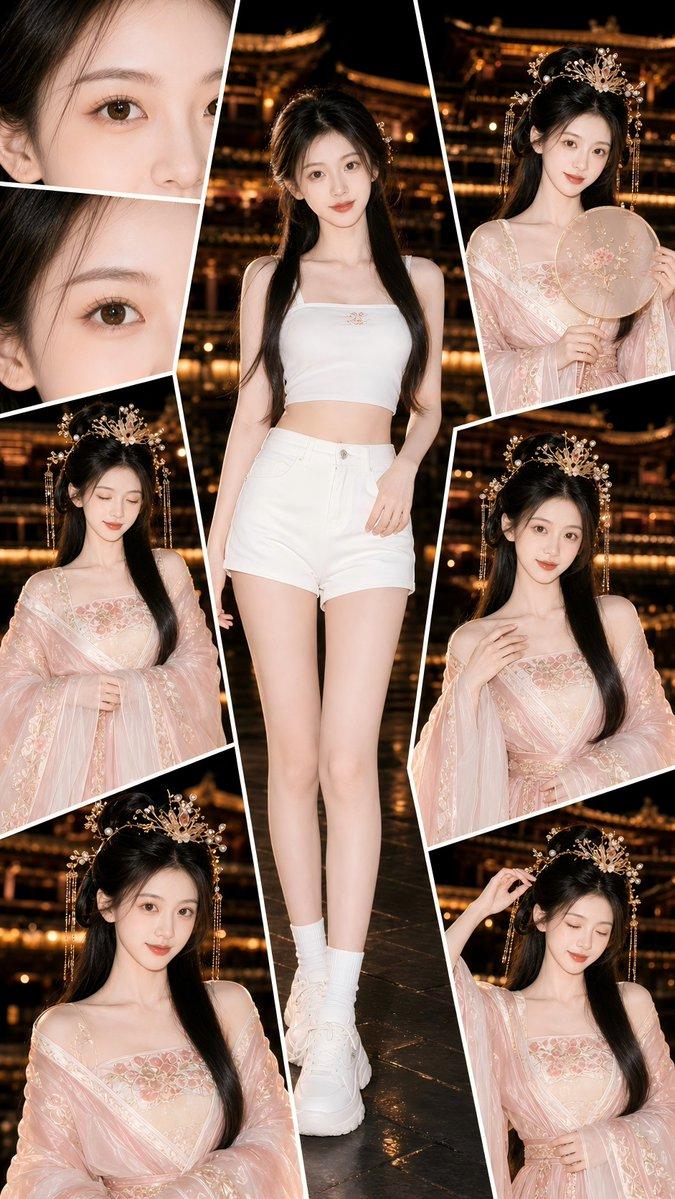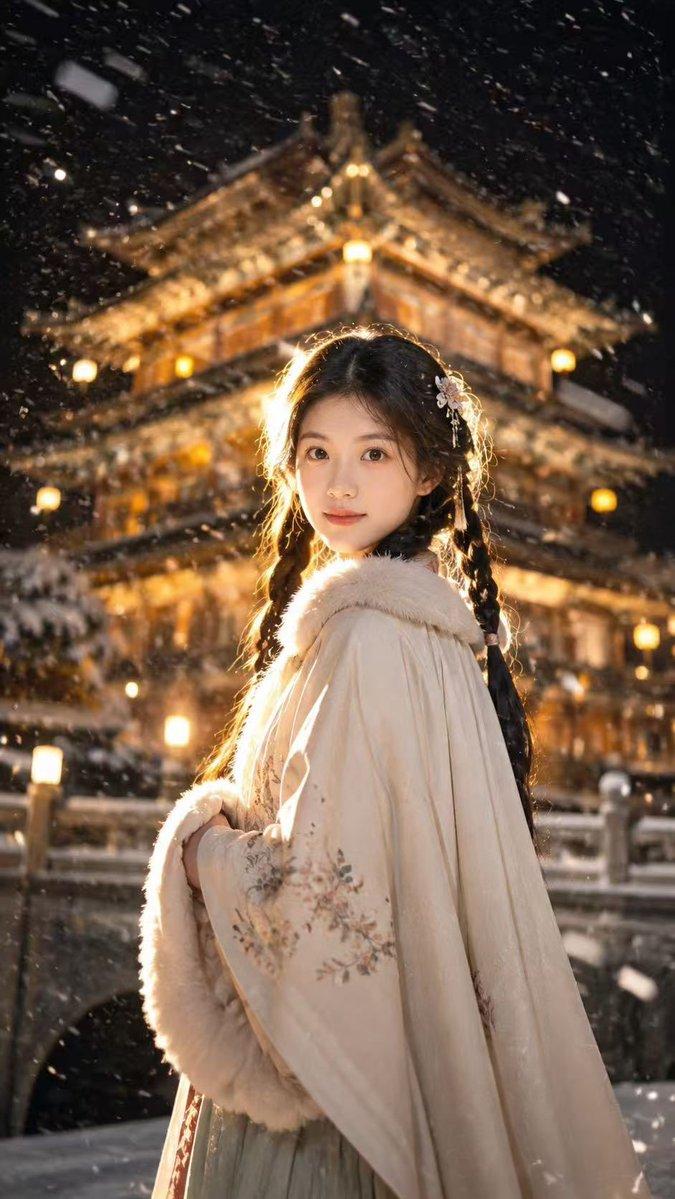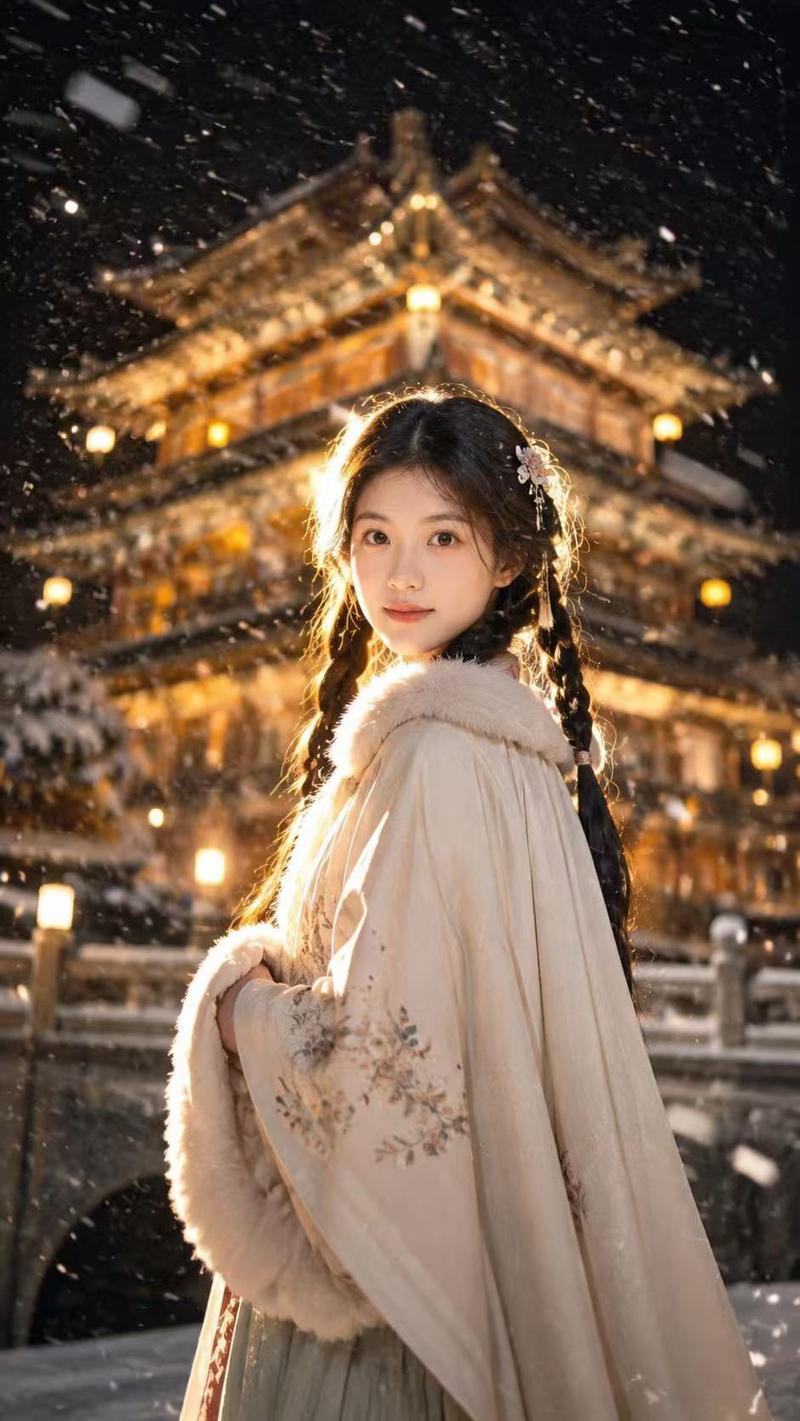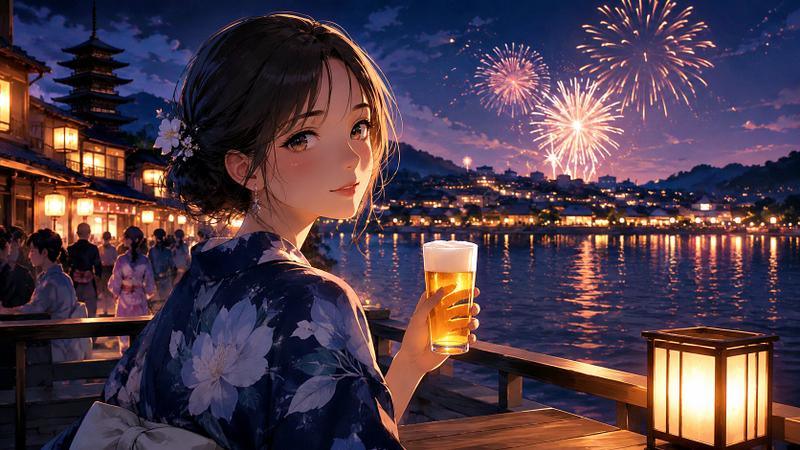
19

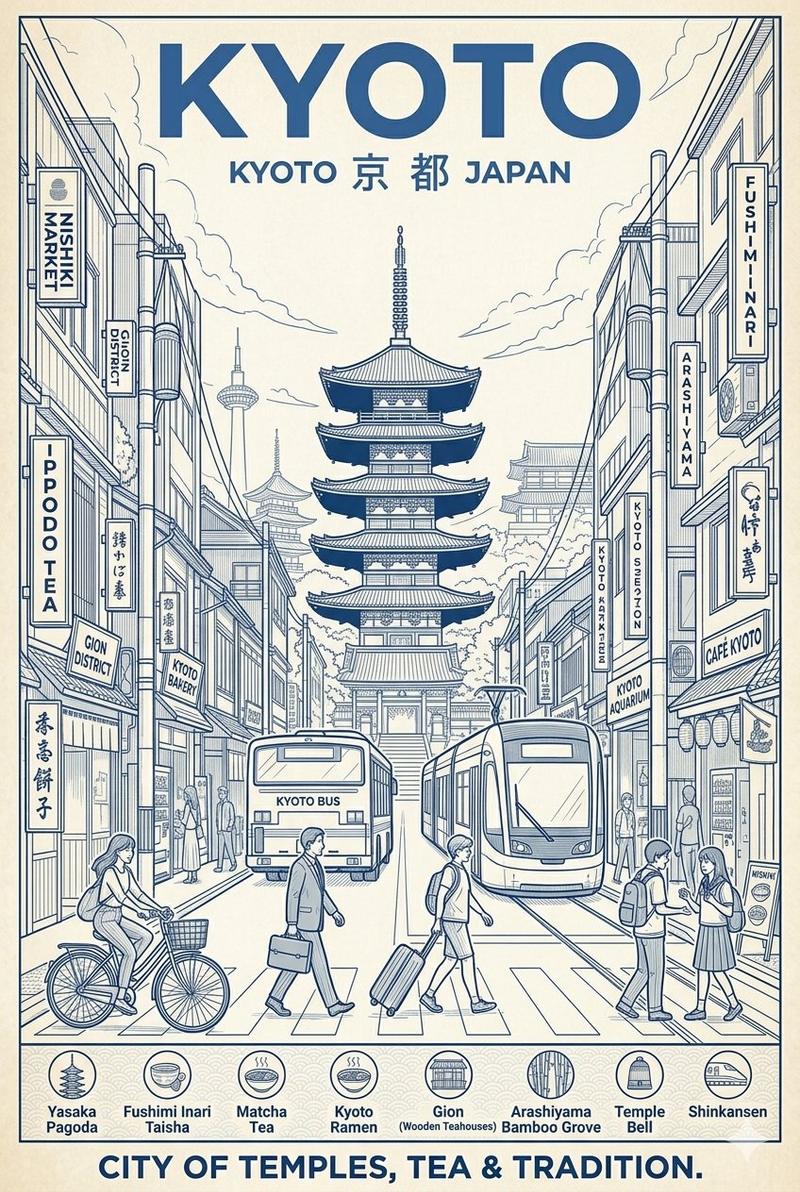
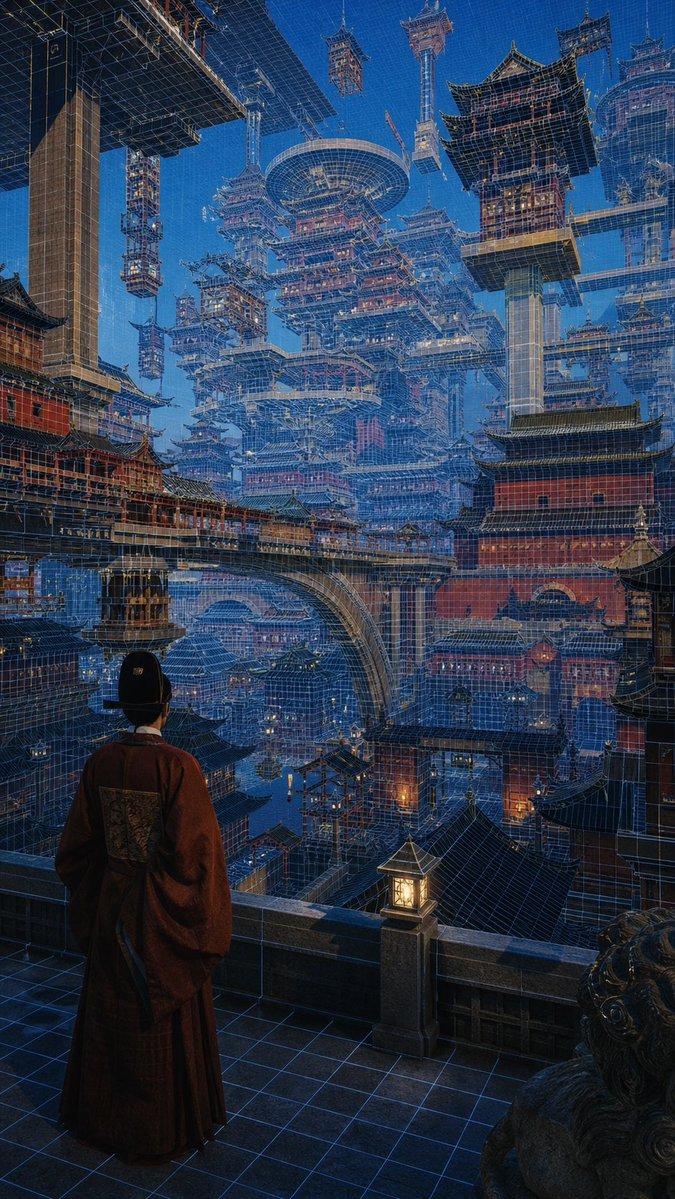
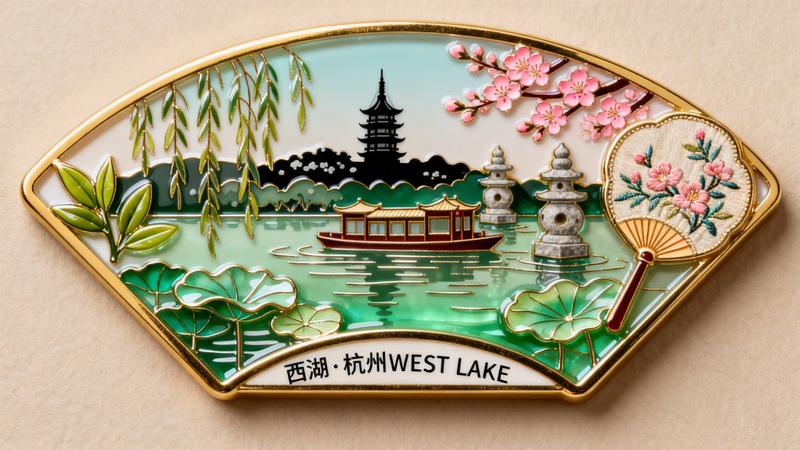
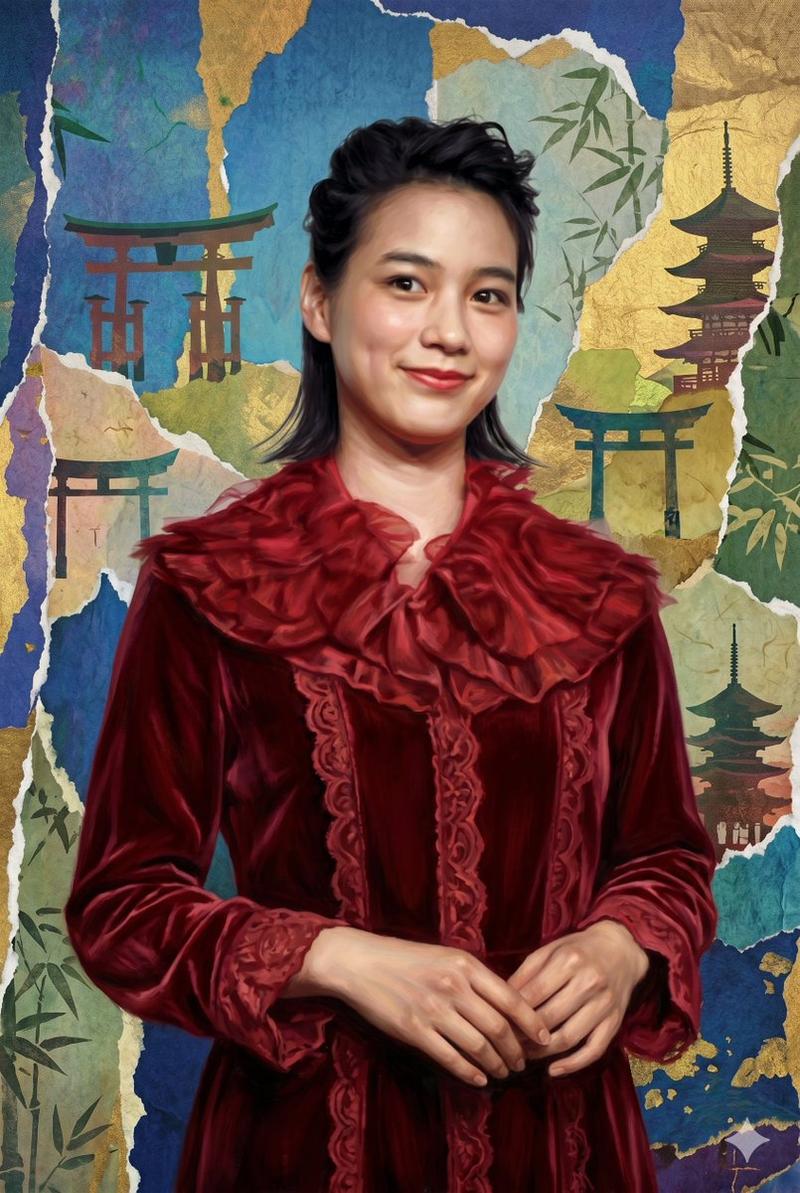
全息线框角色艺术
Enlarge

全息线框角色艺术

Prompt
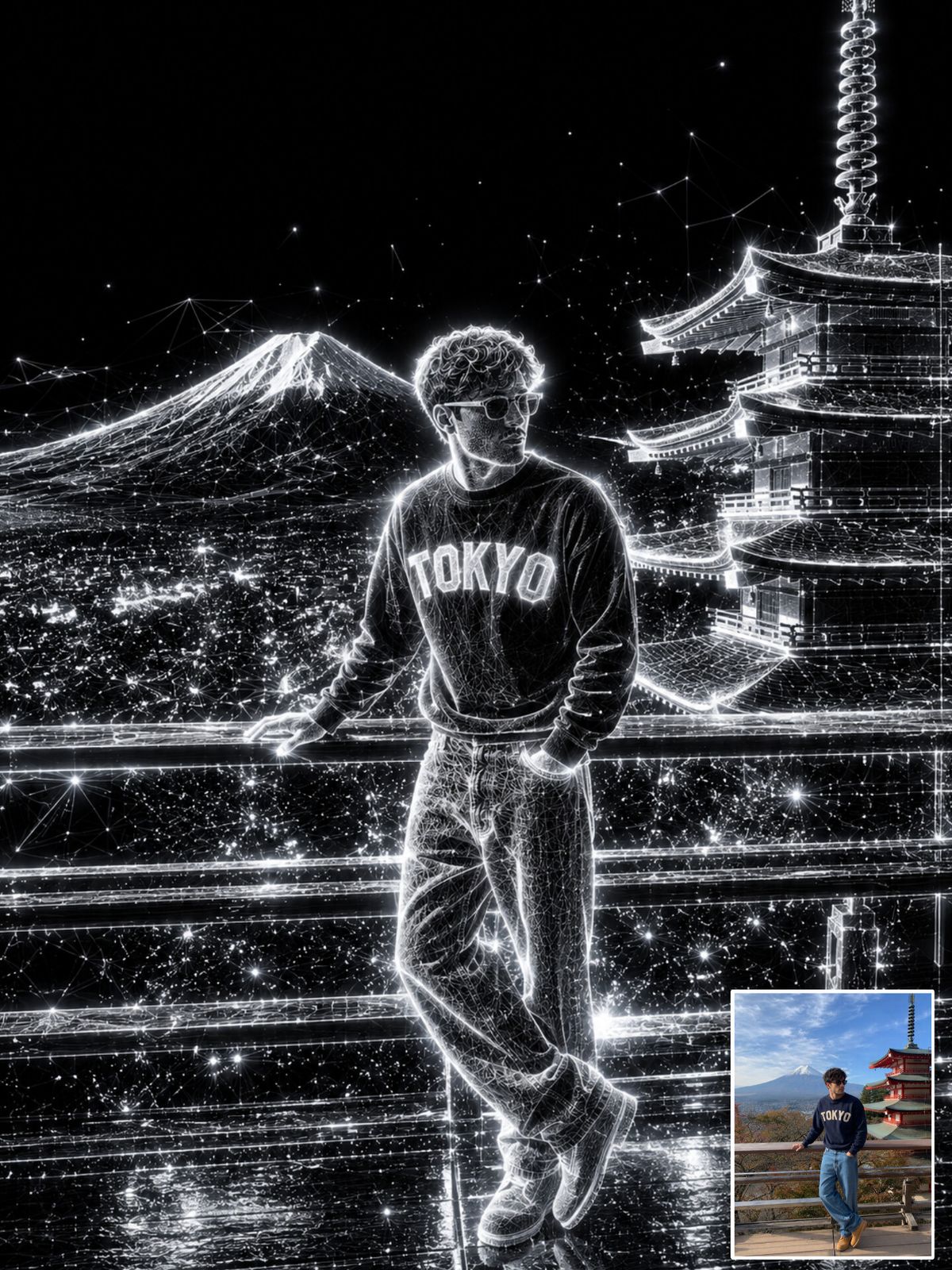
Transform the uploaded image into an {argument name="style" default="ultra-premium holographic wireframe artwork"}.

Preserve the exact {argument name="subject details" default="face, identity, hairstyle, body position, clothing, camera angle, composition and perspective"}.

Convert all visible objects into {argument name="structure type" default="glowing white wireframe structures"} made from luminous particles and digital light points.

Background becomes deep pure black.

Create bright neon white edge lighting around the entire subject.

Add millions of floating particles, glowing dust, digital sparks, energy trails and holographic detail.

High contrast monochrome aesthetic.

Luxury cyberpunk advertisement style.

Wet reflective ground surface.

Ultra realistic lighting.

Sharp focus.

Volumetric glow.

Studio quality.

Premium poster design.

Minimalist futuristic aesthetic.

8K masterpiece.
Category
Charts & Infographics
Model
GPT Image 2
Creator
Harboris
Views0
Source ID
25153
Published
Jun 11, 2026

Guide

About "全息线框角色艺术"

What is this prompt for?

"全息线框角色艺术" AI image prompt for GPT Image 2 (Charts & Infographics). 一个创意提示词,可将标准肖像转换为具有数字粒子和发光霓虹灯效果的高端全息线框设计。 Copy it on Picva and recreate the look in one cli…

The full copyable prompt and example visuals above are ready for AI image generation or one-click recreate in Picva.

How to use this prompt

  1. Step 1

    Open the prompt detail

    Review the example visuals, category, and full prompt text for "全息线框角色艺术".

  2. Step 2

    Copy the prompt

    Copy the prompt body from this page, or load it directly in Studio.

  3. Step 3

    Pick a model (GPT Image 2)

    Prefer GPT Image 2. If you switch models, keep subject and composition and tweak style terms.

  4. Step 4

    Generate and export

    Recreate the look in Picva, or export into your workflow for editing and publishing.

FAQ

What is the "全息线框角色艺术" prompt?
It is an AI image-generation prompt for GPT Image 2 in the Charts & Infographics category. This page includes the full prompt text, example visuals, and a one-click recreate path in Picva.
How do I use this prompt to generate an image?
Copy the prompt from this page, or use Generate / Studio. Paste it into a compatible image model, or recreate the look in Picva with optional reference images.
Which model is this prompt for?
This page lists GPT Image 2. Most descriptive prompts also transfer to nearby image models such as GPT Image, Flux, or Midjourney with light style tweaks.
Can I use the result commercially?
You can usually copy the prompt for creation, but commercial use of the final image depends on the model terms, reference-image rights, and the generated content. Follow the source author and platform rules.