18

可动人偶风格化提示词
Enlarge

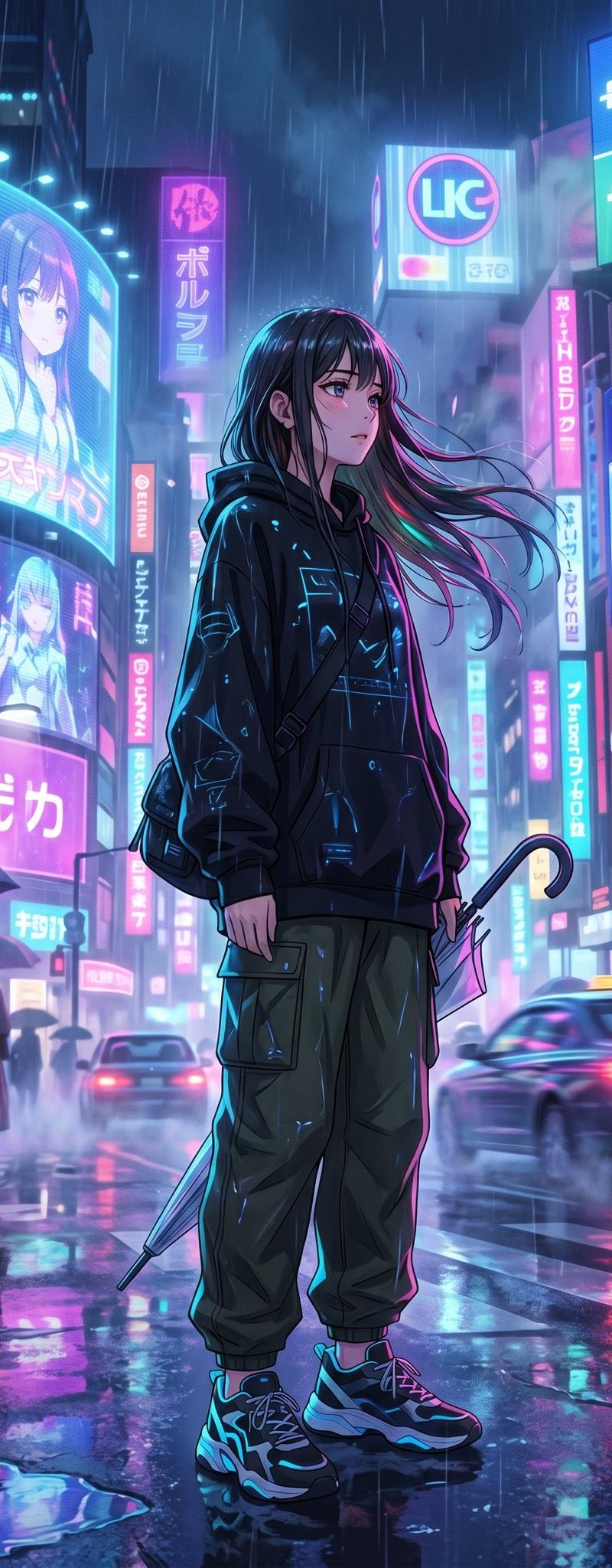
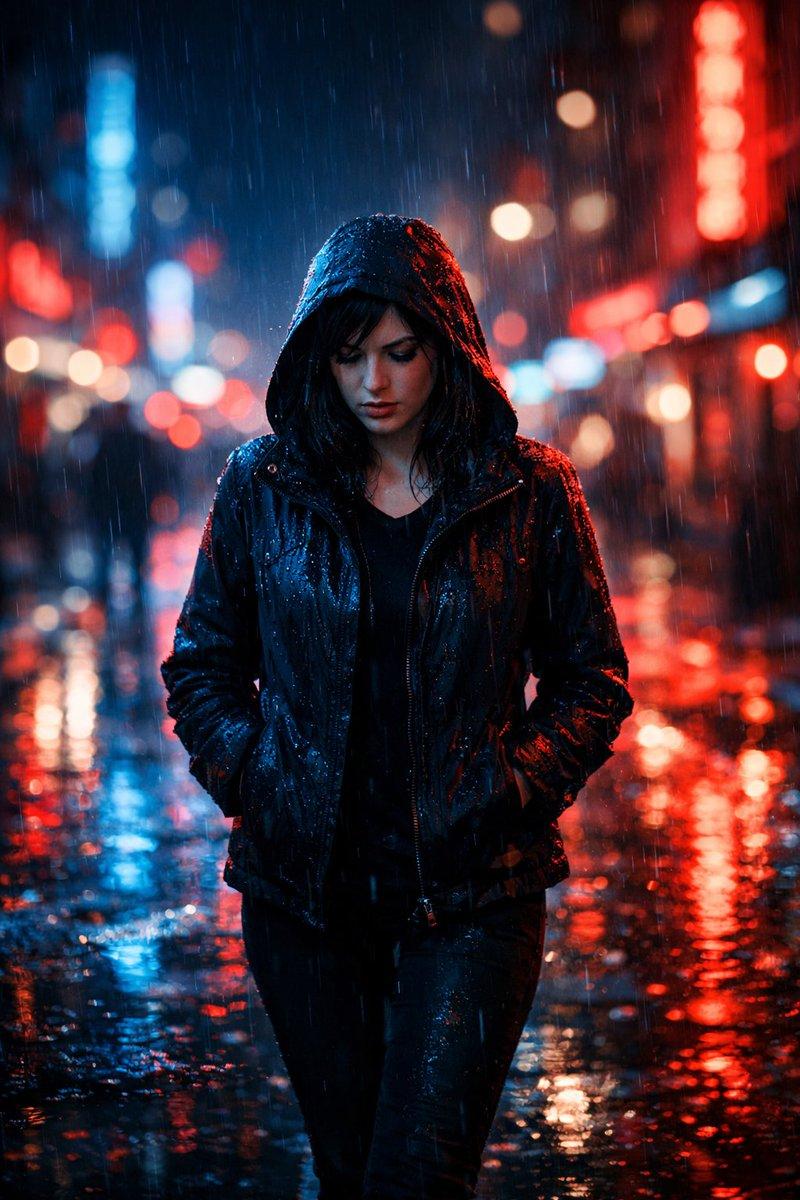
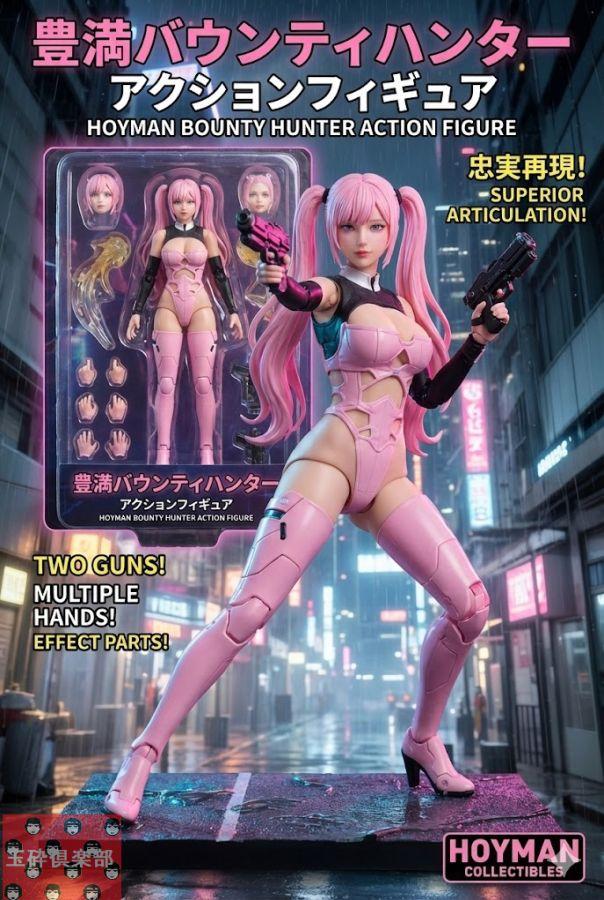
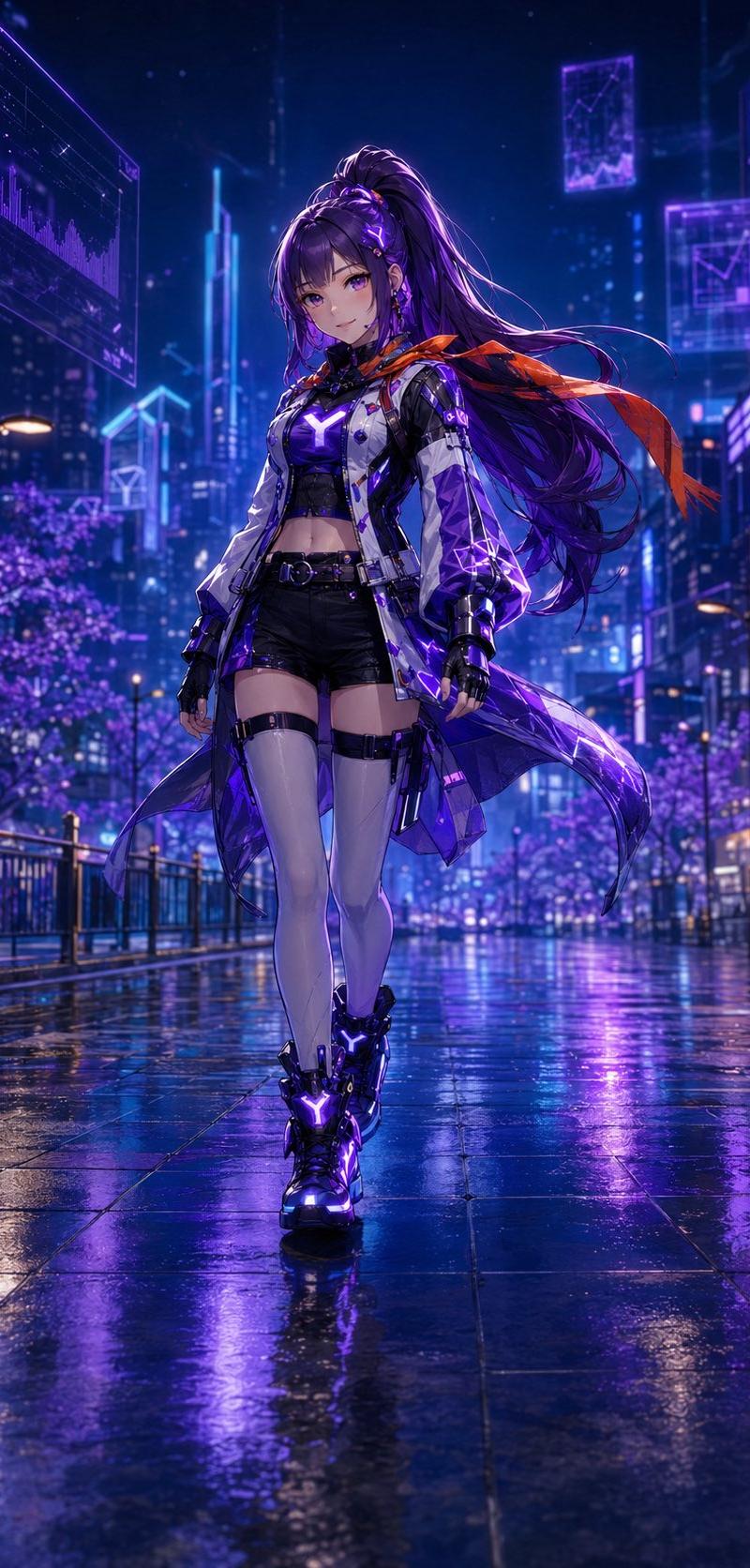
Example images

可动人偶风格化提示词

Prompt
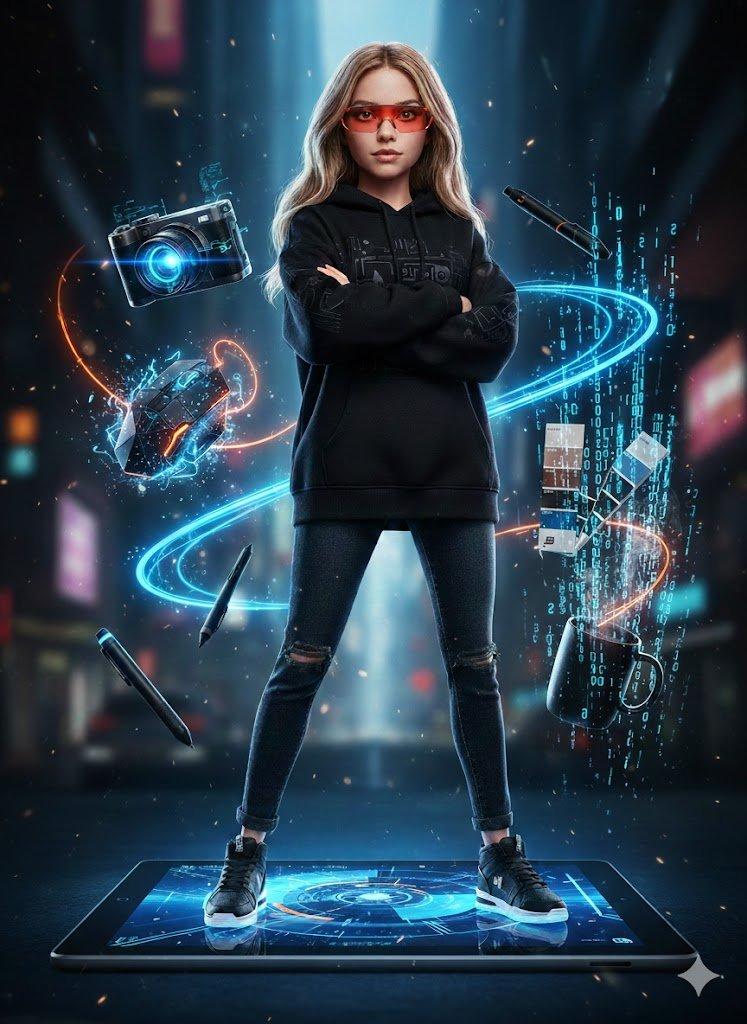
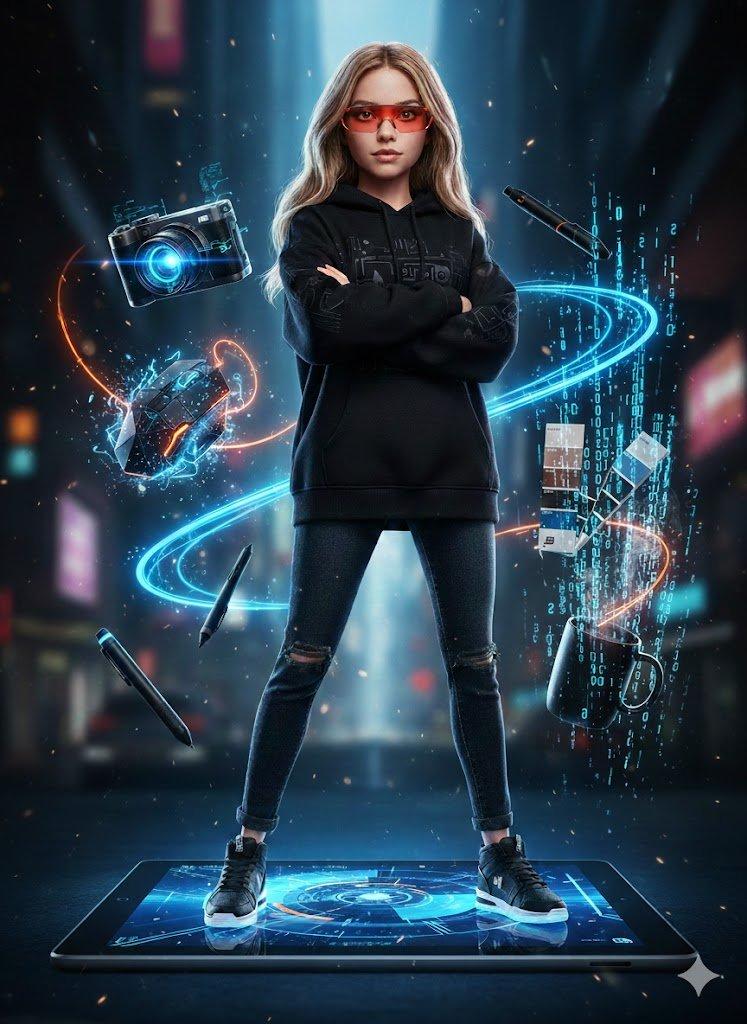
Ultra-realistic full-body portrait of a woman posed exactly as in the reference photo, stylized as a sleek female action figure. She stands with arms folded across her chest on top of a {argument name="platform" default="massive Microsoft Surface Tablet"}, dressed in urban streetwear — {argument name="outfit" default="black hoodie, jeans, sneakers"} — with {argument name="accessory" default="sharp red tech glasses"}.

Floating around her in a dynamic layout are designer tools: a next-gen camera with a blue holographic glow, a geometric mouse with electric sparks, a digital stylus leaving wireframe trails, a Pantone color guide in bold blue and black, and a minimal black coffee cup with binary code steam rising from it.

Bold blue-and-orange color palette with dramatic lighting throughout. Cyberpunk vibe, neon details, particle effects scattered across the scene. Visual style blends 3D animation with tech photography. Crisp focus, cinematic lighting, 8k resolution.
Category
Charts & Infographics
Model
GPT Image 2
Creator
PromptLab
Source language
en
Views0
Source ID
25166
Published
Jun 11, 2026
Studio

Guide

About "可动人偶风格化提示词"

What is this prompt for?

"可动人偶风格化提示词" AI image prompt for GPT Image 2 (Charts & Infographics). 一个基于参考照片进行人偶风格化的提示词,将主体转化为站在数字平板上、周围环绕悬浮科技配件的精致可动人偶。 Copy it on Picva and recreate the lo…

The full copyable prompt and example visuals above are ready for AI image generation or one-click recreate in Picva.

How to use this prompt

  1. Step 1

    Open the prompt detail

    Review the example visuals, category, and full prompt text for "可动人偶风格化提示词".

  2. Step 2

    Copy the prompt

    Copy the prompt body from this page, or load it directly in Studio.

  3. Step 3

    Pick a model (GPT Image 2)

    Prefer GPT Image 2. If you switch models, keep subject and composition and tweak style terms.

  4. Step 4

    Generate and export

    Recreate the look in Picva, or export into your workflow for editing and publishing.

FAQ

What is the "可动人偶风格化提示词" prompt?
It is an AI image-generation prompt for GPT Image 2 in the Charts & Infographics category. This page includes the full prompt text, example visuals, and a one-click recreate path in Picva.
How do I use this prompt to generate an image?
Copy the prompt from this page, or use Generate / Studio. Paste it into a compatible image model, or recreate the look in Picva with optional reference images.
Which model is this prompt for?
This page lists GPT Image 2. Most descriptive prompts also transfer to nearby image models such as GPT Image, Flux, or Midjourney with light style tweaks.
Can I use the result commercially?
You can usually copy the prompt for creation, but commercial use of the final image depends on the model terms, reference-image rights, and the generated content. Follow the source author and platform rules.