17

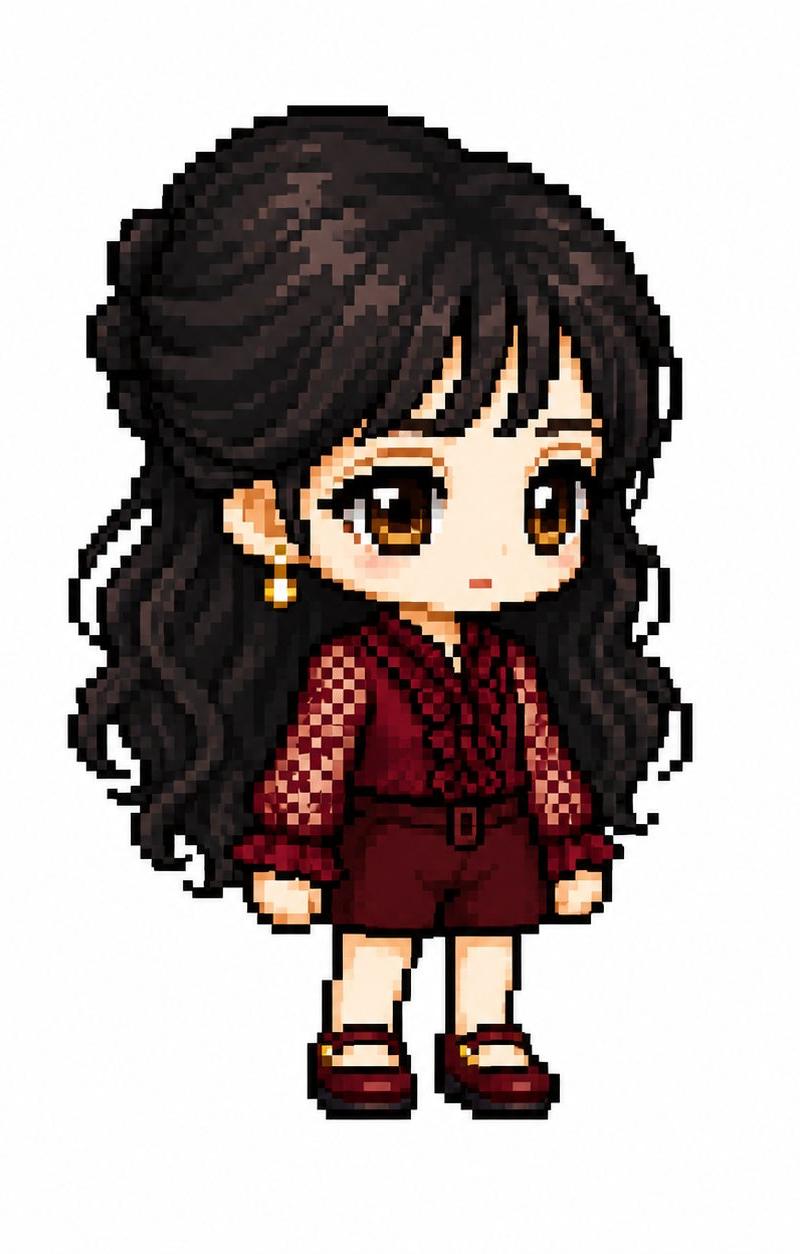
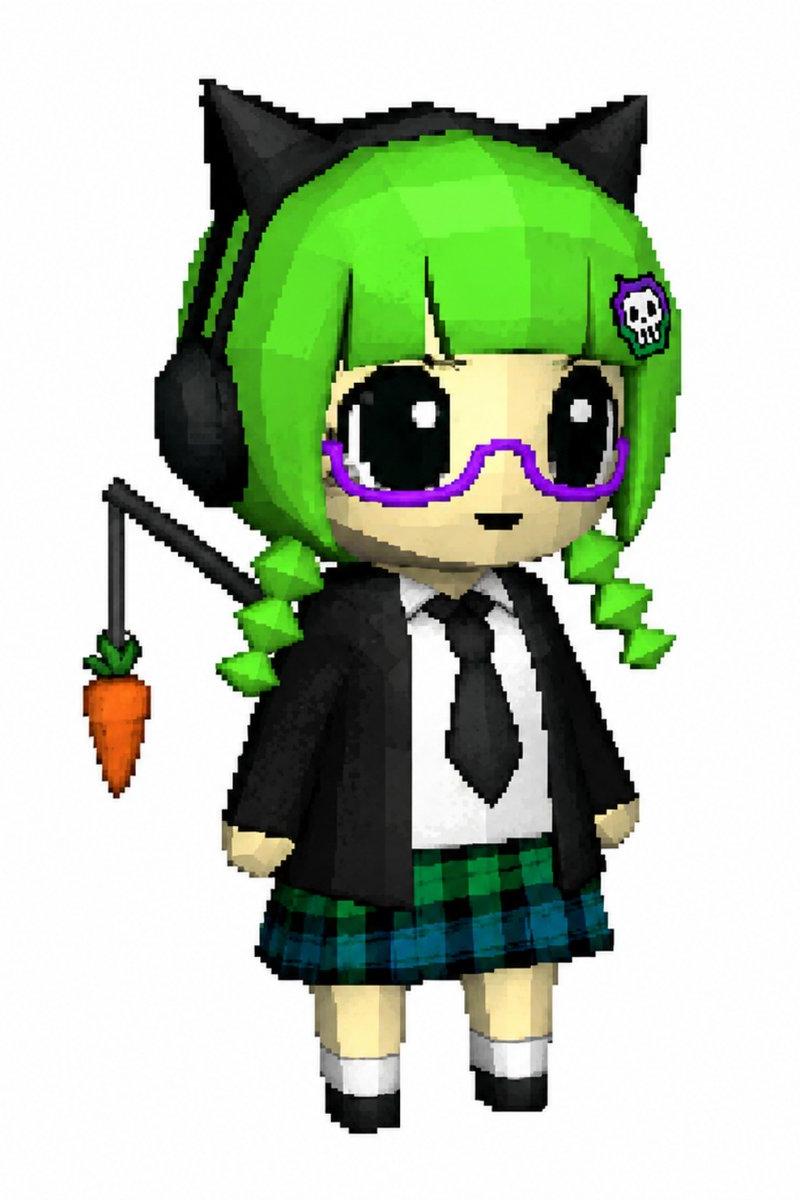
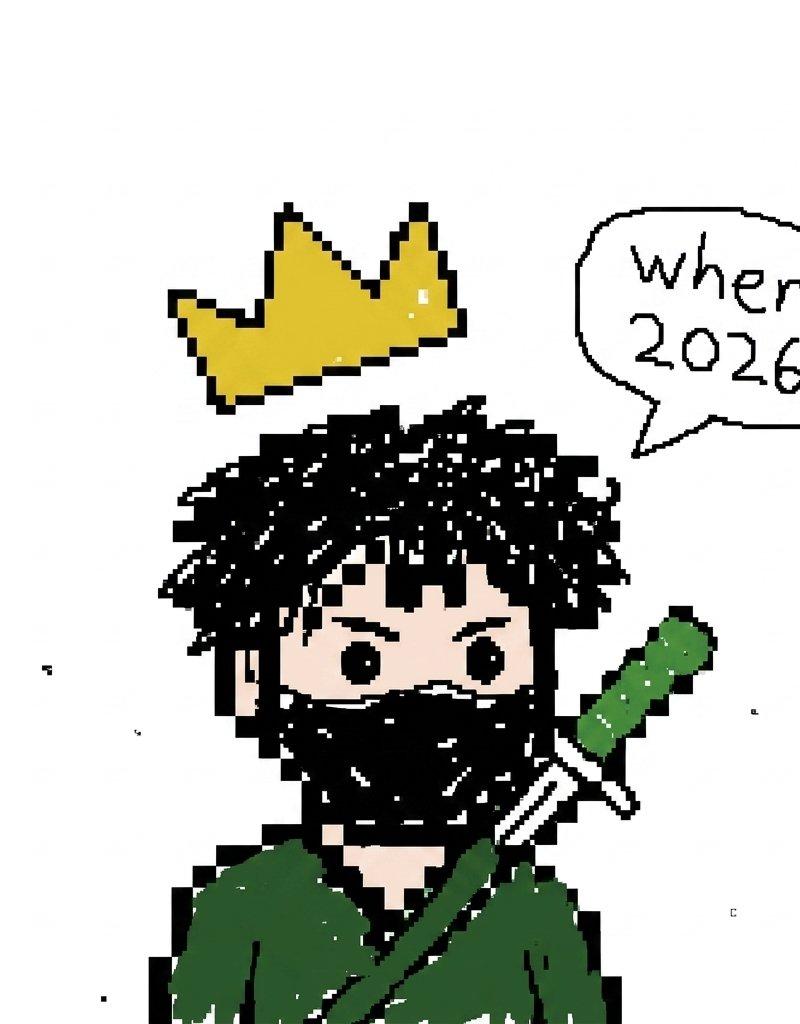
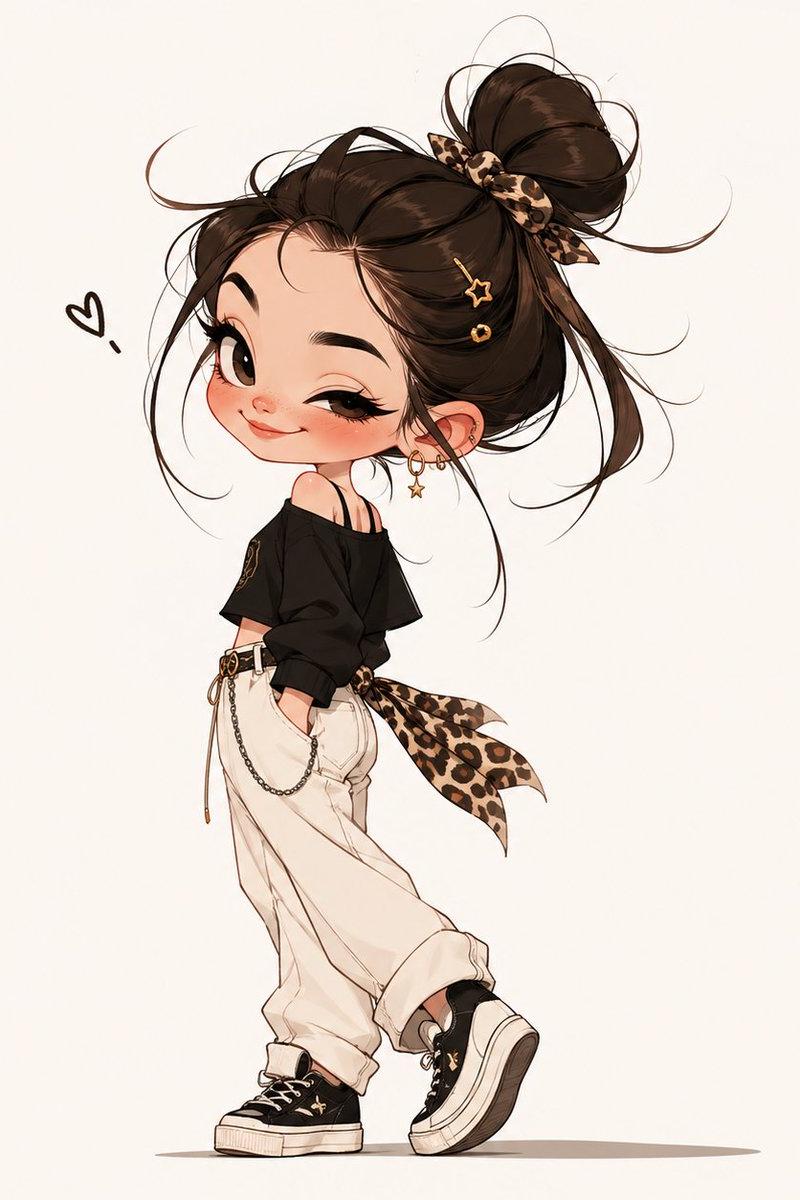
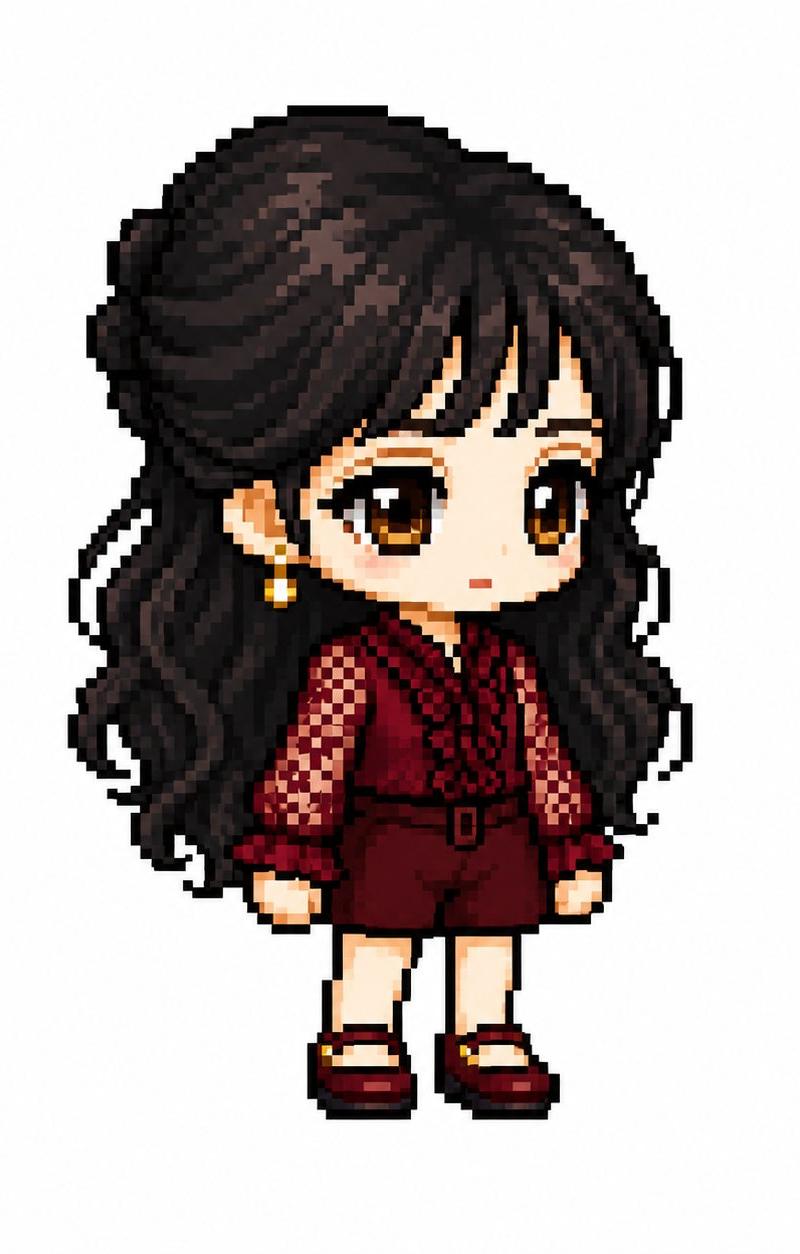
MapleStory 风格像素艺术头像
Enlarge

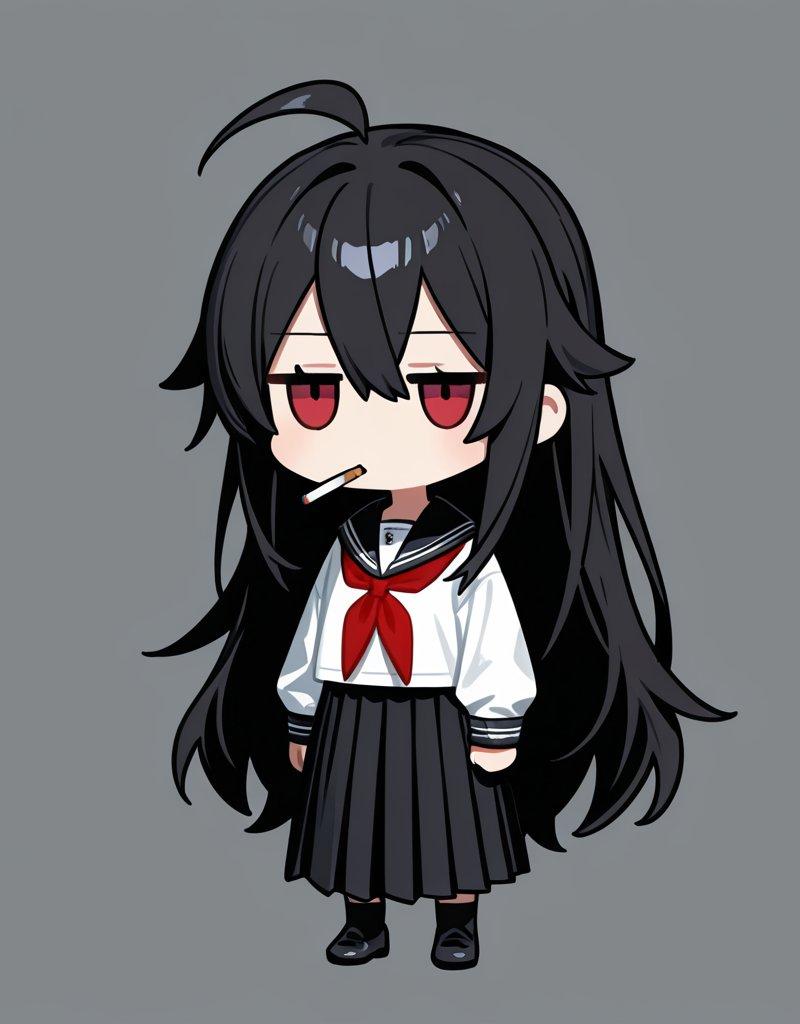
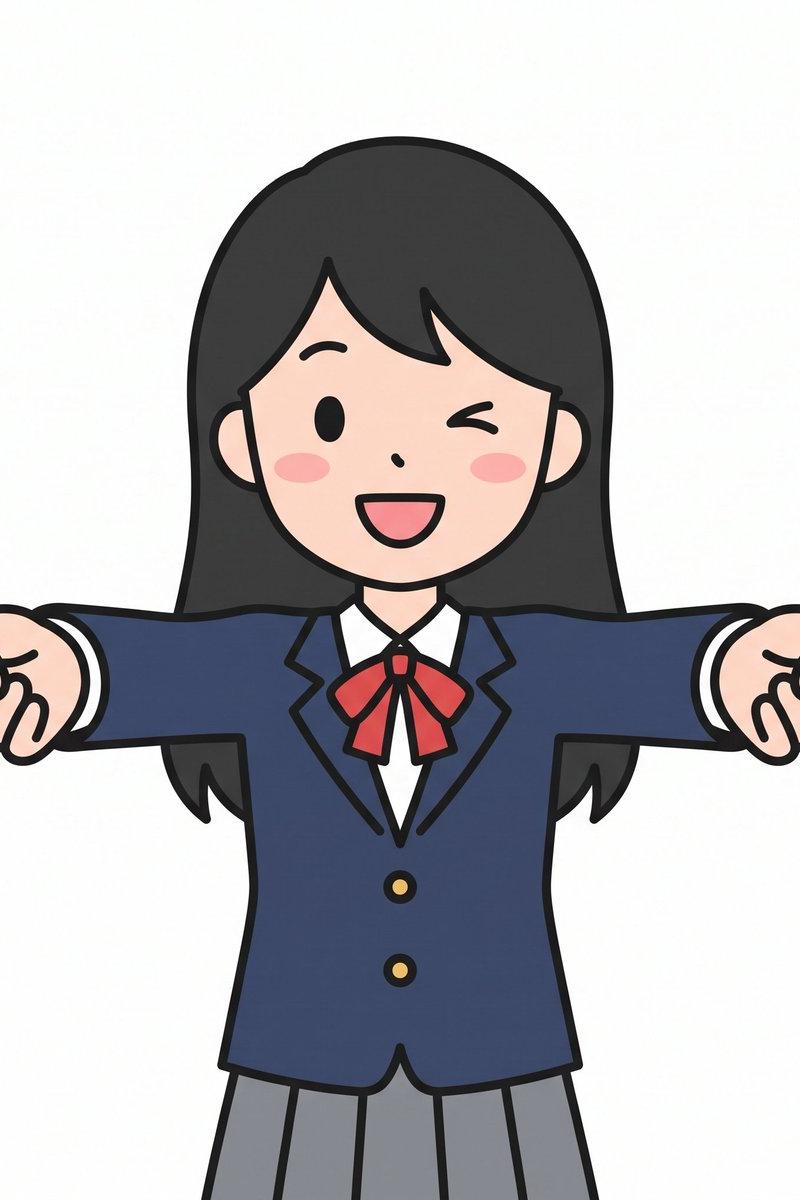
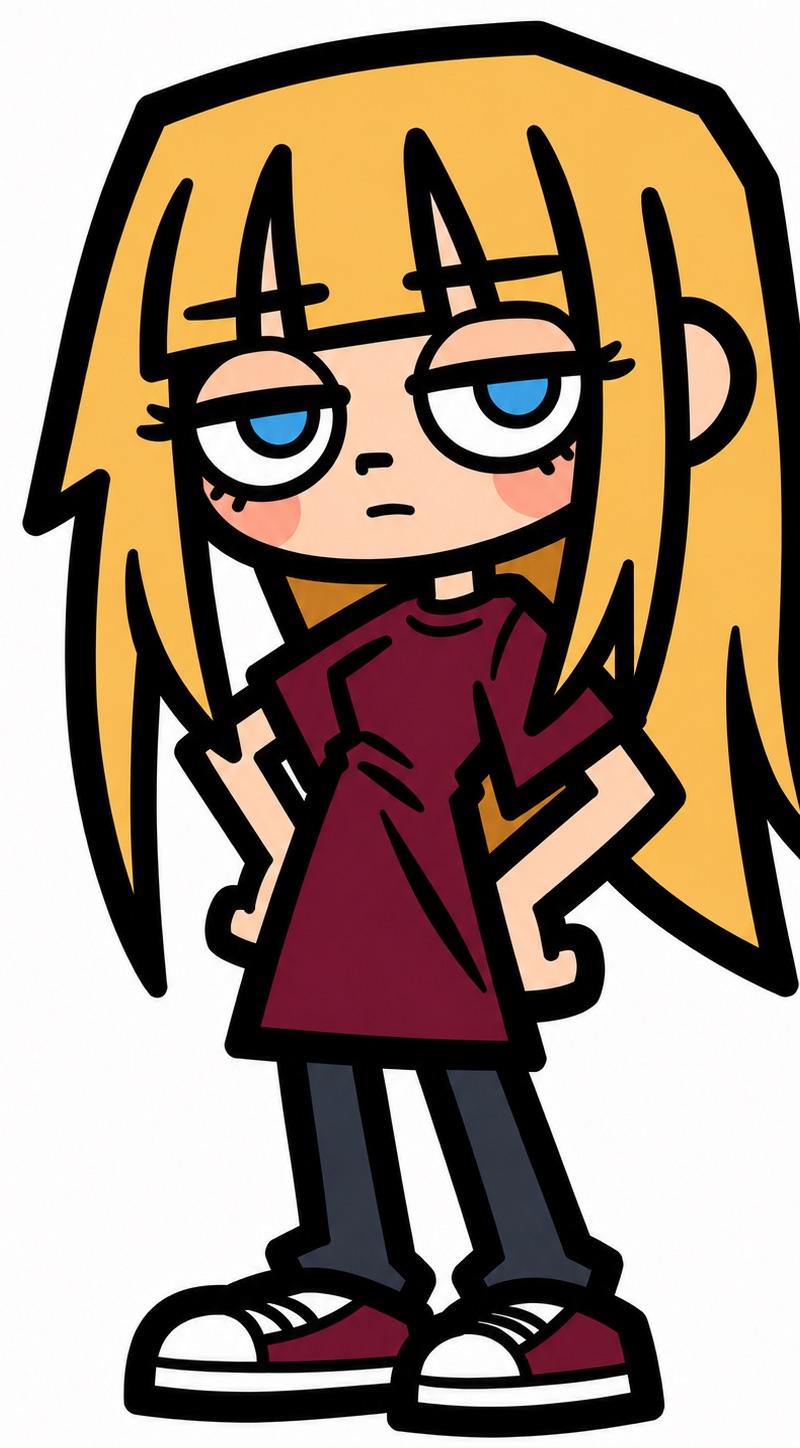
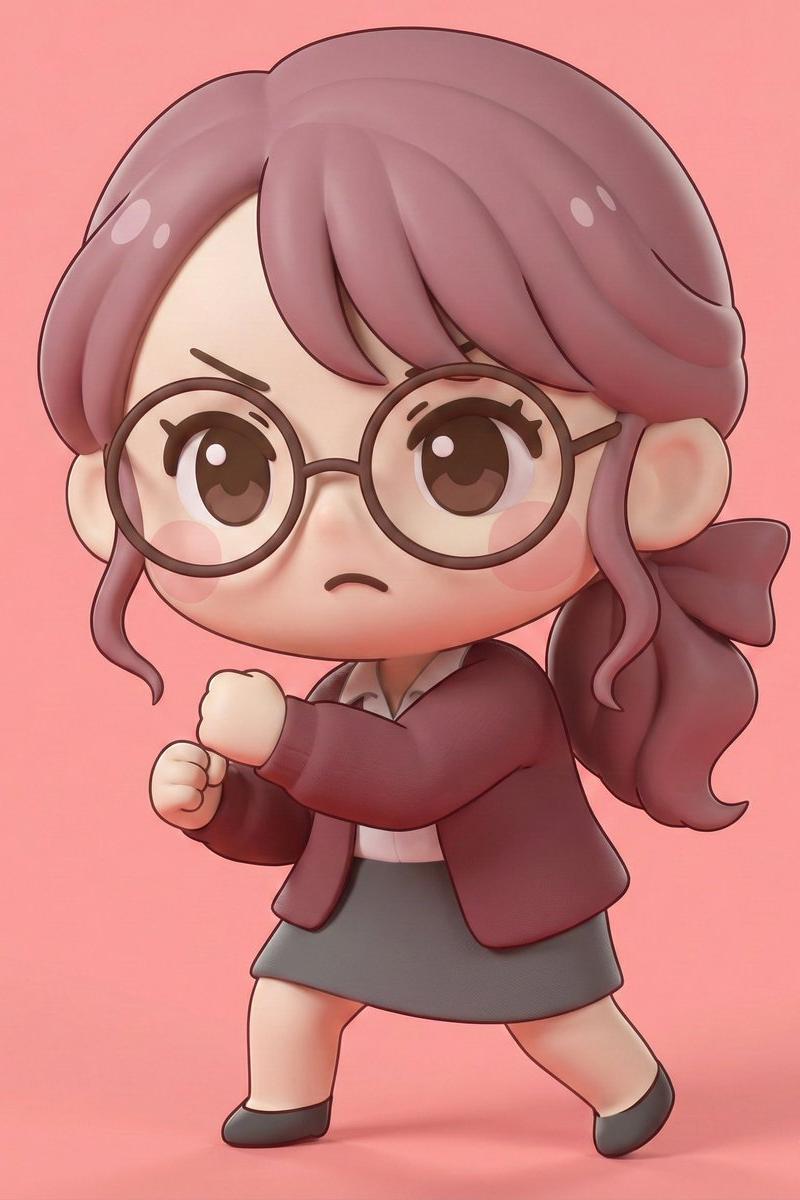
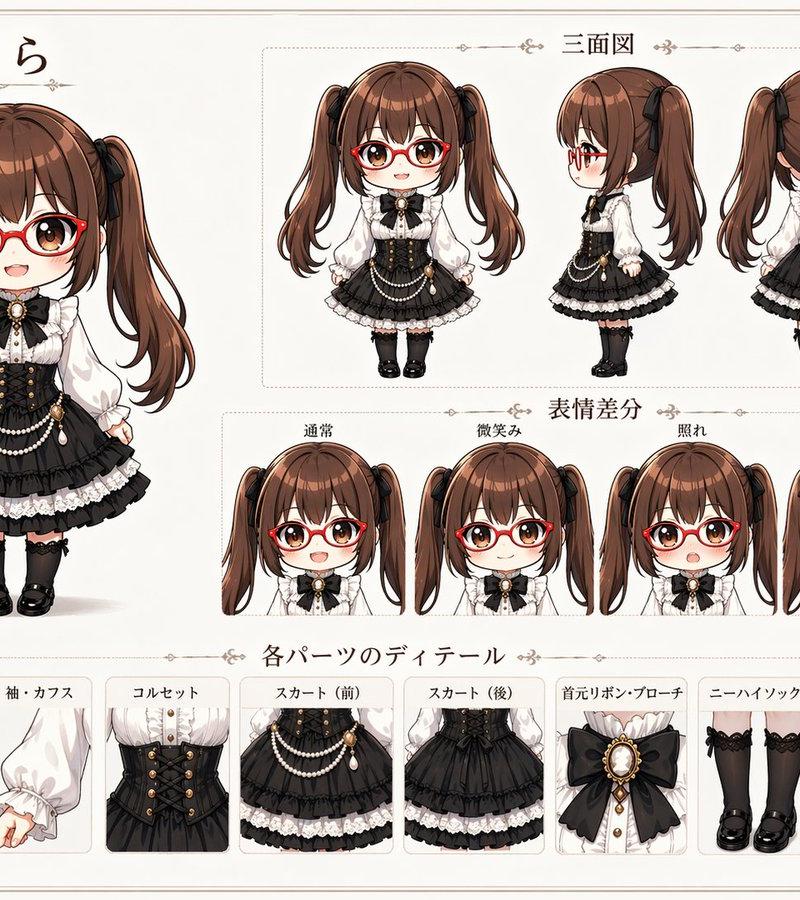
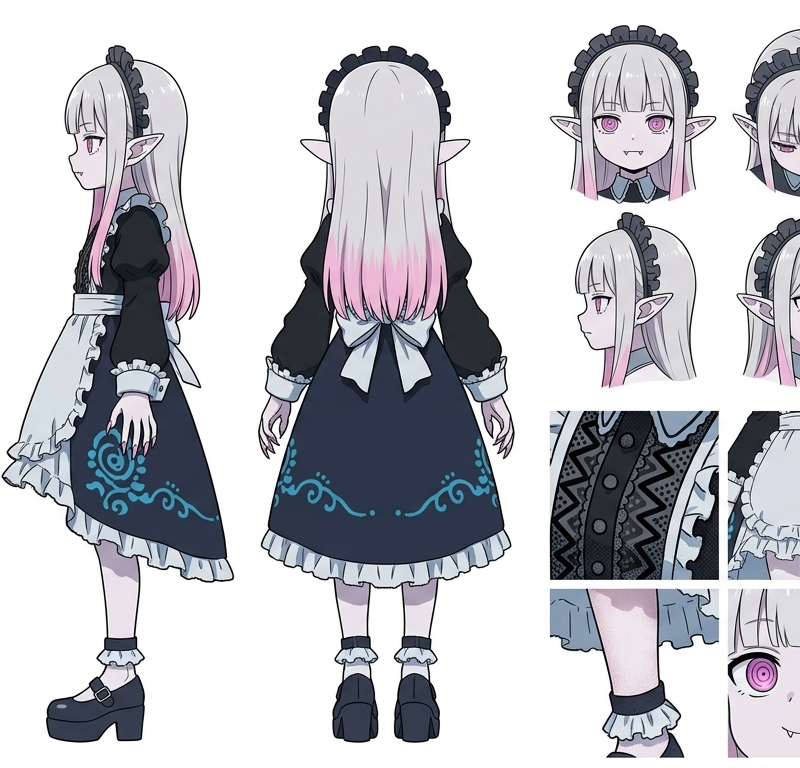
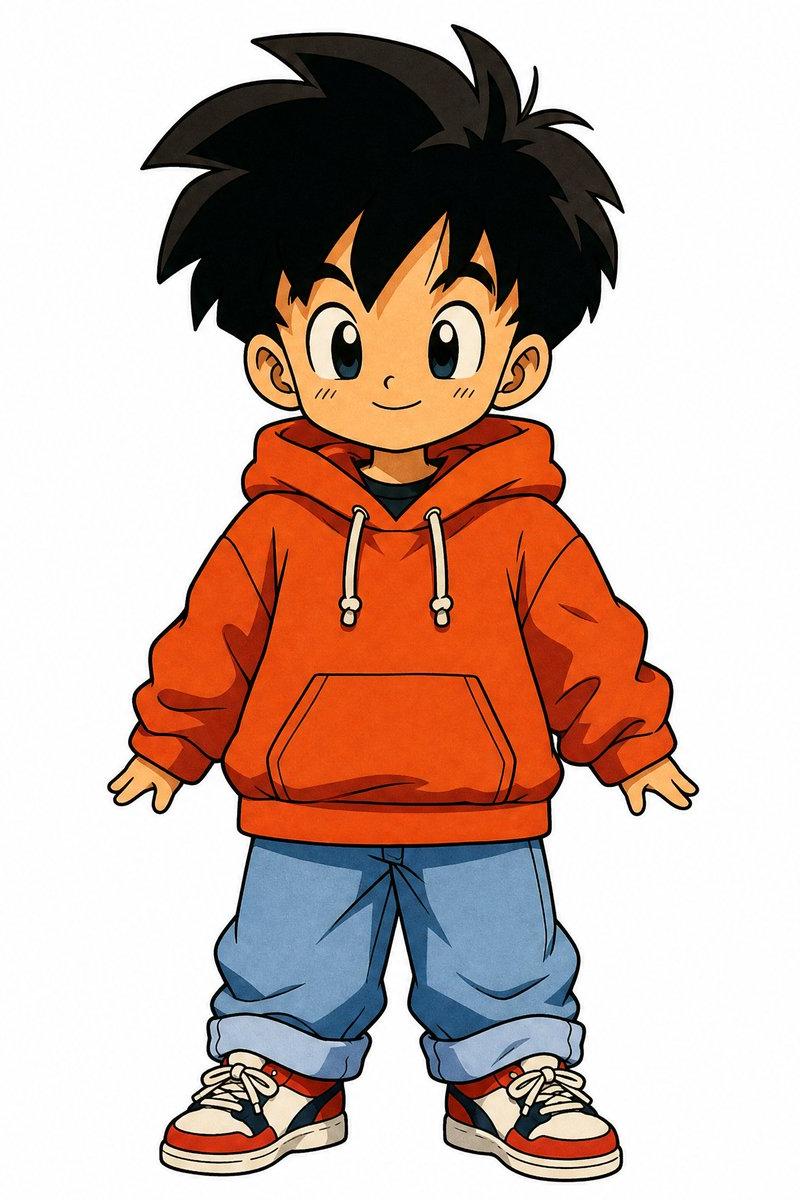
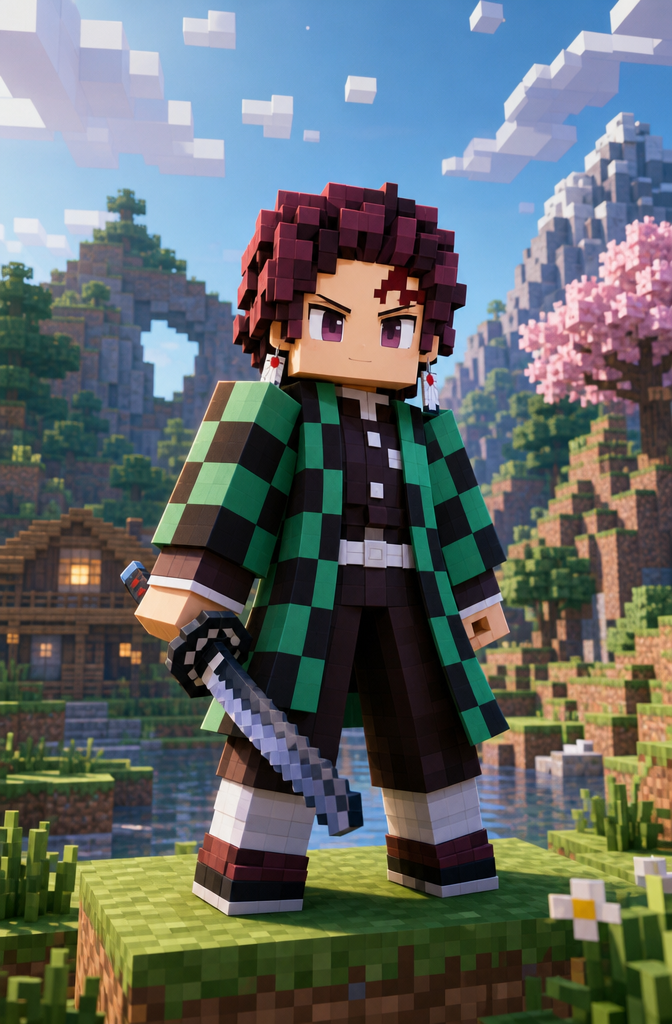
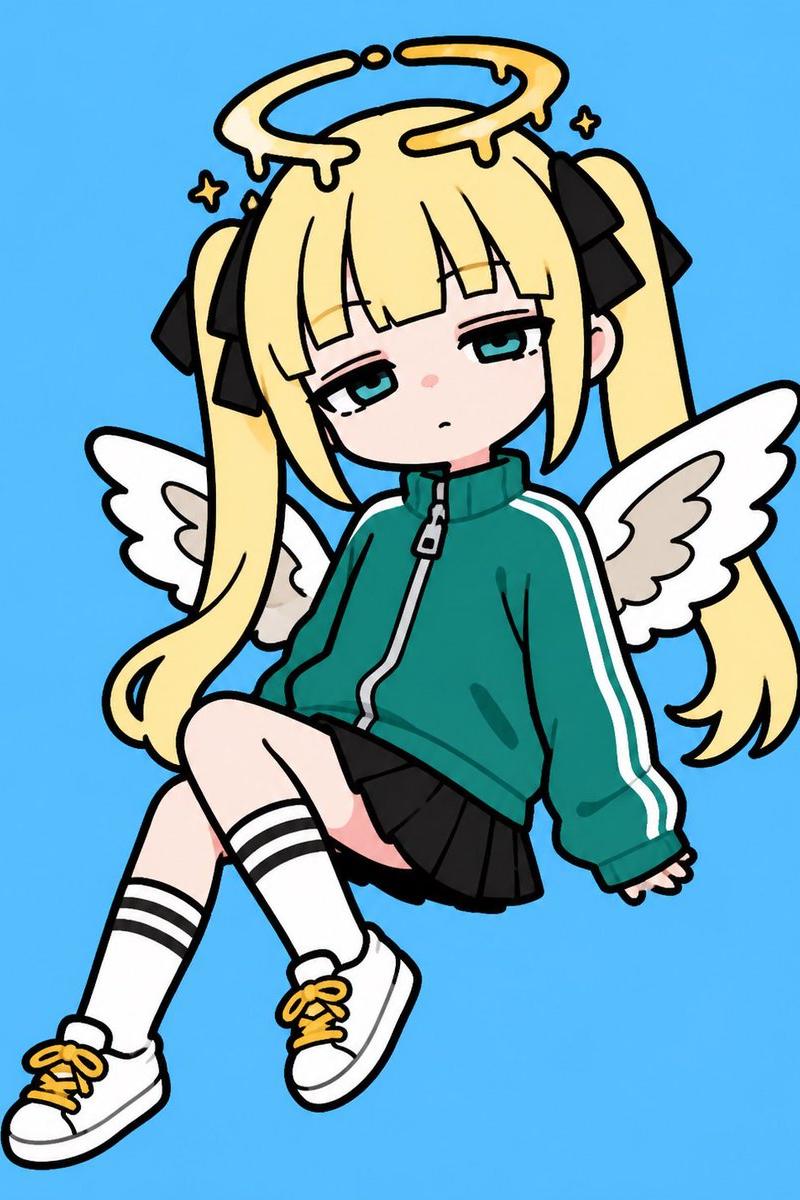
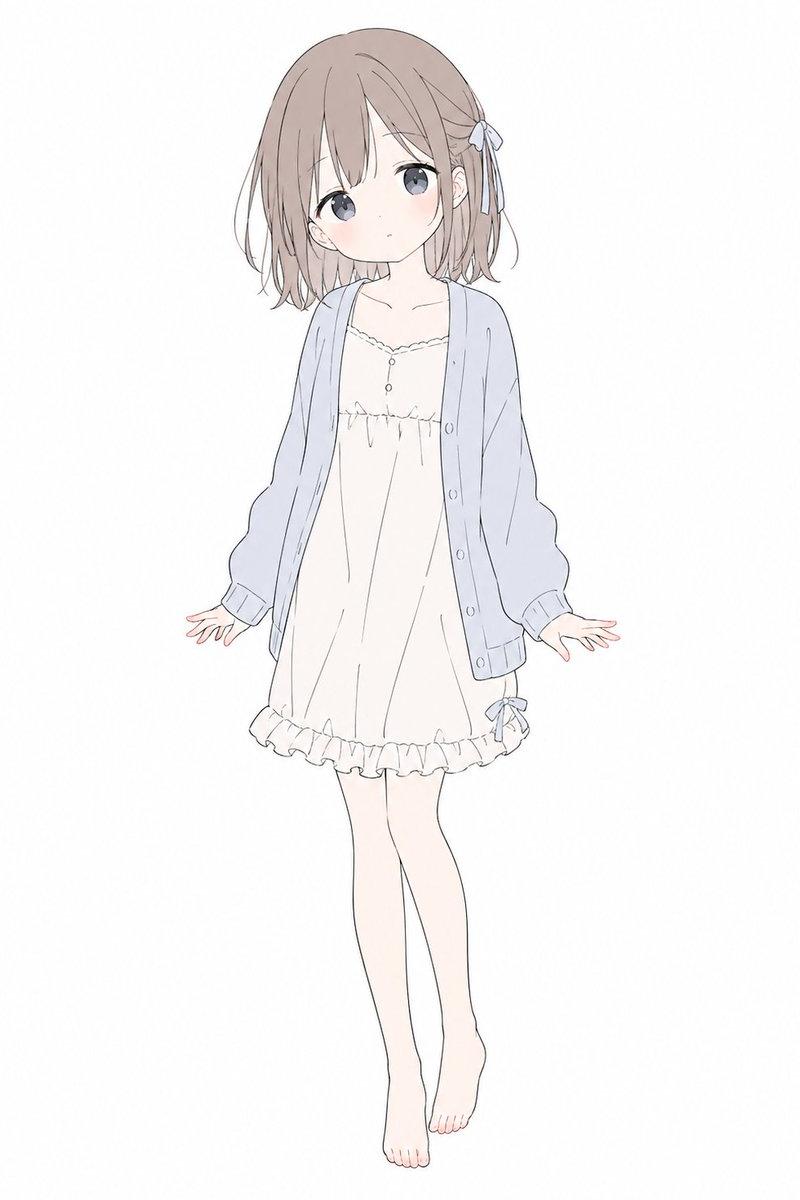
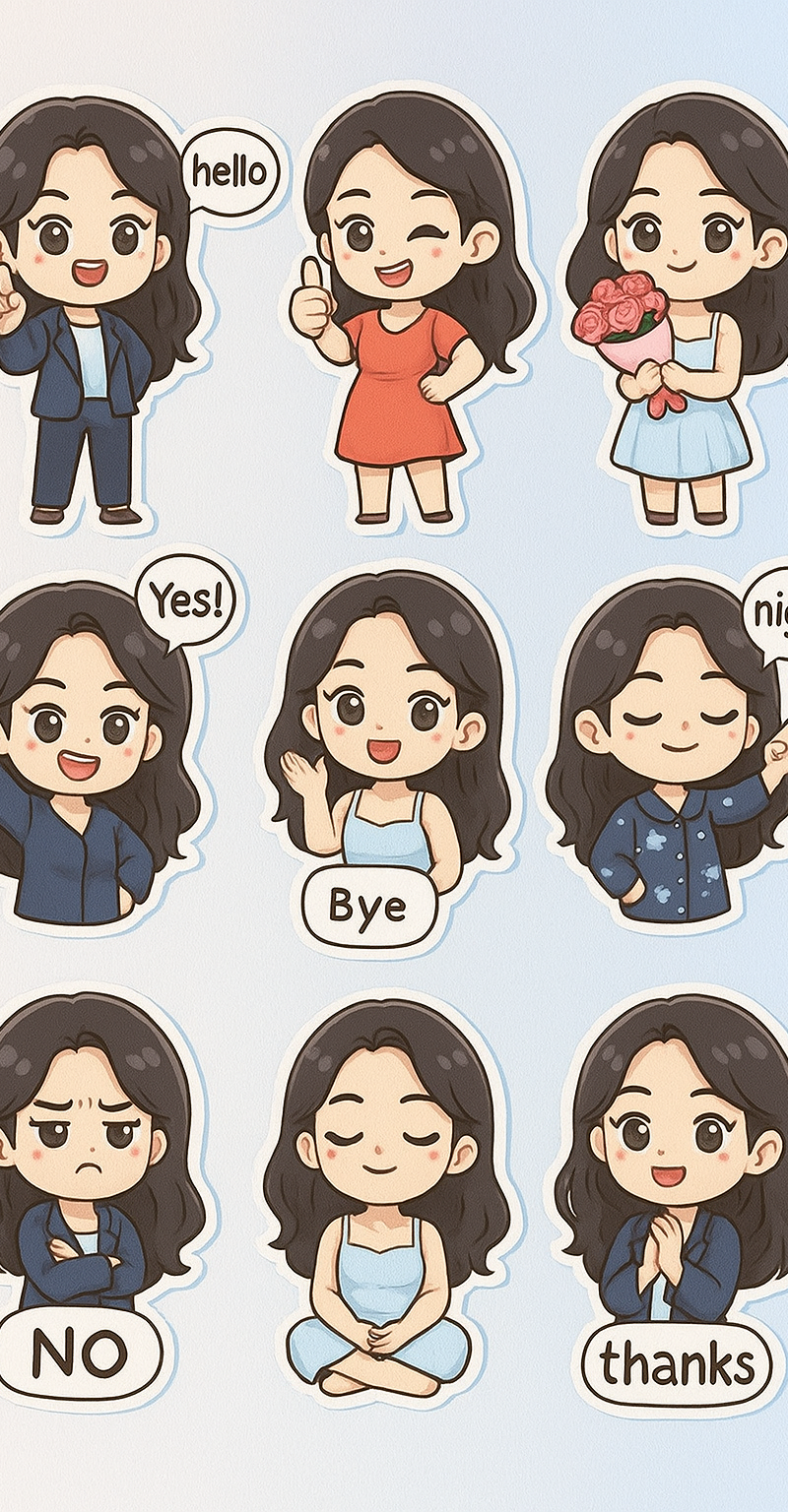
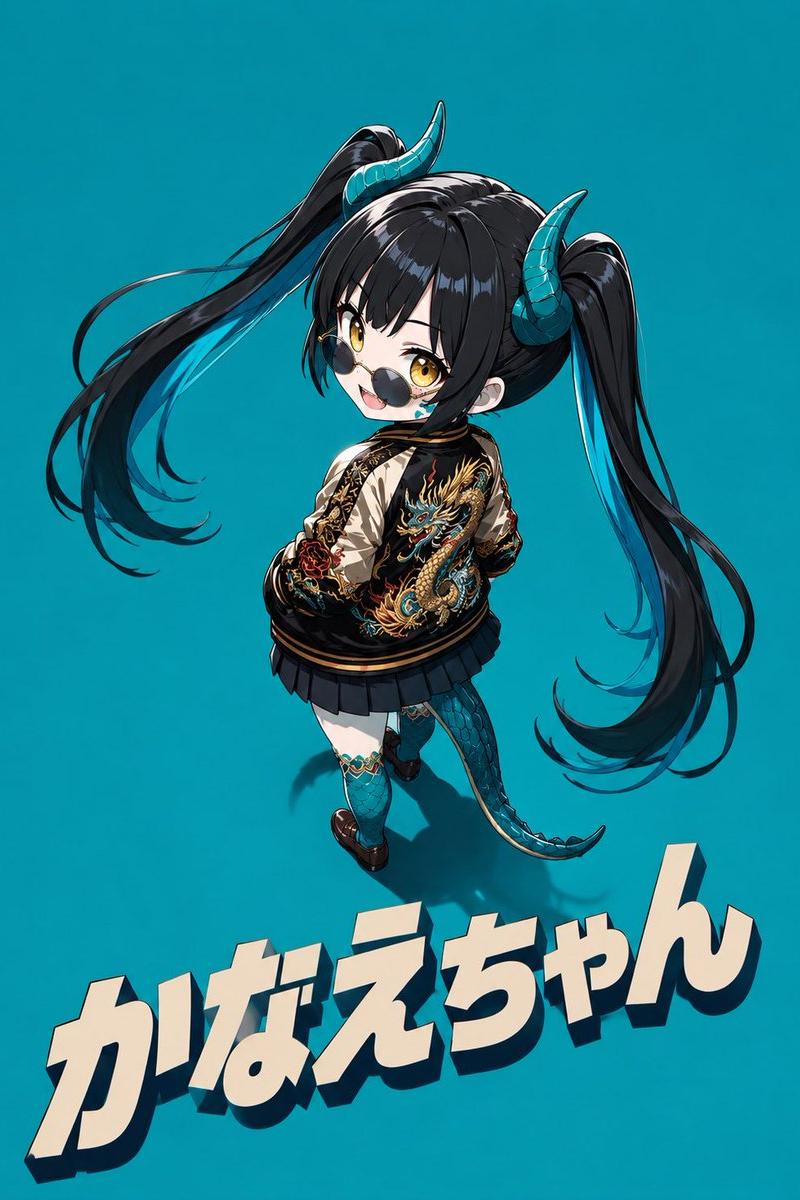
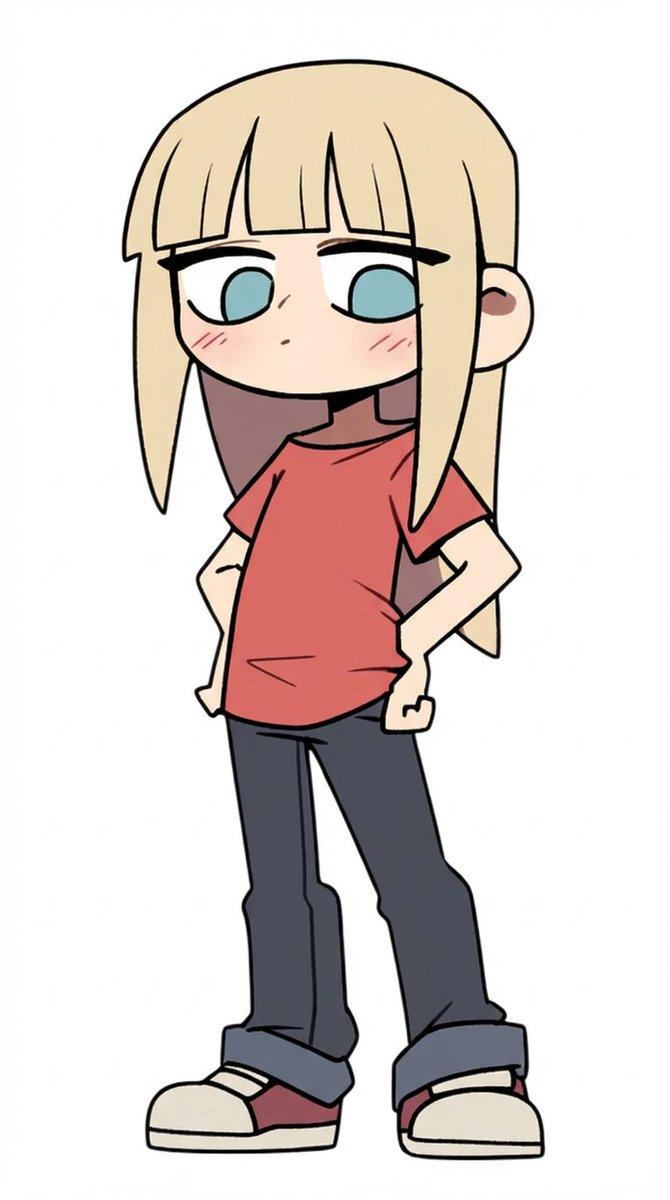
Example images

MapleStory 风格像素艺术头像

Prompt
你是一位专业的像素艺术总监,负责将动漫、游戏和漫画角色转换为 MapleStory 风格的玩家头像精灵图。

[任务]
1. 分析角色的身体特征:
- 发型
- 发色
- 瞳色
- 代表性服装
- 配饰
- 武器
- 象征性元素
- 代表色

2. 在保持上述特征的同时,将其重新诠释为 MapleStory 玩家角色的结构。

3. 确保其看起来像是真实的 MapleStory 玩家角色精灵图,而非普通的像素艺术。
────────────────────
[角色结构规范]
- 头部 + 头发:占总高度的 60-65%
- 躯干:15-18%
- 腿部:20-25%
- 2 到 2.3 头身比例
- 35-45 度角侧视
- 正面朝向,确保双眼可见
- 平面化的 2D 精灵图脸部
- 眼睛位于脸部下方
- 双眼间距较宽
- 宽大且扁平的眼睛
- 大瞳孔
- 包含瞳孔高光
- 禁止表现鼻子
- 极小的嘴巴
- 柔和的脸颊
- 禁止表现脖子(头部直接连接躯干)
- 服装从下巴下方直接开始

发型:
- 角色身份的核心
- 体积大于头部本身
- 轮廓优先
- 极简的发丝表现
- 顶部包含高光

身体:
- 极小的躯干
- 短小的手臂
- 短小的腿部
- 简单的圆柱形四肢
- 极简的关节表现

装备层级结构:
头发 / 帽子 / 脸部饰品 / 上衣 / 下装
鞋子 / 披风 / 武器

姿势:
- 站立姿势(角色选择界面风格)
- 无跳跃动作
- 无战斗姿势
- 无动作特效
────────────────────
[像素渲染规范]
目标:放大后的 32-64px 游戏精灵图氛围

- 低分辨率游戏精灵图
- 块状像素结构
- 网格对齐的像素艺术
- 可见的像素块
- 清晰的 1px 轮廓线
- 有限的调色板
- 平面色彩阴影
- 极简阴影
- 无抖动(Dithering)
- 无平滑渐变
- 无喷枪效果

[禁止风格]
Pokemon 风格 / Terraria 风格 / Stardew Valley 风格
写实风格 / 3D 渲染 / 插画风格
动漫插画 / 数字绘画
高清像素艺术 / 平滑渐变
────────────────────
[输出条件]
- 画布尺寸:1080x1080
- 背景:纯白 (#FFFFFF)
- 仅限单人角色
- 全身展示
- 居中放置
- 占据约 75% 的画布高度
- 无文字、Logo 或水印
- 无背景物体
- 无地面
────────────────────
请将角色生成为真实的 MapleStory 玩家头像精灵图。它看起来应像是将所附图像转换为 MapleStory 风格的结果,而不仅仅是一个普通的像素艺术角色。
Category
Charts & Infographics
Model
GPT Image 2
Creator
ケンイチ | AIスキルアカデミー『誰でもわかるAI活用術』
Source language
ja
Views0
Source ID
25196
Published
Jun 11, 2026
Studio

Guide

About "MapleStory 风格像素艺术头像"

What is this prompt for?

"MapleStory 风格像素艺术头像" AI image prompt for GPT Image 2 (Charts & Infographics). 将动漫、游戏或漫画角色转换为 MapleStory 风格的玩家头像。该提示词通过分析面部特征、发型和服装,以正确的头身比例和 45 度角视角,重现特定的 2D…

The full copyable prompt and example visuals above are ready for AI image generation or one-click recreate in Picva.

How to use this prompt

  1. Step 1

    Open the prompt detail

    Review the example visuals, category, and full prompt text for "MapleStory 风格像素艺术头像".

  2. Step 2

    Copy the prompt

    Copy the prompt body from this page, or load it directly in Studio.

  3. Step 3

    Pick a model (GPT Image 2)

    Prefer GPT Image 2. If you switch models, keep subject and composition and tweak style terms.

  4. Step 4

    Generate and export

    Recreate the look in Picva, or export into your workflow for editing and publishing.

FAQ

What is the "MapleStory 风格像素艺术头像" prompt?
It is an AI image-generation prompt for GPT Image 2 in the Charts & Infographics category. This page includes the full prompt text, example visuals, and a one-click recreate path in Picva.
How do I use this prompt to generate an image?
Copy the prompt from this page, or use Generate / Studio. Paste it into a compatible image model, or recreate the look in Picva with optional reference images.
Which model is this prompt for?
This page lists GPT Image 2. Most descriptive prompts also transfer to nearby image models such as GPT Image, Flux, or Midjourney with light style tweaks.
Can I use the result commercially?
You can usually copy the prompt for creation, but commercial use of the final image depends on the model terms, reference-image rights, and the generated content. Follow the source author and platform rules.