15

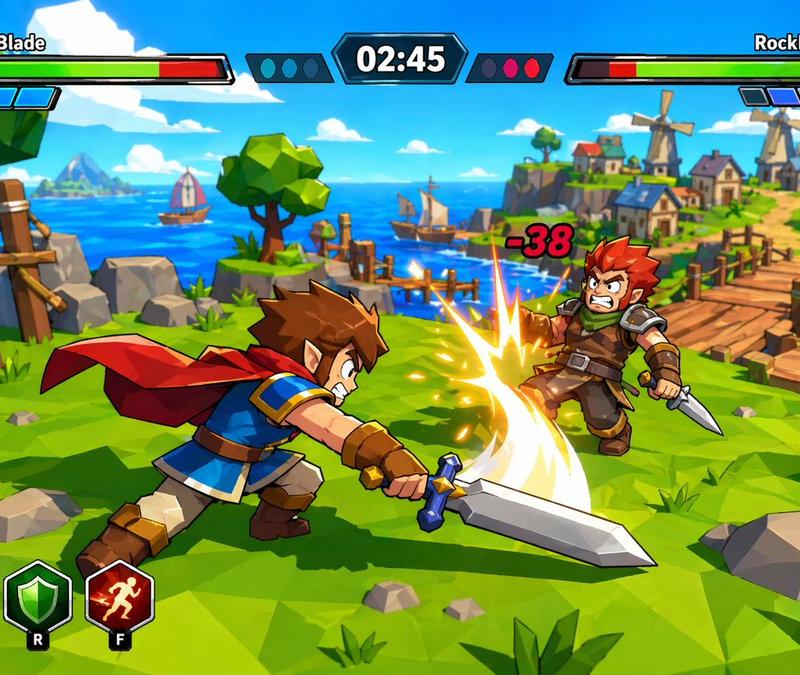
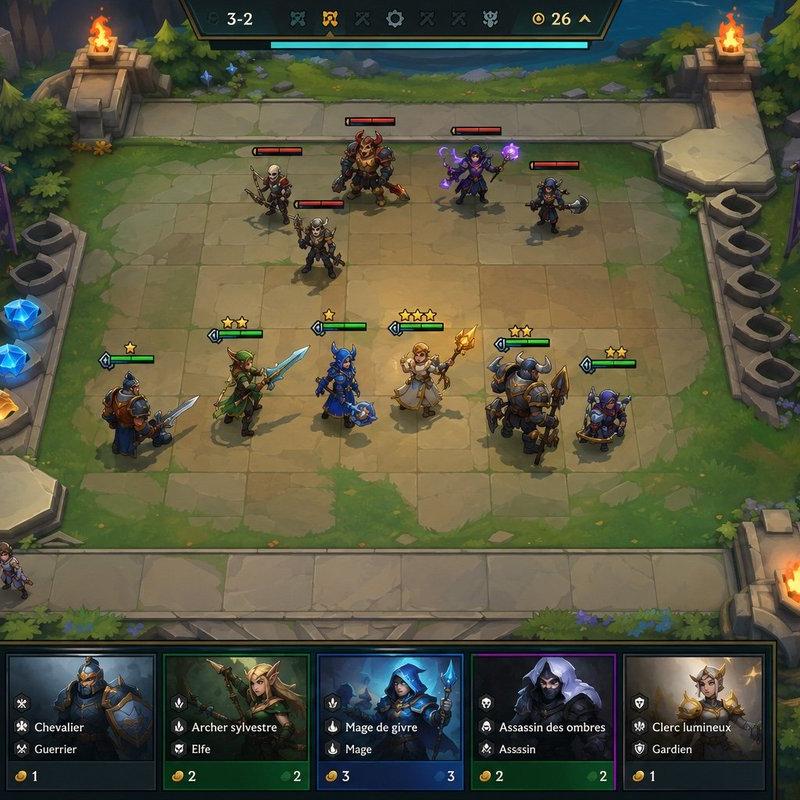
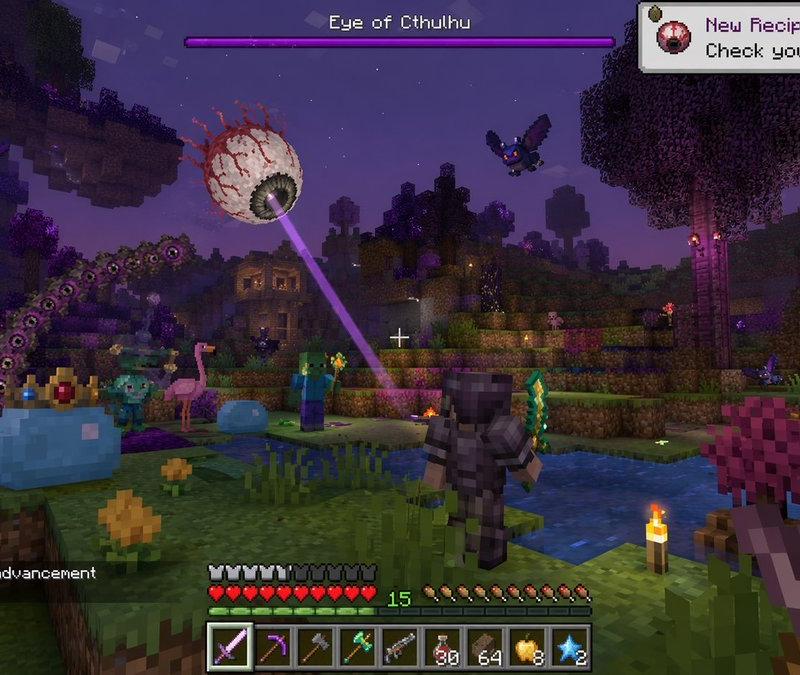
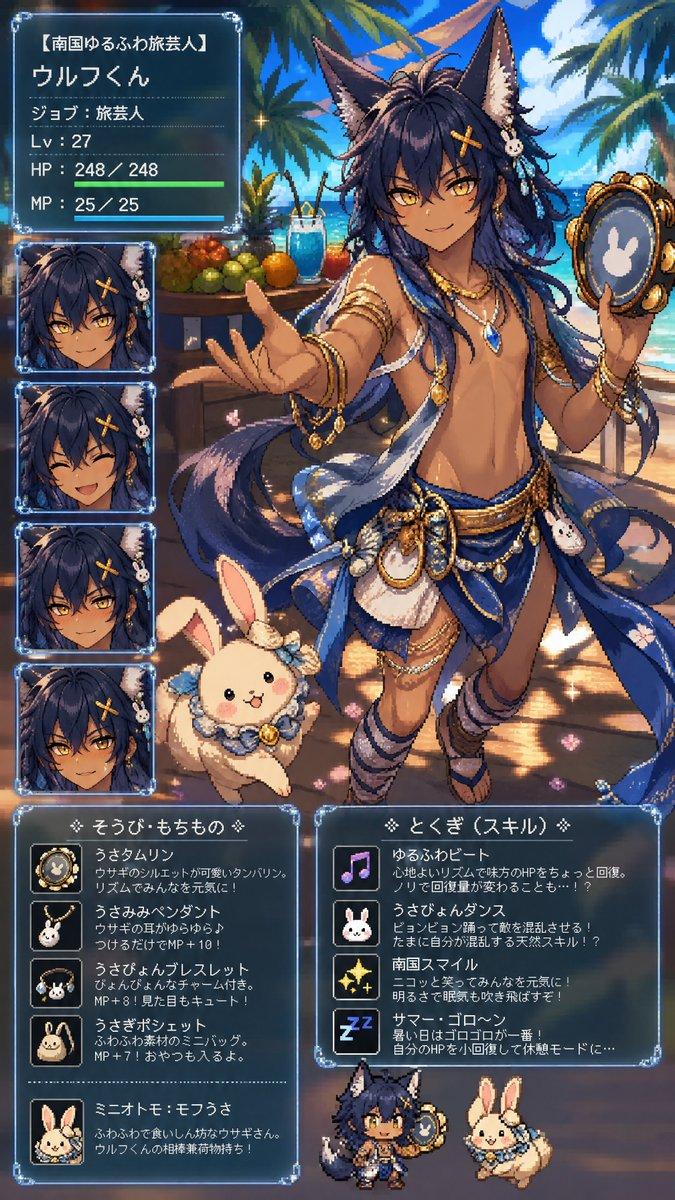
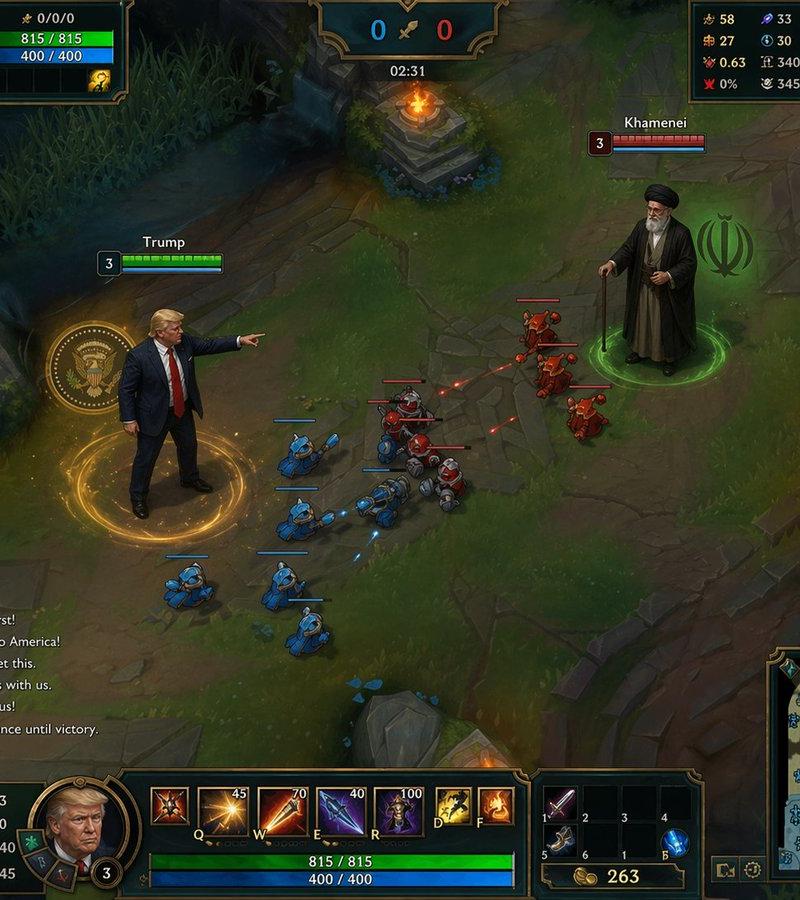
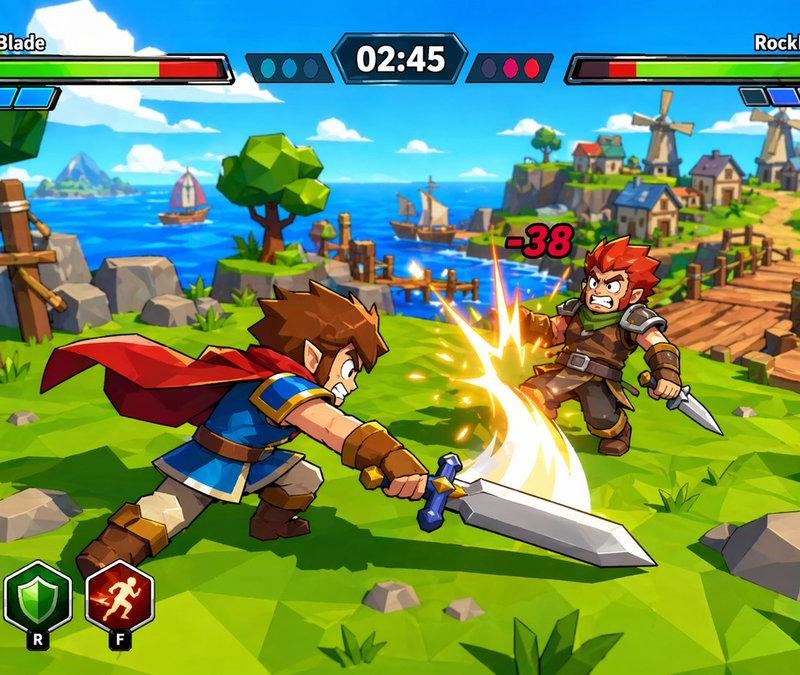
塞尔达风格游戏 UI 截图
Enlarge

Example images

塞尔达风格游戏 UI 截图

Prompt
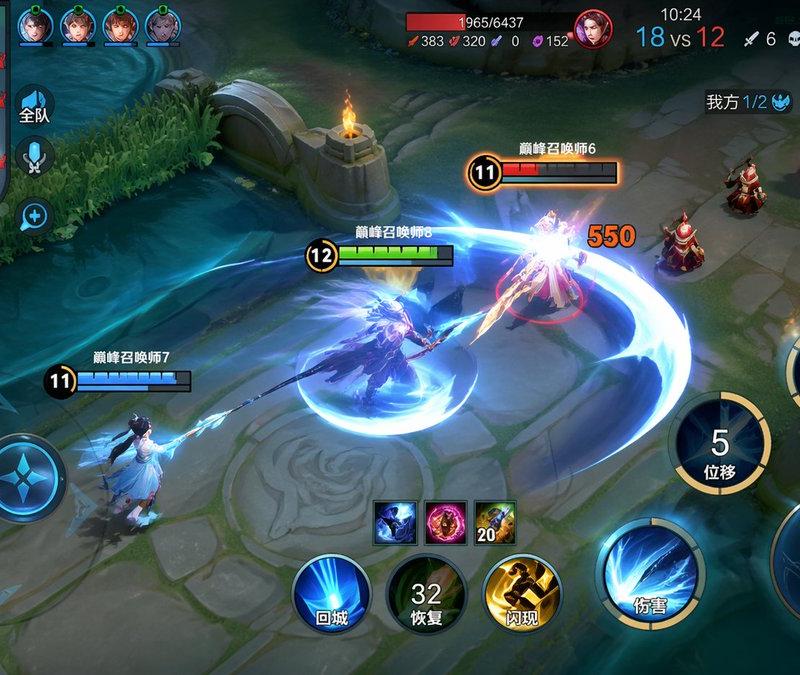
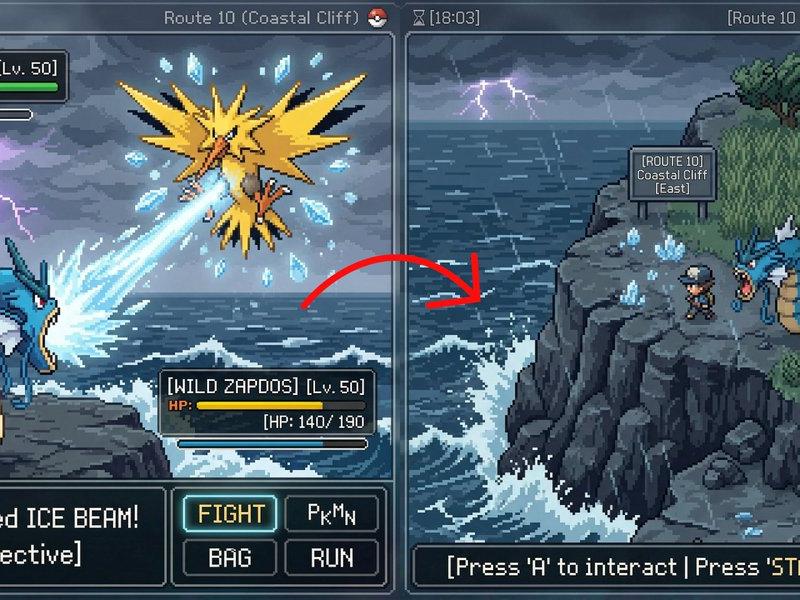
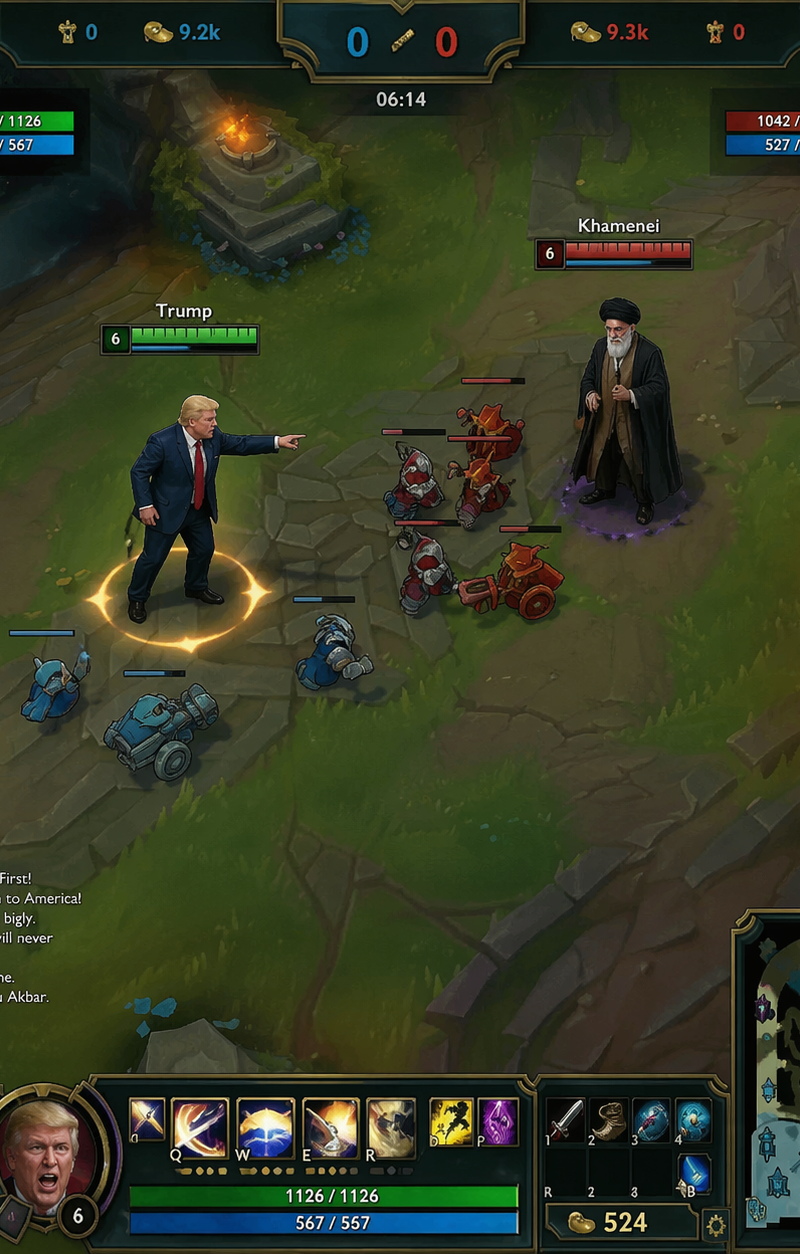
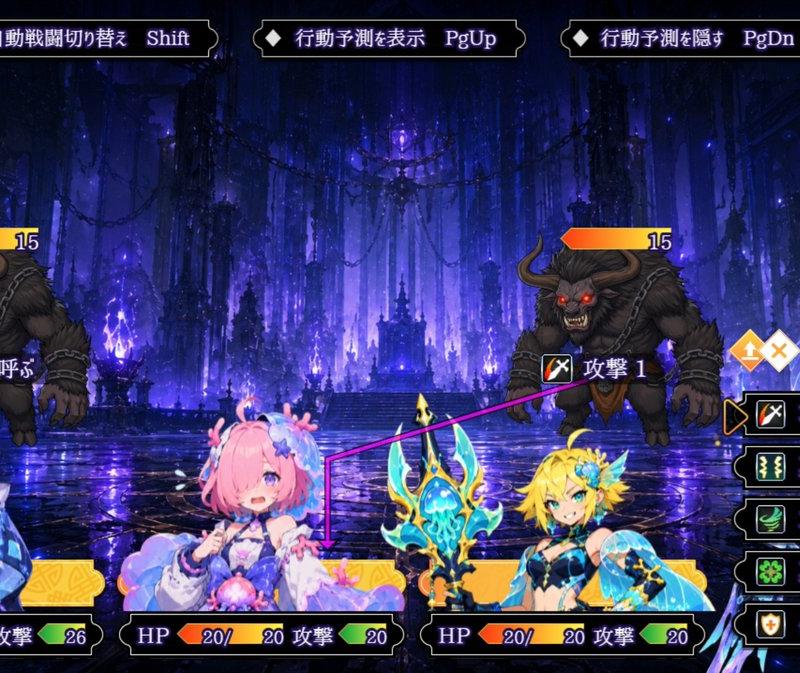
Create a screenshot of a PVP game inspired by {argument name="game inspiration" default="*Zelda: Wind Waker*'s"} cel-shaded art style. Show a {argument name="character type" default="custom fantasy character"} in battle, with an in-game HUD displaying health bars, player portraits, and action menus. {argument name="color palette" default="Vibrant oceanic"} colors, stylized cartoon shading.
Category
UI & Interfaces
Model
GPT Image 2
Creator
PromptLab
Source language
en
Views0
Source ID
25387
Published
Jun 12, 2026
Studio

Guide

About "塞尔达风格游戏 UI 截图"

What is this prompt for?

"塞尔达风格游戏 UI 截图" AI image prompt for GPT Image 2 (UI & Interfaces). 生成一张受《塞尔达传说:风之杖》启发的赛璐珞风格电子游戏截图,包含完整的 HUD 元素和奇幻角色战斗场景。 Copy it on Picva and recreate the look…

The full copyable prompt and example visuals above are ready for AI image generation or one-click recreate in Picva.

How to use this prompt

  1. Step 1

    Open the prompt detail

    Review the example visuals, category, and full prompt text for "塞尔达风格游戏 UI 截图".

  2. Step 2

    Copy the prompt

    Copy the prompt body from this page, or load it directly in Studio.

  3. Step 3

    Pick a model (GPT Image 2)

    Prefer GPT Image 2. If you switch models, keep subject and composition and tweak style terms.

  4. Step 4

    Generate and export

    Recreate the look in Picva, or export into your workflow for editing and publishing.

FAQ

What is the "塞尔达风格游戏 UI 截图" prompt?
It is an AI image-generation prompt for GPT Image 2 in the UI & Interfaces category. This page includes the full prompt text, example visuals, and a one-click recreate path in Picva.
How do I use this prompt to generate an image?
Copy the prompt from this page, or use Generate / Studio. Paste it into a compatible image model, or recreate the look in Picva with optional reference images.
Which model is this prompt for?
This page lists GPT Image 2. Most descriptive prompts also transfer to nearby image models such as GPT Image, Flux, or Midjourney with light style tweaks.
Can I use the result commercially?
You can usually copy the prompt for creation, but commercial use of the final image depends on the model terms, reference-image rights, and the generated content. Follow the source author and platform rules.