20

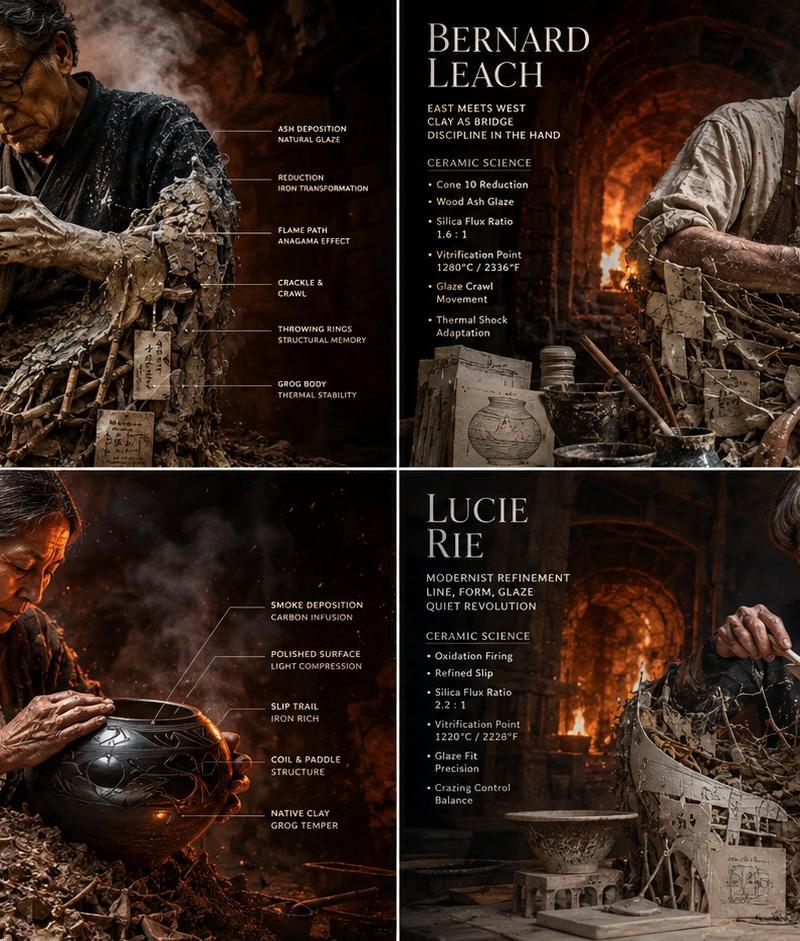
Master Potter 陶瓷信息图网格
Enlarge

Example images

Master Potter 陶瓷信息图网格

Prompt
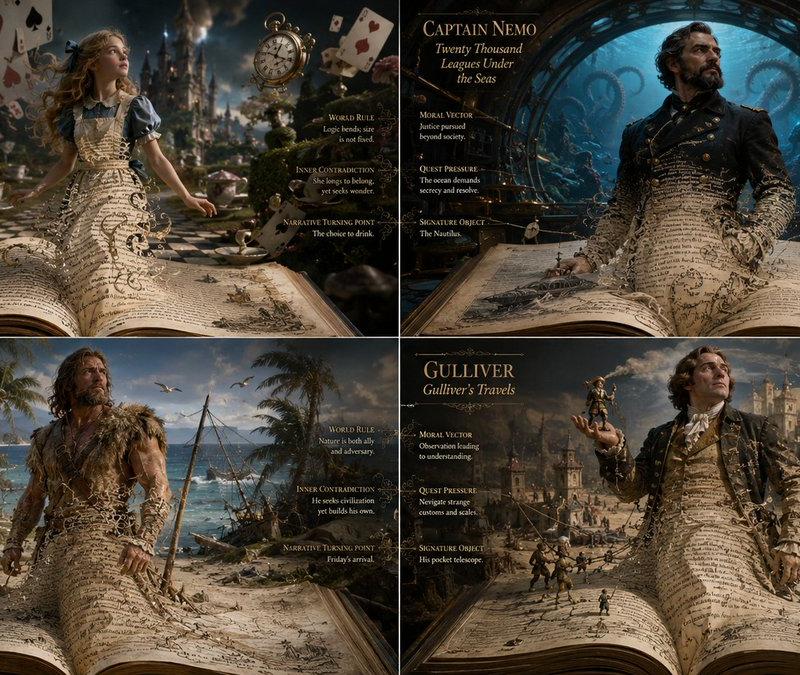
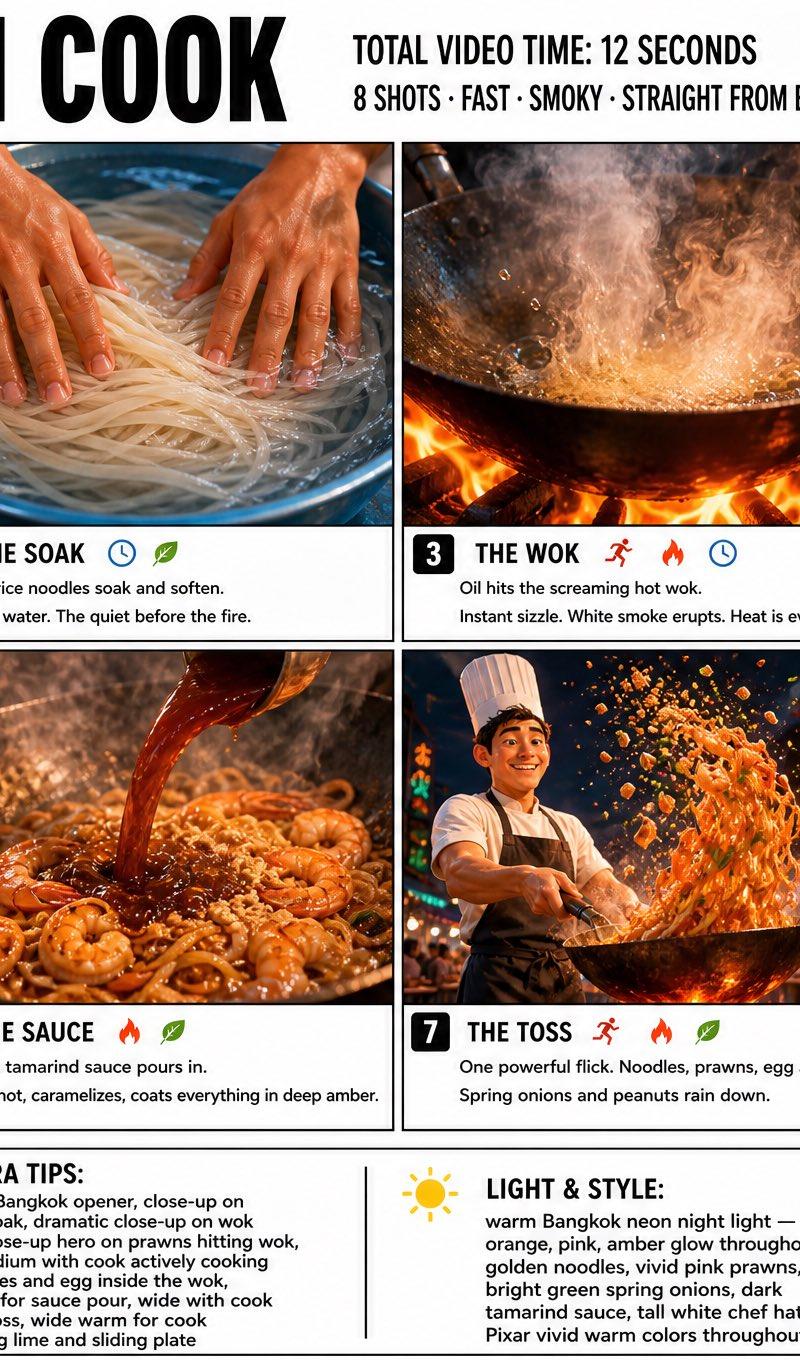
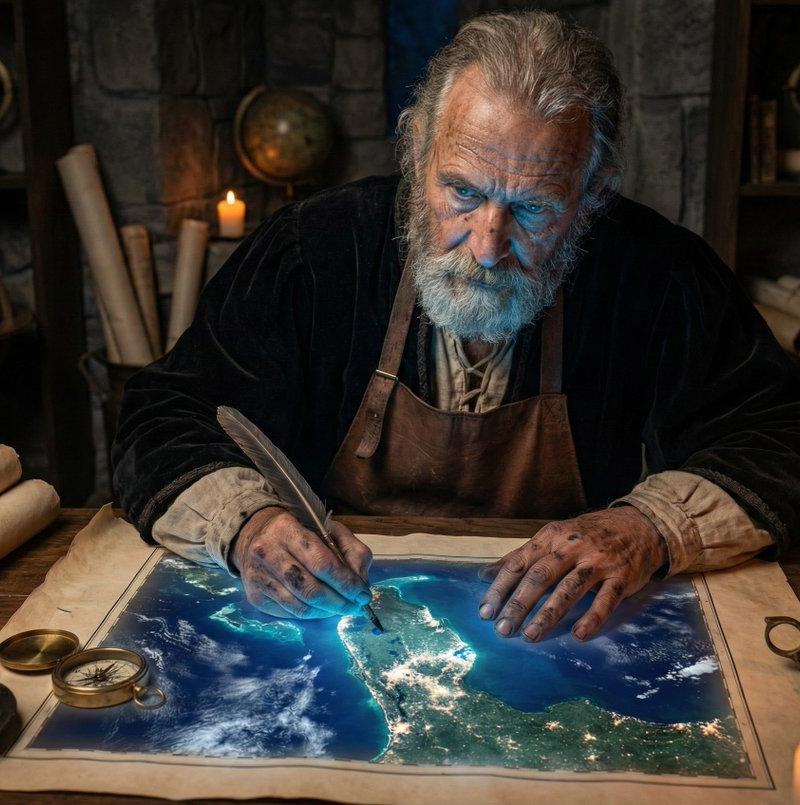
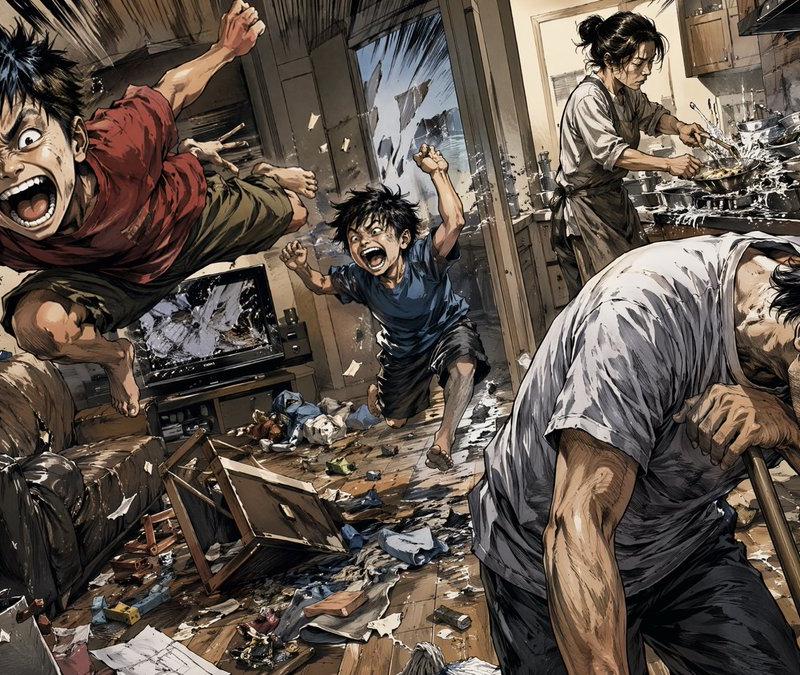
2x2 grid, 16:9 do this for {argument name="number of potters" default="4"} famous master potters input: [{argument name="potter data" default="four master potters & their glaze chemistry charts"}] system: render each potter as a “raw clay becoming vessel.” each panel contains one central artisan emerging from a giant, wood-fired kiln and plaster bat. the lower half is made from raw grog, unfired clay, wooden ribs, ash glaze recipes, and kiln wadding. the upper half is a hyper-realistic cinematic potter covered in slip, radiant heat distortion, leather aprons, and sweat. transformation logic: the chemistry of the kiln becomes physical texture. glaze crawls and crackles become physical skin textures or fabric patterns, throwing rings become ribbed, structural armor, and kiln wadding becomes heavy, structural supports or jewelry. environment: the kiln expands into the roaring, blinding interior of a wood-fired anagama kiln or a hyper-detailed, dusty pottery studio, with massive thermal heat distortion and flying embers. data layer: add refined ceramic callouts: - “cone 10 reduction” - “thermal shock” - “silica flux ratio” - “atmospheric carbon” - “vitrification point” - “glaze crawl” visual style: photorealistic industrial and craft photography, intense warm lighting (oranges, reds, and deep earth browns), heavy smoke and heat distortion textures, macro details of raw earth and glassy glazes. composition: strict 2x2 grid, each panel like a premium craft and material science magazine feature.
Category
Charts & Infographics
Model
GPT Image 2
Creator
Gadgetify
Source language
en
Views0
Source ID
25389
Published
Jun 12, 2026
Studio

Guide

About "Master Potter 陶瓷信息图网格"

What is this prompt for?

"Master Potter 陶瓷信息图网格" AI image prompt for GPT Image 2 (Charts & Infographics). 一个复杂的提示词,用于在电影级摄影棚场景中创建一个 2x2 网格,将陶艺大师与其陶瓷材料及釉料化学成分融合在一起。 Copy it on Picva and…

The full copyable prompt and example visuals above are ready for AI image generation or one-click recreate in Picva.

How to use this prompt

  1. Step 1

    Open the prompt detail

    Review the example visuals, category, and full prompt text for "Master Potter 陶瓷信息图网格".

  2. Step 2

    Copy the prompt

    Copy the prompt body from this page, or load it directly in Studio.

  3. Step 3

    Pick a model (GPT Image 2)

    Prefer GPT Image 2. If you switch models, keep subject and composition and tweak style terms.

  4. Step 4

    Generate and export

    Recreate the look in Picva, or export into your workflow for editing and publishing.

FAQ

What is the "Master Potter 陶瓷信息图网格" prompt?
It is an AI image-generation prompt for GPT Image 2 in the Charts & Infographics category. This page includes the full prompt text, example visuals, and a one-click recreate path in Picva.
How do I use this prompt to generate an image?
Copy the prompt from this page, or use Generate / Studio. Paste it into a compatible image model, or recreate the look in Picva with optional reference images.
Which model is this prompt for?
This page lists GPT Image 2. Most descriptive prompts also transfer to nearby image models such as GPT Image, Flux, or Midjourney with light style tweaks.
Can I use the result commercially?
You can usually copy the prompt for creation, but commercial use of the final image depends on the model terms, reference-image rights, and the generated content. Follow the source author and platform rules.