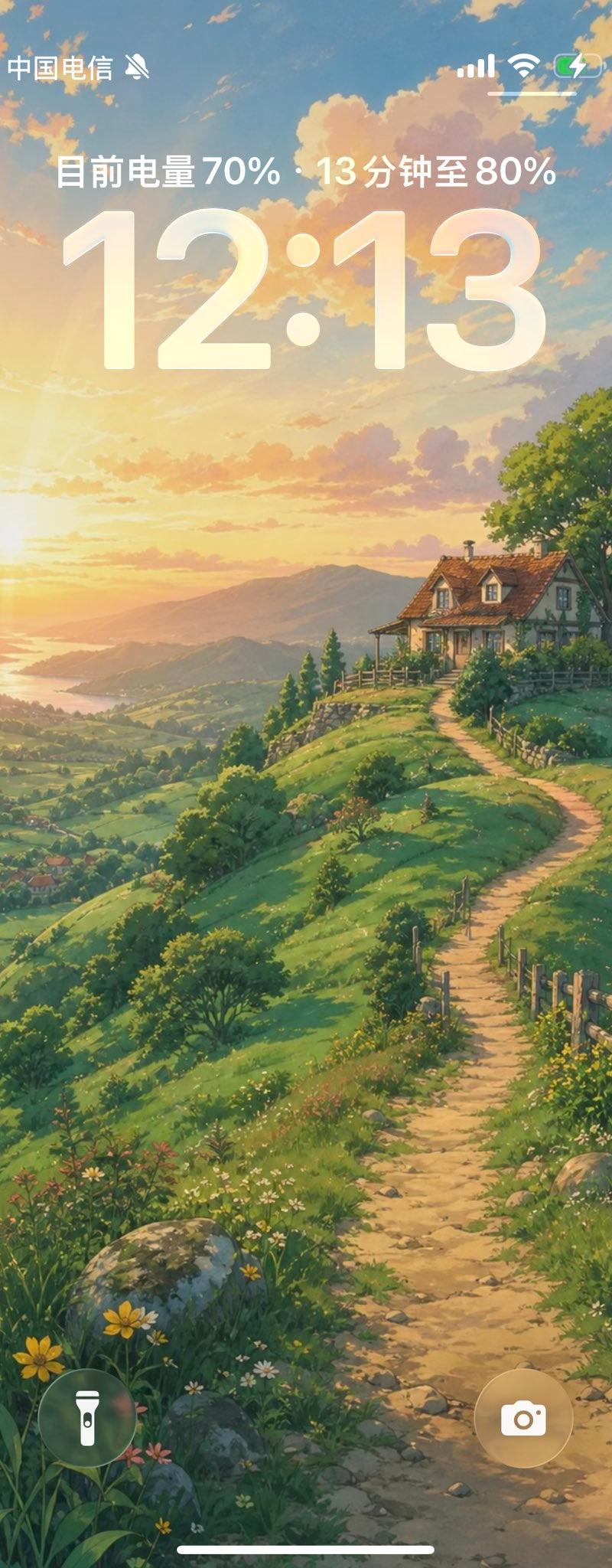
动漫乡村风格 iPhone 锁屏壁纸
Prompt
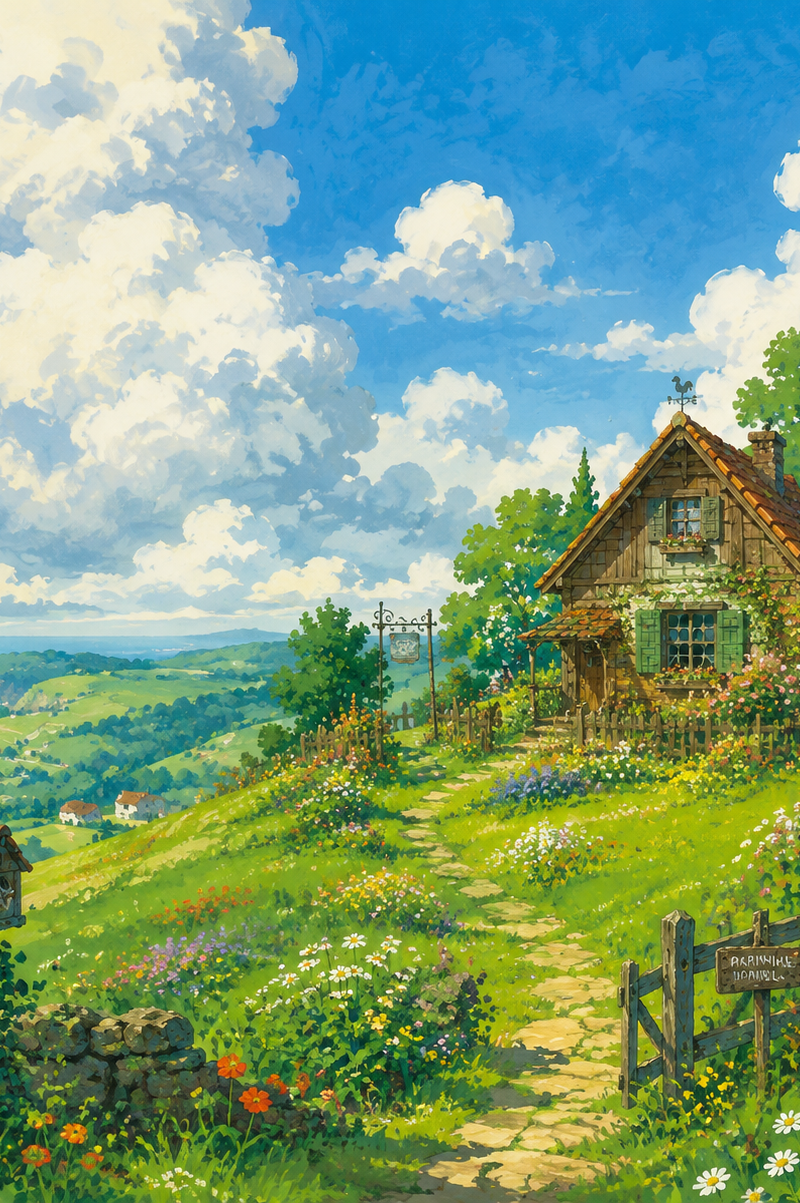
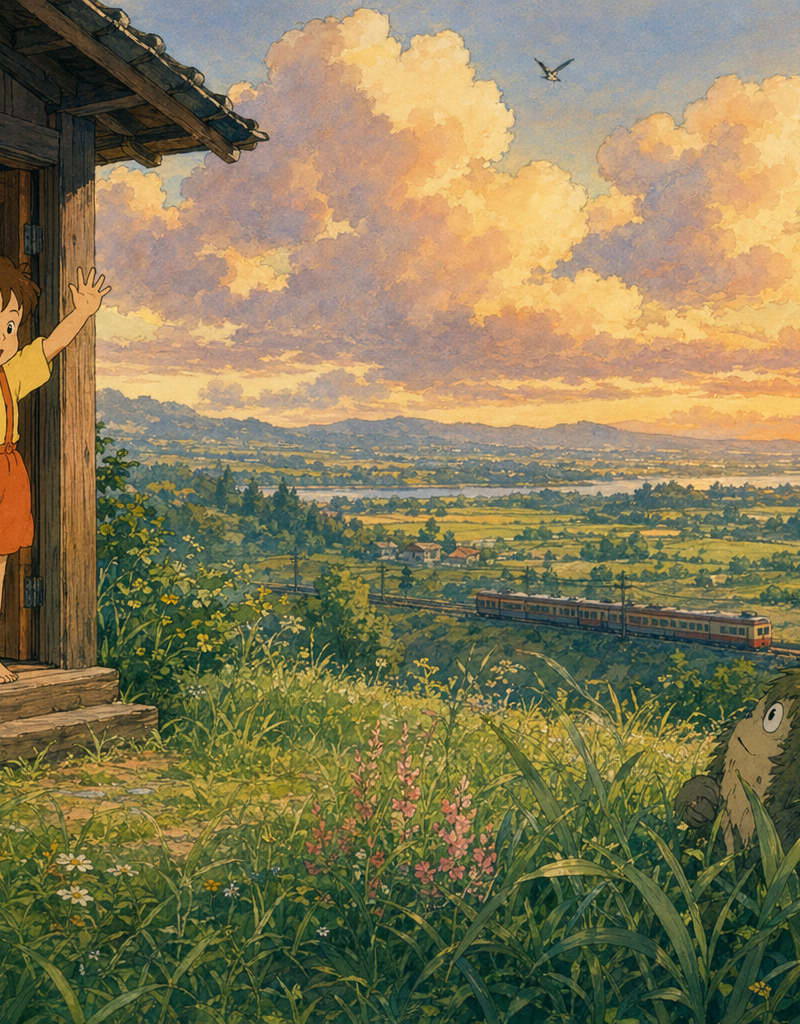
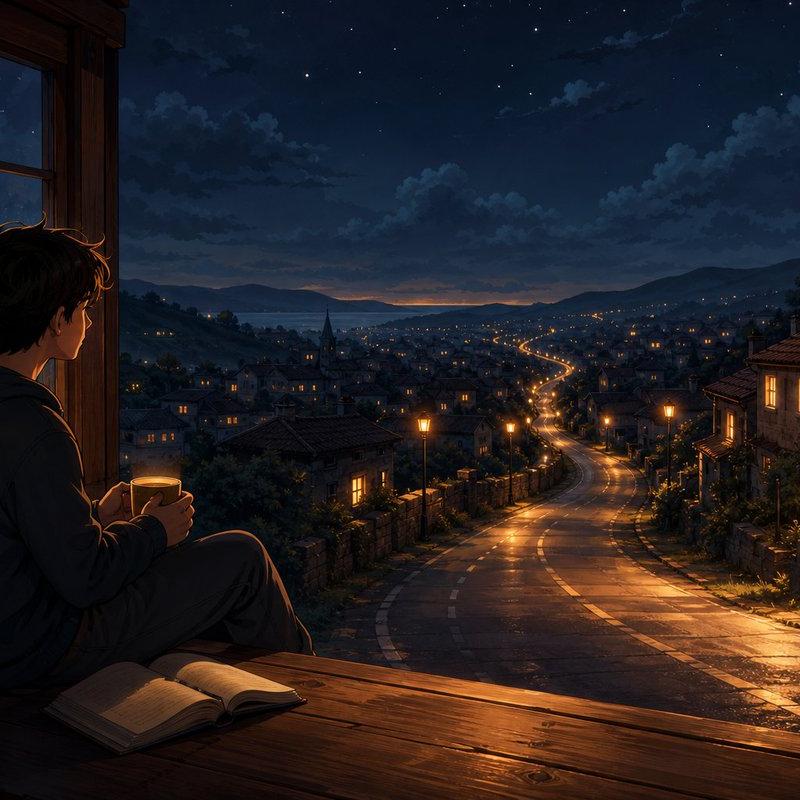
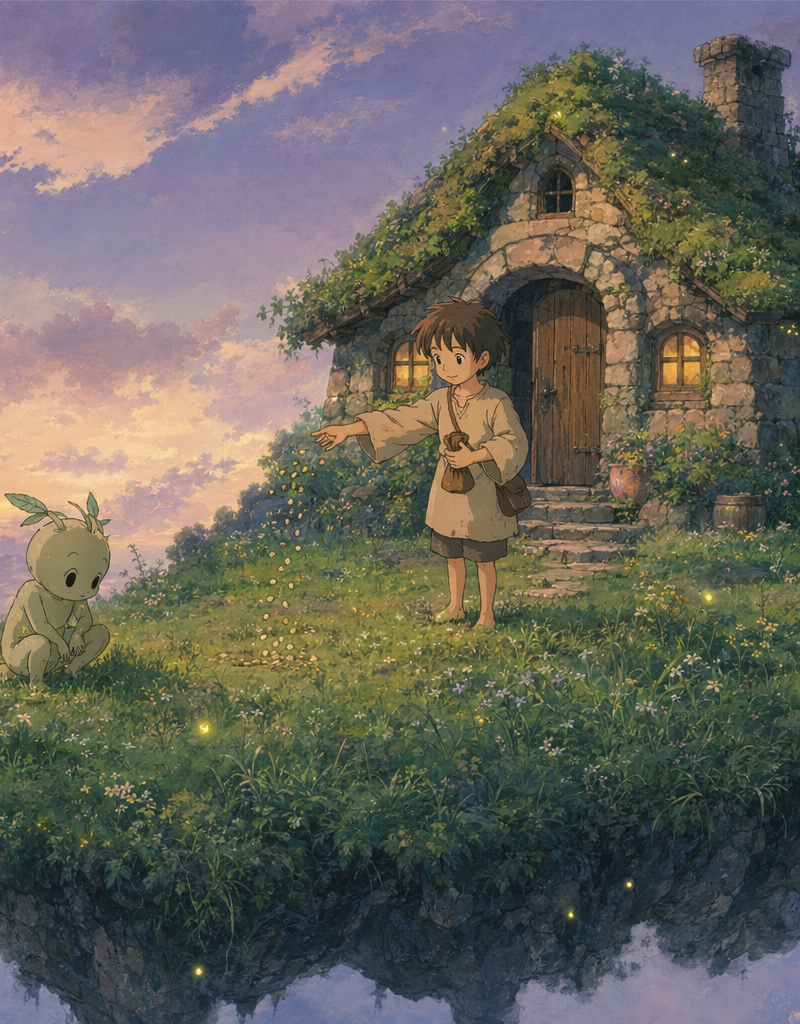
Create a vertical smartphone lock-screen wallpaper in a soft Studio Ghibli–inspired anime painting style. Canvas is a tall 9:16 phone screen, approximately 585×1024, with a peaceful golden-hour countryside landscape: a winding dirt path starts at the bottom center and leads up a lush green hillside to a cozy cottage on the upper right, with a red tiled roof, dormer windows, warm lit windows, a fence, bushes, and a large leafy tree behind it. The left side opens to a vast valley with patchwork fields, small villages, rolling hills, distant mountains, and a glowing lake or river reflecting the sunset. The sky is pastel blue, peach, and gold with soft fluffy clouds and warm sunlight from the left horizon. Foreground includes wildflowers, grasses, rocks, wooden fence posts, and dappled shadows along the path. Overlay an iPhone-style lock screen UI in translucent white: top status bar with exactly 4 visible elements — carrier text “中国电信” at top left, a muted bell icon beside it, cellular signal bars at top right, Wi‑Fi icon at top right, and a charging battery icon at far right; centered battery status line in Chinese reading “目前电量 {argument name="current battery" default="70%"} {argument name="time to target" default="13 分钟至 80%"}”; huge centered clock text reading “{argument name="lock screen time" default="12:13"}” in a rounded iOS font with subtle transparency and glow. At the bottom, include exactly 3 lock-screen controls: a circular flashlight button on the lower left, a circular camera button on the lower right, and a thin white home indicator bar centered at the very bottom. Make the wallpaper dreamy, detailed, free-to-use-feeling, clean, no extra apps, no notifications, no people, no watermark, no additional text beyond the specified lock-screen UI.- Category
- UI & Interfaces
- Model
- GPT Image 2
- Creator
- Mens@cc.codesome.ai
- Source language
- en
- Source ID
- 25410
- Published
- Jun 12, 2026
Views0