20

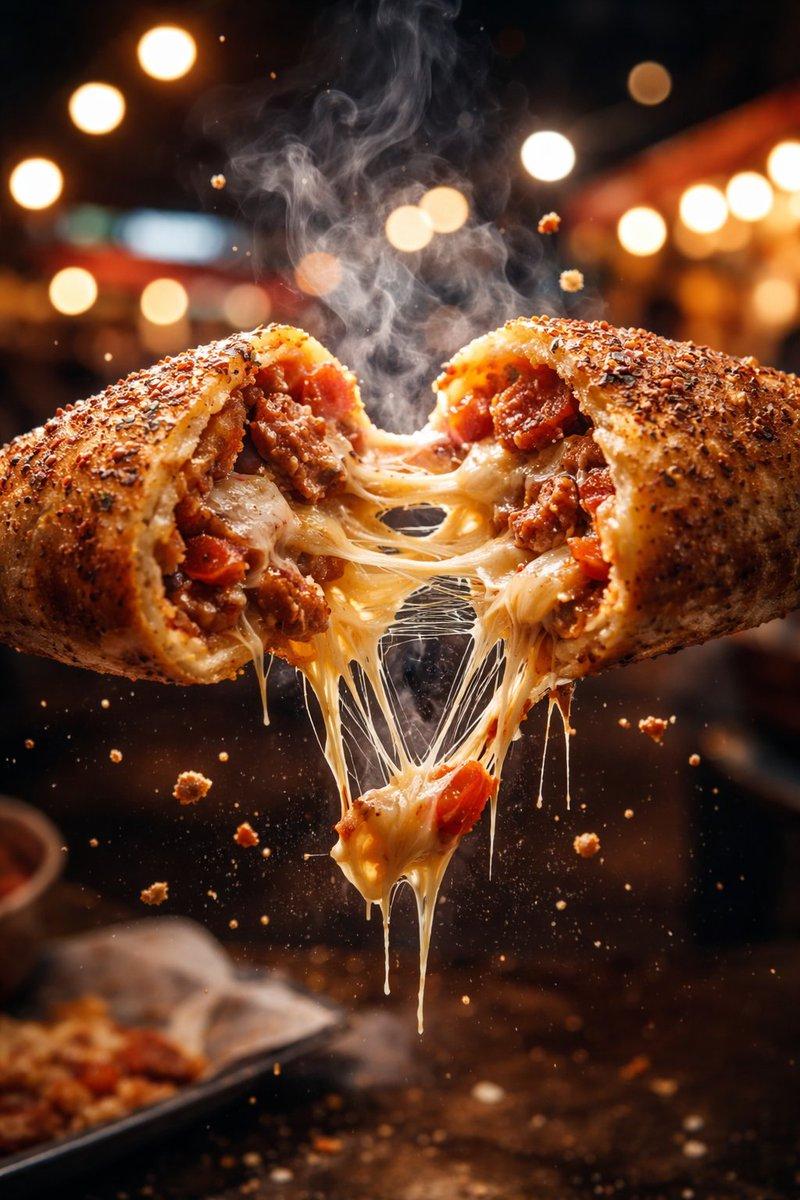
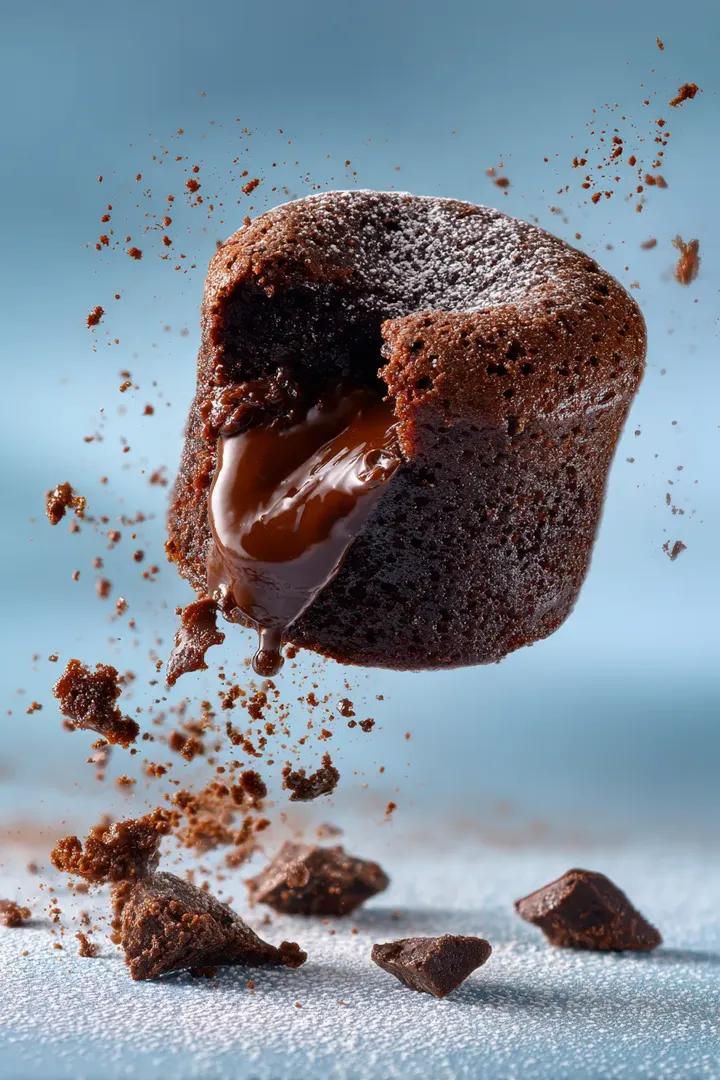
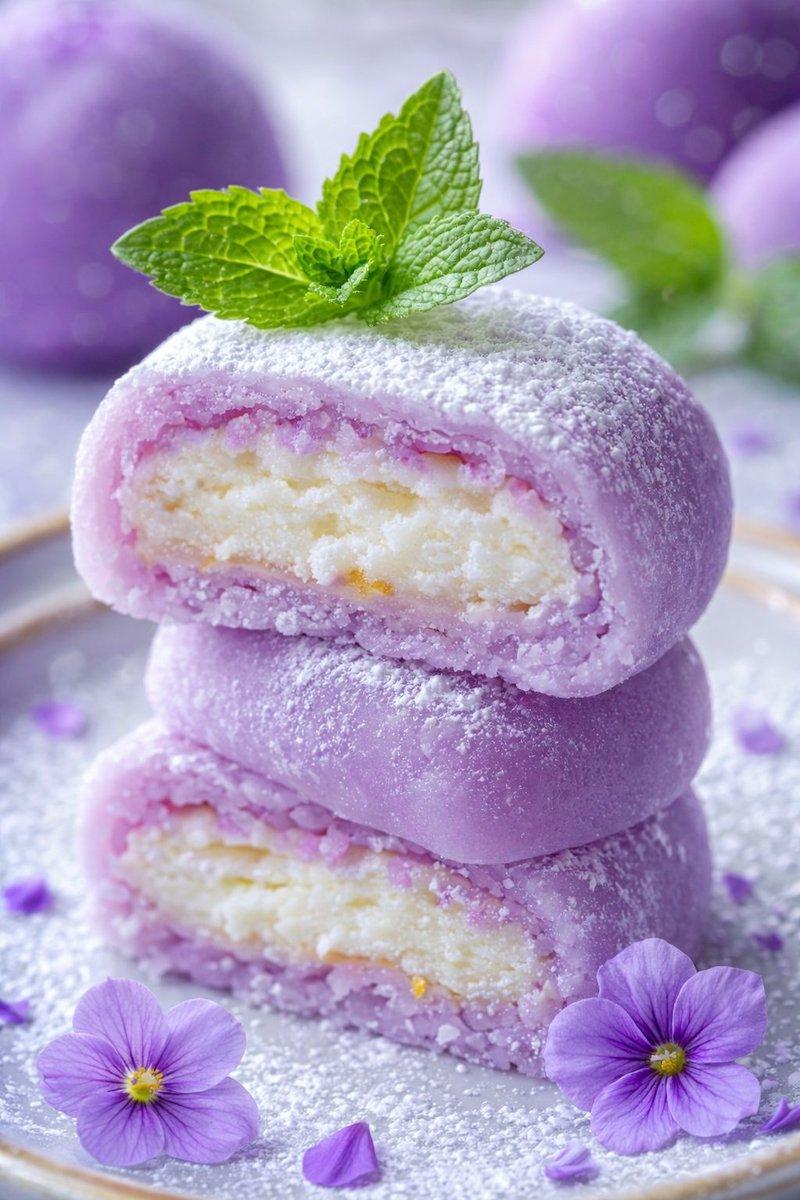
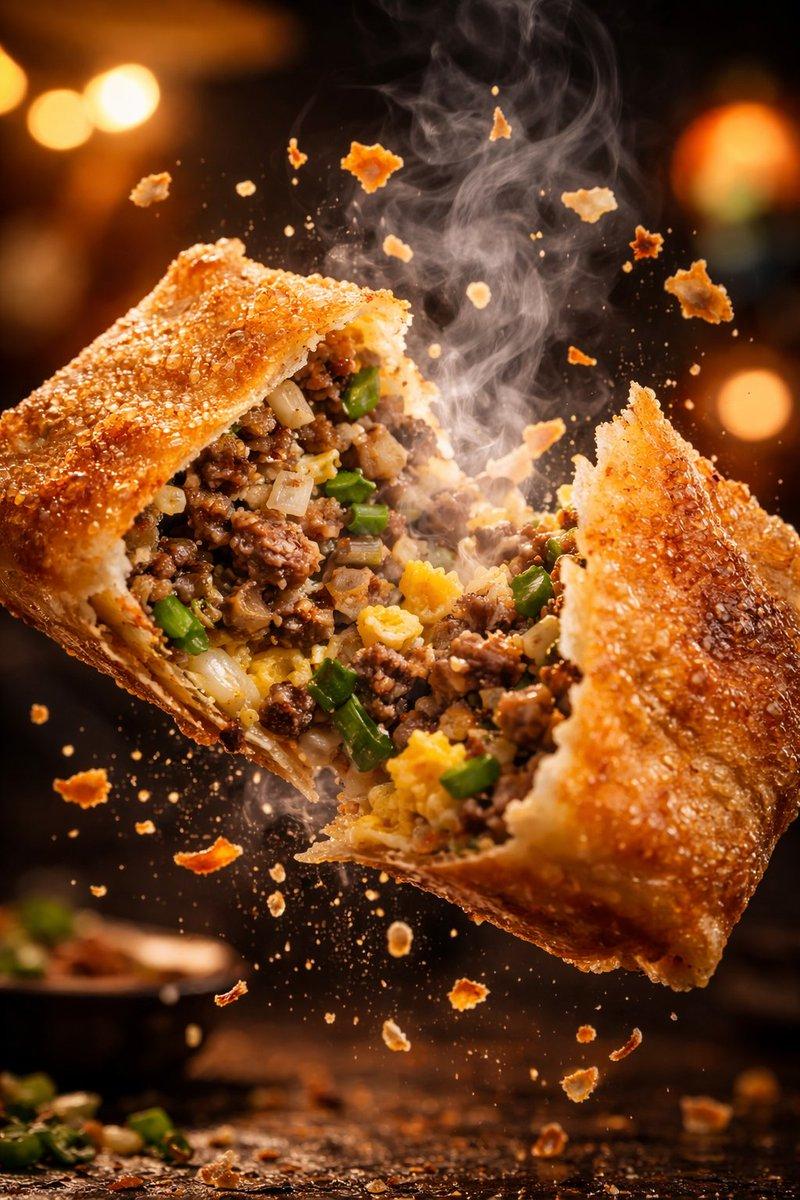
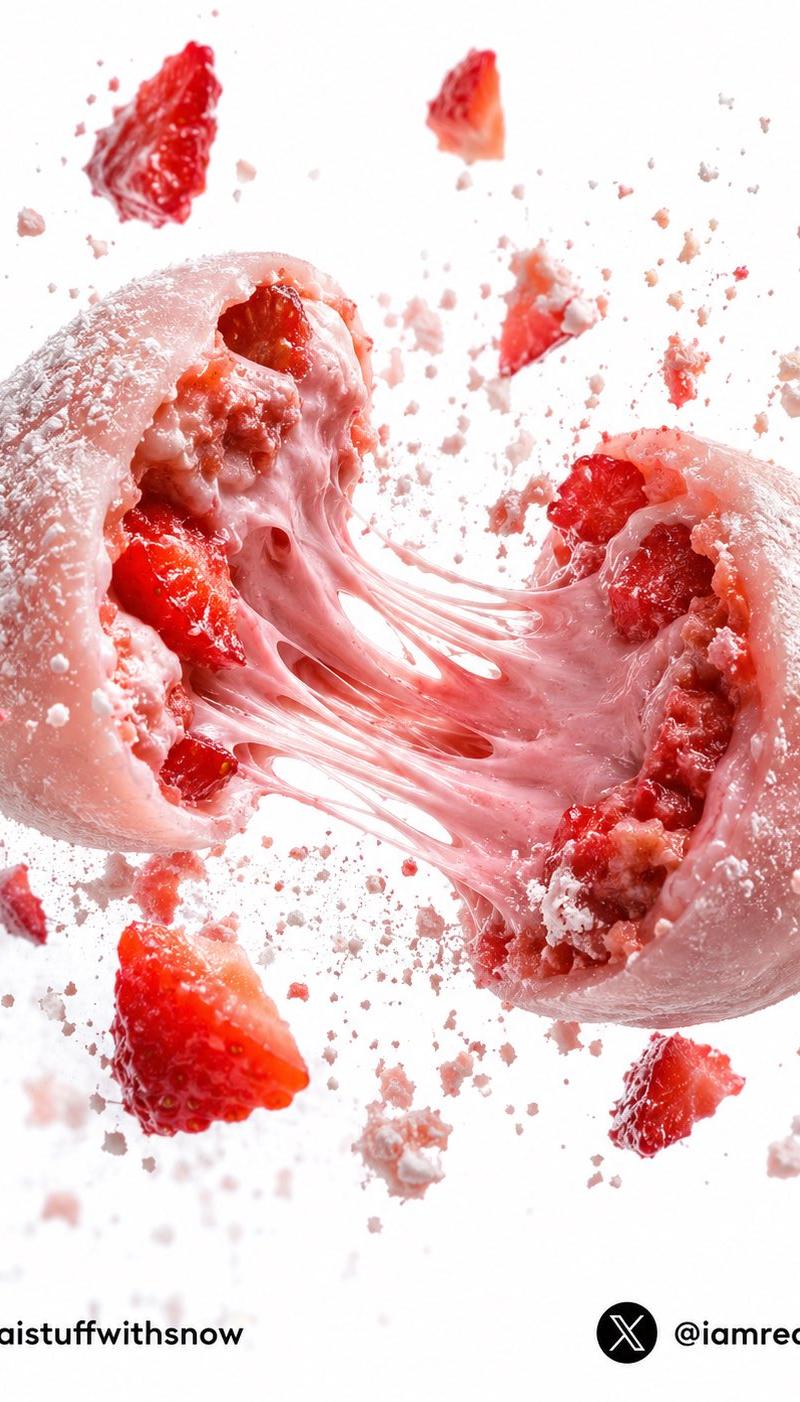
草莓流心麻薯爆裂摄影
Enlarge

Example images

草莓流心麻薯爆裂摄影

Prompt
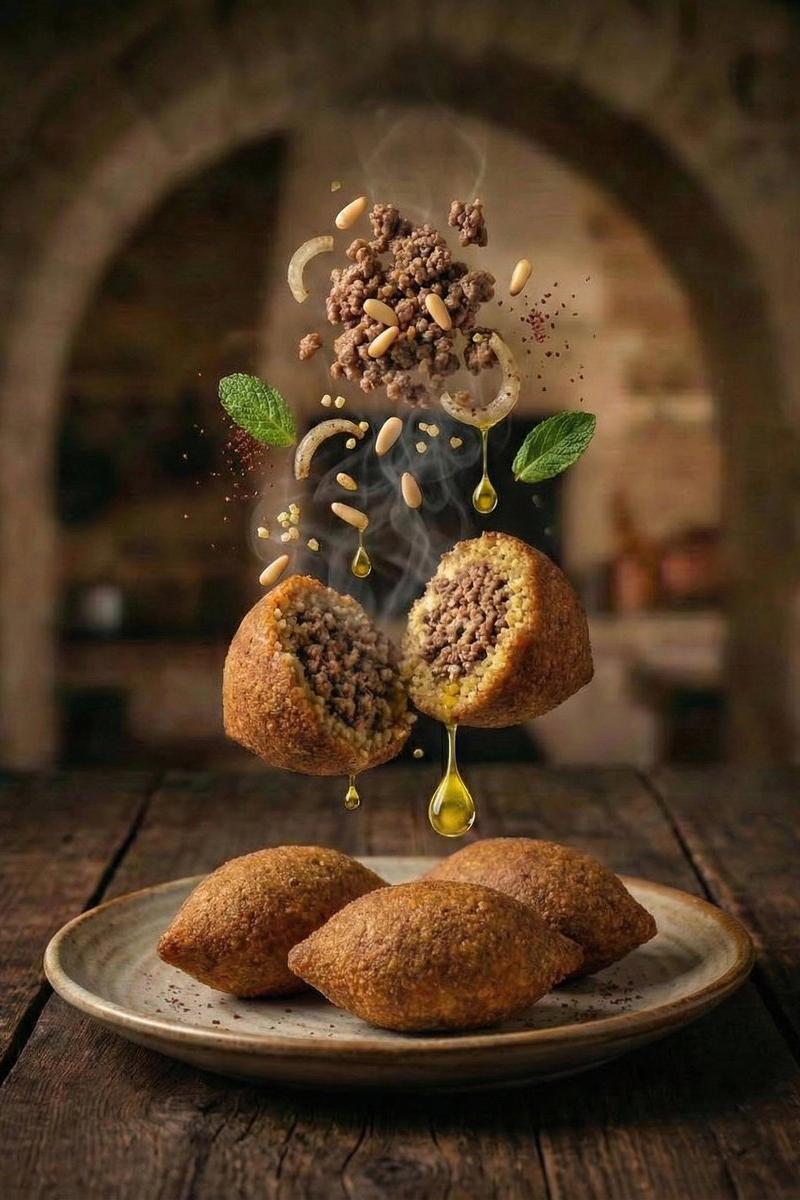
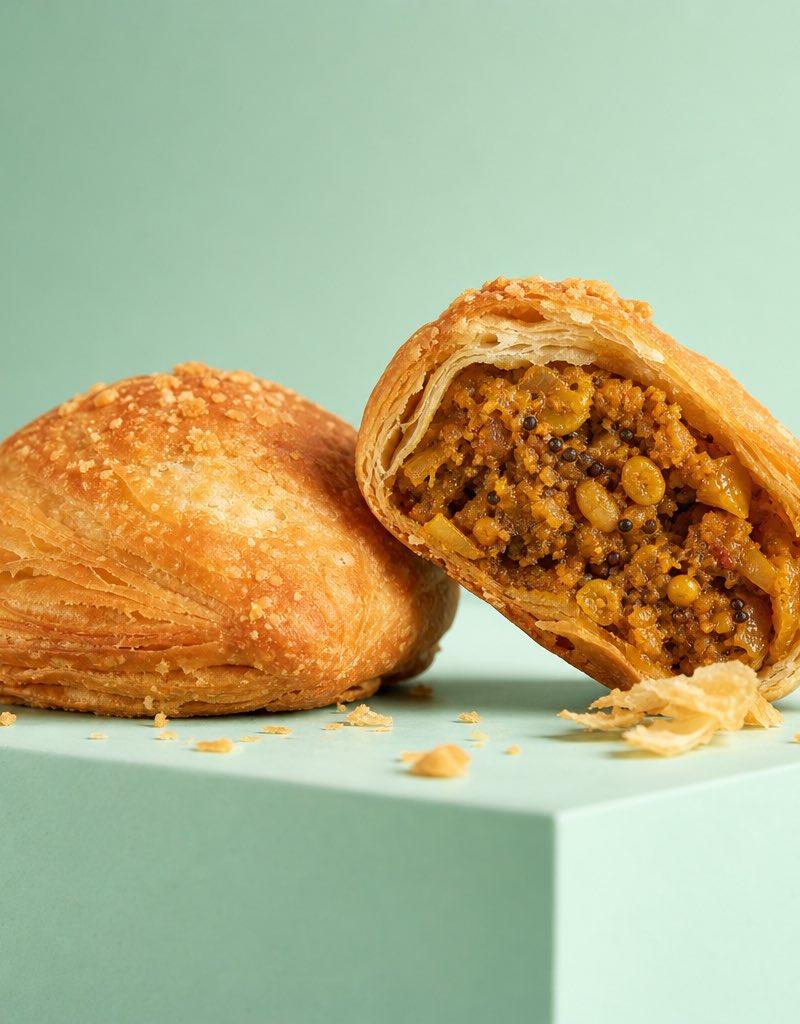
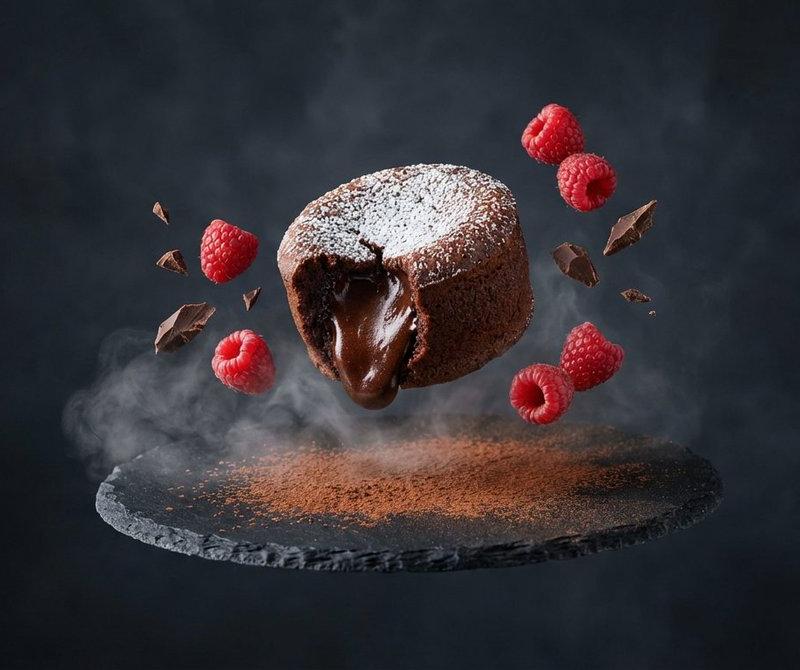
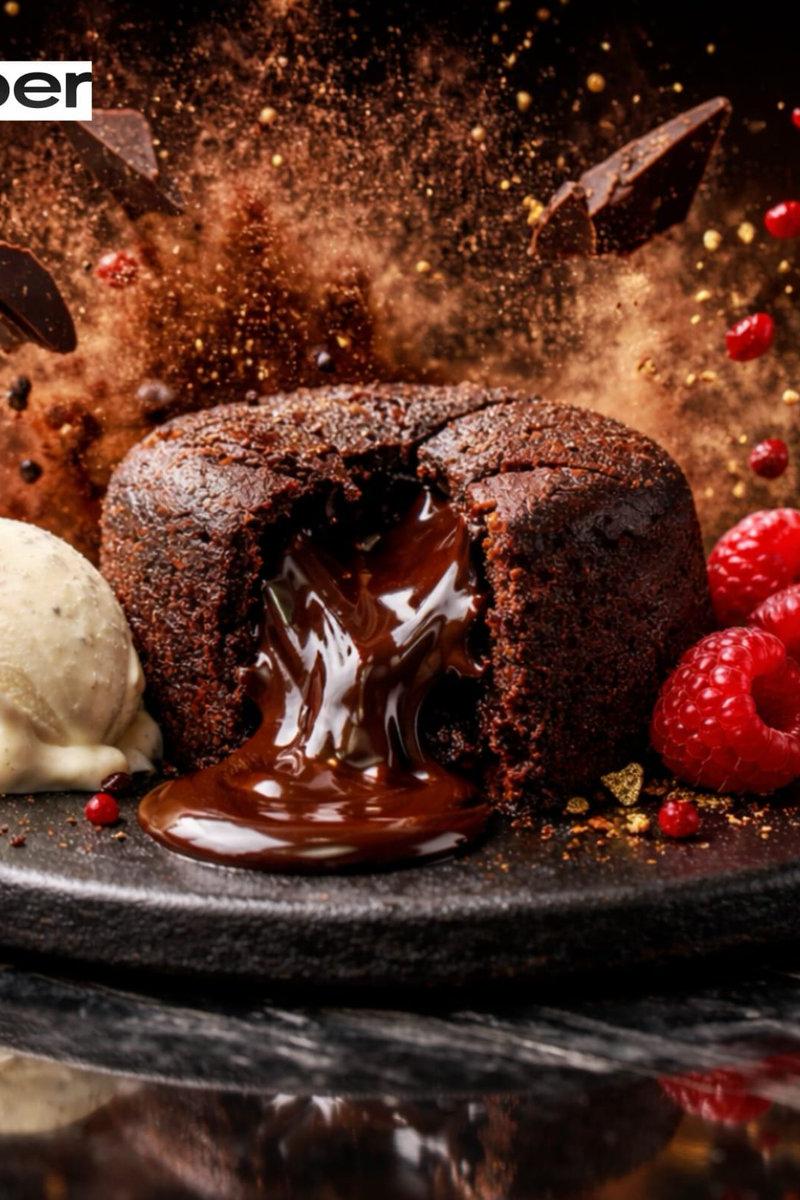
An ultra premium {argument name="dessert type" default="Japanese strawberry mochi"} suspended in mid air, violently torn into two halves at the exact moment of impact, molten {argument name="filling" default="strawberry cream"} stretching between both pieces in long elastic ribbons, fresh strawberry chunks bursting outward, delicate rice flour particles floating through the air, microscopic sugar crystals sparkling under cinematic studio lights, ultra soft mochi skin revealing translucent texture, hyper realistic filling layers exposed, dynamic debris field of berry fragments and powdered sugar, frozen motion photography, luxury dessert advertising campaign, pure white seamless background, dramatic rim lighting, macro food photography, ultra sharp focus, 16K detail, photorealistic textures, premium gourmet branding aesthetics, award winning commercial food photography.
Category
Charts & Infographics
Model
GPT Image 2
Creator
Snow
Source language
en
Views0
Source ID
25493
Published
Jun 13, 2026
Studio

Guide

About "草莓流心麻薯爆裂摄影"

What is this prompt for?

"草莓流心麻薯爆裂摄影" AI image prompt for GPT Image 2 (Charts & Infographics). 这是一组高端商业美食摄影提示词,展现了被掰开的草莓麻薯,内馅流心四溢,表面点缀着闪烁的糖晶。 Copy it on Picva and recreate the look in…

The full copyable prompt and example visuals above are ready for AI image generation or one-click recreate in Picva.

How to use this prompt

  1. Step 1

    Open the prompt detail

    Review the example visuals, category, and full prompt text for "草莓流心麻薯爆裂摄影".

  2. Step 2

    Copy the prompt

    Copy the prompt body from this page, or load it directly in Studio.

  3. Step 3

    Pick a model (GPT Image 2)

    Prefer GPT Image 2. If you switch models, keep subject and composition and tweak style terms.

  4. Step 4

    Generate and export

    Recreate the look in Picva, or export into your workflow for editing and publishing.

FAQ

What is the "草莓流心麻薯爆裂摄影" prompt?
It is an AI image-generation prompt for GPT Image 2 in the Charts & Infographics category. This page includes the full prompt text, example visuals, and a one-click recreate path in Picva.
How do I use this prompt to generate an image?
Copy the prompt from this page, or use Generate / Studio. Paste it into a compatible image model, or recreate the look in Picva with optional reference images.
Which model is this prompt for?
This page lists GPT Image 2. Most descriptive prompts also transfer to nearby image models such as GPT Image, Flux, or Midjourney with light style tweaks.
Can I use the result commercially?
You can usually copy the prompt for creation, but commercial use of the final image depends on the model terms, reference-image rights, and the generated content. Follow the source author and platform rules.