14

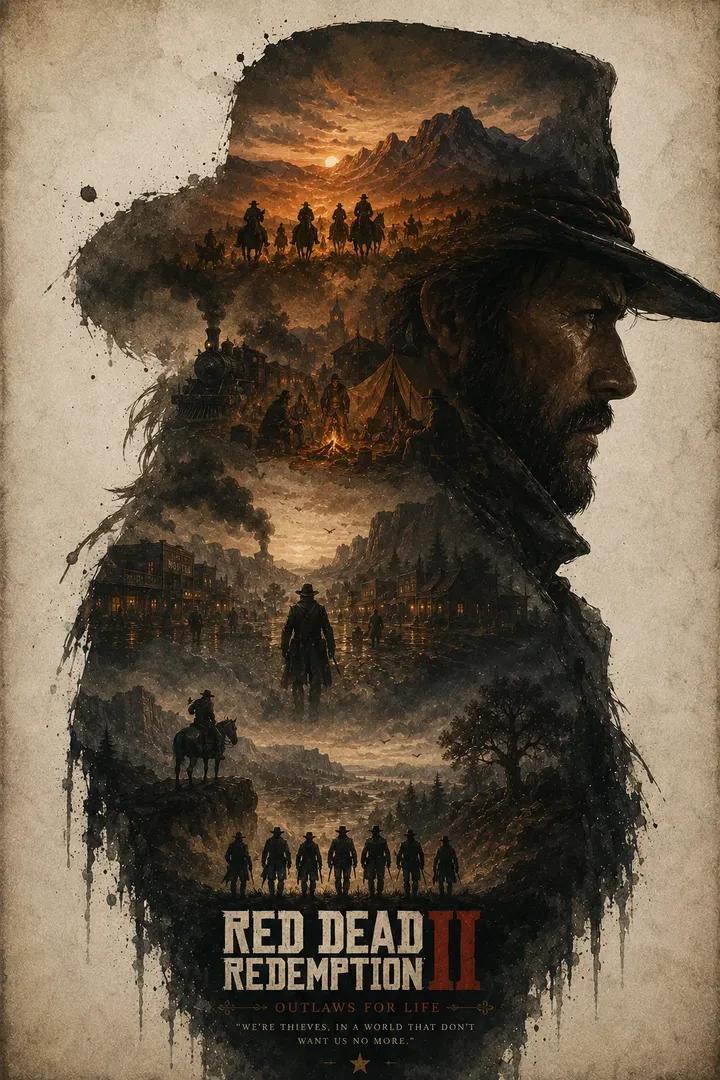
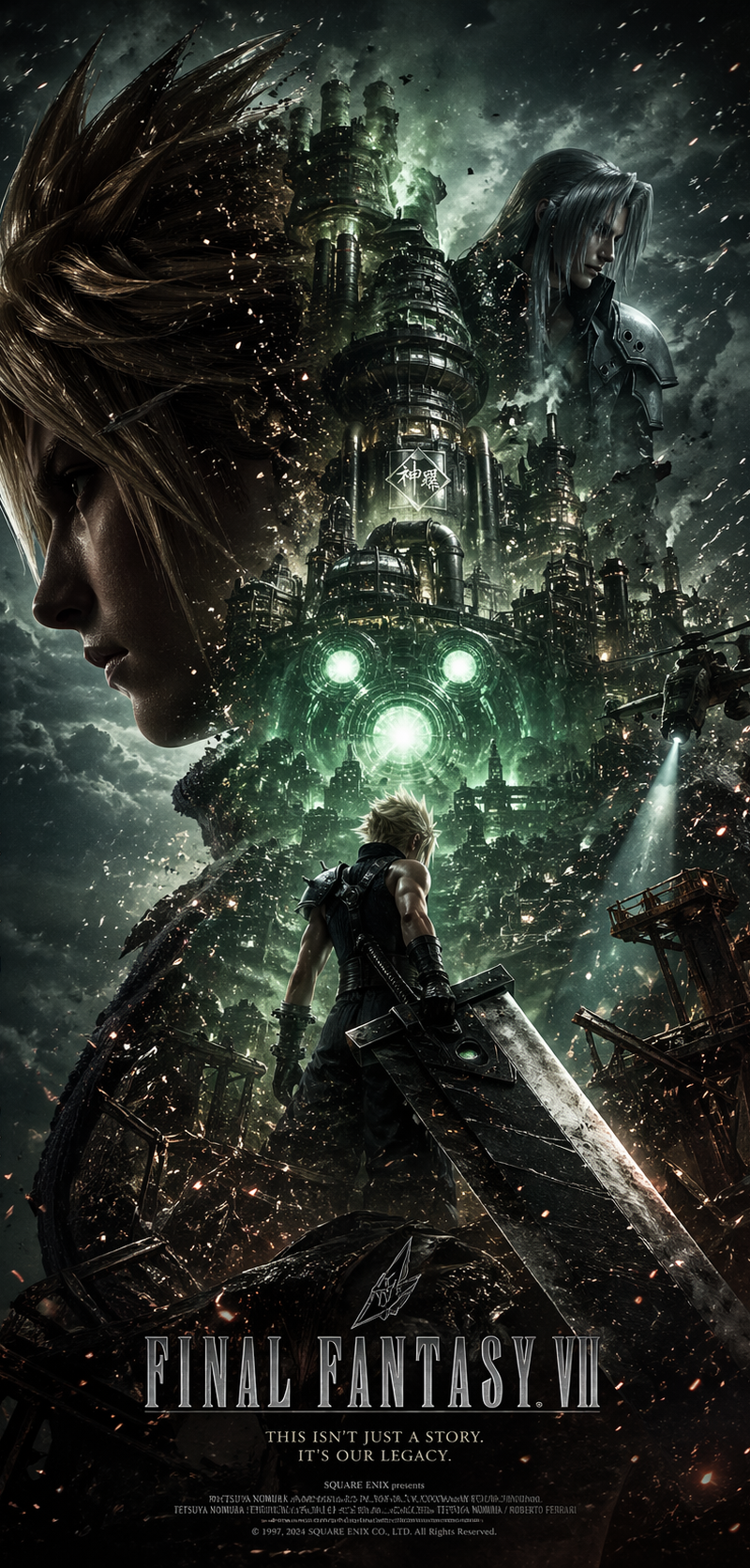
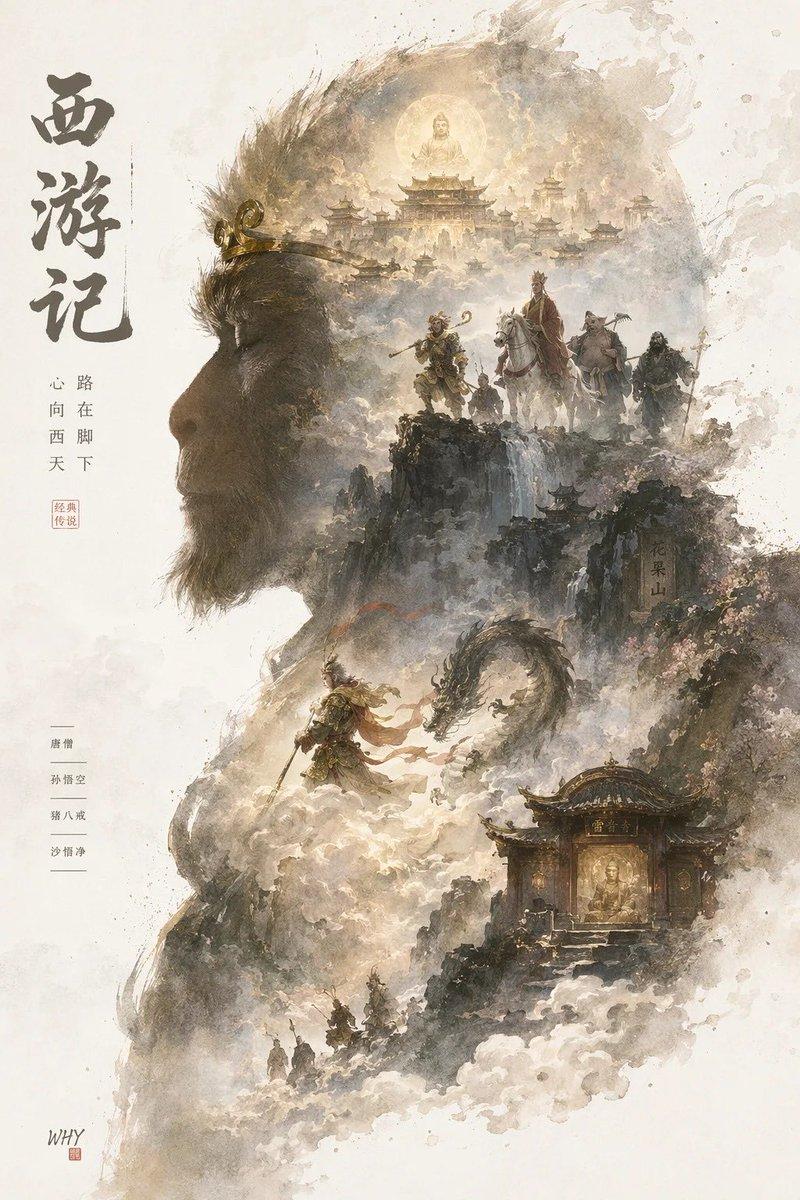
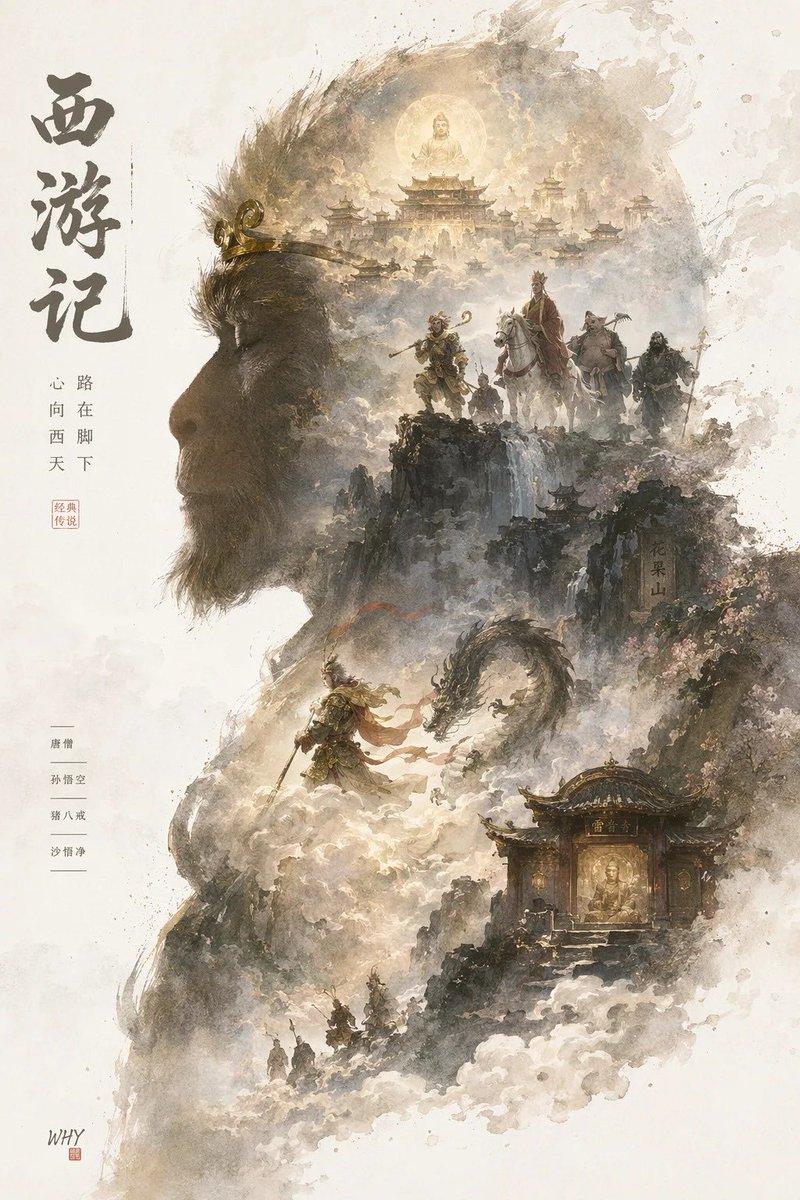
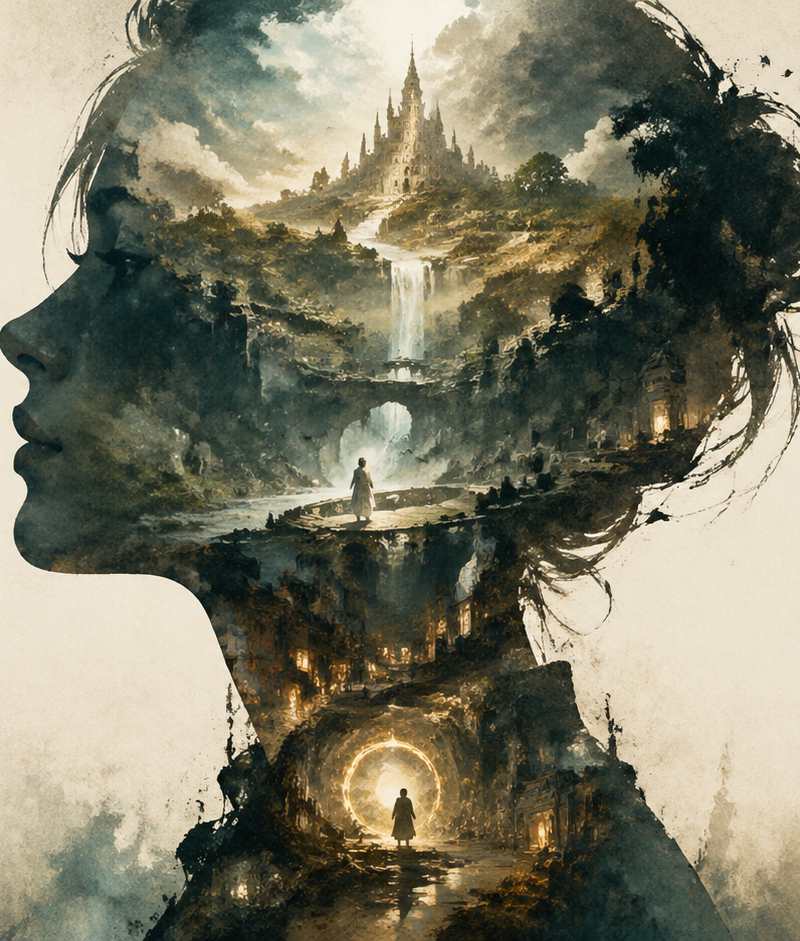
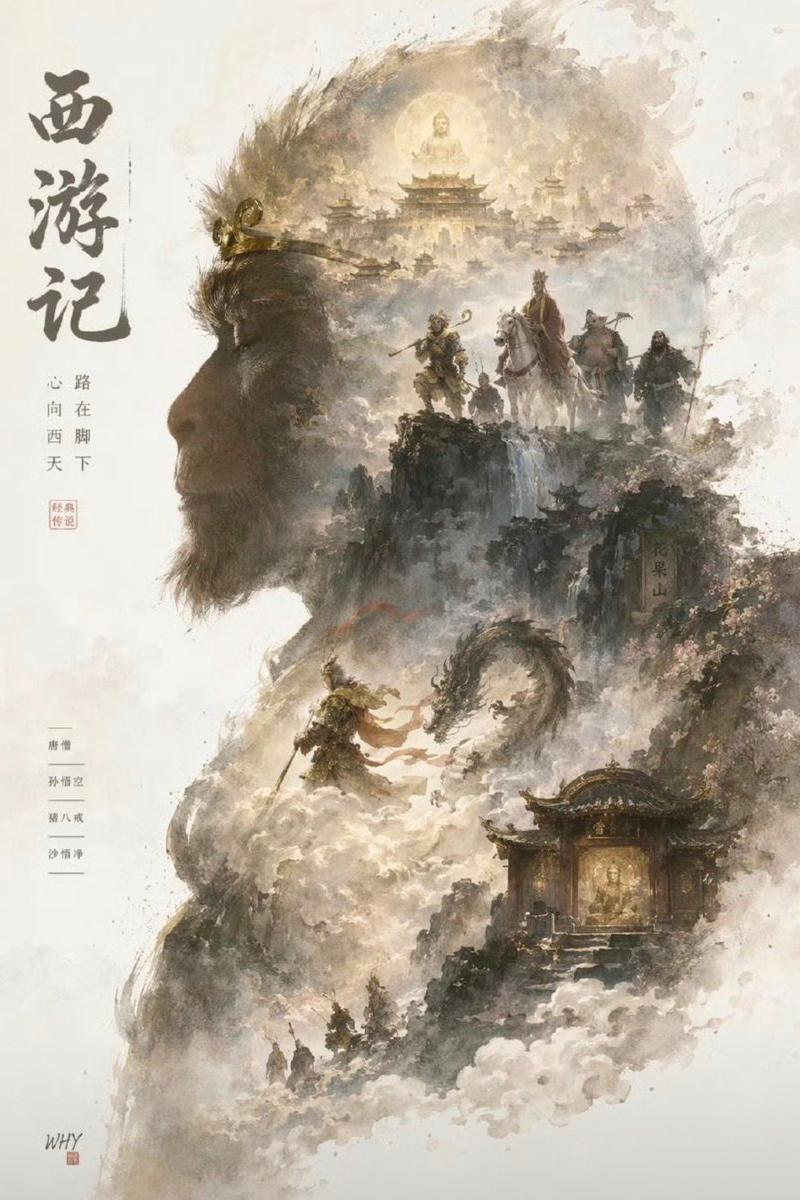
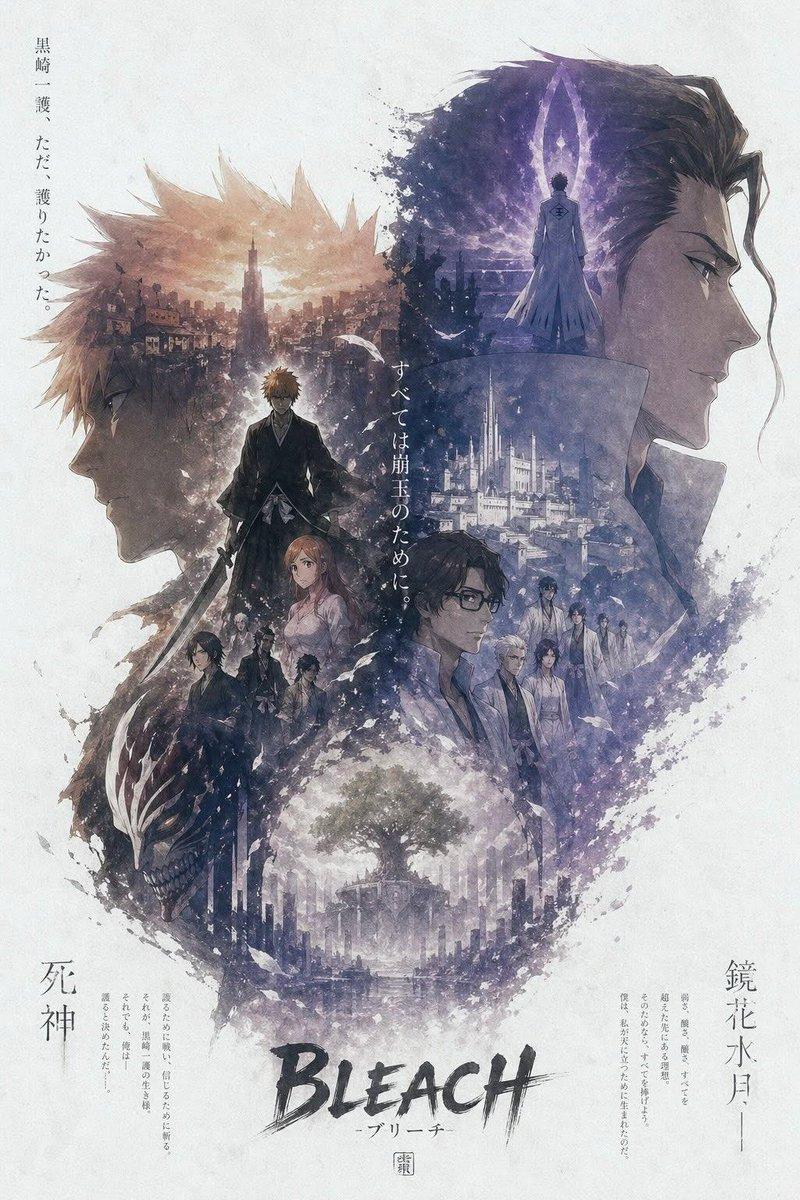
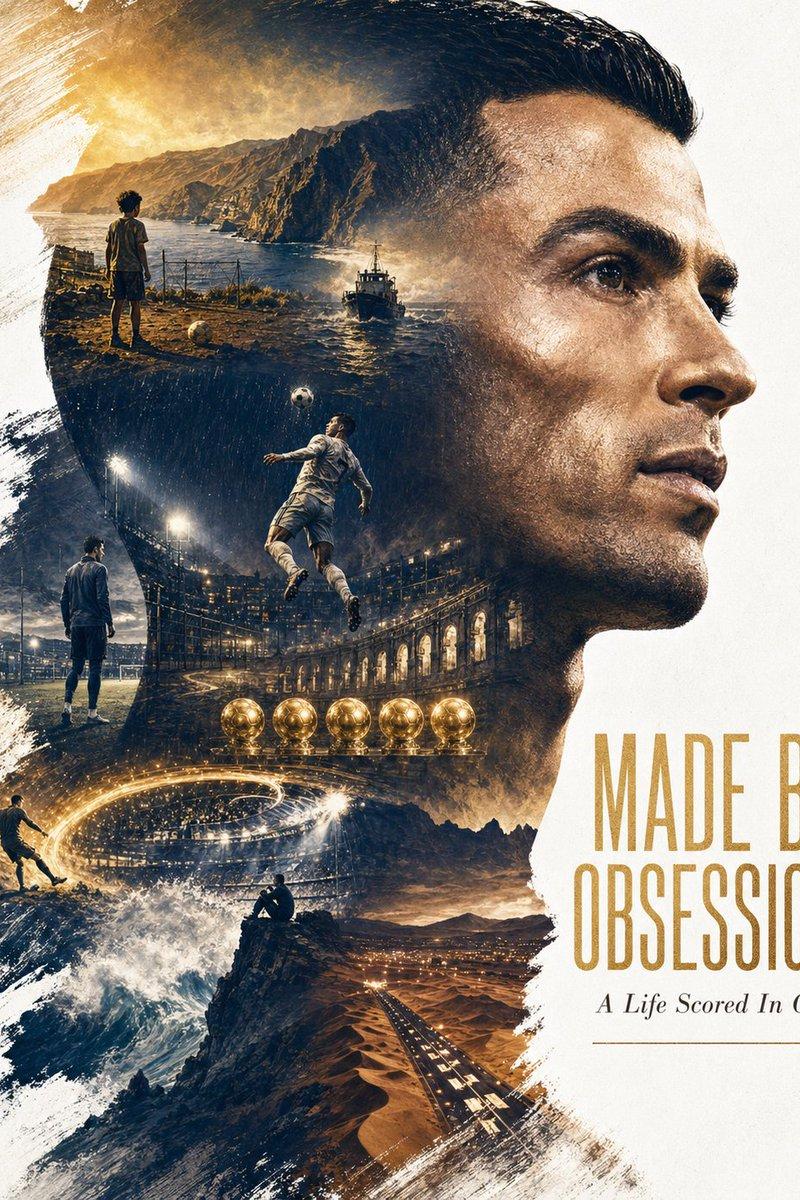
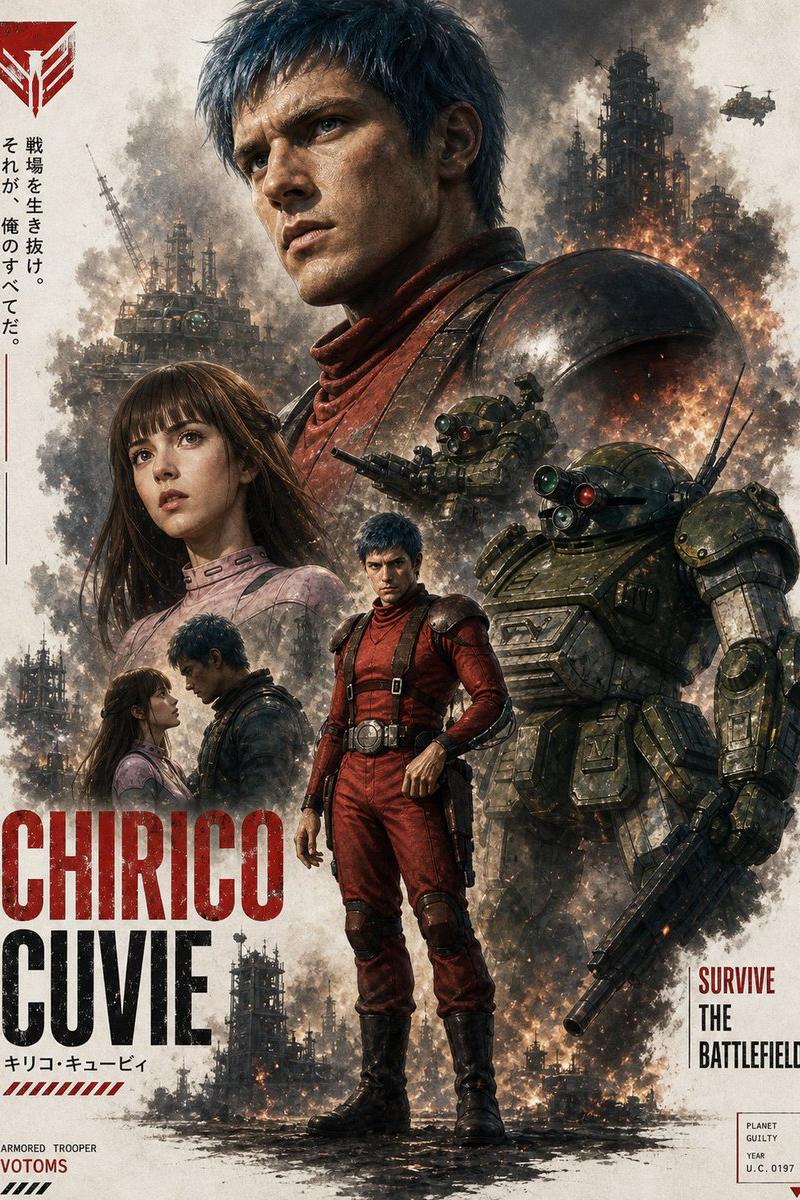
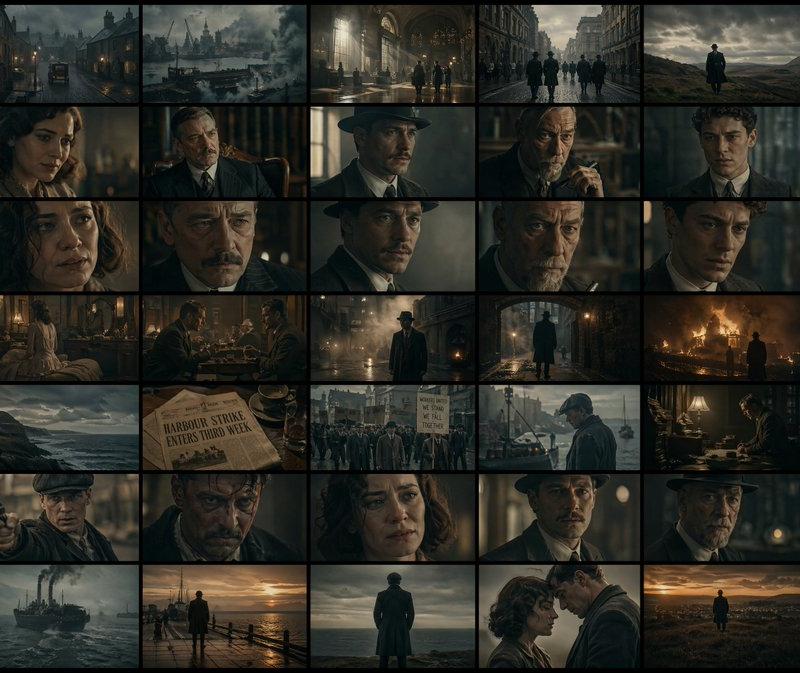
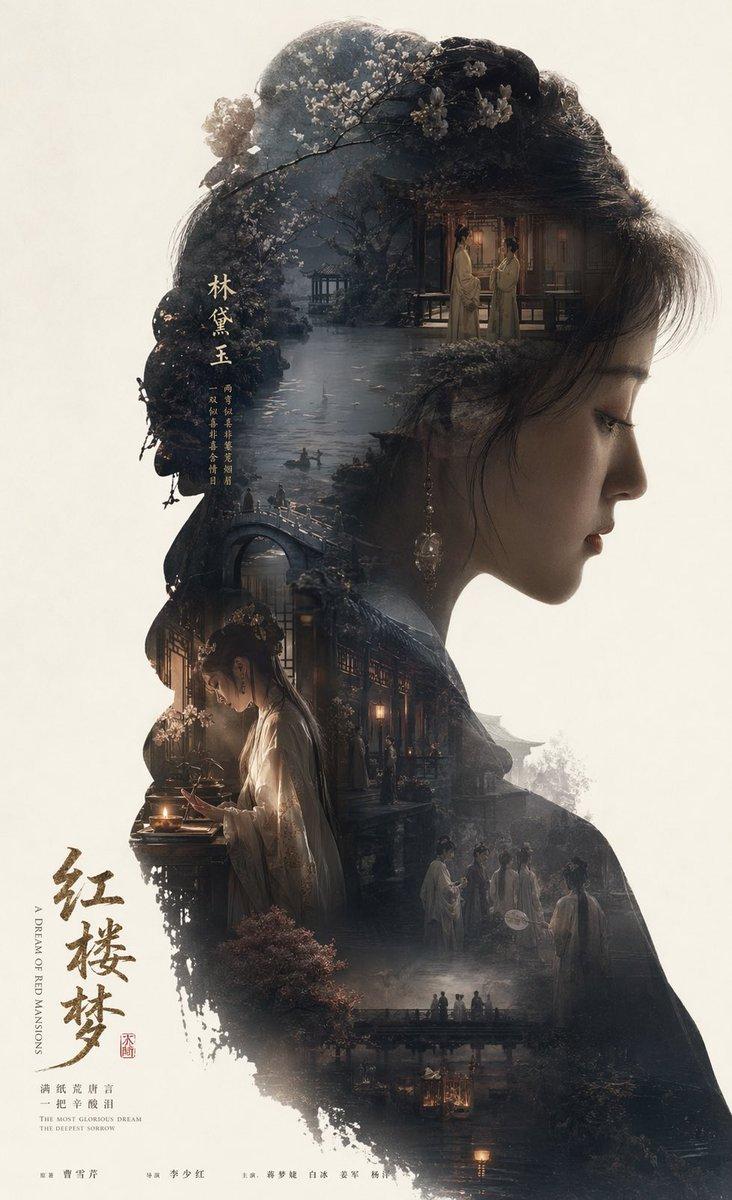
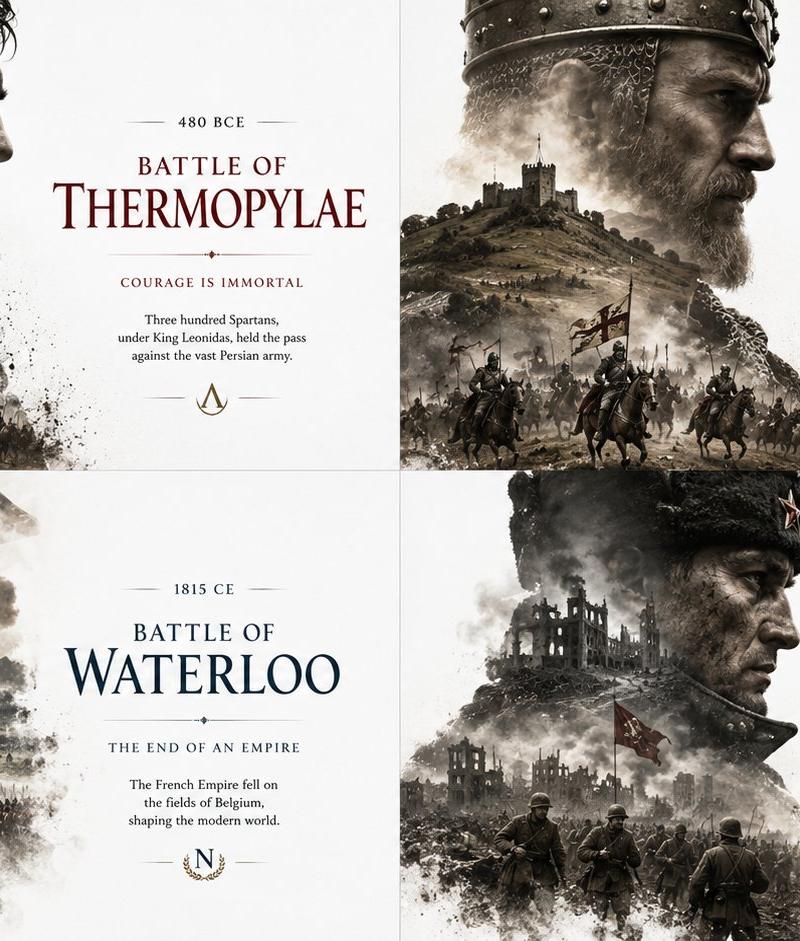
历史编辑风格战役海报
Enlarge

Example images

历史编辑风格战役海报

Prompt
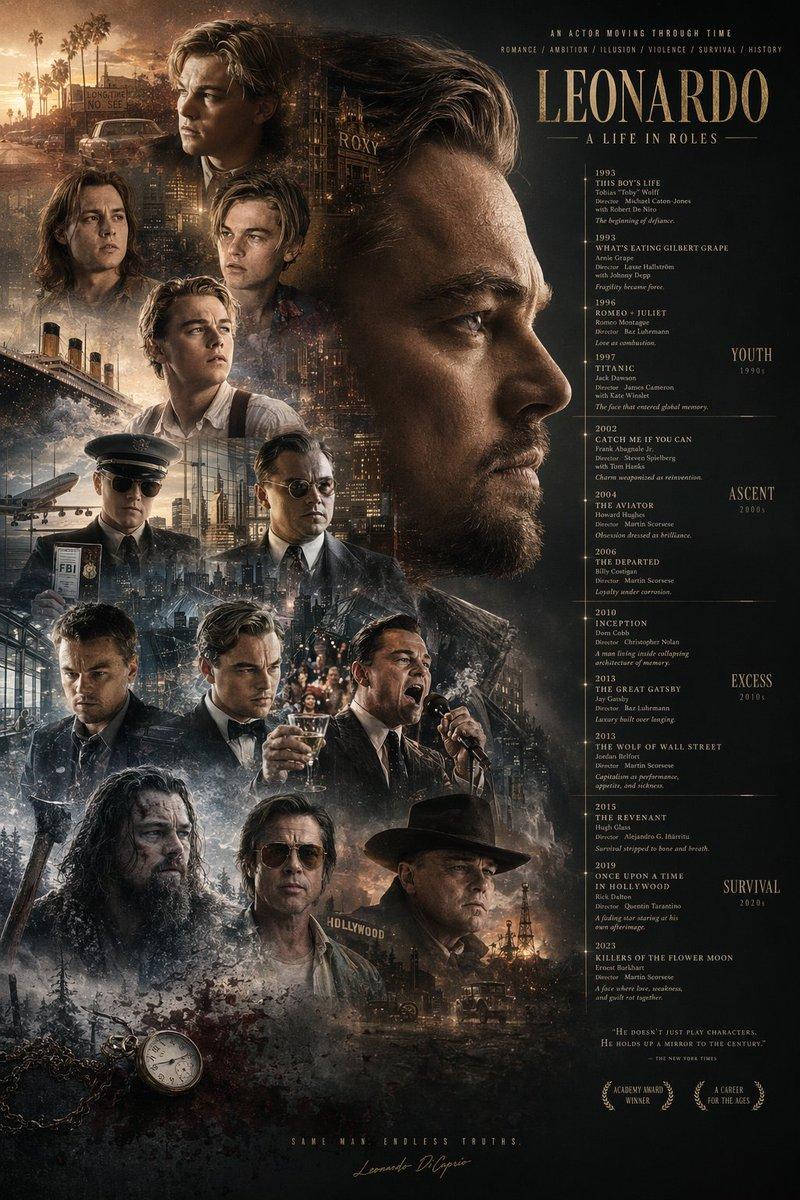
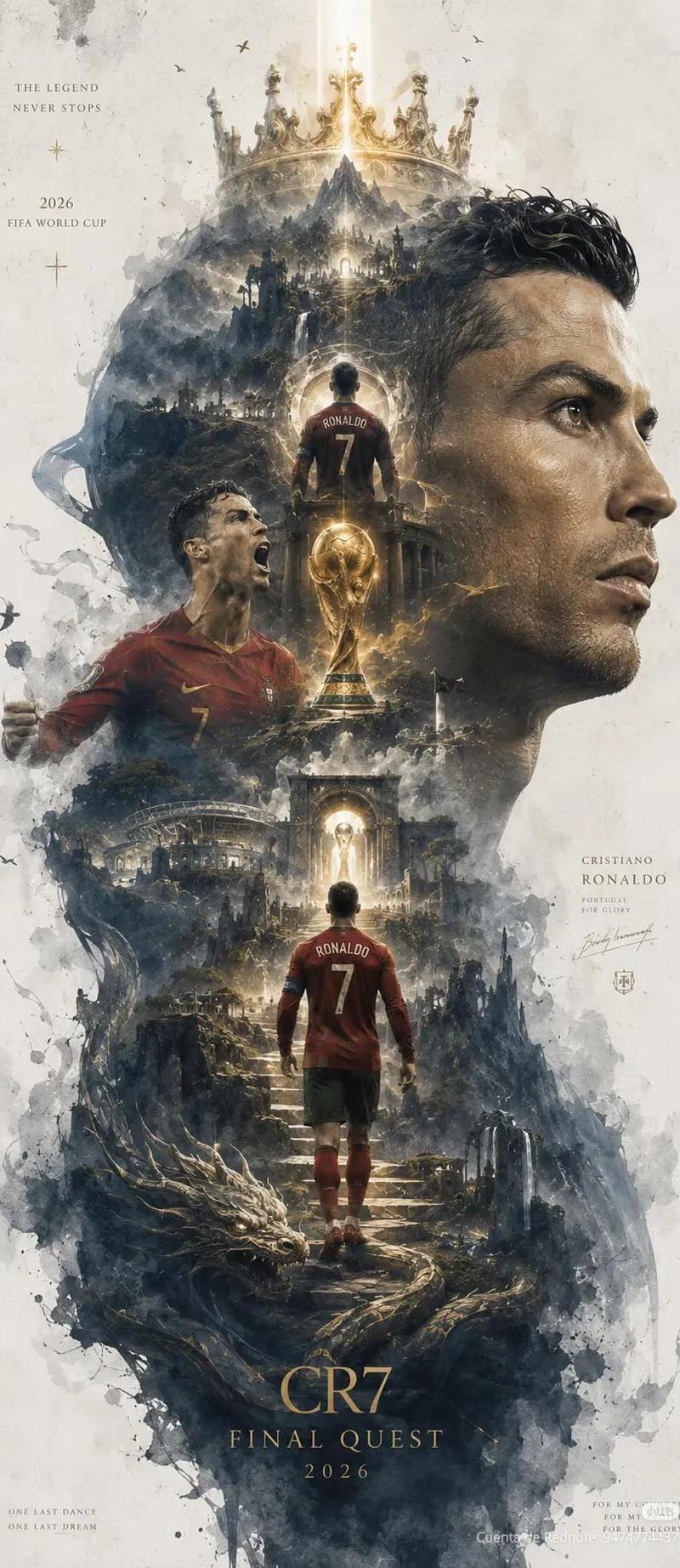
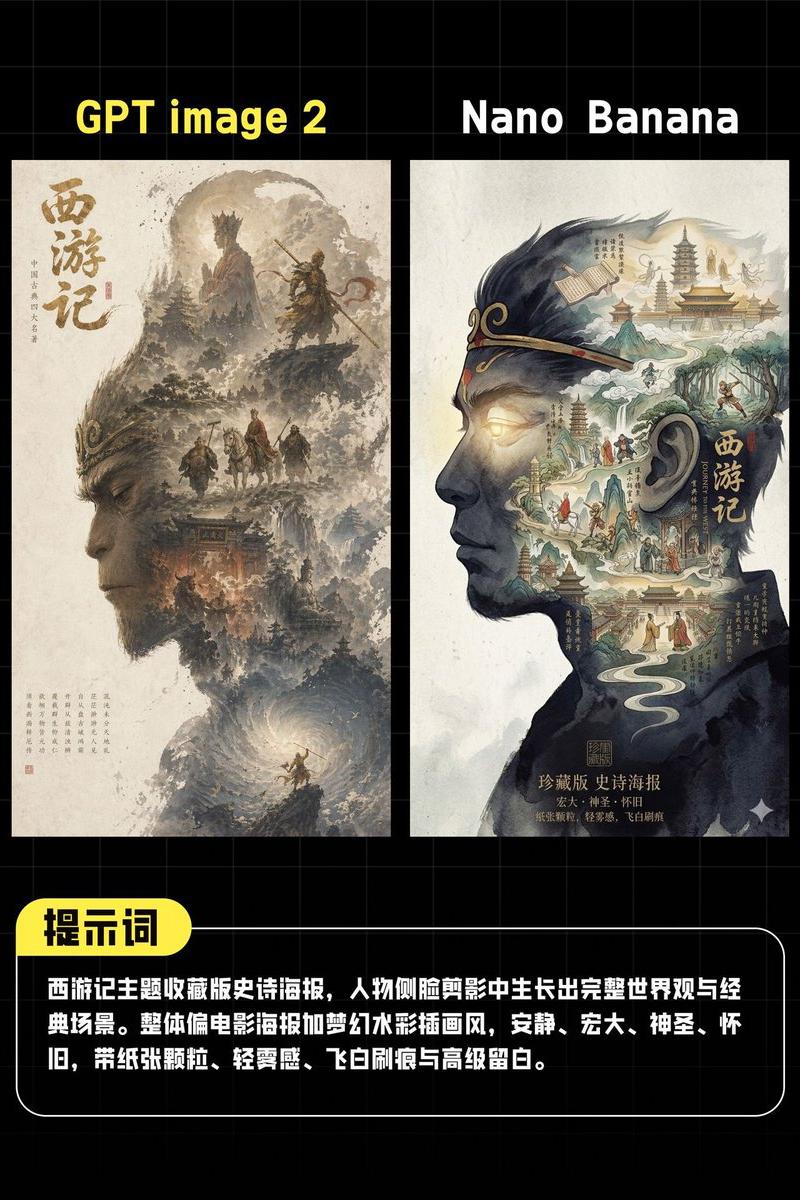
SELECT warrior_profile, internal_battlefield, typography_overlay FROM Editorial_History_Posters WHERE empire = '{argument name="faction" default="[FACTION]"}' AND milestone = '{argument name="event" default="[EVENT]"}'; /* VISUAL RENDER LOGIC */ -- BASE: # FFFFFF (Absolute White). -- WARRIOR_PROFILE: A commanding profile bust. High contrast, gritty shadows. -- INTERNAL_BATTLEFIELD: Replace the warrior's internal torso/face with AI_INFER(A sprawling landscape, castles, and charging cavalry specific to {argument name="event" default="[EVENT]"}). -- EDGE_BEHAVIOR: The bottom of the bust fades into dust, smoke, and marching soldiers. -- TYPOGRAPHY: Floating cleanly in the negative space. Elegant, museum-exhibit formatting.
Category
Charts & Infographics
Model
GPT Image 2
Creator
Gadgetify
Source language
en
Views0
Source ID
25531
Published
Jun 13, 2026
Studio

Guide

About "历史编辑风格战役海报"

What is this prompt for?

"历史编辑风格战役海报" AI image prompt for GPT Image 2 (Charts & Infographics). 一个独特的提示词,利用类似 SQL 的视觉渲染逻辑,创作出包含战士侧写与内部战场的历史编辑风格海报。 Copy it on Picva and recreate the look…

The full copyable prompt and example visuals above are ready for AI image generation or one-click recreate in Picva.

How to use this prompt

  1. Step 1

    Open the prompt detail

    Review the example visuals, category, and full prompt text for "历史编辑风格战役海报".

  2. Step 2

    Copy the prompt

    Copy the prompt body from this page, or load it directly in Studio.

  3. Step 3

    Pick a model (GPT Image 2)

    Prefer GPT Image 2. If you switch models, keep subject and composition and tweak style terms.

  4. Step 4

    Generate and export

    Recreate the look in Picva, or export into your workflow for editing and publishing.

FAQ

What is the "历史编辑风格战役海报" prompt?
It is an AI image-generation prompt for GPT Image 2 in the Charts & Infographics category. This page includes the full prompt text, example visuals, and a one-click recreate path in Picva.
How do I use this prompt to generate an image?
Copy the prompt from this page, or use Generate / Studio. Paste it into a compatible image model, or recreate the look in Picva with optional reference images.
Which model is this prompt for?
This page lists GPT Image 2. Most descriptive prompts also transfer to nearby image models such as GPT Image, Flux, or Midjourney with light style tweaks.
Can I use the result commercially?
You can usually copy the prompt for creation, but commercial use of the final image depends on the model terms, reference-image rights, and the generated content. Follow the source author and platform rules.