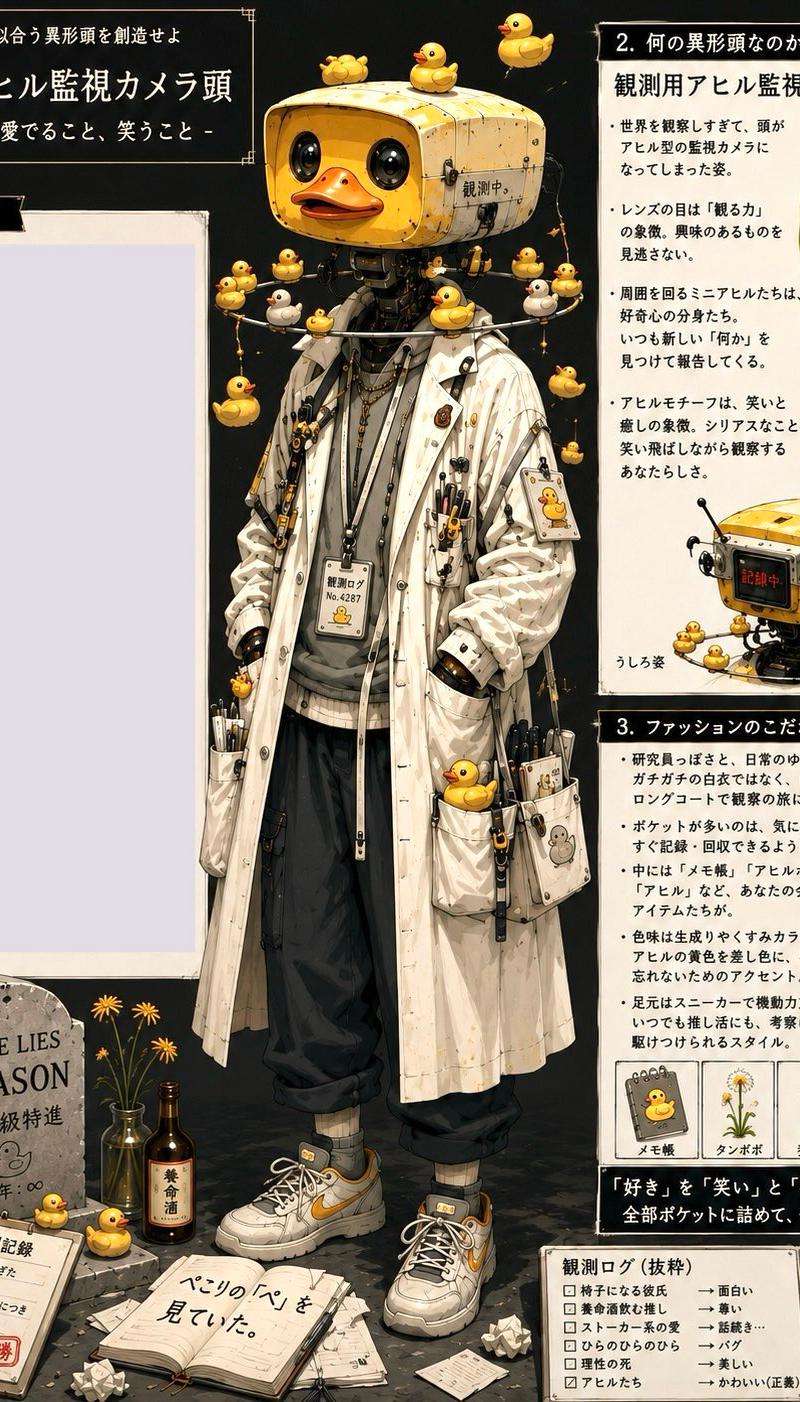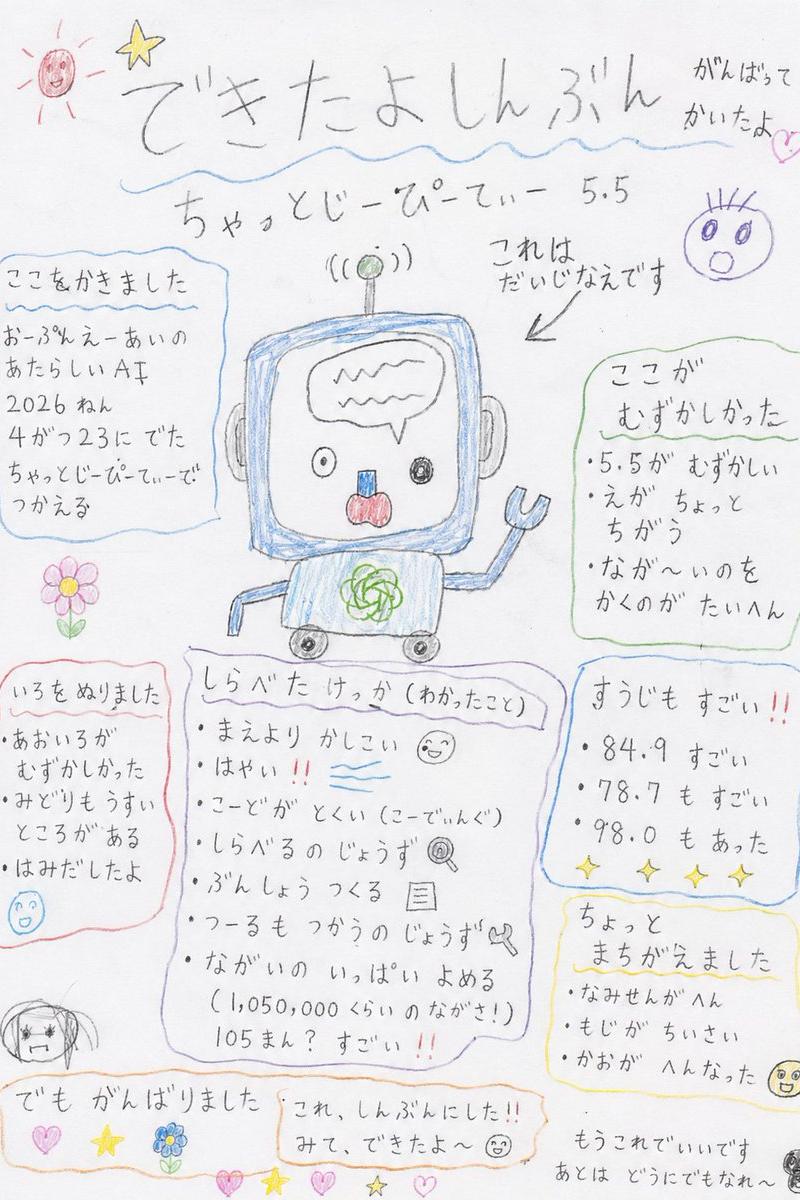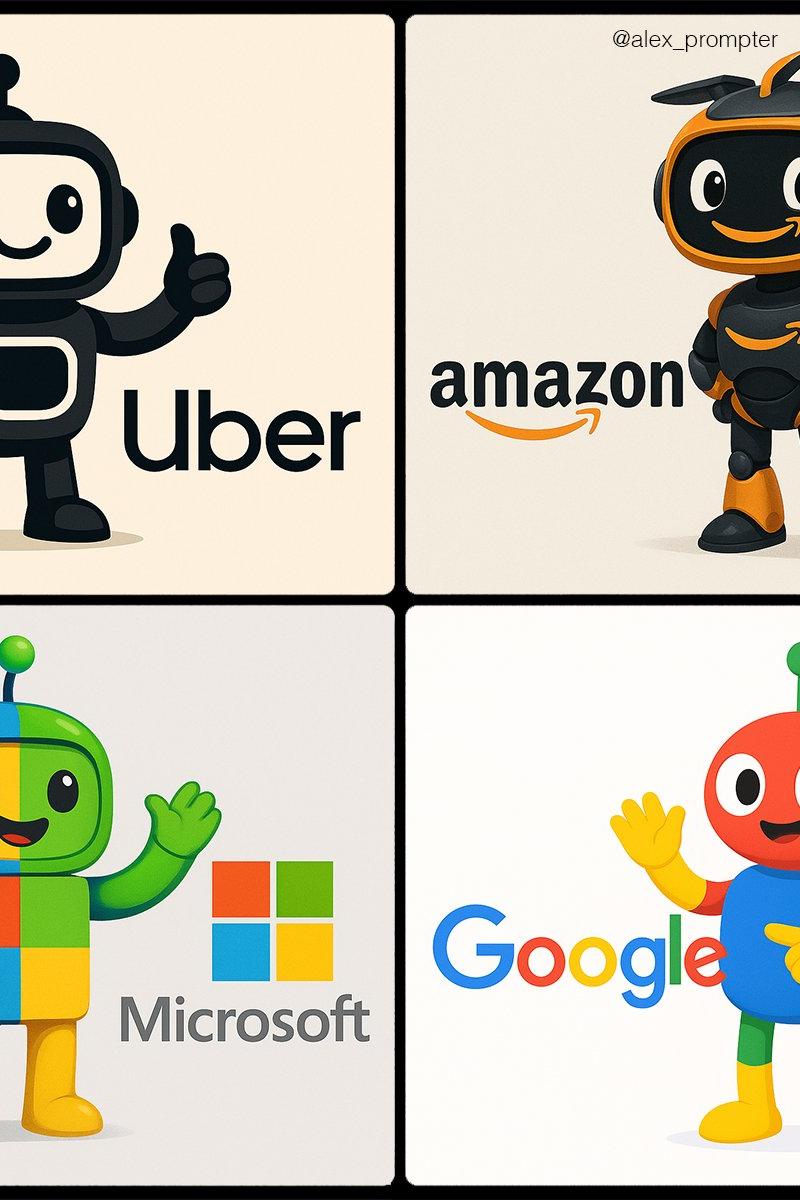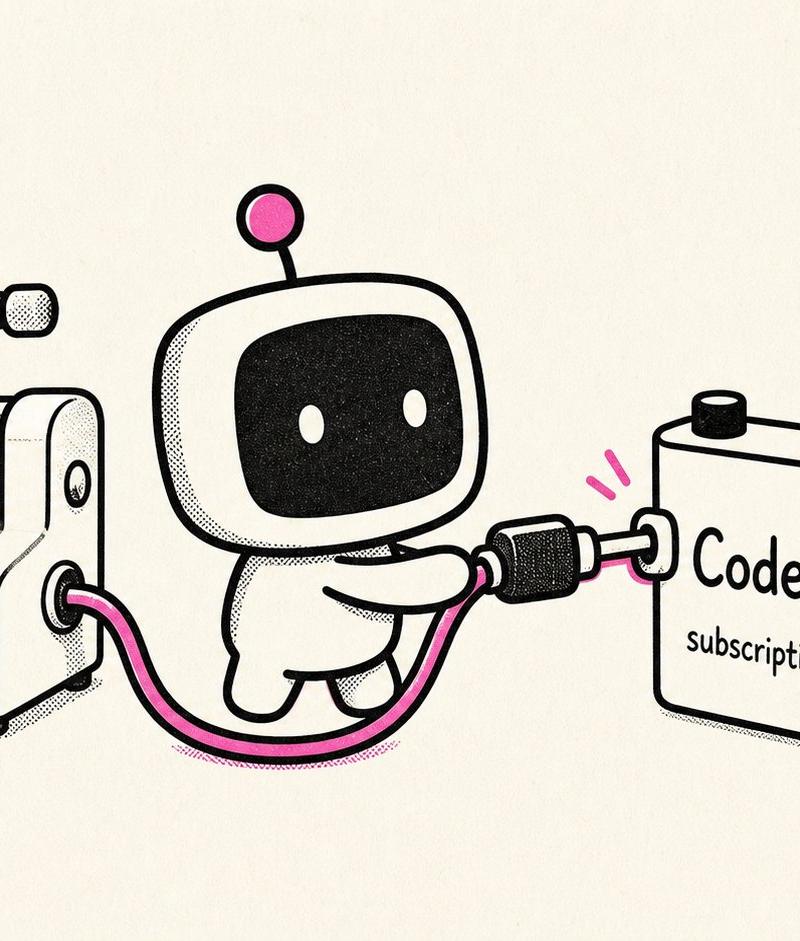
使用 Codex 为 Illo 供电的复古机器人
Prompt
Create a playful retro black-and-white technical cartoon illustration on a warm off-white paper background, in a 16:9 wide canvas. Use thick rounded black ink outlines, halftone stippling shadows, minimal cream fills, and bright hot-pink accent color. Show exactly four main objects arranged left to right: 1) a small vintage tabletop image-printing press labeled “{argument name="printer label" default="illo"}” in lowercase on its front, with a crank on the left, rollers on top, and a sheet of paper emerging from the lower front; the printed sheet contains one simple landscape picture with a black sun/circle, black mountains, and pink diagonal shading; 2) a cute small robot mascot in the center with a rounded square head, black screen face, two white oval eyes, tiny body, arms, legs, and one antenna ending in a pink circle; 3) a chunky rectangular battery/power pack on the right labeled “{argument name="battery title" default="Codex"}” with smaller text “{argument name="battery subtitle" default="subscription"}”, two top terminals colored black and pink, and a pink lightning bolt above it; 4) a small wall outlet/power block at the far right with one socket and one button-like top knob. Show exactly two visible cable connections: a hot-pink cable running from the printer’s right side to the robot’s hand, and a black-and-pink plug cable from the robot into the Codex battery; also show a black power cord with plug leading from the wall outlet. Add exactly two small pink motion marks near the plug held by the robot. Keep the composition clean and centered with lots of negative space, no extra characters, no extra labels, no watermark, and preserve the hand-drawn risograph/zine aesthetic.- Category
- Charts & Infographics
- Model
- GPT Image 2
- Creator
- Trevin Chow
- Source language
- en
- Source ID
- 25547
- Published
- Jun 13, 2026
Views0