韩语 GPT 图像提示词详情页
Prompt
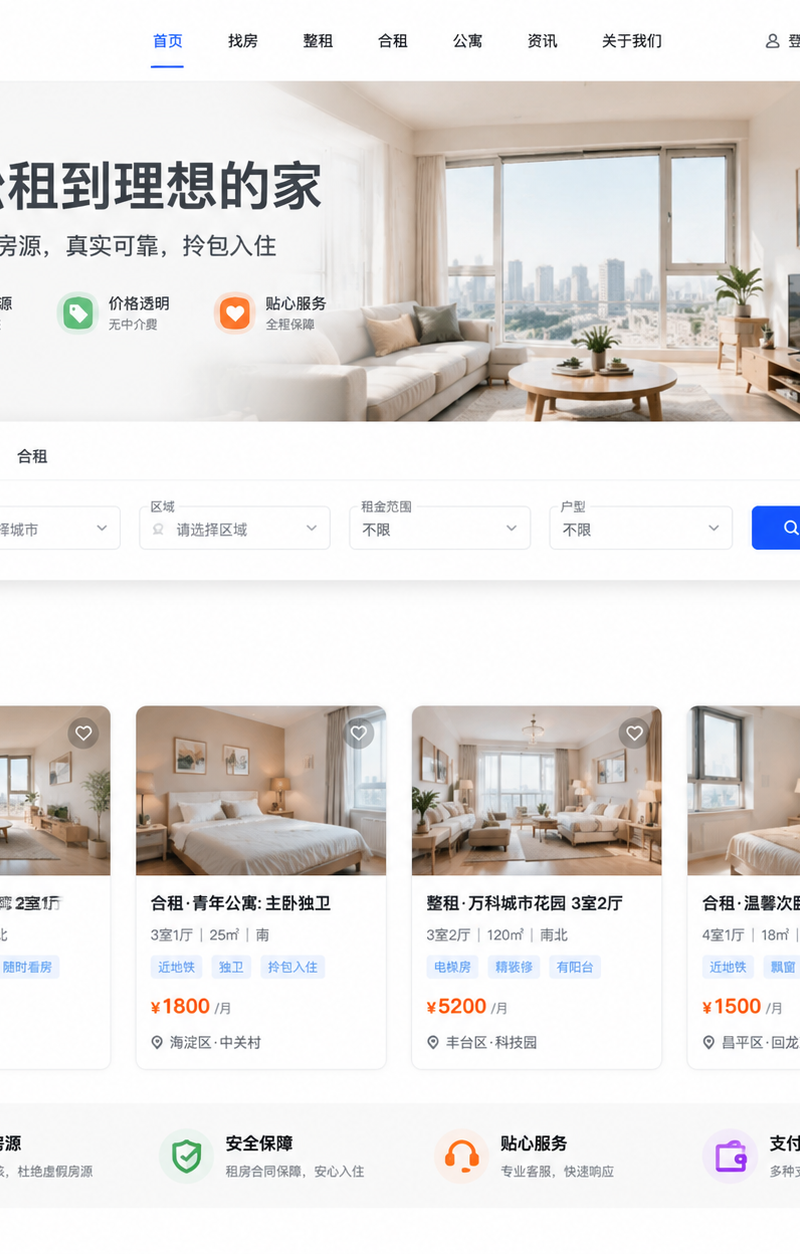
Goal: Create a clean Korean prompt-collection webpage/card showcasing an example GPT Image 2 prompt for a modern ice cream shop interior.

Canvas: Vertical 9:16 off-white page, warm cream background, generous margins, editorial web layout. Use crisp black typography and a realistic architectural render as the central visual.

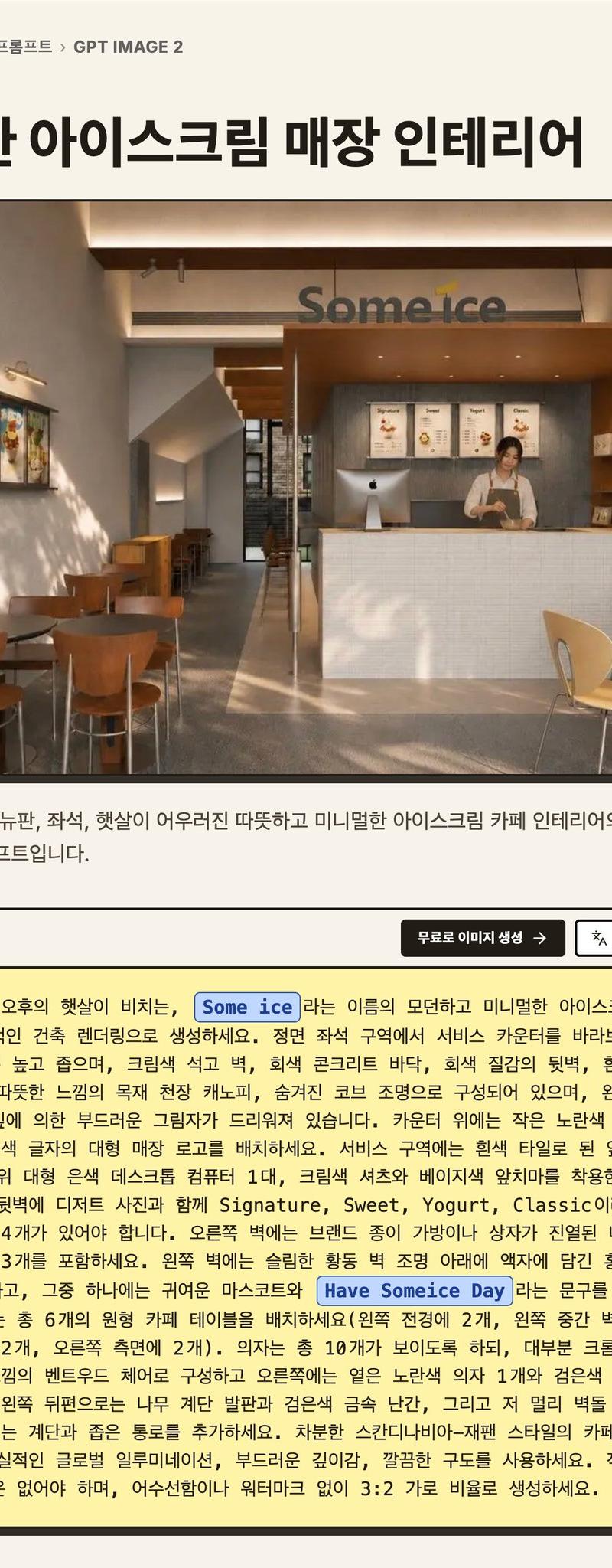
Layout: At the top left, show a small breadcrumb with exactly 3 items: "프롬프트", "이미지프롬프트", and "GPT IMAGE 2", separated by chevrons. Below it, place a large bold Korean headline: {argument name="headline text" default="모던한 아이스크림 매장 인테리어"}. Under the headline, place one large rounded-corner image frame with a thin dark border, containing a realistic modern ice cream cafe interior. Below the image, add one short Korean description paragraph. At the bottom, add one large bordered prompt box with a header bar and a pale yellow text area.

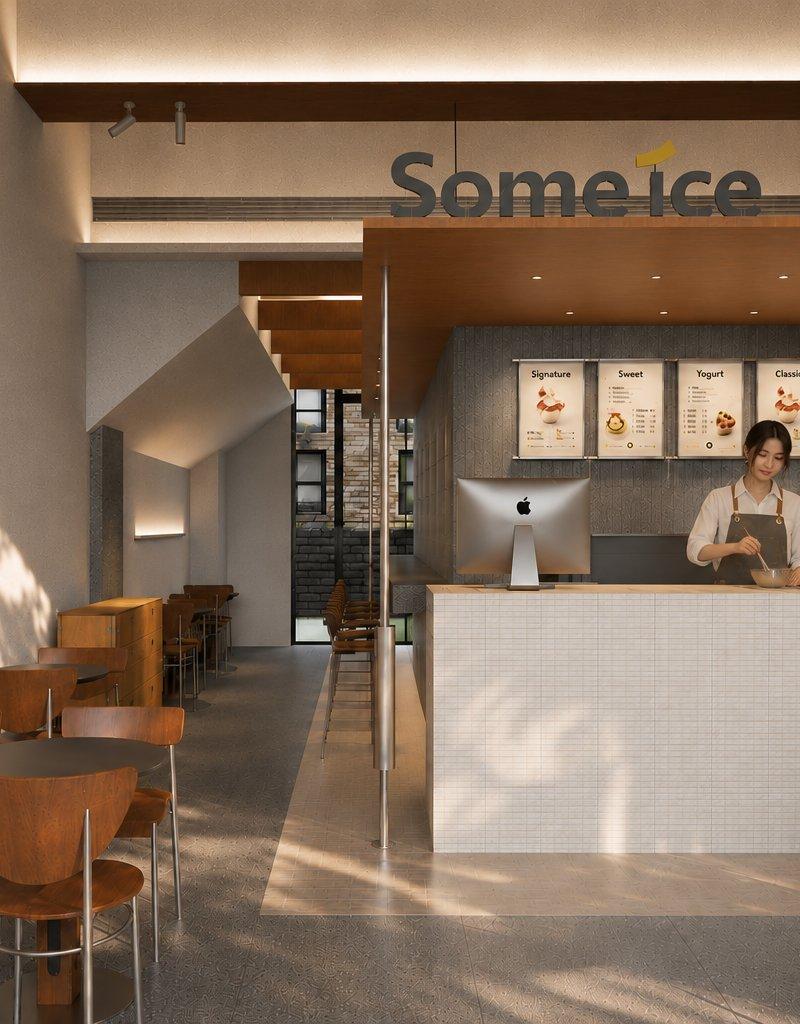
Main image subject: A photorealistic modern minimalist ice cream shop named {argument name="shop name" default="Some ice"}. The interior has warm late-afternoon sunlight casting leaf shadows on the wall, cream plaster walls, gray concrete flooring, gray textured back wall, white square-tile counter, warm wood canopy ceiling, hidden cove lighting, a large gray shop logo above the counter, and a single female employee behind the counter wearing a cream shirt and beige apron. Include exactly 6 round cafe tables: 2 near the left foreground, 2 along the left middle wall, and 2 toward the right side. Include about 10 visible chairs, mostly bentwood chairs with chrome legs, plus one black accent chair on the right. Include exactly 4 small illustrated menu boards behind the counter, one desktop computer on the counter, cream storage boxes and beige shopping bags on shelves to the right, 3 framed ice-cream posters on the left wall, a narrow staircase or corridor receding in the back left, and no customers.

Prompt box details: The box has a thick dark outline and slightly rounded corners. The header strip is off-white with the label "프롬프트" on the left. On the right side of the header, include exactly 3 controls: a black button labeled "무료로 이미지 생성" with a right arrow, a white outlined button labeled "번역 전" with a small translation icon, and a small square copy icon button. The large body area is pale yellow and filled with dense Korean paragraph text describing the image prompt. Highlight exactly 4 inline terms with rounded blue selection-style backgrounds: "Some ice", "어플리케이션", "Have Someice Day", and "3:2".

Text content: The paragraph under the image should read: {argument name="description text" default="브랜드 간판, 메뉴판, 좌석, 햇살이 어우러진 따뜻하고 미니멀한 아이스크림 카페 인테리어의 사실적인 건축 시각화 프롬프트입니다."} The prompt body should be Korean prose beginning with a request for a warm late-afternoon sunlit modern ice cream shop interior and should mention the shop name, app-style signage, cream plaster walls, gray concrete floor, wood canopy ceiling, 4 menu boards, 6 round tables, 10 chairs, 3 framed posters, and a 3:2 horizontal composition.

Visual style: Minimal Korean web UI, high-end prompt gallery aesthetic, black and charcoal text, cream paper background, realistic architectural photography in the image area, subtle shadows, clean alignment, no clutter.

Constraints: Use only one main photo, one description paragraph, and one prompt card. Keep all Korean text legible. Do not add watermarks, logos outside the shop sign, extra people, or extra UI panels.- Category
- UI & Interfaces
- Model
- GPT Image 2
- Creator
- lucas
- Source language
- en
- Source ID
- 25549
- Published
- Jun 14, 2026
Views0