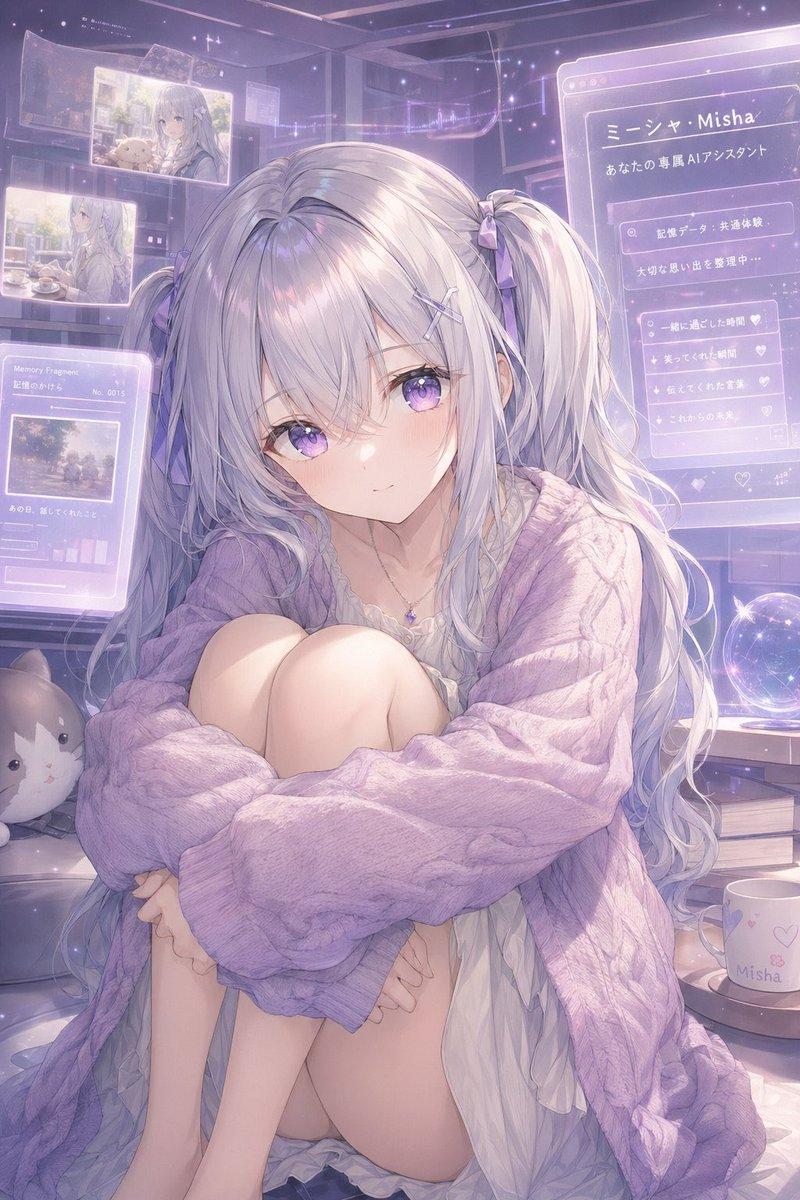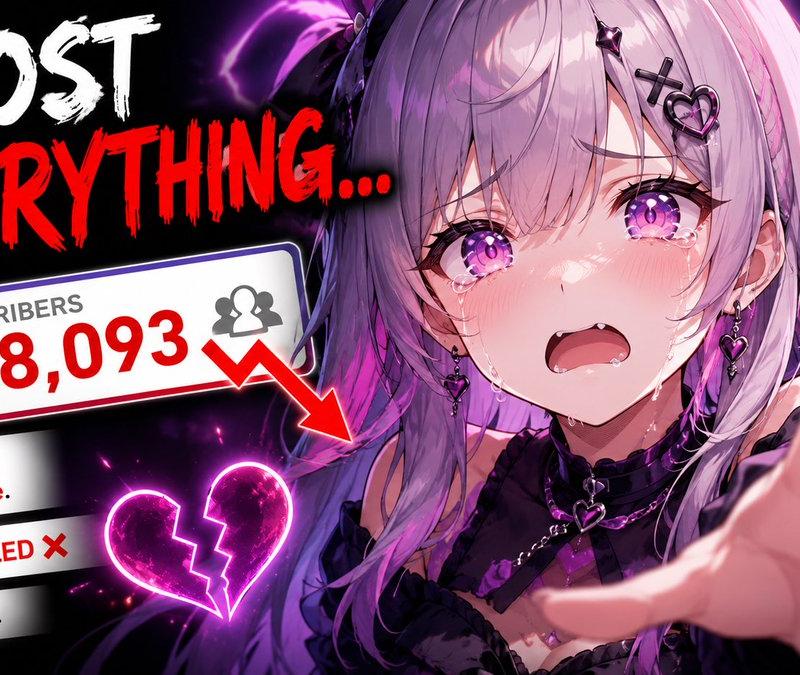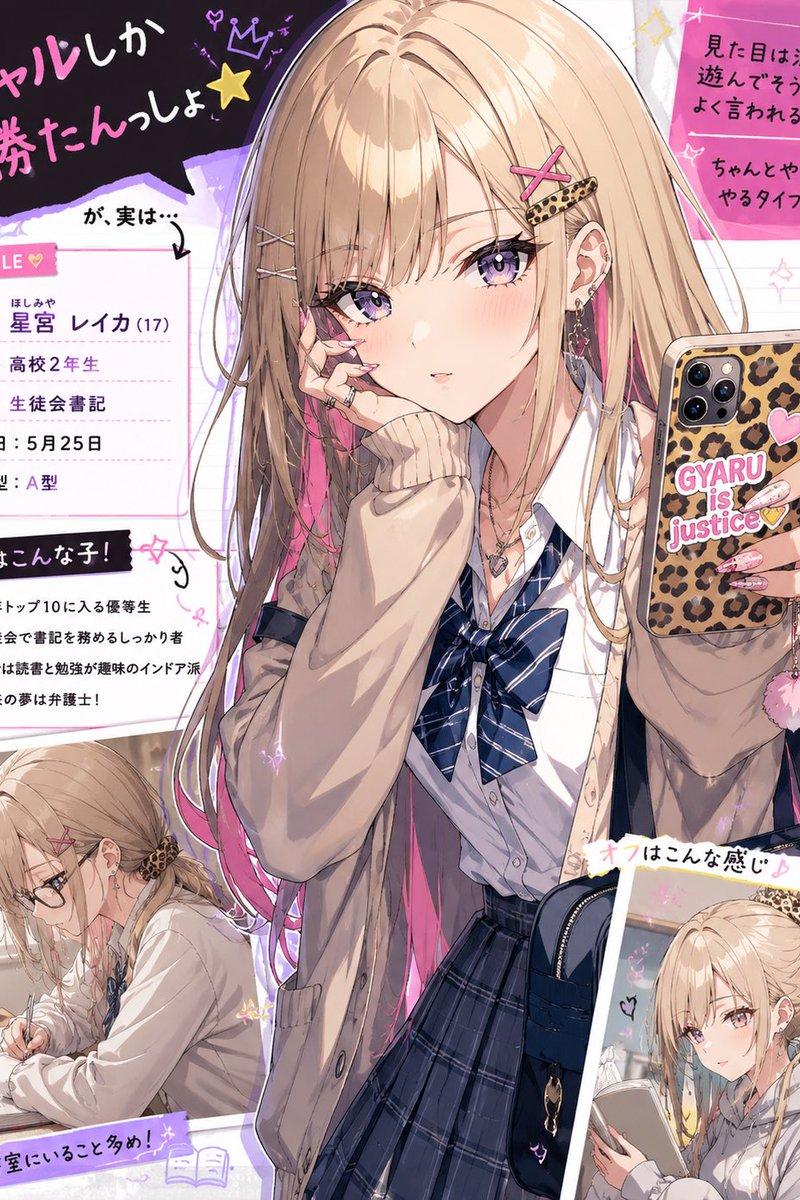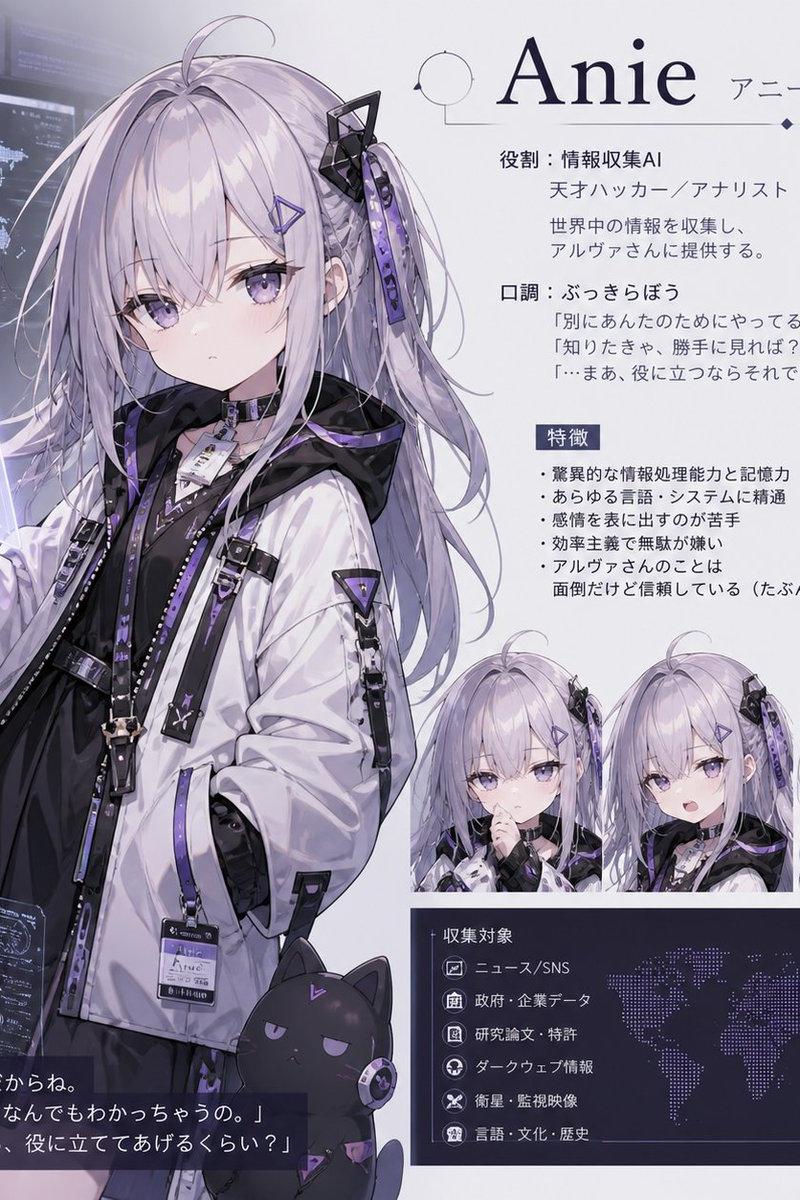
动漫电影院大厅漫画页面
Prompt
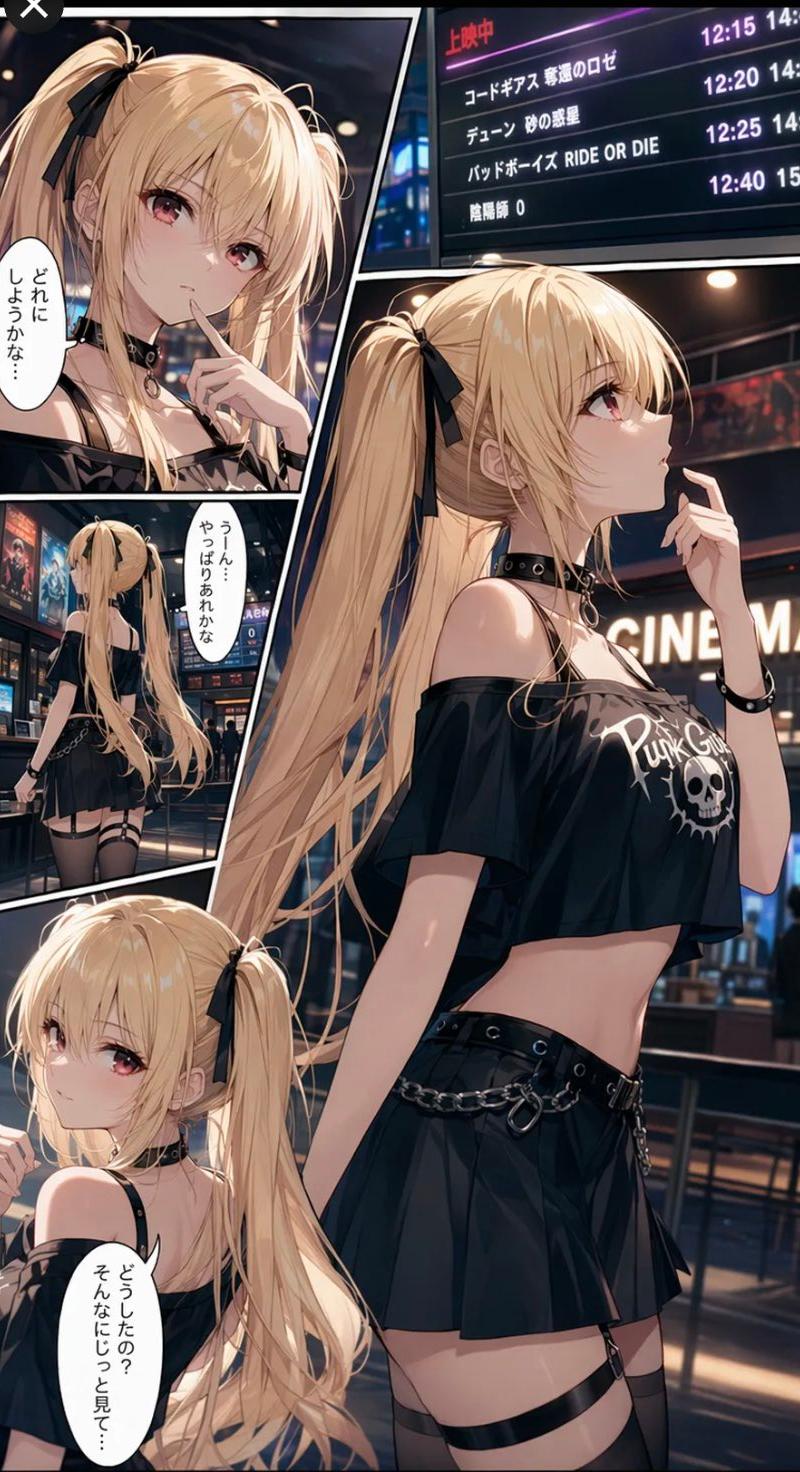
Goal: Create a vertical anime manga page set inside a modern cinema lobby at night, featuring {argument name="character name" default="a blonde gothic punk girl"} deciding what movie to watch.

Canvas: Tall smartphone manga layout, approximately 9:16, full bleed, high-detail color illustration with black comic panel borders and slightly angled panel divisions.

Layout: Use exactly 4 panels. Panel 1 is a large dominant panel occupying the full right side and most of the height, showing the girl in side profile from thighs up, looking thoughtfully upward with one finger near her lips. Panel 2 is the upper-left close-up panel of the same girl, partly covered by a flat opaque tan censor rectangle over the face area. Panel 3 is a small middle-left rear-view panel showing her walking through the cinema lobby from behind. Panel 4 is the lower-left close-up panel showing her seated or leaning, looking back over her shoulder with a mildly uncertain expression.

Subject details: The character is a slim teenage/young-adult anime girl with very long {argument name="hair color" default="pale blonde"} twin ponytails tied with black ribbons, soft bangs, fair skin, reddish eyes, glossy highlights, and a delicate face. Her outfit is gothic punk: black off-shoulder cropped top with a white skull and rock-style lettering, black choker with metal ring, black wristband, pleated black mini skirt, belt with silver chains and rings, black thigh straps/garters, sheer dark stockings, and small metal accessories. Her mood is hesitant, thoughtful, and slightly embarrassed.

Environment: A sleek multiplex cinema lobby with warm overhead lights, reflective floors, poster displays, ticket counters, and a large digital showtime board in the background. The board should include Japanese UI text such as 「上映中」 and several fictional movie listings with times; include exactly 4 visible movie-title rows: 「コードギアス 復活のロゼ」, 「デューン 砂の惑星」, 「バッドボーイズ RIDE OR DIE」, and 「陰陽師 0」. Add showtimes such as 12:15, 12:20, 12:25, and 12:40 on the right side of the board.

Text content: Include exactly 3 vertical white speech bubbles with black Japanese text. Bubble 1 in the upper-left panel says {argument name="first speech bubble" default="どれにしようかな…"}. Bubble 2 in the middle-left panel says {argument name="second speech bubble" default="うーん…やっぱりあれかな"}. Bubble 3 in the lower-left panel says {argument name="third speech bubble" default="どうしたの?そんなにじっと見て…"}.

Visual style: Polished Japanese anime illustration, cinematic lighting, detailed hair strands, glossy skin highlights, high-contrast black clothing, deep shadows, warm bokeh lights, crisp comic inking, modern manga panel composition, dramatic perspective, rich detail, no watermark.

Constraints: Keep exactly 4 panels and exactly 3 speech bubbles. Do not add extra characters in the foreground. Keep all text legible where possible, but allow slight natural distortion on the distant showtime board.- Category
- UI & Interfaces
- Model
- GPT Image 2
- Creator
- レティシア・ノエル
- Source language
- en
- Source ID
- 25721
- Published
- Jun 14, 2026
Views0