VANTORÉ 奢华腕表广告
Prompt
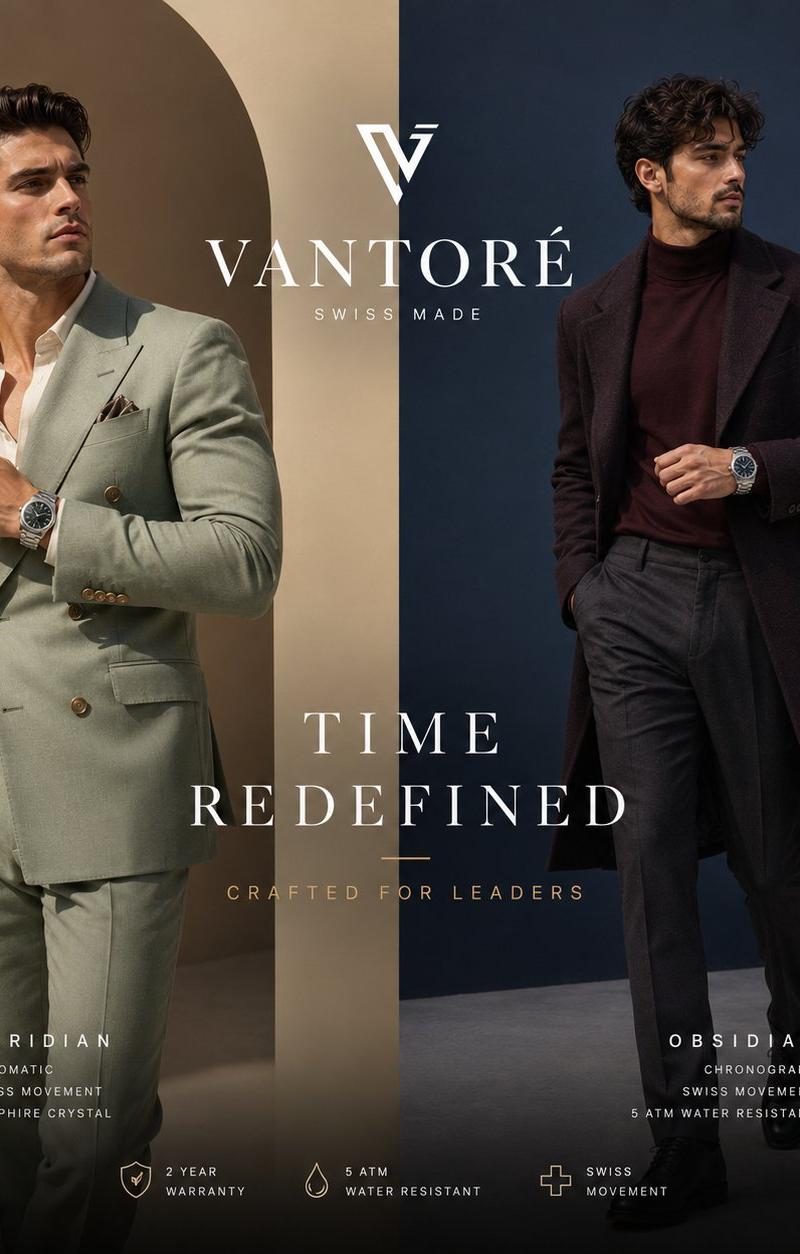
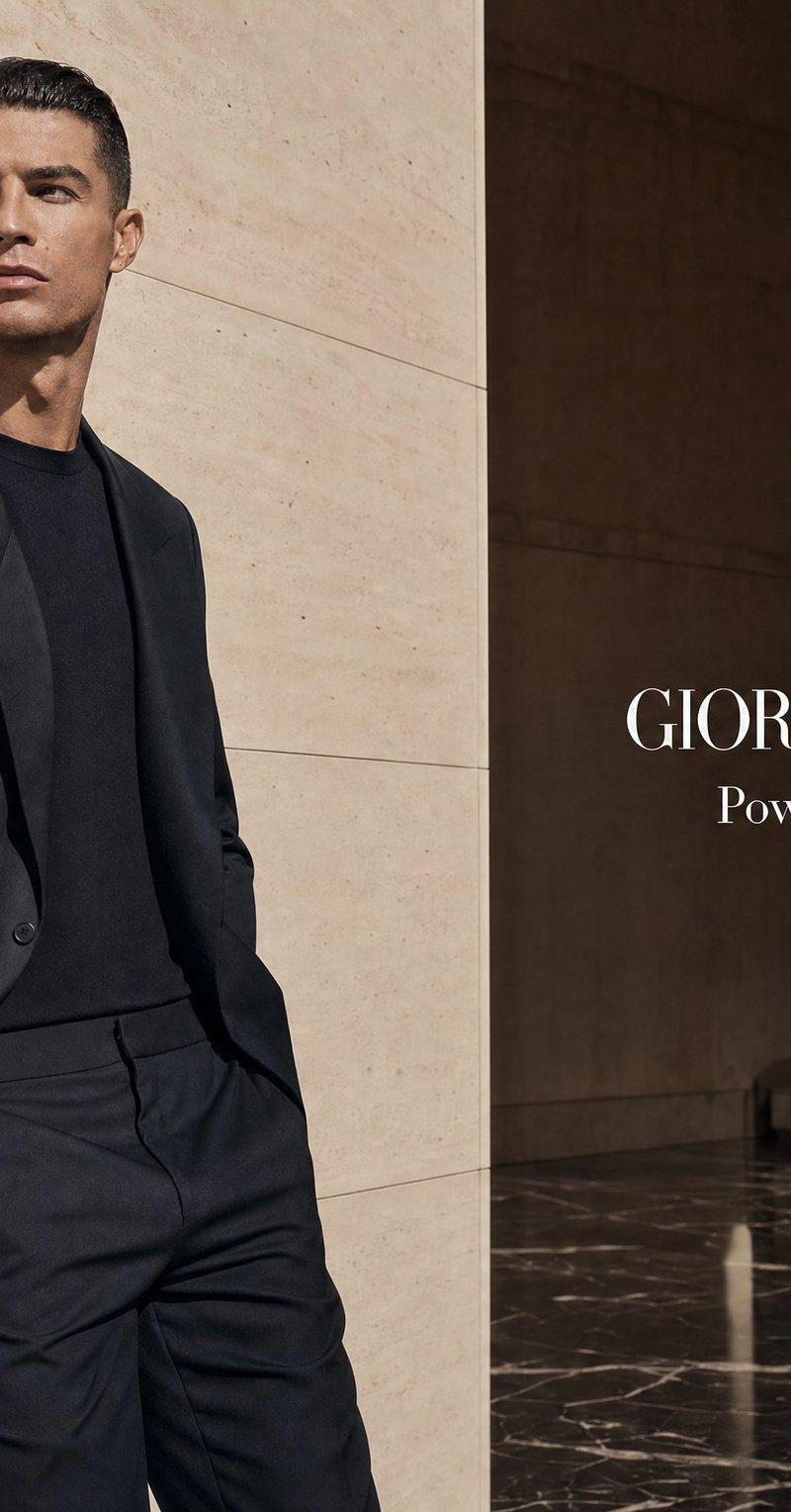
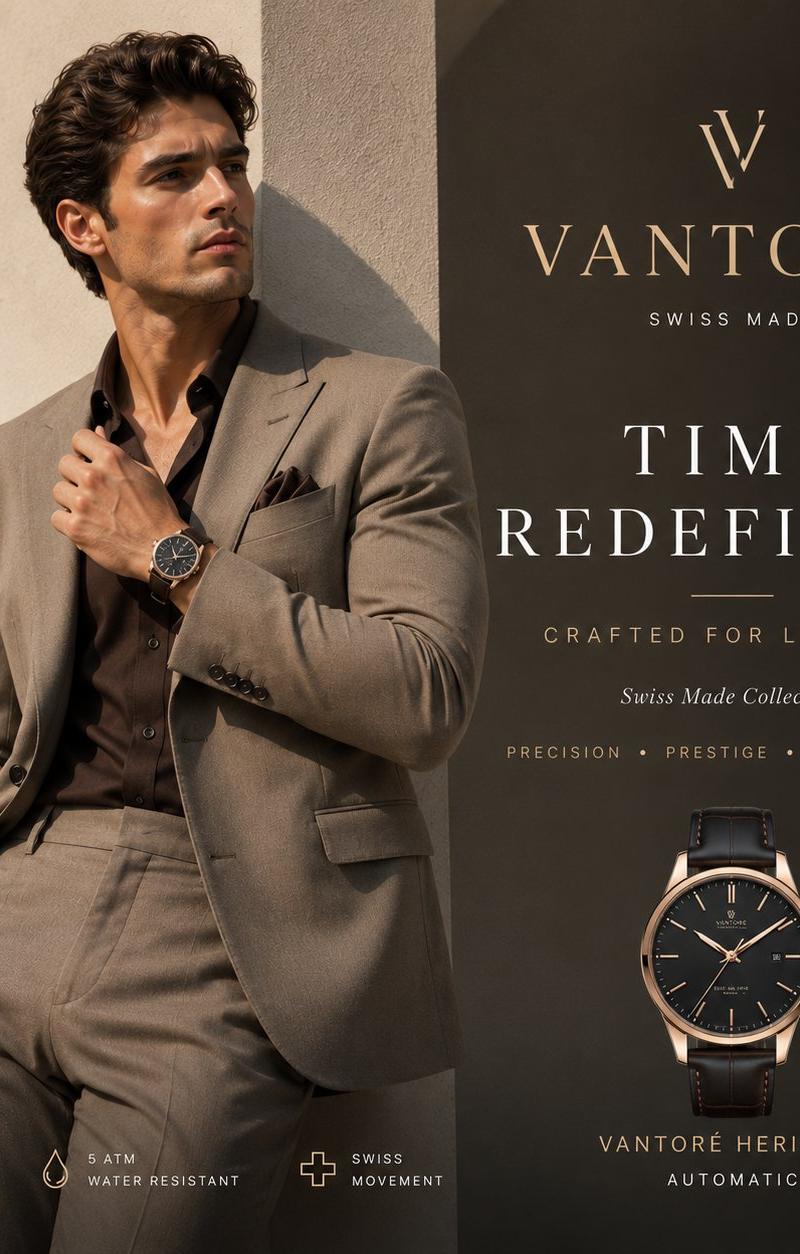
Goal: Create a luxury Swiss wristwatch advertisement for {argument name="brand name" default="VANTORÉ"}, featuring a single stylish male model in a premium fashion pose.

Canvas: Square 1:1 luxury magazine ad, warm beige and charcoal palette, high-end editorial photography mixed with refined graphic design. Split composition: model on the left, product branding and watch details on the right.

Layout: Left half shows one handsome male model standing in front of minimalist Mediterranean-style beige architecture with tall rounded arches and strong late-afternoon shadows. His face is covered by a centered soft-edged square blur in warm brown tones, while his dark wavy hair remains visible. He wears a tailored {argument name="suit color" default="taupe gray"} suit, a dark brown/black open-collar shirt, matching pocket square, and one hand in his trouser pocket. His other hand adjusts his jacket lapel so the luxury wristwatch on his left wrist is clearly visible. Right half is a dark charcoal vertical panel with elegant premium typography and a product watch render near the lower right.

Text content: At the top of the right panel, place a minimalist gold monogram logo shaped like a stylized V, then the brand name "{argument name="brand name" default="VANTORÉ"}" in large spaced gold serif letters, with "SWISS MADE" below in small spaced caps. Center headline reads "{argument name="headline text" default="TIME REDEFINED"}" in large white high-contrast serif capitals, split across two lines. Add a thin gold divider line below. Under it, write "CRAFTED FOR LEADERS" in small spaced gold capitals, then "Swiss Made Collection" in small italic white type. Beneath that, write "PRECISION • PRESTIGE • PERFORMANCE" in tiny spaced gold capitals.

Product details: Include exactly 2 visible watches: one real watch on the model’s wrist and one isolated product watch render on the lower right. Both watches have a black dial, rose-gold case and hands, slim indices, and a black leather strap. Under the isolated watch, write "VANTORÉ HERITAGE" in small gold spaced capitals and "AUTOMATIC" in smaller white spaced capitals.

Bottom feature row: Along the bottom left, include exactly 3 small gold line icons with white labels: 1 shield icon labeled "5 YEAR WARRANTY", 1 water drop icon labeled "5 ATM WATER RESISTANT", and 1 Swiss cross icon labeled "SWISS MOVEMENT".

Visual style: Premium watch campaign, cinematic warm sunlight, crisp suit tailoring, realistic fabric texture, shallow depth of field, elegant arch shadows, minimal clutter, refined gold and white typography on charcoal, luxury editorial mood.

Constraints: Keep the model on the left and the typography/product watch on the right, maintain a clean luxury layout, make the wristwatch clearly visible, use no extra people, no additional icons beyond the 3 feature icons, and avoid any watermark or social media UI.- Category
- UI & Interfaces
- Model
- GPT Image 2
- Creator
- shah_zadii
- Source language
- en
- Source ID
- 25729
- Published
- Jun 14, 2026
Views0