15

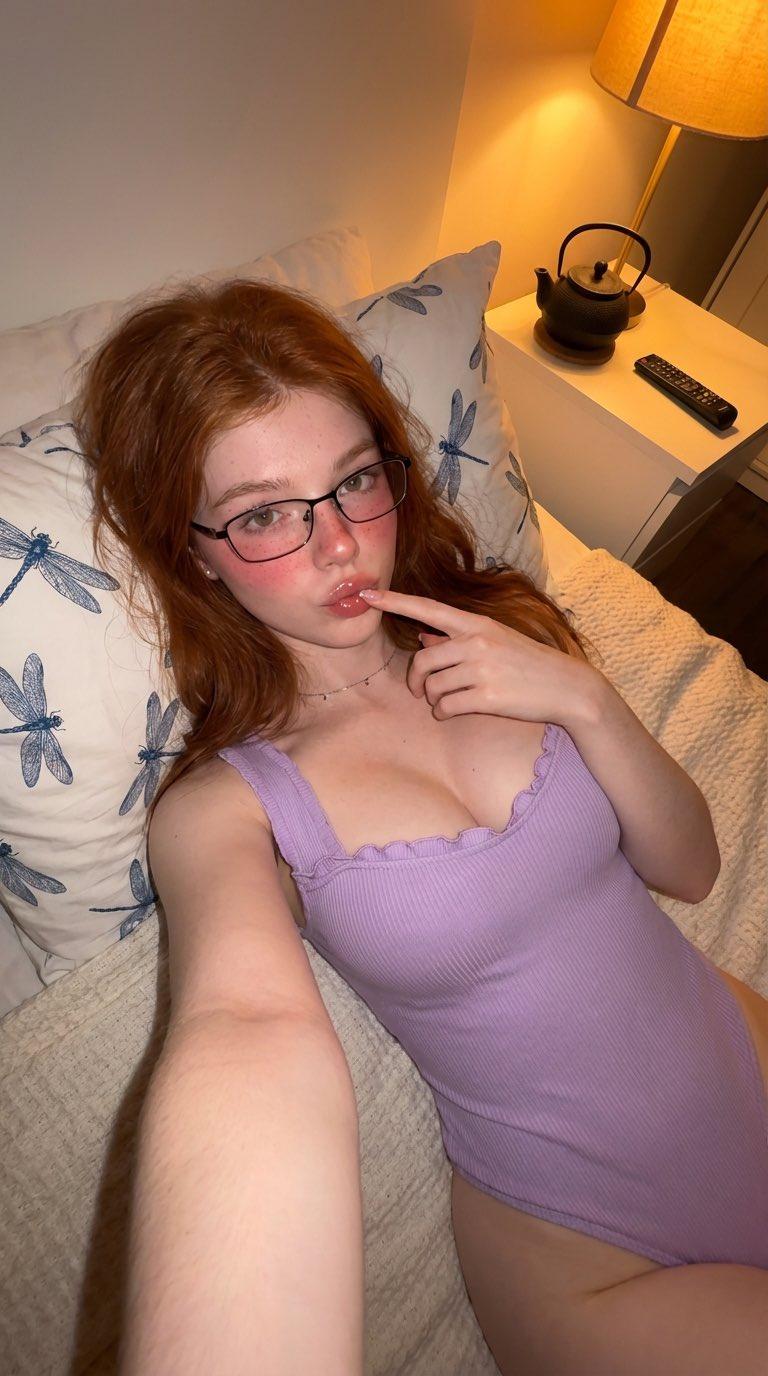
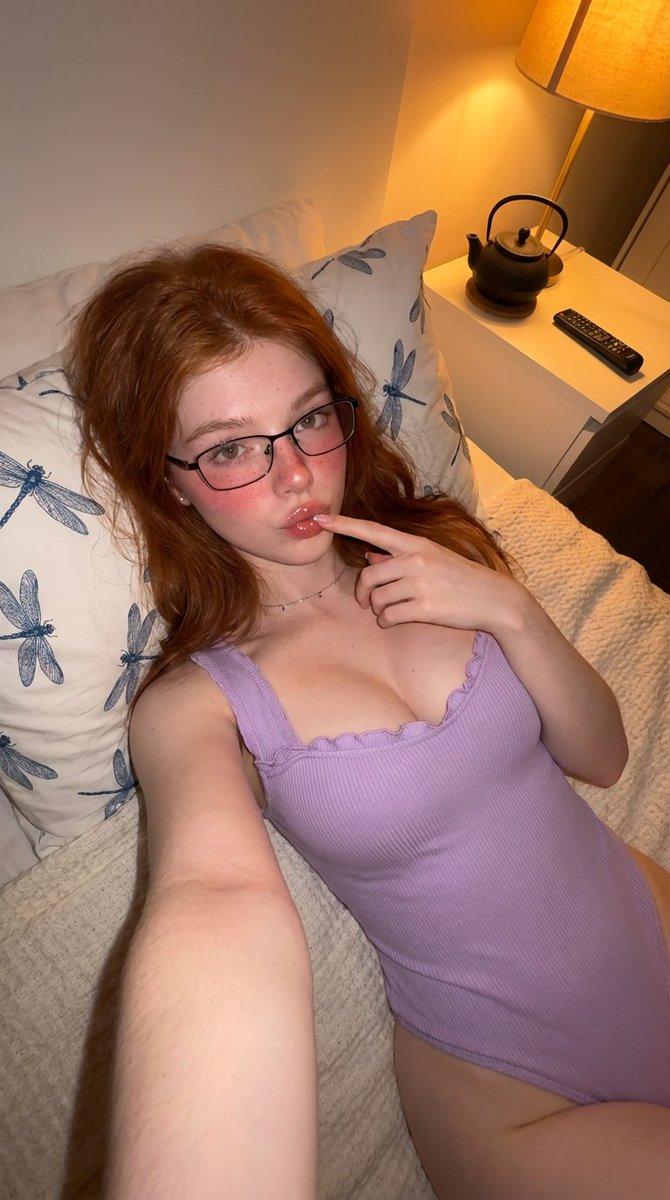
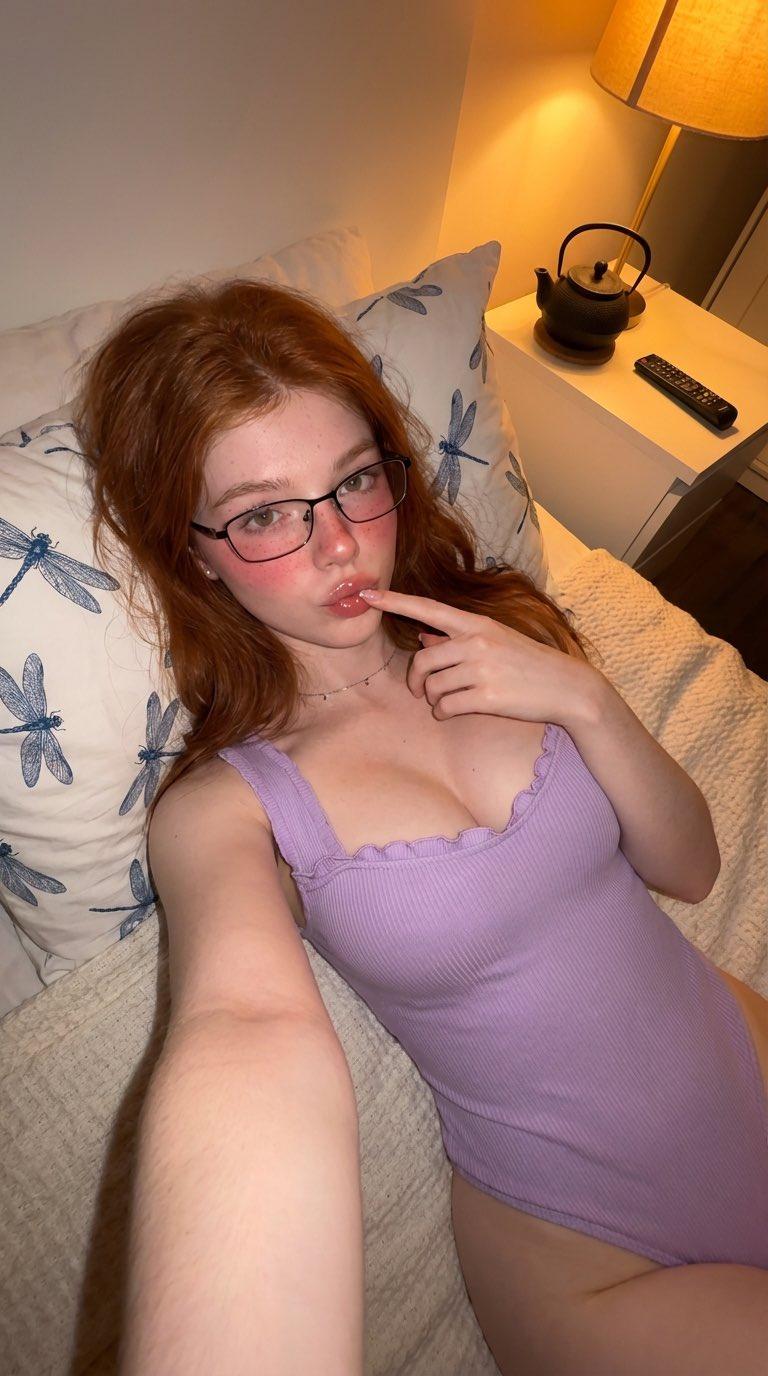
温馨卧室写实生活摄影
Enlarge

Example images

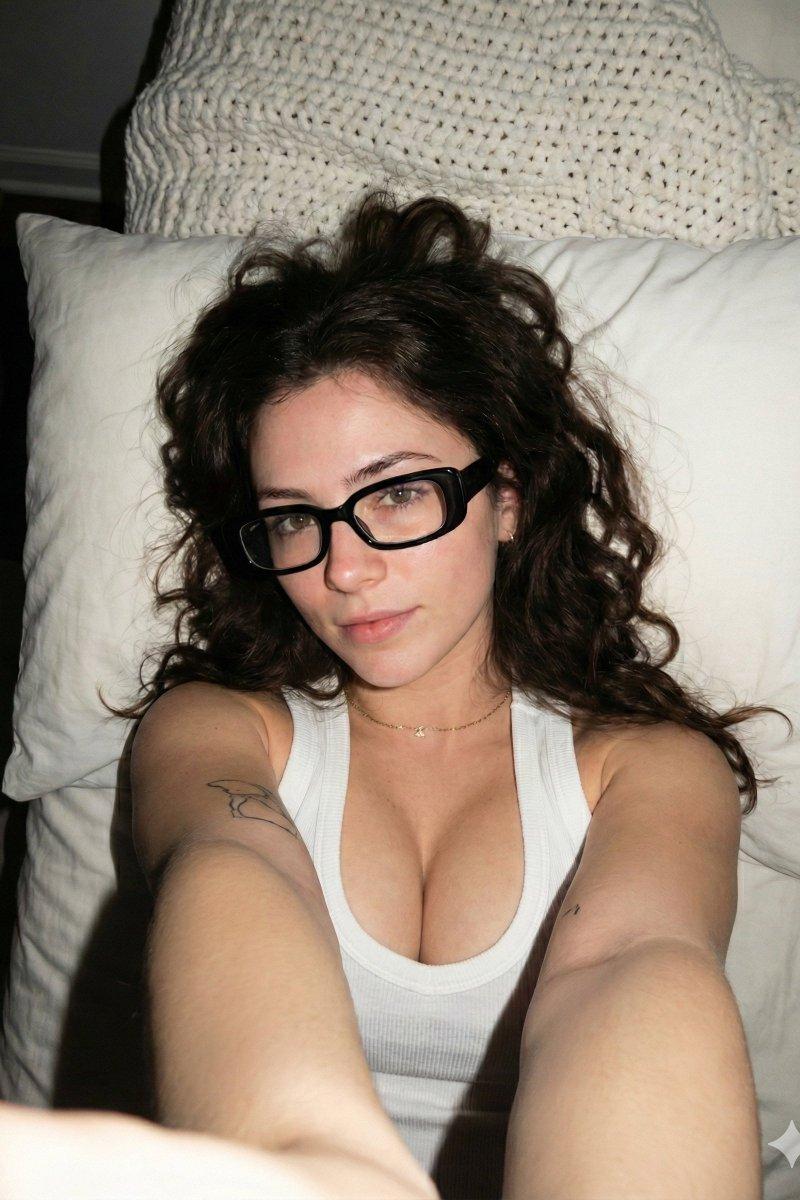
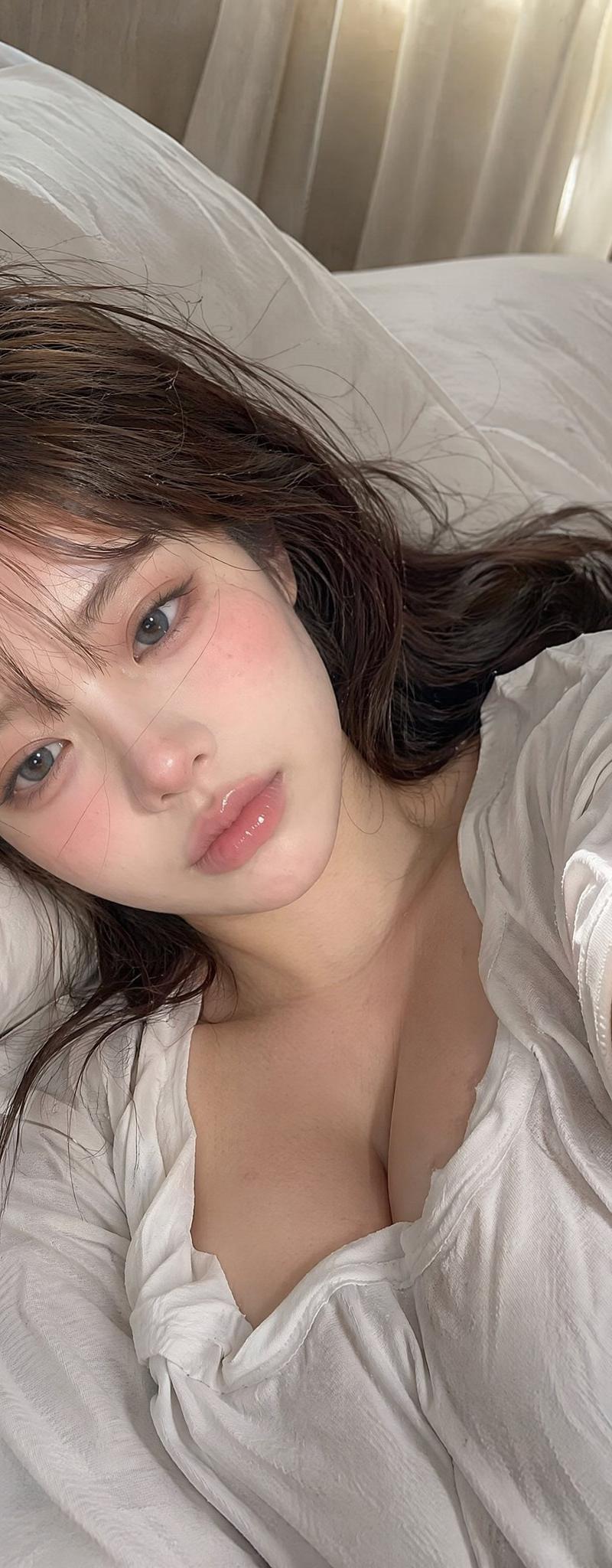
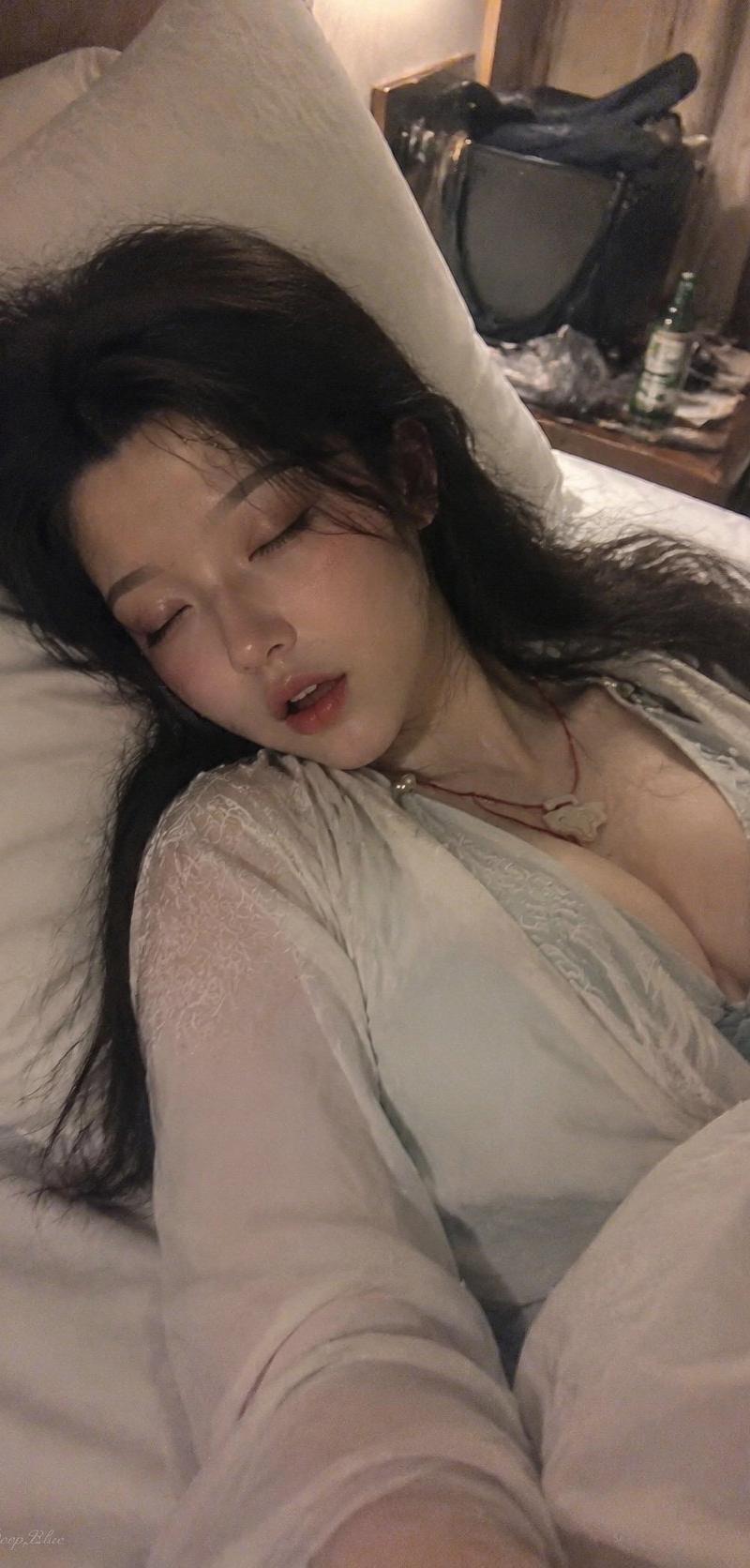
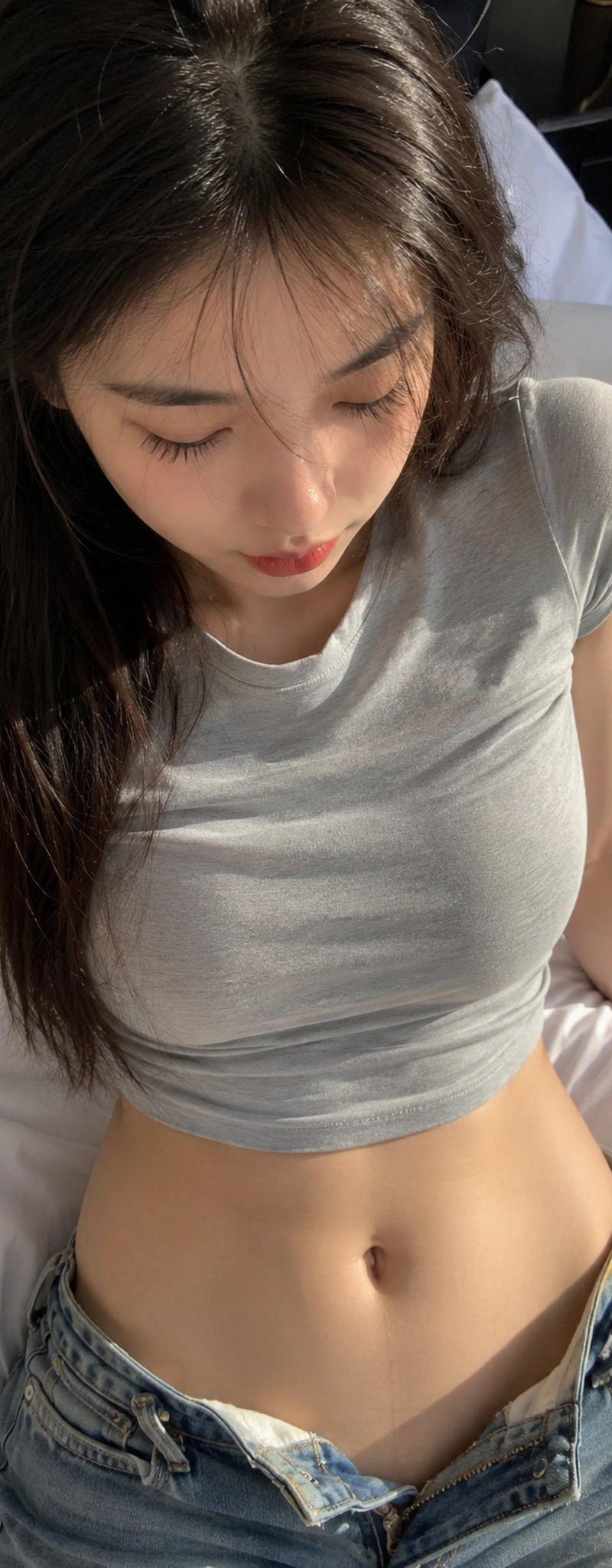
温馨卧室写实生活摄影

Prompt
{
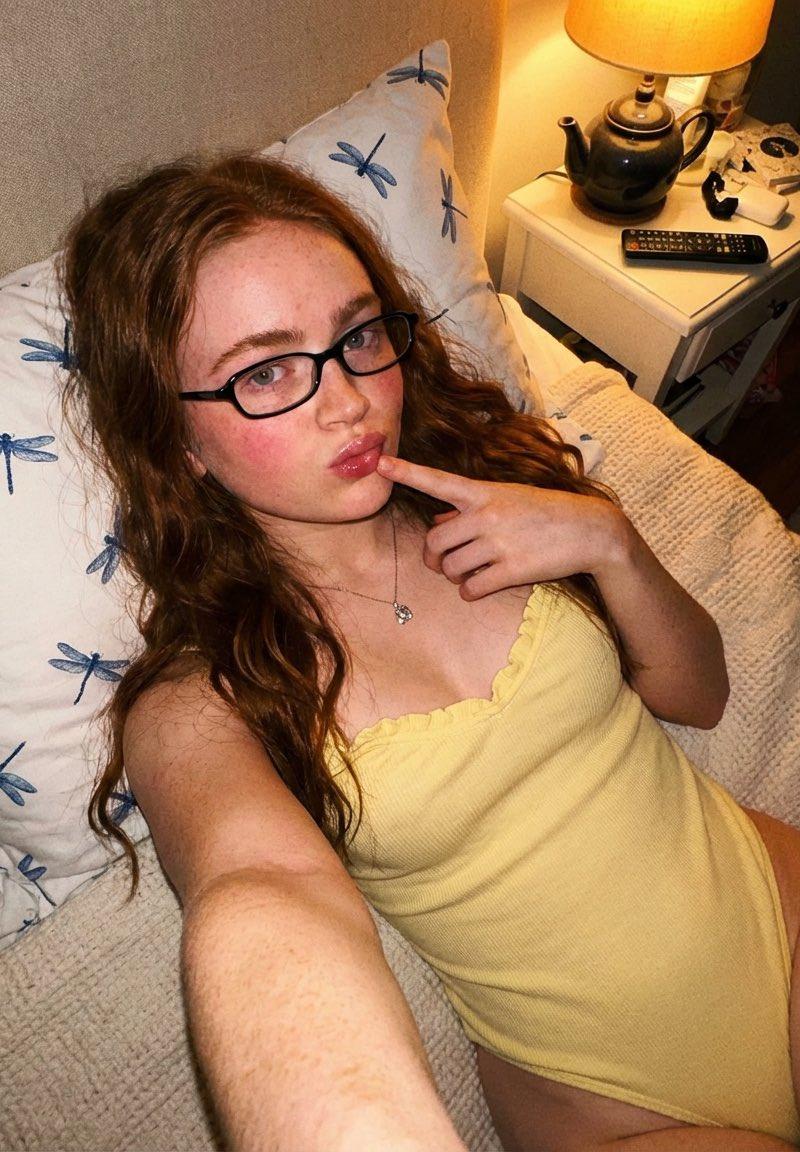
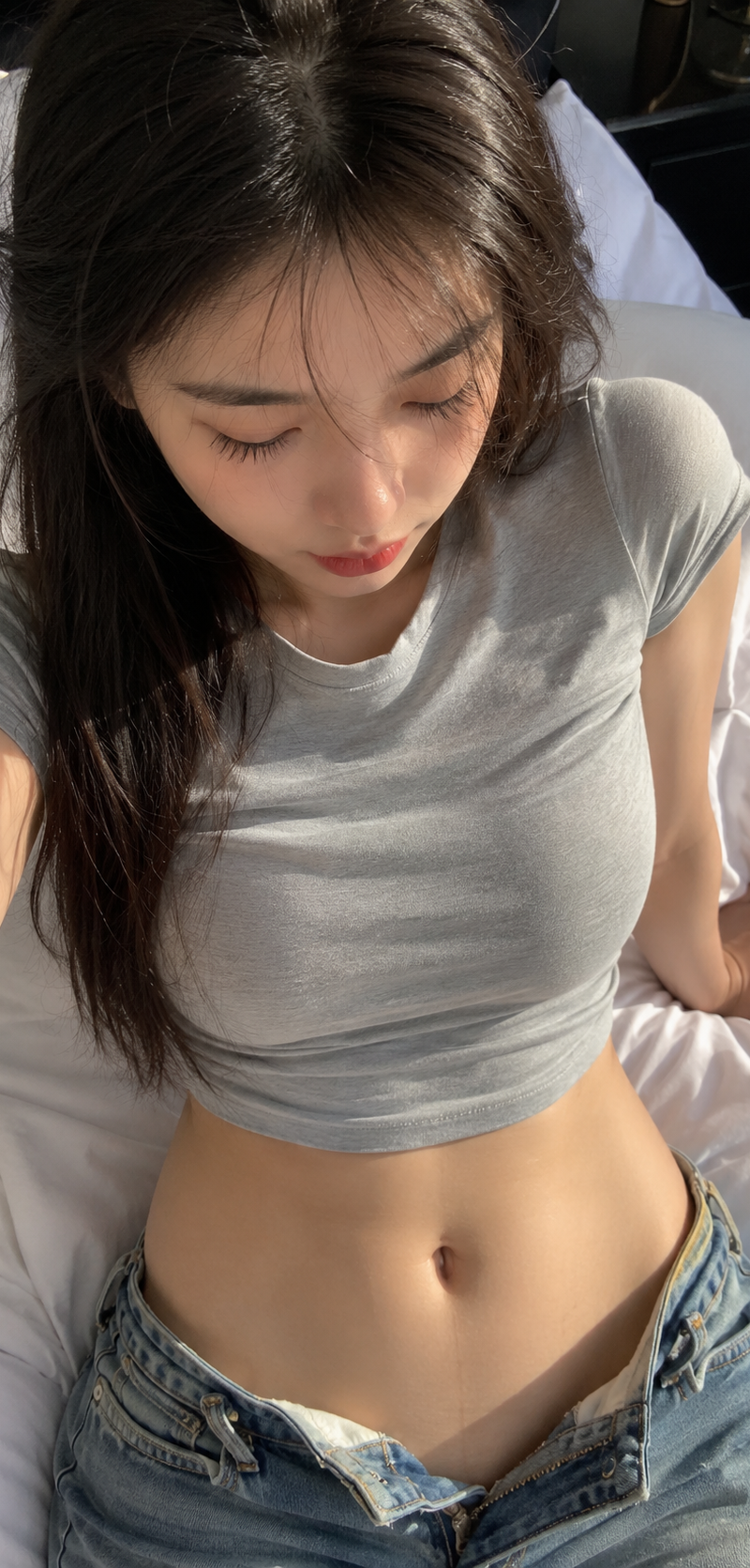
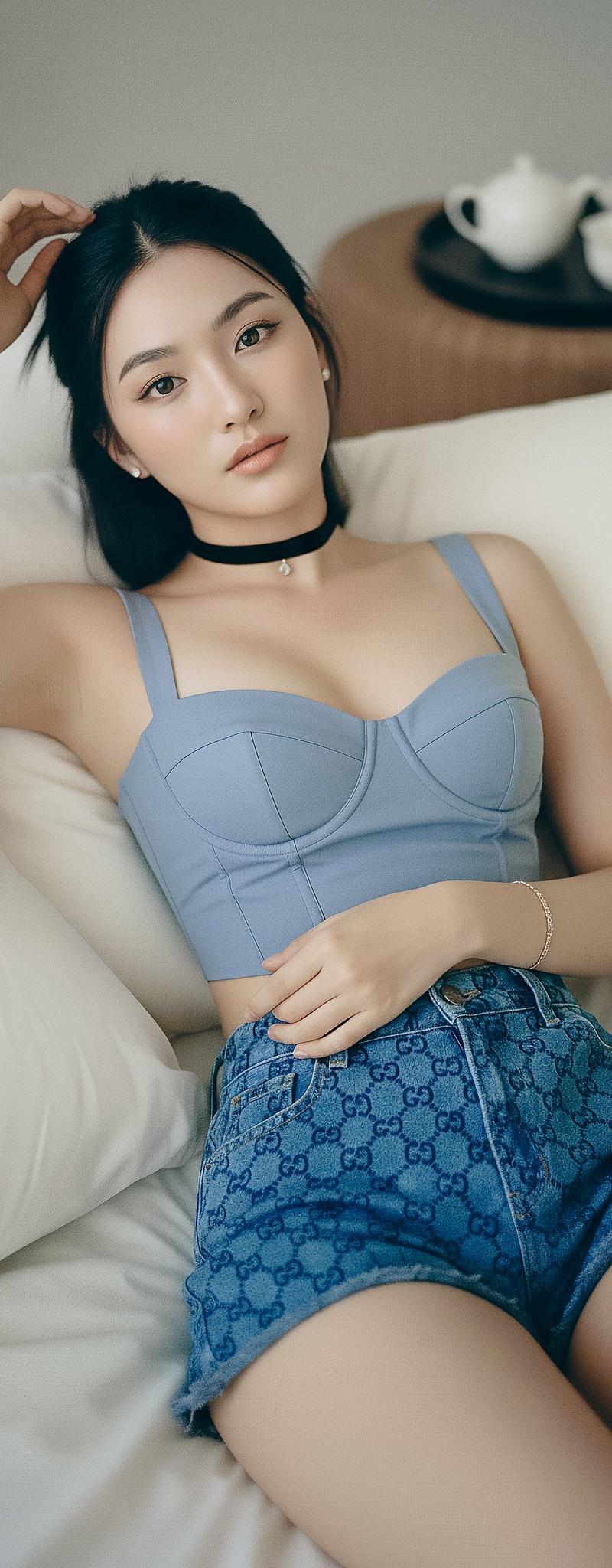
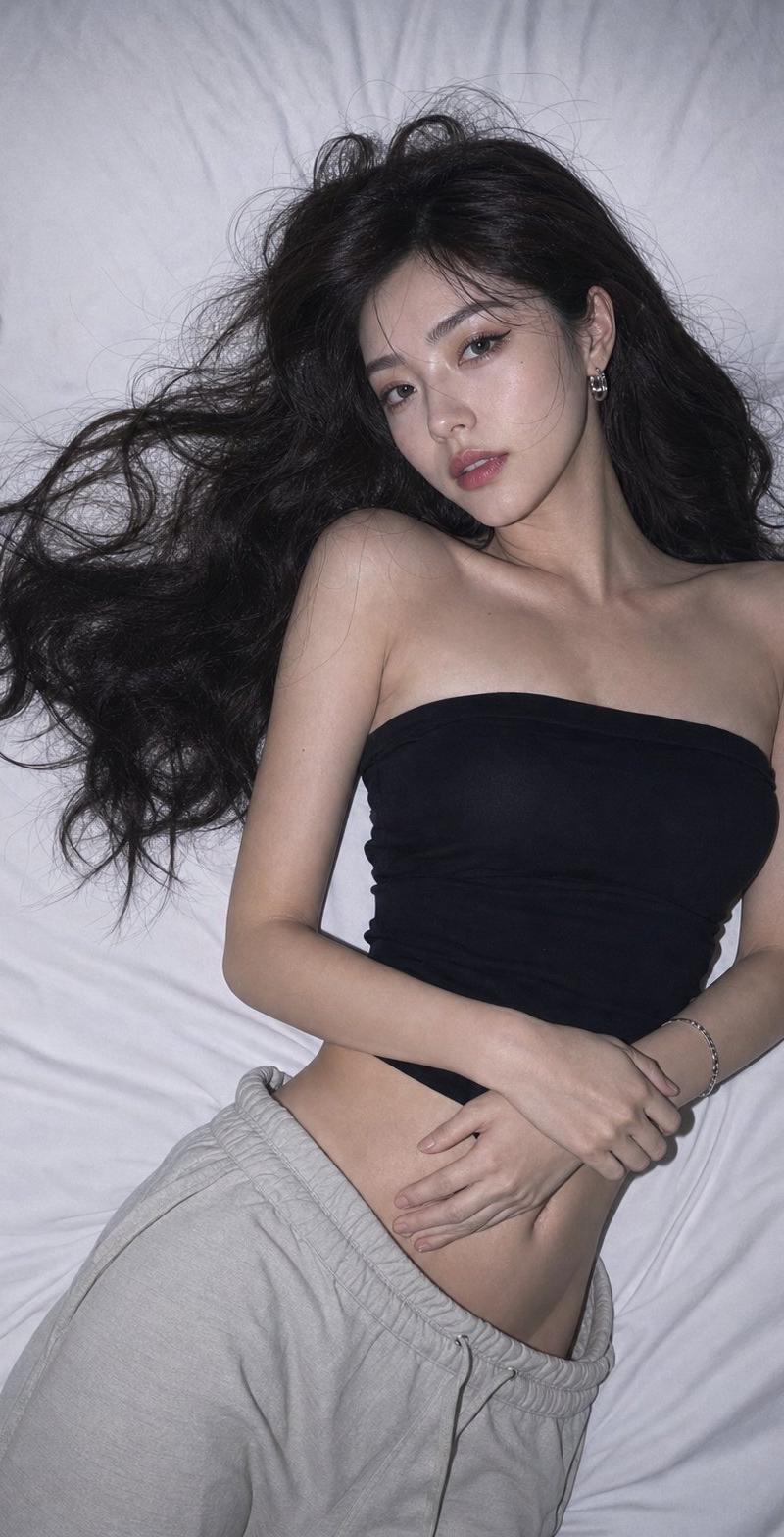
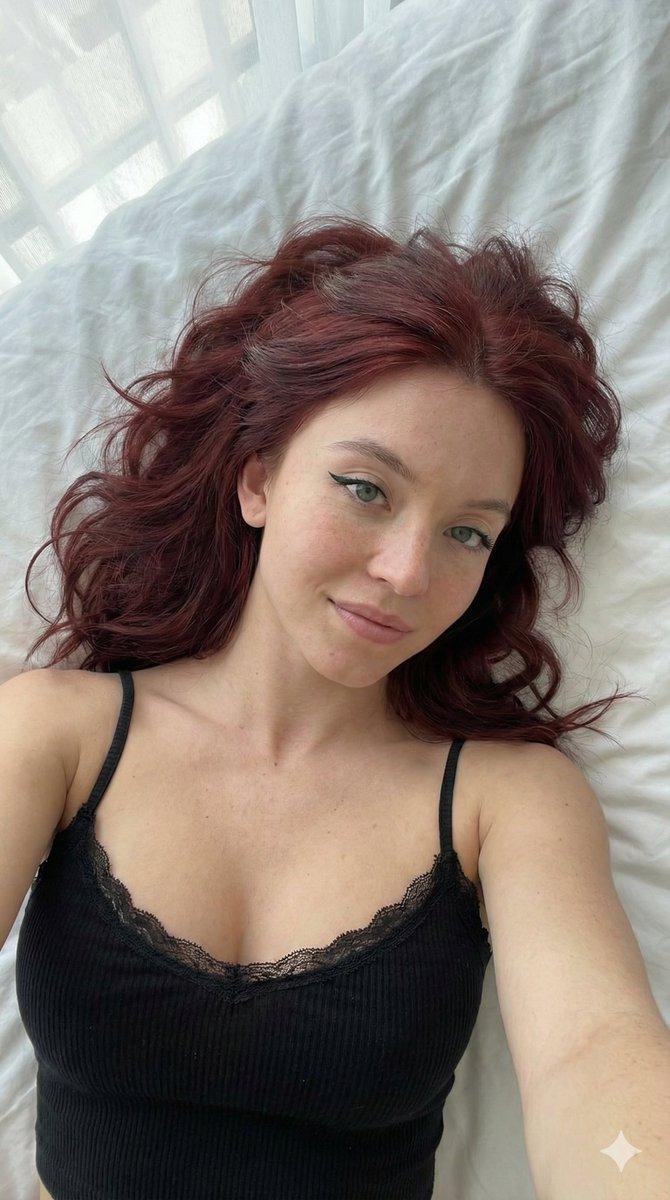
 "prompt": "Cozy bedroom selfie shot from a high angle. A {argument name="subject" default="red-haired woman with freckles and glasses"} is lounging on a bed with {argument name="pillow pattern" default="dragonfly-patterned pillows"} and a textured blanket, wearing a {argument name="outfit" default="soft lavender sleeveless top"}. She has a playful expression with one finger near her lips. A nightstand with a warm glowing lamp, teapot, and remote control adds to the relaxed atmosphere. Warm ambient light and soft shadows create a calm nighttime mood.",
 "style": "realistic lifestyle photography",
 "lighting": "warm bedside lamp light with soft natural shadows",
 "composition": "high-angle overhead selfie, close framing, bedroom setting",
 "mood": "cozy, relaxed, intimate"
}
Category
Charts & Infographics
Model
GPT Image 2
Creator
PromptLab
Source language
en
Views0
Source ID
25760
Published
Jun 15, 2026
Studio

Guide

About "温馨卧室写实生活摄影"

What is this prompt for?

"温馨卧室写实生活摄影" AI image prompt for GPT Image 2 (Charts & Infographics). 一份详细的提示词,用于生成一张温馨、亲密的写实生活照片,展示一位女性在舒适的卧室中放松的场景,并包含具体的灯光和构图说明。 Copy it on Picva and recrea…

The full copyable prompt and example visuals above are ready for AI image generation or one-click recreate in Picva.

How to use this prompt

  1. Step 1

    Open the prompt detail

    Review the example visuals, category, and full prompt text for "温馨卧室写实生活摄影".

  2. Step 2

    Copy the prompt

    Copy the prompt body from this page, or load it directly in Studio.

  3. Step 3

    Pick a model (GPT Image 2)

    Prefer GPT Image 2. If you switch models, keep subject and composition and tweak style terms.

  4. Step 4

    Generate and export

    Recreate the look in Picva, or export into your workflow for editing and publishing.

FAQ

What is the "温馨卧室写实生活摄影" prompt?
It is an AI image-generation prompt for GPT Image 2 in the Charts & Infographics category. This page includes the full prompt text, example visuals, and a one-click recreate path in Picva.
How do I use this prompt to generate an image?
Copy the prompt from this page, or use Generate / Studio. Paste it into a compatible image model, or recreate the look in Picva with optional reference images.
Which model is this prompt for?
This page lists GPT Image 2. Most descriptive prompts also transfer to nearby image models such as GPT Image, Flux, or Midjourney with light style tweaks.
Can I use the result commercially?
You can usually copy the prompt for creation, but commercial use of the final image depends on the model terms, reference-image rights, and the generated content. Follow the source author and platform rules.