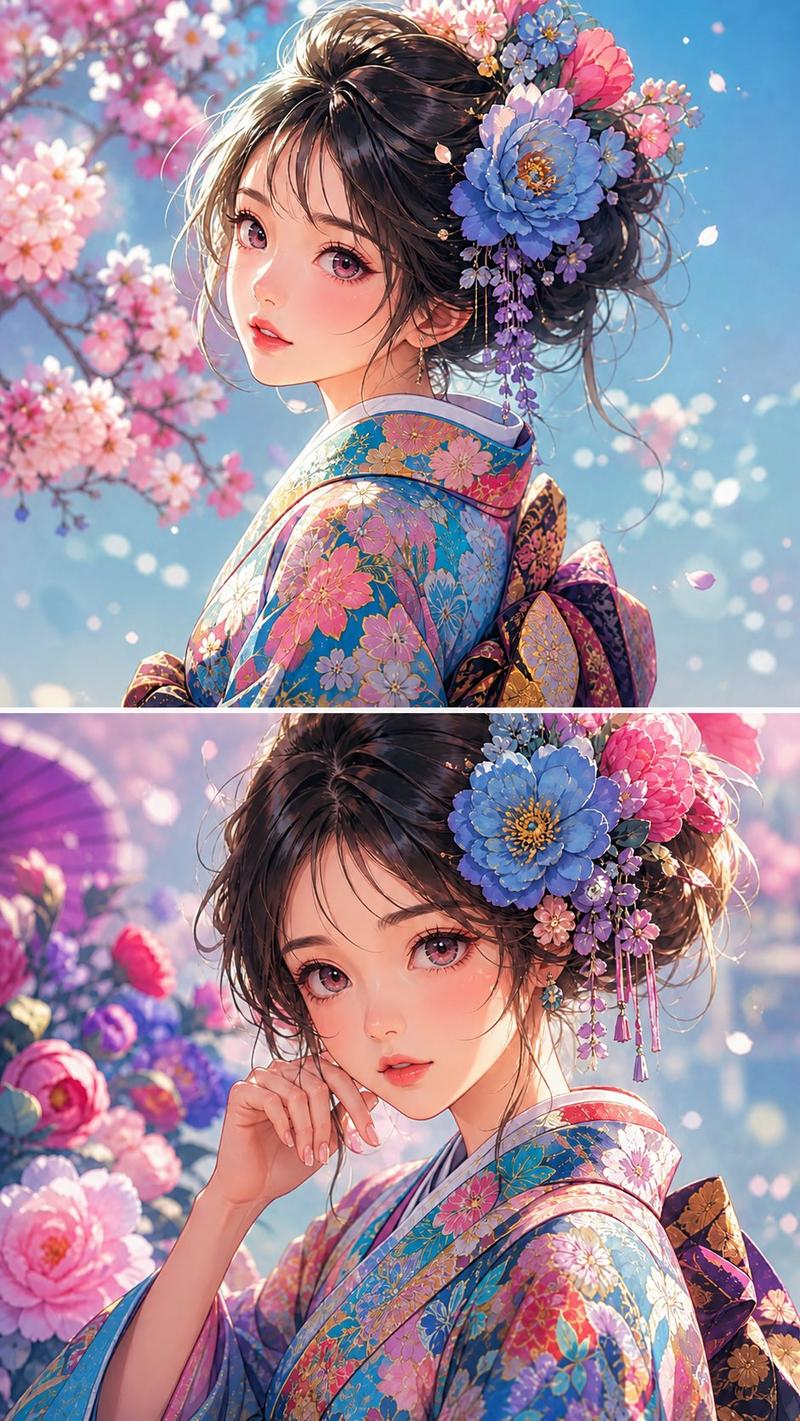
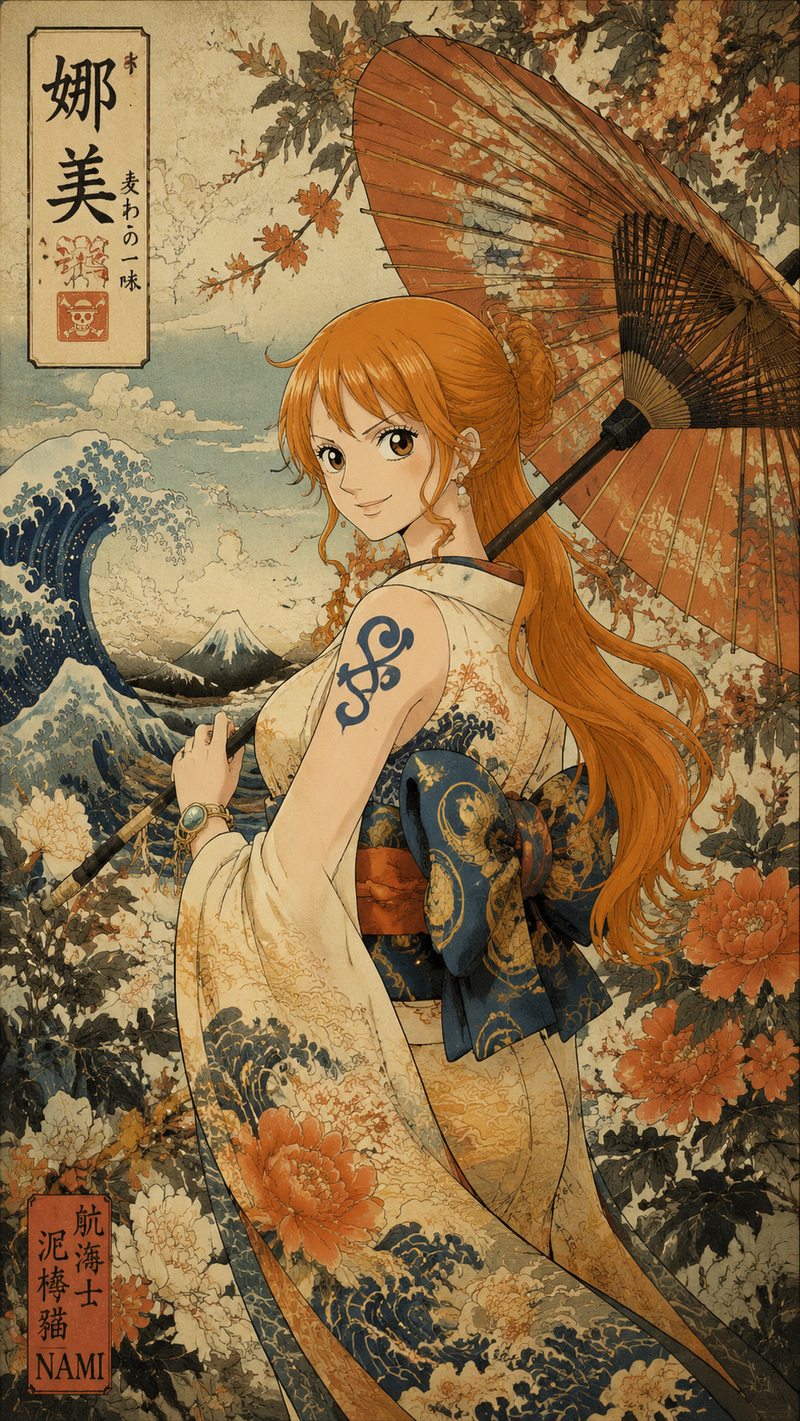
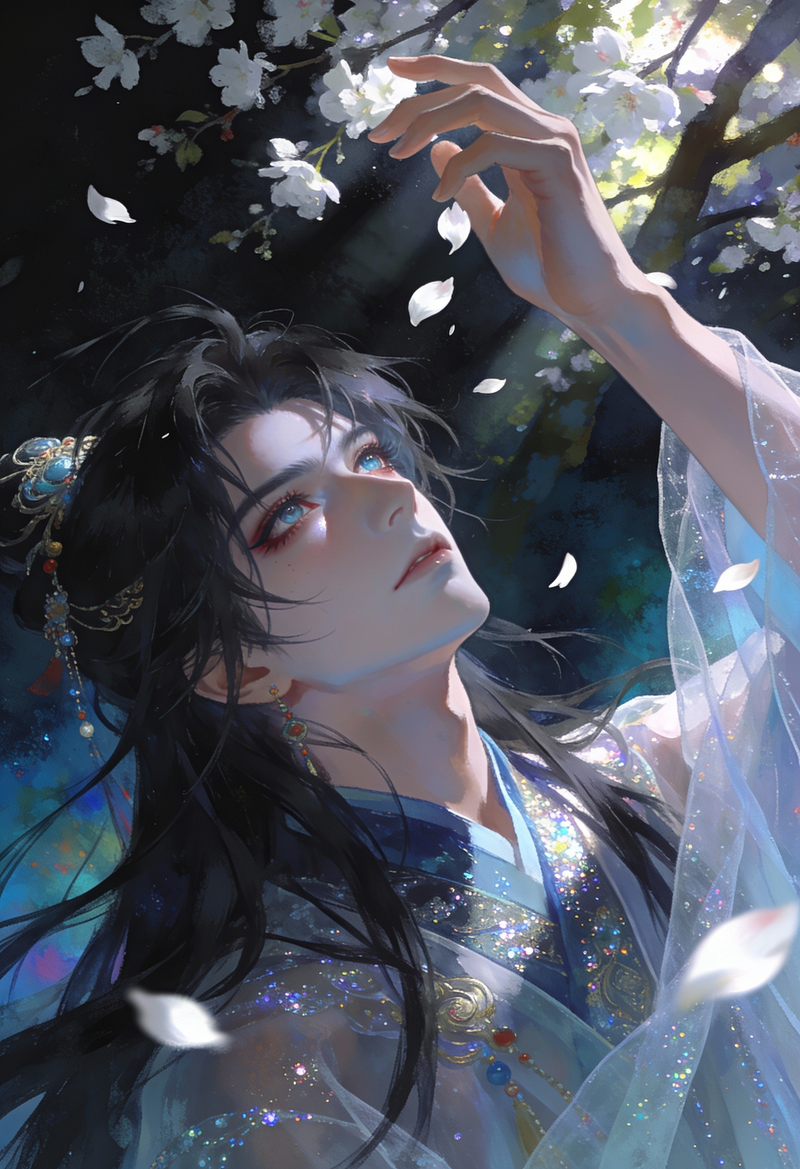
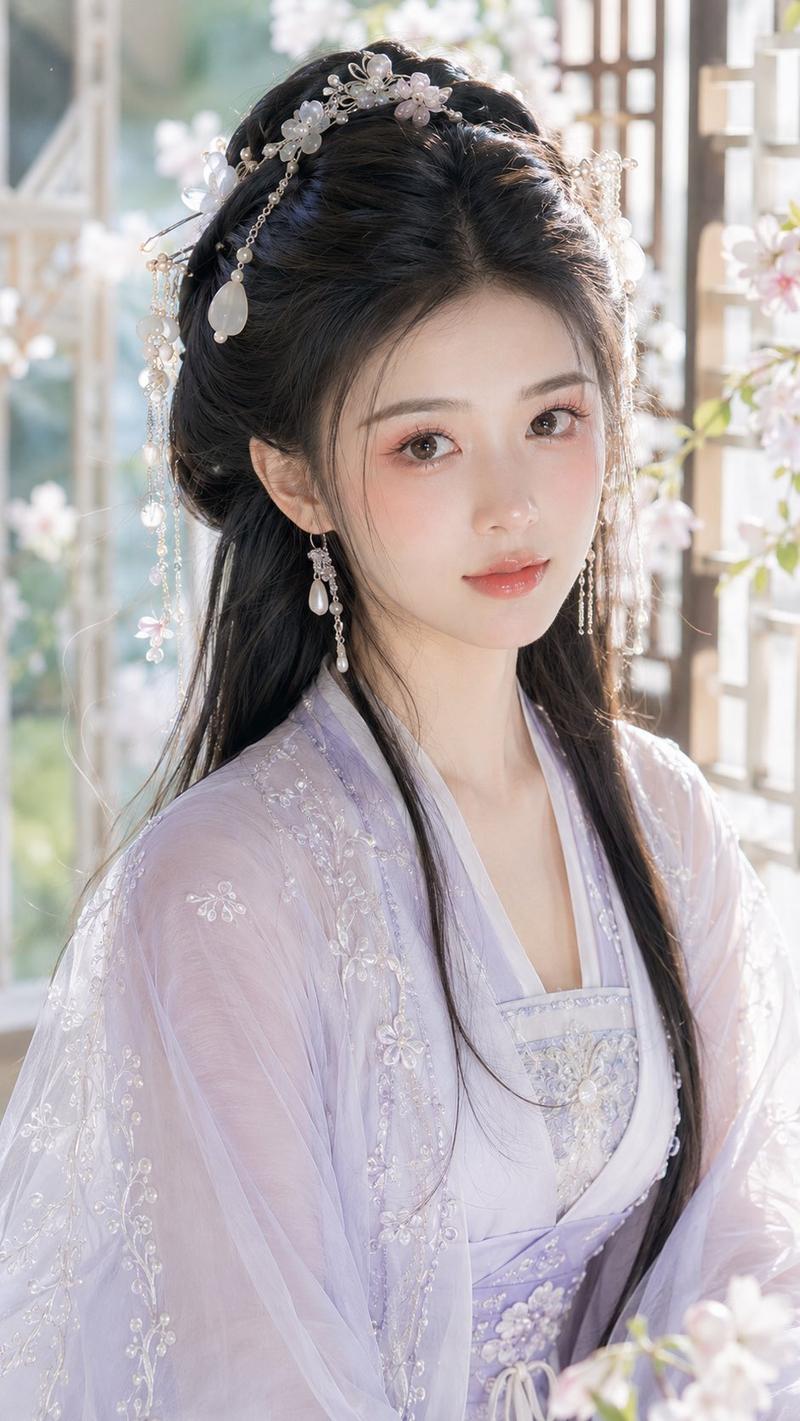
和服少女双重曝光雨伞
Prompt
Create a polished anime-style double-exposure illustration of a young woman in a white Japanese kimono under a transparent umbrella, viewed from a low rear three-quarter angle as she turns her head back over her shoulder. The composition should be a vertical portrait with bright summer daylight, a vivid blue sky, and delicate cherry blossom branches visually blended through the umbrella canopy as a double-exposure effect. The subject wears a glossy white kimono with subtle embroidered floral patterns, a red inner collar, and a large red obi bow at the back with cream-and-gold decorative fabric and red flower motifs. She has {argument name="hair color" default="dark blue-black with ash-brown curled ends"} hair styled in an elegant updo with loose curls, decorated with a large white folded hair ornament, one vivid red rose, and one small gold circular accent. Add a dangling pearl earring on the visible ear. Her visible hand delicately holds the black umbrella handle behind her, with neat red-painted nails. Use luminous painterly rendering, crisp anime linework, soft gradients, reflective highlights on the kimono fabric, and high detail in the hair, folds, blossoms, and umbrella ribs. Keep the face mostly turned away and serene, emphasizing the graceful pose, the red-white-blue color palette, and the dreamy double-exposure umbrella filled with {argument name="seasonal flowers" default="pale pink cherry blossoms"}. Avoid text, logos, watermarks, extra characters, or modern city details.- Category
- Charts & Infographics
- Model
- GPT Image 2
- Creator
- 春永睦月 Harunaga Mutsuki
- Source language
- en
- Source ID
- 25827
- Published
- Jun 15, 2026
Views0