18

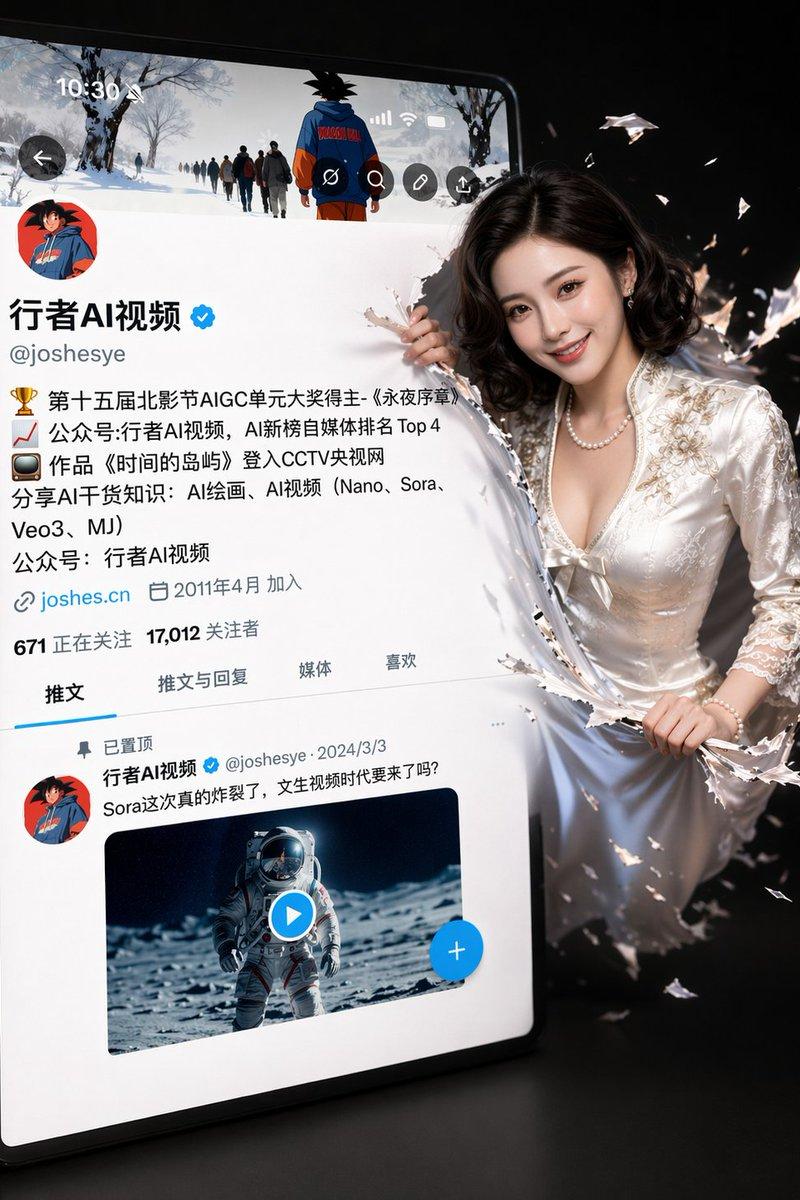
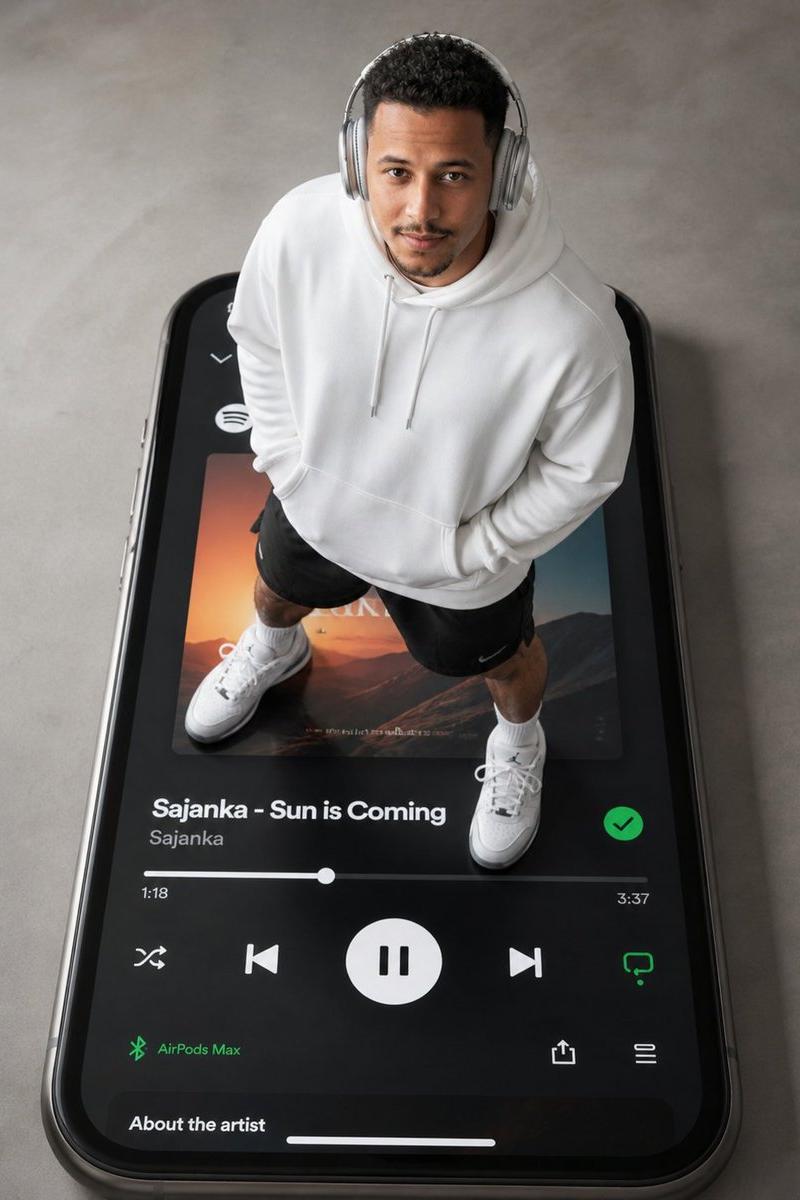
巨型智能手机音乐播放器场景
Enlarge

Example images

巨型智能手机音乐播放器场景

Prompt
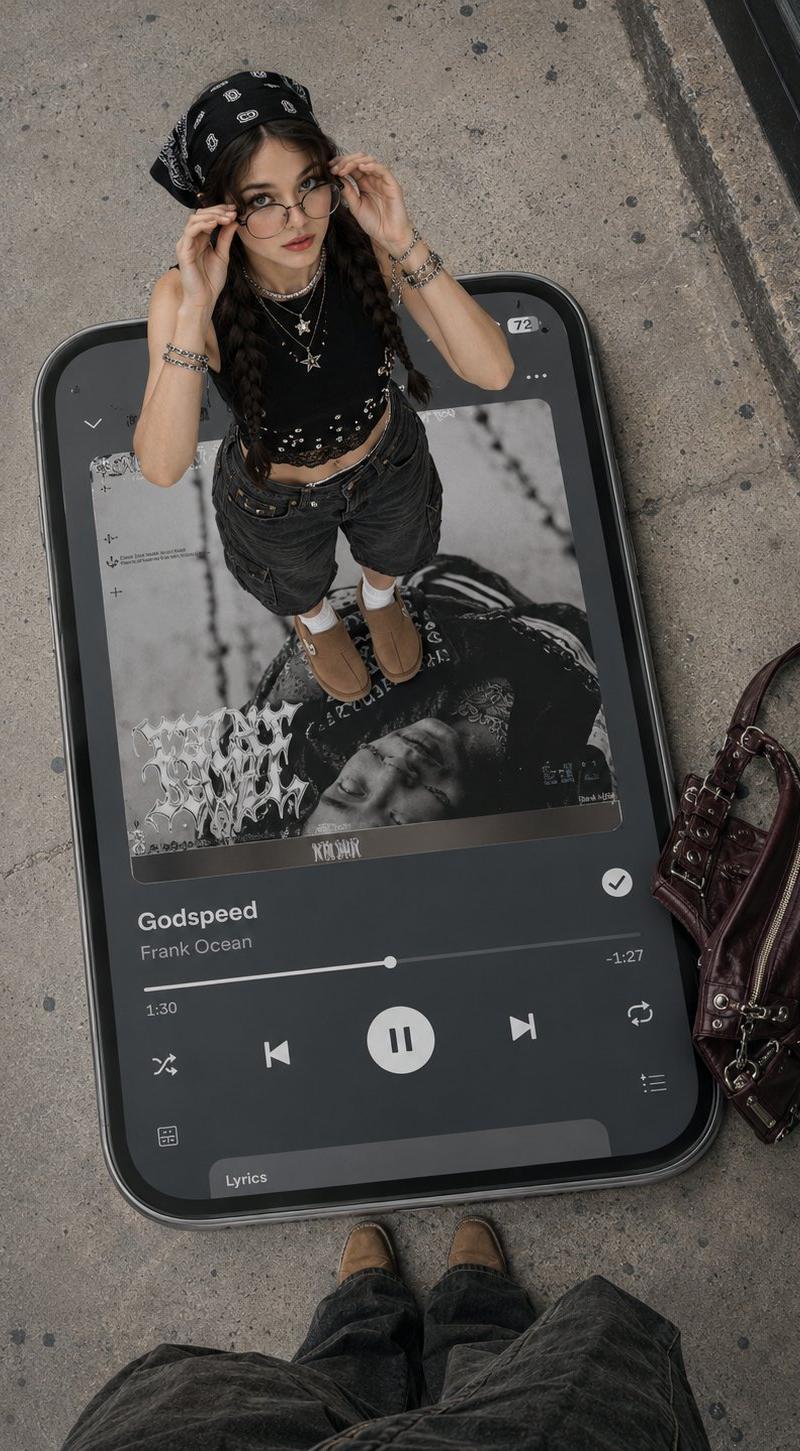
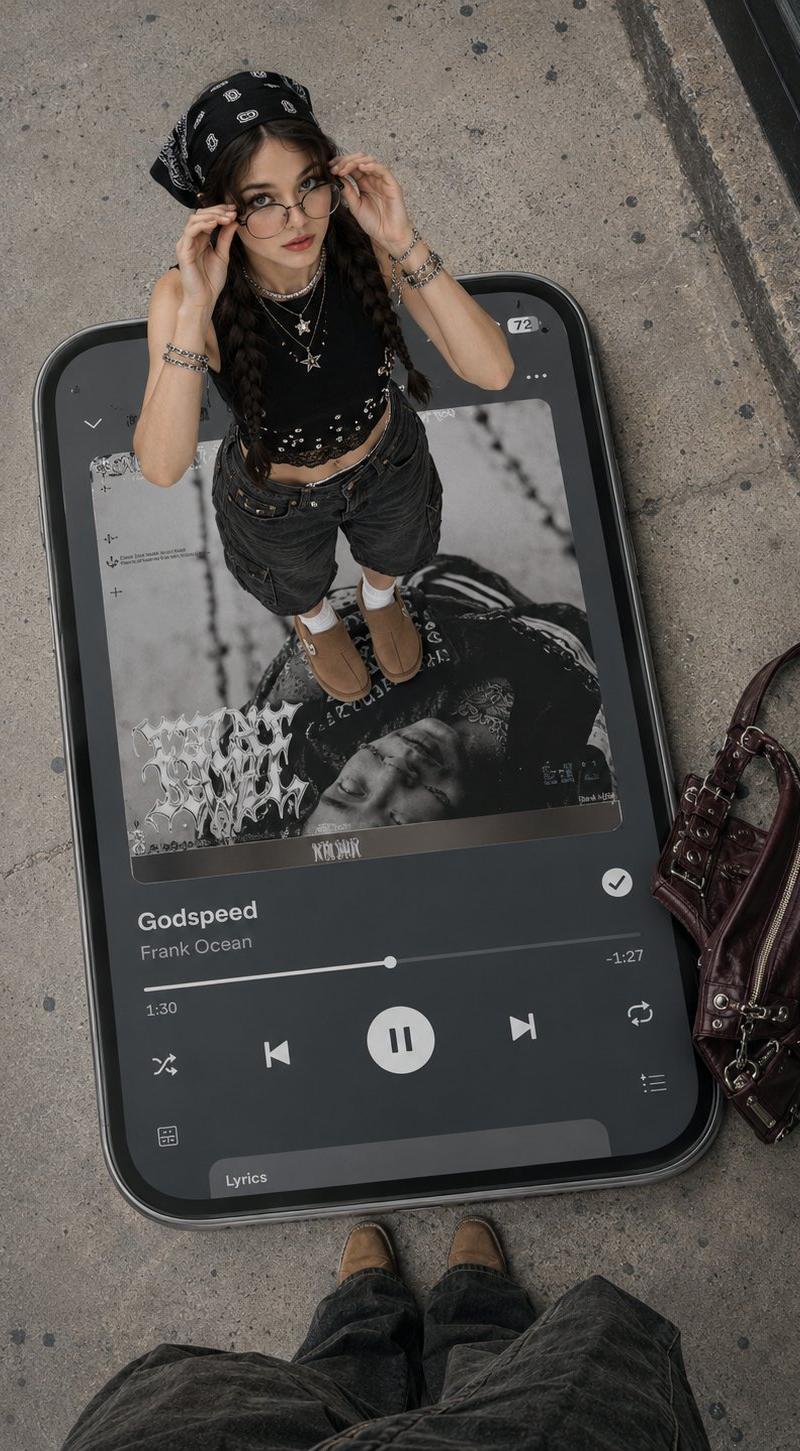
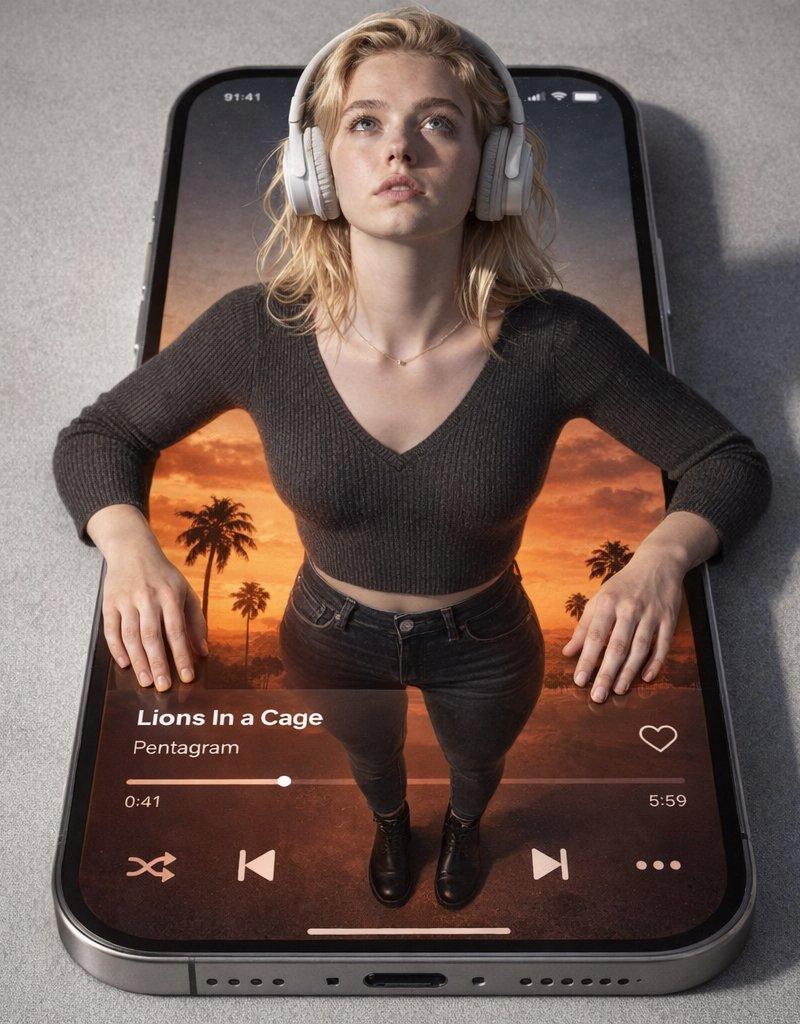
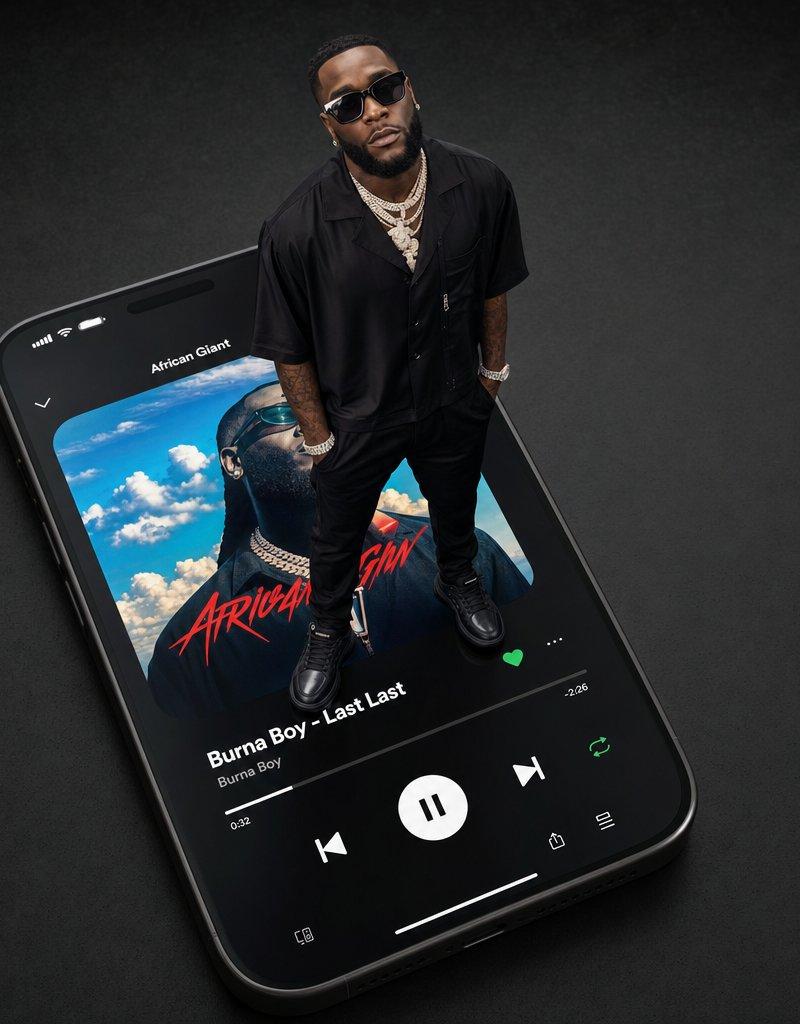
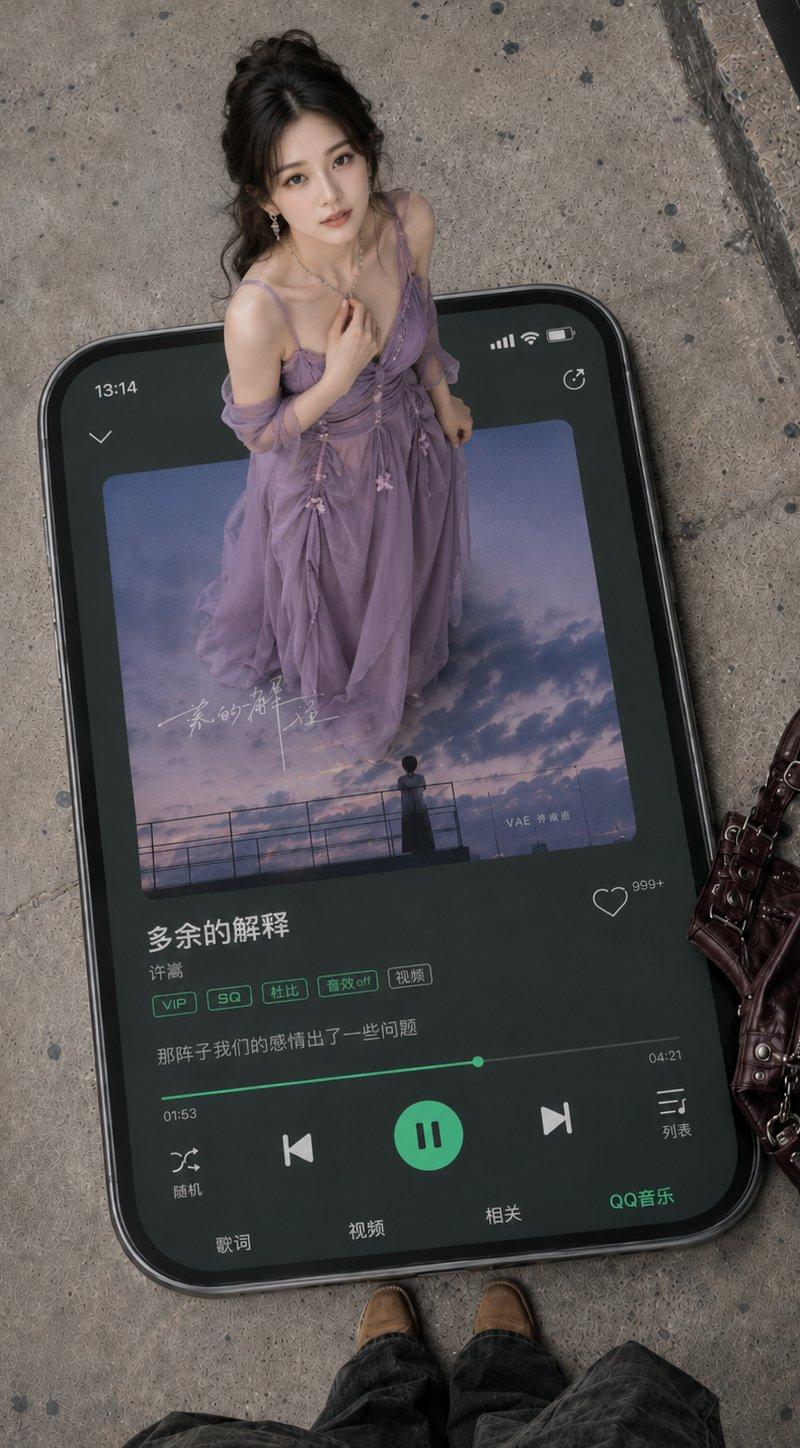
高角度俯视视角,真实的街拍风格。一部巨大的黑色圆角智能手机平放在粗糙的灰色水泥地面上,呈现出具有厚度、边框和阴影的实体感,采用 3:4 竖构图。手机屏幕显示 QQ Music 界面,深暗绿色 UI,高亮绿色按钮和进度条,画面清晰逼真,包含中文音乐播放器元素。

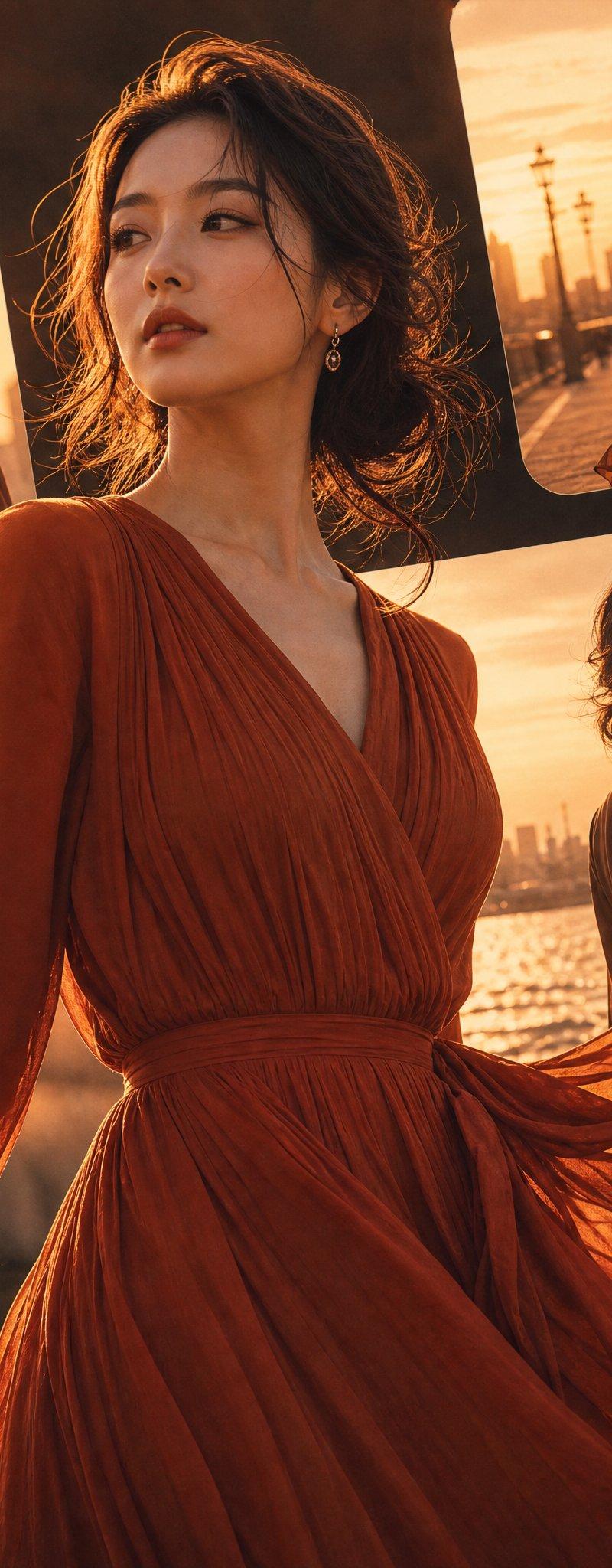
一位温柔美丽的年轻中国女性站在巨型手机屏幕上,宛如音乐面板中梦幻般的人物。她拥有优雅的东方美,五官柔和精致,皮肤白皙干净,妆容自然清透,眼神温柔宁静,微微抬头看向镜头。她留着黑色长发,梳成松散优雅的半扎发或低发髻,带有自然的碎发,佩戴精致的耳环和细项链。她身穿 {argument name="dress color" default="紫色"} 长裙,由轻盈的纱质面料制成,层叠飘逸,带有自然的褶皱,搭配透明披肩、细肩带和小花装饰。整体风格浪漫、温柔、东方且空灵,同时保持了真实的摄影质感。

手机屏幕细节:顶部显示时间 13:14,右上角有信号、电量和循环图标。中心是一个方形专辑封面,画面为紫蓝色的暮色天空、云朵、栏杆和远处的角色剪影,营造出忧郁而浪漫的氛围,并带有淡淡的手写中文艺术书法。歌曲信息区域清晰显示中文标题“{argument name="song title" default="额外说明"}”和歌手“{argument name="singer name" default="许嵩"}”。下方是 QQ Music 风格的标签按钮:VIP、SQ、杜比、音效关闭和视频。歌词显示一行:“那时候我们的关系出了一些问题。”底部是绿色进度条,显示 01:53 和 04:21,中间有一个绿色圆形暂停按钮,两侧配有上一首、下一首、随机播放和列表图标,右下角标有“QQ Music”。

地面右侧放着一个深酒红色皮质手提包,带有金属扣、拉链、肩带和复古五金细节。画面底部边缘露出摄影师的棕色鞋子和深色裤子,增强了第一人称的俯视视角。右上角可见黑色玻璃门框或建筑边缘。整体光线柔和自然,具有真实的摄影品质,细节清晰,呈现高端时尚杂志风格,巨型手机与人物比例精准,透视准确,阴影自然,使画面干净且高级。
Category
UI & Interfaces
Model
GPT Image 2
Creator
鑫叔
Source language
zh-CN
Views0
Source ID
25877
Published
Jun 16, 2026
Studio

Guide

About "巨型智能手机音乐播放器场景"

What is this prompt for?

"巨型智能手机音乐播放器场景" AI image prompt for GPT Image 2 (UI & Interfaces). 一个极具创意的俯视街拍场景,一位女性站在播放着特定歌曲的巨型智能手机屏幕上。 Copy it on Picva and recreate the look in one click.

The full copyable prompt and example visuals above are ready for AI image generation or one-click recreate in Picva.

How to use this prompt

  1. Step 1

    Open the prompt detail

    Review the example visuals, category, and full prompt text for "巨型智能手机音乐播放器场景".

  2. Step 2

    Copy the prompt

    Copy the prompt body from this page, or load it directly in Studio.

  3. Step 3

    Pick a model (GPT Image 2)

    Prefer GPT Image 2. If you switch models, keep subject and composition and tweak style terms.

  4. Step 4

    Generate and export

    Recreate the look in Picva, or export into your workflow for editing and publishing.

FAQ

What is the "巨型智能手机音乐播放器场景" prompt?
It is an AI image-generation prompt for GPT Image 2 in the UI & Interfaces category. This page includes the full prompt text, example visuals, and a one-click recreate path in Picva.
How do I use this prompt to generate an image?
Copy the prompt from this page, or use Generate / Studio. Paste it into a compatible image model, or recreate the look in Picva with optional reference images.
Which model is this prompt for?
This page lists GPT Image 2. Most descriptive prompts also transfer to nearby image models such as GPT Image, Flux, or Midjourney with light style tweaks.
Can I use the result commercially?
You can usually copy the prompt for creation, but commercial use of the final image depends on the model terms, reference-image rights, and the generated content. Follow the source author and platform rules.