19

异世界公会接待员角色转换
Enlarge

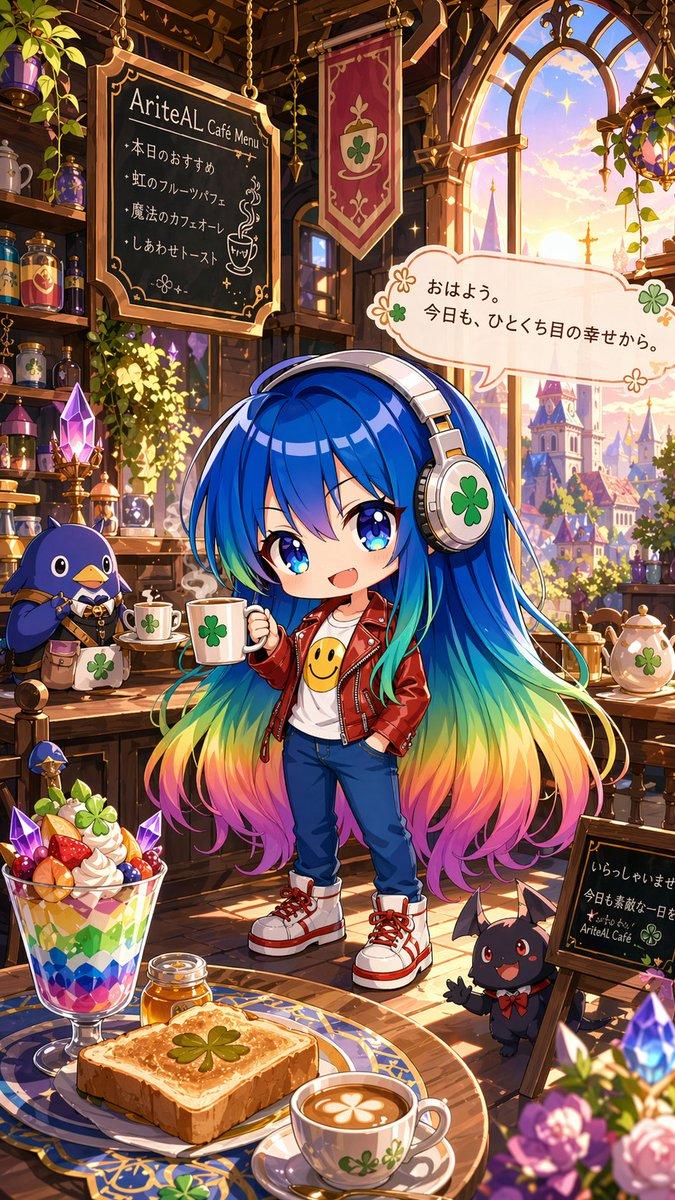
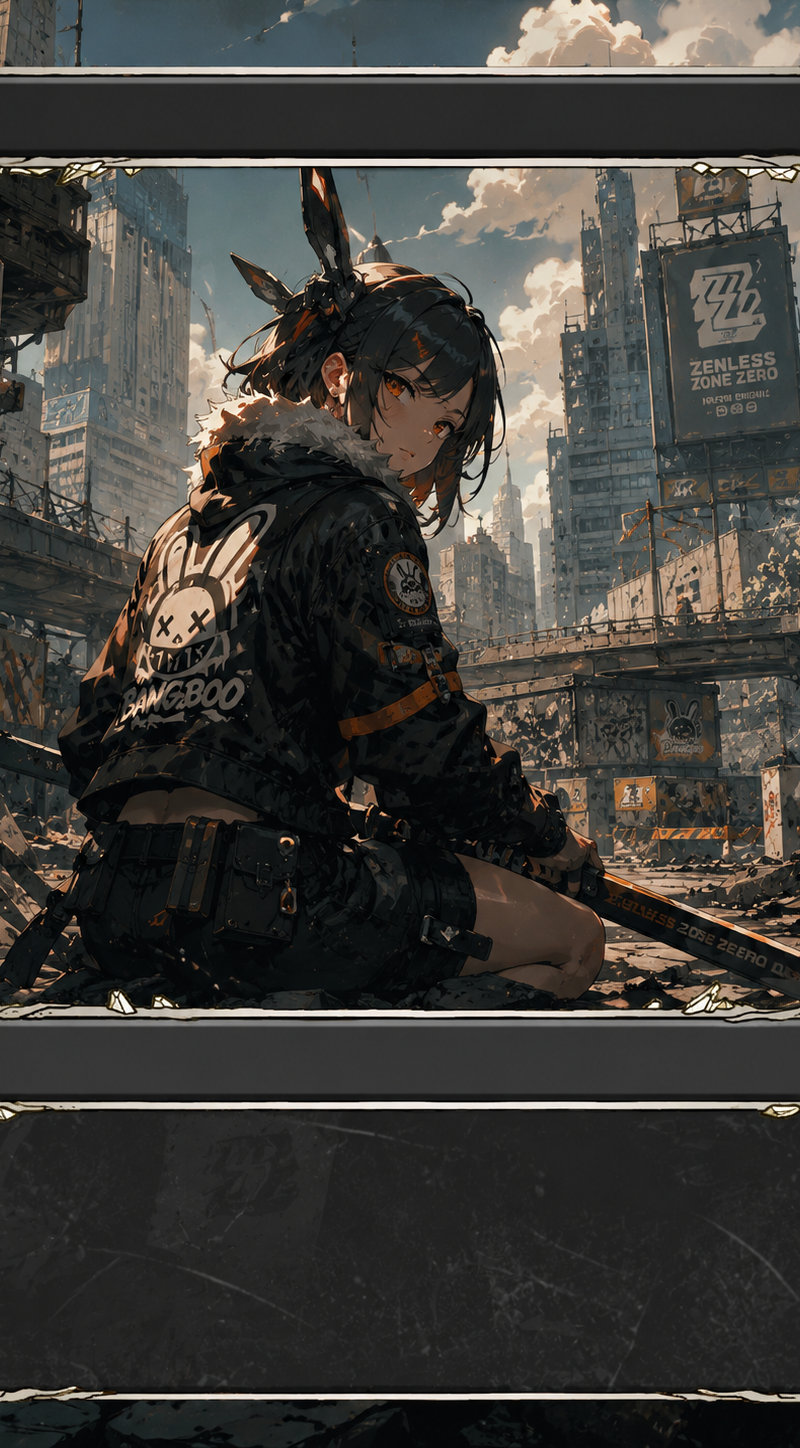
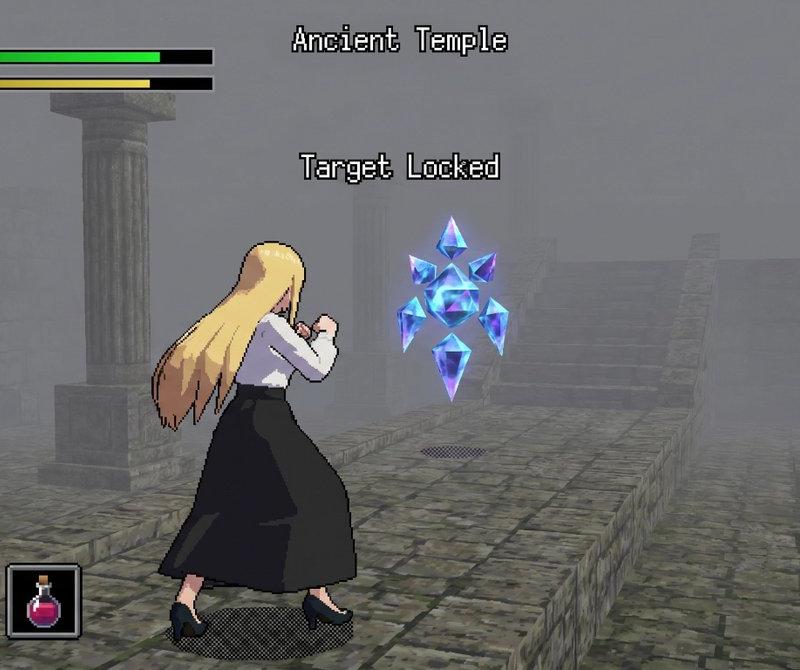
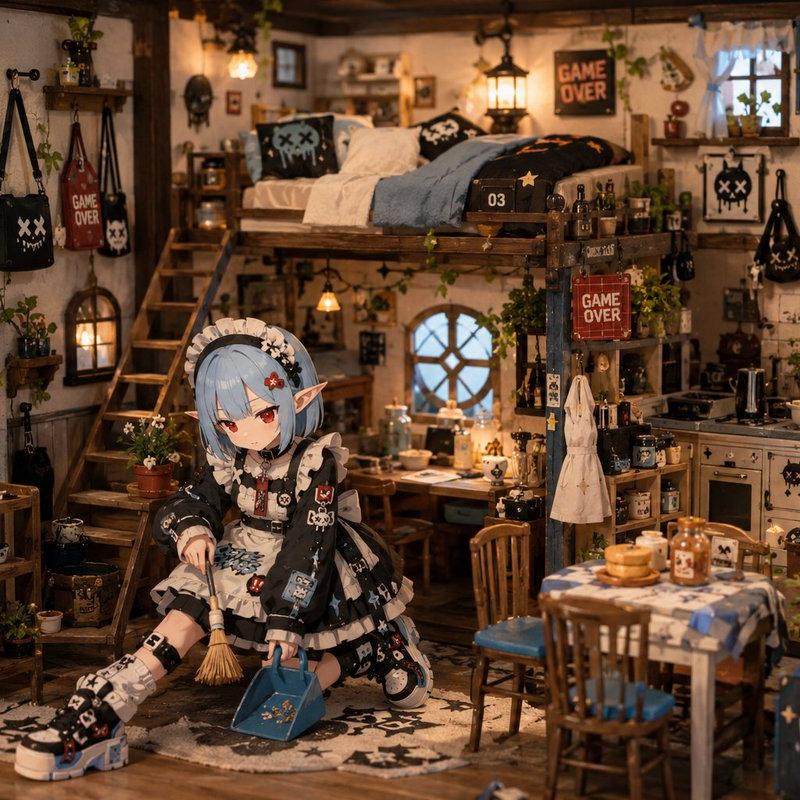
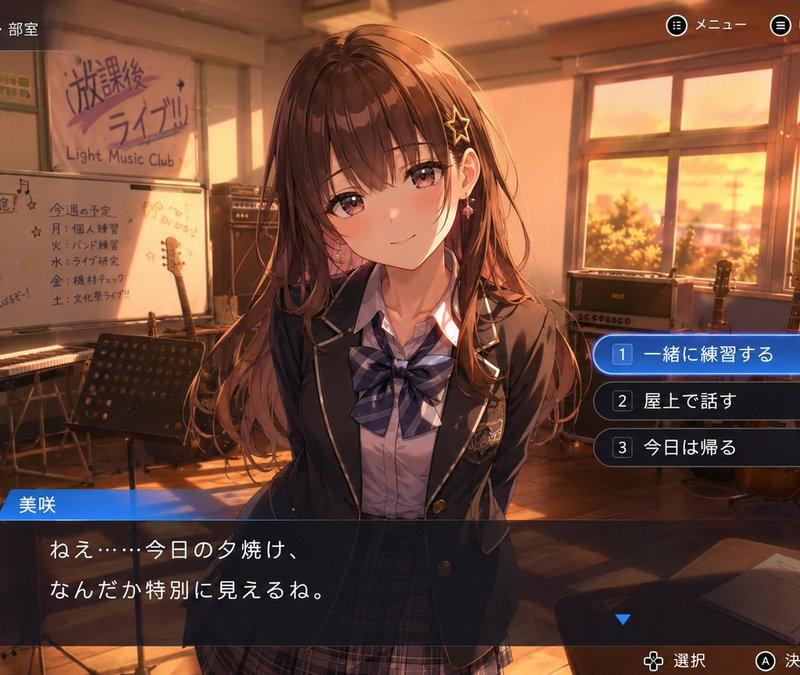
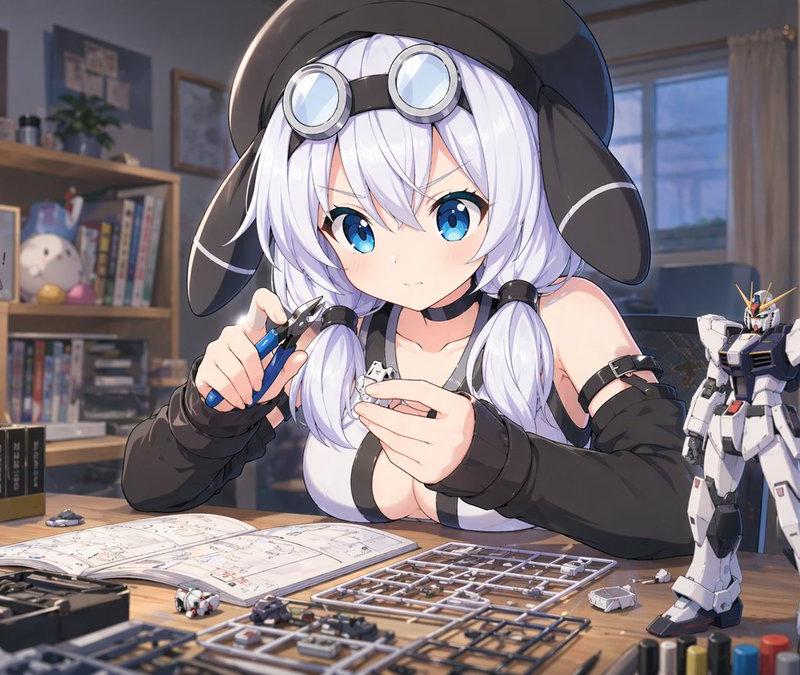
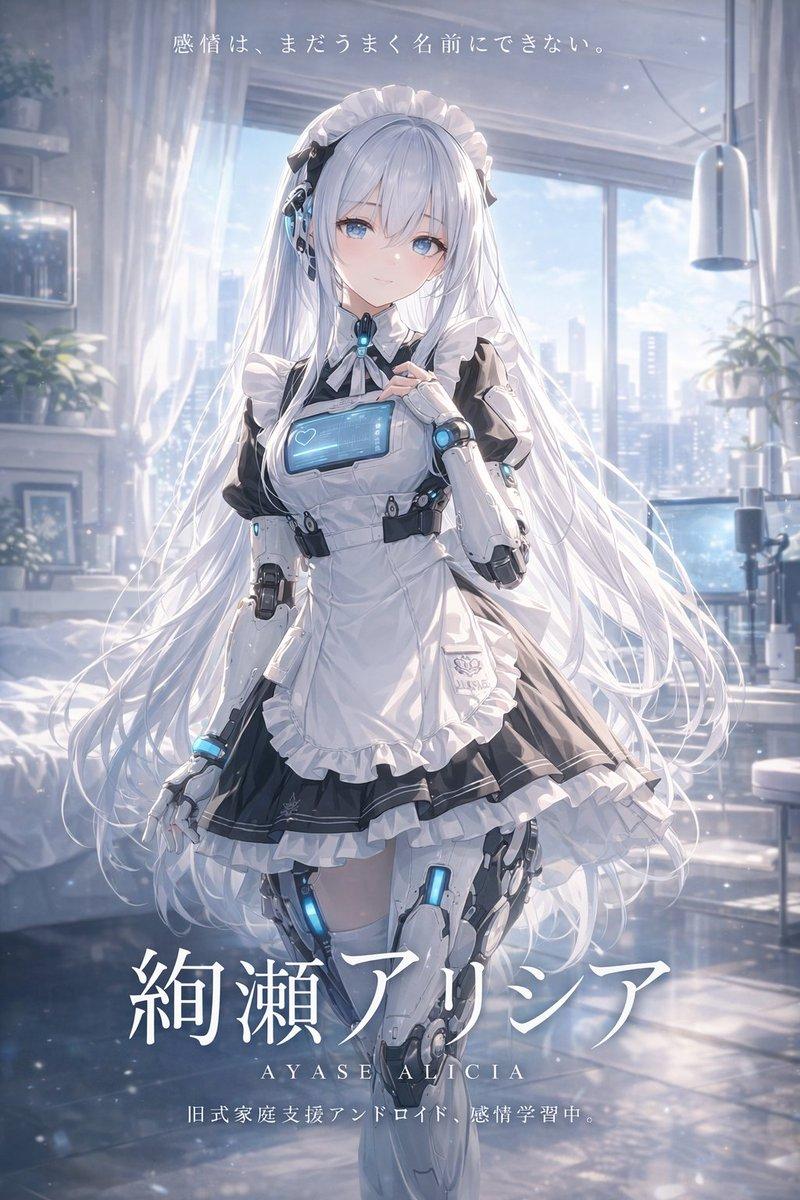
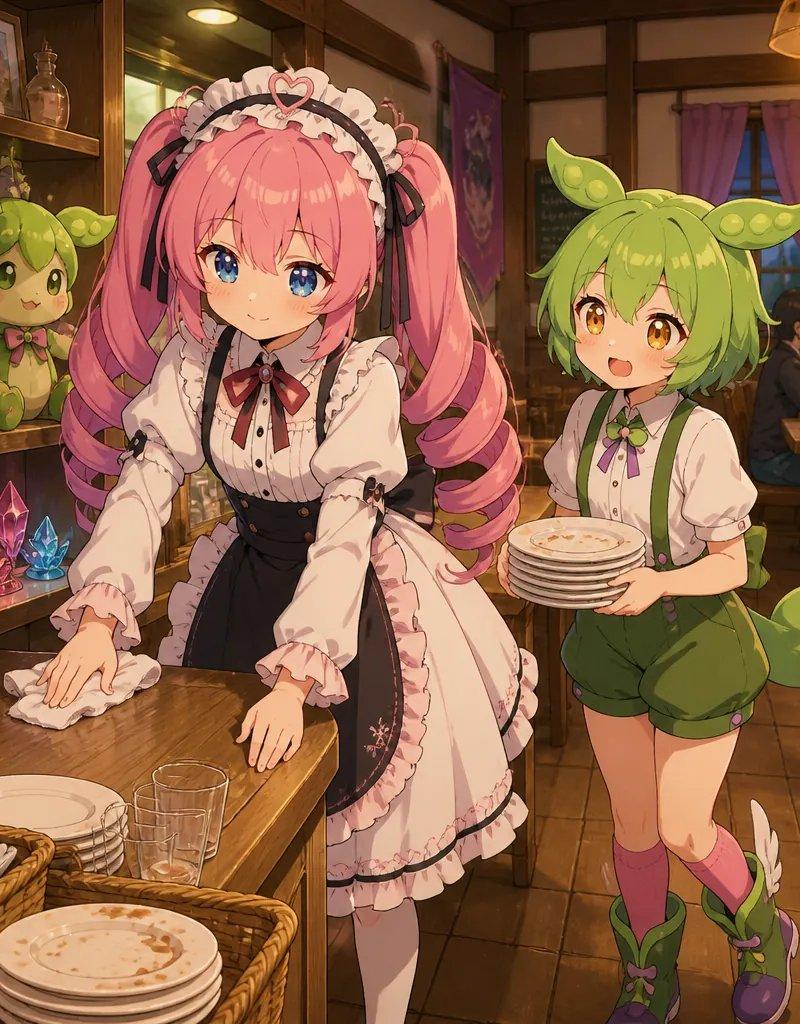
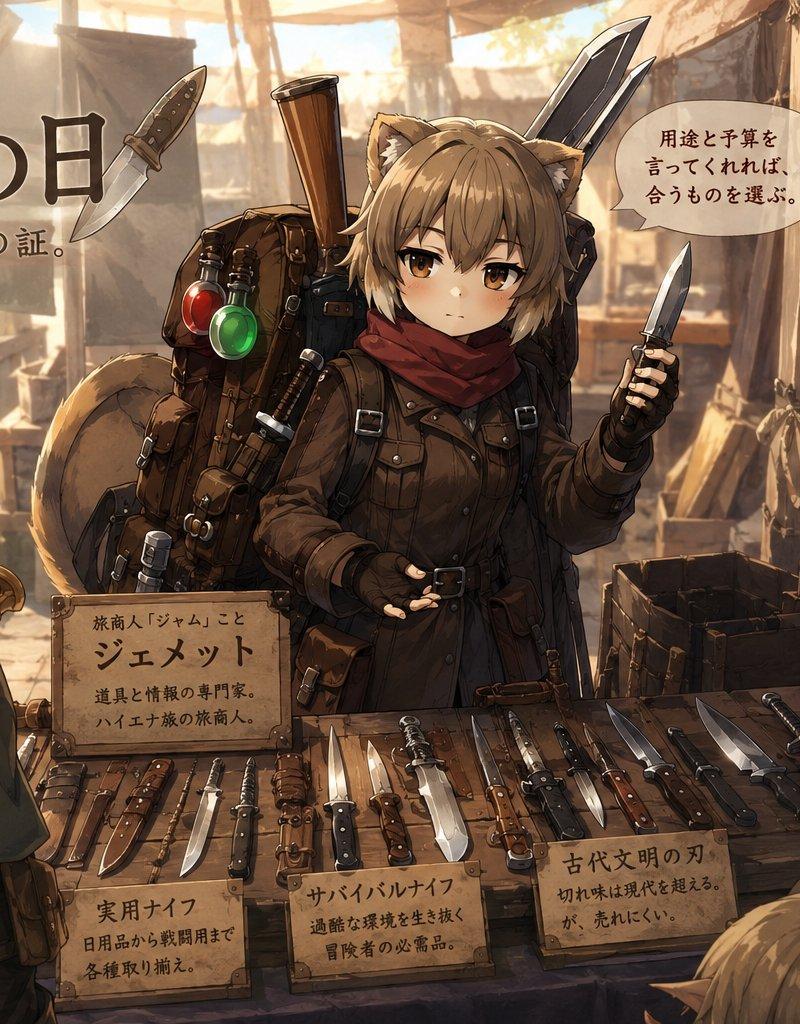
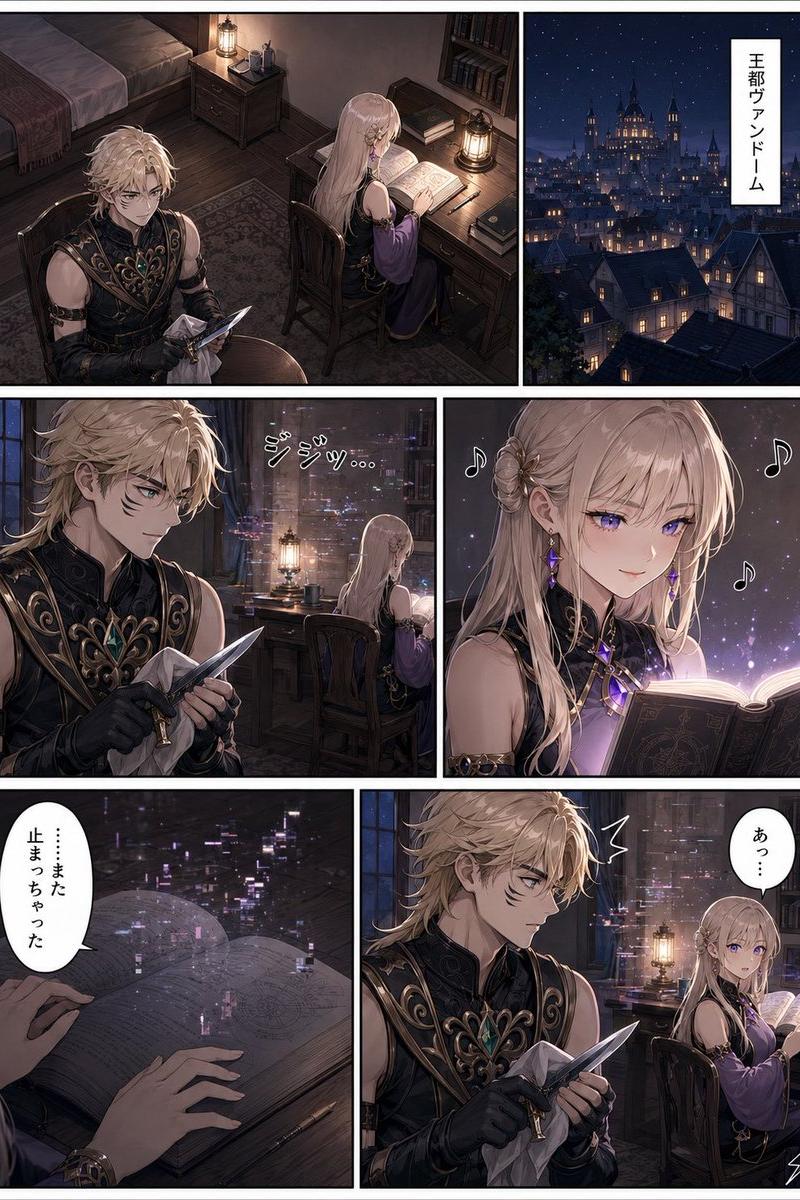
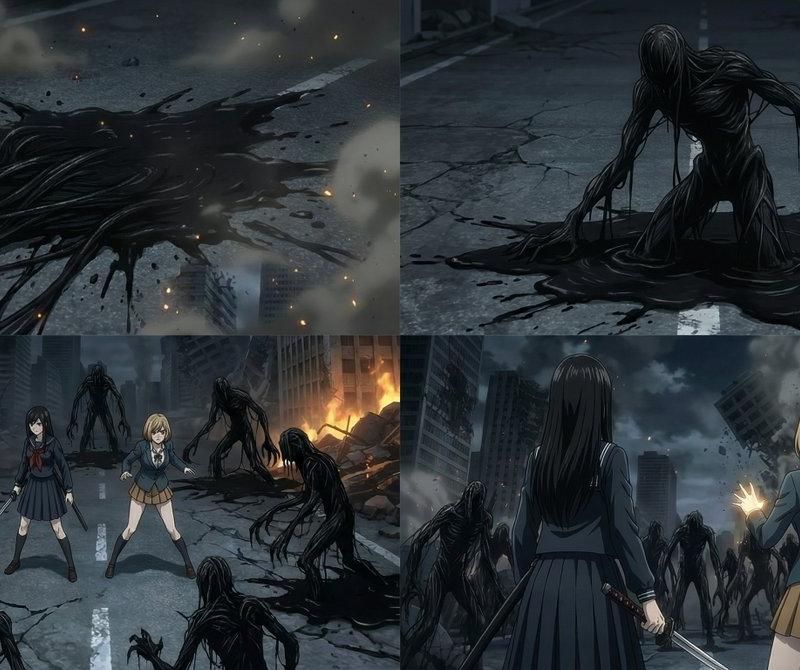
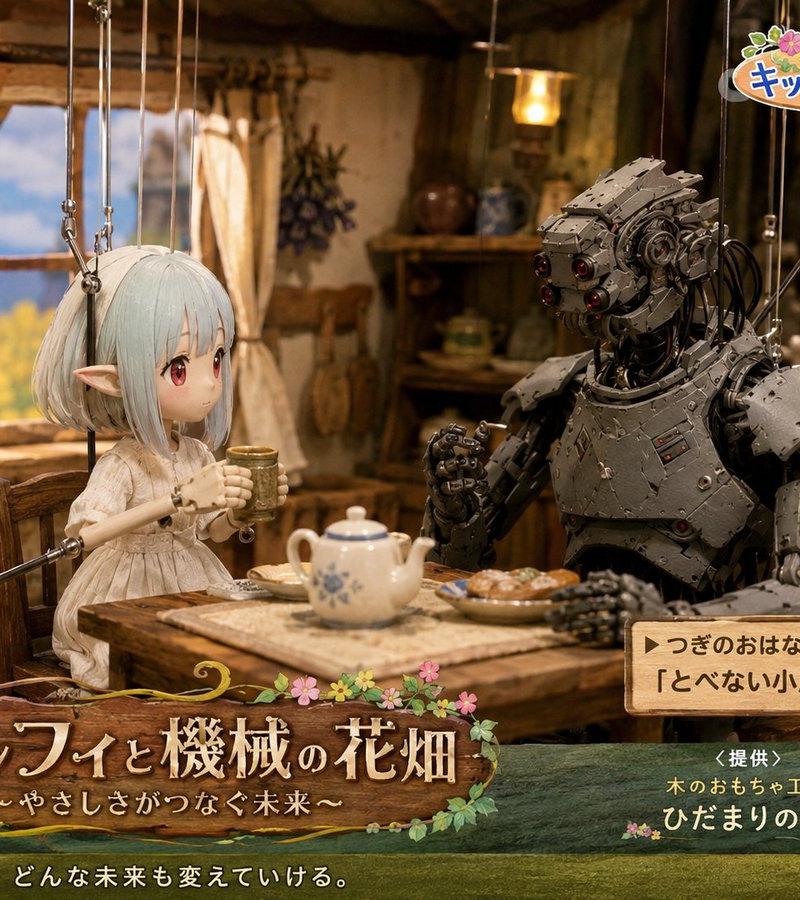
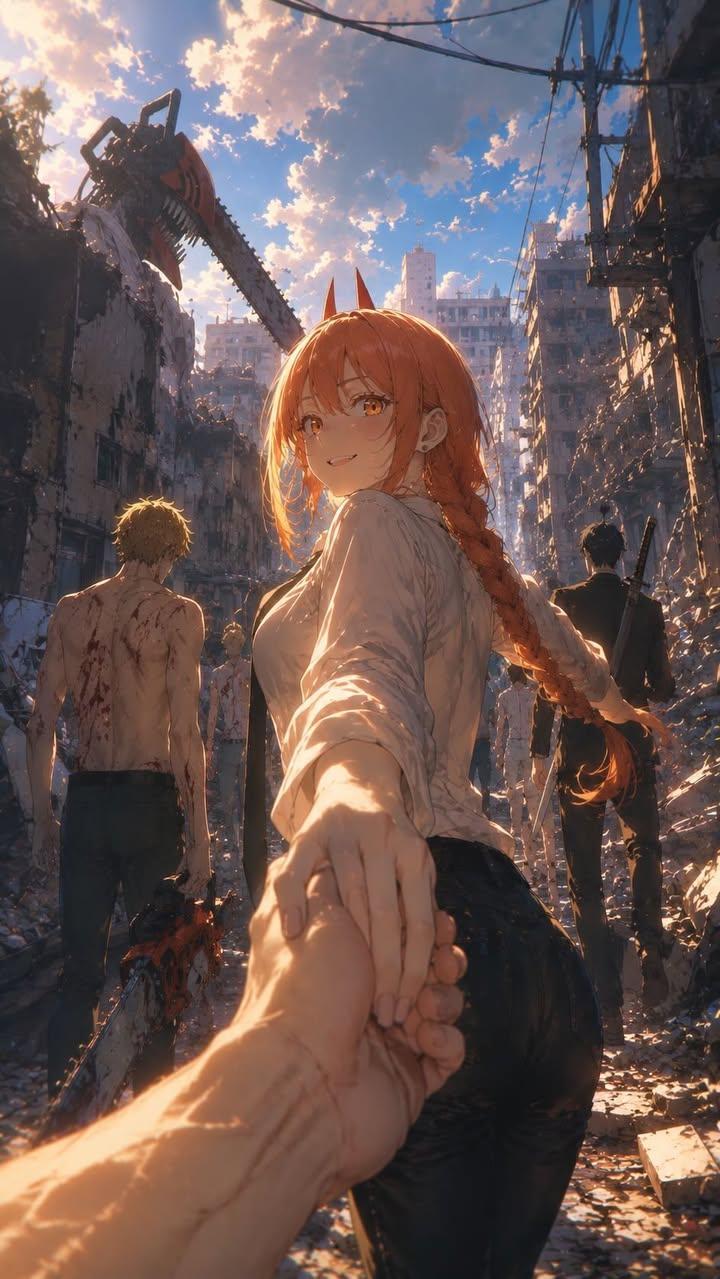
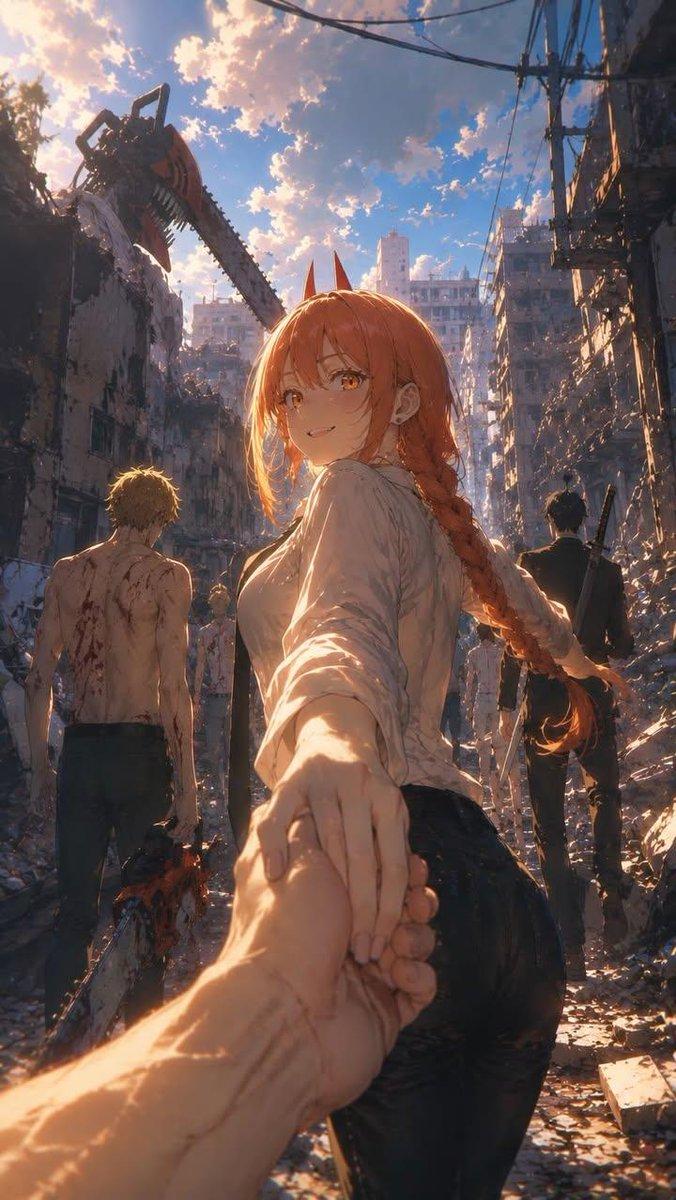
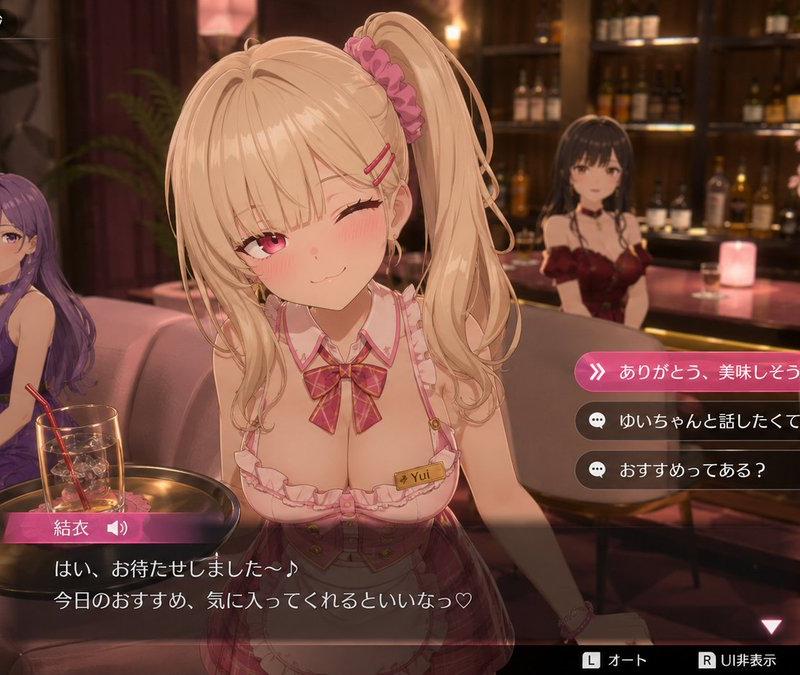
Example images

异世界公会接待员角色转换

Prompt
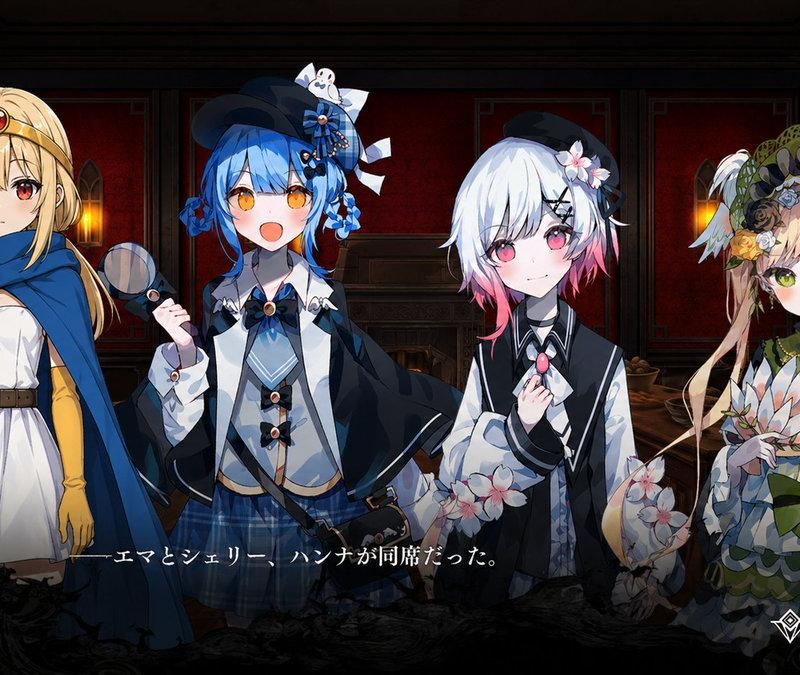
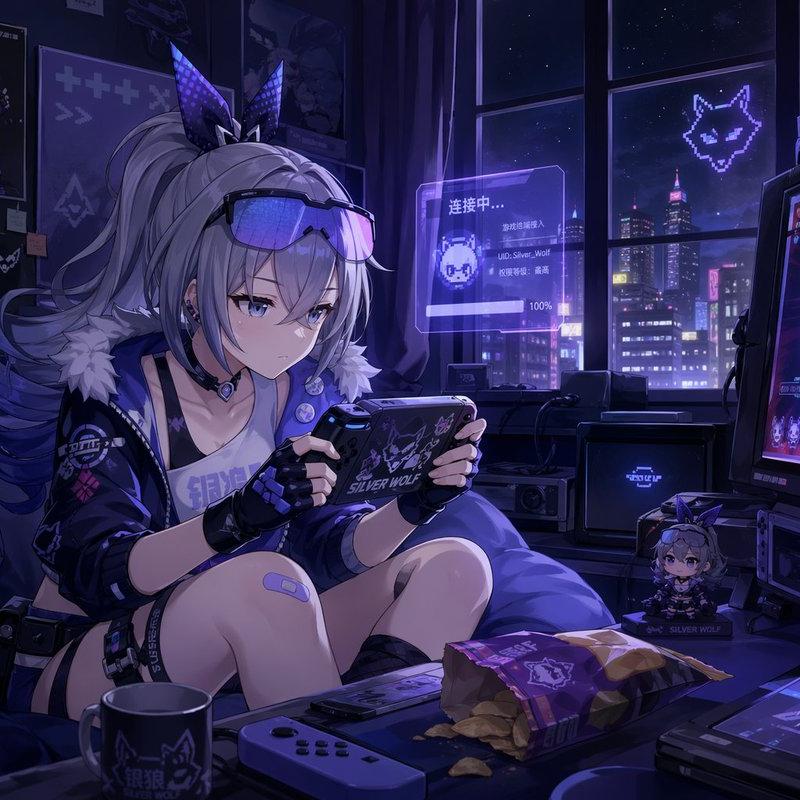
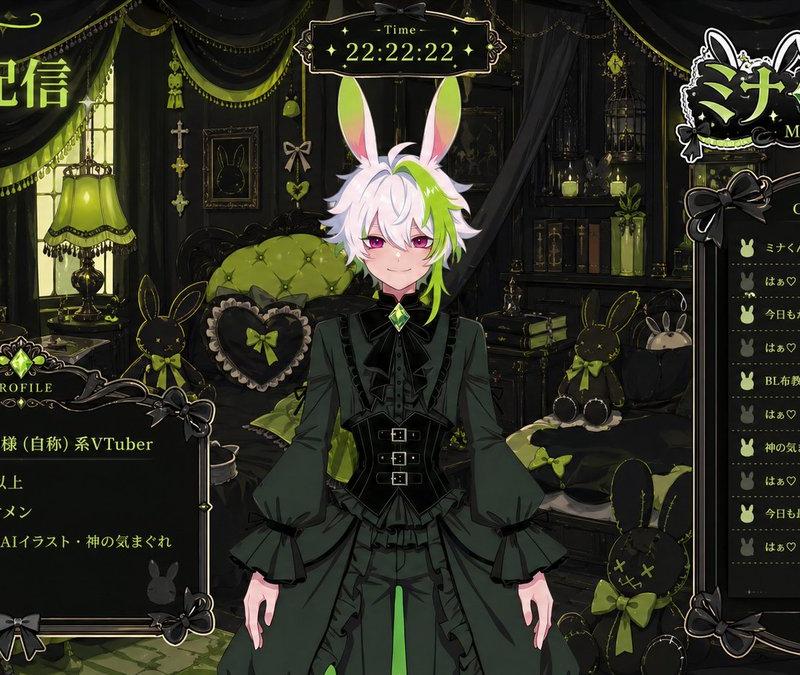
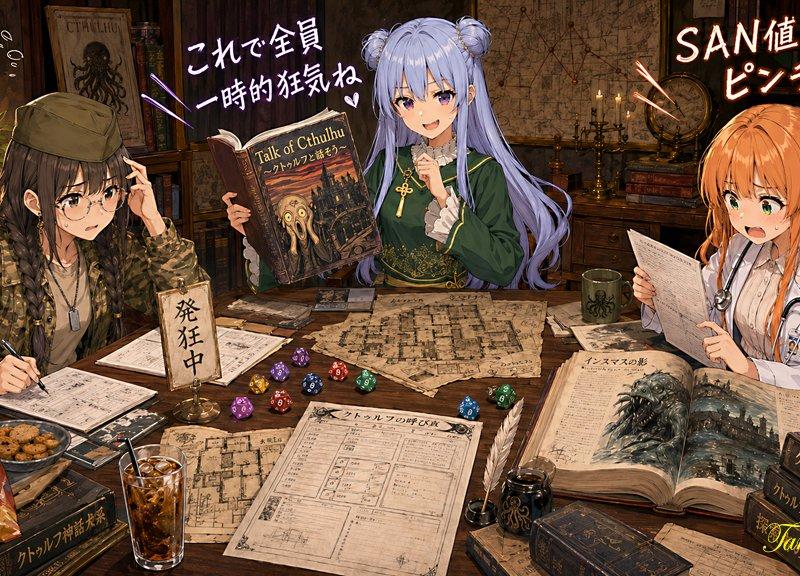
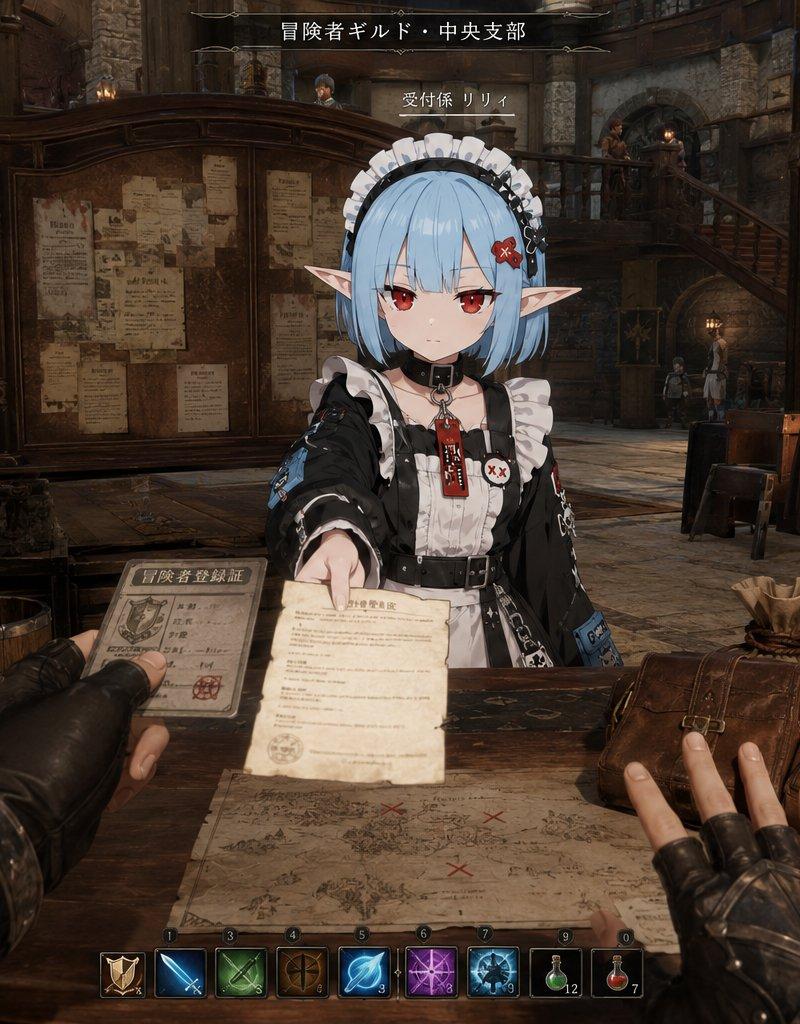
以参考图像中的角色为基础设计,描绘“{argument name="scene" default="一名转生后的动漫角色在异世界冒险者公会正常担任接待员的瞬间"}”。准确保持角色的动漫插画氛围。保持角色面部、发型、发色、眼睛、耳朵、轮廓、身体比例和表情的印象。绝不能破坏角色身份。不要将其变成另一个人或真人。角色部分保持动漫插画风格。场景设定为 {argument name="location" default="奇幻世界中一座大城市公会的总部"}。背景是如同由 {argument name="engine" default="Unreal Engine 5"} 渲染出的高质量奇幻空间。背景描绘偏向写实。一个充满生活气息的异世界空间。不要太整洁。不要使其看起来像概念艺术或官方游戏视觉图。在背景中自然地放置诸如大型任务项目、木制柜台、任务申请表、地图、武器架、身穿皮甲的冒险者、魔法灯、石墙、酒馆空间、拱形天花板、二楼走廊、行李、木桶和杂物等元素。构图为第一人称视角(POV)。观看者是一名造访公会的冒险者。在前景中自然地构图元素,如冒险者的手臂、手、任务申请表、冒险者卡片、奖励袋、地图、饮料和行李。POV 主角进行与接待员互动的自然动作,例如尝试领取任务、递出冒险者卡片、伸手去拿奖励袋、查看地图或倚靠在柜台上。作为接待员的动漫角色进行自然的“工作”动作,如递交任务、展开地图进行说明、归还冒险者卡片、递交奖励袋、引导新手任务、祝贺升阶或工作时看起来略显困倦。重点:角色本身并不认为担任异世界接待员有什么特别之处,周围的冒险者也将其视为正常的日常琐事。自然地添加显示冒险者等级、任务信息、金钱、队伍信息、通知和迷你地图的游戏 UI 风格叠加层。UI 内容应由 AI 自然生成,而非固定。UI 不是主角;它仅用于强化互动。专注于一种奇妙的写实氛围,使动漫角色自然地融入奇幻世界。不要使其看起来像电影海报。没有过度的电影化指导。没有过于完美的构图。避免 AI 特有的光泽渲染。不要过度堆砌信息。优先考虑日常生活感和偶然性,即“在奇幻世界中偶然目睹的瞬间”,而不是“游戏事件截图”。高质量动漫角色,UE5 奇幻环境,POV 镜头,公会接待员,自然互动,奇幻日常生活,奇妙的写实氛围
Category
Charts & Infographics
Model
GPT Image 2
Creator
Eris Create Lab
Source language
ja
Views0
Source ID
25880
Published
Jun 16, 2026
Studio

Guide

About "异世界公会接待员角色转换"

What is this prompt for?

"异世界公会接待员角色转换" AI image prompt for GPT Image 2 (Charts & Infographics). 这是一个为 GPT Image 2 设计的高度复杂的图生图提示词,旨在将角色转换为奇幻公会接待员,同时保持严格的动漫特征并增加详细的环境叙事。 Copy it on Picv…

The full copyable prompt and example visuals above are ready for AI image generation or one-click recreate in Picva.

How to use this prompt

  1. Step 1

    Open the prompt detail

    Review the example visuals, category, and full prompt text for "异世界公会接待员角色转换".

  2. Step 2

    Copy the prompt

    Copy the prompt body from this page, or load it directly in Studio.

  3. Step 3

    Pick a model (GPT Image 2)

    Prefer GPT Image 2. If you switch models, keep subject and composition and tweak style terms.

  4. Step 4

    Generate and export

    Recreate the look in Picva, or export into your workflow for editing and publishing.

FAQ

What is the "异世界公会接待员角色转换" prompt?
It is an AI image-generation prompt for GPT Image 2 in the Charts & Infographics category. This page includes the full prompt text, example visuals, and a one-click recreate path in Picva.
How do I use this prompt to generate an image?
Copy the prompt from this page, or use Generate / Studio. Paste it into a compatible image model, or recreate the look in Picva with optional reference images.
Which model is this prompt for?
This page lists GPT Image 2. Most descriptive prompts also transfer to nearby image models such as GPT Image, Flux, or Midjourney with light style tweaks.
Can I use the result commercially?
You can usually copy the prompt for creation, but commercial use of the final image depends on the model terms, reference-image rights, and the generated content. Follow the source author and platform rules.