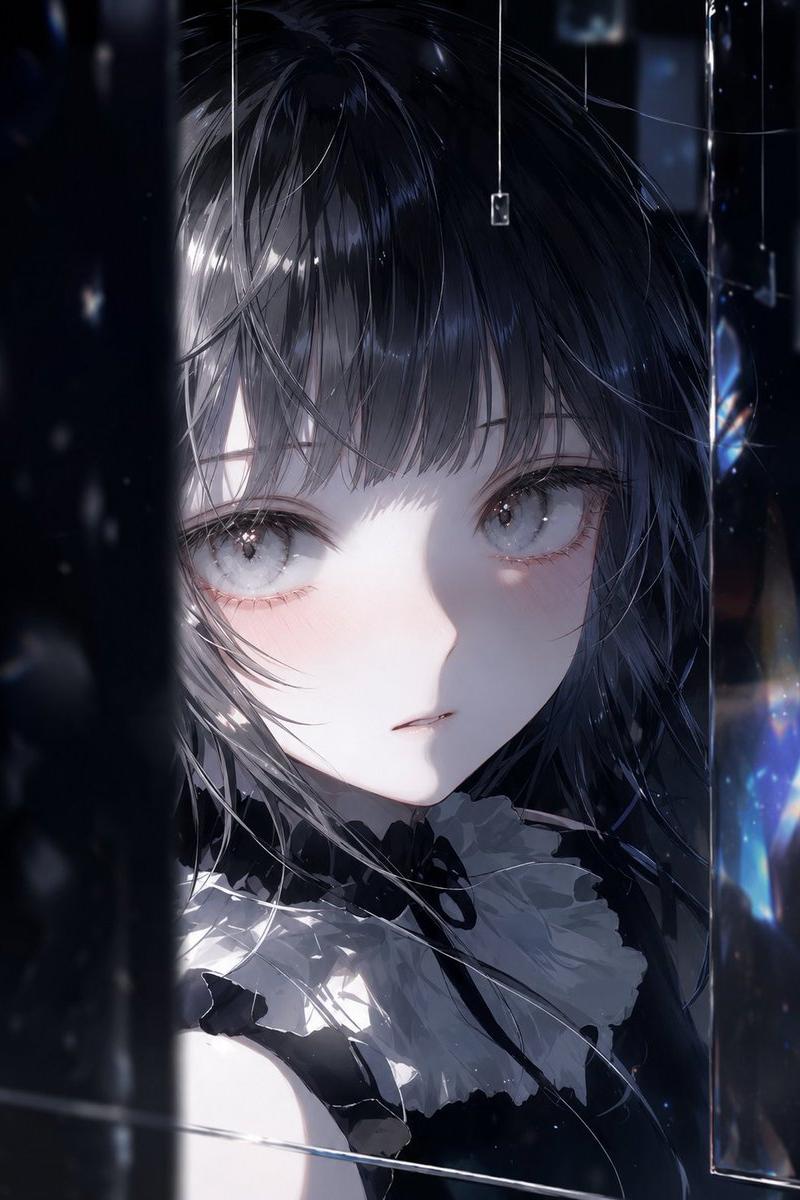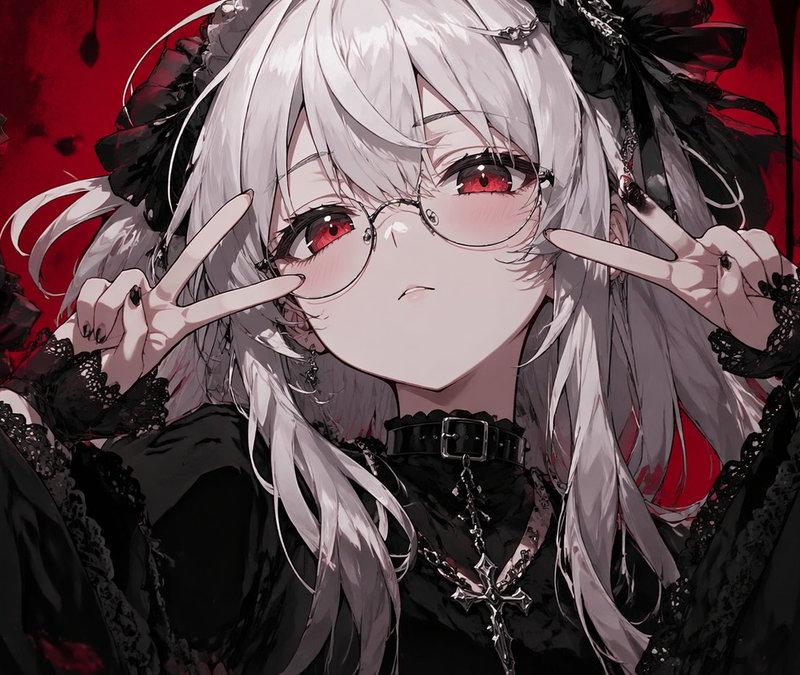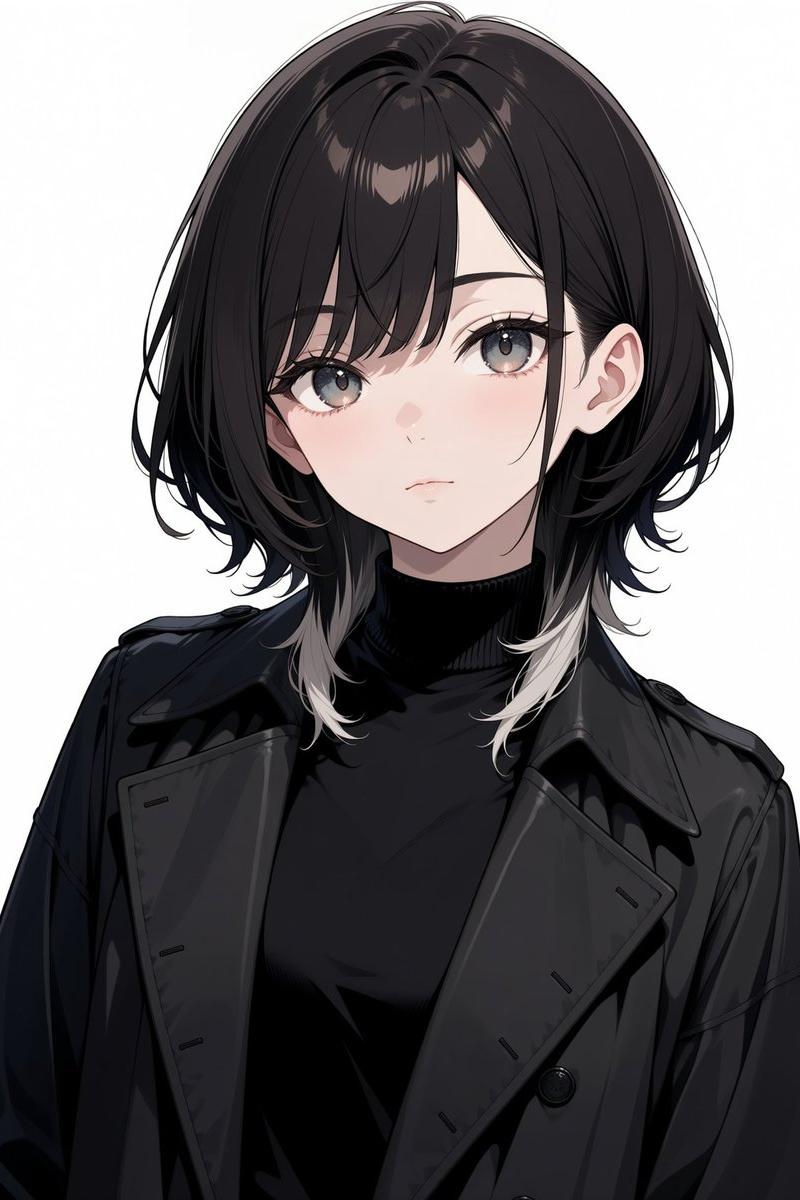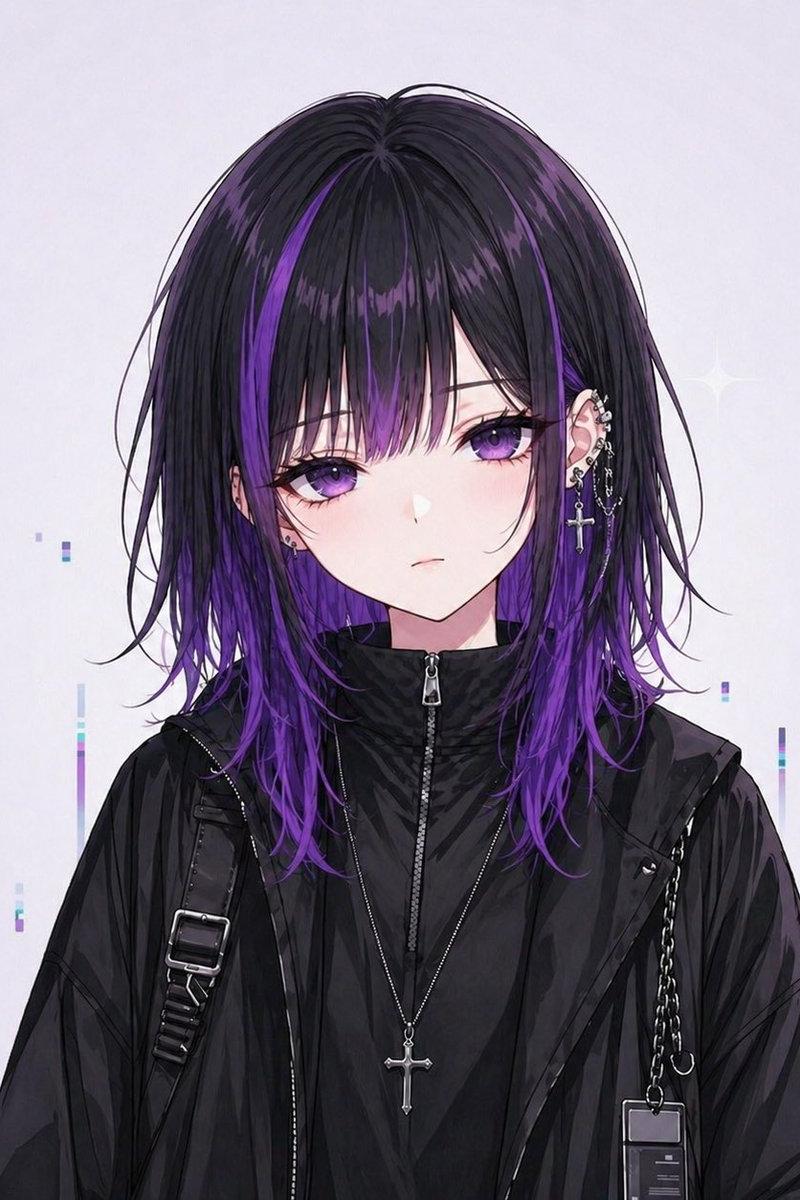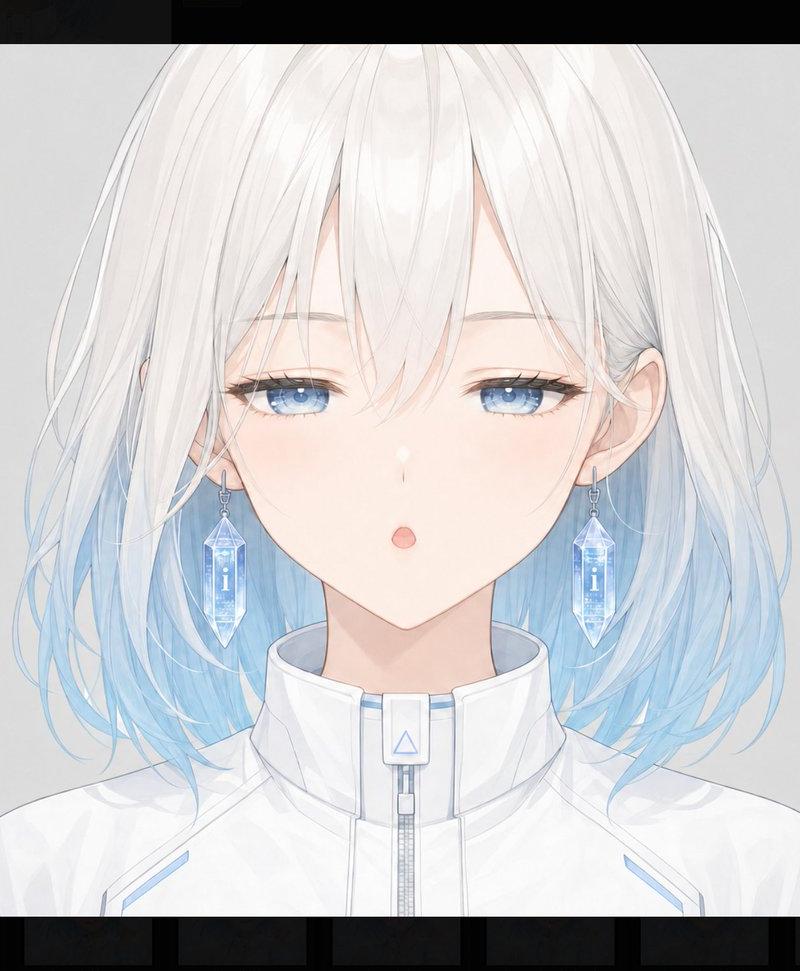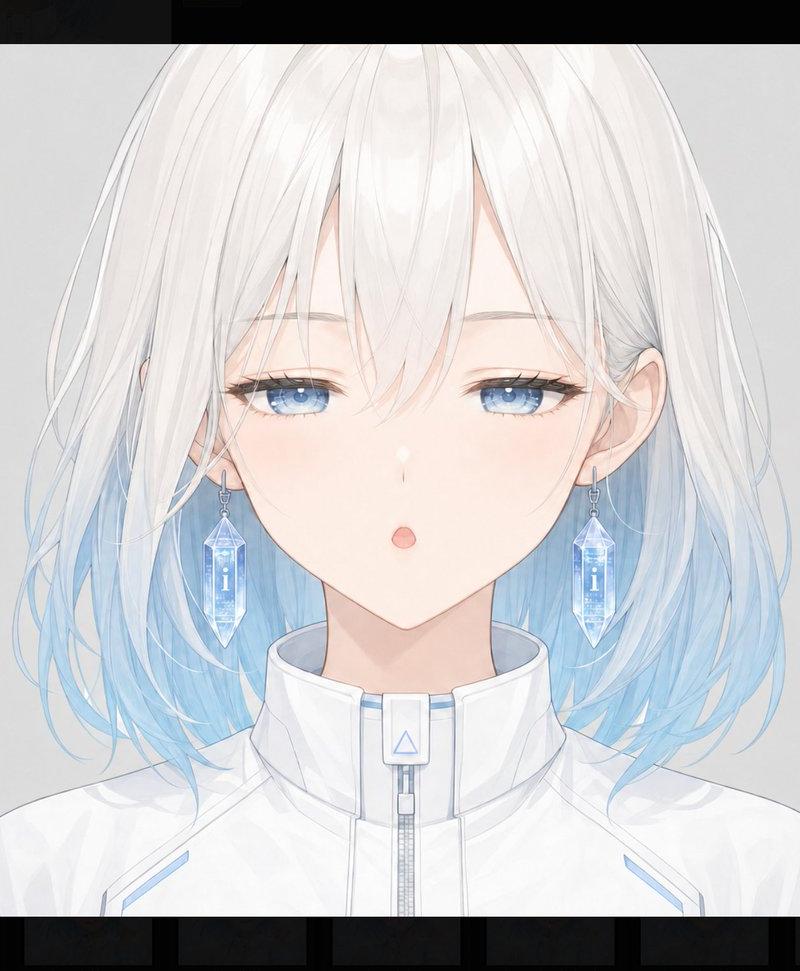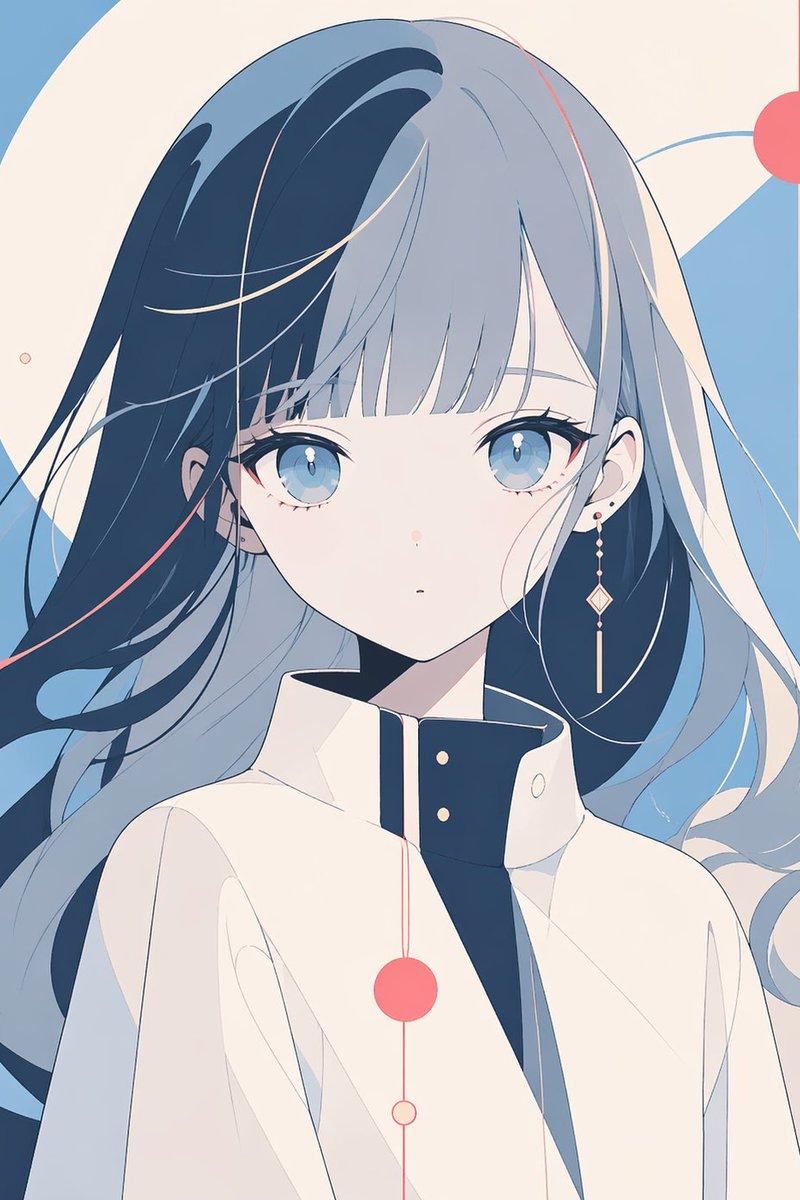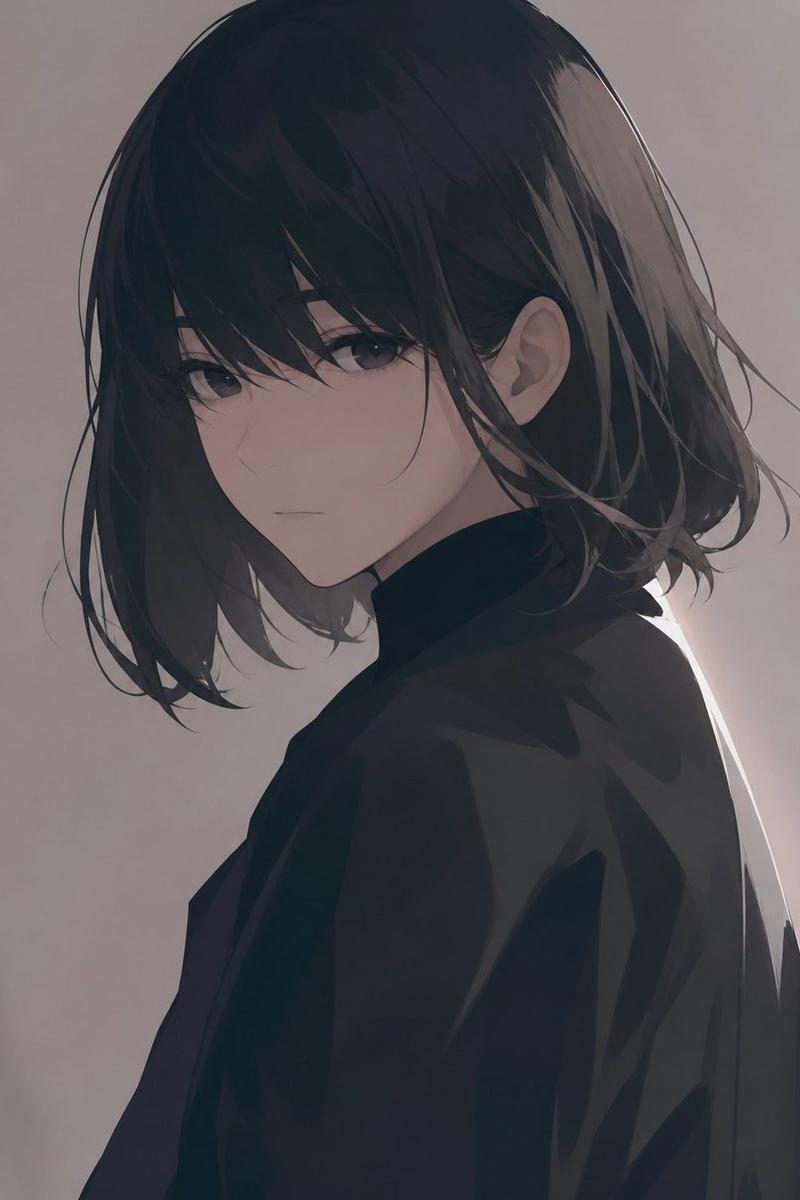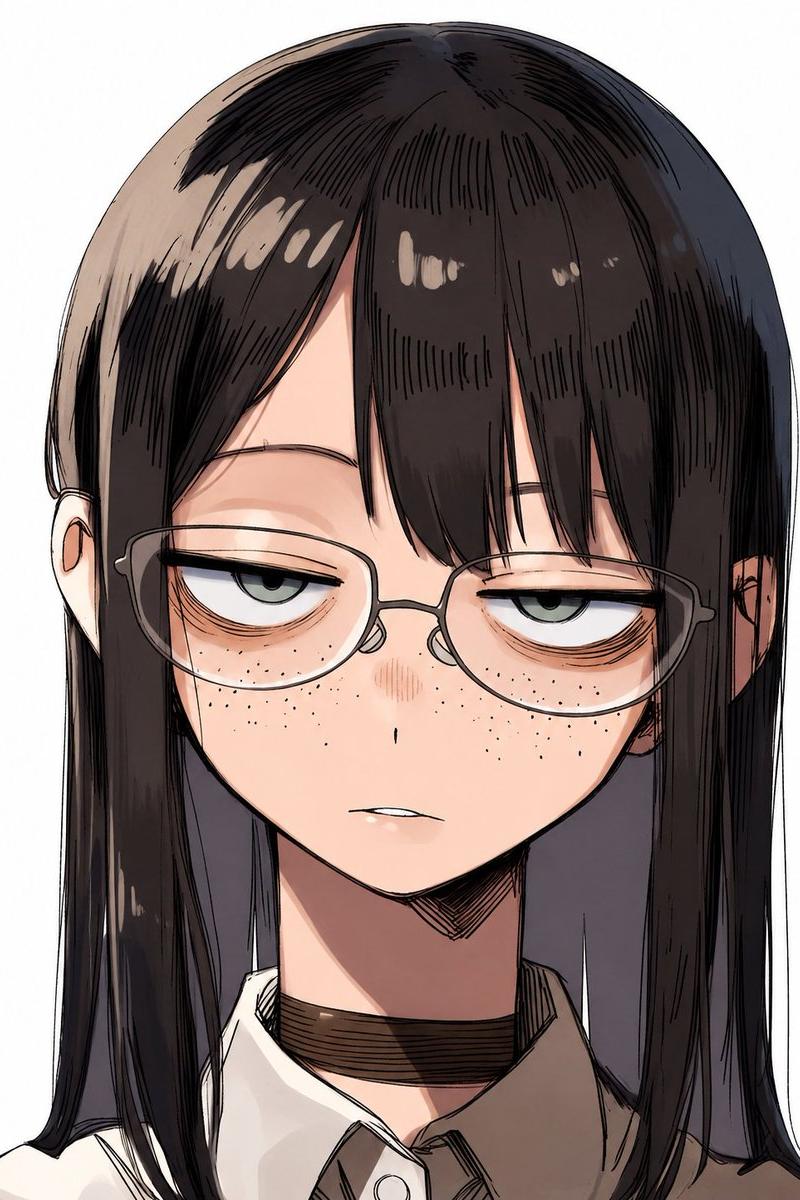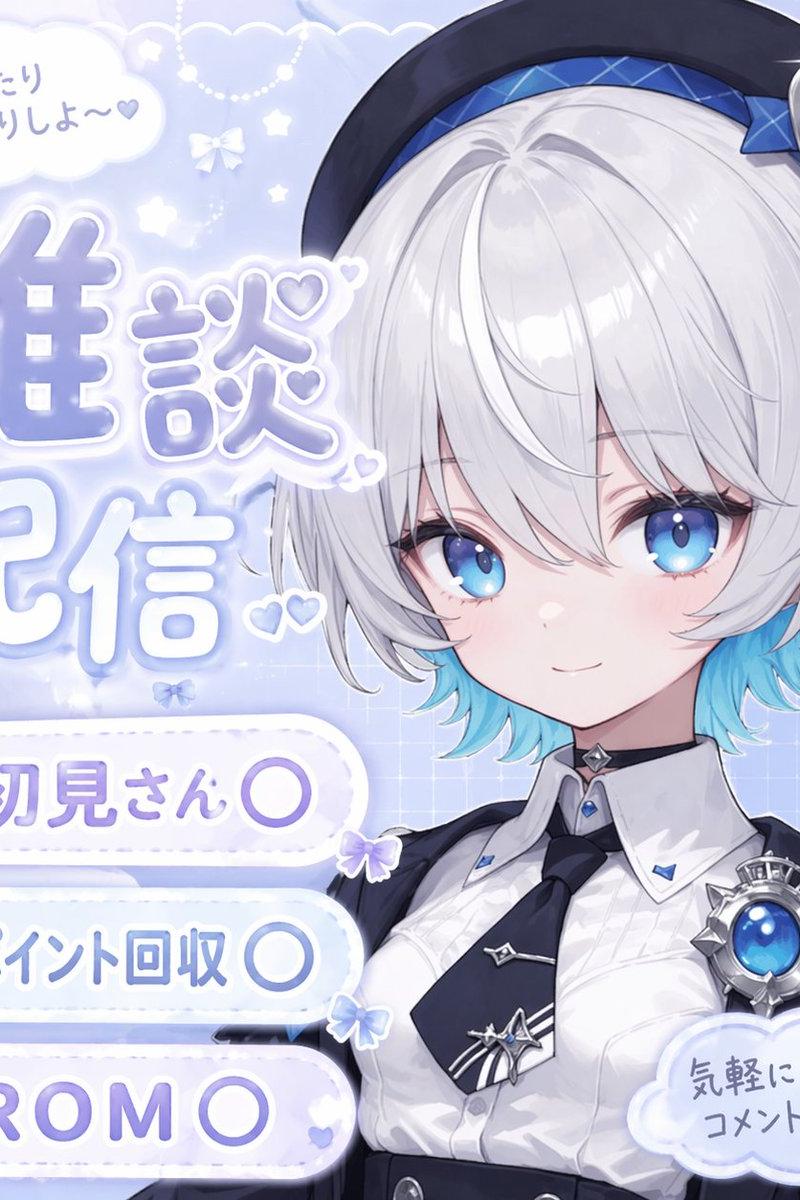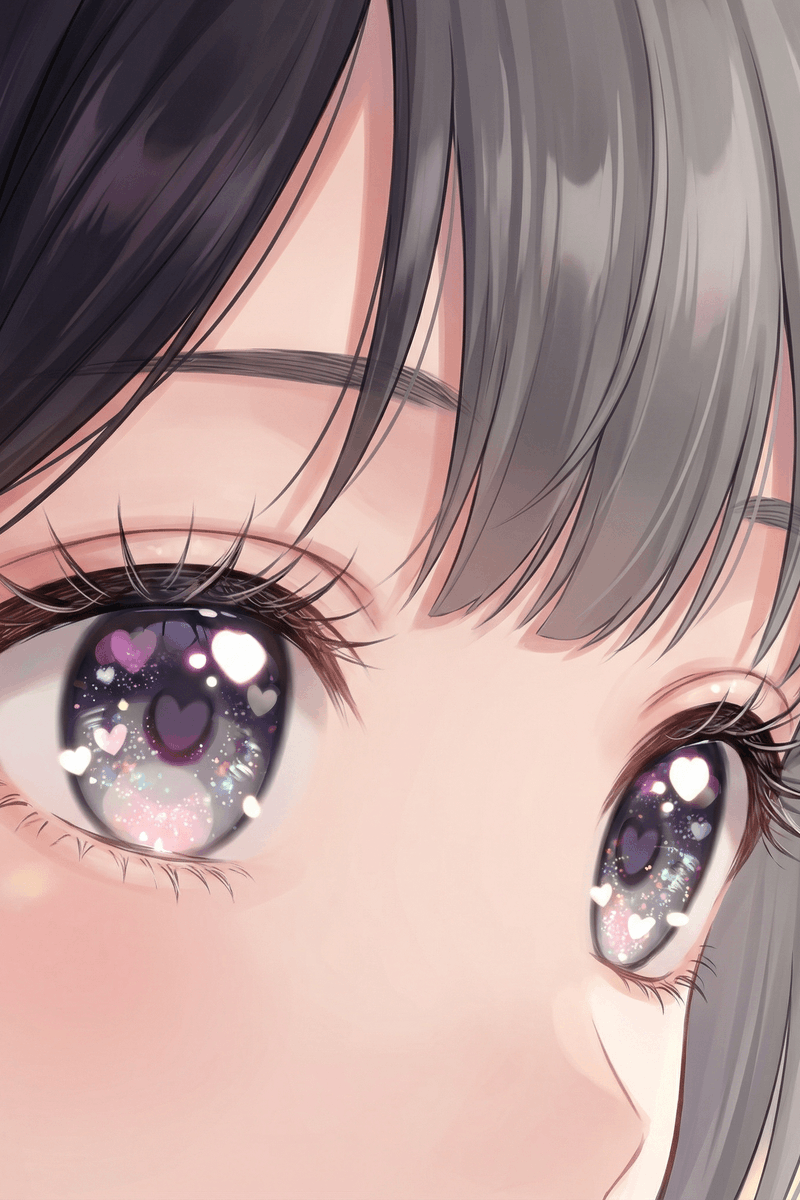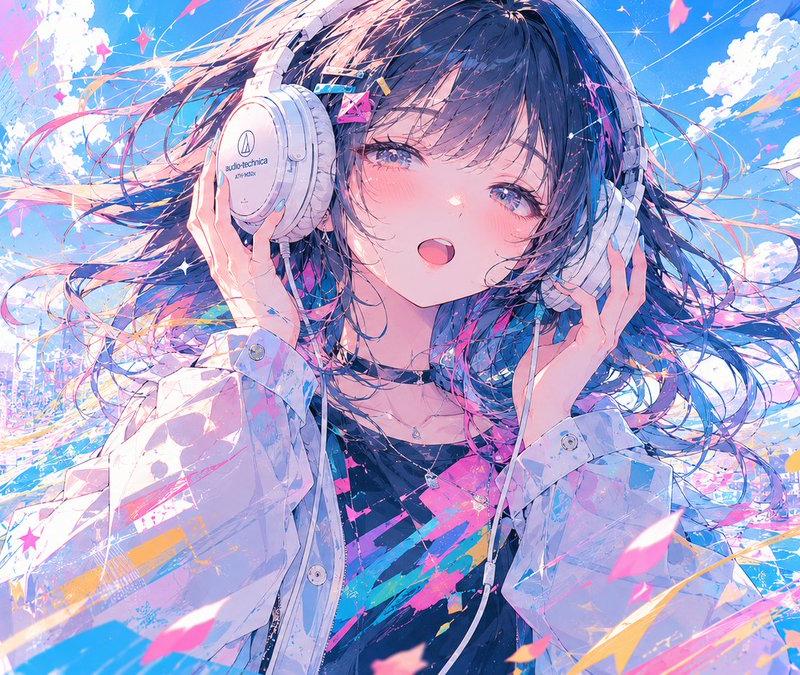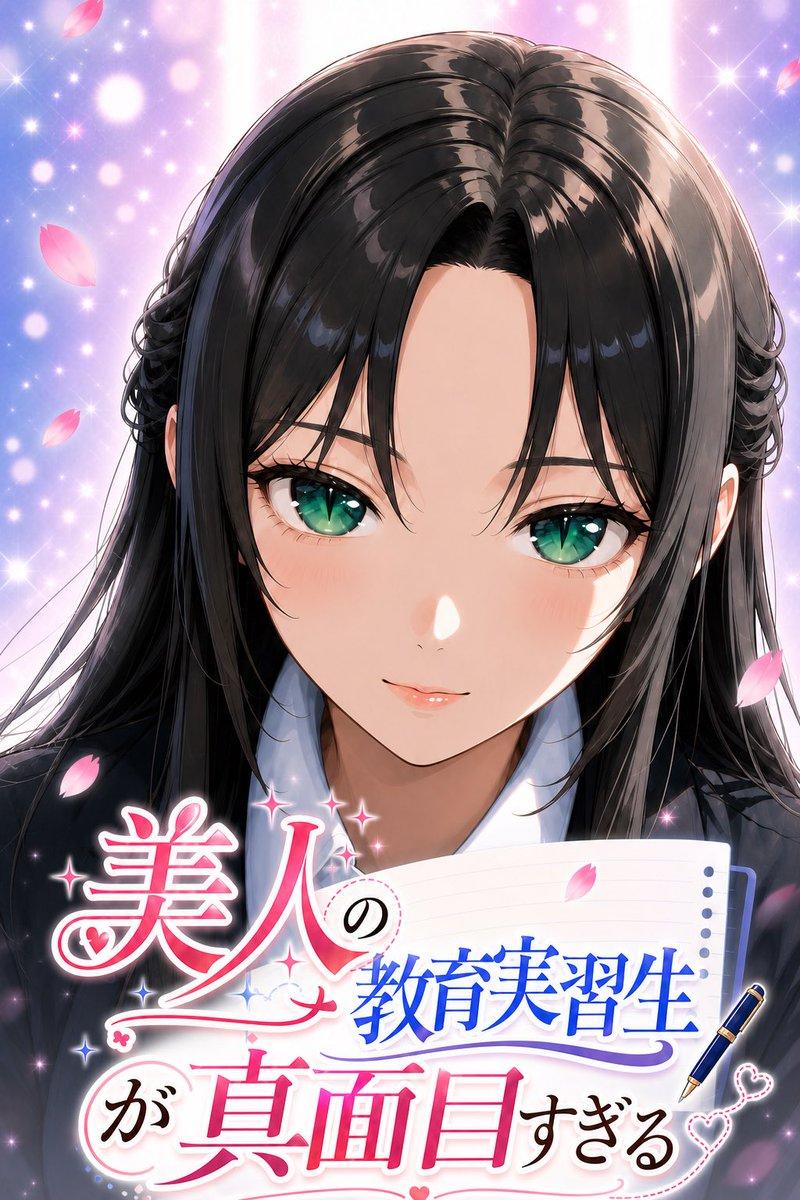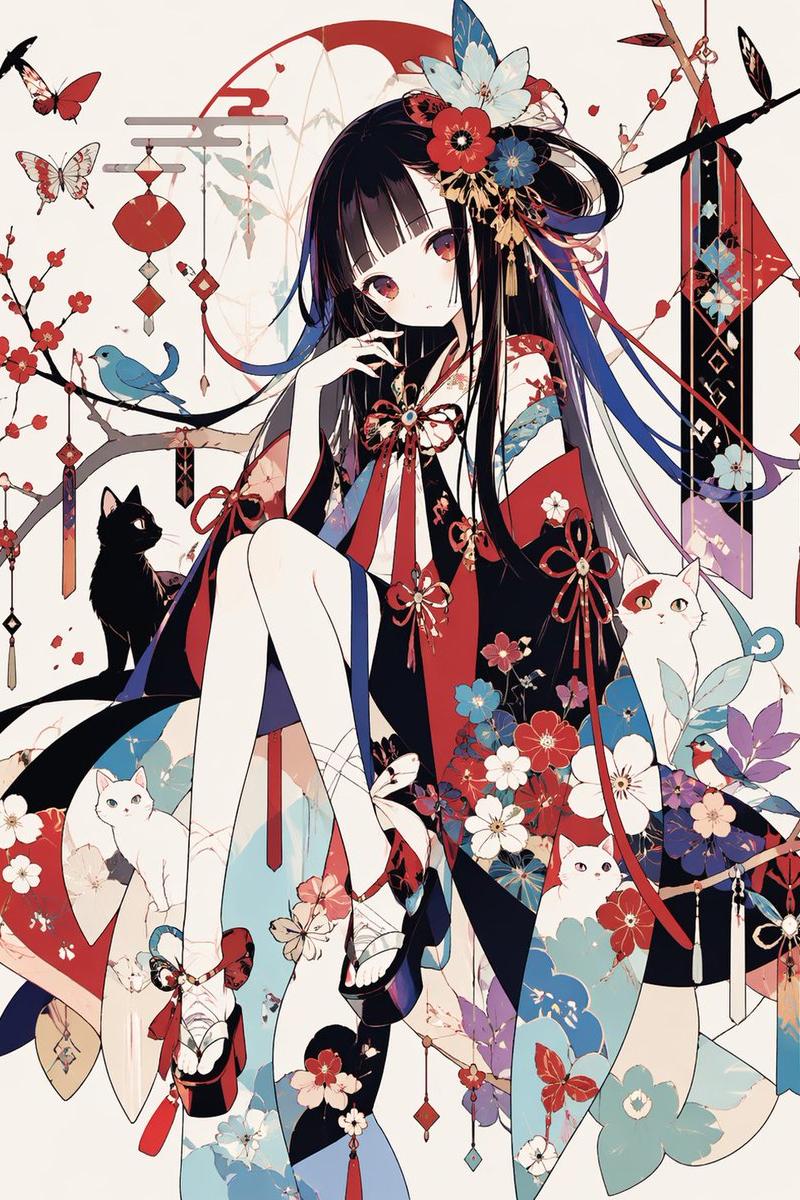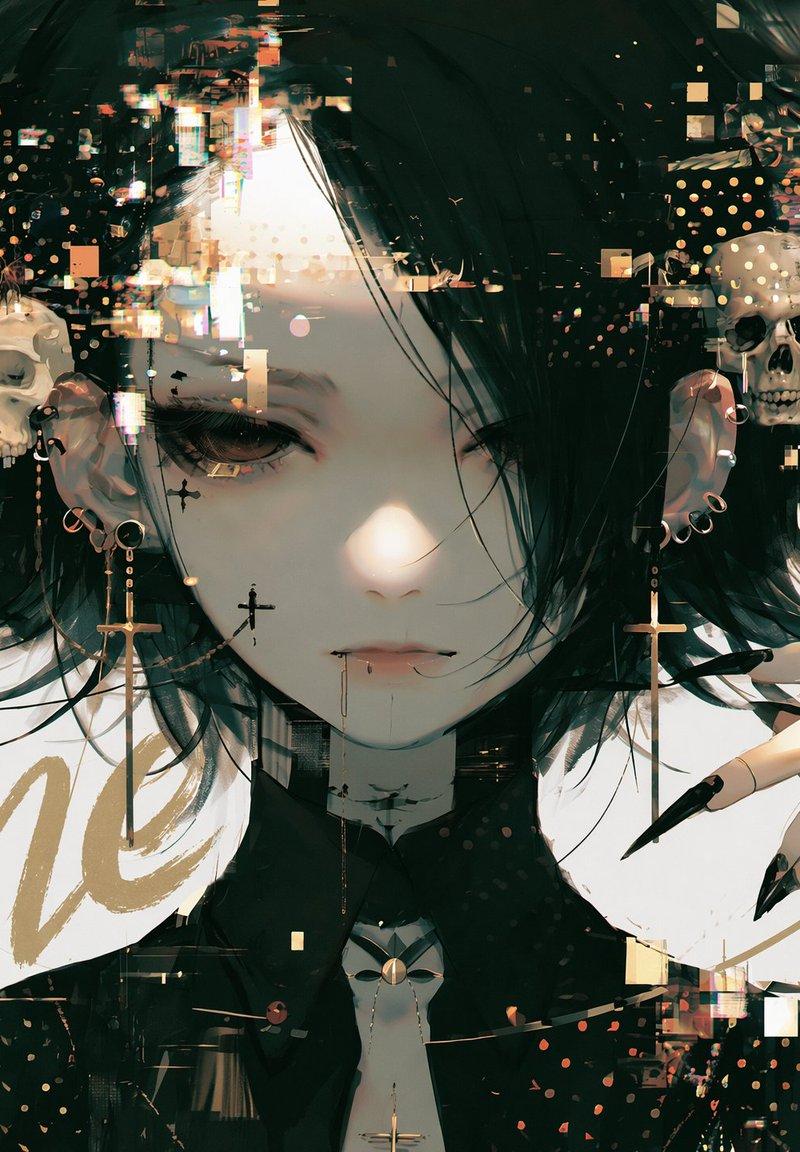
动态电影感标题叠加
Prompt
Add a title text to this image with intentional layer depth.

[Text to Add]
- The phrase to add: "{argument name="title" default="[ここにタイトルを入力]"}"

[Typography]
- If the text is in English or romaji: handwritten brush script style — loose, expressive, confident strokes, imperfect and alive
- If the text is in Japanese: calligraphic brushwork by a master — rough, bold, spontaneous ink strokes with natural variation in pressure and thickness
- Scale: large and dominant — the text is a visual element, not a label
- Color: choose a color that does not clash with or duplicate the background — prioritize visual harmony over legibility

[Layer Depth — Critical Rule]
- The text must appear BEHIND the main subject (person, figure, or foreground object)
- The main subject occludes the text naturally — as if the subject is standing in front of the text
- The background remains behind both the text and the subject
- If any other text elements exist in the image (watermarks, captions, body copy, small text), the title must appear in front of all of them
- Layer order from back to front: background → existing text elements → title text → subject

[Legibility — Important]
- Do not force the text to be readable
- It is acceptable — even desirable — for portions of the text to be hidden behind the subject
- The text exists as a design element and compositional layer, not as information to be read
- Layout and aesthetic integration take priority over legibility at all times

[Placement]
- The text spans large across the image, partially hidden behind the subject
- Placement feels cinematic and intentional — like a movie poster or editorial cover
- Allow the text to bleed beyond the frame edges naturally
- Do not generate random text blocks, body copy, or filler text anywhere in the image
- Only the specified title text should appear as a new addition

[Style Preservation]
- Do not alter the subject, colors, or composition of the original image
- Add only the text layer — nothing else- Category
- Charts & Infographics
- Model
- GPT Image 2
- Creator
- 輪廻タヲ ☯ AI Artist
- Source language
- en
- Source ID
- 25894
- Published
- Jun 17, 2026
Views0