17

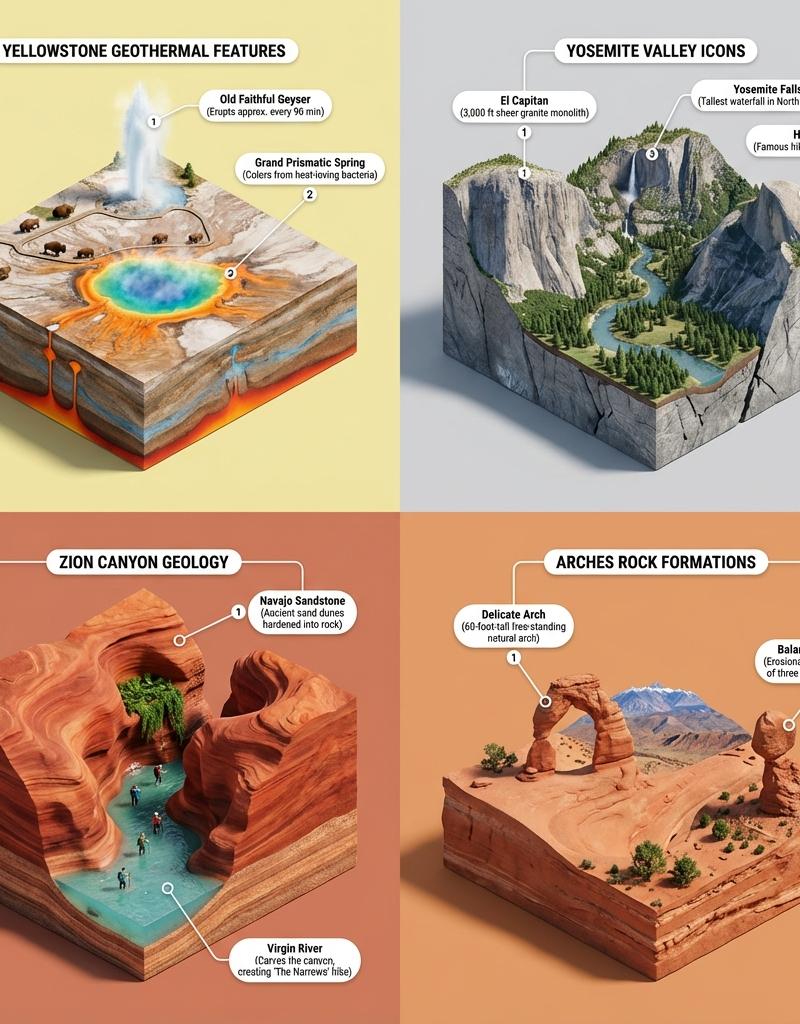
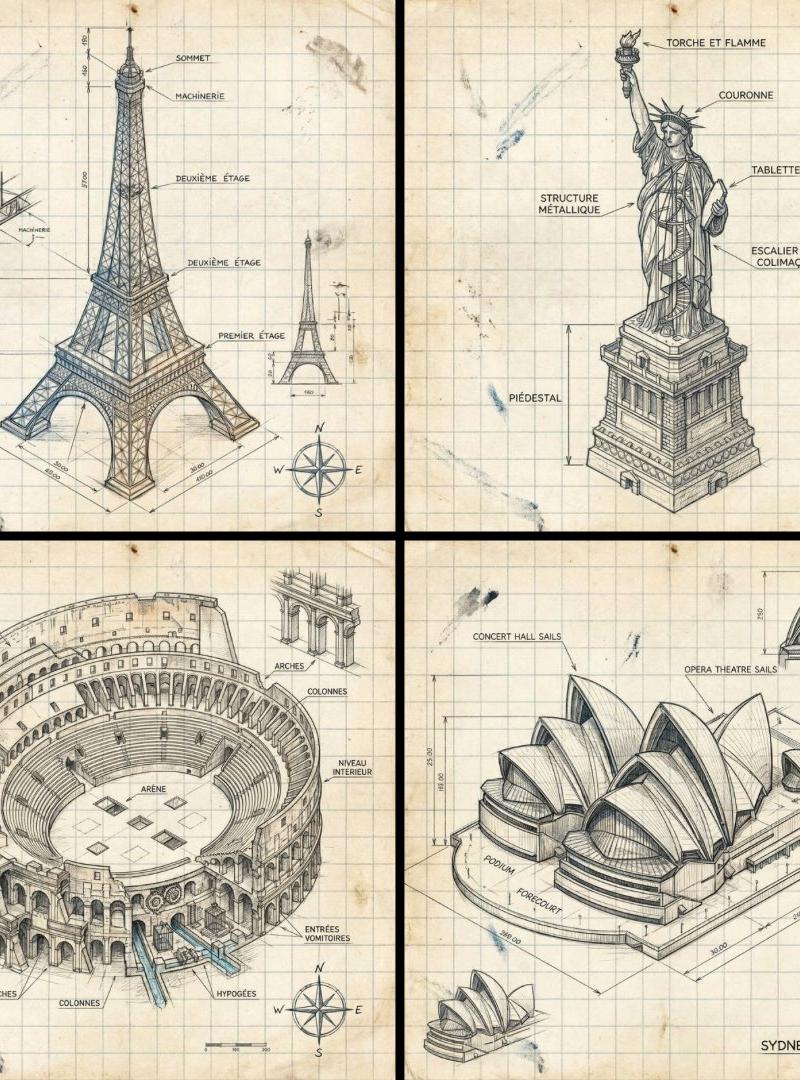
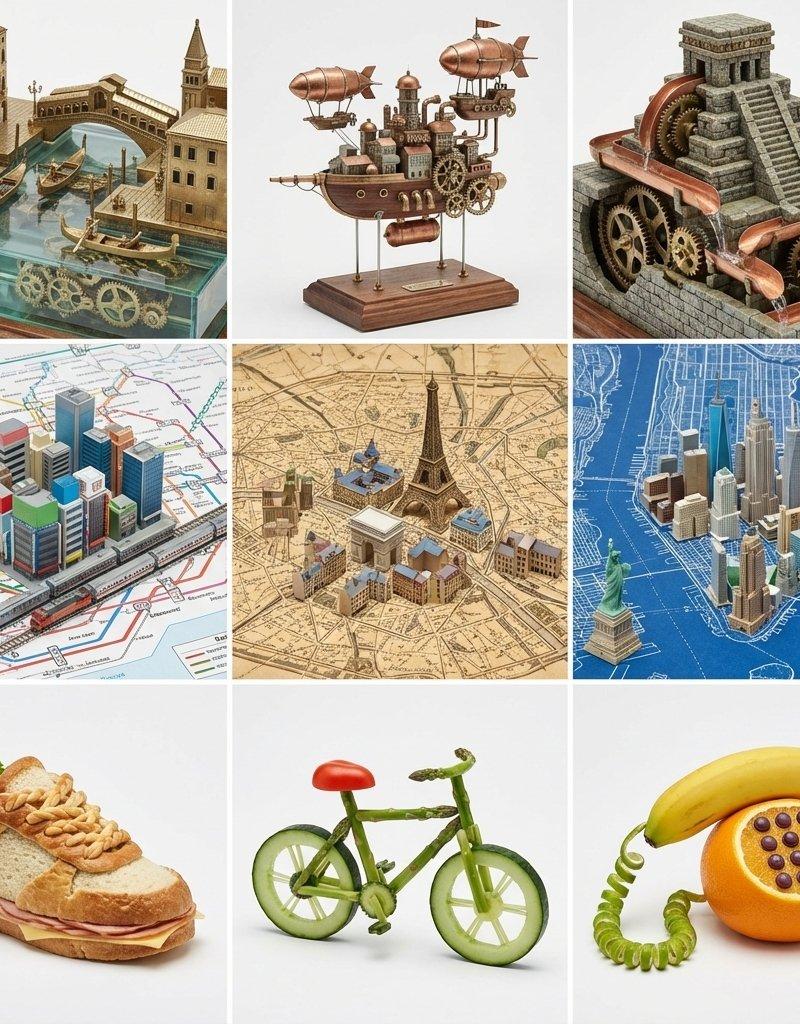
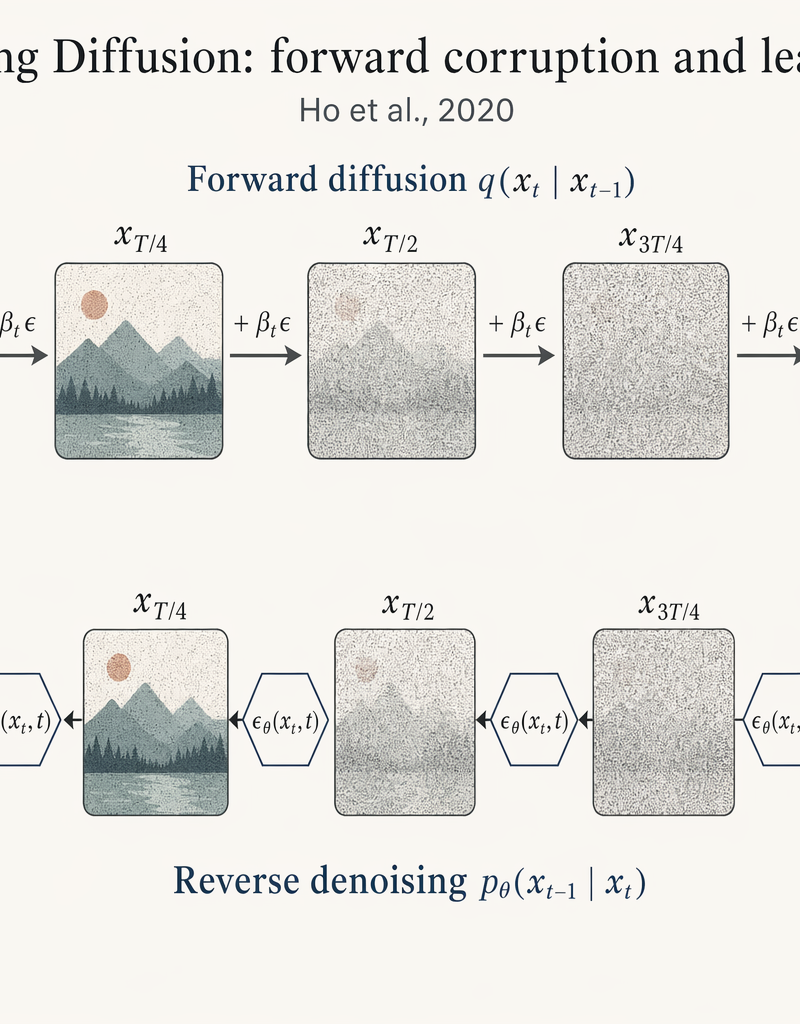
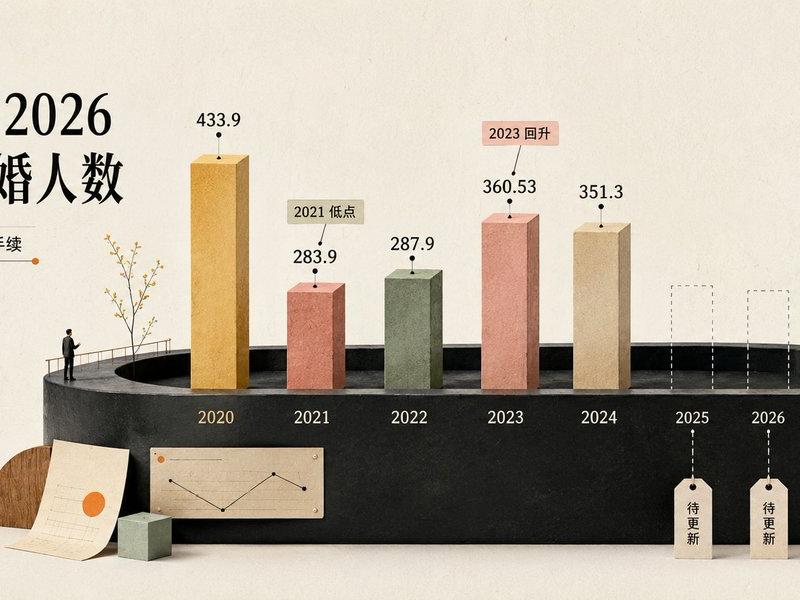
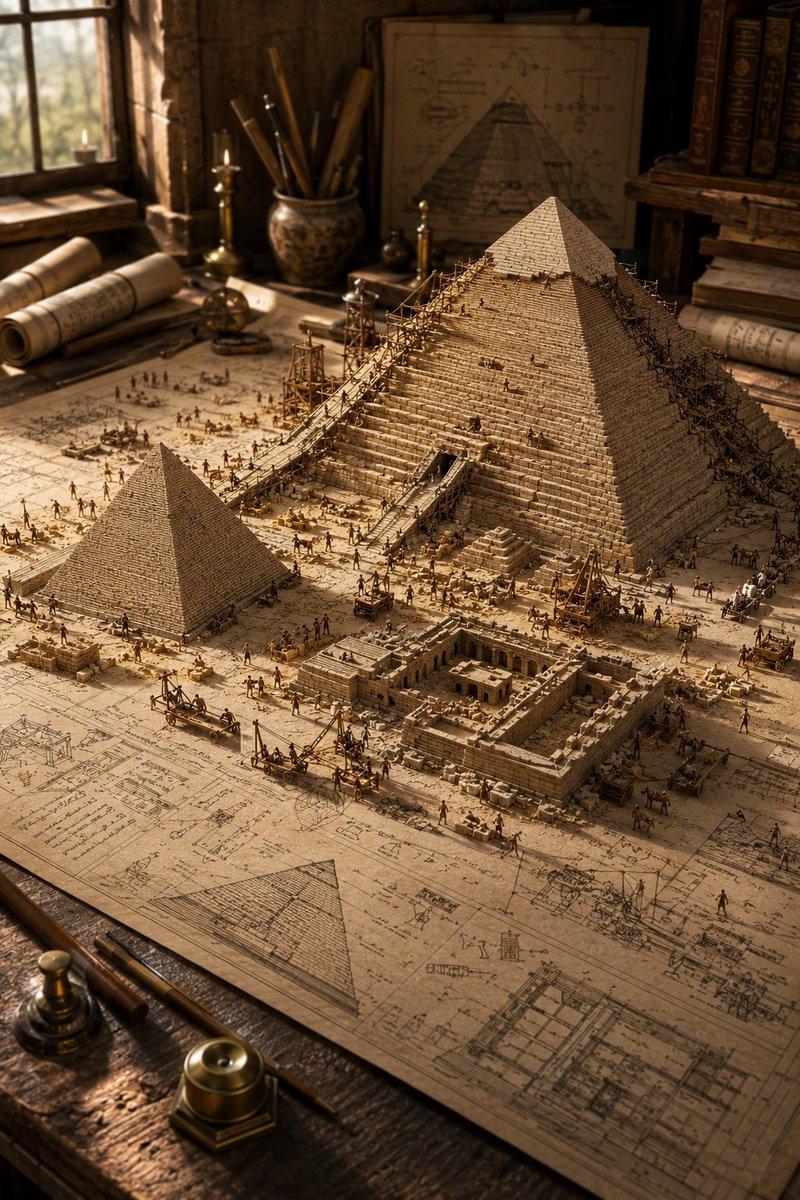
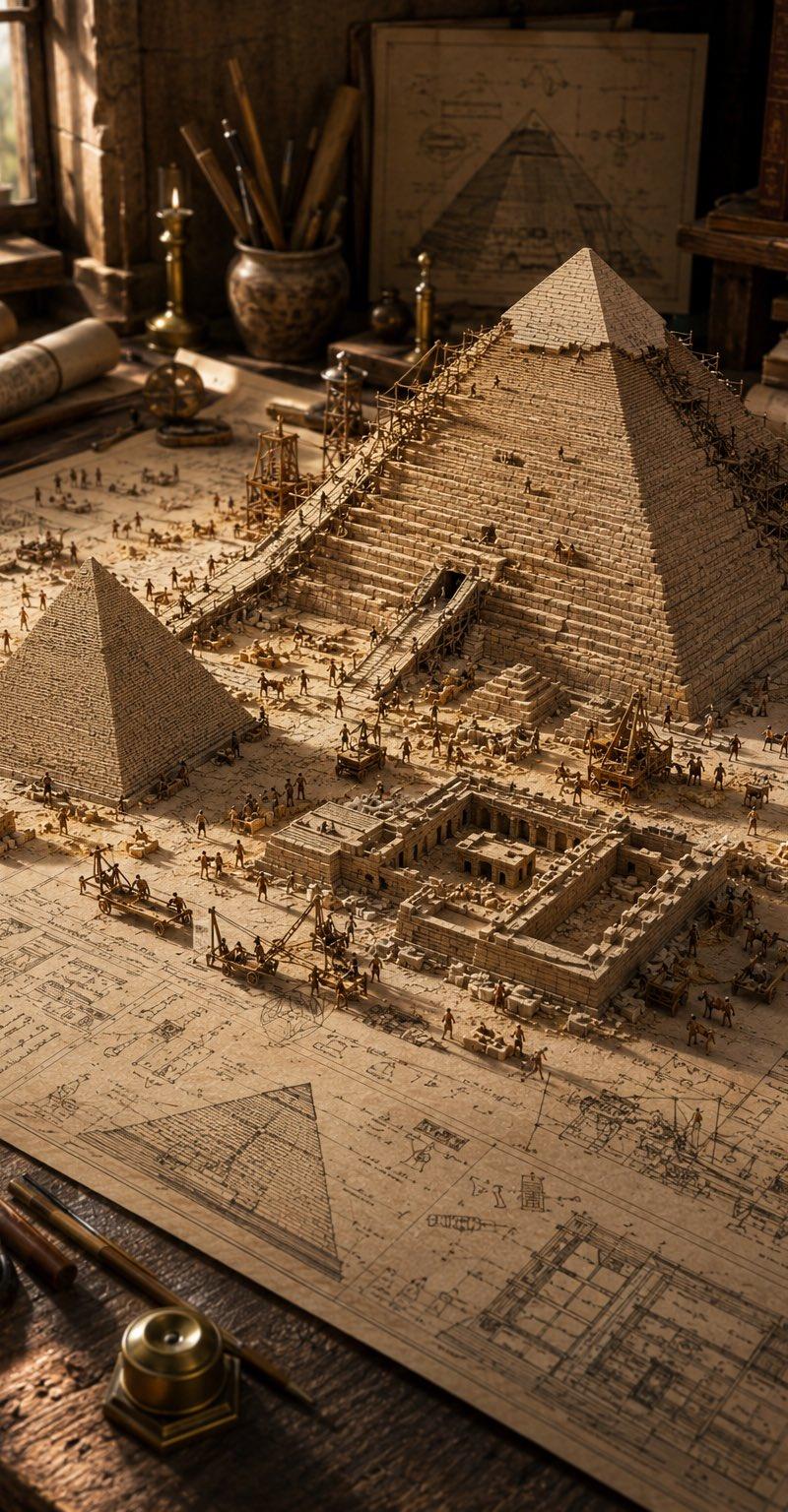
等轴测统计可视化渲染
Enlarge

Example images

等轴测统计可视化渲染

Prompt
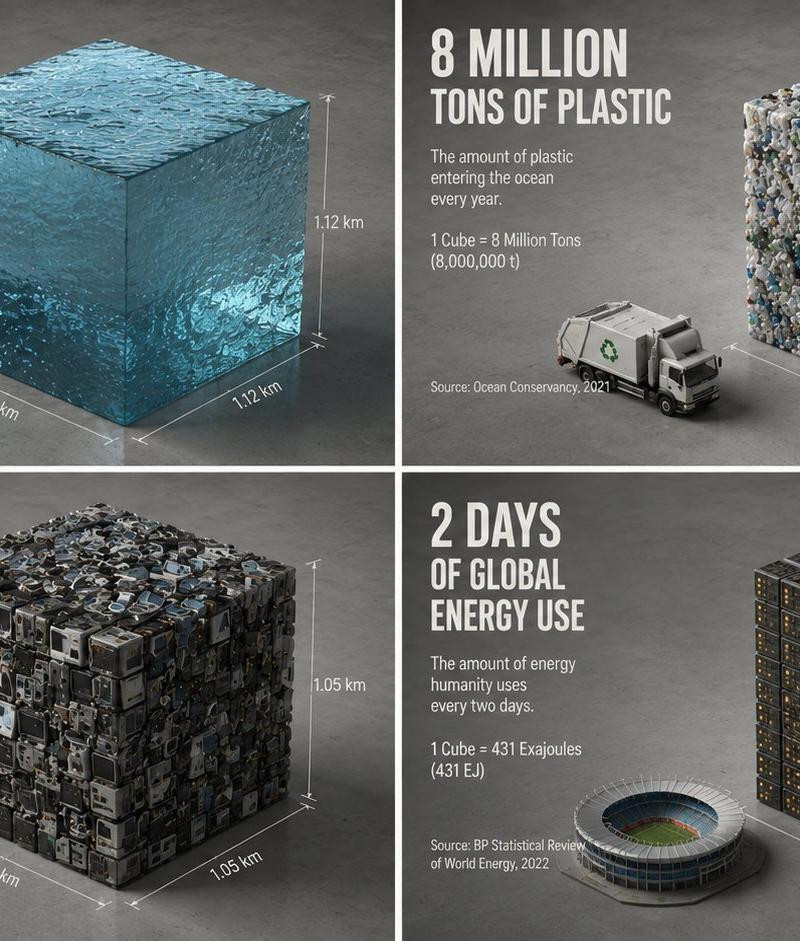
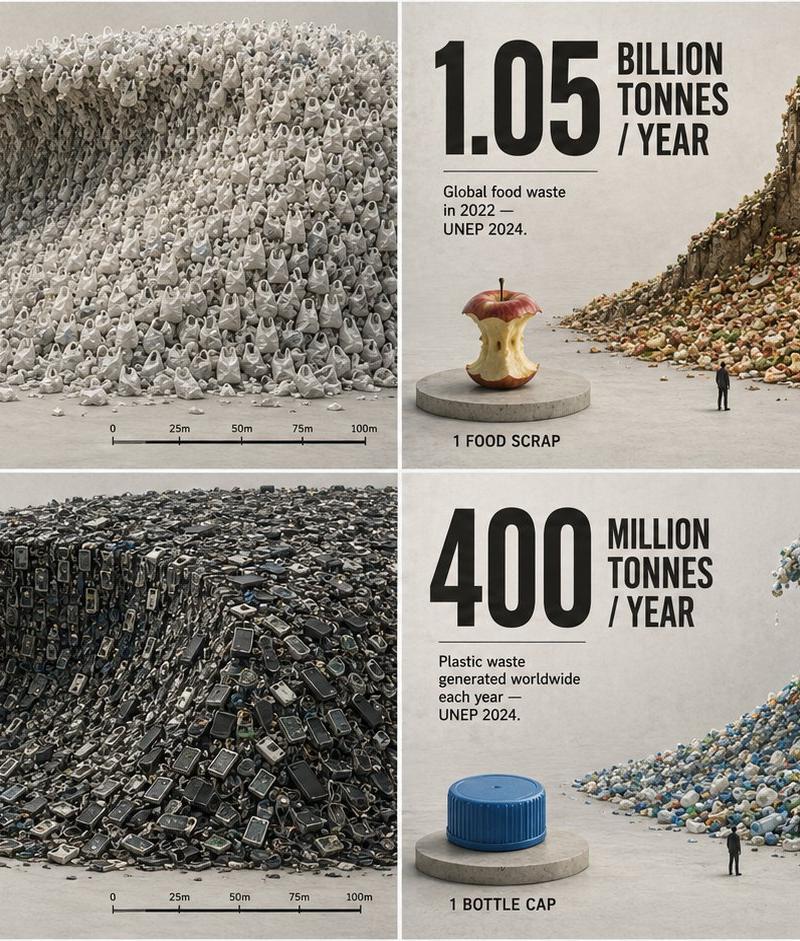
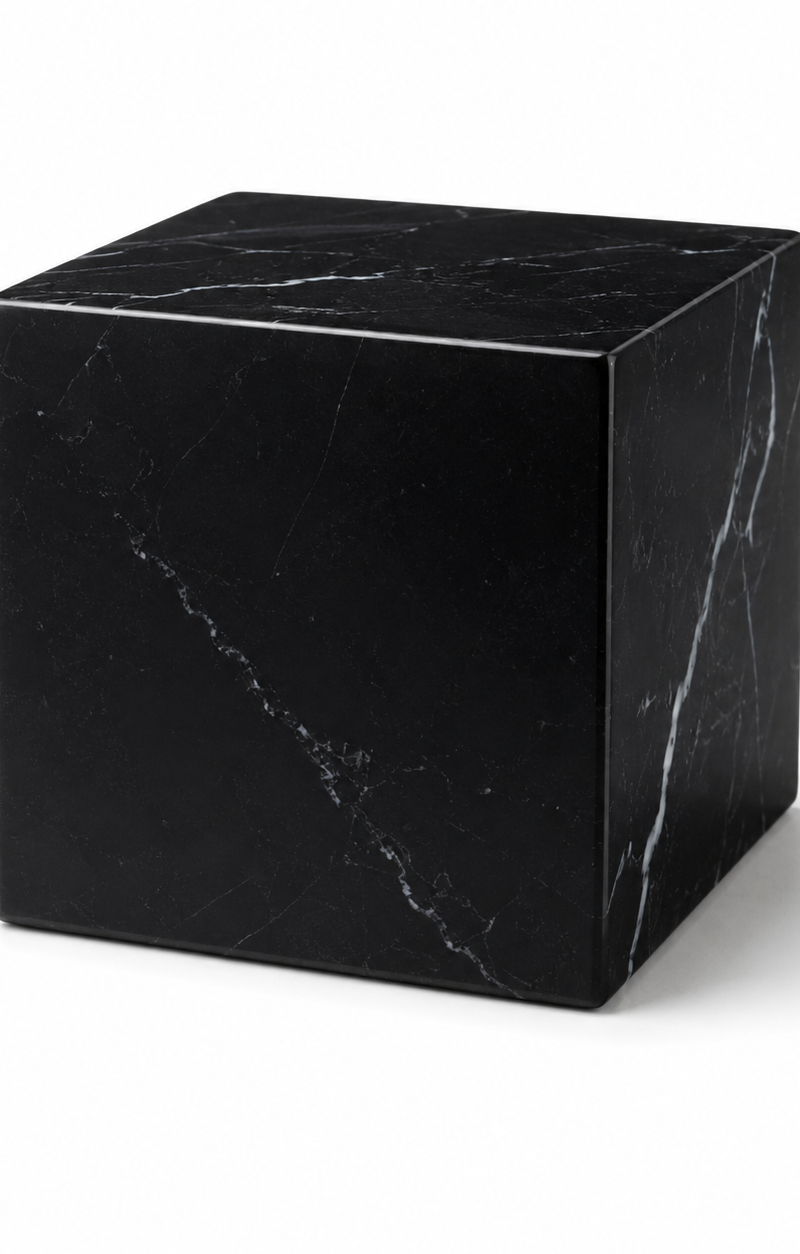
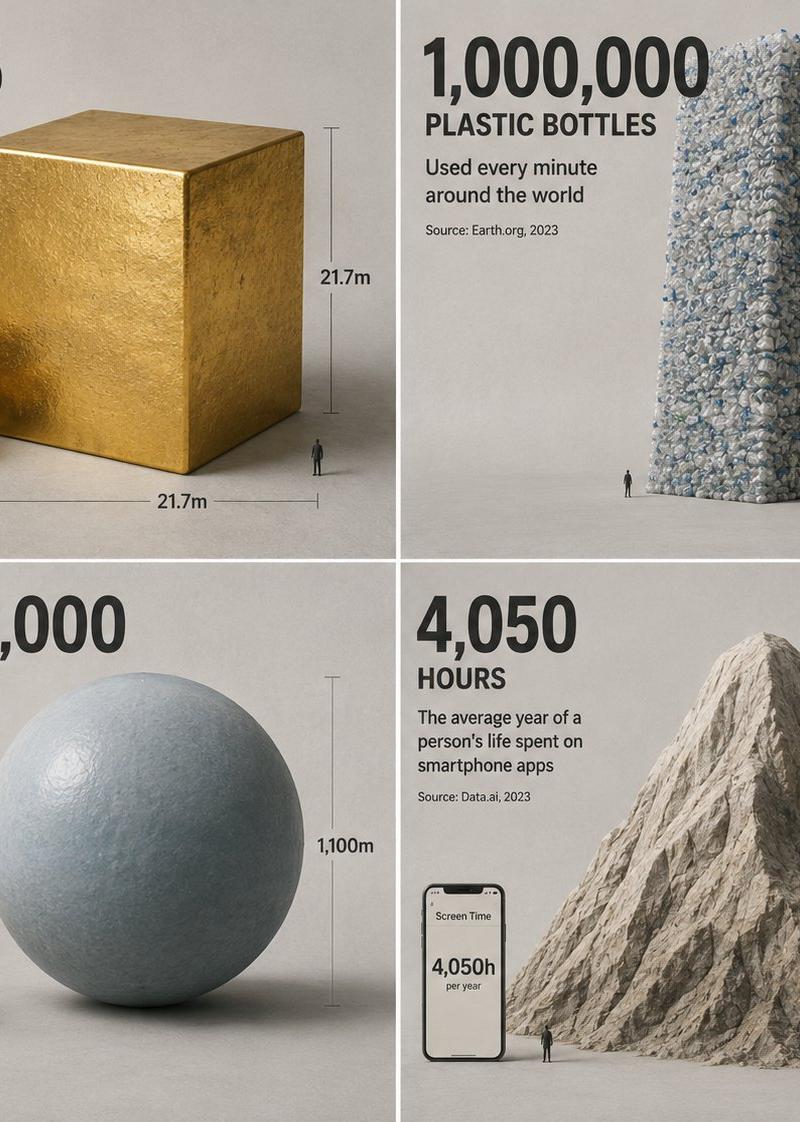
A clean isometric 3D render that turns a {argument name="statistic topic" default="single abstract statistic"} into a physical object you can feel the weight of — soft studio lighting, matte clay materials, gentle ambient occlusion shadows, a neutral concrete-grey backdrop. The point is scale shock: take a number nobody can intuit and rebuild it as one tangible mass beside a familiar object for comparison ({argument name="scale example" default="all the gold ever mined as a single cube next to a school bus"}). One precise, oversized hand-set numeral anchors the composition, with a short caption in clean grotesque type stating the metric and its source year. Subtle measurement bars and a tiny human silhouette provide scale. No clutter — generous negative space, one hero object, one comparison. The spirit: a science-museum exhibit model that reframes a statistic as architecture, so a figure you'd scroll past becomes something your body understands.
Category
Charts & Infographics
Model
GPT Image 2
Creator
Gadgetify
Source language
en
Views0
Source ID
25899
Published
Jun 16, 2026
Studio

Guide

About "等轴测统计可视化渲染"

What is this prompt for?

"等轴测统计可视化渲染" AI image prompt for GPT Image 2 (Charts & Infographics). 一个用于创建 3D 等轴测渲染的概念提示词,将抽象统计数据转化为实体对象,以直观展示其规模。 Copy it on Picva and recreate the look in…

The full copyable prompt and example visuals above are ready for AI image generation or one-click recreate in Picva.

How to use this prompt

  1. Step 1

    Open the prompt detail

    Review the example visuals, category, and full prompt text for "等轴测统计可视化渲染".

  2. Step 2

    Copy the prompt

    Copy the prompt body from this page, or load it directly in Studio.

  3. Step 3

    Pick a model (GPT Image 2)

    Prefer GPT Image 2. If you switch models, keep subject and composition and tweak style terms.

  4. Step 4

    Generate and export

    Recreate the look in Picva, or export into your workflow for editing and publishing.

FAQ

What is the "等轴测统计可视化渲染" prompt?
It is an AI image-generation prompt for GPT Image 2 in the Charts & Infographics category. This page includes the full prompt text, example visuals, and a one-click recreate path in Picva.
How do I use this prompt to generate an image?
Copy the prompt from this page, or use Generate / Studio. Paste it into a compatible image model, or recreate the look in Picva with optional reference images.
Which model is this prompt for?
This page lists GPT Image 2. Most descriptive prompts also transfer to nearby image models such as GPT Image, Flux, or Midjourney with light style tweaks.
Can I use the result commercially?
You can usually copy the prompt for creation, but commercial use of the final image depends on the model terms, reference-image rights, and the generated content. Follow the source author and platform rules.